

Turn recordings into transcripts and summaries in minutes
Upload audio or video for multilingual transcription, AI notes, and action items
6 Cantonese Speech-to-Text Apps Tested for 2026: Which Delivers the Fastest Cantonese Transcript?
The meeting ran an hour and a half, and the recording is just sitting there on your phone. You know it contains client requirements and assignments from your manager, but turning it into a readable transcript might mean listening to it three times with headphones on.
Cantonese adds another layer of difficulty. The gap between spoken and written Chinese is wide—"佢哋而家搞掂咗" needs to be written as "他們現在處理好了" (they've taken care of it now). Hong Kong meetings also often mix Chinese and English, and when a standard Mandarin model is applied directly, English words tend to get written as Chinese characters with similar sounds.
This guide reviews six speech-to-text apps that can handle Cantonese, covering live meeting notes, converting spoken Cantonese to written Chinese, and adding subtitles to videos, with scenario-based recommendations at the end.
Why Do You Need a Cantonese Speech-to-Text App?
There are more situations that call for a transcript than you might think: client interviews, weekly online meetings, class recordings, video subtitling—even quick voice memos of your own ideas.
AI transcription has matured considerably over the past two years, and most tools can produce a text draft in minutes. The real question has become: which one fits your use case? Here's a breakdown by need.
Tinrec | Turning Meetings into Searchable, Collaborative Team Knowledge
Tinrec is an AI meeting notes and collaboration tool for individuals and teams. It doesn't just convert audio to text—it organizes meetings into data you can search, summarize, query, and export.
A few practical scenarios:
- No bot needed for online meetings: The desktop version captures your computer's system audio directly, handling meetings on Zoom, Google Meet, Microsoft Teams, and Webex without inviting an extra bot as a participant.
- No re-listening after the meeting: It automatically generates summaries, chapters, key points, and action items, so you can review the structure of a long meeting first and then check the transcript.
- Keep asking questions: AI Q&A across single or multiple meetings makes it fast to find things like "who mentioned the budget last time."
- Chinese-English mixing and multilingual: Supports transcription of Chinese and multilingual meetings, with real-time translation and bilingual side-by-side view.
- Team knowledge retention: The team edition has a dedicated team workspace where meeting data belongs to the team, plus member, role, seat, usage analytics, audit logs, and an audio recycle bin.
Plans and pricing: The personal edition has a free version to try basic quotas, plus a weekly pass, Pro monthly, and Pro annual, depending on usage frequency. The team edition offers a 7-day trial for first-time eligible users, 1 free seat, and 300 minutes of shared team import quota; team monthly is USD 29.80 per paid seat per month, annual is USD 199 per paid seat per year (about USD 16.58 per month), with each paid seat providing 2,000 minutes of shared team import quota per month. Actual prices are subject to the official purchase page.
Who it's for: Teams that need Chinese meeting notes, don't want to add a bot to meetings, need to produce minutes and action items afterward, and want the whole team to share meeting data.
Note that Tinrec's strength is meeting notes and post-meeting workflows. If you want pure Cantonese transcription, conversion of full spoken passages to written Chinese, or video subtitle output, the options below are a better fit.
Subanana | Cantonese Specialist with Spoken/Written Toggle
Subanana is the tool on this list that most directly puts "Cantonese" in its positioning.
Upload MP3, M4A, WAV, or MP4, or paste a YouTube, Instagram, or Facebook link, and the AI converts Cantonese dialogue into a speaker-separated, punctuated transcript; you can also record directly in the browser without installing software. Output offers four combinations of spoken/written × traditional/simplified Chinese—select "written" and "佢哋而家搞掂咗" becomes "他們現在處理好了." Chinese-English mixing is a highlighted feature, with English words in sentences kept as-is. Each file's first 15 minutes can be previewed for free.
Who it's for: People who need Cantonese transcripts, want to convert spoken to written Chinese, or need to organize YouTube and social media video content.
CantoSub | Multiple Cantonese Branches with Custom Dictionary
CantoSub supports Hong Kong Cantonese, Guangzhou dialect, Dongguan dialect, Shunde dialect, and other Cantonese branches, making it especially useful for interviews with accents from different regions.
It can also convert colloquial Cantonese to written Chinese and output in traditional Chinese, and it offers a personalized dictionary setting so proper nouns like company and product names are less likely to be written incorrectly. Exports support .txt, .docx, and .pdf, ready to use as meeting notes or interview transcripts. New users get 30 minutes of free trial quota, no credit card required.
Who it's for: People doing interviews and research who need to handle multiple Cantonese accents and large amounts of proper nouns.
Stop organizing recordings by hand
Upload audio or video and automatically get a transcript, summary, and action items
cSubtitle | Chinese-Focused, Transcript and Subtitles in One Go
cSubtitle focuses on Chinese-language audio-to-text and video subtitling, solving transcript and subtitle needs in a single workflow.
The barrier to entry is low—no software download or account registration required. Upload audio or video files via a computer or mobile browser, and retrieve the results after cloud processing. It handles recordings of meetings, interviews, classes, and speeches, and on the video side it's suited to people who need subtitles without manual typing. A free trial is available.
Who it's for: Creators and social media managers working mainly with Chinese content who need transcripts and video subtitles produced together.
iFLYTEK | Strong Chinese-Language Accuracy
iFLYTEK has a solid reputation for recognition accuracy in Chinese languages (including Mandarin and Cantonese), and it's one of the few options in the Hong Kong market that offers relatively high-accuracy Cantonese transcription.
It's positioned for professional scenarios, and fields like legal, medical, and education that need high-accuracy voice records tend to care about its performance. It's mainly paid plans, with some features available for trial.
Who it's for: Professional users with high accuracy requirements who are willing to pay for it.
Speechnotes | An Online Voice Notepad That Works in Your Browser
Speechnotes offers an online speech-to-text notepad for Hong Kong-style Cantonese—open the webpage, speak into the microphone, and it converts to text in real time, with nothing to install.
It's better suited to short passages and real-time notes, such as jotting down ideas or taking quick class notes. For long meetings and multi-person interviews that need speaker separation and follow-up organization, dedicated meeting tools are still the way to go.
Who it's for: People who want a free, no-install option that turns speech into text as soon as they open it.
With So Many Options, How Should You Choose?
- Want summaries, chapters, and action items right after transcription, plus the ability to keep asking questions afterward → Tinrec (also offers bot-free meeting recording, AI Q&A, and team workspace)
- Meetings are on Zoom, Meet, or Teams and you don't want another bot in the meeting → Tinrec desktop version
- Need to keep meeting data with the team so new members can search past records → Tinrec team edition (separate management of roles, seats, usage, and audit)
- Need Chinese-English mixed and multilingual meetings with real-time translation side-by-side → Tinrec
- Just need a transcript of a Cantonese recording and want to convert spoken to written Chinese → Subanana
- Interviews involve accents from different regions and your own proper nouns → CantoSub
- Mainly working with Chinese videos and need transcripts and subtitles together → cSubtitle
- Professional records that demand recognition accuracy → iFLYTEK
- Zero budget and just need to jot down a few sentences → Speechnotes
4 Things to Know Before Using Cantonese Speech-to-Text
- Environment determines accuracy. Recording quality, background noise, accents, and overlapping speakers all affect results, and no tool can guarantee a fixed accuracy rate. For important content, it's best to cross-check by replaying the audio at the transcript's timestamps.
- Choose spoken or written first. Most tools can convert to written Chinese, but remember to switch the output mode—otherwise you get the raw colloquial Cantonese. Meeting tools like Tinrec directly produce summaries and action items, which suits people who don't want to read the full transcript.
- Chinese-English mixing depends on the model. Hong Kong meetings often mix in English terms, so before choosing a tool, confirm that English words are kept as-is rather than written as Chinese characters with similar sounds.
- Notify before recording. When recording and transcribing, remember to comply with local regulations and obtain participants' consent when necessary. For team use, also distinguish roles and seats: having a role means being able to manage the team, and having a seat is required to record, upload, edit, and export.
FAQ
Q: Is the free version enough? A: It depends on frequency. For occasional transcription, Subanana's free 15-minute preview per file, CantoSub's 30-minute trial quota, and cSubtitle's free trial are plenty. If you have meetings every week, start with Tinrec's free version and then switch to a weekly pass or Pro as needed.
Q: Does Tinrec support Cantonese? A: Tinrec covers Chinese (including traditional Chinese) and multilingual meeting transcription, and supports organizing Chinese-English mixed content and real-time translation. Actual results are affected by recording quality, accent, noise, and proper nouns.
Q: Can video links be transcribed too? A: Yes. Subanana supports pasting YouTube, Instagram, and Facebook links; Tinrec can also import audio/video files and some web links.
Q: What's the difference between the team and personal editions? A: Personal edition data belongs to the individual account. The team edition is a separate team workspace where meeting data belongs to the team, with additional member invitations, role and seat management, shared quota, usage analytics, audit logs, and an audio recycle bin; when a member leaves, resources can be handed over to other members.
Q: Can it completely replace manual note-taking? A: It's not recommended to expect that. AI can greatly reduce transcription and organization time, but it may miss or misinterpret details, so important decisions should still be verified against the original text and recording.
Conclusion
The challenge with Cantonese transcription isn't "can it transcribe" but the spoken-language gap, Chinese-English mixing, and post-meeting organization.
If your need stops at the transcript, Cantonese specialists like Subanana and CantoSub are more than enough; if there's still a pile of minutes and action items to handle after the meeting, or the whole team needs to share data, Tinrec's workflow that connects recording, transcription, summaries, Q&A, and team workspace will save more time. It's best to try the free quotas first, then decide whether to pay.
References
- Free Cantonese Speech-to-Text App 2026 | Subanana
- Speechnotes | Hong Kong Cantonese | Speech to Text Online Notepad
- Hong Kong's Top 5 Speech-to-Text Tools: Accurate Cantonese Recognition, Doubling Meeting and Interview Efficiency!
- Cantonese Speech to Text | AI Cantonese Speech Recognition | CantoSub
- AI Speech to Text: Quickly Convert Recording Files to Text Online, Transcripts and Video Subtitles - Free Trial - cSubtitle
Turn every recording into actionable outcomes
Get 60 free transcription minutes when you sign in. No credit card required.
Related Reading
You might also like

2026 Free Speech-to-Text Platforms Compared: Which Free Tier Is Enough and Which Hides Traps?
How to choose a free speech-to-text platform in 2026? I tested and compared the free tier limits and post-meeting workflows of Tinrec, Notta, TurboScribe, and Otter.ai, and compiled 5 key buying factors, 3 common mistakes, and scenario-based selection advice to help you find a free solution that truly gets the job done.

Tinrec vs Yating Transcription in 2026: 5-Dimension Comparison — Which Free Speech-to-Text Tool Is More Cost-Effective?
There are many free speech-to-text tools, but their quota calculations vary widely. This article starts from four decision points: recording volume, language, privacy, and post-meeting organization. It tests and summarizes six options: Tinrec, Yating Transcription, LexiTranscript, Good Tape, Notta, and Whisper, with free quotas and paid prices, to help you choose the one that truly meets your needs.

Tinrec vs Notta 2026: 5-Dimension Comparison Chart — Which Is Better for Chinese Meetings and Team Knowledge Retention?
When you search for 'speech-to-text comparison chart,' you're likely already torn between two candidate tools. This article compares Tinrec and Notta across 5 dimensions—meeting capture, post-meeting organization, Chinese language experience, team governance, and pricing/quotas—with a comparison chart to help you decide which one better fits your meeting scenarios.
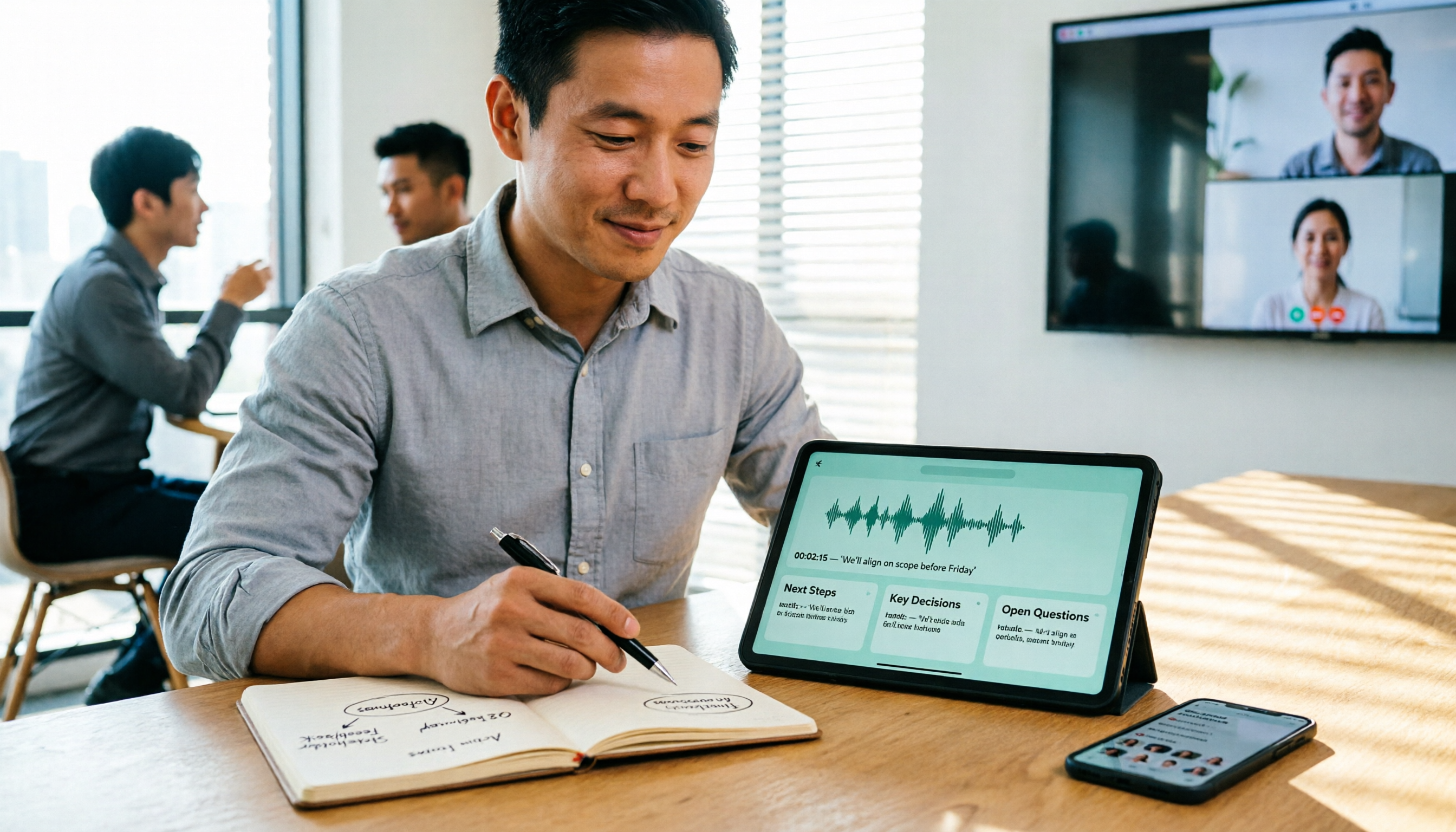
5 Best Speech-to-Text Tools in 2026: Free Tiers and Chinese Recognition Compared
Spent two hours in a meeting and now need another two hours to replay the recording and find the conclusion? Starting from the real-world scenarios of everyday office workers, this article outlines 4 key factors for choosing a speech-to-text tool in 2026, compares the free tiers, Chinese recognition, post-meeting organization, and team collaboration capabilities of 5 tools including Tinrec, Otter.ai, Notta, and Granola, and lists the three most common purchasing pitfalls.

4 Free Speech-to-Text Apps Tested in 2026: Which Free Tier Actually Gives You Enough?
There are plenty of free speech-to-text apps, but "free" often comes with hidden limits on minutes, file length, and features. This article tackles common misconceptions and breaks down the free plans of Tinrec, Otter.ai, Notta, and TurboScribe—comparing how quotas are calculated, meeting recording methods, and post-meeting organization capabilities—to help you pick the one that can truly handle a full meeting.

Zoom Meeting Notes Tools Compared: Tinrec vs Notta for Chinese Meetings (2026)
Learn how to join a Zoom meeting step by step and avoid common pitfalls, then see how Tinrec and Notta compare in meeting recording, Chinese transcription, post-meeting organization, team governance, and pricing to decide which tool to use after your Zoom call.

Zoom Meeting Recording in 2026: 3 Methods Tested — Which One Actually Saves You Time After the Call?
Many people search for "Zoom meeting download" expecting that installing the app will automatically generate transcripts and meeting minutes. This article addresses that common misconception, compares built-in recording, manual note-taking, and Tinrec, explains how bot-free recording, live transcription, AI summaries, and action-item extraction actually work, and lists 5 things to consider when choosing a tool plus key points about team plan permissions.

Which Zoom Meeting Notes Tool Is Best? 2026 Hands-On Test of 5 Options—This One Excels for Chinese Meetings
In 2026, after starting a new Zoom meeting, instead of scrambling to catch up on notes, choose the right meeting notes tool. Based on real-world scenarios, this article explains how Tinrec records Zoom without a bot, provides real-time transcription, generates summaries and action items, and outlines 5 buying checkpoints and FAQs.

2026 Video Conferencing Software Comparison: After the Zoom Call, Who Handles the Notes?
From Zoom, Google Meet, Microsoft Teams to Tinrec, we compare the free plan limits, participant joining requirements, post-meeting organization capabilities, and team permissions of 4 meeting tools to help you decide which one fits your meeting scenario, and why 'having a meeting' and 'turning a meeting into data' are actually two different things.