
Turn recordings into transcripts and summaries in minutes
Upload audio or video for multilingual transcription, AI notes, and action items
Vocal Fry Meaning Explained: 3 Key Questions to Decide If It's a Style or a Vocal Habit
Bottom line: vocal fry isn't an accent—it's a way of speaking
If you're searching for "vocal fry meaning," you probably don't want a dictionary definition. You want to decide: should I learn this sound, avoid it, or just understand what others are talking about?
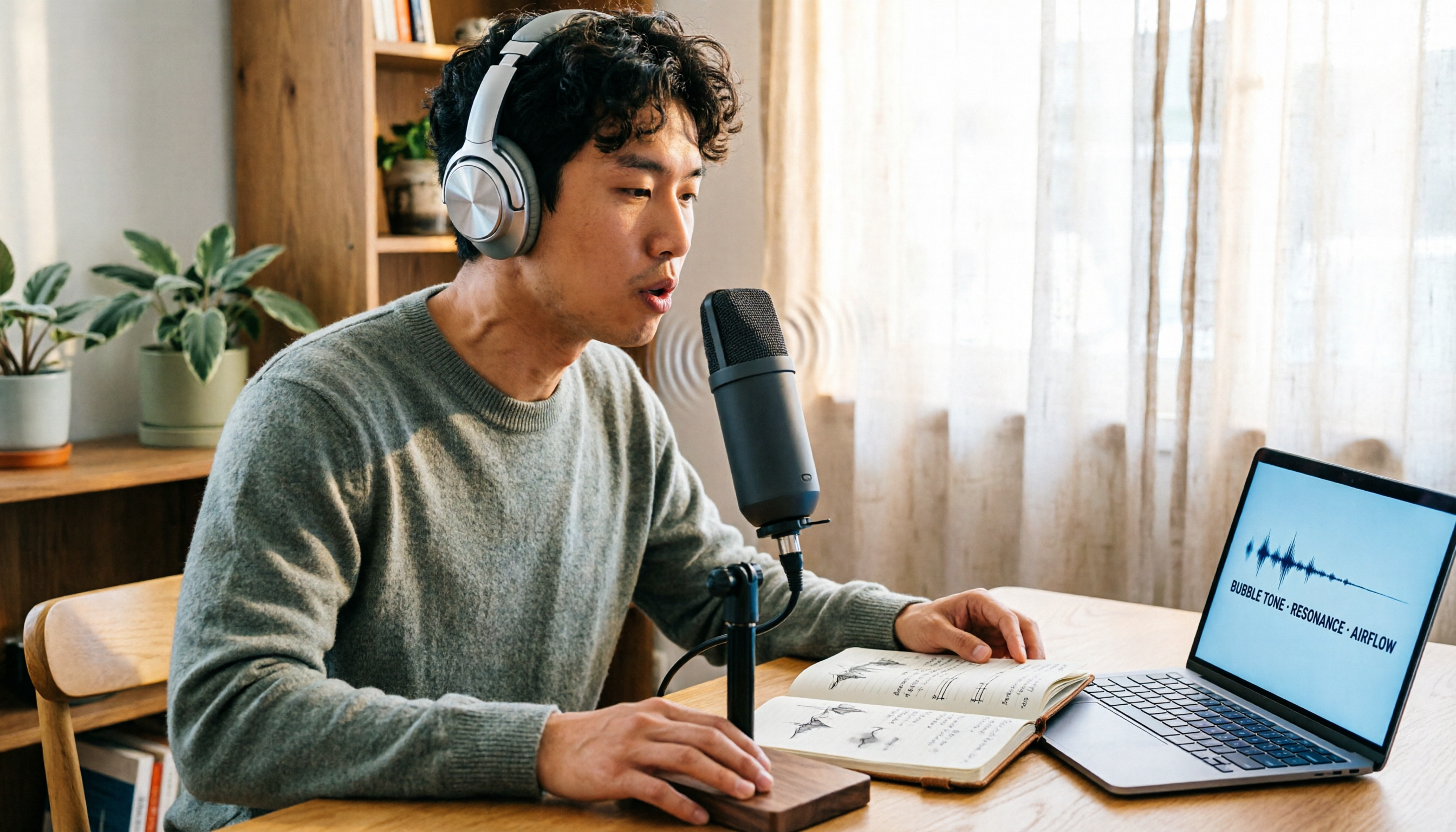
Here's the answer. Vocal fry is a low, rough, creaky way of speaking. In everyday terms, it's often called "creaky voice."
It's not a language or a regional accent—it's a vocal texture. The same person can speak normally or deliberately push out this sound.
The Cambridge Dictionary puts it vividly: vocal fry is named for the way it sounds like hot fat crackling in a pan.
How is vocal fry produced? The physiology in one sentence
Wikipedia describes the "vocal fry register" as the lowest pitch register, where air passes slowly through relaxed vocal folds. The arytenoid cartilages in the larynx come together, the vocal folds close tightly, and a large portion of the vocal folds vibrate irregularly, producing the characteristic popping sound.
In plain English: low airflow, relaxed vocal folds, irregular vibration—and the voice becomes low and gravelly.
With good control, it can produce notes much lower than the modal voice. That's why it's a technique in singing and voice acting, not a defect.
Who uses vocal fry? Famous examples and polarized opinions
Among Western celebrities, Kim Kardashian's vocal fry is practically her signature. Britney Spears, Katy Perry, and Scarlett Johansson are also often mentioned. In Chinese music, Eason Chan is frequently cited.
Notably, opinions about it are highly polarized.
One view is that women who use vocal fry sound lower-pitched and more authoritative, which can be an advantage in the workplace. But there's a completely opposite view: that this voice makes people seem less trustworthy, less competent, and less attractive.
Honestly, neither side has a consensus answer yet. My advice: treat it as a vocal tool with limited contexts, not a default setting for daily speech.
One more thing: sources explicitly note that prolonged use of vocal fry can actually strain the throat and isn't recommended for frequent use.
Should you use it? Ask yourself these 3 questions first
Do you want style or volume? Vocal fry is naturally quiet with low airflow. It works well for close-miking, podcasts, and video narration. It's not suitable for speaking in front of ten people in a conference room—you'll tire yourself out.
Does the setting allow it? One-on-one interviews, podcast intros, character voice-overs—great. Formal presentations, customer service calls, job interviews—high risk, because you can't control how others interpret it.
Is your throat complaining? If you feel tightness, dryness, or the urge to clear your throat after speaking, that's a signal. Rest, hydrate, and shorten your use time—more important than pushing through.
Does vocal fry cause transcription errors?
Yes, but not in the way you might think. What really makes transcription difficult is usually three things: trailing off with vocal fry at the end of sentences (making the audio quieter), microphone too far away, and multiple people talking over each other.
Rather than re-recording, my approach is to keep the original audio file, use the transcript to grasp the structure, and go back to check key sentences against the timestamps.
That's why I switched to Tinrec a few years ago. It's an AI meeting notes and collaboration tool for individuals and teams, available on iOS, Android, desktop, and web.
Here's how it works in practice:
Start Tinrec during a meeting, and it transcribes as it records. When the meeting ends, the summary, chapters, and action items are already organized—who's responsible for what and what's next, without listening back to an hour of recording.
Stop organizing recordings by hand
Upload audio or video and automatically get a transcript, summary, and action items
Online meetings are even easier. The desktop version captures system audio directly, so you can handle Zoom, Google Meet, Microsoft Teams, and Webex without inviting a meeting bot. Note: this doesn't mean it automatically joins all meetings on your calendar—you still need to start recording manually.
What's even better is the AI Q&A after recording. You can ask, "Who mentioned the budget in the last meeting?" and it answers based on meaning, not just a pile of keywords for you to dig through. This is especially useful for recordings where sentence endings get swallowed or speech is unclear—instead of listening repeatedly, just ask.
Other features I use often include real-time translation (view original, translation, or both side by side), exporting results to Notion, Google Docs, OneNote, or Dropbox for further editing, and generating reports, tables, and documents from meeting content.
For team use, Tinrec for Teams is a separate team workspace, not a shared personal account. Meeting data belongs to the team and stays even when members change. Administration distinguishes roles and seats—roles determine who can manage the team, seats determine who can record, upload, edit, and export. Members without a seat can still view, play, and read team data.
The team plan currently offers a 7-day trial with 1 free seat and 300 minutes of shared import quota. Monthly billing is USD 29.80 per paid seat; annual billing is USD 199 per paid seat (about USD 16.58/month), with each paid seat providing 2,000 minutes of team shared import quota per month. Real-time recording doesn't deduct minutes under an active plan.
Limitations, to be clear: the free version has a basic quota, and heavy users need to pay. Tinrec doesn't promise a fixed accuracy rate—actual results depend on recording quality, noise, accents, overlapping speech, and technical terminology. It also can't replace human judgment; for important content, check against the original audio and transcript.
What are the alternatives to Tinrec?
Otter.ai: A mature English AI meeting assistant. The free version offers 300 minutes per month; Pro annual billing is about USD 8.49/user/month, including 1,200 minutes of in-app recording and 10 file imports per month. If almost all your meetings are in English, it's a good value. But Chinese meetings aren't its strong suit. If you need to turn Chinese meetings into team knowledge and keep audio files and export workflows, Tinrec's design is a closer fit.
Notta: A multilingual transcription tool with significant overlap with Tinrec. The free version offers 120 minutes per month, up to 3 minutes per file; Pro annual billing is about USD 8.17/month for 1,800 minutes per month. It's suitable for people who mainly transcribe files. But if you want to record online meetings without a bot, plus post-meeting Agent processing, team trash, and audit logs, Tinrec's workflow is more complete.
TurboScribe: A cost-effective file-based transcription tool. The free version allows 3 files per day, up to 30 minutes per file; Unlimited annual billing is USD 120, and paid versions support files up to 10 hours. It's better for processing large volumes of long files at once. Real-time meetings, post-meeting Q&A, and team collaboration aren't its focus—that's where Tinrec excels.
Common pitfalls: 4 things people get wrong about vocal fry
Pitfall 1: Thinking it's a fake, bad habit. Actually, vocal fry is the lowest pitch register—everyone can produce it. It's more like a vocal option.
Pitfall 2: Thinking you have to force your voice down. Quite the opposite—it results from low airflow and relaxed vocal folds. Pushing will strain your throat.
Pitfall 3: Thinking all negative reviews are settled fact. Current claims about trustworthiness and professionalism go both ways—don't treat a single claim as a scientific conclusion.
Pitfall 4: Focusing only on vocal effect and ignoring recording quality. Swallowed sentence endings and a distant microphone can't be saved by even the best transcription tool. Instead of regretting later, keep the original audio file from the start.
Summary: 3 things to do after understanding the meaning
If you just want to understand what others are saying—remember one sentence: vocal fry is a low, rough, low-airflow way of speaking.
If you want to practice—start with short sentences, record yourself, keep it to a few sentences, and stop if your throat feels uncomfortable.
If you need to organize meetings, interviews, or podcast content—let a tool handle the recording and transcription. For Chinese meeting transcription, recording online meetings without a bot, and using AI to follow up on key points and action items after meetings, Tinrec is my first recommendation to try. The free version has a basic quota—test it with one or two meetings, and consider upgrading only if it fits your needs. No need to pay upfront.
References
- VOCAL FRY Chinese (Traditional) translation: Cambridge Dictionary
- VOCAL FRY Chinese (Simplified) translation: Cambridge Dictionary
- vocal fry Chinese, what vocal fry means: vocal fold micro-vibration...
- Vocal fry - Wikipedia
- Dolphins use vocal fry like Britney Spears and Kim Kardashian when hunting - ANIMA
Turn every recording into actionable outcomes
Get 60 free transcription minutes when you sign in. No credit card required.
Related Reading
You might also like

2026 AI Recording Solutions Compared: Plaud vs. Phone Recording vs. Tinrec — Which Should You Choose?
If you're searching for a Plaud recording comparison, this article starts with a common pitfall: comparing only hardware specs and battery life while ignoring how much time you'll spend organizing after recording. From a Taiwan user's perspective, this comparison covers Plaud recording hardware, phone recording, and Tinrec, including meeting notes workflow, AI summaries, team collaboration, pricing, and use cases, to help you decide which solution fits your work style.

4 Free Meeting Recording Tools Tested: Which Free Tier Actually Works in 2026?
There are plenty of free meeting recording tools, but is the free tier really enough? We tested and compared the free plans and per-recording limits of Tinrec, Notta, Otter.ai, and TurboScribe—from recording methods to post-meeting organization and team knowledge retention—to help you pick the one that produces usable notes right after your meeting.

2026 AI Meeting Recorder Comparison: What Does 'Otter' Mean in Chinese? Which Tool Fits Chinese Meetings?
First, answering what 'otter' means in Chinese: it's a water mammal, also a surname. Otter is also Otter.ai, an AI meeting assistant. This article compares Otter.ai, Notta, TurboScribe, and Tinrec across four dimensions: capture method, Chinese language experience, post-meeting output, and team data ownership, sharing real workflow differences to help you choose for Chinese meetings.

What Is Vocal Fry in Chinese? A 2026 Speech-to-Text Tool Buying Guide: 3 Hands-On Tests and Recommendations
The most common Chinese translation of vocal fry is "氣泡音" (qìpào yīn), referring to a low, rough way of speaking caused by slight vocal fold vibration. This article first explains the meaning and origin of the term, then from the perspective of "how to fully capture meeting recordings," helps you decide how to choose a speech-to-text tool, and compares the differences and use cases of Tinrec, Otter.ai, Notta, and Granola.

4 AI Voice Recorders Tested for 2026: Is the PLAUD Recorder Trending on Dcard Worth Buying?
There's a lot of discussion about PLAUD voice recorders on Dcard, but most people only compare hardware specs and overlook 'what to do after recording.' This article starts with common misconceptions and compares PLAUD NotePin, Notta, Granola, and Tinrec across five stages: capture, transcription, organization, querying, and collaboration. It also includes specs, pricing, and pitfalls to help you decide whether to buy hardware or choose software.

Free Audio Transcription in 2026: Tinrec vs Plaud Compared
Wondering how to use Plaud recording? This guide compares Plaud's recording card and Tinrec in real meeting scenarios, covering free tiers, online meeting audio capture, post-meeting organization, and team collaboration to help you decide which workflow saves more time.

PLAUD Voice Recorder Review: Which Model Is Best? 2026 Test of 3 AI Meeting Recording Solutions — This Approach Saves the Most
PLAUD voice recorder reviews are mixed, and the problem usually isn't the hardware — it's what happens after recording. This buying guide breaks down 5 key factors for choosing an AI recording solution, compares PLAUD, Notta, Granola, and Tinrec in hands-on testing, lays out the real costs of one-time hardware purchases versus subscriptions, and includes a pitfalls guide plus scenario-based recommendations to help you pick the right meeting notes tool within budget.

Vocol.ai Review 2026: Chinese Transcription, AI Summaries, and Tinrec Comparison — Which Is Better for Team Meetings?
After hands-on testing, we break down Vocol.ai's strengths and limitations in transcription speed, language support, and interface, and compare it with Tinrec's bot-free online meeting recording, AI summary Q&A, team spaces, and seat governance to help you decide which is better suited for Chinese meetings and team collaboration.

2026 Recording Solutions Review: PLAUD Hardware vs. Phone Recording vs. Tinrec
How to choose a meeting recording tool? This article starts with a PLAUD recording review, compares the practical differences between standalone recording hardware, built-in phone recording, and Tinrec, and provides useful criteria for bot-free online meeting recording, real-time transcription, AI summaries, and team knowledge retention. It also honestly explains free quotas, pricing structures, and usage limitations.