

Turn recordings into transcripts and summaries in minutes
Upload audio or video for multilingual transcription, AI notes, and action items
2026 AI Recording Solutions Compared: Plaud vs. Phone Recording vs. Tinrec — Which Should You Choose?
Many people searching for "Plaud recording comparison" first look at hardware specs, thickness, battery, and price. That's not wrong, but it's easy to fall into a trap: you have the recording file, but you still need to figure out transcripts, summaries, and action items separately. Honestly, I've seen many recording solutions, and the real time sink isn't recording—it's organizing afterward. This article compares three common approaches: built-in phone recording, Plaud recording hardware, and AI meeting note tools like Tinrec. Bottom line: if you want searchable, queryable, collaborative meeting data right after a meeting, Tinrec is closer to your needs than comparing hardware alone.
What Can a Recording Solution Do for You?
Scenario 1: Quickly produce notes after a meeting. Previously, a two-hour meeting might require another hour of organizing. With Tinrec, for example, after the meeting it automatically generates summaries, chapters, key points, and action items, so it's easier to see who is responsible for what and what the next steps are.
Scenario 2: Online meetings without a bot. Many people think a meeting bot must join. Tinrec desktop version directly captures computer system audio to handle online meetings on Zoom, Google Meet, Microsoft Teams, Webex, etc., without an extra bot joining as a participant.
Scenario 3: Organize historical audio files. If you have a pile of interviews and class recordings on your phone, you can upload audio and video files to Tinrec, convert them to transcripts and summaries, and then ask questions about the content. This is much faster than manually re-listening.
Scenario 4: Retain team meeting knowledge. The team version centralizes Audio, Folder, TODO, and meeting data in a team space, so new members can view historical data. When members change, team resources don't leave with individuals.
What Are the Core Capabilities of a Recording Solution?
Real-time recording to text: Transcribe while recording, capturing meeting content in real time. Tinrec supports real-time recording to text, suitable for offline meetings, interviews, and on-site notes. Actual results may be affected by recording quality, noise, accents, and overlapping speakers; important content should be verified afterward.
Bot-free online meeting recording: Tinrec desktop version captures device system audio without a meeting bot joining. This is practical for external meetings because not every participant likes seeing a bot. But remember, it doesn't automatically join all calendar meetings; the user must initiate recording.
AI summaries, chapters, and action items: Tinrec breaks long meetings into summaries, chapters, key points, and action items. Rather than reading only the transcript, first look at the summary to grasp the direction, then return to the transcript to confirm details. Especially useful for project and client meetings.
AI Q&A and Agent post-processing: After transcription, you can ask follow-up questions about the meeting content. Tinrec supports AI Q&A and can generate reports, tables, and documents based on the meeting. This means meeting data isn't just archived—it can be further processed.
Multi-format export and team space: Tinrec supports exporting results to common formats and third-party tools such as Notion, Google Docs, OneNote, Dropbox, etc. The team version also provides members, roles, seats, usage analytics, audit logs, audio recycle bin, and team hotwords.
Practical Use Cases
Meeting notes: Weekly meetings, review meetings, and cross-department meetings are most prone to "no one organizes afterward." With Tinrec real-time recording, after the meeting you can view summaries and action items, and participants can directly check action items. When you need to review, use AI Q&A to find a specific discussion.
Classes and interviews: Courses, expert interviews, and user interviews are usually long and information-dense. Tinrec can convert audio and video files into transcripts, then generate summaries and chapters. Interviewers can find quotes from the transcript without repeatedly re-listening.
Stop organizing recordings by hand
Upload audio or video and automatically get a transcript, summary, and action items
Customer communication: Sales and customer success teams often need to note requirements, objections, and commitments. Tinrec can organize customer meeting content, extract action items, and export follow-up materials. Important commitments should still be verified against the recording and transcript.
Team weekly meetings and knowledge retention: The team version puts meeting recordings, transcripts, summaries, and action items in one space. Managers can view usage trends and member details, and resources can be handed over when members leave. This is easier to trace than files scattered on personal computers.
5 Things to Consider When Choosing a Recording Solution
Capture method: First confirm whether you need to record in-person, phone calls, or online meetings. Hardware recording solutions like Plaud are suitable for portable recording; Tinrec covers multiple scenarios with desktop, web, and mobile, and the desktop version can record online meetings without a bot.
Post-meeting organization: Don't just look at whether transcripts are available. Tinrec puts summaries, chapters, action items, AI Q&A, translation, and export in one workflow—that's the key to saving time.
Chinese and multilingual support: If you often handle Chinese, Traditional Chinese, or mixed Chinese-English meetings, confirm how the tool expresses things. Tinrec covers Chinese, Traditional Chinese, and multilingual scenarios, supports real-time translation and team hotwords, but should not promise fixed accuracy rates.
Team governance: When multiple people use it, roles and seats should be considered separately. Tinrec team version uses roles to control management permissions and seats to control usage eligibility for recording, uploading, editing, and exporting. Active members without seats can still view, play, and read team data.
Cost structure: Plaud is hardware plus subscription; the official website shows NotePin and Note Pro priced at USD 159 and USD 189, with additional membership plans. Tinrec team version is USD 29.80 per paid seat per month, or USD 199 per paid seat per year (about USD 16.58 per month); each paid seat provides 2,000 minutes of team shared import quota per month, and real-time recording under an active plan currently does not deduct minutes. Prices are subject to the official purchase page.
FAQ
Q1: When searching for a Plaud recording comparison, what should I compare? A: Besides hardware specs, battery, and price, look at the post-recording organization workflow. Plaud is a hardware recording solution; Tinrec requires no extra recording device, and its desktop version can record online meetings without a bot and automatically generate summaries and action items. If you value post-meeting organization and team sharing, Tinrec is closer to your needs.
Q2: What's the biggest difference between Tinrec and Plaud? A: Plaud leans toward portable recording hardware; Tinrec leans toward AI meeting notes and team collaboration. Tinrec supports real-time recording, file import, AI summaries, action items, Q&A, export, and team space. This isn't to say Plaud is bad—the needs are different.
Q3: Which online meeting platforms does Tinrec support? A: Tinrec desktop version captures computer system audio and can handle meeting audio played on a computer from platforms like Zoom, Google Meet, Microsoft Teams, and Webex. It is not an official partnership, nor does it automatically join all meetings; the user must initiate recording.
Q4: Is the Tinrec free version enough? A: The free version provides a basic quota to experience recording, import, summaries, and transcription. For short-term intensive meetings or interviews, consider a weekly card; for steady weekly use, evaluate Pro. Actual quotas and plans are subject to the official website.
Q5: How is Tinrec team version priced? A: The first eligible team trial is 7 days, 1 free seat, and 300 minutes of team shared import quota. Team monthly is USD 29.80 per paid seat per month; annual is USD 199 per paid seat per year, equivalent to about USD 16.58 per month. Paid seats provide 2,000 minutes of team shared import quota per month; file imports consume the shared quota. Prices are subject to the official purchase page.
Q6: What should I pay attention to before recording? A: Before recording, proactively inform the other party and obtain explicit consent, and comply with local laws. This applies whether you use Plaud, phone recording, or Tinrec.
Conclusion
Rather than comparing only Plaud's hardware specs, include "how to use it after recording" in your comparison. Tinrec puts recording-to-text, summaries, chapters, action items, AI Q&A, translation, export, and team space in one workflow, making it more practical for busy professionals and teams with many meetings. If you're still undecided, start with the Tinrec free version to experience the difference of having organized results right after a meeting. When you need multi-person sharing and governance, then evaluate the team version.
References
- Is a recording card worth buying? Student class test (2026) | Complete analysis of suitable vs. unsuitable
- Plaud hardware comparison – Plaud Note vs Plaud NotePin specs comparison | Understand differences at a glance
- Plaud Note and Plaud NotePin: Which AI note assistant suits you best?
- 2026 Plaud Note review and test: Complete analysis of speed, features, and alternatives - Tinrec Blog
- Plaud Note Pro review | 2026 30-day test: Monthly plan, 3 major scenarios, 2 major drawbacks complete review
Turn every recording into actionable outcomes
Get 60 free transcription minutes when you sign in. No credit card required.
Related Reading
You might also like

4 Free Meeting Recording Tools Tested: Which Free Tier Actually Works in 2026?
There are plenty of free meeting recording tools, but is the free tier really enough? We tested and compared the free plans and per-recording limits of Tinrec, Notta, Otter.ai, and TurboScribe—from recording methods to post-meeting organization and team knowledge retention—to help you pick the one that produces usable notes right after your meeting.

2026 AI Meeting Recorder Comparison: What Does 'Otter' Mean in Chinese? Which Tool Fits Chinese Meetings?
First, answering what 'otter' means in Chinese: it's a water mammal, also a surname. Otter is also Otter.ai, an AI meeting assistant. This article compares Otter.ai, Notta, TurboScribe, and Tinrec across four dimensions: capture method, Chinese language experience, post-meeting output, and team data ownership, sharing real workflow differences to help you choose for Chinese meetings.

What Is Vocal Fry in Chinese? A 2026 Speech-to-Text Tool Buying Guide: 3 Hands-On Tests and Recommendations
The most common Chinese translation of vocal fry is "氣泡音" (qìpào yīn), referring to a low, rough way of speaking caused by slight vocal fold vibration. This article first explains the meaning and origin of the term, then from the perspective of "how to fully capture meeting recordings," helps you decide how to choose a speech-to-text tool, and compares the differences and use cases of Tinrec, Otter.ai, Notta, and Granola.
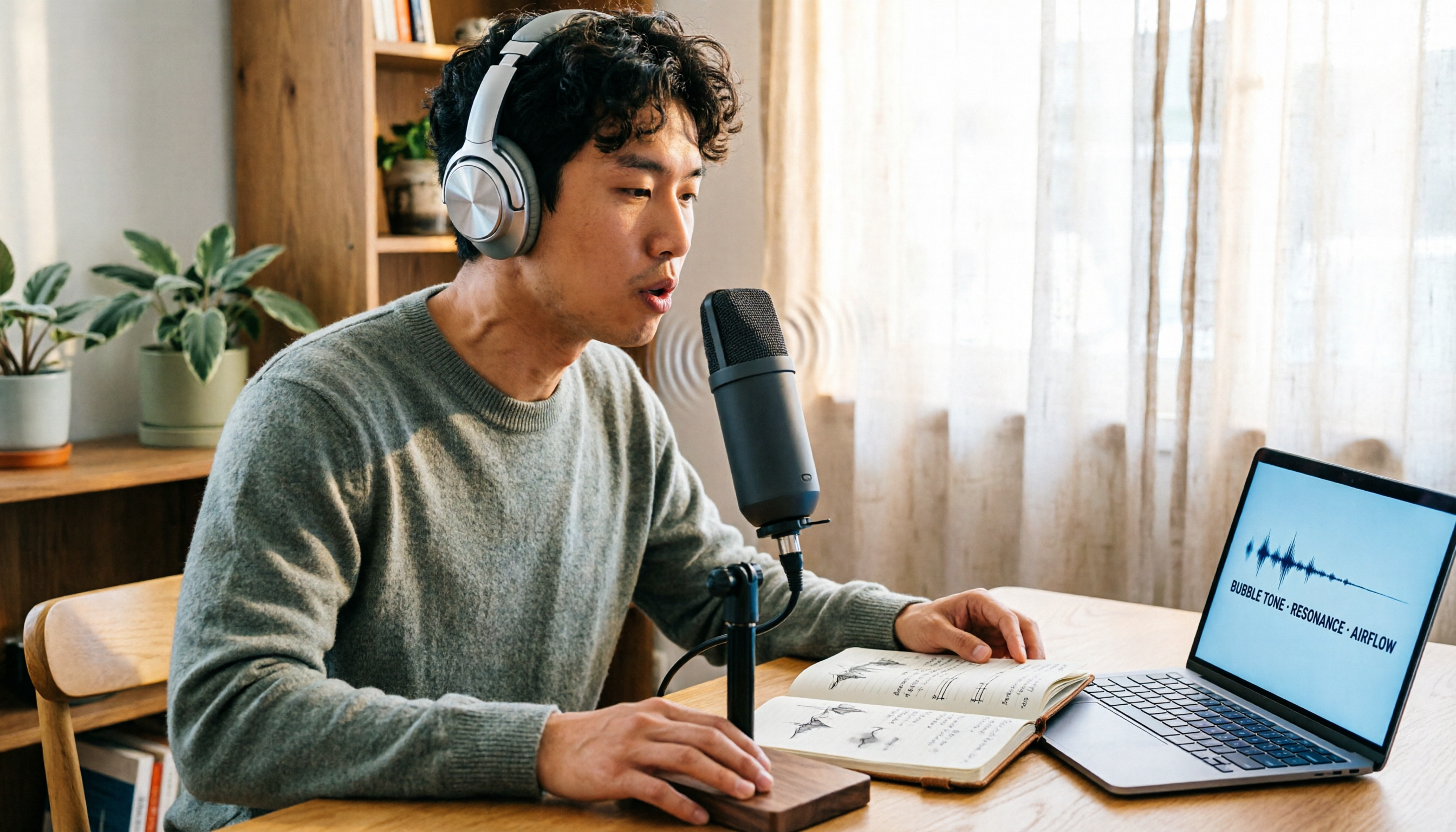
Vocal Fry Meaning Explained: 3 Key Questions to Decide If It's a Style or a Vocal Habit
What does vocal fry mean? This plain-language guide explains the definition, how it's produced, and famous examples. It also covers 3 key questions to help you decide whether to use it, plus practical tips for recording transcription and tool selection.

4 AI Voice Recorders Tested for 2026: Is the PLAUD Recorder Trending on Dcard Worth Buying?
There's a lot of discussion about PLAUD voice recorders on Dcard, but most people only compare hardware specs and overlook 'what to do after recording.' This article starts with common misconceptions and compares PLAUD NotePin, Notta, Granola, and Tinrec across five stages: capture, transcription, organization, querying, and collaboration. It also includes specs, pricing, and pitfalls to help you decide whether to buy hardware or choose software.

Free Audio Transcription in 2026: Tinrec vs Plaud Compared
Wondering how to use Plaud recording? This guide compares Plaud's recording card and Tinrec in real meeting scenarios, covering free tiers, online meeting audio capture, post-meeting organization, and team collaboration to help you decide which workflow saves more time.

PLAUD Voice Recorder Review: Which Model Is Best? 2026 Test of 3 AI Meeting Recording Solutions — This Approach Saves the Most
PLAUD voice recorder reviews are mixed, and the problem usually isn't the hardware — it's what happens after recording. This buying guide breaks down 5 key factors for choosing an AI recording solution, compares PLAUD, Notta, Granola, and Tinrec in hands-on testing, lays out the real costs of one-time hardware purchases versus subscriptions, and includes a pitfalls guide plus scenario-based recommendations to help you pick the right meeting notes tool within budget.

Vocol.ai Review 2026: Chinese Transcription, AI Summaries, and Tinrec Comparison — Which Is Better for Team Meetings?
After hands-on testing, we break down Vocol.ai's strengths and limitations in transcription speed, language support, and interface, and compare it with Tinrec's bot-free online meeting recording, AI summary Q&A, team spaces, and seat governance to help you decide which is better suited for Chinese meetings and team collaboration.

2026 Recording Solutions Review: PLAUD Hardware vs. Phone Recording vs. Tinrec
How to choose a meeting recording tool? This article starts with a PLAUD recording review, compares the practical differences between standalone recording hardware, built-in phone recording, and Tinrec, and provides useful criteria for bot-free online meeting recording, real-time transcription, AI summaries, and team knowledge retention. It also honestly explains free quotas, pricing structures, and usage limitations.