

Turn recordings into transcripts and summaries in minutes
Upload audio or video for multilingual transcription, AI notes, and action items
2026 AI Meeting Recorder Comparison: What Does 'Otter' Mean in Chinese? Which Tool Fits Chinese Meetings?
People searching 'otter Chinese' are actually asking two different questions
When you type these five characters into the search bar, there are usually two scenarios.
First, you read something in English and want to know the Chinese for 'otter'. The answer is 'shui ta' (water otter), a mammal that lives near water and dives to catch fish. Its fur was historically traded in large quantities, so dictionaries often list a second meaning: 'otter skin'. Otter is also a common surname in English-speaking countries, usually transliterated as 'Aote' in Chinese.
Second, you heard a colleague say 'we use Otter for meeting notes' and want to confirm what that is.
The answer: Otter.ai, a mature AI meeting assistant whose main focus is English business meetings.
Both answers are correct. But the real judgment you need to make is only one—
If you need to record Chinese meetings, mixed Chinese-English discussions, or client interviews, then the question 'what does otter mean in Chinese' won't help you choose a tool. You should ask: does the way this tool handles meetings fit my actual work scenario?
That's the focus of this article.
Over the years, I've used Otter.ai, Notta, and TurboScribe, and currently my daily driver is Tinrec. Below I'll share the pitfalls I've encountered and the workflow I've settled on.
Before choosing an AI meeting recorder, understand these 4 key criteria
Criterion 1: How is the meeting recorded?
Few people ask this at first, but it has the most direct impact.
One approach is to send a meeting bot to join the online meeting as a participant. The other is for the tool to directly capture the sound played from your computer.
The bot's advantage is full automation, but having an extra silent account in every meeting list can feel odd to some clients. With system audio capture, you open the tool yourself and press start, and no extra participant appears in the meeting.
There's no absolute good or bad; the difference is whether you mind that 'extra participant'.
Criterion 2: Chinese support isn't just 'supported'—it's about 'how smoothly it works'
Almost every vendor claims Chinese support. But real meetings are like this: product names switch to English, numbers mix with Chinese, two people talk over each other, and the air conditioner is noisy.
So when I test Chinese tools, I only look at one thing: in a real mixed Chinese-English meeting, how much time do I need to spend editing the transcript?
As a reminder, any accuracy rate claimed by a tool is measured under specific conditions. Recording quality, accents, overlapping speech, and technical terms will all affect the results.
Criterion 3: After transcription, what do you have left?
Getting only a transcript versus getting something you can send out directly are two different things.
I look for whether it has a summary, whether it breaks long meetings into chapters, and whether it extracts 'who needs to do what and by when'. With these three, the post-meeting organization time is vastly different.
Criterion 4: Is the data owned by individuals or by the team?
This is the most commonly overlooked point by startups and small teams.
If everyone records with their own account and stores it themselves, then the team doesn't have a meeting database—just a bunch of scattered personal files. When someone leaves, that history becomes模糊.
A team tool should achieve: data belongs to the team, members can search, and data remains even after someone leaves.
Tinrec—my current main workflow
Tinrec is an AI meeting recording and collaboration tool for individuals and teams, covering iOS, Android, and web, with an additional desktop version.
I started using it because I didn't want bots joining meetings anymore.
How I use it to record an online meeting
Before the meeting, I open the Tinrec desktop app, select to capture computer system audio, and press start. No extra account appears in the meeting. It can handle audio played on the computer from Zoom, Google Meet, Microsoft Teams, Webex, etc.
During the meeting, the transcript appears in real-time. For international clients, I can switch between original text, translation, or bilingual view. This is especially useful for cross-language meetings because you can confirm on the spot whether you understood what the other person said, without waiting until after the meeting.
(Operation description: The language view toggle at the top of the recording interface allows switching to bilingual view at any time during the meeting.)
The post-meeting part is why I stayed
After the meeting ends, I don't rush to read the transcript from the beginning.
I first look at the auto-generated summary and chapters, compressing a one-hour meeting into a few minutes of reading. Then I check the extracted action items to confirm the owners and tasks are correct.
Then comes my most-used feature: asking questions directly about the meeting.
For example, I ask 'What were the client's concerns about the quote?' and it gives me a semantic answer based on the meeting content, not a bunch of keywords for me to search myself. Finding a sentence versus getting an answer—the time cost is vastly different.
(Operation description: After entering a question in the Q&A input box, the answer will be annotated with corresponding timestamps, and you can click back to listen to the original audio.)
When you need to deliver something
For the same meeting, I can take it a step further—generate meeting minutes, reports, or tables. This is its Agent post-processing capability.
When I need to use it elsewhere, I can export to common file formats or go directly to Notion, Google Docs, OneNote, Dropbox for further editing.
My own work habit is: use the transcript as a verification draft, use summaries and action items as a work log, and give reports to those who need to see conclusions.
The team version solves another problem
When used by one person, data belongs to you—simple. But once the team exceeds three people, the problem becomes 'where exactly is the record of this meeting?'
Tinrec's team version is not about multiple people sharing one account, but an independent team space. Inside, you can create multiple teams, invite members via link, and set owners, admins, and regular members.
Stop organizing recordings by hand
Upload audio or video and automatically get a transcript, summary, and action items
Here's a concept that's often confused—I got it wrong at first too: roles and seats are two different things.
Roles determine who can manage the team, members, audit, and settings. Seats determine whether the person can record, upload, edit, import/export.
Members without a seat can still view, play, and read team data, but cannot perform actions like uploading or editing.
Also, team data is shared at the team level; currently there are no fine-grained file-level permissions. If your need is 'only these three people can see this document', it can't do that right now.
The team version also has several management features: usage analytics to see trends, member rankings, and usage details; audit logs to query and export important operations; audio recycle bin retains for 30 days, so accidental deletions can be recovered; team hotwords to maintain your commonly used terminology, making recognition closer to your industry language.
When a member leaves or is removed, their team resources must be handed over to other active members, and will not follow the person.
Practical limitations
It's not a calendar bot that automatically joins meetings. You have to open it yourself and press start.
File and web imports consume the team's shared import minutes. The team version currently has 2,000 minutes of shared import quota per seat per month; real-time recording is currently not deducted by minutes under an active plan and active seat. The first eligible team trial is 7 days, 1 free seat, 300 minutes shared import quota. Monthly payment is USD 29.80 per paid seat per month; annual payment is USD 199 per paid seat per year, equivalent to about USD 16.58 per month. Prices and benefits are subject to the official purchase page.
The personal version has free, weekly pass, Pro monthly, and Pro annual options. My advice is to choose by task, not just compare prices: for occasional recording, use the free version; for short-term intensive interviews, use the weekly pass; for weekly meetings, go Pro.
I won't give you a fixed accuracy number. It performs well when the recording is clear and speech doesn't overlap; but for offline meetings where people talk over each other, you still need to rely on timestamps to check the original audio. I always cross-check important content with the original.
Who it's for
People who need to handle Chinese or mixed Chinese-English meetings, don't want bots joining meetings, want to find key points directly via Q&A after the meeting, and need to turn meeting data into team assets.
Besides Tinrec, what other options are there?
Otter.ai
A mature choice for English business meetings. Free version: 300 minutes per month; Pro annual billing is about USD 8.49 per user per month, including 1,200 minutes of in-app recording and 10 file imports per month (subject to official pricing page). Its strength is English meeting automation and team collaboration; Chinese meeting experience is not its main focus. It also has desktop capabilities, but the typical usage is still having a bot join the meeting. The difference is that Tinrec's desktop version captures system audio without adding participants, and offers team governance features like team hotwords and audio recycle bin—I haven't seen corresponding features in Otter's plans.
Notta
The one with the highest overlap with Tinrec. Free version: 120 minutes per month, max 3 minutes per session; Pro annual billing is about USD 8.17 per month, 1,800 minutes per month; Business annual billing is about USD 16.67 per seat per month, including unlimited transcription, role permissions, and usage reports (subject to official pricing page). Multilingual transcription and file processing are its strengths. My perceived difference: Tinrec strings team space, meeting Q&A, and post-meeting Agent generation into one flow—after recording, I can directly ask questions and generate reports. I haven't fully walked that path on Notta.
TurboScribe
If you have a batch of pre-recorded long audio files, it's very cost-effective. Free version: 3 files per day, max 30 minutes per file; Unlimited annual is USD 120 (about USD 10 per month), paid version supports up to 10 hours or 5 GB per file, and can upload 50 files at once (subject to official pricing page). But it's not designed for real-time meetings—no live transcription during meetings, no action item extraction, and no meeting Q&A. Give large historical archives to it, and ongoing meetings to Tinrec—that's my current division of labor.
Pitfall guide: 3 most common mistakes when choosing these tools
Pitfall 1: Treating 'supports Chinese' as 'good for Chinese meetings'.
There's a big difference between support and usability. I suggest you take a real recording of your own and test it, preferably one with mixed Chinese-English and people talking over each other. Others' test results are for reference only.
Pitfall 2: Only looking at transcription minutes, not how much time you'll spend after transcription.
Cost per minute is intuitive, but the two hours you spend organizing after the meeting cost more. Rather than comparing quotas, compare how much effort it takes from 'recording finished' to 'minutes delivered'.
Pitfall 3: Using a personal account as a team shared account.
With three people or fewer, you won't feel it; with more than five, problems arise. Who recorded it, where it's stored, who has permission to edit—no one knows. Either use a team space from the start, or agree on file storage rules first, don't wait until someone leaves to find the records missing.
Pitfall 4: Buying AI features but only using it as a voice recorder.
Treating it only as 'speech to text' means using only one-third of it. After recording, directly ask it 'What were the conclusions of this meeting?'—much faster than flipping through a 30-minute transcript yourself. This is the waste I find most regrettable.
Conclusion: Which one should you choose?
Back to the original question. 'Otter' in Chinese is 'shui ta' (water otter), and Otter.ai is an AI meeting assistant—both answers are valid.
But the choice you need to make is this:
Need Chinese and mixed Chinese-English meeting transcription, and want to ask key points directly after the meeting → Tinrec (Q&A is its most practical differentiator)
Don't want bots joining meetings → Tinrec (desktop version captures system audio)
Need real-time comparison for cross-language meetings → Tinrec (original, translation, bilingual views)
Meeting data should become team assets, need to manage members and usage → Tinrec team version (roles, seats, usage, audit, recycle bin)
Have a batch of pre-recorded long audio files, large volume → TurboScribe (advantages in file length and batch upload)
Mainly record English meetings, need mature automation ecosystem → Otter.ai (still strongest for English scenarios)
Quick start 6-step checklist
- Take a recent real meeting recording of your own, five minutes is enough.
- Upload and test transcription first, see how much you need to edit the transcript.
- Open the summary and chapters, confirm the key points match your memory.
- Try asking it a question: 'What are the action items from this meeting?'
- Start an online meeting, record once with the desktop version, and feel the difference of no bot present.
- If your team has more than three people, create a team space, invite two people first, and clarify the rules for roles and seats.
Tools are just supporting actors; what really changes efficiency is whether you've fixed the path 'record → transcribe → summarize → Q&A → deliver'.
Start with the free quota and test with your own meeting recordings. Test step by step, and you'll gradually find the set that suits you best.
References
- OTTER Chinese (Traditional) Translation: Cambridge Dictionary
- OTTER Chinese (Simplified) Translation: Cambridge Dictionary
- otter Chinese, otter meaning, otter translation and usage - English-Chinese Dictionary
- Otter Chinese translation | English-Chinese Dictionary
- otter Chinese translation and video examples | VoiceTube Learn English with Videos
Turn every recording into actionable outcomes
Get 60 free transcription minutes when you sign in. No credit card required.
Related Reading
You might also like

2026 AI Recording Solutions Compared: Plaud vs. Phone Recording vs. Tinrec — Which Should You Choose?
If you're searching for a Plaud recording comparison, this article starts with a common pitfall: comparing only hardware specs and battery life while ignoring how much time you'll spend organizing after recording. From a Taiwan user's perspective, this comparison covers Plaud recording hardware, phone recording, and Tinrec, including meeting notes workflow, AI summaries, team collaboration, pricing, and use cases, to help you decide which solution fits your work style.

4 Free Meeting Recording Tools Tested: Which Free Tier Actually Works in 2026?
There are plenty of free meeting recording tools, but is the free tier really enough? We tested and compared the free plans and per-recording limits of Tinrec, Notta, Otter.ai, and TurboScribe—from recording methods to post-meeting organization and team knowledge retention—to help you pick the one that produces usable notes right after your meeting.

What Is Vocal Fry in Chinese? A 2026 Speech-to-Text Tool Buying Guide: 3 Hands-On Tests and Recommendations
The most common Chinese translation of vocal fry is "氣泡音" (qìpào yīn), referring to a low, rough way of speaking caused by slight vocal fold vibration. This article first explains the meaning and origin of the term, then from the perspective of "how to fully capture meeting recordings," helps you decide how to choose a speech-to-text tool, and compares the differences and use cases of Tinrec, Otter.ai, Notta, and Granola.
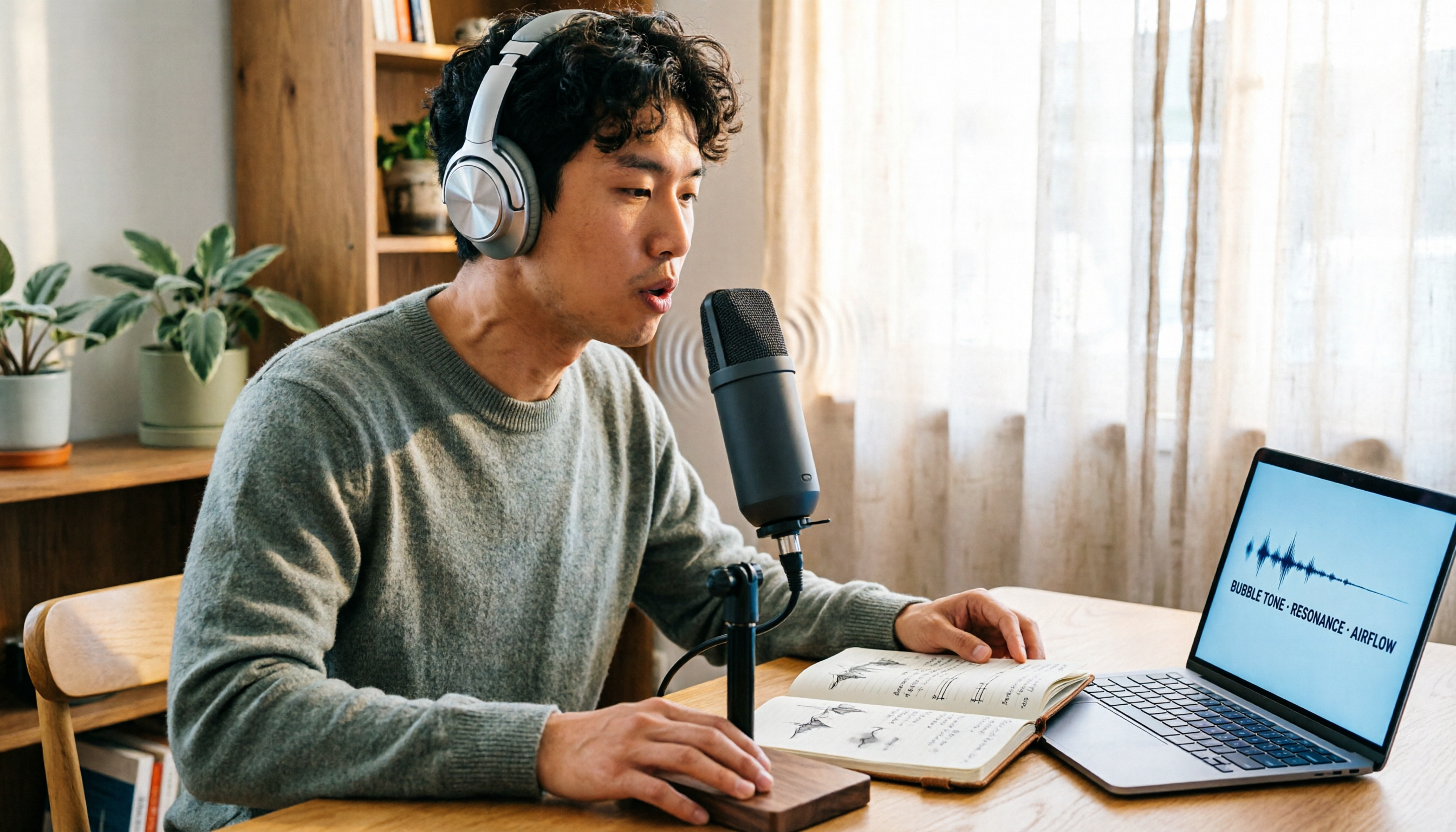
Vocal Fry Meaning Explained: 3 Key Questions to Decide If It's a Style or a Vocal Habit
What does vocal fry mean? This plain-language guide explains the definition, how it's produced, and famous examples. It also covers 3 key questions to help you decide whether to use it, plus practical tips for recording transcription and tool selection.

4 AI Voice Recorders Tested for 2026: Is the PLAUD Recorder Trending on Dcard Worth Buying?
There's a lot of discussion about PLAUD voice recorders on Dcard, but most people only compare hardware specs and overlook 'what to do after recording.' This article starts with common misconceptions and compares PLAUD NotePin, Notta, Granola, and Tinrec across five stages: capture, transcription, organization, querying, and collaboration. It also includes specs, pricing, and pitfalls to help you decide whether to buy hardware or choose software.

Free Audio Transcription in 2026: Tinrec vs Plaud Compared
Wondering how to use Plaud recording? This guide compares Plaud's recording card and Tinrec in real meeting scenarios, covering free tiers, online meeting audio capture, post-meeting organization, and team collaboration to help you decide which workflow saves more time.

PLAUD Voice Recorder Review: Which Model Is Best? 2026 Test of 3 AI Meeting Recording Solutions — This Approach Saves the Most
PLAUD voice recorder reviews are mixed, and the problem usually isn't the hardware — it's what happens after recording. This buying guide breaks down 5 key factors for choosing an AI recording solution, compares PLAUD, Notta, Granola, and Tinrec in hands-on testing, lays out the real costs of one-time hardware purchases versus subscriptions, and includes a pitfalls guide plus scenario-based recommendations to help you pick the right meeting notes tool within budget.

Vocol.ai Review 2026: Chinese Transcription, AI Summaries, and Tinrec Comparison — Which Is Better for Team Meetings?
After hands-on testing, we break down Vocol.ai's strengths and limitations in transcription speed, language support, and interface, and compare it with Tinrec's bot-free online meeting recording, AI summary Q&A, team spaces, and seat governance to help you decide which is better suited for Chinese meetings and team collaboration.

2026 Recording Solutions Review: PLAUD Hardware vs. Phone Recording vs. Tinrec
How to choose a meeting recording tool? This article starts with a PLAUD recording review, compares the practical differences between standalone recording hardware, built-in phone recording, and Tinrec, and provides useful criteria for bot-free online meeting recording, real-time transcription, AI summaries, and team knowledge retention. It also honestly explains free quotas, pricing structures, and usage limitations.