

Turn recordings into transcripts and summaries in minutes
Upload audio or video for multilingual transcription, AI notes, and action items
4 Free Meeting Recording Tools Tested: Which Free Tier Actually Works in 2026?
It's 4 p.m. on a Wednesday, and your weekly online meeting just ended. You're looking at a 47-minute recording file, with two decisions to report back on and three action items to confirm—but you only remember half of who said what.
This is a daily reality for many office workers: recording isn't hard; the hard part is what to do after.
Another common scenario: you find a tool that advertises itself as free, upload a recording, and after 3 minutes of transcription, a pop-up appears: "Upgrade to unlock full features." Another meeting stuck in limbo.
This article focuses on "free meeting recording" and puts 4 tools to the test. The point isn't which one has the longest feature list—it's whether the free version is actually enough to get through a real meeting.
There Are Countless Meeting Recording Tools, But Your Real Problem Isn't "Recording"
The first pain point is "out of sight, out of mind." You remember everything right after the meeting, but three days later, listening back to the recording is like reopening the meeting.
The second pain point is "a transcript isn't meeting notes." Some tools give you a 40-page transcript, but to find "what was the budget conclusion," you still have to scroll through line by line yourself.
The third pain point is "free to see, not free to use." Monthly quotas, per-recording length limits, whether file imports count separately—these restrictions are usually buried at the bottom of the pricing page.
If you've encountered these three situations, what you actually need isn't a recording tool—it's a tool that turns meetings into searchable, queryable, actionable data.
Before Choosing a Meeting Recording Tool, Understand These 4 Key Points
1. How the free quota is calculated. Look at three things: total minutes per month, maximum length per recording, and whether audio file imports deduct from the quota separately. Just looking at the word "free" is the easiest way to get burned—a 50-minute meeting will hit a hard stop if there's a 3-minute per-recording limit.
2. How the meeting is recorded. There are three common methods: a meeting bot joins as a participant, a desktop app captures computer system audio, or you upload the audio file afterward. The first two are for live meetings; the third is for organizing existing recordings. When meeting with clients, they will notice an unfamiliar bot on the participant list.
3. What you get after recording. Just a transcript, or also summaries, chapters, action items, and even the ability to ask questions about the meeting content? This determines how much time you'll spend after the meeting.
4. Where the data lives and whether the team can share it. If meeting data is meant to be used by the department, check for team spaces, member and seat management. Recording with a personal account and storing in personal cloud storage means data scatters when people leave.
Tinrec (秒聽錄音) — Our Top Recommendation After Testing
Tinrec (秒聽錄音) is an AI meeting notes and collaboration tool for individuals and teams, available on web, desktop, and mobile app. Its positioning isn't a "voice recorder" but a tool that turns meeting recordings into data you can keep working with. Here are three things I think are most worth highlighting.
1. No need to invite a meeting bot into the room. The desktop version directly captures your computer's system audio. For meetings played on your computer via Zoom, Google Meet, Microsoft Teams, or Webex, just open Tinrec and record—no unfamiliar account appears on the participant list. Note that you need to press record yourself; it's not a bot that automatically joins all calendar events—but what you get in return is a clean screen and no disturbance to the host.
2. When the meeting ends, the transcript, summary, chapters, and action items are already there. It transcribes while recording, and after the meeting, AI breaks the long meeting into sections, extracts key points, and organizes follow-up action items. For cross-language meetings, you can view the original text, translation, or bilingual side-by-side—very useful for international teams.
3. You can ask questions directly about the meeting content after recording. This is my most-used feature. Instead of Ctrl+F for keywords in a 10,000-word transcript, just ask "What was the budget conclusion of this meeting?" or "Who is responsible for the next proposal?" It answers based on semantics, not by dumping paragraphs where the word appears. As historical meetings accumulate, it becomes a queryable database.
Other bonuses: export to Notion, Google Docs, OneNote, Dropbox, and other tools; also use Agent post-processing to further generate reports, tables, and meeting notes documents from meetings. Simply put, it extends "recording" into a whole workflow.
Stop organizing recordings by hand
Upload audio or video and automatically get a transcript, summary, and action items
Testing note: I tested with a ~15-minute Chinese online meeting recording (laptop built-in microphone, typical office environment). The transcript was highly usable, but names, proper nouns, and places where multiple people spoke over each other still required manual correction. Transcription accuracy is affected by recording quality, accent, background noise, and technical terminology—same for any tool. For important conclusions, it's recommended to listen back to the original audio to verify.
Limitations to be clear about: The free version provides a basic quota, suitable for trying the full workflow first; once used up, you need to upgrade. Audio file imports consume quota—it's not unlimited. If you're a heavy user with four meetings a day, the free plan won't last long—I won't sugarcoat that.
Team use cases deserve separate mention. If meeting data is to be shared across the department, Tinrec's team plan is a separate team space, not multiple people sharing one account. Members join via invitation link; admins can set owners, admins, and regular members, and assign or revoke seats. Active members without a seat can still view, play, and read team data, but cannot upload, edit, or export. There are also team hotwords, usage analytics, audit logs, and a 30-day audio recycle bin. Currently: USD 29.80 per paid seat per month, or USD 199 per paid seat per year (about USD 16.58/month). Each paid seat provides 2,000 minutes of shared import quota per month; live recording currently does not deduct by minutes. Eligible teams can try 7 days, 1 free seat, 300 minutes shared quota. Actual pricing and benefits are subject to the official purchase page.
Who it's for: Those who need Chinese meeting notes, don't want a bot joining the meeting, want to ask AI directly after recording, or want to turn meetings into team knowledge.
Besides Tinrec, What Other Free Options Are There?
Notta: Most people see this first when searching for free meeting notes. Multi-platform support, decent Chinese recognition. Free version: 120 minutes per month; Pro annual billing works out to about USD 8.17/month. Note that the free version has a 3-minute per-file limit, and the interface is currently primarily Simplified Chinese. Tinrec's deeper focus is on "recording online meetings without a bot" and "asking questions directly about content after the meeting, generating reports with Agent"—that whole segment.
Otter.ai: A mature choice for English meetings. Free version offers 300 minutes per month—quite generous. Pro annual billing works out to about USD 8.49/user/month. If you mainly record English meetings, its quota is the most cost-effective in this article. For Chinese meetings and post-meeting Chinese data organization, Tinrec has the edge.
TurboScribe: A cost-effective file transcription tool. Free: 3 files per day, 30 minutes per file. Unlimited annual plan: USD 120; paid version supports up to 10 hours per file and batch upload—long files and batch processing are its strengths. It handles "existing recording files"; live meeting recording, post-meeting Q&A, and team spaces are not its main focus—that's exactly the segment Tinrec fills.
Pitfall Guide: The 4 Most Common Mistakes When Choosing a Free Meeting Recording Tool
Pitfall 1: Only looking at "free," not the per-recording limit. Some tools give you 120 minutes per month but only 3 minutes per recording—a 50-minute meeting would need to be split into a dozen segments. Test with a recording of your actual meeting length, not just the total minutes.
Pitfall 2: Mistaking "has a transcript" for "has meeting notes." A transcript is raw material; meeting notes are the finished product. If the tool only gives you text, you still have to do summaries, chapters, and action items yourself—the time saved is actually limited.
Pitfall 3: Ignoring data ownership and handover. Recording with a personal account and storing in personal cloud means colleagues have to DM you to access a meeting from three months ago; when you leave, data access is cut off. If the team needs it, choose a solution with team spaces and seat management from the start.
Pitfall 4: Forgetting to get consent first. Before recording, proactively inform participants and obtain consent—this is not just courtesy but also relates to local regulations. Most tools won't handle this for you.
Conclusion: Which One Should You Choose?
In one sentence: If you record Chinese meetings and want to use the output right after recording, Tinrec is currently the most hassle-free option.
Breaking it down by scenario makes it clearer:
- Chinese meetings, don't want a bot on the participant list → Tinrec (desktop captures system audio)
- Want to ask AI directly to find conclusions or owners after recording → Tinrec (semantic queries, no need to scroll transcripts)
- Meeting data to be shared across the team, need seat and usage management → Tinrec Team plan
- Mainly English meetings, zero budget → Otter.ai (free 300 minutes/month)
- Have a bunch of long recordings to batch transcribe → TurboScribe
- Just want to occasionally transcribe a short audio file to test the waters → Notta free version (but remember the 3-minute per-recording limit)
Honestly, the scariest thing about free plans isn't a small quota—it's not knowing how the quota is calculated. I recommend running your real meeting next week on the free tier first, see how much the transcript needs editing, whether the summary can be pasted directly into the group chat—if it works well, then consider upgrading. No need to pay upfront.
One last reminder: Before recording, inform participants and obtain consent—this is a prerequisite for using any meeting recording tool.
References
- No time limit! 3 free AI transcript tools, highly recommended! AI voice notes generate meeting records, presentations, mind maps | 104 Career Power
- AI Meeting Note Taker: Use AI to record meeting notes online for free - EaseMate AI
- The most complete meeting recording guide for 2025: 6 free tools recommended - EaseUS
- Top AI meeting notes tools for 2026, time-saving must-haves for meetings!
- 5 truly free AI meeting notes tools! Complete 2026 test of free speech-to-text versions—which transcript tool is best?
Turn every recording into actionable outcomes
Get 60 free transcription minutes when you sign in. No credit card required.
Related Reading
You might also like

2026 AI Recording Solutions Compared: Plaud vs. Phone Recording vs. Tinrec — Which Should You Choose?
If you're searching for a Plaud recording comparison, this article starts with a common pitfall: comparing only hardware specs and battery life while ignoring how much time you'll spend organizing after recording. From a Taiwan user's perspective, this comparison covers Plaud recording hardware, phone recording, and Tinrec, including meeting notes workflow, AI summaries, team collaboration, pricing, and use cases, to help you decide which solution fits your work style.

2026 AI Meeting Recorder Comparison: What Does 'Otter' Mean in Chinese? Which Tool Fits Chinese Meetings?
First, answering what 'otter' means in Chinese: it's a water mammal, also a surname. Otter is also Otter.ai, an AI meeting assistant. This article compares Otter.ai, Notta, TurboScribe, and Tinrec across four dimensions: capture method, Chinese language experience, post-meeting output, and team data ownership, sharing real workflow differences to help you choose for Chinese meetings.

What Is Vocal Fry in Chinese? A 2026 Speech-to-Text Tool Buying Guide: 3 Hands-On Tests and Recommendations
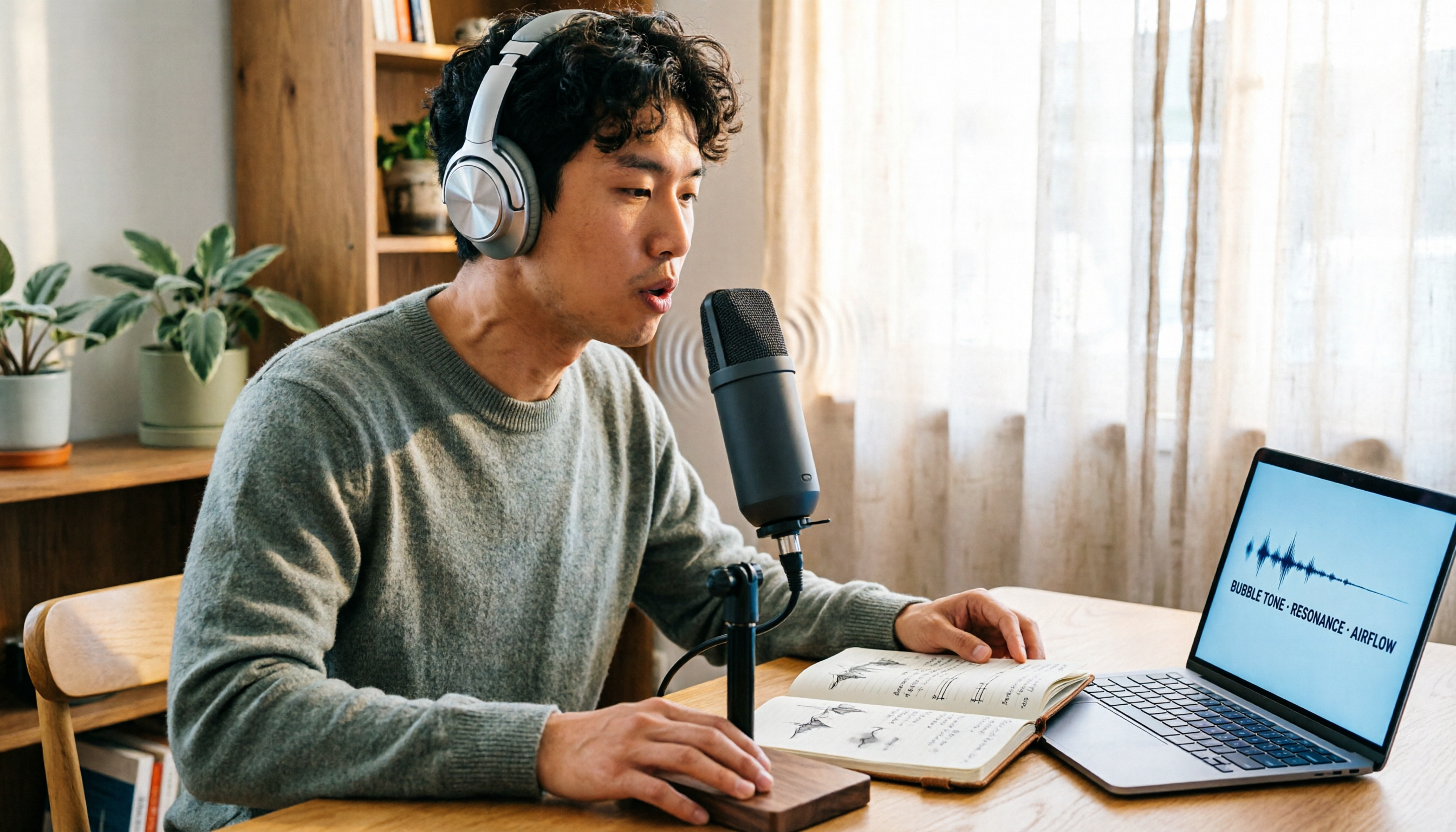
The most common Chinese translation of vocal fry is "氣泡音" (qìpào yīn), referring to a low, rough way of speaking caused by slight vocal fold vibration. This article first explains the meaning and origin of the term, then from the perspective of "how to fully capture meeting recordings," helps you decide how to choose a speech-to-text tool, and compares the differences and use cases of Tinrec, Otter.ai, Notta, and Granola.
Vocal Fry Meaning Explained: 3 Key Questions to Decide If It's a Style or a Vocal Habit
What does vocal fry mean? This plain-language guide explains the definition, how it's produced, and famous examples. It also covers 3 key questions to help you decide whether to use it, plus practical tips for recording transcription and tool selection.

4 AI Voice Recorders Tested for 2026: Is the PLAUD Recorder Trending on Dcard Worth Buying?
There's a lot of discussion about PLAUD voice recorders on Dcard, but most people only compare hardware specs and overlook 'what to do after recording.' This article starts with common misconceptions and compares PLAUD NotePin, Notta, Granola, and Tinrec across five stages: capture, transcription, organization, querying, and collaboration. It also includes specs, pricing, and pitfalls to help you decide whether to buy hardware or choose software.

Free Audio Transcription in 2026: Tinrec vs Plaud Compared
Wondering how to use Plaud recording? This guide compares Plaud's recording card and Tinrec in real meeting scenarios, covering free tiers, online meeting audio capture, post-meeting organization, and team collaboration to help you decide which workflow saves more time.

PLAUD Voice Recorder Review: Which Model Is Best? 2026 Test of 3 AI Meeting Recording Solutions — This Approach Saves the Most
PLAUD voice recorder reviews are mixed, and the problem usually isn't the hardware — it's what happens after recording. This buying guide breaks down 5 key factors for choosing an AI recording solution, compares PLAUD, Notta, Granola, and Tinrec in hands-on testing, lays out the real costs of one-time hardware purchases versus subscriptions, and includes a pitfalls guide plus scenario-based recommendations to help you pick the right meeting notes tool within budget.

Vocol.ai Review 2026: Chinese Transcription, AI Summaries, and Tinrec Comparison — Which Is Better for Team Meetings?
After hands-on testing, we break down Vocol.ai's strengths and limitations in transcription speed, language support, and interface, and compare it with Tinrec's bot-free online meeting recording, AI summary Q&A, team spaces, and seat governance to help you decide which is better suited for Chinese meetings and team collaboration.

2026 Recording Solutions Review: PLAUD Hardware vs. Phone Recording vs. Tinrec
How to choose a meeting recording tool? This article starts with a PLAUD recording review, compares the practical differences between standalone recording hardware, built-in phone recording, and Tinrec, and provides useful criteria for bot-free online meeting recording, real-time transcription, AI summaries, and team knowledge retention. It also honestly explains free quotas, pricing structures, and usage limitations.