

Turn recordings into transcripts and summaries in minutes
Upload audio or video for multilingual transcription, AI notes, and action items
Meeting's over, but the presentation hasn't started—the problem usually isn't formatting
"AI-generated meeting PPT" sounds like you drop in a recording and a nicely formatted presentation pops out.
Honestly, the more realistic approach today is two-step: first organize the meeting content into usable material, then hand it to a presentation tool for layout.
Skip the first step, and you'll get slides that look pretty but are empty inside. Because the AI only has the two lines you typed, it can only fill in the blanks—it can't help you remember.
In my years of testing tools, these are the three most common scenarios:
- After the weekly meeting, your boss wants a three-page summary, but you only have a vague memory and have to ask each attendee one by one.
- A one-hour client meeting, the recording is saved on your phone, and you never open it again.
- You finally produce slides, but decisions and action items are still in your notebook, with no one tracking them.
This article will first explain how to choose, then list 4 options I've researched and verified their free tiers.
Before choosing an AI meeting presentation tool, understand these 4 key points
1. Where does the material come from?
AI presentation tools fall into two types: one where you give it a topic and it generates content on its own; the other where it builds an outline from your meeting transcript, documents, or PDFs.
The former is fast but content tends to be generic, suitable for routine, conceptual topics. The latter is slower, but the presentation will contain things actually discussed, such as who mentioned the budget, which proposal was rejected.
If what you want is "turn this meeting into a presentation," you need the second type, and you also need a role beforehand responsible for producing the transcript.
2. Is it generating content or formatting?
Think of an AI presentation tool as a designer who's great at visuals: layout, color schemes, charts—it excels at those, but it won't know what the three decisions in your meeting were.
The source of content ultimately comes back to meeting notes. This is the easiest point to confuse when choosing a tool.
3. Can it handle Chinese and mixed Chinese-English?
Meetings in Taiwan are rarely pure Chinese; they're usually like "this campaign's budget needs to be confirmed again."
Many tools are strong in English business meetings but average in Chinese. I suggest testing with a real recording of your own, rather than looking at demo cases on the official website.
4. Can the output file be edited?
If you can only export PDF or images, you'll have to start over just to change a title. Whether you can get an editable PPT file directly affects whether you can deliver.
Tinrec (Miao Ting Recording)—First turn meetings into usable presentation material
Tinrec is an AI meeting notes and collaboration tool for individuals and teams, available on web, desktop, and mobile. It handles the first part: turning meetings into text, summaries, action items, and queryable data.
Open the desktop version during meetings, no bot needed
Tinrec's desktop version directly captures your computer's system audio, handling online meetings on Zoom, Google Meet, Microsoft Teams, Webex, etc., without needing an extra bot to join the meeting room.
It transcribes while recording, so by the time the meeting ends, the transcript is already there. Note that this doesn't mean "automatically join all meetings on your calendar"—you need to start recording yourself.
After recording, AI helps you capture key points
The most troublesome part of long meetings is finding information later. Tinrec automatically generates summaries, chapters, and action items, breaking a one-hour discussion into several browsable sections.
Even better is AI Q&A. You can directly ask it "Who mentioned the budget in the last meeting?" "What were the client's concerns about pricing?" It answers based on the meeting content, rather than giving you a bunch of keyword search results.
This part is especially helpful for presentations: the material for your first-page conclusion is usually hidden here.
Export files that can be further processed
Transcription results can be exported to Notion, Google Docs, OneNote, Dropbox, etc., and can also be post-processed via Agent to generate reports, tables, and documents.
Stop organizing recordings by hand
Upload audio or video and automatically get a transcript, summary, and action items
Note that Tinrec currently outputs transcripts, summaries, action items, reports, and tables, not directly .pptx files. Its role is "organizing the meeting," and presentation layout still needs to be handled by the next tool.
For team use, data doesn't follow individuals
If you're using it as a department or project team, the team version is a separate team space, not multiple people sharing a personal account.
Meeting data belongs to the team; members can view, play, and read historical data; a seat is required to record, upload, edit, import/export. Admins can manage roles, seats, usage, hotwords, and audit logs; deleted audio can be restored from a 30-day recycle bin.
Currently, the team version offers a 7-day trial for first-time eligible users, 1 free seat, and 300 minutes of team shared import quota; paid seats are USD 29.80/month or USD 199/year (about USD 16.58/month), each paid seat provides 2,000 minutes of team shared import quota per month. Actual prices and benefits are subject to the official purchase page.
Limitations and target users
The free version provides basic quota to experience recording, import, summary, and transcription; heavy users need to pay. Also, transcription quality is affected by recording environment, accents, multiple people talking over each other, and technical terms; for important content, it's recommended to cross-check with transcript timestamps and recording.
If you have several meetings every week, often need to look back at who said what, or want to accumulate meeting data as team assets, Tinrec is the most worthwhile piece to add to this workflow.
Besides Tinrec, what other AI presentation generation tools are there?
AiPPT
Enter a topic, paste text, or upload PDF, Word, and links; the system analyzes the content and produces a structured slide outline, then applies layout and visual elements. The output slides are fully editable, which is practical for those who need to deliver.
It's strong when "you already have material." But where does the material come from? AiPPT won't record meetings for you or organize transcripts—that's exactly the part Tinrec fills.
SlidesPilot
Can generate presentations from PDF, Word, existing PPTX, web pages, YouTube videos, pasted text, or just a topic prompt; also supports condensing long content and reorganizing into slide order.
Its positioning is "generate from source data," and it's good at handling documents. However, it focuses on file-to-presentation, without live meeting recording and post-meeting Q&A; the meeting part still needs separate preparation.
Microsoft PowerPoint (Copilot)
Enter topic, audience, tone, and number of slides in the Copilot pane; PowerPoint will provide design suggestions, text, and images, and you can request another version if not satisfied. For those already in the Microsoft 365 ecosystem, the workflow is shortest.
Note that it requires a Microsoft 365 Copilot subscription, not a pure free option. And it's also "you tell it the content," meeting notes need to be organized by yourself first—this is a different starting point from Tinrec, which can directly generate summaries and action items from recordings.
Pitfall guide: 3 most common mistakes when using AI to generate meeting PPTs
Pitfall 1: Directly throwing in a topic, expecting it to understand your meeting
Commands like "Make me a presentation for the Q3 review meeting" will only give you a seemingly reasonable generic structure. The truly valuable information—which number was questioned, which proposal was postponed—it won't know.
The correct approach is to prepare the transcript and summary first, then let the presentation tool organize.
Pitfall 2: Only looking at the word "free," not how the quota is calculated
Free plan limits usually involve "minutes," "number of files," "single file length." Some tools' free versions can only process very short content at a time, others have a fixed monthly minutes.
Confirm your usage frequency first, then decide whether to pay; don't buy annual subscription right away.
Pitfall 3: Thinking AI-organized content can be sent out directly
AI can mishear and misunderstand, especially when multiple people speak at the same time or technical terms are mentioned.
My habit: treat AI-generated summaries as drafts, and always cross-check decisions and numbers with the transcript. Spend an extra ten minutes to avoid the risk of being stumped in a meeting.
Conclusion: How should you choose?
In one sentence: first solve "where does the meeting content come from," then solve "how to format the presentation."
- Need to turn meeting recordings into transcripts, summaries, and action items → Tinrec (desktop version records without a bot, supports Chinese and mixed Chinese-English)
- After recording, want to directly ask AI for details → Tinrec (can ask questions directly about meeting content)
- Already have documents, just want to quickly turn into slides → AiPPT, SlidesPilot
- Team sharing meeting data, need seat and usage management → Tinrec team version
- Company already uses Microsoft 365, want to complete in the same suite → PowerPoint with Copilot
I suggest first running a real workflow with the free quota: take a meeting you've had, from recording, transcription, capturing key points, to throwing into a presentation tool for layout, and go through it once.
After going through it, you'll know where the bottleneck is, and which tool is worth paying for.
References
- Free AI PPT Generator and Presentation Creation Tool - AiPPT
- PPT AI - AI Presentation Maker, Fast and Simple | PPT.AI
- AI PowerPoint Generator | Microsoft PowerPoint
- Claude Cowork AI Presentation Tutorial! 6-step illustrated, 3 advanced uses, produce editable PPT | Manager Today
- Generate AI PowerPoint from Any Source | SlidesPilot
Turn every recording into actionable outcomes
Get 60 free transcription minutes when you sign in. No credit card required.
Related Reading
You might also like

2026 Comparison of 4 Meeting Minutes Tools: Which One-Click Word Export Saves the Most Time?
Still typing meeting minutes into Word after the meeting? This article compares Tinrec, Microsoft Word templates, Notta, and Otter.ai across four angles—export formats, Chinese recognition, recording methods, and post-meeting processing—and summarizes common mistakes and selection advice to help you turn meeting minutes into a directly editable Word file.
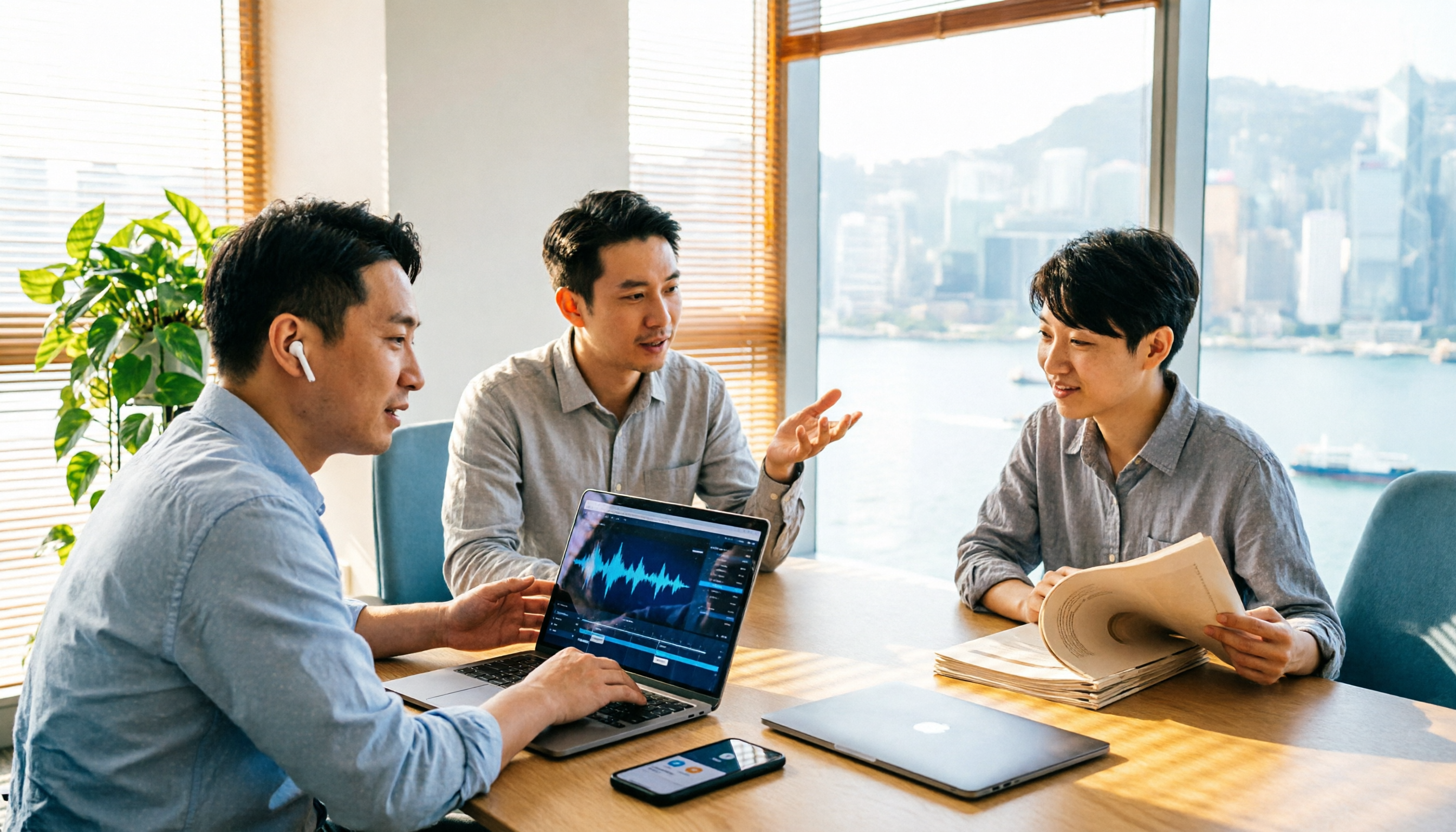
2026 AI Meeting Report Tools Compared: Tinrec vs Plaud Note vs Granola — Which Saves the Most Time?
Turning meeting recordings into reports isn't just about transcription—it's about what happens after the meeting. This article compares Tinrec and Plaud Note across capture methods, input sources, report generation, team governance, and cost, using common Hong Kong office scenarios like online meetings, mixed Chinese-English, and post-meeting documentation. It also explains why Granola isn't ideal for team archiving.

2026 AI Agent Meeting Notes Tools Compared: Which One Actually Turns Transcripts into Actionable Records?
Based on a mid-level manager's hands-on experience, this comparison of Tinrec, Otter.ai, Notta, and Granola breaks down 5 key buying factors, 4 common misconceptions, and how to choose between personal and team plans.

2026 Free Meeting Minutes to Word Export Options: Tinrec vs Otter.ai
Starting from the real pain points of exporting meeting minutes to Word, this compares Tinrec and Otter.ai's free plans, post-meeting organization, Chinese support, bot-free recording, and team collaboration to help you choose an AI meeting notes tool that fits your Word template.

Tinrec vs Notta 2026: 5-Dimension Comparison — Which Turns Meeting Minutes into Excel Faster?
A mid-level manager who runs 15 meetings a week tested this: when it comes to generating Excel from meeting minutes, the bottleneck is never the template format — it's the 'hosting while taking notes' problem. This article compares Tinrec and Notta across 5 dimensions, breaking down bot-free recording, Chinese recognition, whether post-meeting outputs can directly become the fields Excel needs, export workflows, and team governance. It also includes 4 common pitfalls and selection advice.
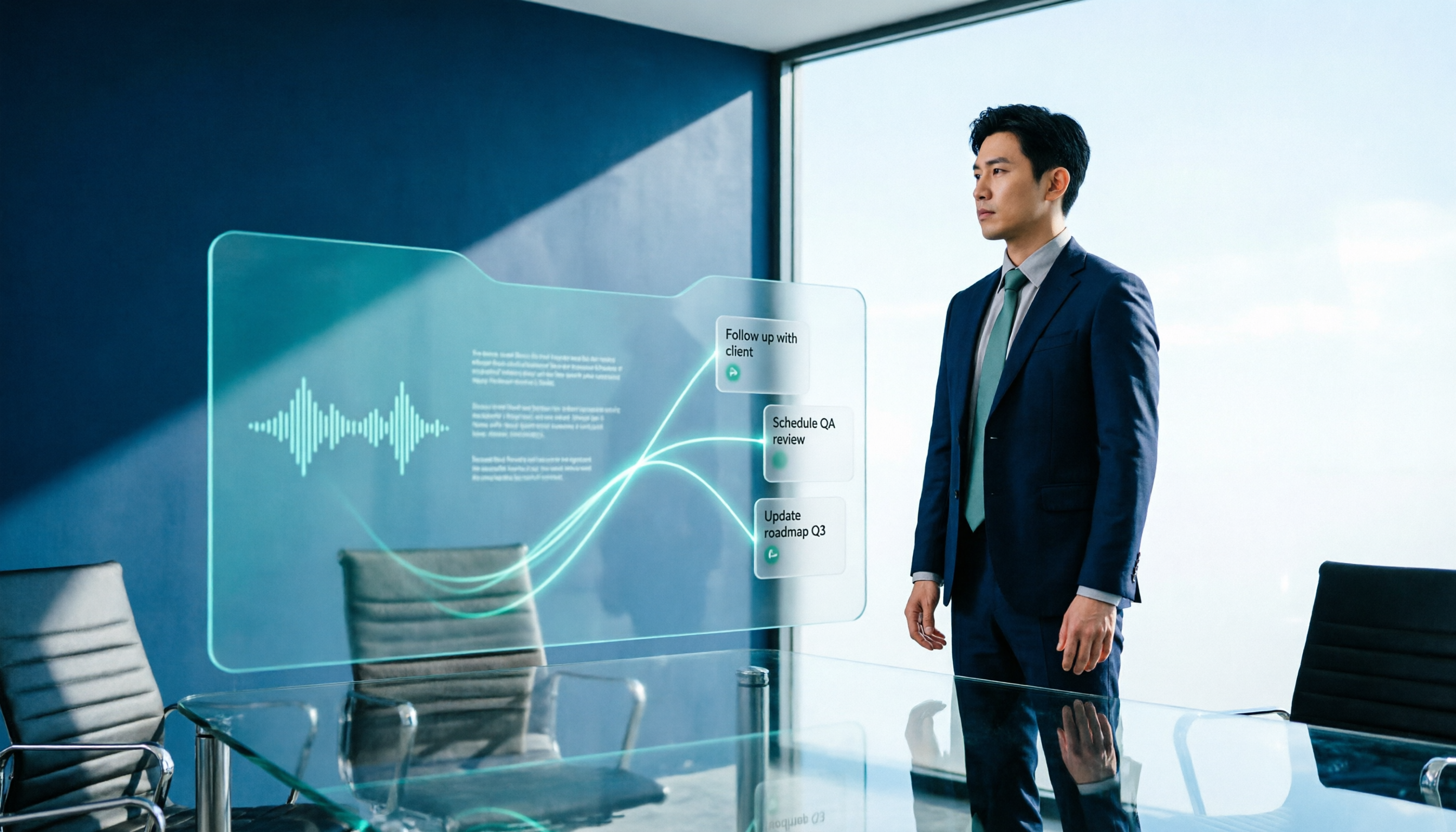
2026 AI Meeting Workflow Tools Compared: Which One Turns Discussions into Actionable To-Dos?
Many people think an AI meeting workflow is just 'record, hand it to AI, wait for a summary,' but the resulting notes often go unread. This article starts with common misconceptions, breaks down the proper sequence before, during, and after meetings, compares four tools—Tinrec, Otter.ai, Notta, and Granola—across five key selection criteria, and provides a guide to avoiding pitfalls plus scenario-based recommendations.

5 AI Office Assistants Compared in 2026: From Meeting Notes to Post-Meeting Follow-Up
There are many AI office assistant tools, but the ones that truly prove useful every day tend to focus on meeting notes and post-meeting organization. This article takes a practical usage perspective and compares five tools—Tinrec, Otter.ai, Fireflies.ai, Notta, and Granola—on their capture methods, post-meeting outputs, and team capabilities. It also outlines 5 purchase checkpoints and answers common questions.

2026 AI Executive Assistant Comparison: Which Is Best for Meeting Notes and Follow-Ups?
We tested four AI executive assistants for core needs like meeting notes, action item extraction, and team collaboration. Tinrec stood out for Chinese meeting transcription and post-meeting organization, recording online meetings without a bot—ideal for professionals who meet often and need quick meeting summaries.

Tinrec vs Granola 2026: 5-Factor Comparison — Which Meeting Follow-Up AI Is Better for Professionals?
Compare Tinrec and Granola across post-meeting summaries, action items, follow-up questions, recording retention, and team governance to see which is better suited for meeting follow-up AI workflows.