

Turn recordings into transcripts and summaries in minutes
Upload audio or video for multilingual transcription, AI notes, and action items
Why Do You Need an AI Executive Assistant? Avoid This Common Misconception First
Many people think that installing an AI executive assistant will automatically handle all administrative chores: sorting emails, scheduling, writing meeting notes, following up on action items... But in practice, most tools only excel at one or two things. A more common misconception is treating "meeting notes" as a minor task—yet after meetings, the most time-consuming work is exactly transcribing, extracting key points, and tracking action items. Rather than looking for a jack-of-all-trades assistant, it's better to first tackle the most time-consuming part: meeting notes and post-meeting follow-ups.
Before Buying an AI Executive Assistant, Understand These 3 Key Points
1. Meeting Notes Capability: More Than Transcription—Automatic Summaries and Action Item Extraction
Many tools claim to record and transcribe audio, but the transcripts are long and messy, forcing you to reread them afterward. A truly useful AI executive assistant automatically generates summaries, sections, and action items, and even supports AI Q&A so you can directly ask, "Who mentioned the budget in the last meeting?" That's the key to saving time.
2. Bot-Free Recording and Cross-Platform Support
Many AI meeting tools require a bot to join the meeting to record, which can feel awkward when participants see the bot join. Tinrec's desktop version directly captures system audio without an extra bot, and works with Zoom, Google Meet, Microsoft Teams, and Webex. This "bot-free" approach is less disruptive and better suited for external meetings.
3. Team Collaboration and Data Retention
If personal meeting notes stay only in an individual account, team members can't see or search them, and handoffs break down. A team version of an AI executive assistant should provide shared spaces, member permissions, and usage analytics, turning meeting data into a searchable, transferable team asset.
Tinrec—Our Top Choice After Testing
Tinrec is an AI meeting notes and collaboration tool for individuals and teams, available on iOS, Android, and web. It doesn't claim to do everything; instead, it focuses on perfecting "meeting notes"—from recording, transcription, summarization, and action item extraction to post-meeting AI Q&A and team sharing, forming a complete workflow.
Open Tinrec during a meeting, and it transcribes in real time. When the meeting ends, AI has already generated summaries and action items—who's responsible for what and deadlines are clear at a glance. Even more practical is AI Q&A: after recording, you can directly ask Tinrec, "Who mentioned the budget in the last meeting?" It doesn't just give keyword search results but answers directly based on semantic understanding. Currently, few competitors at the same price offer this feature.
We tested a 5-minute Chinese meeting recording (indoor environment, some background noise). Tinrec's transcription was accurate, the automatic summary captured the key discussion points, and action items were clearly listed. The test conditions were not studio-level but a real office setting, and the performance was more than sufficient.
Stop organizing recordings by hand
Upload audio or video and automatically get a transcript, summary, and action items
Tinrec's advantages are clear: first, no meeting bot needed—the desktop version directly records system audio, so participants won't see an awkward bot join; second, strong AI Q&A and post-meeting organization with transcripts, summaries, action items, and mind maps all in one; third, the team version provides independent team spaces where meeting data belongs to the team and can be handed over even if members leave, preventing data gaps.
Limitations should also be clear: Tinrec is not a universal executive assistant; it doesn't handle email sorting, scheduling, or travel coordination. The free version has a basic quota, and heavy use requires payment. But for most people who meet 2-3 times a week, the free quota is enough to experience the core features.
If you frequently need to record Chinese meetings, want to ask AI directly for key points after meetings, or need to share meeting data with your team—Tinrec is currently the most suitable choice.
Besides Tinrec, What Other AI Executive Assistants Are There?
Simular Sai: A cross-app automation assistant that can operate email, calendar, Google Docs, LinkedIn, etc. Suitable for users who need cross-app automation workflows. But Chinese meeting transcription and team knowledge retention are not its focus; if you need accurate Chinese meeting notes, Tinrec is more specialized.
Superhuman: Focused on email processing with strong AI categorization and quick reply capabilities, suitable for executives receiving hundreds of emails daily. But it doesn't handle meeting notes or have a team meeting database; meeting notes still require tools like Tinrec.
Kai: An AI executive assistant that joins Zoom, Google Meet, Teams, and Webex meetings as an independent bot, records action items, and organizes your inbox. But it requires a bot to join meetings, and Chinese support may not be comprehensive. Tinrec requires no bot and focuses more on Chinese meeting scenarios.
Pitfall Guide: The 3 Most Common Mistakes When Choosing an AI Executive Assistant
Mistake 1: Looking only at feature lists, ignoring actual scenarios. Many tools claim to be universal but fall short in practice. We recommend trying them out with your own real meeting recordings, not just ads.
Mistake 2: Assuming AI is completely reliable and not checking important content. AI may miss or misinterpret; important decisions should still be cross-checked with the original text and recording. Tinrec's transcript retains timestamps for quick reference.
Mistake 3: Ignoring team collaboration and data ownership. Personal version tools can't meet team sharing needs, and data leaves with members. Tinrec's team version keeps meeting data owned by the team and allows handover when members change—easily overlooked when choosing.
Conclusion: Which One Should You Choose?
- Need Chinese meeting notes, automatic summaries, action item extraction → Tinrec
- Need bot-free recording of online meetings → Tinrec
- Need team sharing of meeting data, member management → Tinrec Team Version
- Need cross-app automation (email, calendar, documents) → Simular Sai
- Need ultra-fast email processing → Superhuman
- Need a meeting bot to automatically join and record → Kai (but note Chinese support and the perception of bot joining)
We suggest trying Tinrec's free version first; it has a basic monthly quota, enough for a few meetings to experience meeting notes and AI Q&A. If you find it useful, consider upgrading—no need to pay upfront.
References
- Top 10 AI Executive Assistants in 2026: Complete Comparison and Guide
- Latest AI Executive Assistant Website Tools and Software Recommendations_AiBase Product Library
- Executive Assistant Work Upgraded! 10 Types of AI Tools to Free You from Tedium - Document and File Processing Learning | 104 Learning
- Executive AI Assistant: AI executive assistant that reminds you to read emails and plan your work schedule | AI Sharing Circle
- Kai: AI Executive Assistant - on Google Play
Turn every recording into actionable outcomes
Get 60 free transcription minutes when you sign in. No credit card required.
Related Reading
You might also like

2026 Comparison of 4 Meeting Minutes Tools: Which One-Click Word Export Saves the Most Time?
Still typing meeting minutes into Word after the meeting? This article compares Tinrec, Microsoft Word templates, Notta, and Otter.ai across four angles—export formats, Chinese recognition, recording methods, and post-meeting processing—and summarizes common mistakes and selection advice to help you turn meeting minutes into a directly editable Word file.
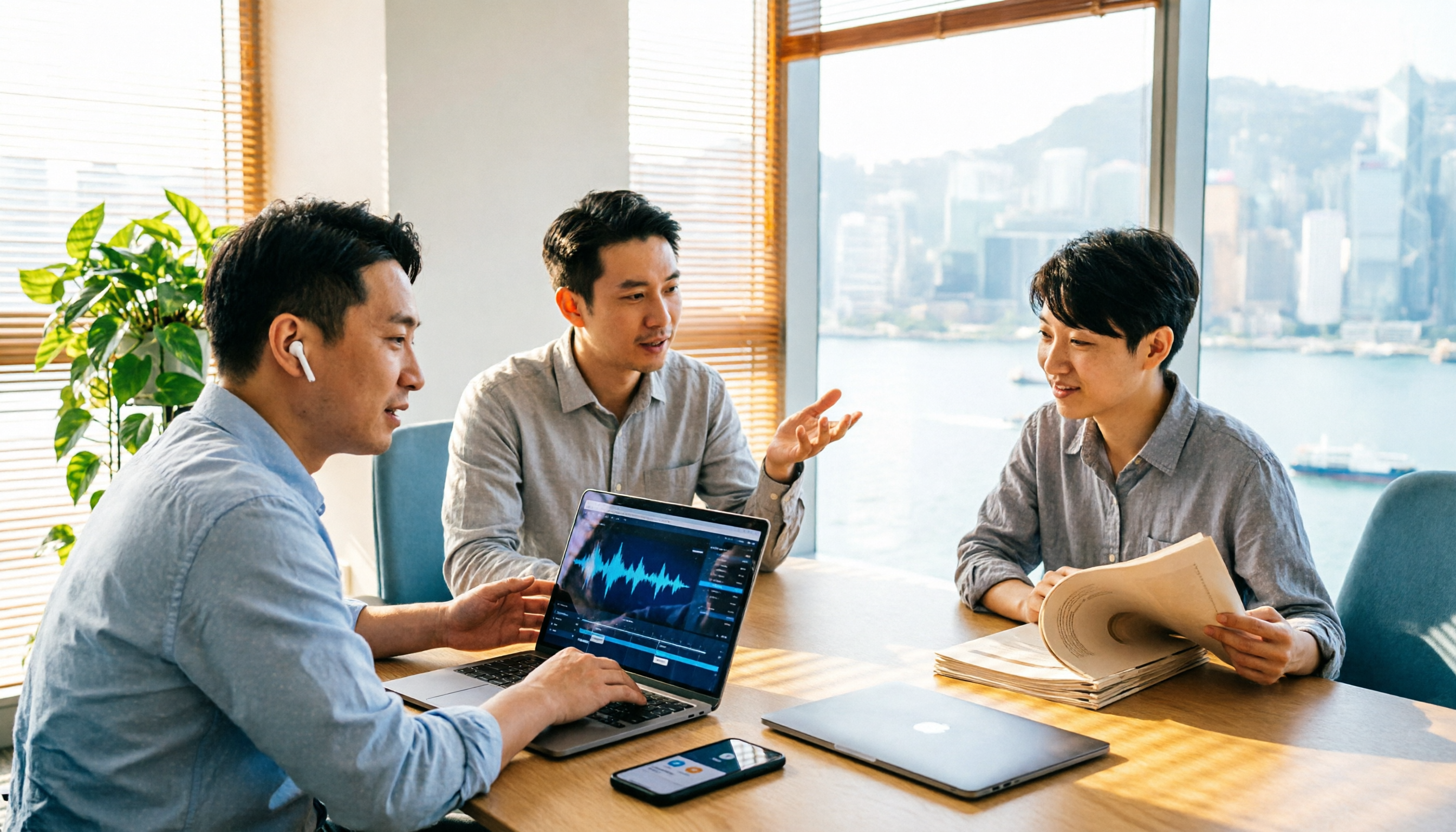
2026 AI Meeting Report Tools Compared: Tinrec vs Plaud Note vs Granola — Which Saves the Most Time?
Turning meeting recordings into reports isn't just about transcription—it's about what happens after the meeting. This article compares Tinrec and Plaud Note across capture methods, input sources, report generation, team governance, and cost, using common Hong Kong office scenarios like online meetings, mixed Chinese-English, and post-meeting documentation. It also explains why Granola isn't ideal for team archiving.

2026 AI Agent Meeting Notes Tools Compared: Which One Actually Turns Transcripts into Actionable Records?
Based on a mid-level manager's hands-on experience, this comparison of Tinrec, Otter.ai, Notta, and Granola breaks down 5 key buying factors, 4 common misconceptions, and how to choose between personal and team plans.

2026 Free Meeting Minutes to Word Export Options: Tinrec vs Otter.ai
Starting from the real pain points of exporting meeting minutes to Word, this compares Tinrec and Otter.ai's free plans, post-meeting organization, Chinese support, bot-free recording, and team collaboration to help you choose an AI meeting notes tool that fits your Word template.

Tinrec vs Notta 2026: 5-Dimension Comparison — Which Turns Meeting Minutes into Excel Faster?
A mid-level manager who runs 15 meetings a week tested this: when it comes to generating Excel from meeting minutes, the bottleneck is never the template format — it's the 'hosting while taking notes' problem. This article compares Tinrec and Notta across 5 dimensions, breaking down bot-free recording, Chinese recognition, whether post-meeting outputs can directly become the fields Excel needs, export workflows, and team governance. It also includes 4 common pitfalls and selection advice.
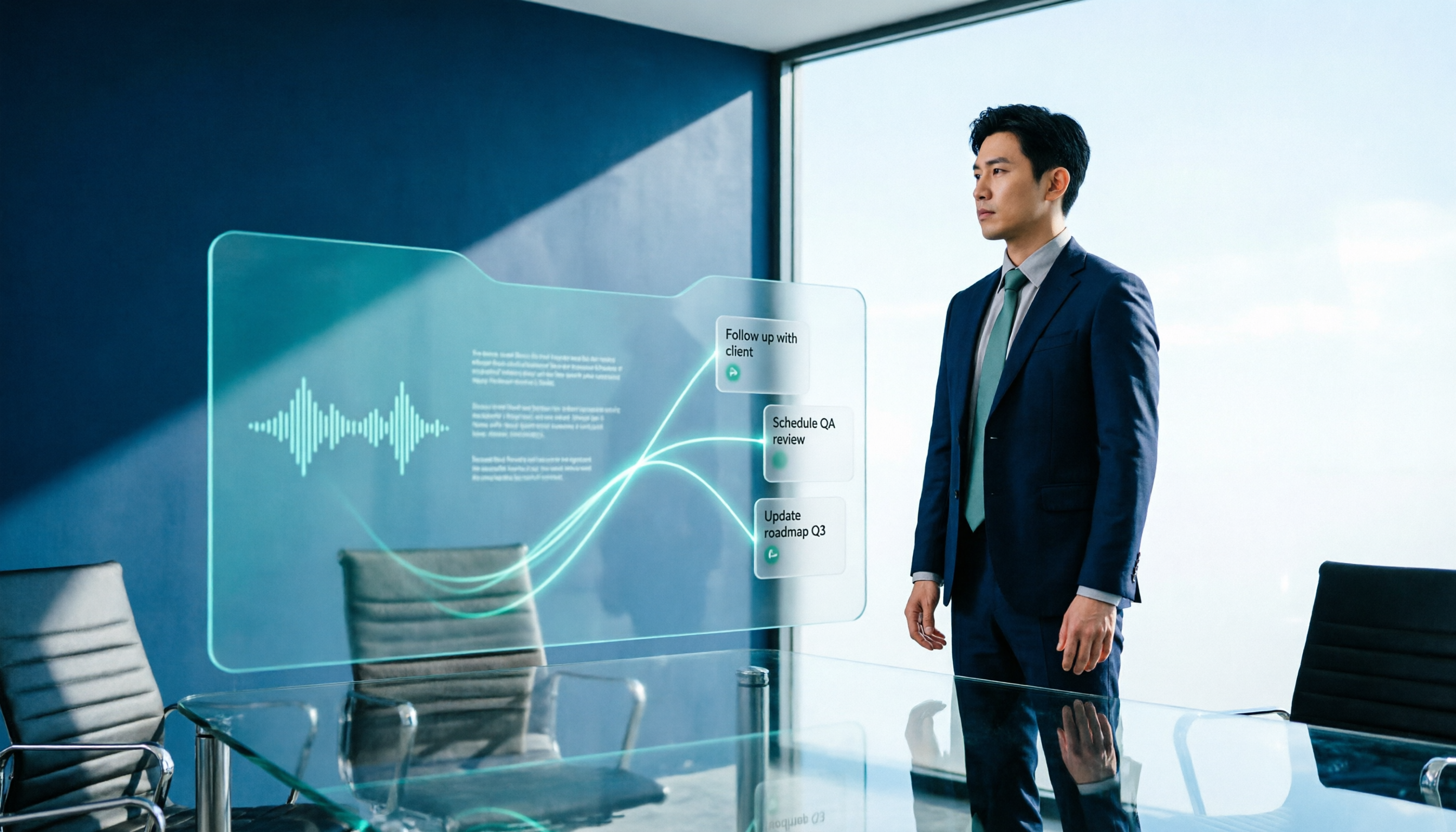
2026 AI Meeting Workflow Tools Compared: Which One Turns Discussions into Actionable To-Dos?
Many people think an AI meeting workflow is just 'record, hand it to AI, wait for a summary,' but the resulting notes often go unread. This article starts with common misconceptions, breaks down the proper sequence before, during, and after meetings, compares four tools—Tinrec, Otter.ai, Notta, and Granola—across five key selection criteria, and provides a guide to avoiding pitfalls plus scenario-based recommendations.

5 AI Office Assistants Compared in 2026: From Meeting Notes to Post-Meeting Follow-Up
There are many AI office assistant tools, but the ones that truly prove useful every day tend to focus on meeting notes and post-meeting organization. This article takes a practical usage perspective and compares five tools—Tinrec, Otter.ai, Fireflies.ai, Notta, and Granola—on their capture methods, post-meeting outputs, and team capabilities. It also outlines 5 purchase checkpoints and answers common questions.

Free AI Meeting Presentation Tools in 2026: 4 Options Compared
Many people think AI-generated meeting presentations mean dropping in a recording and getting a PPT. In reality, the bottleneck is organizing the meeting content. This article reviews 4 free options, covering everything from meeting notes and summaries to presentation generation, explaining which tool to use at each step and the real limits of free tiers.

Tinrec vs Granola 2026: 5-Factor Comparison — Which Meeting Follow-Up AI Is Better for Professionals?
Compare Tinrec and Granola across post-meeting summaries, action items, follow-up questions, recording retention, and team governance to see which is better suited for meeting follow-up AI workflows.