

Turn recordings into transcripts and summaries in minutes
Upload audio or video for multilingual transcription, AI notes, and action items
5 AI Office Assistants Compared in 2026: From Meeting Notes to Post-Meeting Follow-Up
It's Wednesday afternoon, and you've just finished a 90-minute cross-departmental meeting. You close the meeting window, look at the few scattered lines in your notes, and three questions pop into your head: Which version was supposed to be changed? Who's responsible? When is it due next week?
This "headache starts after the meeting" scenario plays out for almost every office worker every week. That's why AI office assistants have become a hot keyword in offices in recent years—what people want isn't flashier AI, but rather to hand off repetitive, time-consuming tasks like meetings, conversations, and data organization to a tool for a first pass.
There are many services labeled "AI office assistant," but the ones you'll actually use every day are concentrated in the "turn spoken words into usable data" part. Below, from a practical usage perspective, we compare the differences among 5 tools and explain what role Tinrec plays in this workflow.
What Can an AI Office Assistant Do for You?
Scenario 1: Get readable notes within 10 minutes after a meeting
In the past, after a two-hour meeting, you might spend another hour organizing. Now the approach is: when the meeting ends, the transcript is already there, and summaries, chapters, and action items are generated together.
Take Tinrec as an example: it divides long meetings into chapters, lists conclusions and action items separately, so you can see at a glance who is responsible for what and what the deadlines are.
Scenario 2: No need to invite a meeting bot
Many office workers have a psychological barrier to "meeting bots"—it appears on the participant list as an extra attendee, and some clients ask "Who is this?"
Tinrec's desktop version takes a different approach: it directly captures the computer's system audio, works with Zoom, Google Meet, Microsoft Teams, and Webex, and doesn't require an extra bot to join.
Scenario 3: Meeting data becomes a shared team asset
The biggest problem with personal tools is that data follows the person. When a colleague leaves, the meeting notes disappear with them.
Tinrec's team version centralizes meeting recordings, transcripts, summaries, and action items in a team space. New members can browse past meetings, and when members change, resources can be handed over to others.
What Are the Core Capabilities of an AI Office Assistant?
Bot-free recording of online meetings
This is the point most often mentioned about Tinrec. The desktop version directly captures the device's system audio; you actively start recording, and the meeting content begins to be captured as text.
Note that this does not mean "automatically join every meeting on your calendar"—currently, the user still needs to initiate recording themselves.
Real-time transcription and live translation
Transcription happens while recording, not after. For cross-language meetings, you can switch between original text, translation, or bilingual side-by-side display, which is very useful for teams with overseas clients or foreign colleagues.
AI summaries, chapters, and action item extraction
Tinrec's summaries aren't just the transcript compressed into a paragraph; they are structured outputs: topics, discussion points, conclusions, and action items are listed separately. This makes a big difference when reviewing a one-hour meeting.
AI Q&A: Ask questions directly about meeting content
After transcription is complete, you can follow up like a chat—"Who mentioned the budget in this meeting?" "What were the client's concerns about the timeline?" The AI answers based on the meeting content, so you don't have to scroll through the timeline yourself.
Export and further processing
Tinrec supports multiple export formats and can bring results to tools like Notion, Google Docs, OneNote, and Dropbox for continued use. There's also Agent post-processing, which can generate reports, tables, and documents based on meeting content.
Team governance: roles, seats, usage, audit
The team version separates "who can manage" from "who can use." Roles determine management permissions, and seats determine whether one can record, upload, edit, and export.
Members without seats can still view, play, and read team data, but cannot perform resource usage operations. There are also usage analytics, audit logs, team hotwords, and an audio recycle bin.
5 AI Office Assistants Compared
| Tool | Positioning | Meeting capture method | Post-meeting output | Best for |
|---|---|---|---|---|
| Tinrec | AI meeting notes and team collaboration | Desktop version captures system audio without a bot | Transcript, summary, chapters, action items, Q&A, export, team space | Teams with many Chinese meetings needing team knowledge retention |
| Otter.ai | AI meeting assistant | Bot and desktop | Summary, AI Chat, team management | Primarily English business meetings |
| Fireflies.ai | Meeting automation | Meeting bot | Summary, AskFred, team analytics, integrations | Focus on automation and sales analytics |
| Notta | Multilingual transcription | Bot, desktop, or upload | Transcription, translation, summary | Multilingual and file transcription needs |
| Granola | Bot-free meeting notes | Desktop captures system audio | Note enhancement, Q&A | People who prefer to take notes while listening |
Otter.ai is highly mature for English business meetings, with a Basic free plan offering 300 minutes per month; Fireflies.ai excels in meeting automation and integrations, with Pro at USD 10/seat/month billed annually; Notta performs well in multilingual and file transcription, with Free offering 120 minutes per month; Granola also takes the bot-free route but does not support uploading pre-recorded audio files and does not retain meeting audio.
Stop organizing recordings by hand
Upload audio or video and automatically get a transcript, summary, and action items
In short: each of these tools has its strengths. Tinrec's differentiators are its Chinese meeting experience, bot-free recording, and the entire post-meeting workflow of "organize + follow-up questions + knowledge retention."
Practical Application Scenarios
Cross-departmental weekly and decision meetings
Regular weekly project meetings are most prone to the "did that thing we discussed last time actually get changed?" situation. Record the entire meeting with Tinrec, then review chapters and action items afterward. Decision rationale stays in the team space, so you don't have to recall from scratch next time.
Customer interviews and requirements communication
Sales and customer success teams fear missing customer concerns and commitments. Tinrec's transcript is searchable, and AI Q&A lets you directly ask "Which competitors did the customer mention?" "What were their concerns about pricing?" Then organize into a customer communication record and export.
Online courses and research interviews
For a one-hour course or interview, after transcription you can find sections by keyword without repeatedly dragging the progress bar. When you need to quote exact words, the transcript timestamps are the best evidence.
Team knowledge retention
If meeting data is scattered across personal computers and chat rooms, it's as if nothing has accumulated. Tinrec's team version centralizes all meetings, so new members can browse historical data themselves, and managers can monitor usage through analytics and audit logs.
5 Things to Consider When Choosing an AI Office Assistant
1. Meeting capture method
First confirm whether the tool joins meetings with a bot or captures system audio. If external clients are present, an extra bot often requires prior explanation. Tinrec's desktop version falls into the latter category and does not add an extra attendee.
2. What you can do after transcription
Transcript is just the starting point. Whether it can generate summaries, chapters, action items, and whether you can ask questions about the content determines whether you save "typing time" or "organizing time." Tinrec provides summaries, action items, Q&A, translation, and Agent post-processing at this layer.
3. Chinese and multilingual performance
If your meetings are primarily in Chinese or often mix Chinese and English, the most accurate approach is to try it with your own recording. Tinrec covers Chinese, Traditional Chinese, and multilingual scenarios, and supports team hotwords; actual performance is still affected by recording quality, accents, noise, and overlapping speakers, so it's not advisable to rely solely on official numbers.
4. How team permissions are designed
Pay attention to the distinction between "roles" and "seats." Tinrec's team version is team-level sharing: all active members can read team data, roles control governance permissions, and seats control usage eligibility—this is not a fine-grained file-level permission system, so confirm whether it meets internal policies before purchasing.
5. Input sources and quota rules
Besides live recording, will you need to organize existing audio files, videos, or web links? Tinrec supports audio and video file import; the team version provides 2,000 minutes of team shared import quota per paid seat per month; under an active team plan and active seats, live recording currently does not deduct minutes. File imports consume the team shared quota.
How to Understand Pricing
Tinrec's personal version offers plans by task: for occasional recording organization, start with the free version; for short-term intensive meetings, consider a weekly card; for steady weekly needs, use the Pro monthly card; for long-term data retention, look at the Pro annual card.
The team version is a separate space, not "multiple people sharing one personal account." The first eligible team trial is 7 days, 1 free seat, and 300 minutes of team shared import quota; monthly billing is USD 29.80/paid seat/month, annual billing is USD 199/paid seat/year, equivalent to about USD 16.58/month.
Prices, currencies, and promotional content are subject to change; please refer to the official purchase page before ordering.
Frequently Asked Questions
Q1: What's the difference between an AI office assistant and a regular recording app?
A regular recording app solves "record it"; an AI office assistant solves "what to do after recording." Take Tinrec as an example: it converts recordings into transcripts, then generates summaries, chapters, and action items, and can also answer questions about meeting content, translate, and export to other tools.
Q2: Can members without seats see team meetings?
Yes. In Tinrec's team version, active members without seats can view, play, and read team data, but cannot perform resource usage operations such as upload, edit, import, and export.
Q3: Will meeting notes disappear after a team member leaves?
They won't be taken away directly. Team resources belong to the team; when a member exits, is removed, or loses their seat, the team resources they are responsible for need to be handed over to other active members. Additionally, accidentally deleted audio can be restored from the recycle bin, currently with a 30-day retention period.
Q4: Can transcription accuracy be guaranteed?
It's not advisable to expect that. Actual performance is affected by recording quality, ambient noise, accents, overlapping speakers, and technical terminology. A safer approach is to treat AI output as a first draft and verify important content against transcript timestamps and recordings.
Q5: Do I need to inform participants about meeting recording in advance?
It's recommended. Recording and transcription involve local regulations and personal data protection; in practice, you should inform participants and obtain consent before the meeting starts. This is also an internal policy that most teams establish when adopting such tools.
Q6: Can it process existing meeting recording files?
Yes. Tinrec supports audio and video file import for transcription, suitable for organizing historical meetings and interview recordings; this consumes the team shared import quota and is billed differently from live recording.
Conclusion
An AI office assistant isn't meant to replace your judgment, but to run through the repetitive tasks for you: record, transcribe, extract key points, list action items, and store in the team space.
These 5 tools each suit different people. If your meetings are primarily in Chinese, you don't want to invite a meeting bot, and you want post-meeting data to remain in the team for search and follow-up questions, Tinrec is worth adding to your trial list. We suggest using the free quota to record two or three real meetings first and see how its summaries and action items compare to your own version—that gap is the time you can save.
References
- Plan Your AI Office | Build Your AI Employee · Coach Jiang Jiang
- What Is an AI Assistant? Popular AI Assistant Comparison and Application Scenarios
- 4 Recommended Office AI Tools for 2026 | Niche Choices That Understand Office Workers Better Than ChatGPT - AI Feng Ge
- Build a Personalized Office Automation Assistant with AI < New > - Course Information - China Productivity Center Taipei Chengde Education and Training Center
- Office Assistant - DT42 AI Solution | Yourator Job Platform
Turn every recording into actionable outcomes
Get 60 free transcription minutes when you sign in. No credit card required.
Related Reading
You might also like

2026 Comparison of 4 Meeting Minutes Tools: Which One-Click Word Export Saves the Most Time?
Still typing meeting minutes into Word after the meeting? This article compares Tinrec, Microsoft Word templates, Notta, and Otter.ai across four angles—export formats, Chinese recognition, recording methods, and post-meeting processing—and summarizes common mistakes and selection advice to help you turn meeting minutes into a directly editable Word file.
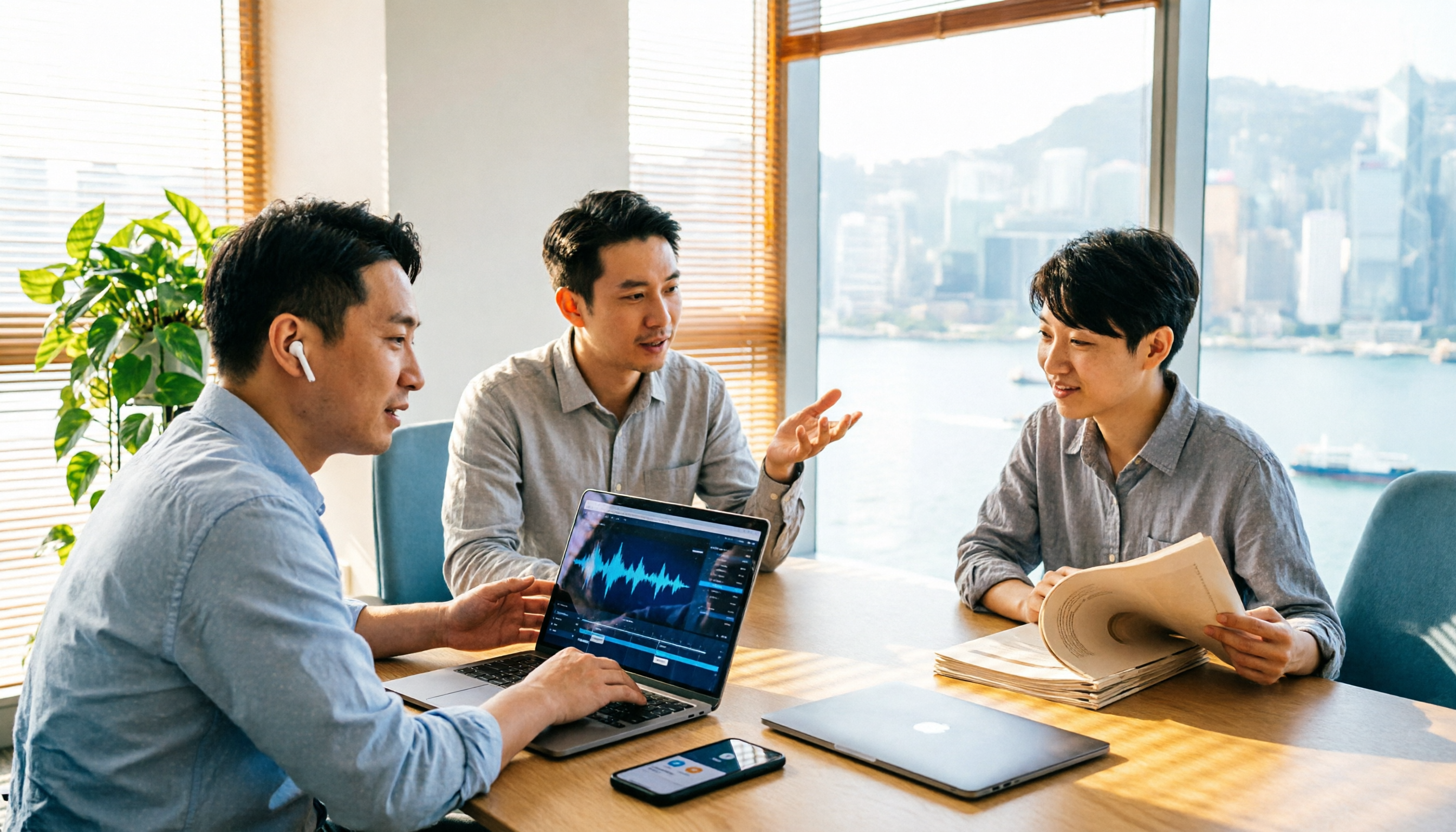
2026 AI Meeting Report Tools Compared: Tinrec vs Plaud Note vs Granola — Which Saves the Most Time?
Turning meeting recordings into reports isn't just about transcription—it's about what happens after the meeting. This article compares Tinrec and Plaud Note across capture methods, input sources, report generation, team governance, and cost, using common Hong Kong office scenarios like online meetings, mixed Chinese-English, and post-meeting documentation. It also explains why Granola isn't ideal for team archiving.

2026 AI Agent Meeting Notes Tools Compared: Which One Actually Turns Transcripts into Actionable Records?
Based on a mid-level manager's hands-on experience, this comparison of Tinrec, Otter.ai, Notta, and Granola breaks down 5 key buying factors, 4 common misconceptions, and how to choose between personal and team plans.

2026 Free Meeting Minutes to Word Export Options: Tinrec vs Otter.ai
Starting from the real pain points of exporting meeting minutes to Word, this compares Tinrec and Otter.ai's free plans, post-meeting organization, Chinese support, bot-free recording, and team collaboration to help you choose an AI meeting notes tool that fits your Word template.

Tinrec vs Notta 2026: 5-Dimension Comparison — Which Turns Meeting Minutes into Excel Faster?
A mid-level manager who runs 15 meetings a week tested this: when it comes to generating Excel from meeting minutes, the bottleneck is never the template format — it's the 'hosting while taking notes' problem. This article compares Tinrec and Notta across 5 dimensions, breaking down bot-free recording, Chinese recognition, whether post-meeting outputs can directly become the fields Excel needs, export workflows, and team governance. It also includes 4 common pitfalls and selection advice.
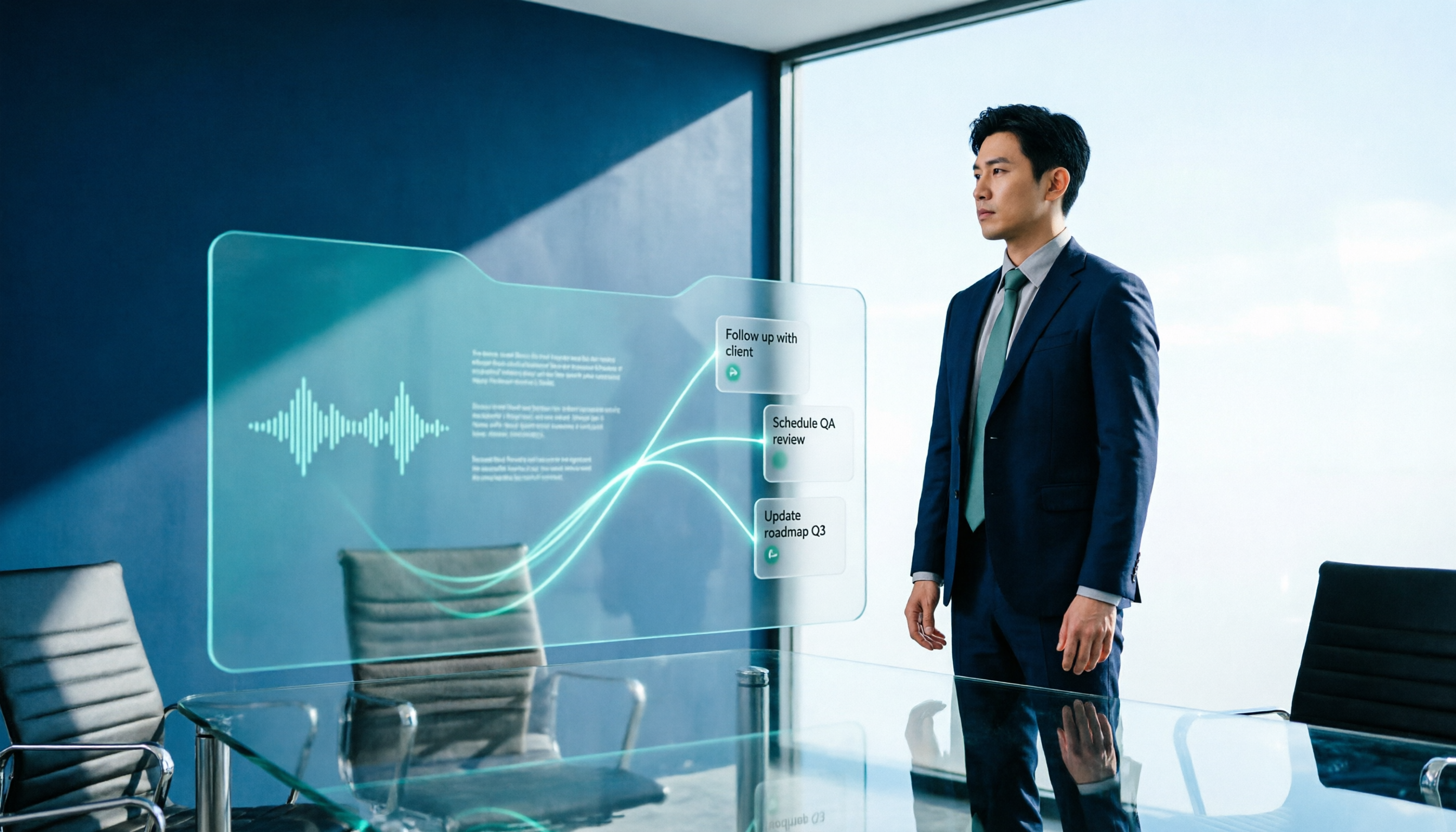
2026 AI Meeting Workflow Tools Compared: Which One Turns Discussions into Actionable To-Dos?
Many people think an AI meeting workflow is just 'record, hand it to AI, wait for a summary,' but the resulting notes often go unread. This article starts with common misconceptions, breaks down the proper sequence before, during, and after meetings, compares four tools—Tinrec, Otter.ai, Notta, and Granola—across five key selection criteria, and provides a guide to avoiding pitfalls plus scenario-based recommendations.

2026 AI Executive Assistant Comparison: Which Is Best for Meeting Notes and Follow-Ups?
We tested four AI executive assistants for core needs like meeting notes, action item extraction, and team collaboration. Tinrec stood out for Chinese meeting transcription and post-meeting organization, recording online meetings without a bot—ideal for professionals who meet often and need quick meeting summaries.

Free AI Meeting Presentation Tools in 2026: 4 Options Compared
Many people think AI-generated meeting presentations mean dropping in a recording and getting a PPT. In reality, the bottleneck is organizing the meeting content. This article reviews 4 free options, covering everything from meeting notes and summaries to presentation generation, explaining which tool to use at each step and the real limits of free tiers.

Tinrec vs Granola 2026: 5-Factor Comparison — Which Meeting Follow-Up AI Is Better for Professionals?
Compare Tinrec and Granola across post-meeting summaries, action items, follow-up questions, recording retention, and team governance to see which is better suited for meeting follow-up AI workflows.