

Turn recordings into transcripts and summaries in minutes
Upload audio or video for multilingual transcription, AI notes, and action items
When it comes to transcribing Korean audio to text, the first thing to determine isn't "which tool is free"—it's what you plan to do with the recording afterward.
If you just need a searchable transcript, the focus is on recognition quality and export formats. If you're handing it to a manager or client, the focus shifts to summaries, conclusions, and action items. If your team needs to share it, you also need to consider data ownership, member permissions, and seats.
These three needs place different demands on a tool. Take an AI meeting notes tool like Tinrec: it breaks the workflow into "record or import → transcribe → summarize and extract action items → Q&A and export → team knowledge base," and each step can be used independently. Below, we'll use this workflow to help you turn Korean recordings into genuinely usable data.
What Can Korean Audio Transcription Do for You?
Scenario 1: Korean client meetings with notes ready right after
In the past, after a Korean client meeting, you'd have to spend just as much time listening to the recording and organizing key points. With Tinrec, for example, the desktop version can directly capture your computer's system audio to record online meetings on Zoom, Google Meet, Microsoft Teams, Webex, and more—no extra bot needs to join. When the meeting ends, the transcript, summary, and action items are already there.
Scenario 2: Korean interviews without re-listening for three hours
The hardest part of interview recordings isn't transcription—it's finding that one quote again. Tinrec can turn uploaded audio files into transcripts, then you can use AI Q&A to directly ask questions like "Which needs did the interviewee mention?" or "What were their concerns about pricing?" No more dragging the progress bar to re-listen to the whole thing.
Scenario 3: Korean courses and lectures with bilingual viewing while listening
When listening to Korean courses, if the speaker talks fast, it's easy to miss notes. Tinrec supports multilingual meeting transcription, and during recording you can view the original text, translation, or bilingual content. After class, review with summaries and chapters—it saves time compared to rewatching the video.
Scenario 4: Team sharing so new hires can look up past meetings
If Korean meeting materials only exist on individual computers, the data is lost when the person leaves. Tinrec's Team plan provides an independent team workspace where meeting data belongs to the team. New members can view historical transcripts and summaries without having to ask from scratch every time.
What Are the Core Capabilities of Korean Audio Transcription?
Multilingual transcription and bilingual viewing
Tinrec is built around multilingual meeting transcription, and during recording you can switch between original text, translation, or bilingual view. For Korean content, this means you don't have to wait for the entire recording to finish before confirming meaning—you can check as you record. Actual recognition performance is affected by audio quality, accents, overlapping speakers, and technical terminology, so we recommend testing with a sample of your own recording first.
Bot-free online meeting recording
Tinrec's desktop version directly captures your device's system audio, and the user initiates recording—no meeting bot needs to be invited into the meeting. This is especially useful for external meetings, as no unfamiliar participant appears. Note that this doesn't mean it automatically joins all calendar meetings; you still need to start it manually.
Automatic organization after transcription—not just a transcript
Converting speech to text is only the first step. Tinrec automatically generates summaries, chapters, and key points, and extracts action items from the discussion. For Korean meetings, you can first read the summary to grasp the direction, then go back to the transcript to verify details—no need to read from start to finish.
AI Q&A to ask about meeting highlights directly
After transcription is complete, you can ask questions about a single meeting or across multiple meetings. For example, "Which competitors did the client mention this time?" or "What was decided in last week's meeting?" Tinrec answers based on semantic understanding, which is great for quick review before preparing for the next meeting.
Export and post-processing to bring results back into your workflow
Tinrec supports exporting results to common document formats and can also be brought into tools like Notion, Google Docs, OneNote, and Dropbox for further editing. When you need to deliver further, you can use Agent post-processing to generate reports, tables, and documents.
Team workspace and governance (Team plan)
The Team plan provides team workspaces, member invitations, role and seat management, usage analytics, audit logs, audio recycle bin, and team hotwords. Meeting data belongs to the team, and resources can be handed over when members change—they won't disappear because an individual leaves.
Tinrec Korean Audio Transcription: 5-Step Tutorial
Step 1: First confirm the language and use case
Before starting, think clearly about whether this recording is a meeting, interview, or course, and confirm the transcription language settings. For Korean meetings, we recommend testing a 3-to-5-minute segment first to check recognition of names, company names, and technical terminology. Before recording, you should also obtain participants' consent in accordance with local regulations.
Step 2: Choose your input method
For in-person meetings, use live recording; for online meetings, use the desktop version's bot-free recording; if you already have a file, upload the audio or video; for communication on the go, use mobile recording. Tinrec covers live recording, computer meeting recording, audio/video files, and mobile recording—no need to switch tools for different situations.
Stop organizing recordings by hand
Upload audio or video and automatically get a transcript, summary, and action items
Step 3: Review the transcript after transcription
After transcription is complete, quickly scan the transcript, paying special attention to names, numbers, dates, and technical terminology. Korean honorific levels and verb endings vary widely in spoken language, so for important content, we recommend listening back to the recording. The Team plan lets you maintain common terminology with team hotwords for more consistent recognition going forward.
Step 4: Generate summaries, chapters, and action items
Once the transcript is confirmed, review the AI summary, chapters, and action items. If participants made clear commitments, remember to verify the owner and deadline, and add them manually if necessary. The value of this step is turning "a pile of text" into "an actionable list."
Step 5: Follow up with AI Q&A, then export and archive
Finally, use AI Q&A to confirm any missed key points, then export the results to your team's usual tools or save them directly in the Tinrec team workspace. Before the next meeting, just return to the same meeting's materials and ask follow-up questions—no need to search through files again.
Practical Use Cases
Sales and customer success
Korean clients' needs, objections, and commitments are often scattered throughout the conversation. Record online meetings with Tinrec, then review the summary and action items right after. When preparing for the next visit, use AI Q&A to review the client's pain points.
Research and interviews
User interviews need to preserve original statements—a transcript can't just give conclusions. Tinrec keeps both the transcript and audio file for easy quoting and re-listening; for multiple interviews, you can also use Q&A to compare viewpoints across sessions.
Content and marketing teams
Korean lectures, livestreams, or video materials can be transcribed first, then you can find titles and paragraphs from them. When you need subtitles or scripts, bring the exported content into your existing editing workflow.
Managers and project leads
Cross-department meetings are where "everyone remembers it differently" happens most. The Team plan centralizes meeting data in the team workspace, and managers can view usage and audit records, and adjust seats and member roles when needed.
5 Things to Watch for When Choosing a Korean Audio Transcription Tool
Language and honorific levels: Not every tool is friendly to spoken Korean. Korean has different honorific levels and verb ending variations, and general-purpose multilingual engines sometimes get the speech level wrong. Tinrec focuses on multilingual meeting transcription, and we recommend testing with real Korean recordings; the transcript preserves the original text, and you can listen back to verify important parts.
Whether original audio files are retained: Tools that only keep text make it hard to trace back when disputes arise. Tinrec retains audio files, and the Team plan also has an audio recycle bin so accidentally deleted files can be restored within the retention period.
Post-meeting organization capabilities: A transcript is only the starting point. Tinrec automatically generates summaries, chapters, key points, and action items, and you can follow up with AI Q&A—this affects actual work efficiency more than simply comparing transcription minutes.
Export formats and workflow: Confirm whether the tool can bring results into your existing workflow. Tinrec supports export to common document formats and third-party tools, and can also use Agent to generate reports and tables.
Team permissions, seats, and pricing: The Team plan requires clear distinctions between roles and seats. In Tinrec's Team plan, active members without a seat can still view, play, and read team materials, but cannot upload, edit, or export; team materials are shared at the team level, not file-level permissions. For pricing, the team monthly plan is USD 29.80 per paid seat per month, and the annual plan is USD 199 per paid seat per year, about USD 16.58 per month; each paid seat provides 2,000 minutes of team shared import quota per month, and under an active plan, live recording is currently not deducted by minutes. Actual pricing and benefits are subject to the official website's purchase page.
Frequently Asked Questions
Q1: Is there a free plan for Korean audio transcription?
Yes. Tinrec's Personal plan offers a free version with basic quota to experience recording, import, summaries, and transcription; for short-term high-frequency use, consider the weekly card, and for long-term stable use, there are Pro monthly and annual cards. The Team plan offers a 7-day trial for first-time eligible users, 1 free seat, and 300 minutes of team shared import quota.
Q2: Will Korean honorifics and verb endings be preserved correctly?
Not necessarily perfectly throughout. Korean honorific levels and ending variations are numerous, so we recommend verifying important passages after transcription. Tinrec preserves the original transcript text and allows listening back to the recording; team hotwords help lock in names and technical terminology.
Q3: Can I transcribe Korean videos or existing audio files?
Yes. Tinrec supports audio/video file transcription, suitable for organizing existing meetings, interviews, and historical recordings. Web link import can serve as a supplement for some public content, but it's not recommended as the main entry point for meeting collaboration.
Q4: Can team members without a seat still see meeting materials?
They can view, play, and read team materials, but cannot record, upload, edit, import, or export. The Team plan uses roles to manage governance permissions and seats to manage resource usage eligibility—the two should be viewed separately.
Q5: Can accuracy be guaranteed at a fixed number?
We don't recommend it. Recognition performance is affected by audio quality, noise, accents, overlapping speakers, and technical terminology. Tinrec can reduce manual note-taking and organization costs, but for important content, we still recommend verifying against the transcript and recording.
Q6: Will meeting materials disappear after a team member leaves?
They won't be taken away by the individual. Team resources belong to the team, and when a member exits, is removed, or loses their seat, the team resources they were responsible for can be handed over to other active members.
Summary
The value of Korean audio transcription isn't turning sound into text—it's making meeting content searchable, organizable, queryable, and transferable. Rather than just comparing free quotas, it's better to first confirm whether you need a transcript, meeting minutes, or a team-shared database.
If you happen to have a Korean meeting or interview recording on hand, you can start with Tinrec's free version and go through the "record or import → transcribe → summarize → Q&A → export" workflow once. Testing with an actual meeting will tell you whether it's a good fit faster than reading ten spec comparisons.
References
- Transcribe Korean audio to text for free in seconds
- Korean speech to text: one-click Korean audio to transcript | Musely
- Online speech-to-text AI, free MP3 or recording to text transcript - MyEdit
- Korean audio transcription - convert audio to text (2026) | Sonix
- Transcribe Korean audio to text online - free and accurate | VOMO AI
Turn every recording into actionable outcomes
Get 60 free transcription minutes when you sign in. No credit card required.
Related Reading
You might also like

4 Audio-to-Text Tools Tested: Which Saves More Time on Chinese Meeting Notes and Post-Meeting Cleanup in 2026?
Audio-to-text tools shouldn't just turn speech into text—they should quickly produce usable meeting notes. Based on real workflows, this article explains how Tinrec handles Chinese meetings, bot-free online meeting recording, AI Q&A, team spaces, and buying considerations, helping you decide if the free version is enough and whether the team version is worth evaluating.

How to Choose a Cantonese Speech-to-Text App in 2026: 5-Step Hands-On Comparison
This article compares Tinrec and Subanana across 5 dimensions—input sources, Cantonese colloquial handling, post-meeting organization, team collaboration, and export/integration—to help you decide between a pure Cantonese transcript tool and a meeting workflow solution.

Tinrec vs Notta 2026: 5-Dimension Comparison — Which Is More Reliable for Chinese Meeting Transcription?
Starting from common misconceptions about audio-to-text accuracy, this comparison evaluates Tinrec and Notta across five dimensions and explains the suitable scenarios for Otter.ai and PLAUD Note, helping you choose the right tool for Chinese meetings and team collaboration.

5 Best Chinese-English Real-Time Translation Tools in 2026: Free vs Paid Comparison
A comparison of 5 Chinese-English real-time translation tools in 2026, from free text translation and meeting voice translation to AI meeting note tools that generate transcripts and action items, helping you choose based on your use case.

2026 English Speech-to-Text Tools Tested: Which One Turns Transcripts Into Usable Data?
How do you choose an English speech-to-text tool? Starting from common pitfalls, this hands-on comparison tests Tinrec, Otter.ai, Notta, and TurboScribe, covering five key buying factors: audio sources, post-meeting organization, mixed Chinese-English speech, free quotas, and team data ownership, plus a pitfalls guide and scenario-based recommendations.

4 Phone Recording-to-Text Solutions Tested for 2026: Which Offers the Most Free Minutes and Best Post-Meeting Organization?
Starting from the three most common mistakes students make, this hands-on comparison tests four phone recording-to-text solutions and explains how Tinrec turns classroom and group meeting recordings into searchable, queryable, exportable transcripts and action items. It also covers free quotas, pricing, and what students should consider when choosing a tool.
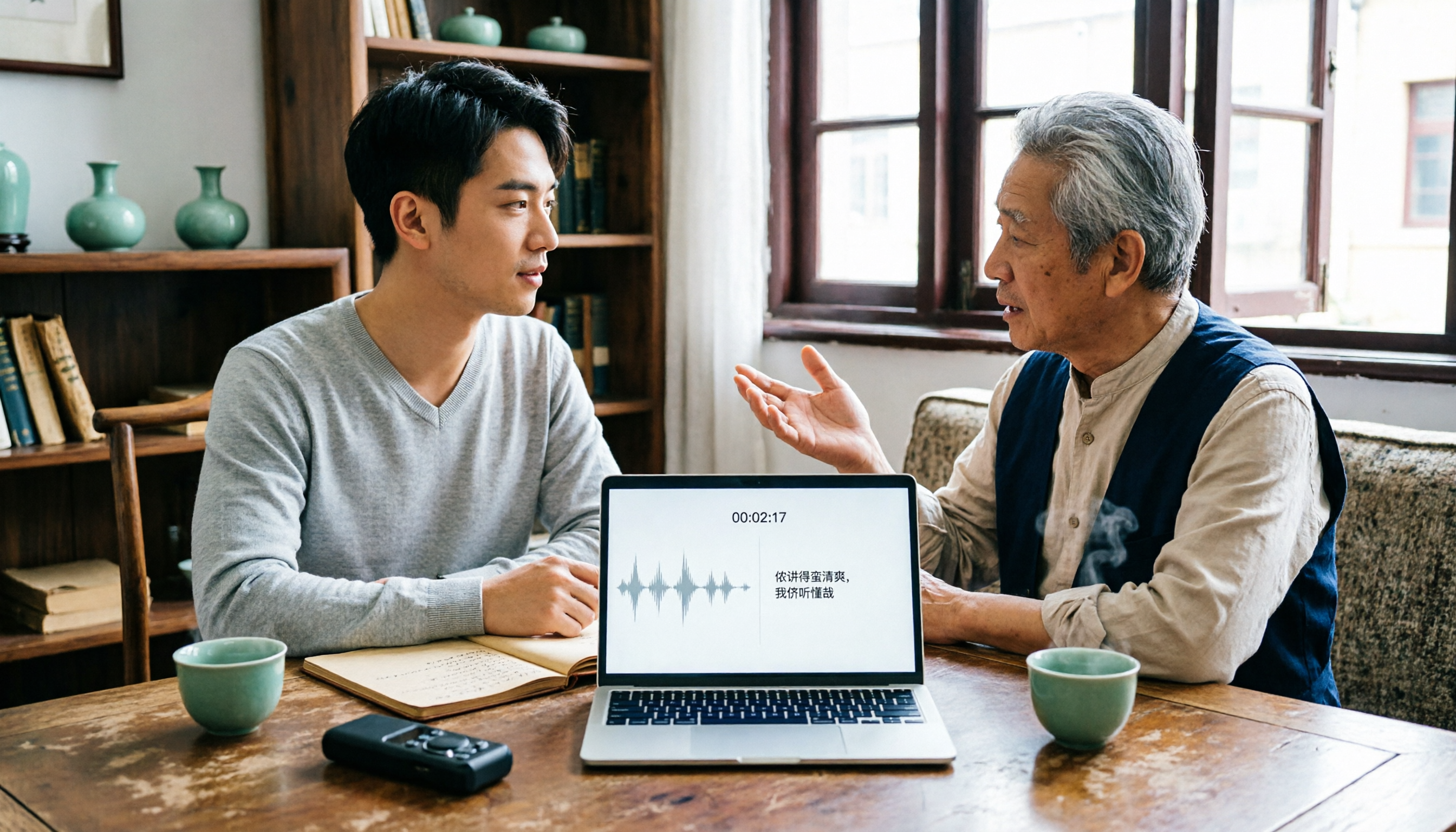
2026 Tested: 3 Shanghainese Speech-to-Text Tools Compared — The Least Painful Way to Process Dialect Interviews
There's no one-size-fits-all answer for transcribing Shanghainese. Instead of hunting for a tool that "supports dialects," change your workflow. This article covers four key points — assessing your recording's language mix, checking timestamps, post-meeting follow-up questions, and preserving team data — and tests Tinrec, Notta, Granola, and Otter.ai on mixed-language interviews, plus the 4 most common buying mistakes.

5 Best Korean Speech-to-Text Tools in 2026: Free vs Paid Comparison
After a one-hour Korean meeting, do you spend three hours organizing the transcript? This article compares five Korean speech-to-text tools: Tinrec, Musely, UniScribe, TurboScribe, and Notta. It breaks down honorific level handling, post-meeting summaries and action items, input sources, team collaboration, and free tier limits, with a guide to avoid pitfalls and scenario-based recommendations to help you find the one that truly saves time.
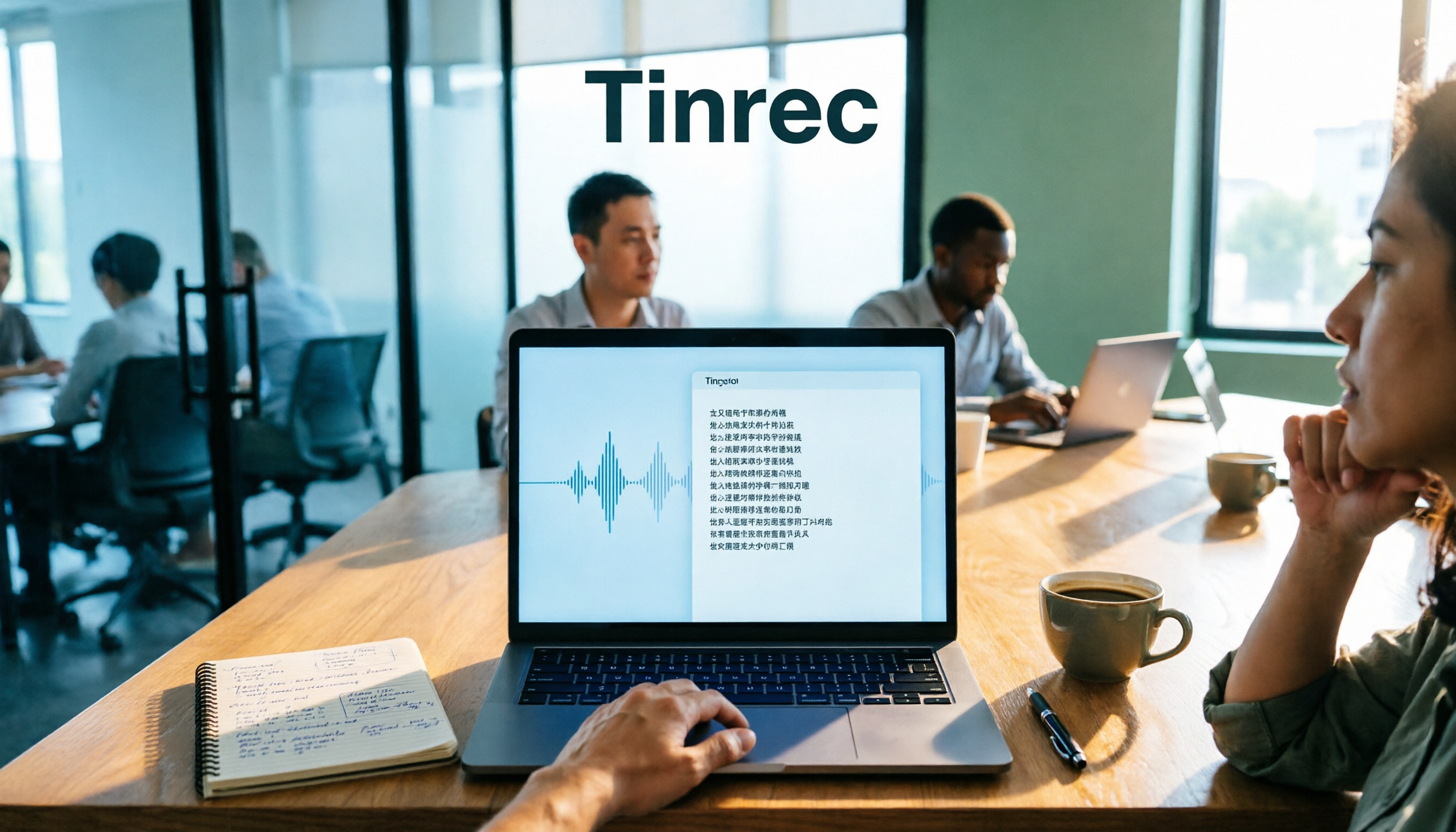
4 Desktop Speech-to-Text Tools Tested: Which Is Fastest for Chinese Meeting Transcripts in 2026?
Spending two or three hours after a meeting to clean up transcripts often comes down to choosing the wrong tool version. This article reviews four desktop speech-to-text solutions, comparing whether the desktop version can directly capture system audio, Chinese and mixed Chinese-English recognition, post-meeting summary Q&A, team seats, and quotas. We tested Tinrec, Otter.ai, Granola, and TurboScribe to help you pick the one that best fits your workflow.