

Turn recordings into transcripts and summaries in minutes
Upload audio or video for multilingual transcription, AI notes, and action items
5 Best Chinese-English Real-Time Translation Tools in 2026: Free vs Paid Comparison
Why Do You Need Chinese-English Real-Time Translation?
Halfway through an online meeting, a client suddenly switches to English. You're listening, taking notes, and trying to convert everything to Chinese in your head. By the time the meeting ends, there's no transcript and action items are scattered. In moments like this, you don't need another dictionary website—you need a tool that follows the conversation and keeps both Chinese and English content in one record. Chinese and English differ greatly in grammar, intonation, and sentence structure, so word-for-word replacement easily loses context. Rather than copying and pasting back and forth, first determine whether you need text translation, voice translation, or post-meeting organization. Below are 5 tools, from free text translation to AI meeting notes, to help you choose based on your scenario.
Tinrec (秒聽錄音) — Putting Chinese-English Real-Time Translation into the Meeting Notes Workflow
Tinrec (秒聽錄音) is an AI meeting notes and collaboration tool for individuals and teams. Its biggest difference from pure translation websites is that it integrates Chinese-English real-time translation into the meeting workflow: during recording, you can view the original text, translation, or bilingual content, and after the meeting, organize the transcript into summaries, chapters, action items, and Q&A.
- Record online meetings without bots: The desktop version directly captures computer system audio and can handle Zoom, Google Meet, Microsoft Teams, Webex, and other meetings without additional bots joining. You need to actively open the Tinrec desktop version to start recording; it does not automatically join all calendar meetings.
- Real-time translation and bilingual view: Record and view simultaneously during cross-language meetings, supporting mixed Chinese-English content organization and multilingual meeting transcription.
- Post-meeting workflow: Automatically generate AI summaries, chapters, and action items, and also conduct AI Q&A around meeting content, export in multiple formats, or use Agent post-processing to generate reports, tables, and documents.
- Team knowledge retention: Team spaces centrally store meeting data, allowing management of members, roles, seats, usage, and audits; when a member leaves or loses a seat, team resources can be handed over to other active members.
For pricing, the personal version offers a free version, weekly card, Pro monthly card, and Pro annual card; actual prices and quotas are subject to the official website. The team version is USD 29.80 per paid seat per month, or USD 199 per paid seat per year (approximately USD 16.58 per month); each paid seat provides 2,000 minutes of team shared import quota per month. The first eligible team trial is 7 days, 1 free seat, and 300 minutes of team shared import quota; real-time recording under a valid team plan and valid seat is currently not deducted by minutes.
Who it's for: Office workers, project teams, and managers who need Chinese-English meeting notes, post-meeting organization, and want to keep data in a team space.
Google Translate — Free Real-Time Text Translation with the Widest Language Coverage
Google Translate is a free real-time text translation service that can translate text, phrases, and web pages between English and over 100 other languages. Its advantages are low barrier to entry and broad language coverage, making it convenient for looking up words, reading foreign web pages, or translating short sentences. Note that it mainly handles text and web pages and is not specifically designed for meeting voice recording; Chinese-English switching, multiple speakers, and post-meeting action items in meetings still require separate organization. It's free and suitable for those with zero budget who only need occasional translation.
Stop organizing recordings by hand
Upload audio or video and automatically get a transcript, summary, and action items
Transync AI — Real-Time Voice Translation for Meetings and On-Site Conversations
Transync AI is a real-time translation tool for meetings and on-site conversations. According to the source page, after opening the meeting software and starting Transync AI, enabling "Share Computer Audio" allows translation of other participants' speech; when voice playback is enabled, participants can hear the translated voice in real time. v2.1 offers three modes: one-way, two-way, and multilingual translation, and the official page claims a word error rate below 5%. It's suitable for lectures, meetings, travel, and situations requiring real-time voice output; pricing and plans are subject to the official website. If you need post-meeting transcripts, summaries, and a team database, such real-time voice tools still need to be combined with other recording workflows.
JotMe — Combining Translation, Transcription, and Multilingual Meeting Notes
JotMe combines translation, transcription, and multilingual meeting notes. The source page mentions that it can freely convert speech to text in real time in the browser, suitable for meeting notes, class notes, interviews, and voice input, with no installation required to start; it also supports uploading PDF, Word, Excel, and other files for translation, and downloading them in the original format after completion. JotMe preserves tone and context across more than 200 languages, suitable for cross-language team meetings, interviews, and follow-ups. Pricing and complete plans are subject to the official website; if you only need free transcription within the browser, you can start with it.
Wordvice AI — Free Online Text Translation, Suitable for Papers and Articles
Wordvice AI is a free online text translation tool that supports mutual translation among over 40 languages including Chinese, English, Japanese, and Korean, suitable for paper translation, article translation, and sentence translation. The source page states that free use requires registering a member account; paid upgrades to the advanced version unlock more AI tool features and modes and remove usage limits. It emphasizes no ad interference and supports browser and mobile device use. It's suitable for students, researchers, and professionals handling written content; if you need real-time processing of meeting voice, action items, and team collaboration, that's not its main scenario. Pricing is subject to the official website.
With So Many Options, How Should You Choose?
- Want to record and view Chinese-English bilingual content during meetings and directly produce summaries, chapters, and action items afterward → Tinrec.
- Need to record Zoom, Google Meet, Microsoft Teams, Webex online meetings without bots → Tinrec desktop version.
- Need to organize historical meetings, interview audio, or videos into searchable, queryable data → Tinrec.
- Team needs to share meeting data, manage seats and usage, and hand over resources when members change → Tinrec team version.
- Need to generate reports, tables, documents after meetings, or export to Notion, Google Docs, and other tools → Tinrec.
- Zero budget, just looking up words or translating web pages → Google Translate; need on-site voice translation → Transync AI; need free transcription and file translation in the browser → JotMe; mainly translating papers and articles → Wordvice AI.
4 Things to Know Before Using Chinese-English Real-Time Translation
- Real-time translation is not the same as professional interpretation. For meeting conclusions, contracts, medical or legal content, manual confirmation is recommended; do not rely solely on machine output.
- Before recording and transcribing, confirm participants' consent and local regulations. Tools like Tinrec save audio and transcripts, so teams should define who can access and manage them.
- Translation quality is affected by audio reception, accents, background noise, overlapping speakers, and technical terminology. Tinrec provides team hotwords to maintain commonly used team terminology; important passages should still be checked against the original text and recording.
- Free plans usually have quota or feature limitations. Start with the free version or team trial to confirm the workflow, then decide whether to upgrade; don't just look at minutes—also check whether post-meeting organization, export, and team management meet your needs.
Conclusion
Chinese-English real-time translation is not just about "turning an English sentence into Chinese." If the scenario is meetings, interviews, and cross-border collaboration, what you really need is to put translation, transcripts, summaries, action items, and follow-up questions into one workflow. In this list, Google Translate, Transync AI, JotMe, and Wordvice AI are each suitable for lightweight text translation, on-site voice translation, browser transcription, and written content translation; Tinrec integrates Chinese-English real-time translation into meeting notes and team collaboration. If you're looking for a solution that can retain meeting content and continue to be used, you can start with Tinrec's free version or team trial, and upgrade after confirming it meets your needs.
References
Turn every recording into actionable outcomes
Get 60 free transcription minutes when you sign in. No credit card required.
Related Reading
You might also like

4 Audio-to-Text Tools Tested: Which Saves More Time on Chinese Meeting Notes and Post-Meeting Cleanup in 2026?
Audio-to-text tools shouldn't just turn speech into text—they should quickly produce usable meeting notes. Based on real workflows, this article explains how Tinrec handles Chinese meetings, bot-free online meeting recording, AI Q&A, team spaces, and buying considerations, helping you decide if the free version is enough and whether the team version is worth evaluating.

How to Choose a Cantonese Speech-to-Text App in 2026: 5-Step Hands-On Comparison
This article compares Tinrec and Subanana across 5 dimensions—input sources, Cantonese colloquial handling, post-meeting organization, team collaboration, and export/integration—to help you decide between a pure Cantonese transcript tool and a meeting workflow solution.

Tinrec vs Notta 2026: 5-Dimension Comparison — Which Is More Reliable for Chinese Meeting Transcription?
Starting from common misconceptions about audio-to-text accuracy, this comparison evaluates Tinrec and Notta across five dimensions and explains the suitable scenarios for Otter.ai and PLAUD Note, helping you choose the right tool for Chinese meetings and team collaboration.

How to Transcribe Korean Audio to Text in 2026: A Complete 5-Step Guide
Korean audio transcription is more than just converting speech into words. This guide walks you through 5 steps to turn Korean meeting, interview, and course recordings into transcripts, summaries, and action items, and covers the key factors to consider when choosing a tool—language support, audio file retention, export options, and team permissions—using Tinrec as a practical workflow example.

2026 English Speech-to-Text Tools Tested: Which One Turns Transcripts Into Usable Data?
How do you choose an English speech-to-text tool? Starting from common pitfalls, this hands-on comparison tests Tinrec, Otter.ai, Notta, and TurboScribe, covering five key buying factors: audio sources, post-meeting organization, mixed Chinese-English speech, free quotas, and team data ownership, plus a pitfalls guide and scenario-based recommendations.

4 Phone Recording-to-Text Solutions Tested for 2026: Which Offers the Most Free Minutes and Best Post-Meeting Organization?
Starting from the three most common mistakes students make, this hands-on comparison tests four phone recording-to-text solutions and explains how Tinrec turns classroom and group meeting recordings into searchable, queryable, exportable transcripts and action items. It also covers free quotas, pricing, and what students should consider when choosing a tool.
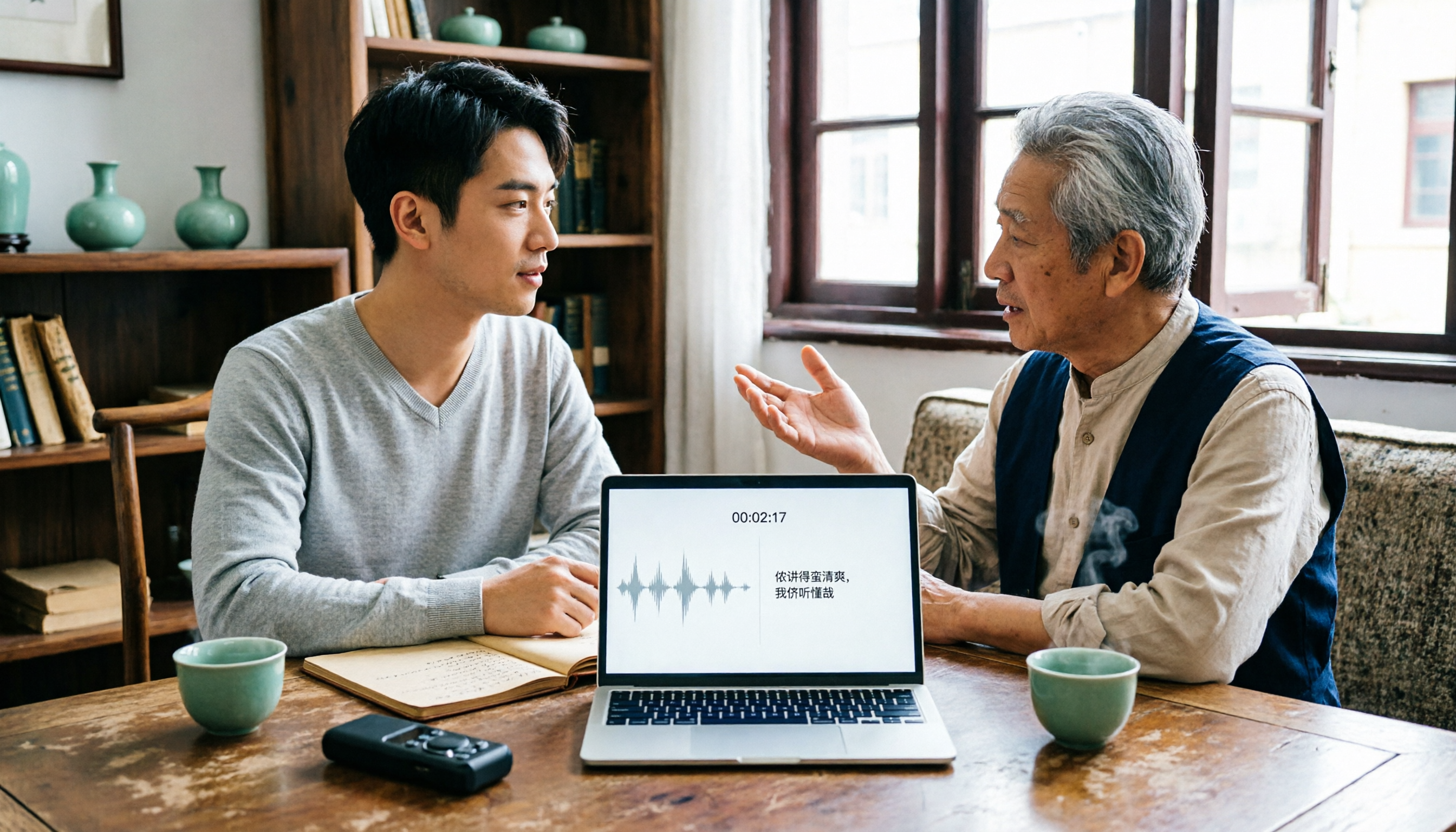
2026 Tested: 3 Shanghainese Speech-to-Text Tools Compared — The Least Painful Way to Process Dialect Interviews
There's no one-size-fits-all answer for transcribing Shanghainese. Instead of hunting for a tool that "supports dialects," change your workflow. This article covers four key points — assessing your recording's language mix, checking timestamps, post-meeting follow-up questions, and preserving team data — and tests Tinrec, Notta, Granola, and Otter.ai on mixed-language interviews, plus the 4 most common buying mistakes.

5 Best Korean Speech-to-Text Tools in 2026: Free vs Paid Comparison
After a one-hour Korean meeting, do you spend three hours organizing the transcript? This article compares five Korean speech-to-text tools: Tinrec, Musely, UniScribe, TurboScribe, and Notta. It breaks down honorific level handling, post-meeting summaries and action items, input sources, team collaboration, and free tier limits, with a guide to avoid pitfalls and scenario-based recommendations to help you find the one that truly saves time.
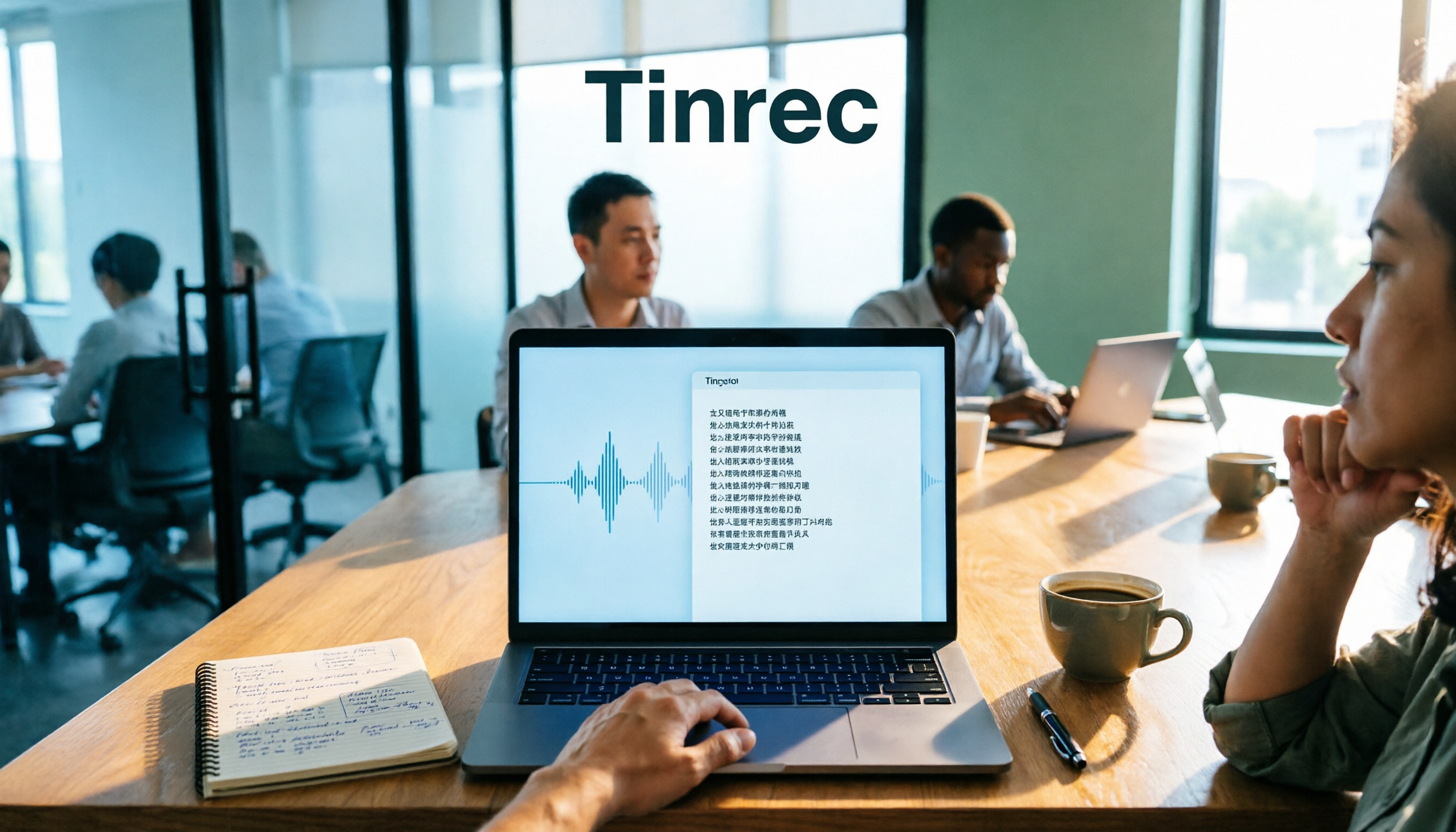
4 Desktop Speech-to-Text Tools Tested: Which Is Fastest for Chinese Meeting Transcripts in 2026?
Spending two or three hours after a meeting to clean up transcripts often comes down to choosing the wrong tool version. This article reviews four desktop speech-to-text solutions, comparing whether the desktop version can directly capture system audio, Chinese and mixed Chinese-English recognition, post-meeting summary Q&A, team seats, and quotas. We tested Tinrec, Otter.ai, Granola, and TurboScribe to help you pick the one that best fits your workflow.