

Turn recordings into transcripts and summaries in minutes
Upload audio or video for multilingual transcription, AI notes, and action items
How to Choose a Cantonese Speech-to-Text App in 2026: 5-Step Hands-On Comparison
Not long ago, I helped a research team organize Cantonese interview recordings. A 90-minute interview took an entire afternoon just to listen back, pause, and type.
What made it worse was the mix of Chinese and English in the interview, plus a lot of colloquial speech. You might think transcription is the end, but afterward you still need to separate speakers, add punctuation, pull out key points, and organize action items.
So I started looking at “Cantonese speech-to-text apps” as serving two needs: one is purely turning audio into a transcript; the other is turning meetings or interviews into data you can keep working with.
In this article, I compare Tinrec and Subanana across 5 dimensions to help you decide which type you need.
Tinrec vs Subanana | Quick Overview
Tinrec positions itself as an AI meeting notes and team collaboration tool. Beyond transcription, it handles summaries, chapters, action items, AI Q&A, translation, export, and team spaces.
Subanana focuses more specifically on Cantonese speech-to-text. It supports uploading audio or video, pasting YouTube links, and the AI turns Cantonese conversations into transcripts with speaker separation and punctuation.
| Item | Tinrec | Subanana |
|---|---|---|
| Core positioning | AI meeting notes and team collaboration | Cantonese speech-to-text |
| Free entry | Free plan offers basic quota to try recording, import, summaries, and transcription | First 15 minutes of each file can be previewed for free; export is a paid feature |
| Platform | Web, desktop, mobile | Web |
| Main difference | Post-meeting organization, AI follow-up questions, team collaboration | Pure Cantonese transcription, spoken to written language conversion |
The following 5 dimensions are the order I actually use when choosing a tool.
Dimension 1 | Input Sources and Meeting Recording
Subanana’s strength is file processing. You can upload audio or video files, paste public YouTube, Instagram, or Facebook links, or record directly in the browser. For someone who already has a Cantonese recording, this is straightforward.
Tinrec broadens the input sources. Besides audio and video files, it supports real-time recording, mobile recording, and the desktop version can capture computer system audio to handle online meetings on Zoom, Google Meet, Microsoft Teams, Webex, etc., without needing a meeting bot to join.
If you need to organize an already-recorded Cantonese interview, both can do it. If you want to record while meeting and organize right after, Tinrec’s meeting recording workflow is more complete.
→ This dimension: Tinrec wins for coverage of in-person and online meetings.
Dimension 2 | Handling Cantonese Colloquial Speech and Chinese-English Mixing
Subanana clearly centers on a Cantonese model. It emphasizes reliability with Chinese-English mixing, keeps English words as-is, can convert spoken to written language, and outputs both Traditional and Simplified Chinese. For those who need a “pure Cantonese transcript,” this is its clearest value.
Tinrec currently emphasizes Chinese, Traditional Chinese, and multilingual meeting transcription, as well as organizing mixed Chinese-English content. It does not market a “Cantonese-specific model” as a main selling point, but focuses on post-transcription summaries, Q&A, and team collaboration.
So this dimension isn’t about who is stronger overall, but about different needs. If you want to accurately turn a piece of Cantonese speech into a written transcript, Subanana is more specialized. If you want to fit Cantonese meetings into a complete workflow, Tinrec’s role is in the latter half.
Stop organizing recordings by hand
Upload audio or video and automatically get a transcript, summary, and action items
→ This dimension: Tie, depending on whether you need pure transcription or a meeting workflow.
Dimension 3 | Post-Meeting Organization and AI Follow-Up Questions
Subanana’s output is an exportable text transcript, supporting SRT, VTT, TXT, DOCX, XLSX, and Markdown. For subtitling, archiving, and further editing, the formats are comprehensive.
Tinrec adds another layer after the transcript. It generates AI summaries, chapters, key points, and action items, and can also do AI Q&A around the meeting content, plus Agent post-processing to generate reports, tables, and documents.
The difference is: Subanana helps you turn audio into text; Tinrec helps you turn text into data you can use to make decisions.
→ This dimension: Tinrec wins for post-meeting organization and follow-up questions.
Dimension 4 | Team Collaboration and Data Retention
Subanana is more of a personal transcription tool. Its source materials do not emphasize team spaces, member roles, or seat management.
Tinrec’s team edition provides independent team spaces where meeting data belongs to the team. Admins can invite members, set owners and admins, assign seats, and view usage trends, member rankings, and audit logs. When a member leaves, team resources can be transferred and won’t disappear with the individual account.
For a team that needs to retain interviews, meetings, and client communications, this part is more important than “transcribing a few seconds faster.”
→ This dimension: Tinrec wins for team data governance.
Dimension 5 | Export and Workflow Integration
Subanana’s export formats are already sufficient, especially subtitle files SRT and VTT, which are convenient for video content teams.
Tinrec not only offers multi-format export but also lets you take results to Notion, Google Docs, OneNote, Dropbox, and other tools for further use, and can further generate meeting minutes, reports, and tables.
If you only need a subtitle file, Subanana is straightforward. If you want “after the meeting, the data can continue to be processed,” Tinrec’s integration path is longer.
→ This dimension: Tinrec slightly wins for post-export workflow.
What Are Their Unique Advantages?
Tinrec’s unique advantages:
- Bot-free online meeting recording: desktop version captures system audio, no need to bring a bot into the meeting.
- Post-transcription workflow: summaries, chapters, action items, AI Q&A, mind maps, and Agent post-processing.
- Team spaces and governance: members, roles, seats, usage, audit logs, and audio recycle bin.
- Cross-device use: web, desktop, and mobile can continue processing.
Subanana’s unique advantages:
- Cantonese specialization: centered on a Cantonese model, supports Chinese-English mixing and spoken-to-written conversion.
- Free preview and link import: first 15 minutes of each file can be previewed for free, and public video links can be pasted.
Conclusion: Which Should You Choose?
- If you want to “upload a Cantonese recording and quickly get a transcript” → Subanana’s free preview is straightforward.
- If you want to “record a Cantonese meeting, automatically organize summaries and action items afterward, and ask follow-up questions” → Tinrec.
- If you need to share meeting data with your team and manage seats and usage → Tinrec.
- If you meet on Zoom, Meet, or Teams and don’t want a bot in the meeting → Tinrec.
- If you only occasionally transcribe a video link → Subanana is enough.
In one sentence: for most teams that need “post-meeting use,” Tinrec is the more complete choice; but if you only lack a pure Cantonese transcript tool, Subanana remains a specialized option.
Quick Start
- First confirm the recording occasion and get consent from participants before recording.
- Test with a 5-minute Cantonese recording and observe performance on Chinese-English mixing and colloquial speech.
- When you need a pure transcript, first use Subanana’s free preview of the first 15 minutes.
- When you need a meeting workflow, use Tinrec’s desktop version to record online meetings, and check summaries and action items afterward.
- For important content, go back to the transcript timestamps and recording to verify; don’t just rely on the AI summary.
Test step by step, and you’ll find the Cantonese speech-to-text workflow that suits you.
References
- Free Cantonese Speech-to-Text App 2026 | Subanana
- Speechnotes | Hong Kong Cantonese | Speech to Text Online Notepad
- Free Chinese (Cantonese) Audio Transcription in Seconds
- Cantonese Speech to Text | AI Cantonese Speech Recognition | CantoSub
- 2026 Practical Cantonese Real-Time Translation Tools to Make Learning Cantonese Easier
Turn every recording into actionable outcomes
Get 60 free transcription minutes when you sign in. No credit card required.
Related Reading
You might also like

4 Audio-to-Text Tools Tested: Which Saves More Time on Chinese Meeting Notes and Post-Meeting Cleanup in 2026?
Audio-to-text tools shouldn't just turn speech into text—they should quickly produce usable meeting notes. Based on real workflows, this article explains how Tinrec handles Chinese meetings, bot-free online meeting recording, AI Q&A, team spaces, and buying considerations, helping you decide if the free version is enough and whether the team version is worth evaluating.

Tinrec vs Notta 2026: 5-Dimension Comparison — Which Is More Reliable for Chinese Meeting Transcription?
Starting from common misconceptions about audio-to-text accuracy, this comparison evaluates Tinrec and Notta across five dimensions and explains the suitable scenarios for Otter.ai and PLAUD Note, helping you choose the right tool for Chinese meetings and team collaboration.

5 Best Chinese-English Real-Time Translation Tools in 2026: Free vs Paid Comparison
A comparison of 5 Chinese-English real-time translation tools in 2026, from free text translation and meeting voice translation to AI meeting note tools that generate transcripts and action items, helping you choose based on your use case.

How to Transcribe Korean Audio to Text in 2026: A Complete 5-Step Guide
Korean audio transcription is more than just converting speech into words. This guide walks you through 5 steps to turn Korean meeting, interview, and course recordings into transcripts, summaries, and action items, and covers the key factors to consider when choosing a tool—language support, audio file retention, export options, and team permissions—using Tinrec as a practical workflow example.

2026 English Speech-to-Text Tools Tested: Which One Turns Transcripts Into Usable Data?
How do you choose an English speech-to-text tool? Starting from common pitfalls, this hands-on comparison tests Tinrec, Otter.ai, Notta, and TurboScribe, covering five key buying factors: audio sources, post-meeting organization, mixed Chinese-English speech, free quotas, and team data ownership, plus a pitfalls guide and scenario-based recommendations.

4 Phone Recording-to-Text Solutions Tested for 2026: Which Offers the Most Free Minutes and Best Post-Meeting Organization?
Starting from the three most common mistakes students make, this hands-on comparison tests four phone recording-to-text solutions and explains how Tinrec turns classroom and group meeting recordings into searchable, queryable, exportable transcripts and action items. It also covers free quotas, pricing, and what students should consider when choosing a tool.
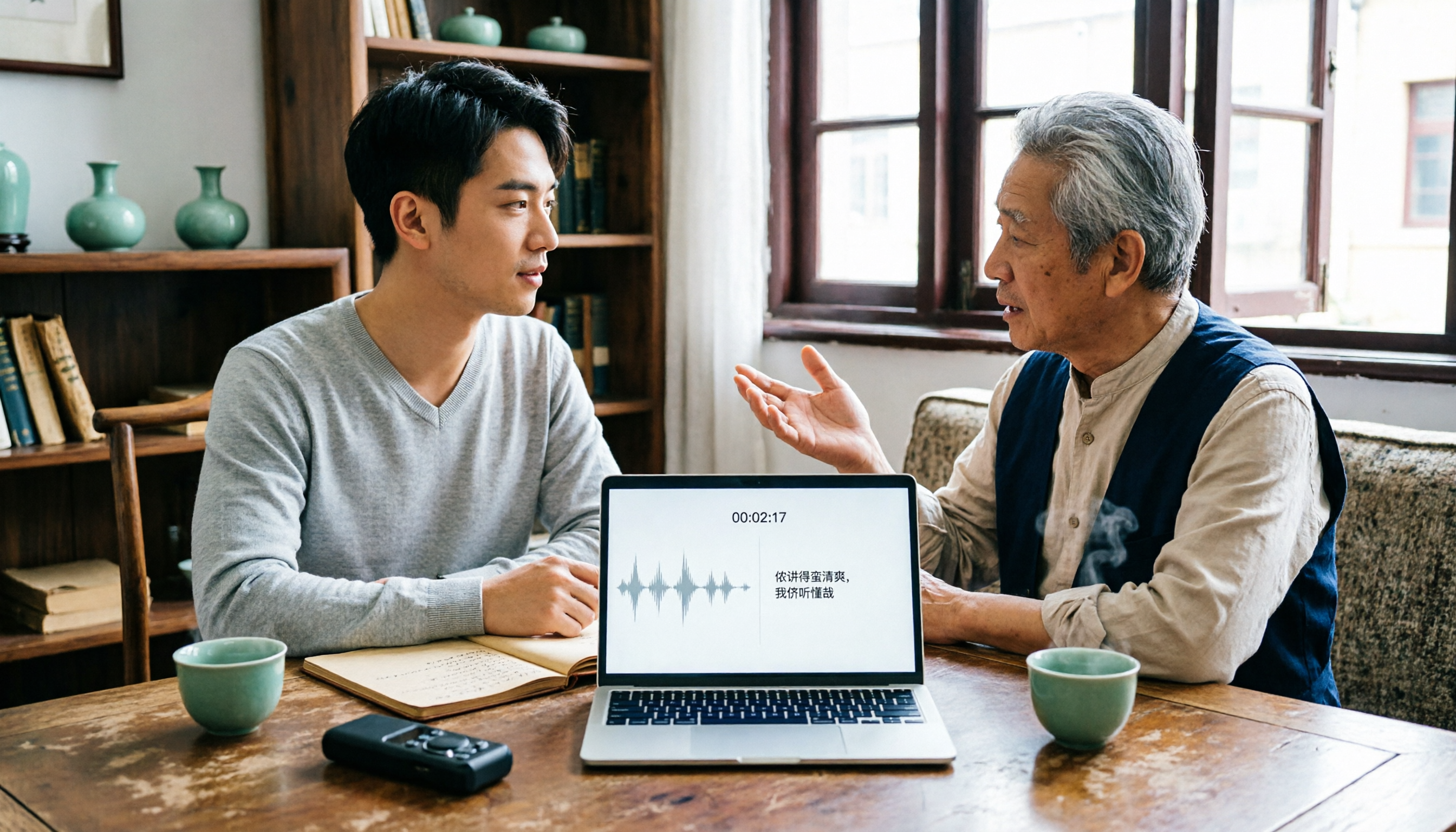
2026 Tested: 3 Shanghainese Speech-to-Text Tools Compared — The Least Painful Way to Process Dialect Interviews
There's no one-size-fits-all answer for transcribing Shanghainese. Instead of hunting for a tool that "supports dialects," change your workflow. This article covers four key points — assessing your recording's language mix, checking timestamps, post-meeting follow-up questions, and preserving team data — and tests Tinrec, Notta, Granola, and Otter.ai on mixed-language interviews, plus the 4 most common buying mistakes.

5 Best Korean Speech-to-Text Tools in 2026: Free vs Paid Comparison
After a one-hour Korean meeting, do you spend three hours organizing the transcript? This article compares five Korean speech-to-text tools: Tinrec, Musely, UniScribe, TurboScribe, and Notta. It breaks down honorific level handling, post-meeting summaries and action items, input sources, team collaboration, and free tier limits, with a guide to avoid pitfalls and scenario-based recommendations to help you find the one that truly saves time.
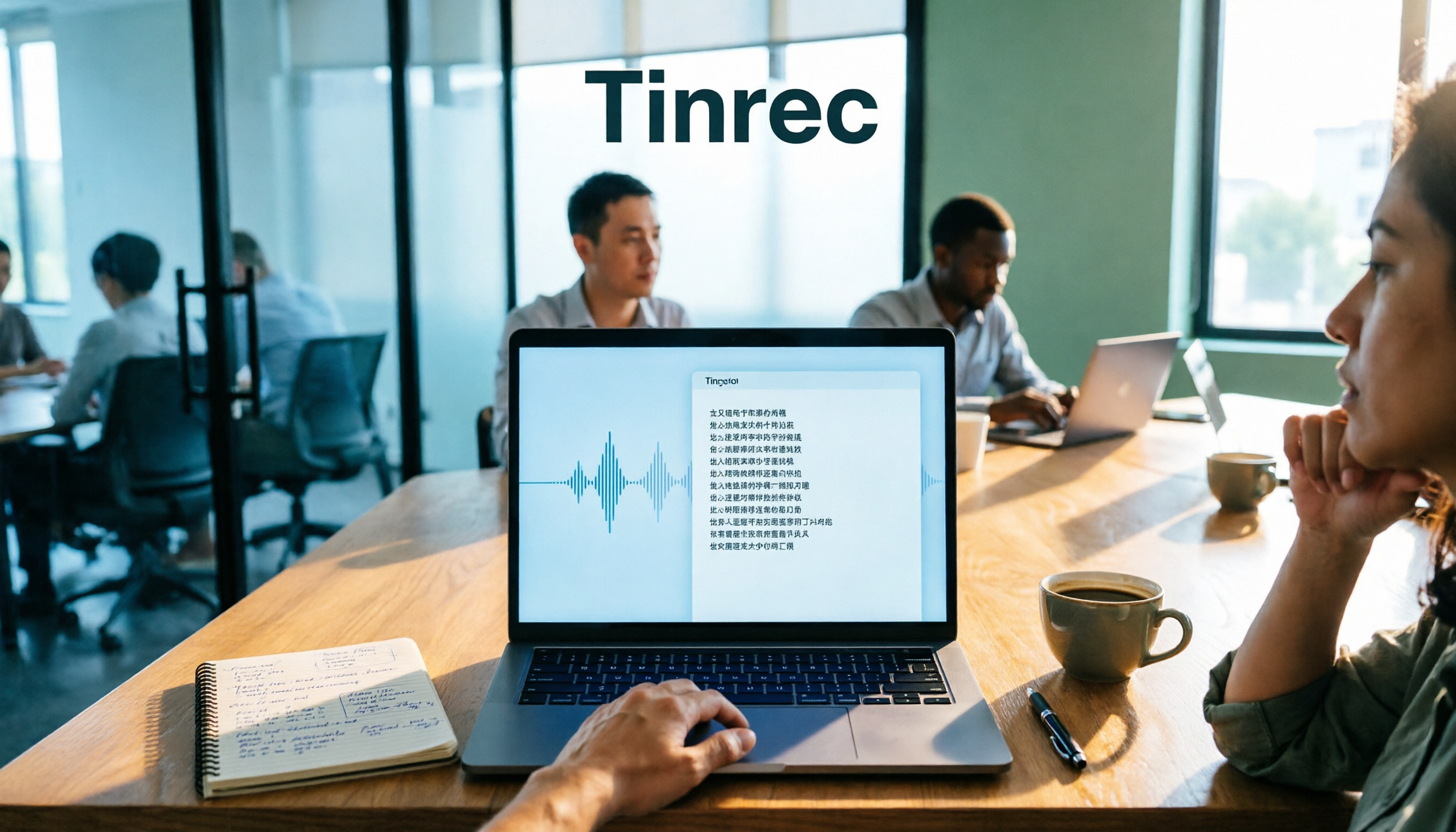
4 Desktop Speech-to-Text Tools Tested: Which Is Fastest for Chinese Meeting Transcripts in 2026?
Spending two or three hours after a meeting to clean up transcripts often comes down to choosing the wrong tool version. This article reviews four desktop speech-to-text solutions, comparing whether the desktop version can directly capture system audio, Chinese and mixed Chinese-English recognition, post-meeting summary Q&A, team seats, and quotas. We tested Tinrec, Otter.ai, Granola, and TurboScribe to help you pick the one that best fits your workflow.