

Turn recordings into transcripts and summaries in minutes
Upload audio or video for multilingual transcription, AI notes, and action items
2026 Comparison of 6 Multilingual Meeting Transcription Tools: Which Is Least Effort for Multilingual Transcripts and Post-Meeting Organization?
Why is record-keeping for multilingual meetings especially difficult?
"What exactly was the conclusion from last week's meeting with people from Tokyo, Singapore, and San Francisco?" — this sentence has probably come up in every multilingual team.
The trouble with multilingual meetings isn't the meeting itself but the aftermath. Different time zones, different accents, different languages — the same discussion often has to be repeated three ways. The note-taker listens while translating languages and ends up catching only half.
A well-organized meeting record is one of the few shared languages that multilingual teams can synchronize on. It serves as the basis for decisions, a progress tracking tool, and an entry point for new hires to catch up.
Below are 6 practical tools, from AI meeting assistants and pure transcription services to recording hardware, with explanations of who each is suited for.
Tinrec | An AI meeting assistant that goes from transcript to team knowledge base
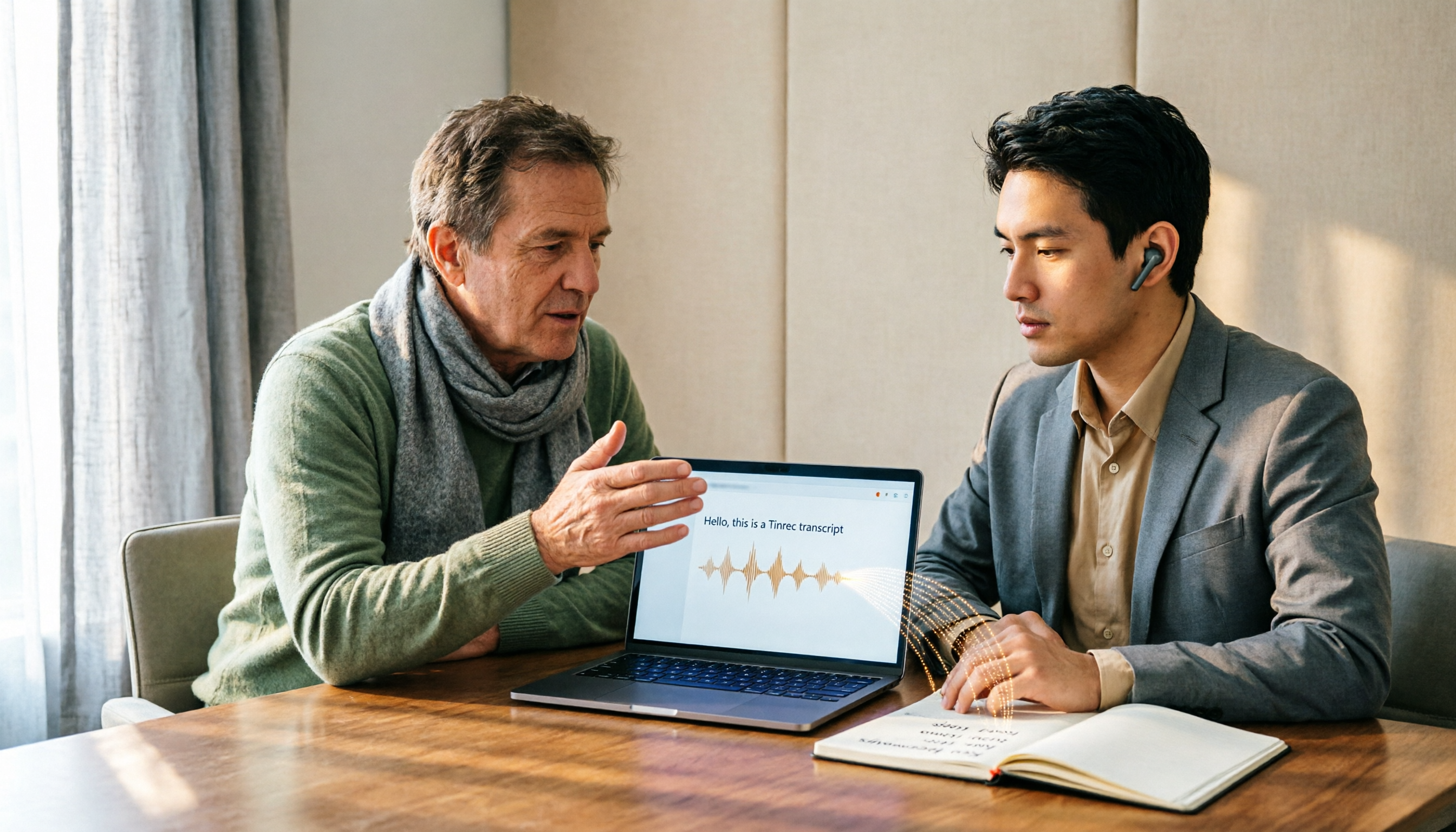
Tinrec is an AI meeting transcription and collaboration tool for individuals and teams. It doesn't just convert sound to text; it organizes meetings into searchable, summarizable, queryable, and exportable data.
No need to invite a bot into the meeting. The desktop version directly captures computer system audio and works with Zoom, Google Meet, Microsoft Teams, and Webex. Multilingual meetings often include external clients or partners, and having one fewer unfamiliar participant makes the atmosphere much more natural.
Real-time translation for cross-language meetings. During recording, you can switch between original text, translation, or bilingual view. Discussions mixing Chinese and English can also be organized, which is especially useful for meetings with colleagues from Asia-Pacific and Europe/America in the same room.
Post-meeting is the main event. It automatically generates summaries, chapters, key points, and action items, and allows AI Q&A around the meeting content — questions like "What was the budget cap the client mentioned the third time?" don't require re-listening to a two-hour audio file. When deliverables are needed, you can further generate reports, tables, and documents, and export to Notion, Google Docs, OneNote, Dropbox, and other tools.
The team version turns meetings into assets. A separate team space makes data owned by the team, with management of members, roles, and seats, plus usage trends and audit logs. When a member leaves, their meeting resources can be handed over to other members and won't disappear with the individual. Team hotwords are useful for maintaining terminology that frequently appears in multilingual meetings, such as product names and project codes.
For pricing, the personal version offers a free plan, weekly pass, Pro monthly, and annual plans, so you can choose based on usage frequency. The team version offers a 7-day trial for first-time eligible users, 1 free seat, and 300 minutes of team shared import quota; monthly billing is USD 29.80 per paid seat per month, annual billing is USD 199 per paid seat per year (equivalent to about USD 16.58 per month), and each paid seat provides 2,000 minutes of team shared import quota per month. Under the current active plan, real-time recording is not deducted by minutes; file and web imports use the team shared quota.
Who it's for: Teams that need Chinese and multilingual meeting transcription, don't want to use a meeting bot, and want to accumulate past meetings into team data.
Otter.ai | A mature choice for English business meetings
Otter is a long-established AI meeting assistant covering real-time transcription for Zoom, Teams, and Meet, speaker identification, AI Chat, and team management, with a strong reputation in English business scenarios.
The free Basic plan offers 300 minutes per month; Pro annual billing is equivalent to USD 8.49 per user per month, including 1,200 minutes of in-app recording per month and 10 file imports; Business offers unlimited meetings and in-app recording.
Who it's for: Companies whose primary meeting language is English and whose teams are already familiar with the Otter interface.
Fireflies.ai | Strong in meeting automation and post-meeting analytics
Fireflies excels at meeting automation and integration, with a complete set of meeting bots, AI summaries, AskFred Q&A, team analytics, and extensive third-party integrations.
Annual pricing is Free USD 0, Pro USD 10 per seat per month, Business USD 19 per seat per month, Enterprise USD 39 per seat per month. Note that so-called "unlimited transcription" is still subject to storage, upload speed, and AI Credit rules.
Who it's for: Sales teams that want to connect meeting records to CRM, sales processes, and automated workflows.
Notta | A direct competitor in multilingual transcription and translation
Notta overlaps significantly with Tinrec, covering multi-platform transcription, meeting notes, file import, translation, and team plans, with multilingual support as one of its hallmarks.
The free plan offers 120 minutes per month with a maximum of 3 minutes per item; Pro annual billing is equivalent to USD 8.17 per month with 1,800 minutes per month; Business annual billing is equivalent to USD 16.67 per seat per month, offering unlimited transcription, role permissions, and usage reports.
Who it's for: Users who mainly need file transcription and translation and have relatively simple meeting recording needs.
Granola | AI meeting notes without a bot
Granola also takes a bot-free approach, capturing audio through a desktop device for real-time transcription, then combining it with the user's own notes to generate meeting content that better reflects personal thinking.
Basic is free, Business is USD 14 per user per month, Enterprise is USD 35 per user per month. It supports viewing, copying, and searching real-time transcripts, but does not support uploading pre-recorded audio files and does not save meeting audio files.
Stop organizing recordings by hand
Upload audio or video and automatically get a transcript, summary, and action items
Who it's for: Individual users who are used to taking handwritten notes during meetings and primarily hold English meetings.
TurboScribe | A cost-effective option for long files and batch transcription
TurboScribe is more of a cost-effective file transcription tool, focusing on long files, batch uploads, subtitles, and translation, and does not handle real-time meeting workflows.
The free plan allows 3 files per day with a maximum of 30 minutes per file; Unlimited annual billing is USD 120, equivalent to USD 10 per month, with paid plans allowing up to 10 hours or 5 GB per file and up to 50 files per upload.
Who it's for: People who have a batch of meeting recordings or interview audio to process at once and don't need post-meeting collaboration features.
PLAUD | Bringing recording hardware into the meeting room
PLAUD is a representative of AI recording hardware, offering an independent device, portable recording, and phone call recording experience, suitable for in-person visits and ad-hoc interviews.
The U.S. official website currently lists NotePin at USD 159 and Note Pro at USD 189; membership plans are Starter at 300 minutes per month, Pro at USD 99.99 per year (1,200 minutes per month), and Unlimited at USD 239.99 per year.
Who it's for: People who frequently visit clients on the go and need a device that can record without opening a computer.
With so many options, how should you choose?
Record-keeping needs for multilingual meetings vary greatly; choosing by scenario is faster than looking at spec sheets:
• Meetings mix Chinese and English or multiple languages, and you need to organize them into minutes afterward → Tinrec, with transcription, real-time translation, and summary Q&A in one workflow. • You don't want a meeting bot to join as a participant, especially when external clients are present → Tinrec desktop version directly captures system audio; Granola uses a similar approach, but Tinrec also retains audio and supports file import. • After the meeting, you want to ask "What was the last decision?" instead of re-listening to audio → Tinrec, with AI Q&A around a single meeting or across meetings. • Meeting conclusions need to be accumulated for the entire department, and there are personnel turnover issues → Tinrec team version, where data belongs to the team, can be handed over, and has usage and audit logs. • The team mainly holds meetings in English and is already used to the U.S. tool ecosystem → Otter.ai or Fireflies.ai are both mature. • You just want to convert a batch of recording files to text and don't need a meeting workflow → TurboScribe or Notta's file transcription plans. • You often discuss things in situations without a computer → recording hardware like PLAUD is more practical.
4 things to know before using multilingual meeting transcription tools
1. Confirm recording consent first. Multilingual meetings involve regulations in different regions; before recording, it's best to clearly inform and obtain consent in the agenda or at the opening, which is much easier than remedying afterward.
2. Recording quality determines success. Overlapping speakers, background noise, accents, and technical terminology all affect recognition. Rather than chasing spec numbers, test once with your team's frequently used terminology before a formal meeting. For example, the team hotwords provided in Tinrec's team version are a practical design to reduce misrecognition of proper nouns.
3. A transcript is not the same as meeting minutes. Raw text is just material; what's truly useful is the summary, decisions, and action items. Even when tools can generate summaries, it's still recommended to manually proofread decisions and owners.
4. Permissions should clearly distinguish roles and seats. Taking Tinrec's team version as an example, roles determine who can manage the team and audit, and seats determine who can record, upload, and edit; members without seats can still view and play team data. This is a team-level sharing design, not fine-grained per-file permission control, so align expectations with IT before adoption.
Conclusion
The difficulty of multilingual meeting transcription has never been "whether it was recorded" but "whether anyone can understand it, find it, and pick up where it left off."
If your meetings span multiple languages and require team sharing, Tinrec puts real-time transcription, translation, summary Q&A, and team space in one workflow, which is the least switching-cost approach.
If your team primarily holds English meetings, Otter or Fireflies are also mature; if you only need file transcription, TurboScribe's price is hard to ignore. First identify your biggest pain point, then choose a tool — that's more practical than collecting a bunch of apps.
FAQ
Q1: If a multilingual meeting mixes Chinese and English, will the transcription be messy?
This depends on recording quality and accents. Tinrec supports Chinese, Traditional Chinese, and multilingual meeting scenarios, and also provides real-time translation and bilingual view. In practice, it's recommended to use team hotwords to first establish product names and project codes to reduce misrecognition of proper nouns. No tool should promise a fixed accuracy rate.
Q2: Is the free version enough?
If you occasionally organize a recording, trying the free version first is reasonable. For example, Tinrec's free version provides a basic quota, Notta's free version offers 120 minutes per month with a 3-minute limit per item, and TurboScribe's free version allows 3 files per day with 30 minutes per file. If you hold meetings regularly every week, the free quota usually runs out quickly.
Q3: Do I need to let a meeting bot join the meeting?
Not necessarily. Tinrec's desktop version records online meetings by capturing computer system audio, without requiring an additional bot to become a participant. Note that this still requires the user to actively start recording; it does not automatically join all calendar meetings, nor does it imply official partnerships with Zoom, Meet, or Teams.
Q4: What's the difference between the team version and the personal version?
Personal version data is managed by the individual account; the team version is a separate team space where data belongs to the team, with additional capabilities such as members, roles, seats, shared benefits, usage analytics, audit logs, and an audio recycle bin. Deleted team audio can be restored from the recycle bin before permanent cleanup; the current retention period is 30 days.
Q5: Can members without seats see meeting data?
Yes. Taking Tinrec's team version as an example, active members without seats can still view, play, and read team data, but operations such as recording, uploading, editing, and import/export require a seat.
Q6: Can meeting content be taken to other tools for continued use?
Most tools support export. Tinrec can export transcripts and post-meeting outputs in common formats, or take them to Notion, Google Docs, OneNote, or Dropbox for further editing, and can also use Agent post-processing to generate reports, tables, and documents.
References
- Includes meeting minutes template! ] Very common English meeting minutes/international meeting minutes! | NativeCamp. Blog
- How to write meeting minutes? Complete guide to meeting minutes: practical tips and templates from beginner to expert - Roo.Cash
- Meeting Ink - AI meeting minutes assistant automatically transcribes and summarizes meeting minutes
- Free meeting minutes templates (Word, Google Docs, PDF) | HiNoter Blog
- Ministry of the Interior Global Information Network - Chinese Website - Past Meeting Minutes
Turn every recording into actionable outcomes
Get 60 free transcription minutes when you sign in. No credit card required.
Related Reading
You might also like

4 Desktop Speech-to-Text Tools Tested: Free Tiers, Chinese Accuracy, and Post-Meeting Organization
After an online meeting, do you still spend two hours typing up the transcript? This article compares four desktop speech-to-text tools based on real-world use cases: which can record computer system audio directly, which only offer web upload, which just give you text, and which can also generate summaries, action items, and AI Q&A. It includes free tiers, pricing, and team seat details to help you choose the one that truly saves time.

2026 Korean Speech-to-Text Showdown: Tinrec vs Musely — Which Is Better for Teams?
Starting from the pain of organizing notes after a meeting with a Korean client, this comparison of Tinrec and Musely across 5 dimensions — audio capture, Korean honorific handling, post-meeting organization, export, and team governance — helps you decide between a Korean-specific transcription tool and a collaborative meeting-notes platform.
How to Choose Audio-to-Text Software in 2026: 5 Steps to Avoid Pitfalls and Pick the Right Tool
Many people looking for audio-to-text software make the mistake of treating Word dictation as a transcription tool. This article uses 5 checkpoints to help you avoid pitfalls around free quotas, Chinese recognition, and post-meeting organization, and compares Tinrec and Otter.ai dimension by dimension to help you determine which one fits your workflow.

2026 Multilingual Speech-to-Text Comparison: Which Tool Handles Cantonese and Mixed Chinese-English Best?
Instead of comparing how many languages a tool supports, look at real meeting performance. This article uses the same Cantonese and mixed Chinese-English meeting recording to test 4 popular multilingual speech-to-text tools, explains selection criteria, each tool's strengths and weaknesses, and gives clear recommendations by scenario.

Best Multilingual Meeting Transcription Tools in 2026: 3 Tested, This One Excels for Chinese Meetings
Multilingual meeting transcription often fails because translated subtitles aren't meeting notes, mixed Chinese-English transcription is unstable, key points get lost after meetings, and team data is scattered across personal accounts. This article breaks down 5 key purchasing factors, tests and compares Tinrec, Otter.ai, Notta, and Granola, and provides practical tips and scenario-based recommendations for teams in Taiwan.

2026 Real-Time Chinese-English Translation Tools Compared: Which Offers the Most Natural Two-Way Conversation?
There are many real-time Chinese-English translation tools, but what meetings need isn't word-by-word lookup—it's uninterrupted conversation. We tested Tinrec, Google Translate, Transync AI, and JotMe, comparing translation latency, two-way conversation, post-meeting organization, and team collaboration to help you find the best choice for cross-language meetings.

2026 English Speech-to-Text Comparison: Tinrec vs Granola Across 5 Key Dimensions
The real challenge with English speech-to-text isn't accuracy—it's whether you can upload audio files and verify transcripts afterward. This comparison of Tinrec and Granola evaluates five dimensions: input sources, audio retention, language handling, post-meeting outputs, and team governance, helping you decide which tool better fits your English meeting and recording workflow.

4 Best Speech-to-Text Apps of 2026: Free Tiers, Chinese Recognition, and Post-Meeting Summaries Compared
Compare Tinrec, Yating Transcription, Otter.ai, and Notta on free tiers, Chinese and mixed-language recognition, online meeting recording, post-meeting summaries, action items, and team collaboration—so you can decide which speech-to-text app fits before downloading.

The Complete 2026 Guide to Audio Transcription: Turning Phone Recordings into Transcripts, Summaries, and Action Items
The most common mistake with phone audio transcription is confusing "live dictation" with "converting existing audio files to text." This guide starts from real scenarios like student lectures, group discussions, and project interviews, using Tinrec to demonstrate how phone recordings can become transcripts, chapter summaries, and action items. It also covers 5 things to confirm before choosing a tool and answers common questions.