

Turn recordings into transcripts and summaries in minutes
Upload audio or video for multilingual transcription, AI notes, and action items
How to Choose a Free Speech-to-Text App: First Ask Yourself — How Many Minutes Do You Need to Transcribe Per Month?
Open the app store and search for "speech to text." Of the top twenty results, about eighteen claim to be free. Only after downloading do you discover: free only up to 3 minutes per session, free only covers "live recording" not "file upload," free doesn't let you export, and free AI summaries cost extra.
So the real decision isn't "which one is cheapest" but "where does my usage volume and usage pattern fit within a free plan."
- One meeting a week, occasional interview transcription: you need a free quota that allows "uninterrupted single sessions," not massive minutes.
- Daily client calls, courses, or interviews: what you really need to compare is "cost per minute" and whether you can directly produce meeting notes after transcription.
- A small team of three to five people sharing meeting data: beyond transcription, you'll also face "who owns the data" and "how to hand over files when a member leaves."
This article uses these three decision scenarios to compare Tinrec and Notta across five dimensions, adds two other common options, and gives clear selection advice.
Before Choosing a Free Speech-to-Text App, Understand These 4 Key Points
1. The "Unit of Calculation" for Free Quotas Hides Traps
Most tools' free plans aren't "unusable" but "cumbersome." What matters isn't total minutes but three details: the per-recording or per-file limit in minutes, the monthly total, and whether exceeding the quota downgrades or locks you out. A 3-minute per-session limit is practically useless for meeting notes; 120 minutes per month sounds like a lot, but if each session gets chopped into fragments, you'll still want to pay.
2. Can It Handle Your "Source"?
Speech-to-text comes in many forms. Some only need to upload existing audio files; others need to "record directly during Zoom, Google Meet, or Teams meetings." For the latter, note: does it require adding a bot account to the meeting? If so, the participant list will show an extra stranger, which some clients may mind. Tinrec's desktop version captures computer system audio directly without adding extra participants — a much smoother approach in practice.
3. After Transcription, Can You "Use It Directly"?
A tool that only gives you a transcript leaves all the organizing work to you. The test is simple: after transcription, are there summaries, chapters, action items? Can you ask questions about the content (e.g., "What was the budget cap the client mentioned?")? Can you export to Notion, Google Docs, OneNote — places you already use? This gap often affects your daily time savings more than transcription itself.
4. From Individual to Team, Is Scalability Sufficient?
Personal use is fine, but once it becomes department-wide, ask: Is meeting data tied to individual accounts or team spaces? Will data disappear when a member leaves? Is there someone managing seats, usage, and audit logs? These questions will definitely come up in procurement meetings.
Tinrec — The One That Passes All 5 Dimensions
One-sentence positioning: Tinrec is an AI meeting notes and collaboration tool for individuals and teams, covering iOS, Android, desktop, and web. Its core isn't "turning sound into text" but "turning meetings into data you can keep working with."
Dimension 1 | Recording: Record online meetings without a meeting bot. The desktop version captures computer system audio directly, handling meeting audio from Zoom, Google Meet, Microsoft Teams, and Webex without adding an extra bot as a participant. For client meetings, this matters more than minutes on a spec sheet.
Dimension 2 | Organization: Get a usable set of outputs right after transcription. While recording and transcribing, the system generates transcripts, AI summaries, chapters, and highlights, and extracts action items from discussions. The most painful part of long meetings is "two hours of recording, two hours of organizing" — this step eliminates that.
Dimension 3 | Follow-up Questions: AI Q&A is the biggest differentiator from most free tools. Most competitors' "search" is keyword matching; you have to flip through thirty pages of transcript to find that sentence. Tinrec lets you ask questions directly about meeting content — "Who mentioned the budget last meeting?" "What was the conclusion on this project?" It gives answers based on semantic understanding, not a keyword list. This is a feature most competitors in the same price range currently lack.
Dimension 4 | Output: If you can take it with you, it's yours. Beyond transcripts, it generates meeting minutes, reports, tables, and mind maps, and exports to Notion, Google Docs, OneNote, Dropbox, and other existing workflows. It also supports real-time translation and bilingual viewing during recording, so mixed Chinese-English meetings don't need to wait for a translator.
Dimension 5 | Team: Data belongs to the team, not individuals. The team version is an independent collaboration space, not "multiple people sharing one account." You can create multiple teams, invite members via join links, set owners/admins/regular members, and distinguish "roles" from "seats" — roles govern management (members, audit, team settings), seats govern usage (recording, uploading, editing, exporting). Members with valid status but no seat can still view, play, and read team data but cannot edit or export. It also offers team hotwords, usage analytics, audit logs, and a 30-day audio recycle bin; when a member leaves, their resources can be handed over to other members.
Stop organizing recordings by hand
Upload audio or video and automatically get a transcript, summary, and action items
Limitations stated clearly: The free version provides a basic quota, suitable for first verifying "whether this workflow fits you"; heavy users need a paid plan. Also, transcription quality is affected by recording environment, accents, overlapping speakers, and technical terminology. Don't treat any tool's accuracy as a fixed value; important content should still be checked against transcript timestamps.
Who it's for: People who need Chinese and mixed Chinese-English meetings, want to ditch meeting bots, want to use AI to find key points right after recording, and will later extend to team data sharing.
Besides Tinrec, What Other Options Are There?
Notta: Low free threshold, but watch the "3 minutes per session" line. Notta is the closest competitor to Tinrec, offering multi-platform transcription, meeting notes, file import, translation, and team plans. Official current terms: free version 120 minutes per month, max 3 minutes per session; Pro annual billing about USD 8.17/month, 1,800 minutes per month; Business annual billing about USD 16.67/seat/month, including unlimited transcription and usage reports. So the free plan suits fragmentary notes; using it for a full meeting will keep getting interrupted. If you want "upload files, quickly get text," Notta is sufficient; but if you need desktop bot-free recording of online meetings and AI Q&A directly about meeting content, Tinrec's current feature completeness is closer to actual workflows.
Otter.ai: Top choice for English meetings, but Chinese isn't its home turf. Otter.ai's free Basic plan offers 300 minutes per month — quite generous. Pro annual billing about USD 8.49/user/month, including 1,200 minutes per month and 10 file imports. If 80% of your meetings are in English and you need a mature English business meeting ecosystem, it's still worth considering. But for Chinese and mixed Chinese-English meetings, plus post-meeting action item extraction and multi-format export, Tinrec's design is more targeted.
Yating Transcription: A Taiwan local tool; check the free scope carefully. Yating Transcription supports "simultaneous recording + real-time transcription" and "audio file transcription," saving as plain text and subtitle files. The official free scope centers on "simultaneous recording + real-time transcription"; for other features and actual quotas, check the official page. It lacks AI Q&A and cross-meeting data retention, suitable for those who simply want to turn recordings into text without post-meeting organization.
| Dimension | Tinrec | Notta | Otter.ai |
|---|---|---|---|
| Free quota | Basic quota (see official site) | 120 min/month, 3 min/session | 300 min/month |
| Online meeting recording | Desktop bot-free system audio capture | Bot/desktop/upload | Bot/desktop |
| Post-meeting AI Q&A | Yes | Mainly summaries | Yes (strong in English) |
| Chinese & mixed Chinese-English | Key support, including team hotwords | Good multilingual performance | Not its home turf |
| Team governance | Spaces, roles, seats, usage, audit | Available on Business and above | Mature enterprise capabilities |
Pitfall Guide: The 4 Most Common Mistakes When Choosing a Free Speech-to-Text App
Pitfall 1: Only looking at "free" without checking the per-session limit. A 3-minute per-session limit means no free plan for a one-hour meeting. When testing, use your longest recording directly, not a demo audio file.
Pitfall 2: Treating "file upload" and "recording online meetings" as the same thing. These differ greatly in technology and process. If you mainly hold online meetings, first confirm whether the tool can capture system audio on desktop, rather than figuring out how to supplement the recording later.
Pitfall 3: Ignoring post-meeting organization costs. Getting only a transcript leaves the most time-consuming organizing work to you. When choosing a tool, include "summaries, chapters, action items, export" in your evaluation — this is also where free plans differ most.
Pitfall 4: Teams directly sharing one personal account. It seems cost-saving short-term, but long-term you'll face three problems: data ownership, member departure, and permission chaos. The correct approach for a team version is independent space + roles + seats, with data owned by the team and handover possible when members change.
One more reminder: recording and transcription involve personal data and local regulations. For external meetings, obtain participants' consent first — this isn't just a tool issue.
Conclusion: Which One Should You Choose?
One-sentence conclusion: The key to choosing a free speech-to-text app isn't "free" but "whether you have a path forward after the free quota."
- 2–3 meetings a week, need Chinese and mixed Chinese-English transcripts → Tinrec (verify the workflow with the free basic quota first, upgrade if insufficient)
- Want to ask AI directly after recording "What was the conclusion of this meeting?" → Tinrec (AI Q&A is currently the biggest differentiator)
- Don't want a meeting bot appearing in the participant list → Tinrec (desktop captures system audio)
- A small team of three to five sharing meeting data → Tinrec Team version (7-day, 1 free seat, 300 minutes shared import quota for first trial; thereafter USD 29.80/month per paid seat, or USD 199/year per paid seat, with 2,000 minutes shared import quota per paid seat per month; live recording under valid seats currently not deducted by minutes; actual prices and benefits subject to the official purchase page)
- Mainly English meetings, want maximum free quota → Otter.ai (300 minutes per month, the only exception recommendation in this article)
- Only need to convert existing audio files to text, no post-meeting organization → Notta or Yating Transcription
Practical advice: first run through your real workflow with the free quota — record a meeting, export minutes once, ask AI one question. After that, you'll know whether what's blocking you is the minutes or the tool simply not finishing the post-meeting part for you.
References
- Audio to Text - Free Speech-to-Text Tool
- No Time Limit! 3 Free AI Transcription Tools, Highly Recommended! AI Voice Notes Generate Meeting Records, Presentations, Mind Maps | 104 Workplace
- Speech-to-Text Converter – Free Online | TicNote Cloud
- Speech Real-Time Conversion to Text APP Recommendations 1. iPhone/iPad "Notes" APP Supports real-time conversion to text Cost: Free Supports Chinese, English
- Free Unlimited AI Speech-to-Text Tool, Say Goodbye to Transcript Organizing: Atter App | Lin Wei-Ching's Salon
Turn every recording into actionable outcomes
Get 60 free transcription minutes when you sign in. No credit card required.
Related Reading
You might also like

2026 Speech-to-Text Tools Compared: Which Saves the Most Time on Chinese Transcripts and Post-Meeting Notes?
From meeting recordings to usable transcripts and post-meeting materials, this article uses the same buying criteria to examine Tinrec, Notta, TurboScribe, and PLAUD, explaining differences in Chinese transcription, AI Q&A, team seats, and export capabilities to help you decide which one fits your meeting workflow.

iPhone Voice Memos vs Tinrec in 2026: 5-Dimension Comparison — Which Is Better for Transcripts?
iPhone's built-in Voice Memos can transcribe recordings starting with iOS 18, and Chinese requires iOS 18.4 or later. This article compares it with Tinrec across 5 dimensions: post-meeting organization, online meetings, cross-device use, multilingual support, and team collaboration, plus a 4-step tutorial and scenario-based recommendations.

5 iPhone Speech-to-Text Solutions Tested for 2026: Is Built-in Free Enough, or Should You Use AI?
iPhone's built-in Voice Memos transcription and keyboard dictation already offer free speech-to-text, but long meetings, cross-language needs, and team sharing are a different story. This guide covers 5 iPhone speech-to-text solutions, from completely free built-in features to AI meeting note tools, with limitations and pricing to help you choose one that actually works for you.

4 Free Speech-to-Text Tools Tested in 2026: Is the Free Version Enough, and When Should You Upgrade?
Every so often, someone on Dcard asks, "Are there any free speech-to-text tools?" This article starts from real meeting scenarios, outlines 4 key points to consider before choosing a free tool, and compares the free quotas, meeting recording methods, and post-meeting organization capabilities of Tinrec, Notta, Otter.ai, and TurboScribe. It helps you decide whether the free version is sufficient and when it's worth upgrading.

4 LINE Voice-to-Text Solutions Compared for 2026: iPhone Users' Options from Shortcuts to AI Summaries
LINE voice messages on iPhone don't have a built-in transcription button, and most people get the first step wrong. This article starts with common misconceptions, compares iPhone Voice Memos transcription, Shortcuts scripts, third-party transcription tools, and Tinrec, and explains from a student's perspective whether free tiers are sufficient and which scenario suits which option.

Free Speech-to-Text in 2026: How to Choose Your Free Plan + Transcript Organization Guide
Before searching for "free speech to text," understand these key factors: how free quotas are measured, whether audio files are retained, Chinese recognition, and post-meeting organization. This article breaks down 5 key selection criteria from a practical usage perspective, introduces Tinrec's free starter workflow and plan limitations, briefly reviews Notta, TurboScribe, and Otter.ai free plans, and provides scenario-based recommendations plus 4 common pitfalls to avoid.

The Complete Guide to Speech-to-Text in 2026: Workflow from Transcript to Meeting Minutes
When choosing a speech-to-text tool, the real question isn't "which one is most accurate" but whether you need a typing replacement or meeting data you can keep working with. This guide starts with three decision questions, breaks down the core capabilities of speech-to-text, practical use cases, and 5 purchase checkpoints, and demonstrates Tinrec's complete workflow for bot-free online meeting recording, AI summaries, action item extraction, AI Q&A, and team spaces.
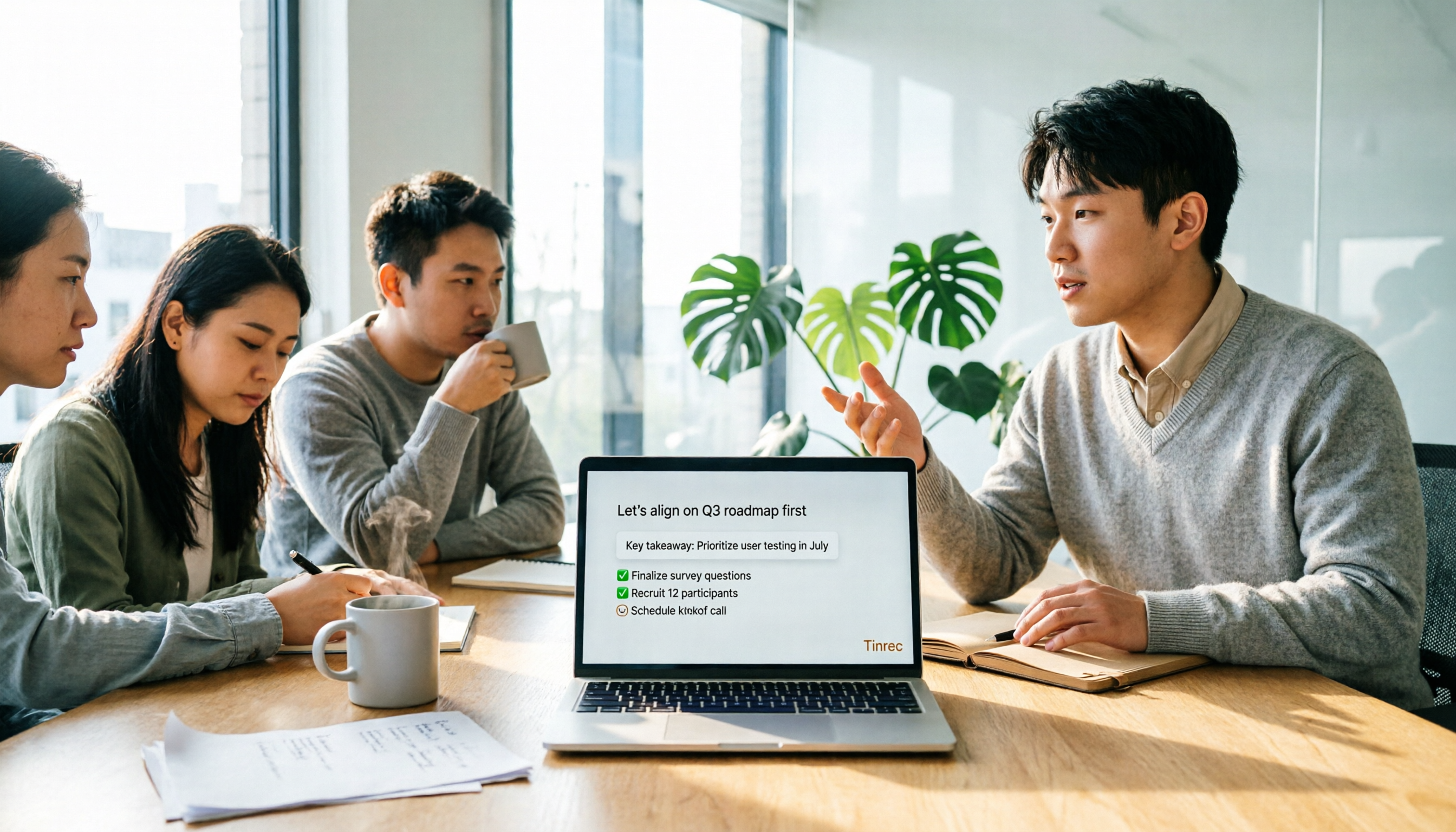
4 Free Online Speech-to-Text Tools Tested and Compared in 2026: Which One Saves the Most Time on Chinese Transcripts?
Many people only use the 'upload, convert, download' part of free online speech-to-text, but overlook the cost of organizing the output. This article starts from common misconceptions, breaks down where each of four free approaches gets stuck, and uses Tinrec (Miao Ting Lu Yin) hands-on operation to explain how transcripts, summaries, to-dos, AI Q&A, and team knowledge retention connect, with buying tips and FAQ.

4 LINE Voice-to-Text Tools Tested for 2026: Which Saves the Most Time on Voice Messages and Call Recordings?
LINE has no built-in voice-to-text feature, so converting voice messages or call recordings into transcripts requires first extracting the audio files. This article starts with key selection criteria, then compares Tinrec, Notta, Otter.ai, and TurboScribe in hands-on testing, and provides a pitfalls guide and selection advice to help you choose the right tool.