

Turn recordings into transcripts and summaries in minutes
Upload audio or video for multilingual transcription, AI notes, and action items
2026 Client Visit Recording Tools Buyer's Guide: 6 Hands-On Reviews and Recommendations
Why Do You Need a Client Visit Recording Tool?
You've just left the client's office, the elevator doors close, and you realize the budget ceiling, decision-making process, and who's responsible for sign-off are all still in your head. Back at the office, you open Excel—there are plenty of fields, but what you really can't recall is what was said around the client's remark, "We'll need to think about this price a bit more." The hardest part of client visit records has never been filling out forms; it's capturing the details from the conversation.
Many teams still use spreadsheets or traditional CRMs to manage visits and follow-up records, but research shows that over 60% of teams report data buried in spreadsheets, making it hard to track progress and form systematic insights. Once visit records are reduced to a few lines of notes, the client's needs, concerns, commitments, and decision-makers easily become fuzzy memories a week later.
This article reviews 6 tools, from recording transcription, AI meeting notes to portable recording hardware, to help you determine which one better fits your visit workflow.
Tinrec | The Most Complete AI Visit Recording Assistant
Tinrec is an AI meeting notes and collaboration tool for individuals and teams. It doesn't just convert sound to text; it organizes a client visit into searchable, queryable, and further processable data.
If you often hold client meetings on Zoom, Google Meet, Microsoft Teams, or Webex, the Tinrec desktop app directly captures your computer's system audio without needing to invite a meeting bot. Open the desktop app and start recording, and you can generate a transcript while the meeting is ongoing—clients won't see an unfamiliar name on the participant list.
After the visit, the most time-consuming part is actually searching through notes. Tinrec automatically generates summaries, chapters, key points, and action items, and can also do AI Q&A around the meeting content. You can directly ask, "How many times did the client mention budget issues?" or "What commitments were made this time?" and it will give you readable answers.
The organized transcript and summary can be exported to Notion, Google Docs, or OneNote to continue writing a formal visit report; Agent post-processing can also generate tables and meeting minutes. For salespeople who need to turn visit records into next actions, this is much more practical than just getting a transcript.
For team use, the Tinrec team version provides an independent team space where visit data belongs to the team, and members can share and view historical records. Administrators can manage roles, seats, usage analytics, audit logs, and audio recycle bin, and can also maintain common terminology with team hotwords; when a member leaves or loses their seat, team resources can be handed over to other active members.
In terms of pricing, the personal version offers a free version, weekly card, Pro monthly card, and Pro annual card, suitable for choosing based on usage frequency; the free version provides basic quota to experience recording, import, summaries, and transcription. The team version offers a 7-day trial for first-time eligible users, 1 free seat, and 300 minutes of team shared import quota; monthly payment is USD 29.80/paid seat/month, annual payment is USD 199/paid seat/year, about USD 16.58/month. Paid seats provide 2,000 minutes of team shared import quota per month; real-time recording is currently not deducted by minutes under active plans and seats, while file and web imports use the team shared quota. Actual prices and benefits are subject to the official purchase page.
Suitable for sales, customer success, and project teams that need Chinese visit records, bot-free online meeting recording, post-meeting AI Q&A, and team knowledge retention.
Otter.ai | A Mature English AI Meeting Assistant
Otter.ai is a mature English AI meeting assistant, covering Zoom, Microsoft Teams, Google Meet, real-time transcription, speaker identification, AI Chat, workflows, and team management. It's suitable for teams primarily conducting English business meetings, and its meeting bot ecosystem is relatively complete.
Free Basic offers 300 minutes per month; Pro annual billing is equivalent to USD 8.49/user/month, including 1,200 minutes of in-app recording and 10 file imports per month; Business provides unlimited meetings and in-app recording, more imports, and management capabilities, with pricing on the official website. Suitable for users already accustomed to English meeting tools and needing mature team management.
Notta | Multilingual Transcription and Meeting Notes
Notta overlaps significantly with Tinrec, covering multi-platform transcription, meeting notes, file import, translation, and team plans. Its multilingual transcription and subtitle capabilities are the main highlights.
Free offers 120 minutes per month, with a maximum of 3 minutes per single piece of content; Pro annual billing is equivalent to USD 8.17/month, 1,800 minutes per month; Business annual billing is equivalent to USD 16.67/seat/month, providing unlimited transcription, role permissions, and usage reports. Suitable for teams needing multilingual transcription, subtitles, and team permissions.
TurboScribe | Cost-Effective File Transcription
TurboScribe is closer to a cost-effective file transcription tool, focusing on long files, batch uploads, subtitles, and translation. If you have many historical visit recordings or seminar audio files and need to process a large number of files at once, its batch capability is impressive.
Free offers 3 files per day, with a maximum of 30 minutes per file; Unlimited annual billing is USD 120, equivalent to USD 10/month; paid versions support files up to 10 hours or 5 GB, and can upload 50 files at once. Suitable for users primarily doing file transcription and not needing real-time meeting collaboration.
Stop organizing recordings by hand
Upload audio or video and automatically get a transcript, summary, and action items
Granola | Bot-Free AI Meeting Notes
Granola is a bot-free AI meeting notes tool that transcribes meetings in real time through the desktop device's system audio and microphone, and combines user handwritten notes to generate more targeted meeting content. Like the Tinrec desktop version, it doesn't require a meeting bot to join.
Basic is free; Business is USD 14/user/month; Enterprise is USD 35/user/month. It supports real-time transcript viewing, copying, and searching, but does not support uploading pre-recorded audio files and does not save meeting audio. Suitable for people who are used to taking notes while listening and don't need to keep audio files.
PLAUD Note / NotePin | Portable AI Recording Hardware
PLAUD Note / NotePin is a representative of AI recording hardware; users purchase an independent device, portable recording, phone call recording, and hardware experience. For salespeople who frequently visit clients on the go and want a physical recording device, hardware has its convenience.
NotePin USD 159, Note Pro USD 189; Starter offers 300 minutes per month, Pro USD 99.99/year with 1,200 minutes per month, Unlimited USD 239.99/year. Suitable for those who value portable recording and hardware operation feel.
With So Many Options, How Should You Choose?
• Want to complete recording, transcription, summary, action items, AI Q&A, and export in one go → Tinrec.
• Need bot-free recording for Zoom, Google Meet, Teams, or Webex → Tinrec desktop version, captures system audio without inviting a bot.
• Need Chinese, mixed Chinese-English, multilingual meetings, and real-time translation → Tinrec, supports bilingual viewing and team hotwords.
• Need team space, roles, seats, usage analytics, and auditing → Tinrec team version, data belongs to the team, member changes can be handed over.
• Need to turn transcripts into visit reports, tables, or meeting minutes → Tinrec's Agent post-processing and multi-format export.
• Zero budget, want to try basic transcription first → Tinrec free version, with basic quota to experience recording, import, summary, and transcription.
• Frequently visit clients on the go and want a physical recording device → PLAUD Note / NotePin, suitable for those who value hardware portable recording.
Overall, if you only need an English meeting bot, Otter.ai remains a mature choice; for large-scale file transcription, consider TurboScribe. However, for the complete workflow of client visit records, Tinrec has the broadest coverage.
4 Things to Know Before Using Client Visit Recording Tools
First, obtain recording consent first. Visit recordings involve client conversations; before recording, you should comply with local regulations and, when necessary, inform and obtain consent. This is not a tool feature issue but part of the usage process.
Second, understand the free quotas and limitations clearly. Otter Basic offers 300 minutes per month, Notta free offers 120 minutes per month with a 3-minute limit per session, TurboScribe free offers 3 files per day; Tinrec free version provides basic quota. If you have visits every week, looking directly at paid plans or team trials is more practical.
Third, the transcript is not the end goal. If you only get a transcript, you still have to read through 40 minutes of content yourself. When choosing a tool, see if it can generate summaries, chapters, action items, and Q&A; Tinrec, for example, puts these post-meeting outputs in the same workflow and can export to Notion, Google Docs, or OneNote to continue writing visit reports.
Fourth, for team use, consider data ownership. As long as two or more salespeople share visit records, don't have multiple people share a single personal account. The Tinrec team version puts data in a team space and manages usage permissions through roles and seats; when a member exits, team resources can be handed over, and data won't directly follow the individual.
Conclusion
There is no single standard answer for client visit recording tools, but if your pain points are that visit conversations can't be retained, post-meeting organization takes too much time, and team data is scattered across personal accounts, Tinrec is the one most worth trying first on the list. It puts recording, transcription, summaries, action items, AI Q&A, export, and team space in the same workflow, which is very convenient for sales and customer success teams. Other tools can complement based on language, budget, file volume, and hardware needs. It's recommended to try once with your own visit recording before deciding whether to upgrade.
FAQ
What's the difference between Tinrec and a regular recording app?
A regular recording app mainly records sound; Tinrec further converts it into a transcript, generates summaries, chapters, key points, and action items, and can also do AI Q&A, translation, export around the meeting content, and share in a team space.
Can Tinrec record Zoom, Google Meet, Teams? Does it need a meeting bot?
It can handle meeting audio played on a computer from these platforms. The Tinrec desktop version directly captures system audio without needing to invite a meeting bot; users need to actively open Tinrec to start recording. It should not be understood as automatically joining all calendar meetings.
Can visit recordings automatically become visit reports?
Tinrec can generate summaries, chapters, action items, and meeting minutes from meeting content, and can also use Agent post-processing to generate reports, tables, and documents, and export to Notion, Google Docs, or OneNote for further editing. Important numbers and commitments should be verified against the transcript and recording playback.
What's the difference between the team version and the personal version? Can members without seats see the data?
Personal version data belongs to the personal account; the team version has an independent team space where data belongs to the team, and provides roles, seats, usage analytics, audit logs, and audio recycle bin. Active members without seats can still view, play, and read team data, but cannot upload, edit, import/export, or perform other resource usage operations.
Is the free version enough?
For light use, you can try the free version first; if you have visits every week and need stable transcription and post-meeting organization, then consider the weekly card, Pro, or annual card. Teams can first go through a 7-day trial, which includes 1 free seat and 300 minutes of shared import quota, to evaluate the workflow. Actual quotas and prices are subject to the official website.
What should I pay attention to before recording?
First confirm local regulations and company policies, and when necessary, inform clients and obtain consent. Client visits often involve quotes, contracts, and personal data; recording files should be stored in a space with permission management, and when used by teams, define who can view and use them.
References
- 2026 Client Visit Recording Tools Free Plan Roundup: 4 Options at a Glance - Tinrec Blog
- Which Client Visit Recording Platform Is Better? 2025 Latest Client Visit Management System Selection and Practical Evaluation Guide | No-Code Enterprise Digital Knowledge Station
- Are Free Client Visit Recording Apps Good? - Enterprise Digital Observer - Enterprise Blog
- How to Choose Client Visit Records: 2026 Efficient Tool Comparison - Xiaobu Waiqin
- Client Visit Records Scattered, Messy, Lost? 2026 6 Client Visit Retention Tools Hands-On Review: From On-Site Recording to Enterprise Knowledge Base - AI Pai - Enterprise Blog
Turn every recording into actionable outcomes
Get 60 free transcription minutes when you sign in. No credit card required.
Related Reading
You might also like

6 Google Meet Speech-to-Text Tools Tested and Compared for 2026: How to Choose Between Free and Paid
How do you transcribe Google Meet calls? This guide covers six practical methods, from Google Meet's built-in transcription and Google Docs' free dictation to AI tools like Tinrec, Notta, TurboScribe, and Otter. We compare free tiers, use cases, and pricing to help you choose the right solution for your meeting needs.

5 Free Google Speech-to-Text Options in 2026: A Complete Guide
Want to turn recordings into transcripts without spending money? This guide covers 5 free speech-to-text options in the Google ecosystem in 2026, from Google Docs voice typing and Android Live Transcribe to the Gemini app, Gemini Notebook, and Google AI Studio. We explain the free limits, length caps, and best use cases for each, plus a practical method for better meeting notes.

2026 Google AI Studio Speech-to-Text Buyer's Guide: 4 Tools Tested and How to Choose
Can Google AI Studio really turn recordings into transcripts for free? This guide tackles common misconceptions and compares four speech-to-text approaches—Google AI Studio, Tinrec, Notta, and Otter.ai—covering audio length limits, post-transcription processing, and team collaboration differences to help you pick the right tool for your workflow.

2026 Comparison of 4 Cantonese Speech-to-Text AIs: Which Saves the Most Time on Cantonese Transcripts?
Starting from the decision focus of 'what will this recording ultimately become,' this guide walks you through the complete Cantonese speech-to-text workflow: defining output format, ensuring recording quality, AI transcription, hotword proofreading, post-meeting organization, and export. It uses Tinrec's five-step process and explains the applicable boundaries of Cantonese-specific tools.

5 Cantonese Speech-to-Text Tools Tested for 2026: Free Tiers and Cantonese Accuracy Compared
We compare 6 Cantonese speech-to-text solutions in 2026, focusing on free quotas, Cantonese recognition, mixed Chinese-English, and spoken-to-written conversion. We list each tool's free limits and paid pricing to help you decide which one truly meets your needs.

4 Free Cantonese Speech-to-Text Tools Tested: Which Offers the Best Free Tier, Export, and AI Organization in 2026?
Searching for 'free Cantonese speech to text' yields many tools, but what matters is how far the free tier goes. This article compares Tinrec, Subanana, YouTuber AI, and cSubtitle from four angles: free quota, export limits, handling of colloquial Cantonese and mixed Chinese-English, and post-transcription organization. It also lists four common pitfalls to avoid.
4 Free Google Speech-to-Text Options for Computer in 2026: A Complete Review
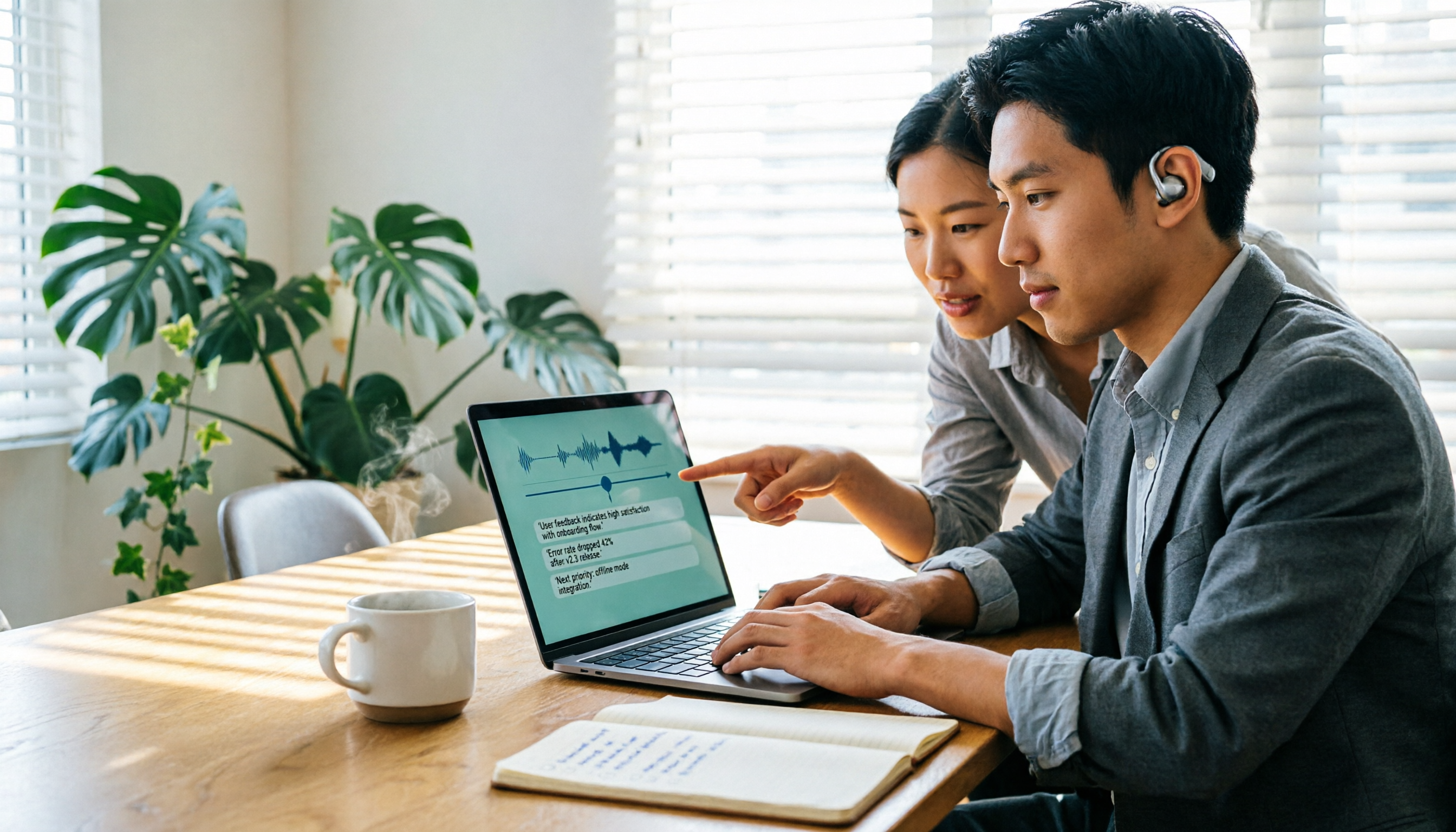
Want to use Google speech-to-text on your computer but find that meeting audio files don't work? This article reviews 4 practical speech-to-text solutions for computers, including Google Docs voice typing, Google Cloud Speech-to-Text API, pyTranscriber, and Tinrec, which I use for meeting notes. It explains each tool's free quota, limitations, and suitable scenarios.
Google Speech-to-Text Apps Free Plans in 2026: 5 Options Compared
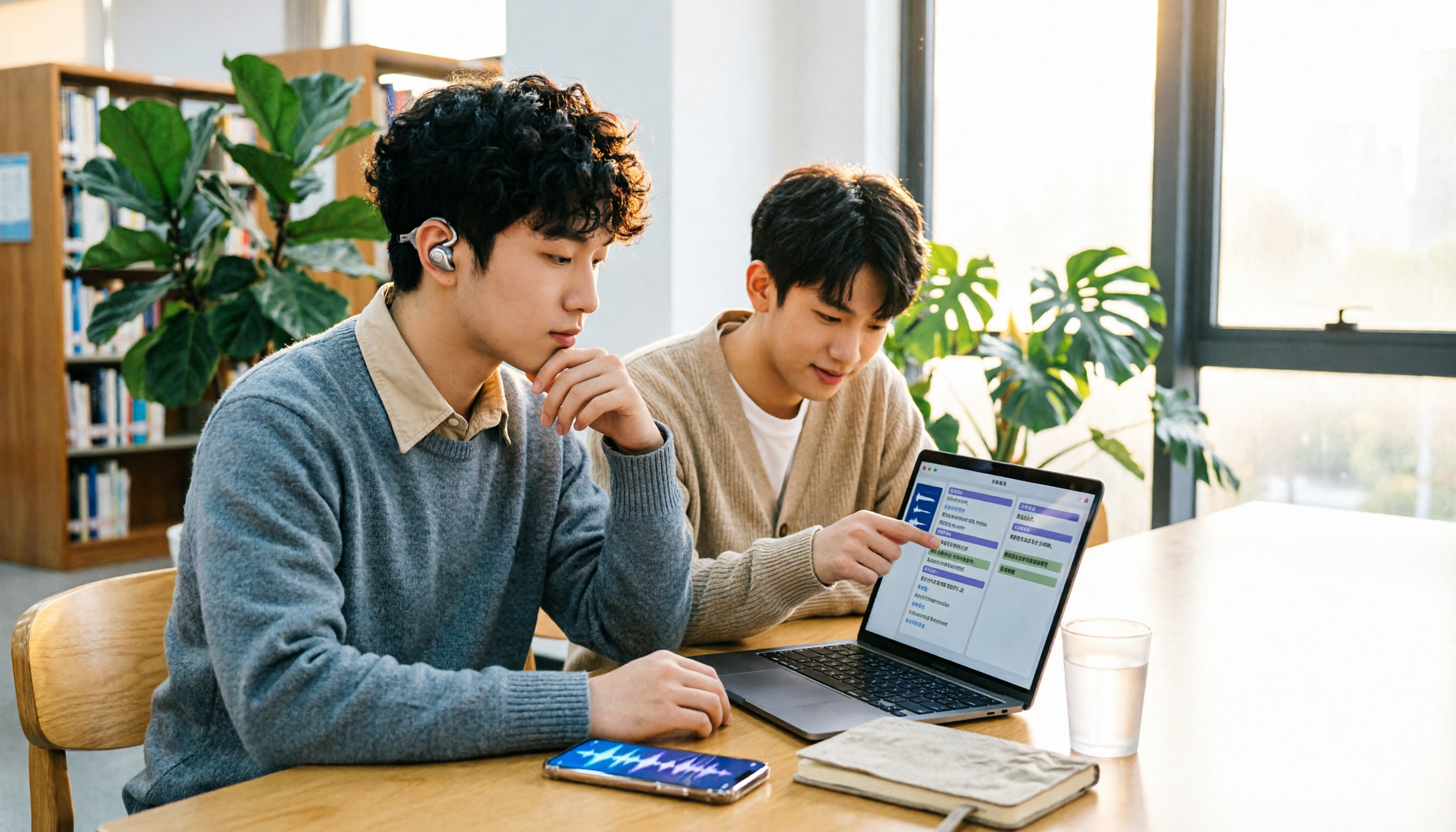
Many people search for a "Google speech-to-text app" expecting one universal program, but Google's speech recognition is actually spread across Live Transcribe, the Pixel Recorder app, Google Docs voice typing, and the Cloud API. Using real student scenarios, this article rounds up 5 free and free-tier options and explains which one can actually turn class recordings into reviewable notes.

2026 Comparison of 4 Free Customer Visit Record Templates: Excel Forms vs. AI Recording—Which Really Saves Time?
Starting from pitfalls encountered during an internship, this article outlines the fields a free customer visit record template should have and compares four approaches: Excel forms, cloud spreadsheets, document forms, and AI recording organization. Conclusion: Templates only solve the format; what truly saves time is using Tinrec to transcribe in real time during the visit, automatically generate summaries and to-dos after the meeting, and then export to your preferred record format.