

Turn recordings into transcripts and summaries in minutes
Upload audio or video for multilingual transcription, AI notes, and action items
Free Cantonese Speech-to-Text Options in 2026: 4 Tools Compared
Many people think they can just throw a recording into a general speech-to-text tool, only to find that a Mandarin model forced onto Cantonese produces countless errors, and they still have to re-listen to the entire recording. This is because most tools don't have a dedicated Cantonese model.
This article rounds up 4 tools that offer free quotas or free trials, helping you spend time organizing instead of re-listening.
Why Is Cantonese Speech-to-Text So Hard?—General Tools Forced to Fit Only Make You Spend More Time Re-listening
Cantonese has nine tones and six contours, with a big gap between colloquial vocabulary and written Chinese, and everyday conversations often mix Chinese and English.
General Mandarin models usually have unsatisfactory recognition rates for Cantonese tones and slang. Rather than struggling with them, it's better to find tools with dedicated Cantonese models.
Common scenarios like meeting notes, interview transcripts, and video subtitles—one wrong keyword can change the meaning of the whole passage.
Choosing the right tool lets you spend time organizing key points instead of repeatedly re-listening.
Before Choosing a Cantonese Speech-to-Text Tool, Understand These 4 Key Points
1. Does it have a dedicated Cantonese model?
Don't just buy because it says "supports Chinese." Confirm whether the tool explicitly states a Cantonese model or performs well in Cantonese evaluations. Forcing a Mandarin model onto Cantonese will significantly increase the error rate.
2. Ability to convert colloquial speech to written Chinese
After Cantonese colloquial speech is written down, it sometimes needs to be converted to written Chinese to show colleagues or clients. For example, "佢哋而家搞掂咗" becomes "他們現在處理好了" (They've handled it now). Having this conversion feature saves a lot of manual editing time.
3. Handling mixed Chinese and English
Hong Kong people often mix Chinese and English when speaking. The tool should retain English words as-is rather than writing them as phonetically similar Chinese. This is especially important in business meetings.
4. Free quota and output formats
Is the free trial "first 15 minutes per file" or "30 minutes total"? Can you export the transcript? Which file formats are supported? First clarify your recording length and number of files, then choose a free plan.
Subanana—Free 15-Minute Preview, a Frequent Winner in Cantonese Model Evaluations
Subanana is a free Cantonese speech-to-text app that lets you upload audio or video files, or paste a YouTube link directly.
Its core approach: AI converts Cantonese conversations into text with speaker separation and punctuation, reliably handling mixed Chinese and English, and retaining English words in the sentence as-is.
In practice, you can upload MP3, M4A, WAV, or MP4, paste YouTube, Instagram, or Facebook links, or record meetings and interviews directly in the browser without installing additional software. It also understands common phone recording formats.
It also has a very practical feature: free choice between colloquial and written Chinese. Choose "written Chinese" output, and "佢哋而家搞掂咗" will be written as "他們現在處理好了" (They've handled it now). Traditional and simplified Chinese are each selectable, giving 4 combinations of colloquial/written × traditional/simplified.
According to Subanana's official description, each transcription is handled by the most accurate model in Cantonese evaluations, not a Mandarin model forced to fit. This is crucial for Cantonese users.
For the free plan, the first 15 minutes of each file can be previewed for free. Files longer than 15 minutes require payment to get the full transcript.
Pros
- Free 15-minute preview lets you test results before deciding.
- Supports colloquial-to-written conversion, with both traditional and simplified options.
- Reliable handling of mixed Chinese and English, retaining English words as-is.
- Diverse input formats, including audio/video files and social links.
Stop organizing recordings by hand
Upload audio or video and automatically get a transcript, summary, and action items
Limitations
- Free preview is only the first 15 minutes per file; long meetings or interviews require payment.
- For export conditions of the free preview and full plan details, refer to the official page.
Who it's for
If you need to quickly convert Cantonese recordings or videos into transcripts and value mixed Chinese-English and written Chinese conversion, Subanana is a highly recommended free option to try first.
Other Free Options: CantoSub, cSubtitle, Tinrec
CantoSub
CantoSub is an AI Cantonese speech recognition tool that converts uploaded audio or video into traditional Chinese text. It supports multiple Cantonese branches including Hong Kong Cantonese, Guangzhou dialect, Dongguan dialect, and Shunde dialect, and offers personalized dictionary settings, automatically converting colloquial Cantonese into written Chinese. Output can be exported as .txt, .docx, .pdf, and other formats. New users get 30 minutes of free trial quota, suitable for short meetings or one-time interviews. Compared to Subanana, CantoSub emphasizes Cantonese branches and export formats; if your recordings are short and you want to try different Cantonese accents, you can start here.
cSubtitle
cSubtitle focuses on Chinese AI speech-to-text and video subtitling. No software download or account registration is required—just upload audio/video files in your browser and the cloud processes them automatically. It's suitable for meeting notes, interviews, courses, lectures, and other scenarios, with a free trial. Note that the official focus is Chinese recognition; for actual Cantonese support, it's recommended to test with your own real recordings first. If you need both video subtitling and transcripts, cSubtitle is an option to compare.
Tinrec (秒聽錄音)
Tinrec is an AI meeting notes and collaboration tool that supports real-time speech-to-text, bot-free online meeting recording, audio/video file transcription, AI summaries, chapters, to-dos, AI Q&A, multi-format export, and team spaces. Its positioning differs from the previous tools: the product description does not explicitly list Cantonese support. If your meetings are mainly in Cantonese, it's recommended to try the free version first to confirm language support. Its strengths lie in post-meeting organization and team collaboration, such as automatically generating summaries and to-dos, asking questions about meeting content, and storing materials in team spaces. The free version offers a basic quota; for specific minutes, refer to the official website. Suitable for those who need a complete meeting workflow and whose meeting language includes Chinese or multiple languages.
Pitfall Guide: The 3 Most Common Mistakes When Choosing a Cantonese Speech-to-Text Tool
Pitfall 1: Assuming "supports Chinese" means supports Cantonese
Many tools' Chinese models are Mandarin, with low Cantonese recognition rates. The right approach is to find tools that explicitly state a Cantonese model or Cantonese evaluations, and test with your own real recordings.
Pitfall 2: Ignoring colloquial-to-written conversion
After Cantonese colloquial speech is written down, colleagues may not understand it if shown directly. Choosing a tool that can switch to written Chinese output, or at least retain the original text for manual editing, will save a lot of communication costs.
Pitfall 3: Unclear free quotas
Some tools' free trials are "first 15 minutes per file," some are "30 minutes total," and some are "3 files per day." Confirm your recording length and number of files first, then choose a free plan, so you don't discover halfway through that the quota is insufficient.
Conclusion: Which One Should You Choose?
- Need the most professional Cantonese model, colloquial-to-written conversion, and mixed Chinese-English handling → Subanana (free 15-minute preview)
- Need Cantonese branches (Guangzhou dialect, Dongguan dialect, etc.) and multi-format export → CantoSub (30 minutes for new users)
- Need video subtitling, direct browser use → cSubtitle (free trial)
- Need meeting summaries, to-dos, AI Q&A, team collaboration → Tinrec (but confirm Cantonese support with a trial first)
It's recommended to try the free quotas first, testing with your own real recordings. Consider paying only if the results are good—there's no need to spend money from the start.
References
- Free Cantonese Speech-to-Text App 2026 | Subanana
- AI Speech-to-Text: Quickly Convert Audio Files to Text Online, Transcripts and Video Subtitles - Free Trial - cSubtitle
- Cantonese Text-to-Speech
- Cantonese Speech-to-Text | AI Cantonese Speech Recognition | CantoSub
- Speechnotes | Hong Kong Cantonese | Speech to Text Online Notepad
Turn every recording into actionable outcomes
Get 60 free transcription minutes when you sign in. No credit card required.
Related Reading
You might also like

Yating Transcription vs. Tinrec: A 5-Dimension Comparison for 2026 — What to Look Beyond Referral Codes
We break down the reality of Yating Transcription referral codes and pricing, then compare Yating Transcription and Tinrec across five key buying dimensions. This helps you decide whether to hunt for a discount code or switch to a workflow that handles both meeting notes and post-meeting action items.

2026 Comparison of 4 Transcription Tools: Is Yating Transcription Good? Who Is It Best For?
Is Yating Transcription really good? I tested Yating Transcription, Notta, Otter.ai, and Tinrec for a whole semester, comparing Traditional Chinese and Taiwanese accent recognition, free quotas, post-meeting summaries and AI Q&A, cross-platform export, and more, to provide practical recommendations and pitfalls for students.

Which Client Visit Record Tool Is Best? 2026 Hands-On Test of 3 Options: Tinrec Wins for Handoffs
A client visit record isn't just about filling out a form—the real challenge is handing off the client's exact words, commitments, and next steps to colleagues. Starting from handoff-ready field design, this article outlines 4 key selection criteria, compares Tinrec, Granola, and TurboScribe in hands-on testing, and includes the 4 most common pitfalls sales teams face plus scenario-based recommendations.

6 Transcription Tools Tested and Compared in 2026: Which Country Developed Yating Transcription?
Which country developed Yating Transcription? Two claims circulate online: a 'Taiwanese team' and 'China's iFlytek.' This article cross-checks the App Store developer field, official website, and app description to give the answer first, then lists 6 transcription tools worth adding to your shortlist, including free quotas, paid pricing, and use cases, to help you decide which one to use.

4 Transcription Tools Tested: Which Is Better Than Yating? Who Saves the Most Time After Meetings?
A mid-level manager who holds 15 meetings a week tests four transcription tools—Yating, Notta, Otter.ai, and Tinrec—covering Taiwanese Hokkien and mixed Chinese-English recognition, post-meeting summaries and action items, AI Q&A, team data ownership, and pricing plans to reveal the real answer to 'which is better than Yating?'
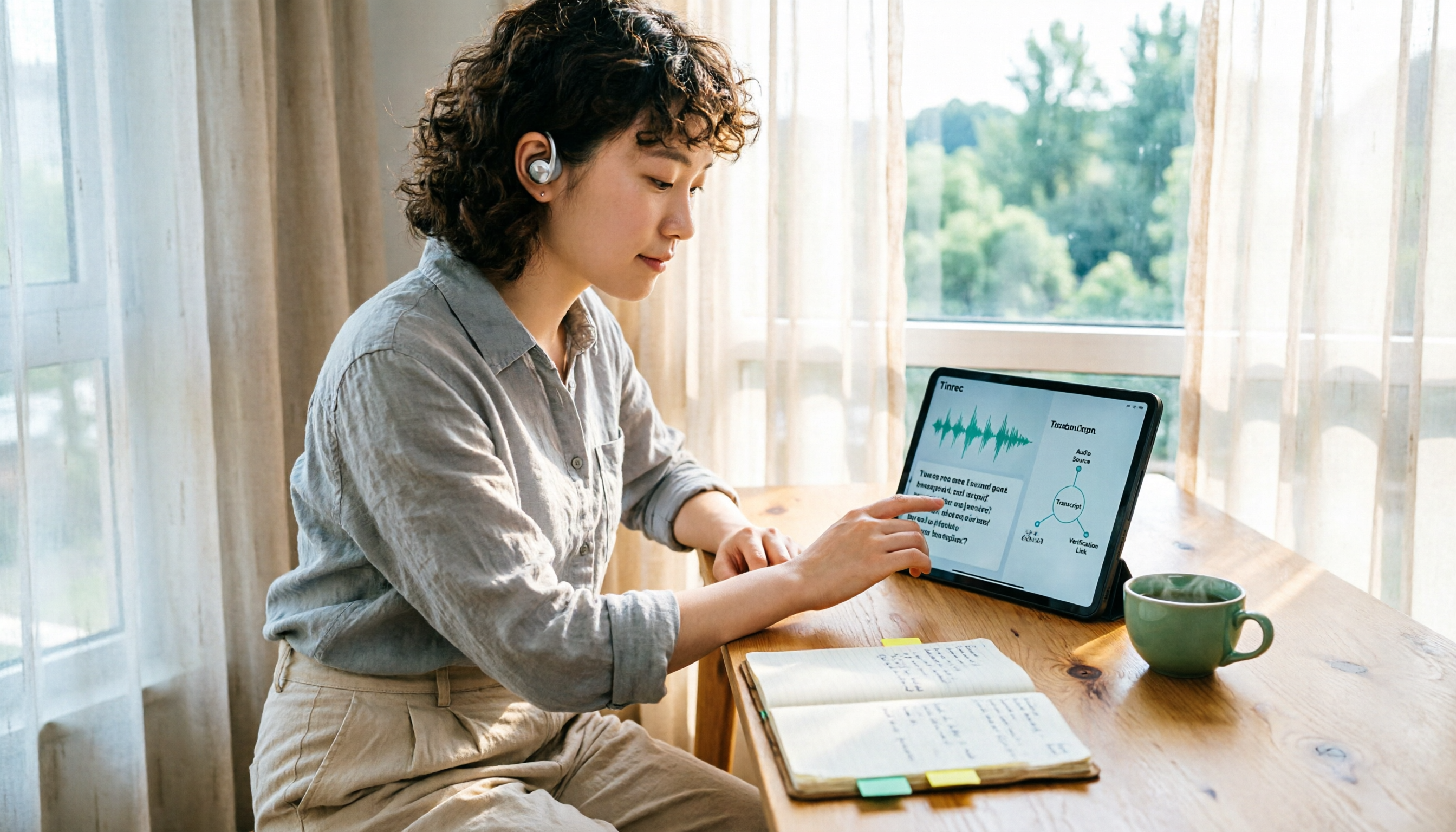
Which Country Developed Yating Transcription? 3 Steps to Verify the Source and Alternatives
Which country developed Yating Transcription? This article uses 3 steps to help you verify the development team's origin, explains the difference between Taiwan AI Labs and the circulating claim about China's iFlytek, and compares Yating Transcription, Tinrec, Otter.ai, and Notta from three angles: language support, post-meeting output, and data storage, to help you decide which audio-to-text tool to use.

2026 Comparison of 2 Client Visit Record Tools: Excel Template vs Tinrec — Which Captures More Clues?
Starting from the pain points of post-visit documentation, this comparison examines Excel visit record templates and Tinrec in terms of capturing verbatim quotes, field examples, post-meeting handoff, team knowledge retention, and usage costs. It also provides visit record fields and examples you can apply directly.

4 Customer Visit Recording Apps Tested for 2026: No More Office Catch-Up After Client Meetings
Should you use an app or Excel for customer visit records? This article starts with 4 key decision points, then compares Tinrec, Visit Record App, Granola, and Otter.ai. It covers the fields most often missed in visit notes, how to record online client meetings, and the 4 biggest mistakes salespeople make—helping you choose a tool that truly captures the content.

2026 Comparison of 4 Client Visit Recording Platforms: Which Free Version Actually Captures What Clients Say?
How to choose a client visit recording platform? This article starts from the key decision point of 'can you look it up later?' and covers 4 key selection criteria, tests Tinrec's actual workflow in on-site visits and online meetings, compares the differences and limitations of Notta, Granola, and PLAUD, and includes free and paid plan pricing to help you choose the right visit recording tool.