

Turn recordings into transcripts and summaries in minutes
Upload audio or video for multilingual transcription, AI notes, and action items
2026 AI Transcription Showdown: Tinrec vs Otter.ai for Cantonese — Which Saves More Time?
"AI is so advanced now—just throw the recording in and you'll get a transcript, right?"
That's the most common thing I hear, and I think it's the first mistake people make.
With Cantonese audio-to-text, the challenge is never just "getting text." It's three things: can it understand the speech, can you use the output directly, and where does your data end up afterward?
Let me give you the bottom line first: if you need to turn a Cantonese meeting into actionable data, I'd pick Tinrec this round. If your entire company meets in English and you only need English meeting notes, Otter.ai remains a solid choice.
I'm not doing a massive ten-tool shootout here. I'm picking the one competitor that actually makes the choice difficult: Otter.ai.
The reason is simple. It's the first AI meeting assistant most people think of, and it's the one most frequently called out in Hong Kong review articles for "insufficient Cantonese support."
Tinrec vs Otter.ai: Quick Overview
Tinrec (秒聽錄音) positions itself as an "AI meeting notes and team collaboration tool": turning audio into text is just the entry point. Beyond that, you get summaries, chapters, action items, AI Q&A, export options, and team spaces.
Otter.ai positions itself as a mature AI meeting assistant: online meeting notes, speaker identification, AI Chat, workflows, and team management are all there. It's highly recognized in English business meeting scenarios.
| Item | Tinrec | Otter.ai |
|---|---|---|
| Core positioning | AI meeting notes + team collaboration | AI meeting assistant + meeting automation |
| Platforms | Web, desktop, mobile | Web, desktop, mobile |
| Strongest scenarios | Chinese/Cantonese meetings, post-meeting organization and team knowledge retention | English business meetings, integration with existing workflows |
Below, I break it down across five dimensions: Cantonese recognition, capture methods, post-meeting processing, team governance, and pricing logic.
Dimension 1: Cantonese and Mixed Chinese-English Recognition
This is the most practical test.
Hong Kong meetings aren't "pure Cantonese." Mixing three English proper nouns into a sentence is the norm, along with filler words, nicknames, and internal company abbreviations.
Otter.ai's strength is English. Hong Kong review articles are blunt: Otter.ai's Cantonese support is insufficient, and Cantonese-speaking users in Hong Kong are advised not to rely on it as their primary tool.
Tinrec is the opposite—it treats Chinese and mixed Chinese-English content as its home turf: Chinese and Traditional Chinese meeting transcription, multilingual meeting transcription, real-time translation during recording with views in original, translated, or bilingual format; and team hotwords let you gradually build up your company's internal terminology.
I won't tell you "98% accuracy"—no tool should promise that. Recording quality, background noise, accents, people talking over each other, and technical jargon all cause results to fluctuate.
→ This dimension: Tinrec wins clearly. The difference isn't "can it transcribe" but "do you have to retype everything after."
Dimension 2: How Meetings Get Captured — Capture Methods and Input Sources
There's an easily overlooked issue here: many people assume "supports meetings" means "can record anything."
Otter.ai's meeting capture is primarily focused on online meetings; its meeting bot is a mature model. File import is limited by quota in its plans (Pro annual plan: 10 file imports per month).
Tinrec offers more diverse processing paths: the desktop version directly captures computer system audio—no extra bot needs to join the meeting. There's also live recording, audio/video file upload, mobile recording, and some web link imports.
For my workflow, the key difference is "offline interviews" and "legacy recordings." An interview recording file or an old client call—Tinrec can process it directly as data. The meeting bot model can't help in these scenarios.
(Screenshot: Tinrec desktop recording interface, arrow pointing to "System Audio" option)
→ This dimension: Tinrec wins on input source flexibility, especially for those with a large backlog of existing audio files to organize.
Dimension 3: After the Transcript — Summaries, Action Items, and AI Follow-ups
If you only get a transcript, you've actually only completed one-third of the work.
Otter.ai is mature here: summaries, action items, AI Chat, and workflow automation are all available, and the English experience is smooth.
Tinrec's difference is in "producing work deliverables": summaries and chapters break down long meetings, action items are extracted from discussions, mind maps show topic structure, and you can continue asking questions via AI Q&A or use Agent post-processing to directly generate reports, tables, and documents. Export supports multiple formats and can be taken to Notion, Google Docs, OneNote, or Dropbox for continued use.
My most-used prompt looks like this—feel free to copy and paste:
Stop organizing recordings by hand
Upload audio or video and automatically get a transcript, summary, and action items
"Based on this meeting transcript, please organize: 1. The three most important decisions; 2. The owner and deadline for each decision (mark 'not specified' if not in the transcript); 3. Five questions to be confirmed; 4. A 150-word summary that can be pasted directly into a project weekly report."
(Screenshot: AI Q&A window, arrow pointing to input box and referenced timeline segment)
→ This dimension: Tie. Both are sufficient for English meetings; for Chinese and Cantonese meetings, Tinrec's overall workflow is smoother.
Dimension 4: Team Collaboration, Seats, and Data Ownership
This is the question I think matters most in 2026: who actually owns meeting data?
Otter.ai has mature team and enterprise capabilities. Tinrec's team edition takes a different approach: it provides an independent team space where data belongs to the team, not to individual accounts.
A few design choices worth noting:
- Roles and seats are separate. Role manages permissions and governance (who can manage members, view usage and audit logs); seat determines usage eligibility (can record, upload, edit, export).
- Members without a seat can still view, play, and read team data—they just can't perform resource-consuming operations like upload, edit, or export.
- When a member leaves or is removed, their team resources must be handed over to other active members—they don't just disappear.
- The team edition provides usage trends, member rankings, audit logs, and a 30-day audio recycle bin (recoverable, or permanently purge early).
One caveat: currently, the team edition primarily uses "team-level shared visibility," not file-level granular permissions. If you need "set different viewers for each file," that's not its current design.
→ This dimension: Tinrec wins on handling member changes and data ownership—especially noticeable in teams with high turnover.
Dimension 5: Pricing Logic and Cost Predictability
This dimension is easiest to get wrong because the pricing units are fundamentally different.
Tinrec team edition current pricing: monthly USD 29.80 per paid seat per month; annual USD 199 per paid seat per year (about USD 16.58/month). Each paid seat provides 2,000 minutes of team shared import quota per month. Eligible new teams get a 7-day trial, 1 free seat, and 300 minutes of shared import quota.
On Otter.ai's side, the official pricing page shows Basic free with 300 minutes per month; Pro annual billing works out to USD 8.49 per user per month, including 1,200 minutes of in-app recording and 10 file imports per month.
Otter's entry price looks lower, but the key is the pricing unit: Tinrec's live recording, under an active team plan and active seat, currently doesn't deduct minutes; only file and web imports count toward team shared quota. For teams with heavy meeting volume, especially online meetings, cost predictability will be more stable than "per-minute" billing.
Otter's prices and benefits may change; refer to the official pricing page for actual terms.
→ This dimension: Tinrec wins on "heavy meeting users don't need to worry about minutes"; Otter wins on low single-user entry barrier.
What Are Each Tool's Unique Advantages?
Tinrec's unique advantages:
- Desktop version records without a bot—no extra "attendee" in the meeting.
- Chinese and mixed Chinese-English meetings are its home turf, plus real-time translation and bilingual viewing.
- Post-meeting output isn't just text—it's summaries, action items, reports, and tables you can actually deliver.
- Team space + role-based seats + usage audit + recycle bin—data stays put and can be found again.
Otter.ai's unique advantages:
- High maturity for English meetings and cross-border teams, with strong user habits built over years.
- Complete workflow automation and integration ecosystem—ideal for organizations already heavily invested in English toolchains.
Conclusion: Which Should You Choose?
• If your meetings are mainly Cantonese, Chinese, or mixed Chinese-English → Tinrec
• If you need to organize offline interviews, existing audio files, and videos together → Tinrec
• If you want to directly produce meeting minutes, action items, and reports after meetings → Tinrec
• If you care about how data is retained after members leave → Tinrec team edition
• If your entire company meets in English and you only need English transcripts → Otter.ai is already mature enough
In one sentence: for most teams communicating primarily in Chinese and Cantonese, Tinrec is the more complete choice. But with tools, it's best to verify with your own recording.
Quick Start: My Starter Checklist
- Use the free quota first and test with your "hardest recording"—ideally one with mixed Chinese-English, multiple people talking over each other, and background noise.
- When reviewing the transcript, fix names, company names, and product names first—these three mistakes are the most costly.
- Add your team's common terminology to hotwords; the second meeting will show noticeably fewer errors.
- After the transcript is done, don't rush to read from the beginning—let AI generate summaries and action items first, then go back and verify questionable sections.
- For important decisions and numbers, always click back to the recording timeline to confirm once.
- Before recording, inform participants and get consent—this is the most basic step.
Tools will keep changing, but this workflow won't: first turn audio into trustworthy text, then turn text into actionable data.
Test step by step, and you'll gradually find the approach that fits your team.
References
- Free Cantonese Speech-to-Text App 2026 | Subanana
- Top 5 Speech-to-Text Tools in Hong Kong: Accurate Cantonese Recognition, Double Meeting and Interview Efficiency!
- Cantonese Speech to Text | AI Cantonese Speech Recognition | CantoSub
- [Free Tool] Cantonese Speech to Text! Just Upload a File or YouTube Link. Up to 96% Accuracy - YouTuber AI | Spend time on creativity, leave the AI to do the hustle work.
- "Free + Cantonese OK: How to Use Google AI Studio to Turn Your Recordings into Text" Finding a good transcript app is painful; I don't know if you've tried different audio-to-text apps—either fake free (charge you big money after a few minutes), or only support English (no Cantonese), or require a whole API setup. // Recently I found Google Gemini is world-class at this: - [Truly free] No subscription after a few uses - [Cantonese friendly] Gemini has high accuracy + supports long content - [Low barrier] No complex operations or API setup - [Convenient] Supports Desktop + Mobile - [AI support for processing] Directly ask Gemini to further analyze, organize, and summarize the transcript // Here I want to share my steps for using Google AI Studio for transcript + text processing, so you can apply it in daily work; (1/3)
Turn every recording into actionable outcomes
Get 60 free transcription minutes when you sign in. No credit card required.
Related Reading
You might also like

2026 AI Speech-to-Text Comparison: Tinrec, Notta, Otter.ai, Granola Tested for Chinese Meetings & Post-Meeting Workflows
Starting from meeting notes and post-meeting organization needs, we compare Tinrec, Notta, Otter.ai, and Granola on input sources, Chinese language experience, post-meeting output, and team governance to help you decide which AI speech-to-text tool is worth trying first.

2026 Comparison of 3 Cantonese Speech-to-Text Tools: Which Saves the Most Time on Meeting Notes?
The hardest part of a Cantonese meeting isn't recording—it's the hours of cleanup afterward. We tested 3 Cantonese speech-to-text tools, comparing mixed Chinese-English recognition, converting spoken to written language, post-meeting summaries and action items, team seats, and pricing. We also highlight 4 key points to understand before buying and 3 common pitfalls to help you decide which tool truly saves time on meeting notes.
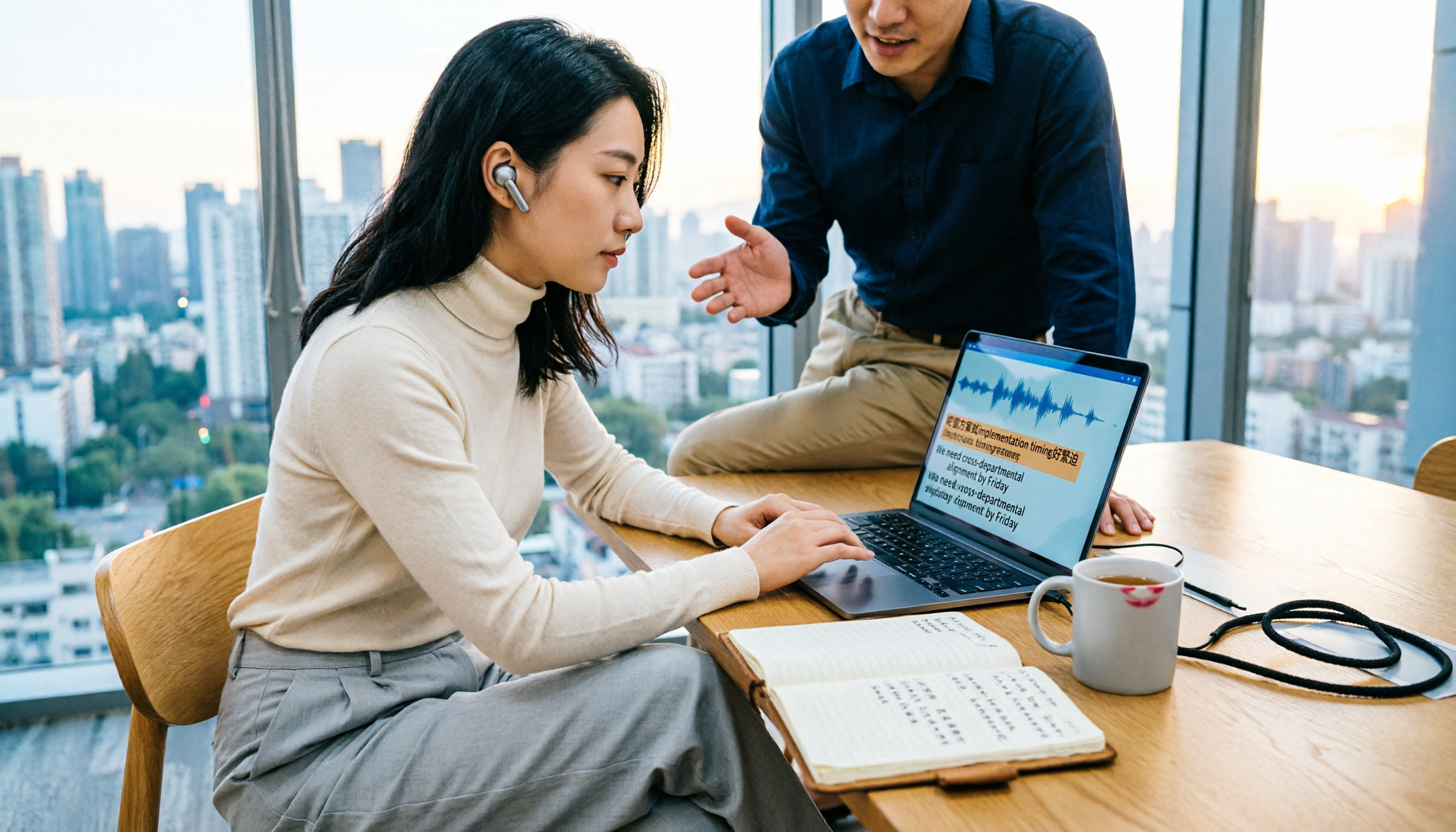
4 Audio-to-Text Tools Tested: Which Handles Cantonese with Mixed English Best in 2026?
Cantonese audio transcription often struggles with mixed English and converting spoken to written Chinese. This guide covers 4 key selection criteria, a hands-on workflow test of Tinrec, and 80-120 word reviews of Subanana, CantoSub, and Otter.ai to help you choose the right tool for your scenario.

5 Best Speech-to-Text Apps for Cantonese on Android in 2026: Tested and Compared
For Android users who want to turn Cantonese recordings into usable text, the real difference isn't which app is most accurate—it's how much work you still have to do after the meeting. This article compares Tinrec, Notta, TurboScribe, Otter.ai, and PLAUD Note from four angles: real-time meetings, mixed Chinese-English, cross-device organization, and free tiers. It also highlights four common pitfalls to help you choose the right tool.
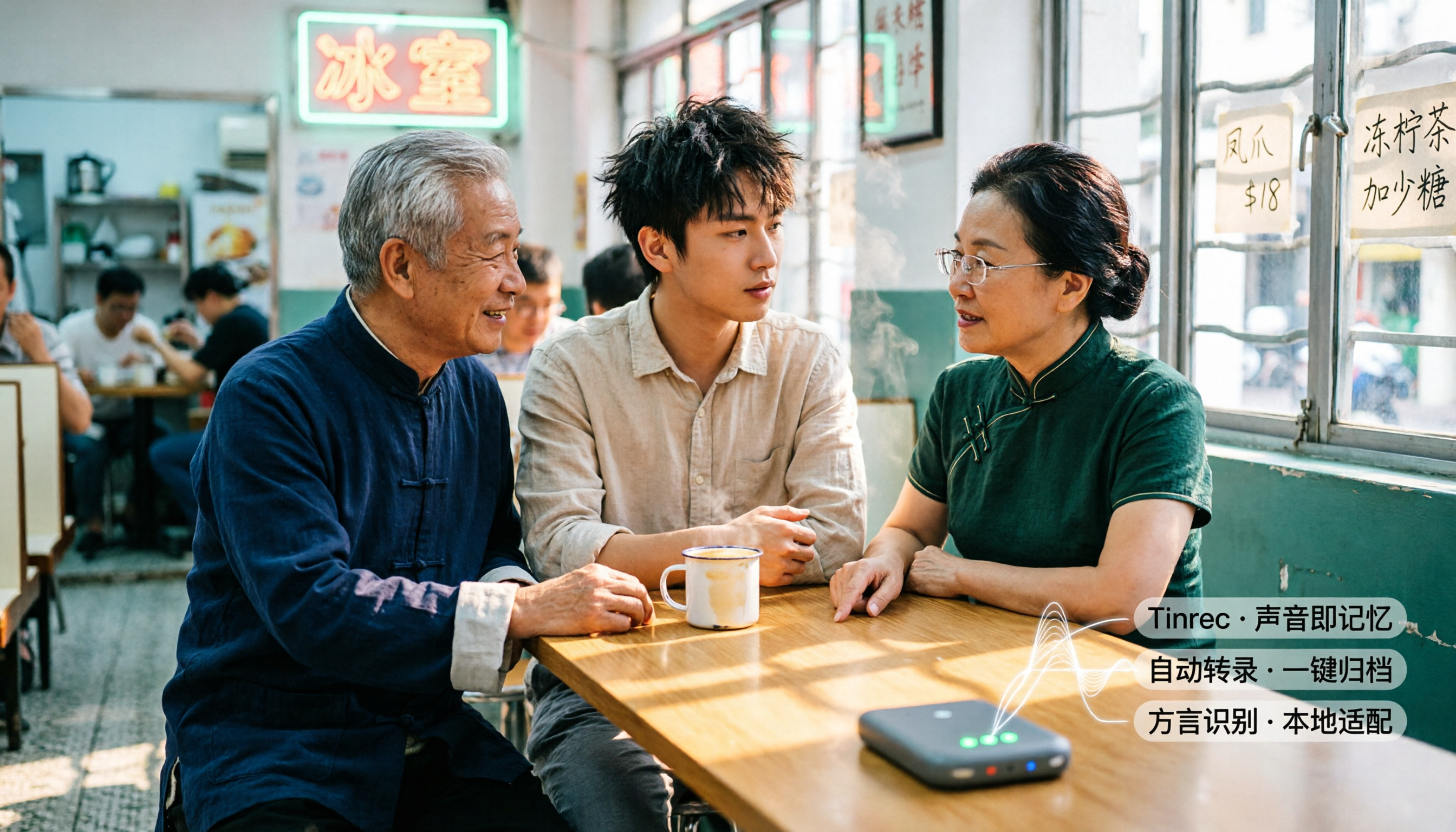
5 Best Cantonese Speech-to-Text AI Tools in 2026: Which One Really Understands Cantonese?
Most people choose a Cantonese speech-to-text tool based only on whether it says 'supports Cantonese,' overlooking accents, quota usage, and post-meeting output. This article first breaks down three common misconceptions, then uses Tinrec to demonstrate the complete workflow from recording to transcript, summary, action items, and export, and compares the positioning and limitations of CantoSub, YouTuber AI, Otter.ai, and Notta/TurboScribe.

4 Cantonese Speech-to-Text Tools Compared (2026): Free Tiers, Transcripts, and Meeting Notes
How to choose a free Cantonese speech-to-text tool in 2026? This side-by-side comparison of Subanana, YouTuber.ai, cSubtitle, and Tinrec covers free tiers, Cantonese recognition, transcript usability, post-meeting organization, and team collaboration to help you decide which is best for occasional transcription and which suits long-term meeting records.
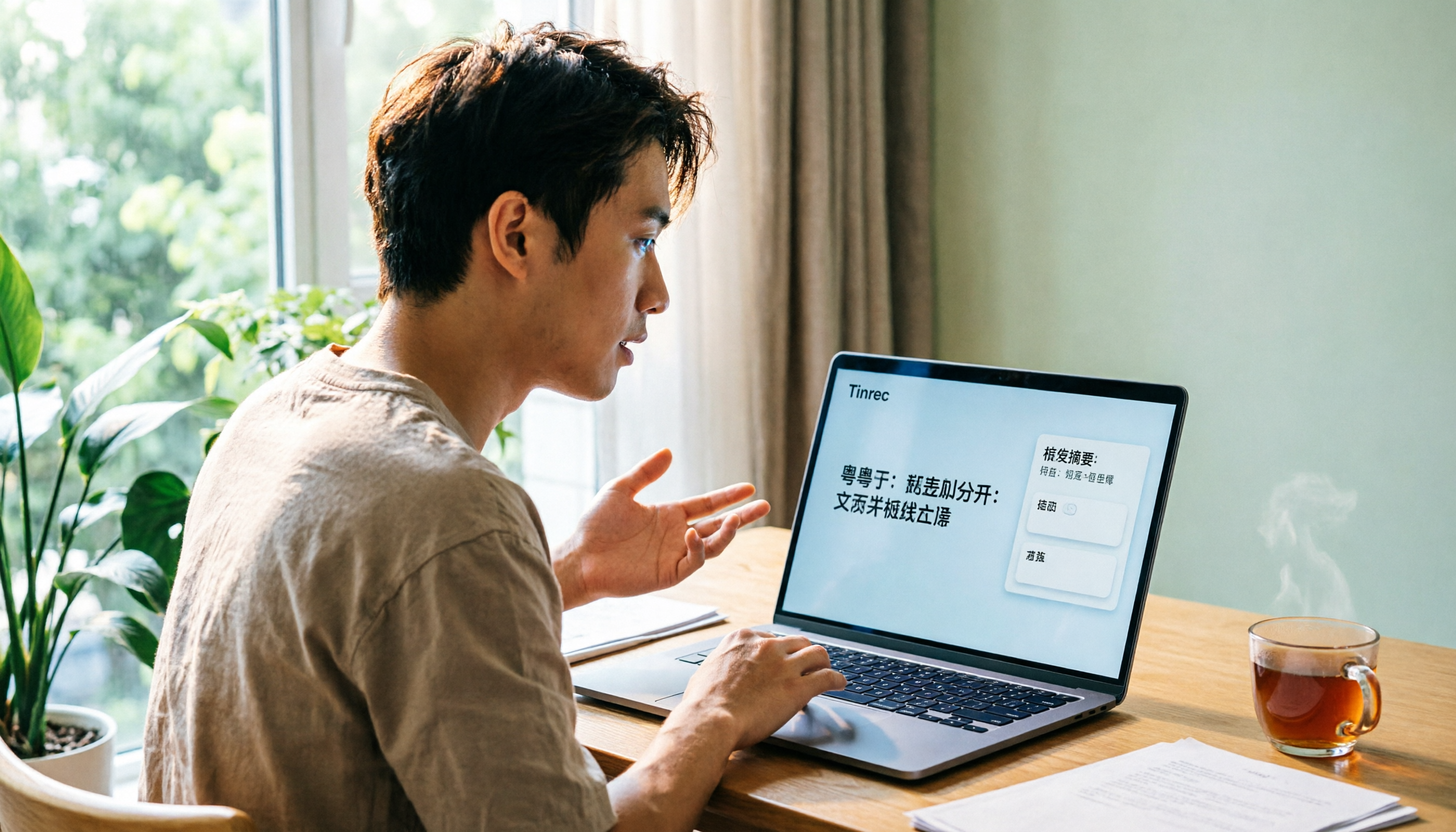
6 Cantonese Speech-to-Text Tools Tested on Windows 11: Which Is the Least Effort in 2026?
Want to use Cantonese speech input on Windows 11? Should you use the built-in Win+H, a Jyutping keyboard, or an AI transcription tool? This guide covers 6 practical options, from the no-install built-in dictation to Tinrec, which can automatically generate summaries and action items. It honestly lists each option's limitations and pricing to help you pick the least effortful one.

5 Speech-to-Text Tools Compared for 2026: How to Choose from Google AI Studio to Paid Plans
Is Google AI Studio with Gemini really free and easy for transcription? This comparison puts Google AI Studio, Tinrec, Notta, TurboScribe, and Otter.ai side by side, covering free tiers, Chinese recognition, online meeting recording, and team collaboration to help you pick the one that fits your usage frequency.
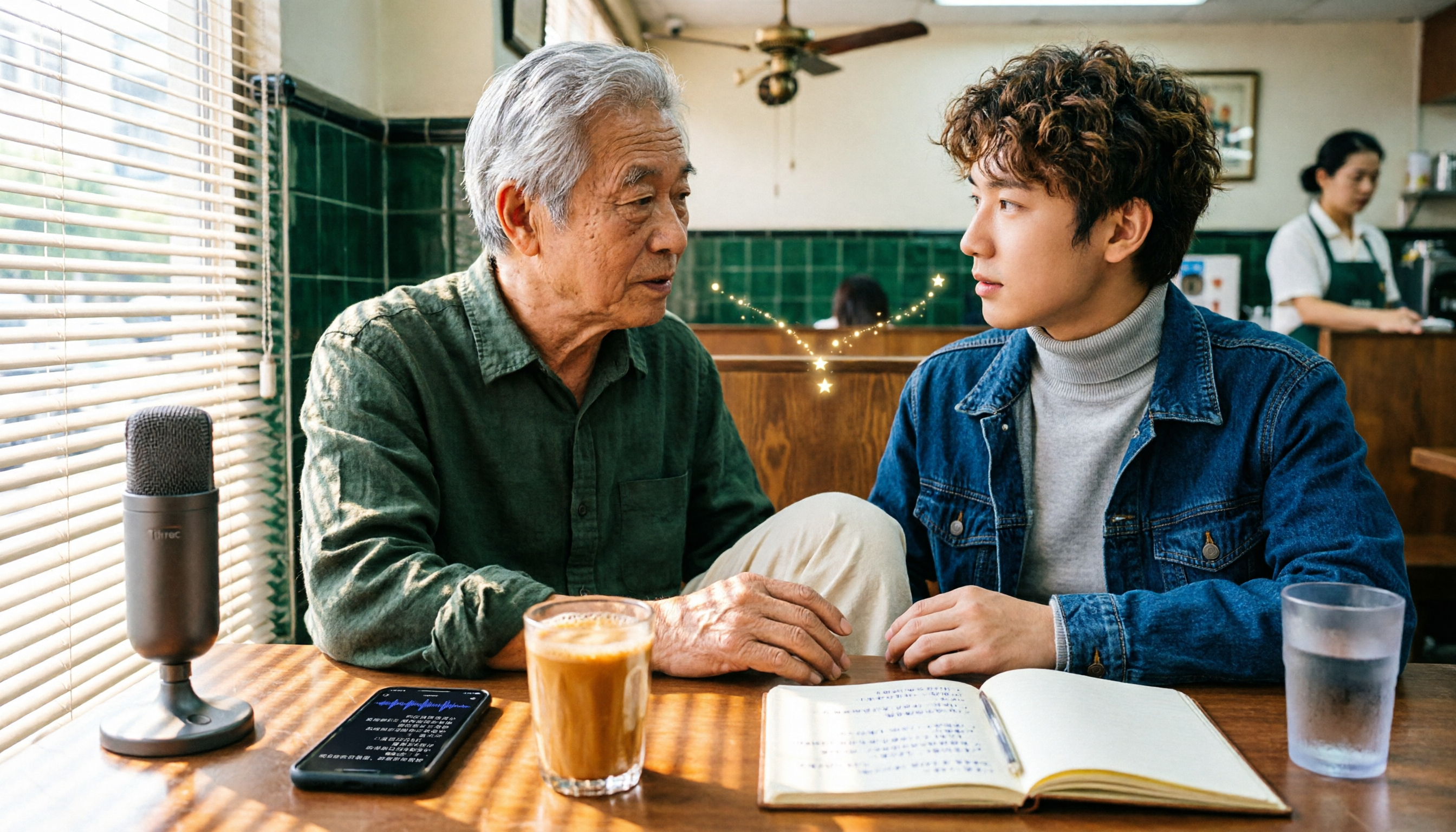
6 Free Cantonese Speech-to-Text Tools Tested: Which Is Best for Cantonese Transcripts in 2026?
There are many free Cantonese speech-to-text tools, but most people get stuck on two misconceptions: confusing text-to-speech with speech-to-text, and assuming free means fully featured. This article covers 6 practical options, from Tinrec's post-meeting workflow to the free tiers of Subanana, cSubtitle, and YouTuber AI, plus long-file handling with Notta and TurboScribe, along with selection criteria and 4 must-know notes before use.