

Turn recordings into transcripts and summaries in minutes
Upload audio or video for multilingual transcription, AI notes, and action items
The Most Common Misconception About Transcription Apps: Mistaking "Free Download" for "Free to Use"
Many people searching for "Yating transcription pricing" already have an assumption in mind: if the app is free to download, it should be free to use.
So the process goes like this—download, sign up, drop in a 90-minute meeting recording, and go make coffee. When you come back, the screen is stuck at 20 minutes, and you need to pay to continue with the rest of the audio file.
Another common situation is treating "live recording" and "uploading audio files" as the same thing. Some tools don't charge for live transcription while you're speaking, but if you need to process a batch of historical recordings on your phone, the quotas available for each are completely different.
This article doesn't list spec sheets. I'll walk through the workflow of the three tools most commonly compared by users in Taiwan, clearly explaining costs, free quotas, and actual limitations, so you know the answers before spending money.
Before Choosing a Transcription App, Understand These 4 Key Points
1. Is the billing unit a monthly fee or an hourly package?
Subscription plans deduct a fixed amount each month, and unused time expires; hourly packages let you buy as much as you need, possibly with an expiration date. If you only transcribe a few interviews a year, an hourly package wastes less; if you have meetings every week, the unit cost of a subscription is usually lower. First calculate how many hours you'll transcribe in a year, then look at prices.
2. Does the free quota count "live recording" or "uploaded audio files"?
This is the biggest information gap. Some tools emphasize being free, but what's free is the live transcription feature; when you actually need to process existing audio files, you have to pay separately. Before trying, confirm the length of your files and whether they can be transcribed in one go.
3. What do you want to do with it after transcription?
If you just need a transcript, there are many options. But most people's real pain point is "I have a transcript, now what?"—a two-hour meeting takes half an hour just to read through. Whether the tool can automatically generate summaries, chapters, action items, or even let you ask questions directly determines whether it saves you time or just gives you a different file format.
4. Will you use it only on your phone, or on both phone and computer?
Recording on your phone and organizing on your computer is the most common workflow. If an account can only be used on one device at a time, you'll have to keep switching back and forth. Cross-platform and multi-person collaboration are easily overlooked needs that you'll encounter quickly.
Tinrec—The One I Kept Using After Testing All Three
Tinrec is an AI meeting notes and collaboration tool for individuals and teams, supporting iOS, Android, desktop, and web. It doesn't just convert speech to text; it organizes meetings into data you can search, query, export, and continue to process.
When I have online meetings, I usually open the desktop version directly. It captures computer system audio and can handle meetings on Zoom, Google Meet, Microsoft Teams, and Webex without inviting an extra meeting bot into the room. This is especially useful for external client meetings—you don't have to explain "this is an AI assistant," and the screen stays clean.
After the meeting, the transcript, summary, chapters, and action items are generated together. Who is responsible for what and when it's due are listed right there, so you don't have to re-listen to two hours of recording. Even better is the AI Q&A: in last week's project meeting, I couldn't remember who mentioned the budget figure, so I just asked it "who mentioned the budget in the last meeting," and it gave an answer based on meaning rather than dumping a list of keyword search results.
For cross-language meetings, you can enable real-time translation and view the original, translation, or both side by side. The organized content can be exported to Word, PDF, SRT, and other formats, and brought into Notion or Google Docs to continue writing.
Three advantages I use most:
Stop organizing recordings by hand
Upload audio or video and automatically get a transcript, summary, and action items
- No meeting bot needed: The desktop version directly captures system audio, so online meetings proceed as usual without an extra participant.
- More than just a transcript: Summaries, chapters, action items, AI Q&A, and Agent post-processing to generate reports, tables, and meeting minutes.
- Chinese language and team knowledge base: Stable performance with Chinese and mixed Chinese-English content. The team version puts recordings, transcripts, and action items in a shared team space, with member, role, seat, usage analytics, and audit logs.
Limitations I need to be honest about: The free version has a basic quota, and heavy use requires payment; the personal version includes free, weekly card, Pro monthly, and Pro annual plans, with actual prices subject to the official website. Accuracy is also affected by recording quality, noise, accents, and multiple people talking over each other. For important content, I recommend checking against the recording—I won't tell you it's 100% error-free.
If you frequently have online meetings, need Chinese transcripts, and want to ask AI directly for key points after meetings, this is currently the most complete workflow option. For team use, consider the team version: USD 29.80 per paid seat per month, or USD 199 per paid seat per year (about USD 16.58 per month), with 2,000 minutes of shared team import quota per seat per month. Eligible teams get a 7-day trial with 1 free seat and 300 minutes.
Besides Tinrec, What Other Options Are There?
Yating Transcription: A veteran local Taiwanese brand with high adaptability to Taiwanese accents, Taiwanese Hokkien, and mixed Chinese-English speech. Its pricing logic differs from subscriptions—it's calculated by hourly packages. The common rate is NT$100 per hour; buying 3 hours costs about NT$270, and purchased hours can be used within 3 years. Bulk purchases have discounts, but actual plans and amounts are subject to the official page. For the free part, note the distinction: live recording is free, while uploaded audio files have separate trial hours—most sources say 20 minutes (some say 120 minutes or about 300 minutes; check official announcements before signing up). Note that one account cannot be used on multiple devices simultaneously, and it lacks AI conversational Q&A, so you still have to read the transcript yourself. If you only need a decent Chinese transcript and usage is low, it's a reasonable choice.
Notta: A multi-platform transcription tool supporting meeting notes, file import, and translation. The free version offers 120 minutes per month, but single content is capped at 3 minutes; Pro annual billing is about USD 8.17 per month with 1,800 minutes per month, and Business is about USD 16.67 per seat per month, subject to the official price page. It suits people who mainly do file transcription and translation; but if you want bot-free recording of online meetings and direct AI Q&A after meetings, Tinrec's workflow is more complete.
Pitfall Guide: The 4 Most Common Mistakes When Choosing a Transcription App
Pitfall 1: Only looking at the word "free" without checking the quota unit. Free 20 minutes versus free 300 minutes per month is more than a tenfold difference. Check clearly whether it's a single-session cap, a monthly total, or only live recording that's free.
Pitfall 2: Mistaking "NT$100 per hour" for a monthly fee. Hourly packages are priced by audio length, deducted as you use, and unused hours may have an expiration date. First confirm your total audio length, then calculate the unit price.
Pitfall 3: Ignoring account and device restrictions. Whether one account can be used on both phone and computer directly affects your workflow. The more you switch between devices, the more you should pay attention to this.
Pitfall 4: Treating the tool only as "speech-to-text." If you only use transcription, you're only using part of its capabilities. With Tinrec's AI Q&A, for example, you can ask "what were the meeting conclusions" right after recording, which is much faster than manually flipping through a 30-minute transcript.
Conclusion: Which One Should You Choose?
- Need Chinese meeting transcripts and cross-platform use on phone and computer → Tinrec (desktop version records without a bot, supports multiple languages and real-time translation)
- Want to use AI to find key points, summaries, and action items right after recording → Tinrec (has AI Q&A and Agent post-processing)
- Team needs to share meeting data and manage seats and usage → Tinrec Team version (team space, roles and seats, audit logs)
- Only need a usable Chinese transcript and usage is very low → Yating Transcription (hourly packages, pay as you go)
- Mainly file transcription, subtitles, and translation → Notta
I recommend starting with the free version and running through the workflow with your own real recordings. Whether the quota is enough, whether the output is usable, and how much time post-meeting organization takes—you'll know after one try. There's no need to pay upfront.
Recording and transcription involve personal data. Remember to comply with local regulations and obtain consent from participants when necessary.
References
- Complete Guide to Yating Transcription: Free Version, Pricing, and Alternatives
- Yating Transcription: Online Speech-to-Text Service, Pricing Introduction | AI Tool Overview - Future Commerce
- Is Yating Transcription Free? How Yating Pricing Works and Whether Buying Hours Is Worth It
- AI Tool Designed for Taiwanese Accents: How Yating Transcription Charges? Full Paid Plan Analysis - UpToGo
- 2026 Yating Free Plan Summary: 3 Usage Methods - Tinrec Blog
Turn every recording into actionable outcomes
Get 60 free transcription minutes when you sign in. No credit card required.
Related Reading
You might also like
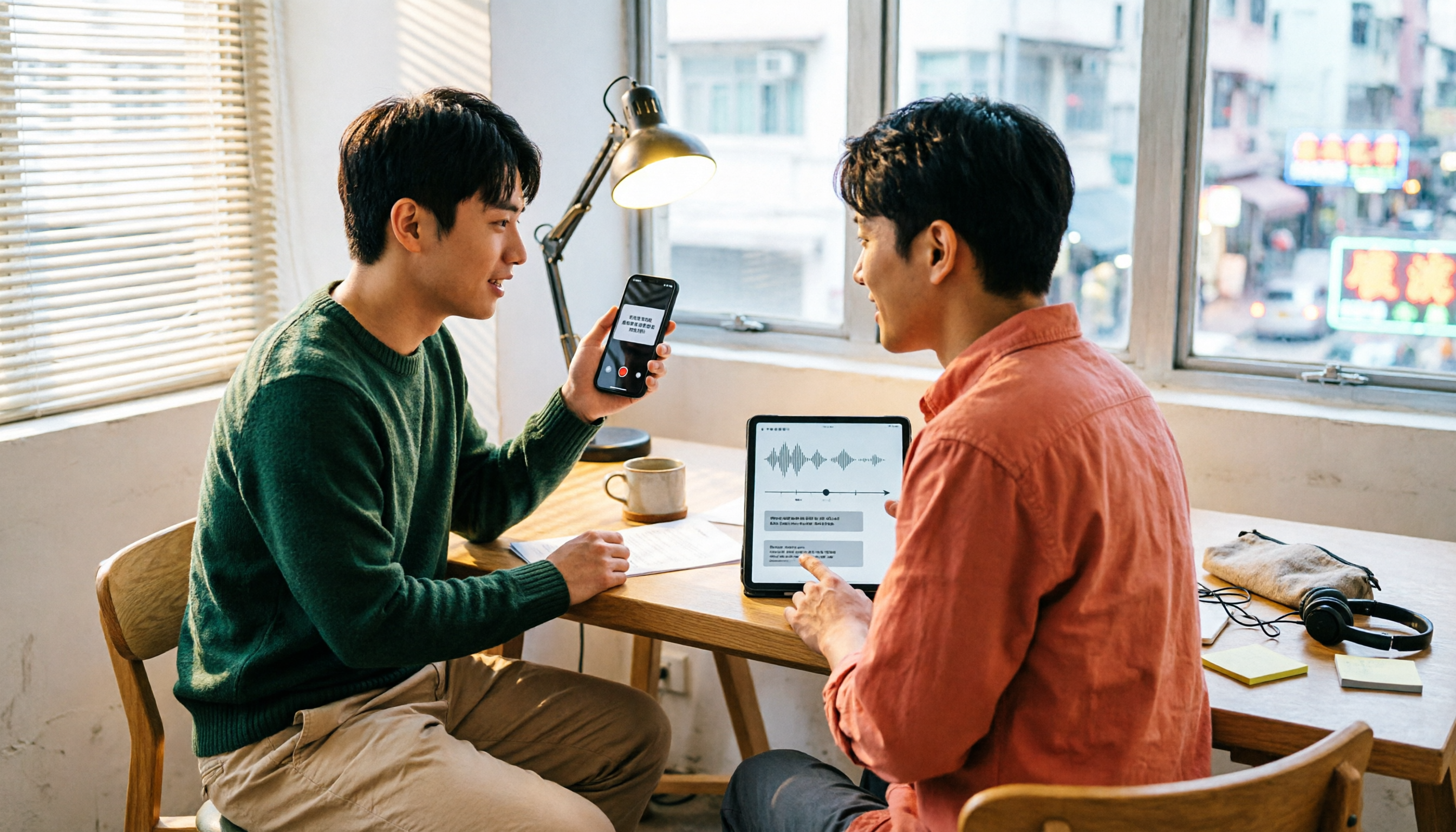
Which Transcription App Is Best? 2026 Hands-On Test of 3 Options and How to Get the Most Out of Yating's Free Quota
How much free quota does Yating Transcription offer? Real-time recording is free, and uploading audio files gets you trial hours, but one account can't be used on multiple devices simultaneously. This article hands-on tests 3 transcription tools, breaks down free quota traps, Cantonese recognition, and AI post-processing differences, and tells you which one is best for Hong Kong office workers.

Yating Transcription Free Version 2026: How to Check Quota + Post-Transcription Workflow
Is the free version of Yating Transcription enough? This article skips the spec sheet and first helps you distinguish between 'a single recording' and 'a complete workflow.' It then breaks down four aspects: free quota, audio retention, cross-device use, and post-meeting organization. It also compares Tinrec, Notta, Otter.ai, and TurboScribe for their suitable scenarios to help you decide whether to pay.

2026 Comparison of 3 Online Transcription Tools: Yating Transcription Online Pricing vs. Tinrec Meeting Organization
Yating Transcription Online focuses on Taiwanese accent recognition and free real-time recording, while Tinrec extends transcription into summaries, action items, and team Q&A. This article compares their features, pricing, and use cases to help you choose the right tool.

2026 Comparison of 3 Online Transcription Tools: Yating vs. Tinrec — Which Saves More Post-Meeting Time?
Many people search for "Yating online transcription" because they want to turn recordings into text without installing an app—just using a browser. This article compares three approaches: Yating's online service, built-in transcription in some meeting platforms, and Tinrec, based on real-world usage. It covers key selection factors such as real-time transcription, summaries and action items, AI Q&A, export options, and team collaboration.

Best Transcription Software? 2026 Hands-On Test of 3 Tools: Yating Pricing and Tinrec Compared
How is Yating transcription priced? Is the hourly package worth it? This article starts from the decision point of 'should I buy an hourly package or a subscription?' and organizes Yating's pricing model and free quota controversy. It also hands-on compares Tinrec, Otter.ai, and Notta on Chinese recognition, post-meeting organization, and team collaboration to help you choose the one that best fits your usage frequency.

2026 Tinrec Meeting Toolbar: No-Bot Recording + AI Summaries & Action Items in One Place
Starting from the search demand for 'Yating transcript toolbar,' this guide walks you through common pain points of transcript toolbars and uses Tinrec as an example to show how a more complete meeting workflow can handle recording, transcription, summaries, action items, AI Q&A, and team collaboration.

2026 Comparison of 4 Cantonese Speech-to-Text Tools: Which One Can Actually Extract Meeting Action Items?
Tired of spending hours organizing Cantonese meeting recordings? Based on the real needs of mid-level managers, this article compares Tinrec, CantoSub, Speechnotes, and Otter.ai on Cantonese transcription, post-meeting summaries, action item extraction, and team collaboration. It also covers selection criteria and pitfalls to help you find the right Cantonese speech-to-text solution.

2026 WeChat Voice-to-Text Cantonese Comparison: Chat Is Fine, Meetings Need AI
WeChat's built-in voice-to-text is handy for reading Cantonese chat messages, but it falls short for meetings, interviews, or 40-minute recordings. This article runs the same Cantonese audio through WeChat built-in, phone recorder, WhatsApp, and Tinrec's AI meeting organizer to help you decide if free features are enough, when to switch tools, and what to look for when buying.

Best Speech-to-Text Tools in 2026: We Tested 4 for Cantonese Meetings — This One Saves the Most Time on Post-Meeting Cleanup
We compared 4 speech-to-text tools in real Cantonese meeting scenarios, breaking down recognition models, meeting recording methods, post-meeting organization, and team permissions. We highlight common pitfalls and key considerations to help you choose the most time-saving option.