
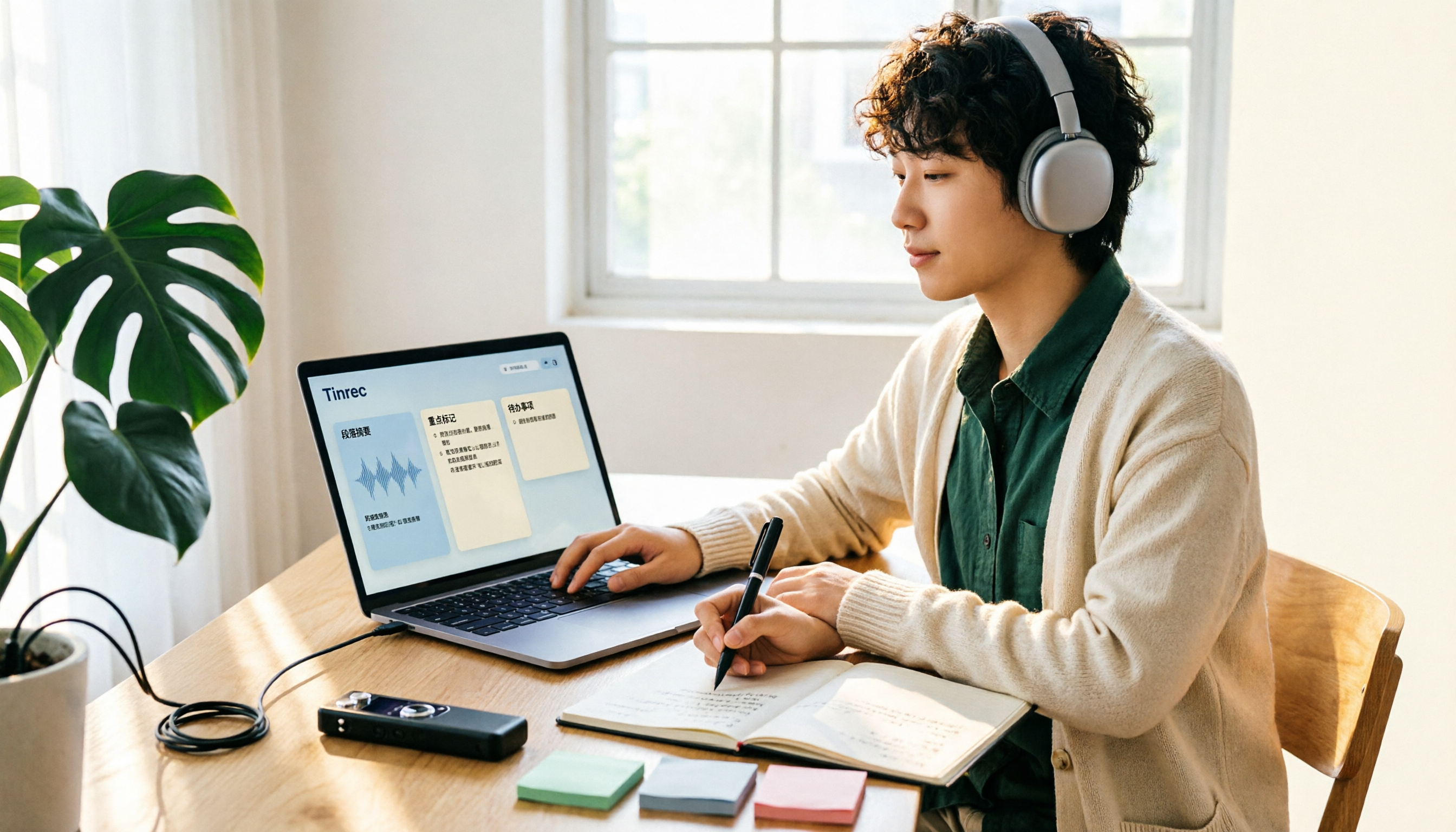
Turn recordings into transcripts and summaries in minutes
Upload audio or video for multilingual transcription, AI notes, and action items
Is the free version enough? First, clarify whether you need 'a single recording' or 'a complete workflow'
"Is the free version of Yating Transcription really enough?"
I've been asked this question several times recently. But each time, I first ask back: Are you trying to organize 'a single recording' or 'a repeatable workflow'?
The answer changes everything.
If you only occasionally convert an interview or a class into text, the free quota is usually sufficient.
But if after every recording, you still have to think back: "Who said this?" "What was the conclusion?" "What needs follow-up next week?"—then what you're missing isn't free minutes, but the workflow after transcription.
So this article doesn't list specs. I want to help you think clearly: How far can the free version take you, and what do you have left once you get there?
Before choosing a free transcription tool, think through these 4 things
1. Is the quota one-time or monthly reset?
These two seem similar but differ greatly in practice. A one-time quota is gone once used—suitable for "I have a batch of recordings to process during this period." A monthly reset quota suits "I have two or three regular meetings every week." First understand your rhythm, then look at the numbers.
2. Do you want the transcript, or what comes after the transcript?
Transcription solves typing from audio, but the real time sink in meetings is "reading through a 40-minute transcript to find conclusions and action items." Some tools only do the former; some go further. It's not about better or worse—it's about whether you want to pay for extra work.
3. Are audio files retained? Can you go back and check?
Some services only give you text and don't keep the meeting audio. When you suspect a phrase was transcribed wrong or need to confirm tone, missing audio is a hassle.
4. Cross-device and multi-person collaboration
Recording on your phone today, organizing on your computer tomorrow—that's the norm. If one account can only be used on one device at a time, your workflow is forced to change. For team sharing, consider: Does the data belong to individuals or the team?
Yating Transcription Free Version: What you can try, what not to expect
Yating Transcription is a service developed by a Taiwanese team. What it's most praised for isn't the quota, but its recognition of Taiwanese accents and handling of mixed Chinese-English and Taiwanese Hokkien usage.
The free version lets you try most basic features: upload audio files, live recording, text editor. That means you can use a real recording you have on hand to verify "whether it understands my meeting."
My own testing method is fixed: I use a meeting recording with background noise and people interrupting, not a quiet read-aloud script. Because that's the kind of audio you'll encounter daily.
As for the exact free quota, I have to be honest: numbers circulating online are inconsistent—some say a few dozen minutes, 120 minutes, or 300 minutes.
This usually means the plan has been revised, or different sources mix data from different tools. I won't give you a definitive number here; please refer to the current announcement on Yating's official website.
There are two confirmed limitations.
First, the same account cannot be used on multiple devices simultaneously. Those who switch between phone and computer should note this.
Second, paid plans are mainly "hour packages" that can be stacked and have an expiration date after purchase. It's not a monthly subscription—so the question "is the free version enough" essentially depends on your usage frequency.
There's another key difference: Yating Transcription outputs the transcript itself.
Meeting conclusions, action items, and key topic summaries—you have to read through and organize them yourself. This isn't a flaw; it just does transcription well. But if you want "usable right after recording," there's still a gap to bridge.
Tinrec: My current default workflow for meeting recordings
Later, I changed my workflow: recording is just the starting point; the goal is "meeting materials you can use directly."
Tinrec is a tool designed along this line, with web, desktop, and mobile apps.
The first thing that changed my habit: it doesn't need a meeting bot. The desktop version directly captures system audio to handle meetings on Zoom, Google Meet, Microsoft Teams, and Webex, without an extra bot appearing in the participant list. This is especially noticeable for external meetings—you don't need to explain "who the extra person is" to clients.
Second, the gap at the end of meetings disappears. Transcription happens while recording; when the meeting ends, summaries, chapters, and action items are already generated. Who's responsible for what, what to discuss next time—no need to dig through from scratch.
Stop organizing recordings by hand
Upload audio or video and automatically get a transcript, summary, and action items
Third, what I use most: AI Q&A. After recording, you can directly ask "Who mentioned the budget in the last meeting?" "What were the client's concerns about the delivery date?" It doesn't just throw keyword search results at you—it answers directly. This saves a lot of effort when organizing past meetings.
It can also process pre-recorded audio and video, and export to Notion, Google Docs, OneNote, Dropbox for further use, or directly generate reports and tables as post-meeting outputs. For cross-language meetings, you can switch between original, translated, or bilingual views during recording.
For team use, the team version is a separate space: meeting data belongs to the team, you can manage members, roles, and seats, view usage trends, and there are audit logs and an audio recycle bin. When a member leaves, their team resources can be transferred to others, so data doesn't disappear with the person.
Limitations should also be clear.
The free version is a basic quota, suitable for running through the workflow once; heavy use requires an upgrade. Actual transcription quality is affected by recording quality, accents, background noise, and overlapping speakers. For important content, I still go back to check the transcript timestamps against the recording. Also, it doesn't automatically join all meetings on your calendar—you need to initiate recording yourself.
Who is it for? If you have regular weekly meetings, need Chinese and mixed Chinese-English records, and want usable materials right after recording—this is my current recommended starting point.
Besides these two, what other options are there?
Notta: Comprehensive multilingual and file transcription. Free version offers 120 minutes per month, with a 3-minute limit per file—suitable for short audio focused on translation and subtitles. But it lacks a desktop version for bot-free system audio capture for online meetings, and no team space to consolidate data after meetings. If you just need file conversion, it's sufficient. For pricing and benefits, refer to Notta's official website.
Otter.ai: A mature choice for English business meetings. The free version offers 300 minutes per month, quite generous. But it's better suited for English content; mixed Chinese-English and Taiwanese accents are not its strong suit. If you mainly record English meetings, it's worth considering. For pricing, refer to Otter's official website.
TurboScribe: A cost-effective file transcription tool, strong in long documents and batch uploads. Paid version supports up to 10 hours per file. But it's essentially a file processing tool, without real-time meeting or post-meeting Q&A workflow. Suitable for those who need to process large batches of audio files at once.
Pitfall Guide: The 3 most common mistakes when choosing a free transcription tool
Pitfall 1: Only comparing free minutes.
Minutes are the entry point, not the answer. What really determines whether you'll keep using it is "how much time you spend organizing after transcription." A 40-minute meeting takes only a few minutes to transcribe, but reading through to find conclusions may take half an hour. Calculate that part first.
Pitfall 2: Testing with a read-aloud script.
Comparing accuracy by reading a news article in a quiet room tests nothing. Use your real meeting recordings—the kind with air conditioning noise, keyboard sounds, and people interrupting. That's where the free quota is best spent.
Pitfall 3: Treating the transcript as the end goal.
Using the tool only as "audio-to-text" means you're only using one-third of its capability. Try asking one more question after transcription: "What was the conclusion of this meeting?" "What are the action items?" You'll find a big difference in organization time.
Conclusion: Where should you start?
Back to the original question. Whether the free version is enough depends on how far you want to go.
- Just want to occasionally turn a recording into text and verify recognition quality → Try Yating Transcription free version with a real recording; its Taiwanese accent recognition is worth experiencing first.
- Have regular weekly meetings and need summaries, action items, and follow-up questions → Tinrec's workflow is closer to this need.
- Need cross-device (record on phone, organize on computer) → Choose a tool that supports web, desktop, and app, such as Tinrec.
- Team needs to share meeting data and manage members and usage → Look for a solution with a separate team space, such as Tinrec Team version.
- Large batch of historical files to transcribe → File-based tools like TurboScribe are more suitable.
My advice: Don't pay from the start.
First run through a complete workflow with the free quota—record, transcribe, view summary, ask a question, export. After one run, you'll naturally know where your bottleneck is.
Tools are supporting actors; the workflow is the main character. Test step by step, and you'll gradually find the right fit for you.
References
- Yating Transcription Complete Guide: Free Version, Pricing, and Alternatives at a Glance
- Yating Transcription: Online Speech-to-Text Service, Pricing Introduction at a Glance! (Future Business)
- Is Yating Transcription Free? 8 Free Transcription Tool Reviews and Selection Guide (Tinrec Blog)
- Is Yating Transcription Free Version Enough? Speech-to-Text Tutorial and Content Extension Applications (Vinteen's Salon)
References
- Yating Transcription Complete Guide: Free Version, Pricing, and Alternatives at a Glance
- Yating Transcription: Online Speech-to-Text Service, Pricing Introduction at a Glance! | Comprehensive AI Tool Introduction - Future Business
- Yating Transcription
- Is Yating Transcription Free? 2026 8 Free Transcription Tool Reviews and Selection Guide - Tinrec Blog
- Is Yating Transcription Free Version Enough? 2026 Speech-to-Text Tutorial and Content Extension Applications | Vinteen's Salon
Turn every recording into actionable outcomes
Get 60 free transcription minutes when you sign in. No credit card required.
Related Reading
You might also like
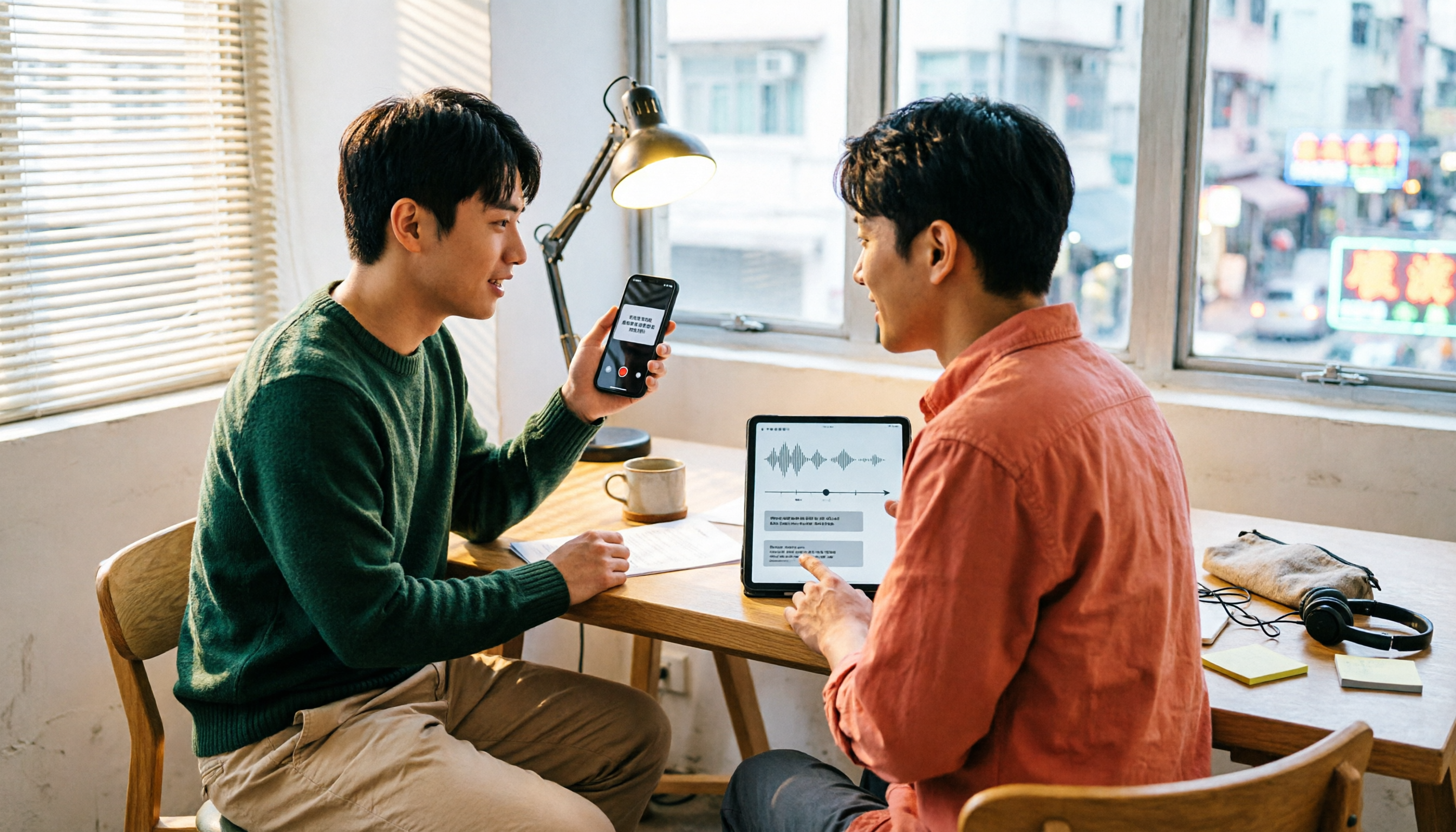
Which Transcription App Is Best? 2026 Hands-On Test of 3 Options and How to Get the Most Out of Yating's Free Quota
How much free quota does Yating Transcription offer? Real-time recording is free, and uploading audio files gets you trial hours, but one account can't be used on multiple devices simultaneously. This article hands-on tests 3 transcription tools, breaks down free quota traps, Cantonese recognition, and AI post-processing differences, and tells you which one is best for Hong Kong office workers.

2026 Comparison of 3 Online Transcription Tools: Yating Transcription Online Pricing vs. Tinrec Meeting Organization
Yating Transcription Online focuses on Taiwanese accent recognition and free real-time recording, while Tinrec extends transcription into summaries, action items, and team Q&A. This article compares their features, pricing, and use cases to help you choose the right tool.

2026 Comparison of 3 Online Transcription Tools: Yating vs. Tinrec — Which Saves More Post-Meeting Time?
Many people search for "Yating online transcription" because they want to turn recordings into text without installing an app—just using a browser. This article compares three approaches: Yating's online service, built-in transcription in some meeting platforms, and Tinrec, based on real-world usage. It covers key selection factors such as real-time transcription, summaries and action items, AI Q&A, export options, and team collaboration.

Which Transcription App Is Best? 2026 Hands-On Test of 3 Apps: Yating Pricing and Free Quotas Explained
How is Yating transcription priced? How much can you actually use for free? This article starts with the most common misconception and compares Yating, Tinrec, and Notta with hands-on testing. It clearly explains hourly package pricing, free quotas, AI post-meeting summaries, and team collaboration differences, so you know the answers before spending money.

Best Transcription Software? 2026 Hands-On Test of 3 Tools: Yating Pricing and Tinrec Compared
How is Yating transcription priced? Is the hourly package worth it? This article starts from the decision point of 'should I buy an hourly package or a subscription?' and organizes Yating's pricing model and free quota controversy. It also hands-on compares Tinrec, Otter.ai, and Notta on Chinese recognition, post-meeting organization, and team collaboration to help you choose the one that best fits your usage frequency.

2026 Tinrec Meeting Toolbar: No-Bot Recording + AI Summaries & Action Items in One Place
Starting from the search demand for 'Yating transcript toolbar,' this guide walks you through common pain points of transcript toolbars and uses Tinrec as an example to show how a more complete meeting workflow can handle recording, transcription, summaries, action items, AI Q&A, and team collaboration.

2026 Comparison of 4 Cantonese Speech-to-Text Tools: Which One Can Actually Extract Meeting Action Items?
Tired of spending hours organizing Cantonese meeting recordings? Based on the real needs of mid-level managers, this article compares Tinrec, CantoSub, Speechnotes, and Otter.ai on Cantonese transcription, post-meeting summaries, action item extraction, and team collaboration. It also covers selection criteria and pitfalls to help you find the right Cantonese speech-to-text solution.

2026 WeChat Voice-to-Text Cantonese Comparison: Chat Is Fine, Meetings Need AI
WeChat's built-in voice-to-text is handy for reading Cantonese chat messages, but it falls short for meetings, interviews, or 40-minute recordings. This article runs the same Cantonese audio through WeChat built-in, phone recorder, WhatsApp, and Tinrec's AI meeting organizer to help you decide if free features are enough, when to switch tools, and what to look for when buying.
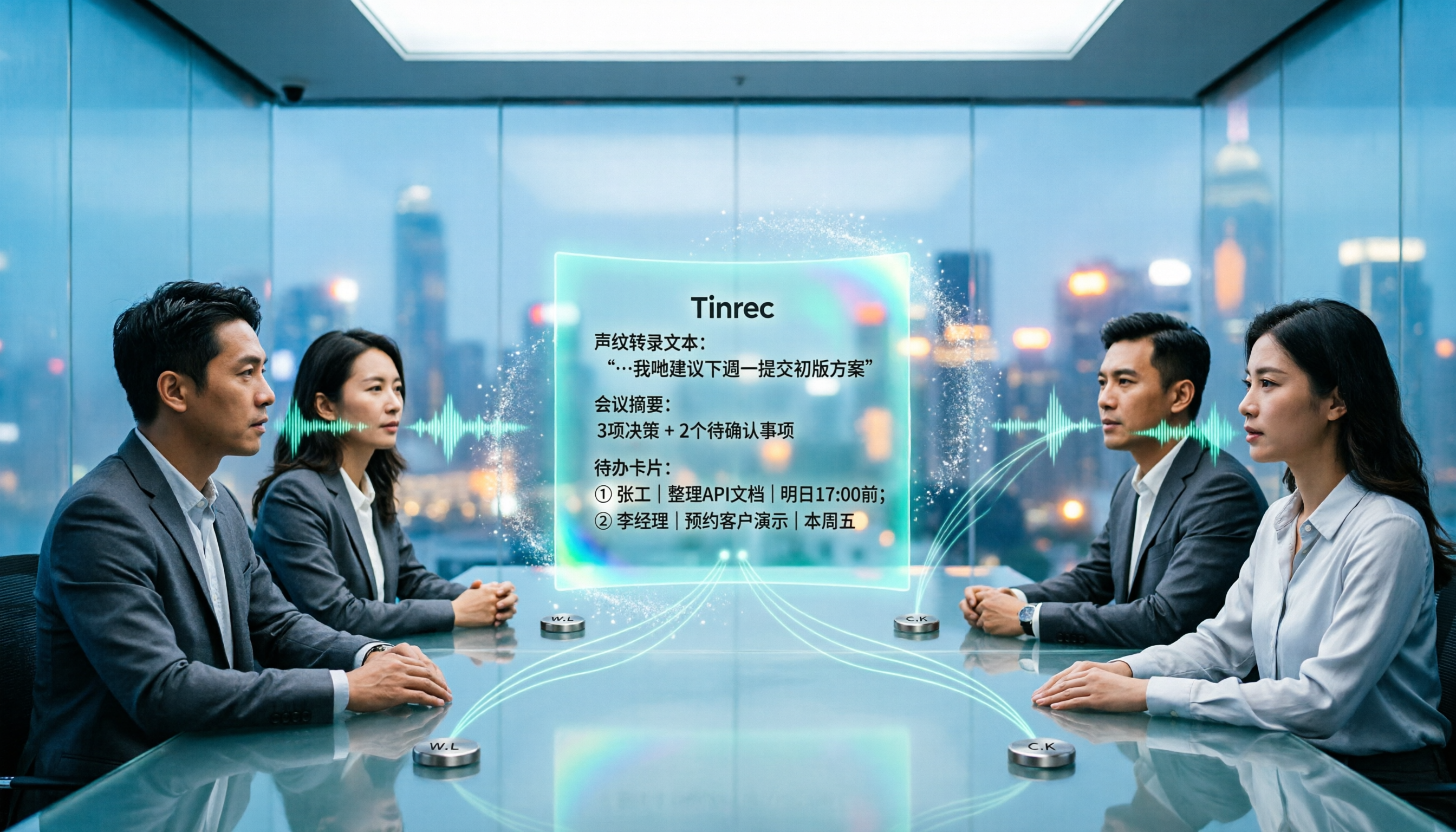
Best Speech-to-Text Tools in 2026: We Tested 4 for Cantonese Meetings — This One Saves the Most Time on Post-Meeting Cleanup
We compared 4 speech-to-text tools in real Cantonese meeting scenarios, breaking down recognition models, meeting recording methods, post-meeting organization, and team permissions. We highlight common pitfalls and key considerations to help you choose the most time-saving option.