
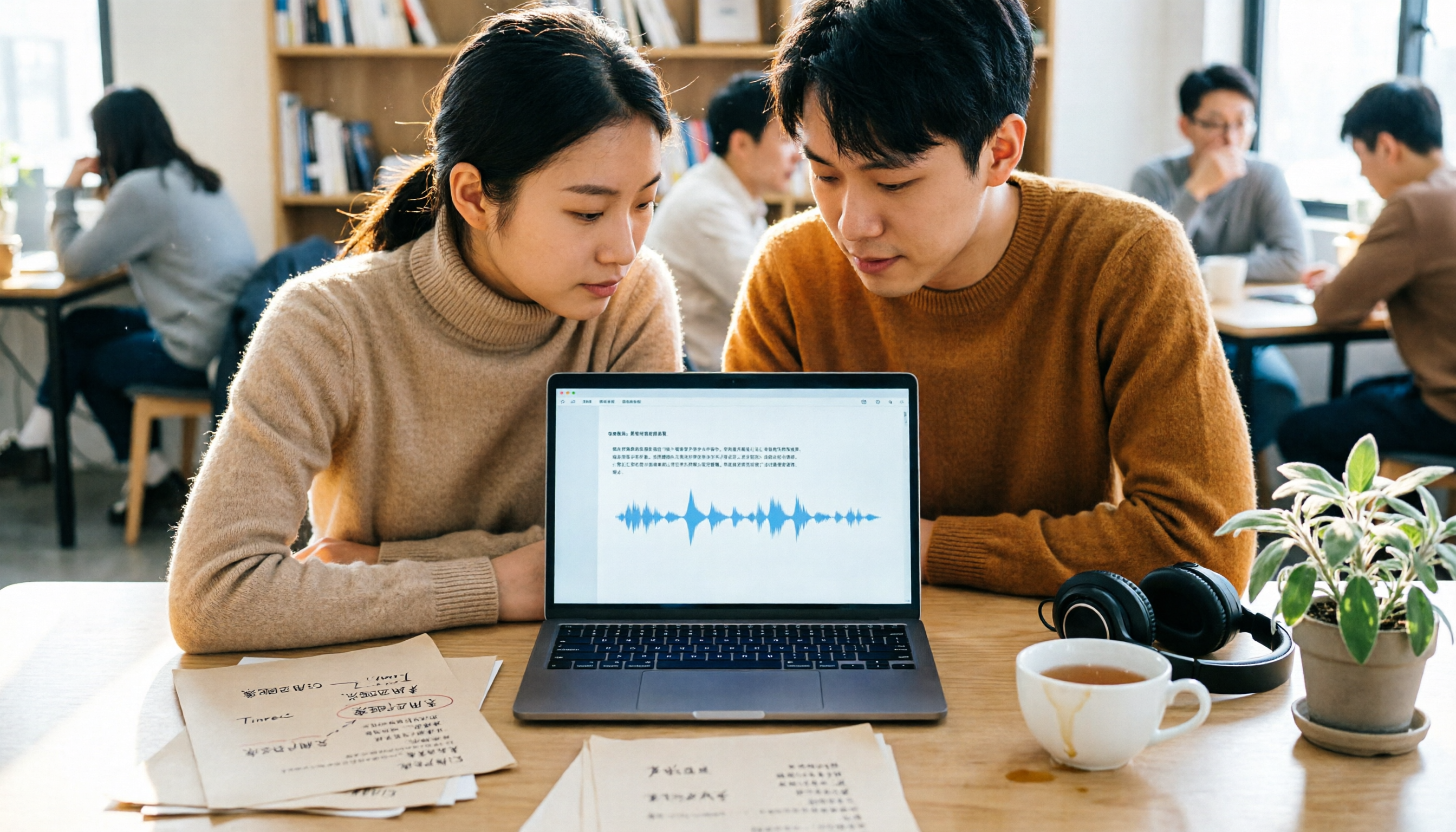
Turn recordings into transcripts and summaries in minutes
Upload audio or video for multilingual transcription, AI notes, and action items
2026 Comparison of 4 Transcription Tools: Yating Transcriber Latest Version vs. Tinrec
If you're searching for "Yating Transcriber latest version," chances are you've already used it or are about to hand it a meeting recording, and you want to confirm: is my version the latest, have the features changed, and should I keep paying?
This article skips the version-number trivia and starts with the decisions you need to make: Do you need a transcript, or data you can use right after the meeting? How do you plan to record online meetings? Are you using it alone, or does your whole team need to share it?
First, we'll clarify the current state of Yating Transcriber, then compare it with three other tools. After reading, you should know whether to renew or switch.
First, understand: what people asking about the "Yating Transcriber latest version" are really evaluating
Yating Transcriber is a speech-to-text service developed by Taiwan AI Labs. It currently has two main entry points: a mobile app (iOS, Android) and a web studio (studio.yating.tw).
What Taiwanese users praise most is its friendliness to Taiwanese accents, Taiwanese Hokkien, and mixed Chinese-English speech (known locally as "Jingjing style"). The transcript includes a timeline synced to the audio and can be edited directly in the online editor.
Regarding versions, the official store description states that versions 2.2.0 or earlier are no longer supported as of February 28, 2026. If you still have an old app on your phone, update it first—otherwise it may not even open.
Another phenomenon many mistake for a crash: the progress bar stops at 99%. The official explanation is that text recognition is complete, and the system is doing speaker segmentation and key summary. Once done, the transcript appears in the "All Transcripts" list, and you can export it from the top right corner.
So the "latest version" issue ends after updating. What really deserves your time is evaluating whether it still fits your current workflow.
Before choosing a transcription tool, understand these 4 key points
1. Do you need a transcript, or data you can use after the meeting? A transcript is just raw material. What really eats time is organizing: what was said, what the conclusions were, who needs to do what. The difference lies in whether the tool can automatically generate summaries, chapters, and action items.
2. How do you plan to record online meetings? One way is to have a meeting bot join the meeting as a participant; the other is to use a desktop app that captures the computer's system audio directly, so no bot appears in the meeting. The latter is especially important for external client meetings—cleanliness matters a lot.
3. Is the pricing unit based on purchased hours or a subscription? Yating Transcriber uses hour packages: 1 hour, 3 hours, 10 hours, which can be stacked; for longer durations, you need to contact sales. Subscription tools give monthly quotas. The psychological burden is completely different—people using hour packages often calculate "how many hours do I have left."
4. Will you switch between multiple devices and multiple people? Recording on phone and organizing on computer is common. Note that one Yating Transcriber account cannot be used on multiple devices simultaneously. If colleagues need to share, check whether the tool has team spaces, member and seat designs.
Tinrec — the one we recommend most among the four
Tinrec is an AI meeting notes and collaboration tool for individuals and teams, supporting iOS, Android, desktop, and web. It doesn't just convert speech to text; it turns meetings into searchable, queryable, and further processable data.
Record and transcribe during the meeting; get summaries and action items when it ends. Tinrec's desktop version captures system audio directly, so when handling online meetings like Zoom, Google Meet, Microsoft Teams, or Webex, no extra meeting bot needs to be invited. After the meeting, the transcript, summary, chapters, and action items are ready—who is responsible for what and when it's due, no need to re-listen to the recording.
After recording, you can ask questions directly about the meeting. This is where it differs most from ordinary transcription tools. You can ask "Who mentioned the budget in the last meeting?" or "What were the client's concerns about pricing?" and it answers based on the content, rather than giving you a list of keywords to search yourself. As historical meetings accumulate, this feature becomes more useful.
The transcript is just an intermediate product; there's a whole workflow after it. Besides transcripts, it can produce summaries, chapters, key points, action items, and mind maps, and export to Notion, Google Docs, OneNote, Dropbox, etc. for further use. For cross-language meetings, it offers real-time translation and bilingual comparison. It can also use Agent post-processing to generate reports, tables, or meeting minutes from the meeting content.
Stop organizing recordings by hand
Upload audio or video and automatically get a transcript, summary, and action items
The team version turns meetings into team assets. Personal version data belongs to the individual account; the team version is a separate team space where meeting data belongs to the team. Creating a team, inviting members via link, setting owners/admins/regular members, assigning and reclaiming seats—all managed in one place. It's important to distinguish "roles" and "seats": roles determine who can manage the team and members; seats determine who can record, upload, edit, import/export. Members without seats can still view, play, and read team data, but cannot perform resource usage operations.
Team version pricing is currently USD 29.80 per paid seat per month, or USD 199 per paid seat per year (about USD 16.58/month), with each paid seat providing 2,000 minutes of team shared import quota per month. Eligible teams can try free for 7 days, including 1 free seat and 300 minutes of shared import quota. Under an active plan and active seats, real-time recording currently does not deduct minutes; file and web link imports consume the team shared quota. Actual prices and benefits are subject to the official purchase page.
Things to note. Tinrec is not a meeting bot that "automatically joins all calendar meetings"; you need to actively open the desktop version to start recording. Also, the team version currently focuses on team-level sharing, not fine-grained file-level permissions. Transcription quality is affected by recording quality, accents, overlapping speakers, and technical terms; for important content, verify against the recording timestamps.
Who is it for? For those who frequently have Chinese or mixed Chinese-English meetings, don't want bots in the meeting room, want to use AI to find key points after the meeting, or need to turn meetings into a team knowledge base, Tinrec is much more convenient.
Is the latest Yating Transcriber worth using? And what about Notta and Otter.ai?
Yating Transcriber: the veteran strongest in Taiwan localization. Its advantages are clear—recognition of Taiwanese accents, Taiwanese Hokkien, and Jingjing style, plus timeline comparison and online editor, making it friendly for local content. It's suitable for scenarios like lawyers organizing audio evidence or students catching up on class notes. Pricing is by hour packages (1/3/10 hours, stackable), suitable for those who use it occasionally but for long sessions. Two things to note: one account cannot be used on multiple devices simultaneously, so switching from phone recording to computer editing may be inconvenient; and based on public descriptions, its focus is on transcription and timeline comparison—AI Q&A, action item extraction, and team seat management are not its main features. If you want post-meeting Q&A and action items in a team space, that's Tinrec's strength.
Notta: multilingual and team plans available, but free version is limited. Notta overlaps significantly with Tinrec, both offering multi-platform transcription, meeting notes, file import, and translation. The official free version is currently 120 minutes per month, with a maximum of 3 minutes per item; Pro annual billing is about USD 8.17/month (1,800 minutes per month), Business annual billing is about USD 16.67 per seat per month. If you only occasionally transcribe short audio files, you can try it; but the 3-minute limit per item means a single meeting would need to be split into several parts, which is not practical.
Otter.ai: the top choice for English meetings, but Chinese is not its strong suit. Otter is a mature AI meeting assistant. Basic free is 300 minutes per month; Pro annual billing is about USD 8.49 per user per month (includes 1,200 minutes per month and 10 file imports). For those with a high volume of English meetings and teams already used to English interfaces, Otter is very reasonable. But if you record Chinese or mixed Chinese-English meetings and need bot-free recording and post-meeting Q&A, Tinrec's experience will be more fitting.
Pitfall guide: the 4 most common mistakes when choosing a transcription tool
Pitfall 1: Deciding based only on "has a free version" without checking the pricing unit. Hour packages and subscriptions are two completely different calculations. Hour packages suit processing a batch of recordings intensively; if you have meetings every week, subscription or per-seat pricing is easier to calculate. First figure out roughly how many hours you'll transcribe per year, then look at plans.
Pitfall 2: Assuming online meetings must have a bot join. Not necessarily. Desktop version capturing system audio can also record, and no unfamiliar participant appears in the meeting room. This method is especially recommended for external client meetings.
Pitfall 3: Treating AI summaries as the official meeting record. AI can miss things and misunderstand, especially with overlapping speakers and many technical terms. A safer approach: use the summary as an index, and when in doubt, click the timeline to listen to the original audio.
Pitfall 4: Ignoring multi-device and team sharing. Using alone vs. five people are two different things. Can the account log in on multiple devices? Who owns the data after a member leaves? Who has edit permissions? If you don't ask these upfront, fixing later is troublesome. Also, recording and transcription involve personal data; handle according to local regulations and obtain participant consent when necessary.
Conclusion: Which one should you choose?
In one sentence: if you want to "turn meetings into data you can continue to use," Tinrec is the most complete among the four; if you only occasionally need an accurate transcript of Taiwanese accents, Yating Transcriber is still good.
- Need Chinese or mixed Chinese-English meeting transcription + post-meeting AI Q&A → Tinrec
- Don't want bots in online meetings, need to record Zoom, Meet, Teams → Tinrec desktop version
- Phone recording, computer organizing, multi-device switching → Tinrec (Yating one account cannot be used on multiple devices simultaneously)
- Team needs to share meeting data, manage seats and usage → Tinrec team version
- Occasional use, only need Taiwanese accent transcript and timeline → Yating Transcriber hour packages
- Mainly English meetings, zero budget → Otter.ai free version 300 minutes per month
- Batch transcription of many long audio files → consider file-based tools like TurboScribe
Don't pay right away. First use free quotas to run one or two of your own real meeting recordings, see if the output can be used directly, then decide whether to upgrade—that's the most practical approach.
References
Turn every recording into actionable outcomes
Get 60 free transcription minutes when you sign in. No credit card required.
Related Reading
You might also like

3 Free Transcription Tools for 2026: Yating Updates and Meeting Note Use Cases Compared
A roundup of 2026 news about Yating Transcription and three free transcription tools—Tinrec, Yating Transcription, and Otter.ai—covering free-tier terms, meeting note use cases, limitations, and buying advice to help budget-conscious professionals decide quickly.

Best Transcription Tools in 2024: Yating vs. Tinrec – Post-Meeting Workflow Is Key
Starting from a 2024 review of Yating, this comparison examines Tinrec's meeting recording, AI summaries, action items, Q&A, and team collaboration. If you only need transcripts, Yating is sufficient; if you need a post-meeting workflow, Tinrec is more complete.

2026 Comparison of 4 Transcription Tools: Is Yating Transcription Good Enough for Traditional Chinese Contexts?
Starting from Traditional Chinese transcription needs, this comparison examines differences between Yating Transcription and tools like Tinrec in transcription, summarization, AI Q&A, and team collaboration, helping you decide which is suitable for meeting and interview organization.

2026 Comparison of 5 Transcription Tools: How Yating Transcription Pricing Works and Whether the Free Quota Is Enough
Yating Transcription gives you 120 free minutes upon registration, and after that you buy time packages instead of paying a monthly fee. This article explains its pricing logic, free quota, and the workflow for both live recording and audio file upload, and compares the differences between Tinrec, Otter.ai, Fireflies.ai, and Notta, helping you calculate whether it's worth the money before you pay.

2026 Speech-to-Text Tool Buying Guide: 5 Comparison Points for Yating Transcription vs. Tinrec
Compare Yating Transcription and Tinrec across five dimensions: post-meeting organization, online meeting recording methods, language support, team collaboration, and export workflows, to help you decide which one better fits your meeting style and work habits.

2026 Yating Transcript Summary Comparison: 3 Transcript Tools' Summary Workflows and Outputs
Turning meeting recordings into transcripts isn't hard—the challenge is making them directly usable. Starting from real-world meeting and interview organization pain points, this article compares Yating Transcript, Tinrec, and other tools in terms of transcription, summarization, follow-up questions, and output workflows. It outlines 5 key purchasing criteria, 4 common mistakes, and offers selection advice by use case, while honestly listing each tool's free quota and paid limitations.

Yating Transcription 2025: Pricing, Free Tier, and Comparison with Tinrec, Notta, Otter.ai, PLAUD
A complete guide to Yating Transcription's 2025 free quota, hourly pricing, and workflow, plus a comparison of Tinrec, Notta, Otter.ai, and PLAUD for Chinese meetings, post-meeting summaries, and team collaboration—helping you decide between buying hours and subscribing.
2024 Comparison of 4 Transcription Tools: Chinese and Taiwanese Recognition — Which Saves the Most Proofreading Time?
2024 transcription tool review, from the 'free' misconception, recognition accuracy to post-meeting organization workflow, hands-on comparison of Yating Transcription, Notta, Otter.ai, and Tinrec. The article covers Yating Transcription's actual performance in speaker identification, punctuation, and Taiwanese recognition, as well as App Store user pain points, and provides selection advice based on budget and use cases.

2026 Comparison of 4 Transcription Tools: How Yating Transcription Pricing Works and What Dcard Users Ask Most
Starting from common Dcard questions about Yating Transcription pricing, this breaks down free quotas, time-package billing, and actual usage costs, and compares Tinrec, Yating Transcription, Otter.ai, and TurboScribe to help you decide whether to buy hours, subscribe, or switch to an AI meeting workflow.