

Turn recordings into transcripts and summaries in minutes
Upload audio or video for multilingual transcription, AI notes, and action items
It's 9:30 on a Wednesday night. The meeting room lights are off, but you're still at your desk, rewinding a two-hour recording for the third time. You remember the discussion clearly, but turning it into a report you can send to your boss is another hour of work.
If you're searching for "Yating Transcription 2025," you're probably in the same spot: wondering if it's still free, how the pricing works, and whether it's worth it compared to other tools. This article combines what I found with my own meeting-recording workflow so you can decide directly.
The real cost of meeting notes isn't the recording hour
Recording itself takes no time—it's what comes after that eats your hours.
A two-hour meeting takes about three to four hours to re-listen and type up. If it's a discussion with five or six people taking turns, the transcript often becomes a block of text with no speaker labels, making proofreading even longer.
Even more common is the third scenario: the file is recorded, saved on your phone, and three months later you can't find "that number the client mentioned."
These problems aren't solved by "having a recording"—they're solved by whether the recording is turned into usable data afterward.
4 key points before choosing a transcription tool
1. Pricing model: buy hours or monthly subscription? Some tools sell hours—buy a pack and use it within the validity period. Others are monthly subscriptions with quotas that reset each month. If you occasionally transcribe an interview, buying hours wastes less. If you have weekly meetings, a subscription is usually more cost-effective. Estimate your monthly audio hours first, then decide.
2. What kind of "free" is it? Check whether free means real-time recording only, or also uploading audio files. Many tools offer free real-time recording but deduct hours for uploading existing files—a big difference.
3. Can you use the transcript directly after transcription? With only a transcript, you still have to read through two hours yourself. If the tool automatically generates summaries, chapters, action items, or even lets you ask questions about the meeting content, you save more than just typing time. This is usually where tools differentiate themselves.
4. Multi-person meetings and cross-device support In a meeting with five or six speakers, automatic speaker labeling makes a huge difference. Also confirm: can you edit phone recordings on a computer? Can one account log in on multiple devices simultaneously?
Another often-overlooked point is where data is stored. Company meetings often involve client lists, quotes, and internal strategy—it's worth five minutes to check the terms of service for data storage location and whether it's used for other purposes.
Tinrec — turning transcripts into work-ready data
Tinrec is an AI meeting notes and collaboration tool for individuals and teams, available on web, desktop, and mobile.
Record online meetings without pulling a bot into the meeting. Previously, recording Zoom or Google Meet meant adding a meeting bot, which shows an extra name on screen and prompts clients to ask "who's this?" Tinrec's desktop version captures system audio directly—no extra participant needed. Press start before the meeting, and the transcript appears in sync. Works with Zoom, Google Meet, Microsoft Teams, and Webex.
No need to re-listen after the meeting. After recording, it automatically generates summaries, chapters, and action items—who's responsible for what and when it's due, listed right there. You can also generate reports, tables, or meeting minutes using built-in post-processing.
Ask questions directly about meeting content. This is my most-used feature. For last month's client interview, I didn't re-listen—I just asked "What was the client's budget cap?" and "Which competitors were mentioned?" and it gave the relevant content. You can also ask across meetings, e.g., "How did opinions on pricing change across these three meetings?" Among the tools I've tried, few can handle follow-up questions on Chinese meeting content like this.
Other notable features:
- Chinese and mixed Chinese-English meetings are its strong suit; real-time translation is available during recording, viewable in original, translated, or bilingual mode.
- Comprehensive export formats, and results can be sent to Notion, Google Docs, OneNote, or Dropbox for further editing.
- Team plan offers a separate team workspace where members can share meeting data; admins can assign seats, view usage trends, query and export operation logs, plus an audio recycle bin (currently 30 days) and team hotwords.
Things to note: The free version has a basic quota; heavy users need to pay. Team plan is currently USD 29.80 per paid seat per month, or USD 199 annually (about USD 16.58/month). Eligible teams can try 7 days free with 1 free seat and 300 minutes of shared import quota; paid seats include 2,000 minutes of shared import quota per month, and real-time recording is currently not deducted by minute under active plans. Personal plans include a free version, weekly pass, and Pro monthly/yearly—check the official website for actual prices.
Stop organizing recordings by hand
Upload audio or video and automatically get a transcript, summary, and action items
Also, no AI transcription should be treated as 100% accurate. For poor audio quality, overlapping speakers, or dense technical terms, it's still best to cross-check with the recording.
**Who it's for:** Those with regular weekly meetings who want summaries and action items right after recording, need to ask follow-up questions about past meetings, or want to turn meeting data into team assets.
Yating Transcription: A veteran from a Taiwan team—2025 pricing
Yating Transcription is an AI speech-to-text service developed by a Taiwan team, specializing in Taiwanese accents, Taiwanese Hokkien, and mixed Chinese-English "Chinglish" recognition. It's the first transcription tool many Taiwanese users encounter.
What it's like in practice: Open the app, tap the recording icon at the bottom to record and transcribe simultaneously; you can also upload existing audio or video files. The output automatically adds punctuation, smart paragraphing, and speaker labels, so multi-person meetings don't become a blob of text. To export, choose Word, TXT, PDF, SRT, etc. from the top right; cloud storage and sharing are also supported. Works on phone, computer, and tablet, plus a Chrome extension for Google video meetings.
Two practical details: First, the company claims data is not transmitted outside Taiwan—a plus for those handling internal company meetings. Second, many users see the progress bar stuck at 99%; that actually means text recognition is done and the system is doing speaker segmentation and key summaries—wait for it to finish, then download from the "All Transcripts" list.
Is it free? How does pricing work? Currently available information: real-time recording is free; uploading audio files comes with a certain amount of free hours. As for how many, different third-party articles vary (some say 20 minutes, others about 300 minutes). Such numbers change quickly—check the official page before you start, not secondhand articles.
Paid plans are billed by audio length: NT$100 per hour, NT$270 for 3 hours (about 10% off), usable within 3 years after purchase. There are also mentions of larger packages like 10 hours and 100 hours online; discounts and actual amounts should be confirmed on the official announcement. For larger volume purchases, the company also offers a contact-person option.
Things to note: One account cannot be used on multiple devices simultaneously. If you're used to recording on phone and editing on computer, plan your workflow accordingly. Also, its strength is "accurately converting speech to text"—automatic action items, content follow-up questions, and team data accumulation after recording are not its focus.
**Who it's for:** Those who occasionally transcribe interviews or courses, need Taiwanese Hokkien and Taiwanese accent recognition, and prefer buying hours over monthly subscriptions.
Beyond these two, what other options are there?
Notta Strong in multilingual transcription and translation. Free version: 120 minutes per month, 3 minutes per item; Pro annual about USD 8.17/month, 1,800 minutes per month. Suitable for file-based transcription; but if you want bot-free online meeting recording plus post-meeting content follow-up, that's Tinrec's strength.
Otter.ai Top choice for English meetings. Basic free plan: 300 minutes per month—generous. However, Chinese meetings and Taiwanese accents are not its strong suit. If your meetings are mainly in English, it's more cost-effective than most Chinese tools; conversely, mixed Chinese-English discussions may not be ideal.
PLAUD Note / NotePin AI recording hardware, device price from about USD 159, plus annual plans. Advantage: portable, can record in-person conversations and phone calls; disadvantage: carry an extra device and extra hardware cost, and online meetings still need software. Software like Tinrec requires no hardware purchase and works on web, desktop, and mobile.
TurboScribe Cost-effective file-based transcription tool. Free: 3 files per day, 30 minutes per file; paid: up to 10 hours per file. Suitable for batch processing of many long audio files; but real-time meeting recording and team collaboration are not its focus.
Pitfall guide: 4 most common mistakes when choosing a transcription tool
Pitfall 1: Signing up just because you see "free." Many tools' free tier means free real-time recording; uploading audio files still deducts quota. Confirm your use case first, or you'll find out after the trial that it doesn't work for you.
Pitfall 2: Thinking the transcript is the end. If you only use it as "audio-to-text," you're using only a third of its capability. After recording, directly ask "What was the conclusion of this meeting?"—much faster than manually scanning a 30-minute transcript.
Pitfall 3: Ignoring multi-speaker handling. In meetings with five or more people, without speaker labels, you have to re-read the transcript to know who said what. When trialing, test with a real multi-person meeting.
Pitfall 4: Discovering device or expiration limits after purchase. Some tools don't allow simultaneous login on multiple devices; some hours have expiration dates. Read these lines before ordering—easier than writing customer service later.
Conclusion: Which one should you choose?
- Want to handle Taiwanese accents, Taiwanese Hokkien, and small hours first → Yating Transcription. Real-time recording is free; run one of your own meetings to see the recognition results.
- Weekly meetings, need summaries, action items, and post-meeting follow-up → Tinrec. Bot-free recording plus AI Q&A saves re-listening time.
- Pure English meetings, zero budget → Otter.ai, most generous free quota.
- Batch transcription of many long audio files → File-based tools like TurboScribe.
- Need to record in-person conversations and phone calls on the go → Recording hardware like PLAUD.
One last practical tip: whichever you choose, first run a real recording of your own through the free quota. A quiet studio vs. a meeting room with air conditioning noise, keyboard sounds, and people talking over each other—results will differ a lot.
One more reminder: get consent from participants before recording and comply with local regulations. No matter how convenient the tool is, this step cannot be skipped.
References
- Yating Transcription
- Yating Transcription
- Yating Transcription Complete Guide: Free Version, Pricing, and Alternatives
- Yating Transcription: Online Speech-to-Text Service, Pricing Overview | AI Tools Introduction – Future Commerce
- Is Yating Transcription Free? 2026 Complete Comparison of Audio-to-Text Tool Pricing and Performance - Tinrec Blog
Turn every recording into actionable outcomes
Get 60 free transcription minutes when you sign in. No credit card required.
Related Reading
You might also like

2026 Speech-to-Text Tool Buying Guide: 5 Comparison Points for Yating Transcription vs. Tinrec
Compare Yating Transcription and Tinrec across five dimensions: post-meeting organization, online meeting recording methods, language support, team collaboration, and export workflows, to help you decide which one better fits your meeting style and work habits.

2026 Yating Transcript Summary Comparison: 3 Transcript Tools' Summary Workflows and Outputs
Turning meeting recordings into transcripts isn't hard—the challenge is making them directly usable. Starting from real-world meeting and interview organization pain points, this article compares Yating Transcript, Tinrec, and other tools in terms of transcription, summarization, follow-up questions, and output workflows. It outlines 5 key purchasing criteria, 4 common mistakes, and offers selection advice by use case, while honestly listing each tool's free quota and paid limitations.

2024 Comparison of 4 Transcription Tools: Chinese and Taiwanese Recognition — Which Saves the Most Proofreading Time?
2024 transcription tool review, from the 'free' misconception, recognition accuracy to post-meeting organization workflow, hands-on comparison of Yating Transcription, Notta, Otter.ai, and Tinrec. The article covers Yating Transcription's actual performance in speaker identification, punctuation, and Taiwanese recognition, as well as App Store user pain points, and provides selection advice based on budget and use cases.

2026 Comparison of 4 Transcription Tools: How Yating Transcription Pricing Works and What Dcard Users Ask Most
Starting from common Dcard questions about Yating Transcription pricing, this breaks down free quotas, time-package billing, and actual usage costs, and compares Tinrec, Yating Transcription, Otter.ai, and TurboScribe to help you decide whether to buy hours, subscribe, or switch to an AI meeting workflow.

Yating Transcript Complete Guide 2026: Tested Pricing, Free Quota, and 3 Alternatives
How many free minutes does Yating Transcript offer, and how is pricing calculated? This article breaks down the actual differences between free and paid plans, queue times, and feature limitations, and compares Tinrec, Otter.ai, Notta, and TurboScribe for different use cases, helping you choose a transcription tool that truly fits and doesn't waste money.
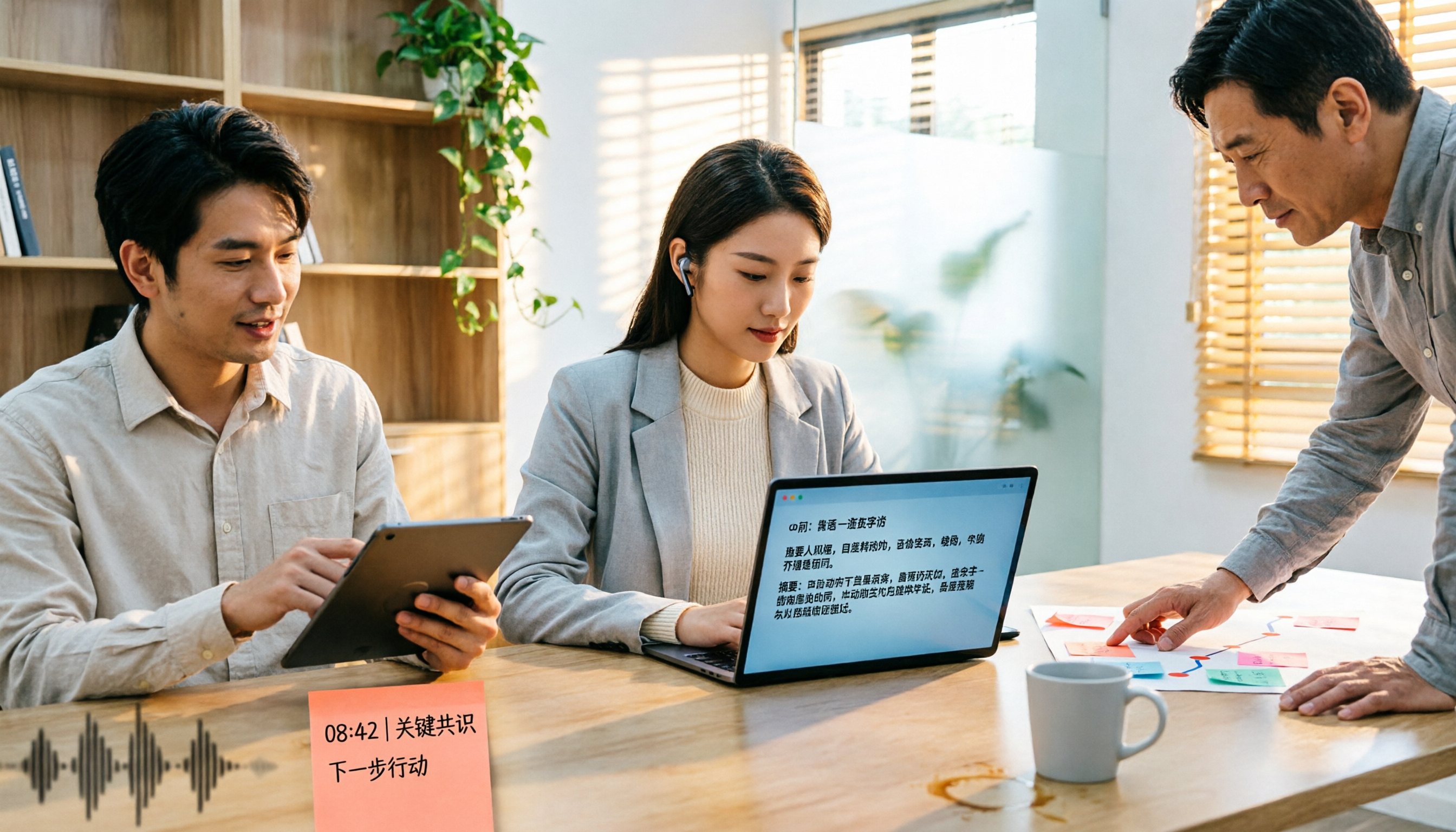
2025 Comparison of 5 Transcription Tools: Is Yating's Free Quota Really Enough?
Clarifying common misconceptions about Yating Transcription's free offering in 2025: free registration, free real-time recording, and unlimited long-term free use are not the same thing. This article compiles public statements, pricing standards, and purchasing considerations, and uses Tinrec as an example to demonstrate the complete workflow from import, transcription, proofreading, to generating summaries and team knowledge retention.

2026 Yating Transcription vs. 3 Other Speech-to-Text Tools: Which Saves the Most Time After Meetings?
Still using Yating Transcription in 2026? This article compares Yating Transcription, Tinrec, Notta, and Otter.ai from two angles: transcription accuracy and post-meeting usability. It covers each tool's positioning, free tier limits, and common pitfalls, helping you decide which one to use in under 30 minutes.

4 Transcription Tools Tested for 2026: How to Calculate Yating Transcript Costs Without Pitfalls
How exactly is Yating Transcript priced? This article breaks down the most common misconceptions from three angles: pricing model, free quota, and post-meeting organization costs. It also tests and compares the cost structures, feature boundaries, and use cases of four tools—Tinrec, Yating Transcript, Notta, and Otter.ai—to help you choose the right transcription tool within your budget.

4 Cantonese Voice Input Solutions Tested in 2026: Is Apple's Built-in Dictation Enough?
Many people turn on dictation but can't get Cantonese to work—the problem often isn't the microphone, but the settings and the wrong tool. This article starts with Apple's built-in dictation and Mac Cantonese Pinyin input settings, explains their limits, then compares Tinrec, Gboard, Notta, and Otter.ai on meeting notes and post-meeting organization, helping you choose the right tool for your scenario.