

Turn recordings into transcripts and summaries in minutes
Upload audio or video for multilingual transcription, AI notes, and action items
Why do most people's calculated transcription costs end up higher than their budget?
"There's a free quota anyway, let's just try it first"—this is the first step many people take when choosing a transcription tool, and also the starting point of budget inaccuracy. The free quota is usually only enough for two or three meetings; on the day it runs out, what you face is not simply "whether to pay" but the choice between "buying more hours" or "switching to a subscription"—the results of these two approaches differ greatly.
The second misconception is treating the transcription fee as the entire cost. A 60-minute interview takes only a few minutes to transcribe, but proofreading typos, adding punctuation, extracting key points, and organizing to-dos often take another 30 to 60 minutes. What you're really buying is never the number of minutes, but "data you can use directly after the meeting."
The third misconception appears in team scenarios: personal account quotas cannot be shared. If three colleagues each buy a plan, the combined bill is often more expensive than a team plan, and data is scattered across different people's accounts—when someone leaves, they take it with them.
This is why many people searching for "Yating Transcript cost" are really asking: given my usage frequency, which pricing model won't waste money?
Before choosing a transcription tool, understand these 4 key points
1. Pricing unit: hours purchased outright, monthly subscription, or per seat? The hour-based model is "pay for what you use," suitable for people with irregular usage; subscriptions suit those with weekly meetings; for teams, look at "seats"—who is eligible to record, upload, and edit. Confirm your usage rhythm before discussing unit price, so you don't buy more than you can use.
2. The real size of the free quota Free is not always the same: some reset monthly, some are one-time trials. Converting the free quota into "how many 60-minute meetings can I run" is more meaningful than looking at the minutes in marketing copy.
3. The post-transcription workflow is the real time sink A tool that only provides transcripts hands the organization work right back to you. Whether it can automatically generate summaries, chapters, and to-dos, and whether you can ask questions directly about the content, determines whether you save typing time or the entire post-meeting organization time.
4. Cross-device and team sharing Record on a laptop today, listen on a phone tomorrow, play in a meeting room next week—device restrictions and sharing methods are often the last thing discovered and the hardest to remedy.
Tinrec (Miaoting Recording)—Top pick in this test, 9.0/10
Tinrec (Miaoting Recording) is an AI meeting notes and collaboration tool for individuals and teams, supporting iOS, Android, and web, with a desktop version that can directly process online meeting audio played on a computer. It doesn't just convert speech to text; it organizes a meeting into searchable, queryable data you can continue working with.
Scenario 1: You don't want a bot to join the meeting. When hosting Zoom, Google Meet, Teams, or Webex, an extra "recording bot" in the participant list is often awkward, and clients may ask "who is this." Tinrec's desktop version directly captures system audio without an extra bot joining; users can start recording and get transcripts in real time.
Scenario 2: The meeting ends, and the minutes are almost ready. After the meeting, Tinrec automatically generates summaries, chapters, and to-dos, listing who is responsible for what and what to follow up on next. This is where it differs most from pure transcription tools—you save not typing time, but post-meeting organization time.
Scenario 3: Keep asking after recording. This is what I find most useful: you can ask questions directly about the meeting content, such as "Who mentioned the budget cap in the last meeting?" It answers based on semantics rather than dumping keywords for you to search; among comparable tools we tested, this feature is uncommon. Organized content can be exported to common formats or brought into Notion, Google Docs, OneNote, Dropbox for further editing, and when needed, an Agent can post-process to generate reports, tables, and documents.
Stop organizing recordings by hand
Upload audio or video and automatically get a transcript, summary, and action items
Cost structure. The personal version has a free quota to try first; for short-term intensive use, there's a weekly card; for weekly meetings and courses, a Pro monthly card; for long-term data accumulation, an annual card. The team version is priced per seat: USD 29.80 per paid seat per month, or USD 199 per paid seat per year (about USD 16.58 per month); eligible teams get a 7-day, 1 free seat, 300-minute team shared onboarding quota for the first time, and paid seats provide 2,000 minutes of team shared onboarding quota per month. Under valid plans and seats, real-time recording is currently not deducted by minutes. Actual prices, currencies, and promotions are subject to the official purchase page.
Limitations and reminders. Transcription accuracy is affected by recording quality, noise, accents, and multiple people talking over each other; for important content, still verify against transcript timestamps and recording playback. The team version currently focuses on team-level sharing, with roles governing management and seats governing usage eligibility, not file-level granular permissions.
Who it's for. For those who frequently hold online meetings, need minutes and to-dos afterward, or want to turn meeting data into team assets, Tinrec is currently the most integrated choice.
Besides Tinrec, what other options are there?
The following scores are based on this test's needs (Chinese meeting notes + post-meeting organization), out of 10.
Yating Transcript: 7.8/10
A veteran choice developed by a Taiwanese team (Taiwan AI Labs), its strength is recognizing Taiwanese Mandarin, Taiwanese Hokkien, and mixed Chinese-English speech. It automatically adds punctuation, paragraphs, and speaker labels, exports to Word, TXT, PDF, etc., and keeps data within Taiwan. Pricing is hour-based: 120 minutes free upon registration, then top-up plans of 1, 3, or 10 hours that can be stacked; larger projects can be negotiated separately. Purchased hours have a long validity period, making it cost-effective for those who only use it a few times a year. Note that one account cannot be used on multiple devices simultaneously, and it is essentially a transcription tool without AI summaries, to-dos, or post-meeting Q&A—this is where Tinrec pulls ahead.
Notta: 8.0/10
Good multilingual transcription and translation performance. Free version: 120 minutes per month, 3 minutes per session; Pro annual billing about USD 8.17/month with 1,800 minutes per month; Business annual about USD 16.67/seat/month. Suitable for those focused on file transcription, subtitles, and translation; however, bot-free online meeting recording and direct post-meeting content Q&A are areas where Tinrec is more comfortable.
Otter.ai: 8.2/10 (English scenarios)
A veteran favorite for English meetings. Free version: 300 minutes per month; Pro annual billing about USD 8.49/user/month, including 1,200 minutes per month and 10 file imports. If 90% of your meetings are in English, it's cost-effective; but for Chinese and mixed Chinese-English meeting organization, and completeness of team data accumulation, Tinrec better fits the needs of Taiwanese teams.
Pitfall guide: 4 most common mistakes when calculating transcription costs
Pitfall 1: Treating the trial quota as a regular plan. The 120 minutes given upon registration is a one-time trial, not a monthly reset. If you have weekly meetings, calculate "total monthly hours × unit price" directly instead of deciding based on the first month being free.
Pitfall 2: Comparing only per-minute unit price. Hour-based pricing looks cheap, but if the tool only gives you transcripts, you still absorb the time for proofreading and post-meeting organization. Convert that organization time into your hourly rate, and the conclusion often reverses.
Pitfall 3: Ignoring device and sharing restrictions. Some plans don't allow one account to log in on multiple devices simultaneously; teams must buy multiple copies. Before purchasing, ask clearly: can it be shared, can seats be allocated, who owns the data after a member leaves.
Pitfall 4: Buying but only using transcription. Using an AI tool only as a recorder-to-text converter means using only part of its capabilities. Summaries, to-dos, and post-meeting Q&A are where time is truly saved.
Conclusion: Which one should you choose?
- Irregular usage, only a few recordings a year, content with Taiwanese accents, Taiwanese Hokkien, or mixed Chinese-English → Yating Transcript's hour-based model is practical; pay for what you use.
- Frequent Zoom, Meet, Teams meetings, don't want a bot joining → Tinrec, desktop version directly captures system audio.
- Need to write minutes and follow up on to-dos after meetings → Tinrec, summaries, chapters, and to-dos are generated automatically.
- Need to look back at "who said what last time" → Tinrec allows direct questions about meeting content.
- Team needs to share meeting data, manage members and usage → Tinrec team version is priced per seat, data belongs to the team.
- 90% of meeting content is in English → Otter.ai's free quota and English experience remain cost-effective.
Finally, a practical suggestion: don't rush to buy an hour package. Take your most difficult recording (with accents, noise, mixed Chinese-English) and run it through the free quota, compare the transcription results and the actual time spent on post-meeting organization, then decide whether your budget should go to hours or to a tool that solves the entire workflow.
References
- Yating Transcript: Online Speech-to-Text Service, Cost Introduction at a Glance! | All-in-One AI Tools Introduction—Future Business
- Is Yating Transcript Free? How Yating Transcript Costs Are Calculated and Whether Buying Hours Is Worth It
- Is Yating Transcript Free? Complete Comparison of 2026 Recording-to-Text Tool Costs and Performance - Miaoting Recording Blog
- Complete Guide to Yating Transcript: Free Version, Costs, and Alternatives at a Glance
- Yating Transcript Introduction, Features, Pricing, Pros and Cons Review | TheAI Academy
Turn every recording into actionable outcomes
Get 60 free transcription minutes when you sign in. No credit card required.
Related Reading
You might also like

2026 Speech-to-Text Tool Buying Guide: 5 Comparison Points for Yating Transcription vs. Tinrec
Compare Yating Transcription and Tinrec across five dimensions: post-meeting organization, online meeting recording methods, language support, team collaboration, and export workflows, to help you decide which one better fits your meeting style and work habits.

2026 Yating Transcript Summary Comparison: 3 Transcript Tools' Summary Workflows and Outputs
Turning meeting recordings into transcripts isn't hard—the challenge is making them directly usable. Starting from real-world meeting and interview organization pain points, this article compares Yating Transcript, Tinrec, and other tools in terms of transcription, summarization, follow-up questions, and output workflows. It outlines 5 key purchasing criteria, 4 common mistakes, and offers selection advice by use case, while honestly listing each tool's free quota and paid limitations.

Yating Transcription 2025: Pricing, Free Tier, and Comparison with Tinrec, Notta, Otter.ai, PLAUD
A complete guide to Yating Transcription's 2025 free quota, hourly pricing, and workflow, plus a comparison of Tinrec, Notta, Otter.ai, and PLAUD for Chinese meetings, post-meeting summaries, and team collaboration—helping you decide between buying hours and subscribing.
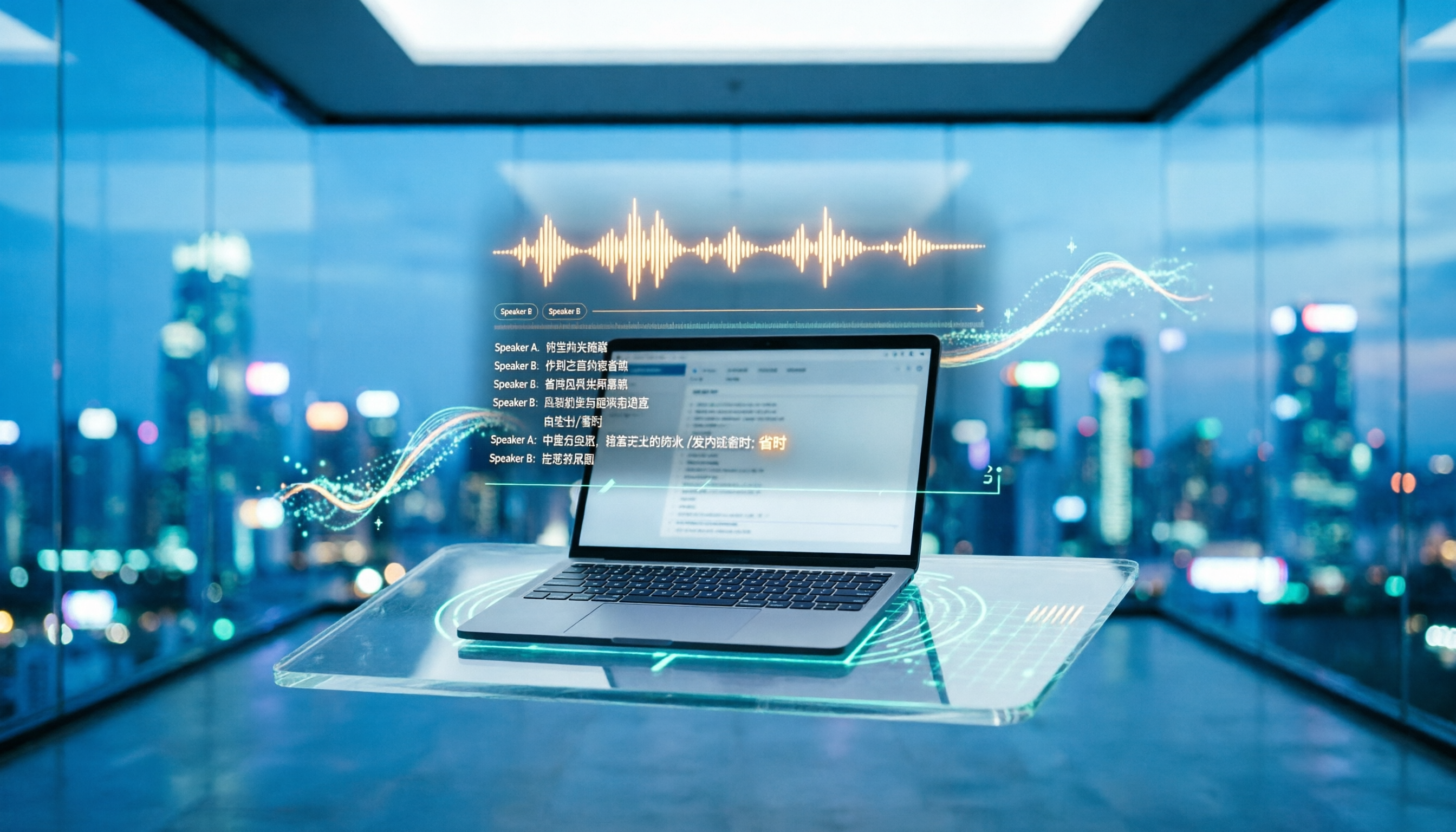
2024 Comparison of 4 Transcription Tools: Chinese and Taiwanese Recognition — Which Saves the Most Proofreading Time?
2024 transcription tool review, from the 'free' misconception, recognition accuracy to post-meeting organization workflow, hands-on comparison of Yating Transcription, Notta, Otter.ai, and Tinrec. The article covers Yating Transcription's actual performance in speaker identification, punctuation, and Taiwanese recognition, as well as App Store user pain points, and provides selection advice based on budget and use cases.

2026 Comparison of 4 Transcription Tools: How Yating Transcription Pricing Works and What Dcard Users Ask Most
Starting from common Dcard questions about Yating Transcription pricing, this breaks down free quotas, time-package billing, and actual usage costs, and compares Tinrec, Yating Transcription, Otter.ai, and TurboScribe to help you decide whether to buy hours, subscribe, or switch to an AI meeting workflow.

Yating Transcript Complete Guide 2026: Tested Pricing, Free Quota, and 3 Alternatives
How many free minutes does Yating Transcript offer, and how is pricing calculated? This article breaks down the actual differences between free and paid plans, queue times, and feature limitations, and compares Tinrec, Otter.ai, Notta, and TurboScribe for different use cases, helping you choose a transcription tool that truly fits and doesn't waste money.
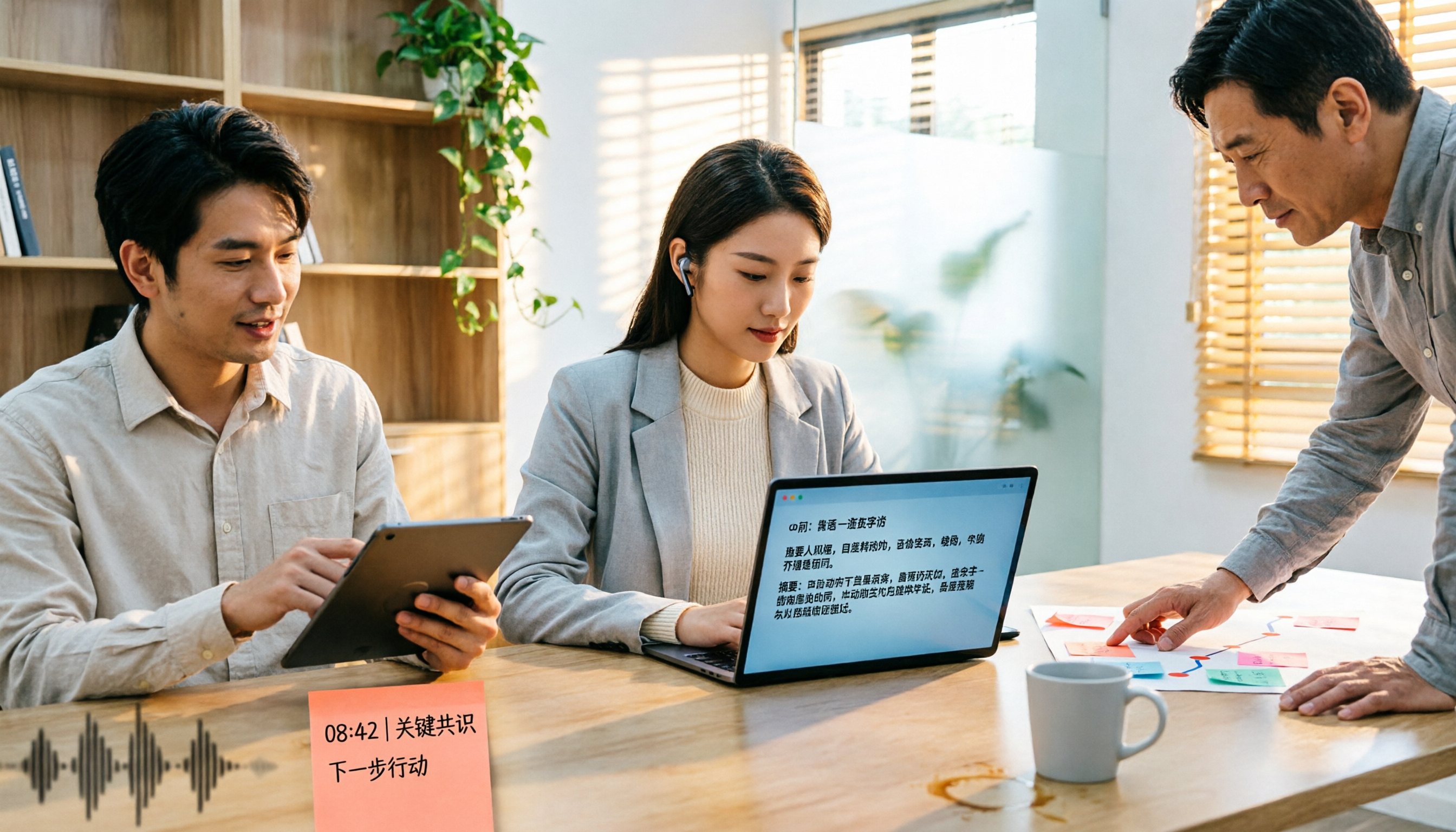
2025 Comparison of 5 Transcription Tools: Is Yating's Free Quota Really Enough?
Clarifying common misconceptions about Yating Transcription's free offering in 2025: free registration, free real-time recording, and unlimited long-term free use are not the same thing. This article compiles public statements, pricing standards, and purchasing considerations, and uses Tinrec as an example to demonstrate the complete workflow from import, transcription, proofreading, to generating summaries and team knowledge retention.

2026 Yating Transcription vs. 3 Other Speech-to-Text Tools: Which Saves the Most Time After Meetings?
Still using Yating Transcription in 2026? This article compares Yating Transcription, Tinrec, Notta, and Otter.ai from two angles: transcription accuracy and post-meeting usability. It covers each tool's positioning, free tier limits, and common pitfalls, helping you decide which one to use in under 30 minutes.

4 Cantonese Voice Input Solutions Tested in 2026: Is Apple's Built-in Dictation Enough?
Many people turn on dictation but can't get Cantonese to work—the problem often isn't the microphone, but the settings and the wrong tool. This article starts with Apple's built-in dictation and Mac Cantonese Pinyin input settings, explains their limits, then compares Tinrec, Gboard, Notta, and Otter.ai on meeting notes and post-meeting organization, helping you choose the right tool for your scenario.