

Turn recordings into transcripts and summaries in minutes
Upload audio or video for multilingual transcription, AI notes, and action items
Tinrec vs PLAUD Note in 2026: A 5-Dimension Comparison — Software or Hardware?
Let me start with a pitfall many people have fallen into.
Eight out of ten people who buy a voice recorder are thinking, "Once I buy it, meetings will automatically turn into notes."
Wrong. A voice recorder only handles the "recording" part. After you finish, that one-hour audio file just sits there waiting for you to deal with it.
AI recording hardware like PLAUD Note has indeed made "recording + automatic transcription and summarization" happen in recent years — that's its strength.
But if 90% of your meetings are on Zoom, Google Meet, or Teams, what you actually need isn't a pen — it's a workflow that turns sound into data.
So this time I'm putting Tinrec (Miao Ting Recording) head-to-head against PLAUD Note.
Tinrec vs PLAUD Note | Quick Overview
PLAUD Note is a card-sized AI recording device focused on one-touch recording, call recording, and long battery life. After recording, you transcribe, generate summaries, and create mind maps in the app.
Tinrec is a pure software AI meeting notes and collaboration tool. Its desktop version directly captures your computer's system audio to record online meetings — no bot needs to join the meeting. Afterward, it gives you transcripts, summaries, action items, AI Q&A, and export options for team sharing.
| Item | Tinrec | PLAUD Note |
|---|---|---|
| Form | Software (Web/Desktop/Mobile) | Physical recording hardware |
| Online meetings | Bot-free recording via desktop app | Relies on hardware or phone microphone |
| Post-meeting output | Transcript, summary, chapters, action items, Q&A, Agent post-processing | Transcription, summary, mind map, templates |
| Team collaboration | Team spaces, roles, seats, usage, audit | Primarily individual accounts |
| Cost structure | Free version to Pro/Team subscription | One-time hardware purchase + membership subscription |
Below I'll explain the differences across five dimensions.
Dimension 1 | Online Meetings: Who Can Actually Record?
An easily overlooked pitfall: a voice recorder captures "sound in the air."
Online meeting audio comes from headphones or speakers. Placing hardware on the desk to record already degrades the audio quality.
More commonly, people just put it on speakerphone, and the whole office's noise gets picked up too.
PLAUD officially states it can effectively record in larger spaces like large conference rooms, auditoriums, and meeting venues. That's its strength — on-site interviews are genuinely convenient.
But online meetings are not its design focus.
Tinrec takes a different path: the desktop version directly captures your computer's system audio.
Zoom, Google Meet, Microsoft Teams, Webex all work, and no bot needs to be sent into the meeting as a participant.
You press start on your own computer — that's it.
→ This dimension: For teams that primarily meet online, Tinrec clearly has the advantage.
Dimension 2 | After Recording, What Do You Actually Get?
This is where I think people are most easily misled by marketing language.
The phrase "supports AI summaries" can vary enormously from one vendor to another.
PLAUD's process is: upload recording → transcribe → apply templates to generate summaries and mind maps. The company says it offers a vast template library, supports export in 27+ formats, and original recordings are stored in the cloud.
For people who just want "a well-organized meeting summary," it's sufficient.
Tinrec goes several steps further after the summary.
Transcripts are searchable, automatically split into chapters, and action items are extracted. You can also ask AI questions directly about the meeting — for example, "What price did the client finally agree to?"
Then use Agent post-processing to generate reports, tables, documents, or export to Notion, Google Docs, OneNote, Dropbox to continue editing.
The difference is: one gives you a summary, the other gives you data you can keep working with.
→ This dimension: Tinrec wins, with the gap in post-meeting workflow.
Dimension 3 | Team Collaboration: Who Ultimately Owns the Data?
The most common trap for small teams: everyone records with their own account, and data ends up scattered across five phones.
When someone leaves, the meeting notes leave with them.
Stop organizing recordings by hand
Upload audio or video and automatically get a transcript, summary, and action items
PLAUD is essentially a personal device — one per person, with records tied to individual accounts.
Tinrec's Team version is a separate team space.
Meeting data belongs to the team. You can create and switch between multiple teams, invite members via link, set owners and admins, and assign or revoke seats.
Admins can also see team usage trends, member rankings and details, and query and export audit logs. Accidentally deleted audio files go to a recycle bin, currently retained for 30 days.
One rule needs to be clear: roles govern administration, seats govern usage.
Members without a seat can still view, play, and read team data, but to record, upload, edit, or export, they need a seat.
When a member leaves or loses their seat, their team resources must be handed over to other active members — they don't just disappear.
→ This dimension: Tinrec wins. This is something hardware thinking inherently cannot make up for.
Dimension 4 | Cost Structure: One-Time Purchase or Monthly Payments?
Look at cost over three years, not just the first month.
PLAUD's cost has two parts: hardware + membership.
On the U.S. official website, NotePin is currently USD 159 and Note Pro is USD 189. Membership: Starter offers 300 free minutes per month; Pro is USD 99.99/year (1,200 minutes per month); Unlimited is USD 239.99/year.
Taiwan retail prices vary by store; previously on PChome, the NOTE smart recording card was seen at NT$3,980.
Tinrec has no hardware cost. The personal version has a free tier, and you can upgrade to a weekly card, Pro monthly, or Pro annual when needed.
The Team version is currently USD 29.80 per paid seat per month, or USD 199 per paid seat per year (about USD 16.58/month).
First-time eligible teams get a 7-day trial, 1 free seat, and 300 minutes of shared team onboarding quota.
Each paid seat provides 2,000 minutes of shared onboarding quota per month. Under an active team plan, real-time recording currently does not deduct minutes.
In other words, the annual software cost for a five-person team might be less than buying five devices.
→ This dimension: For teams that want to save money and scale headcount up or down, Tinrec's structure is friendlier. For solo workers who are often on the go, PLAUD's one-time purchase also makes sense.
Dimension 5 | Chinese, Multilingual, and Real-Time Translation
PLAUD officially claims support for transcription in 112 languages — an impressive lineup, with hardware you can carry anywhere and record anytime.
Tinrec focuses on Chinese and mixed Chinese-English meeting scenarios, and also supports multilingual transcription and real-time translation (you can switch between original text, translation, or bilingual view). Teams can also maintain hot words to feed in internal terminology and product code names.
Here I'll be honest: neither side should guarantee you a fixed accuracy rate.
Audio quality, accents, multiple people talking over each other, technical terminology — any one of these will degrade results.
For important decisions, I recommend going back to the transcript timestamps and the recording. Don't trust AI 100%.
→ This dimension: A tie leaning toward Tinrec, which wins on practicality for Chinese meetings and bilingual review; PLAUD wins on language count and portability.
What Unique Advantages Does Each Have?
On Tinrec's side:
No hardware to buy — works on web, desktop, and mobile. Sign up today, record today.
Desktop version records online meetings without a bot, so no strange account appears in the participant list.
After the meeting, you get not just a summary but also action items, AI Q&A, Agent-generated reports, and multi-format export.
Team spaces plus roles, seats, usage, and audit — data belongs to the company, not individuals.
On PLAUD's side:
The portable recording experience is hard for software to replace. For face-to-face visits or spontaneous ideas, just press a button.
Strong battery life — officially rated at 30 hours of continuous recording, up to 60 days standby, 64GB storage, and cloud backup. No worries about power for a full day out.
Doesn't occupy your phone or require a computer — that's its most tangible value.
Conclusion: Which Should You Choose?
• If 90% of your meetings are online → Tinrec (bot-free recording via desktop app, no extra participant) • If you want "data you can keep working with" after recording, not just a summary → Tinrec (action items, AI Q&A, Agent post-processing, third-party export) • If meeting data should stay with the team and be handed over when people leave → Tinrec (team spaces, roles, seats, audit, recycle bin) • If your team size fluctuates and you don't want to spend a lump sum on hardware → Tinrec (per-seat subscription; personal version has a free tier to test first) • If you spend a lot of time on the road, mainly doing face-to-face interviews, and need a device that records without opening a computer → PLAUD Note series is indeed handy
In one sentence: PLAUD solves "record anytime, anywhere"; Tinrec solves "what to do after recording." For most small and medium teams that primarily meet online, Tinrec is the more complete choice.
I suggest starting with the free version, throwing one of your real meetings into it, and seeing whether the transcription and summary suit your taste — you'll know right away.
One final reminder: briefly inform the other party before recording. Regulations vary by location, so check if in doubt — it'll also make you feel more at ease when recording.
References
- PLAUD NOTE │ The smartest AI voice recorder ever │ Built for call recording and meeting notes
- Plaud Taiwan | Official Website | Leading AI Recording Device Brand
- Plaud Note - The world's most advanced AI voice recorder
- Plaud NotePin | Wearable AI recording capsule, one-touch speech-to-text and transcription
- PLAUD Smart Recording | Recorders/Audio Accessories - PChome 24h Shopping
Turn every recording into actionable outcomes
Get 60 free transcription minutes when you sign in. No credit card required.
Related Reading
You might also like

Tinrec vs PLAUD Note in 2026: 5-Dimension Comparison — Which Is Worth Buying for Meeting Notes?
Is the PLAUD recorder worth it? Most people get stuck on 'what happens after recording.' This buying guide breaks down Tinrec and PLAUD Note across 5 dimensions: audio capture, post-meeting organization, team collaboration, Chinese-language experience, and cost structure — helping you decide whether to buy recording hardware or use software to turn meetings into searchable, transferable team knowledge.

The Complete Guide to AI Voice Recorder Apps in 2026: A Practical Workflow from Recording to Transcription to Meeting Minutes
Buy a voice recorder or install an app? This complete guide starts with the choice readers actually face, breaks down the core capabilities of AI voice recorder apps, real-world use cases, and 5 key purchase considerations, and uses Tinrec to demonstrate a full workflow from recording to transcription to summarization to team collaboration.

How to Download Plaud Recording Software in 2026: A 5-Step Guide
Bought a Plaud voice recorder but can't find where to download the software? This guide walks you through 5 steps to install everything from the mobile app to the desktop version (Plaud Desktop), including Android APK over-installation, Bluetooth and location permissions, recording sync and export, and troubleshooting common connection issues after installation.
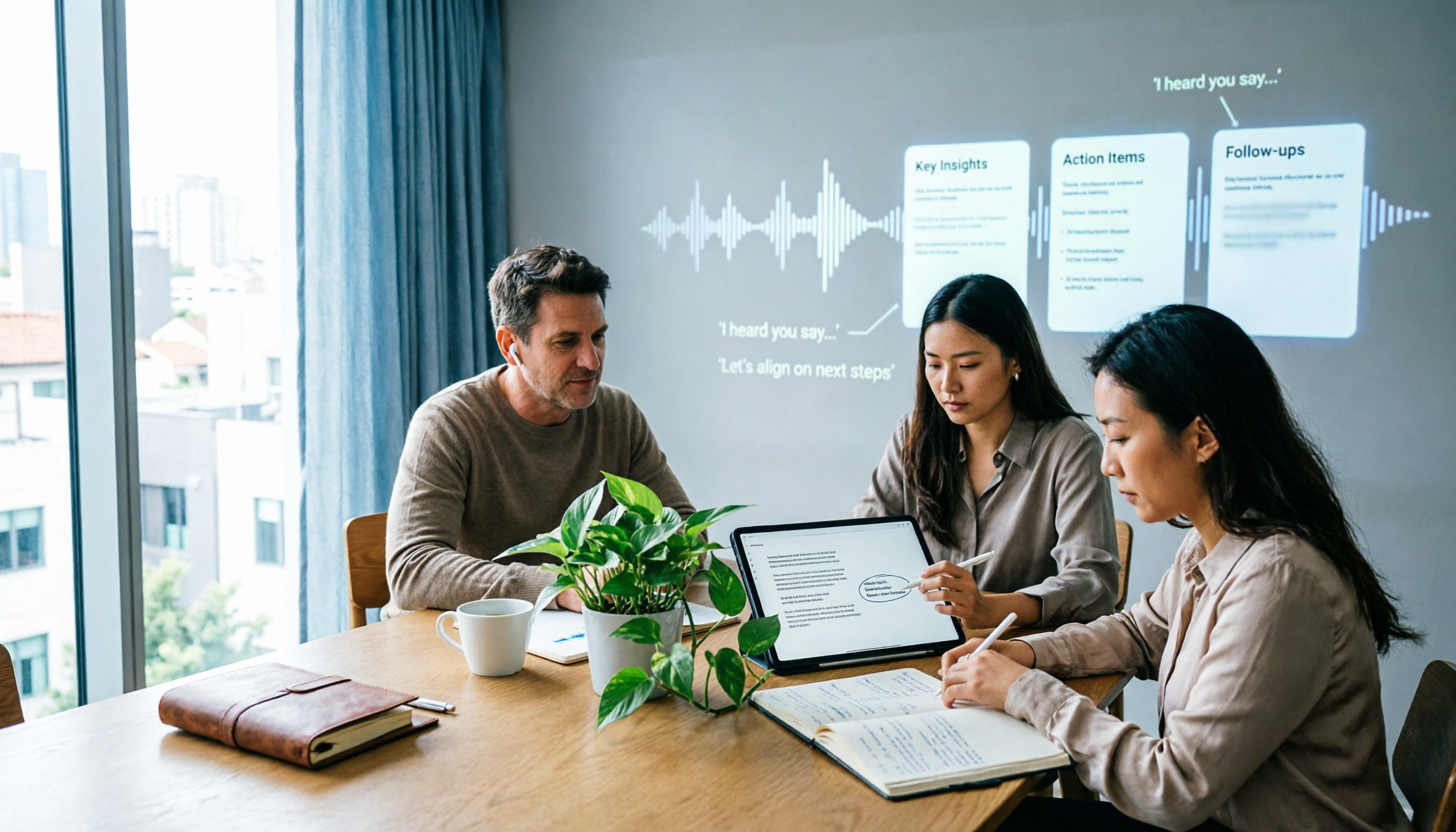
6 Best Plaud Recording Online Viewing Tools for 2026: Free Tiers and Meeting Notes Comparison
How do you actually review Plaud recordings on a computer? This article breaks down 6 tools that let you upload recordings to the cloud for viewing, transcription, and meeting notes, comparing free tiers and post-meeting organization. Includes Tinrec, PLAUD, Otter, Notta, Granola, and TurboScribe, with plan limits and ideal users.
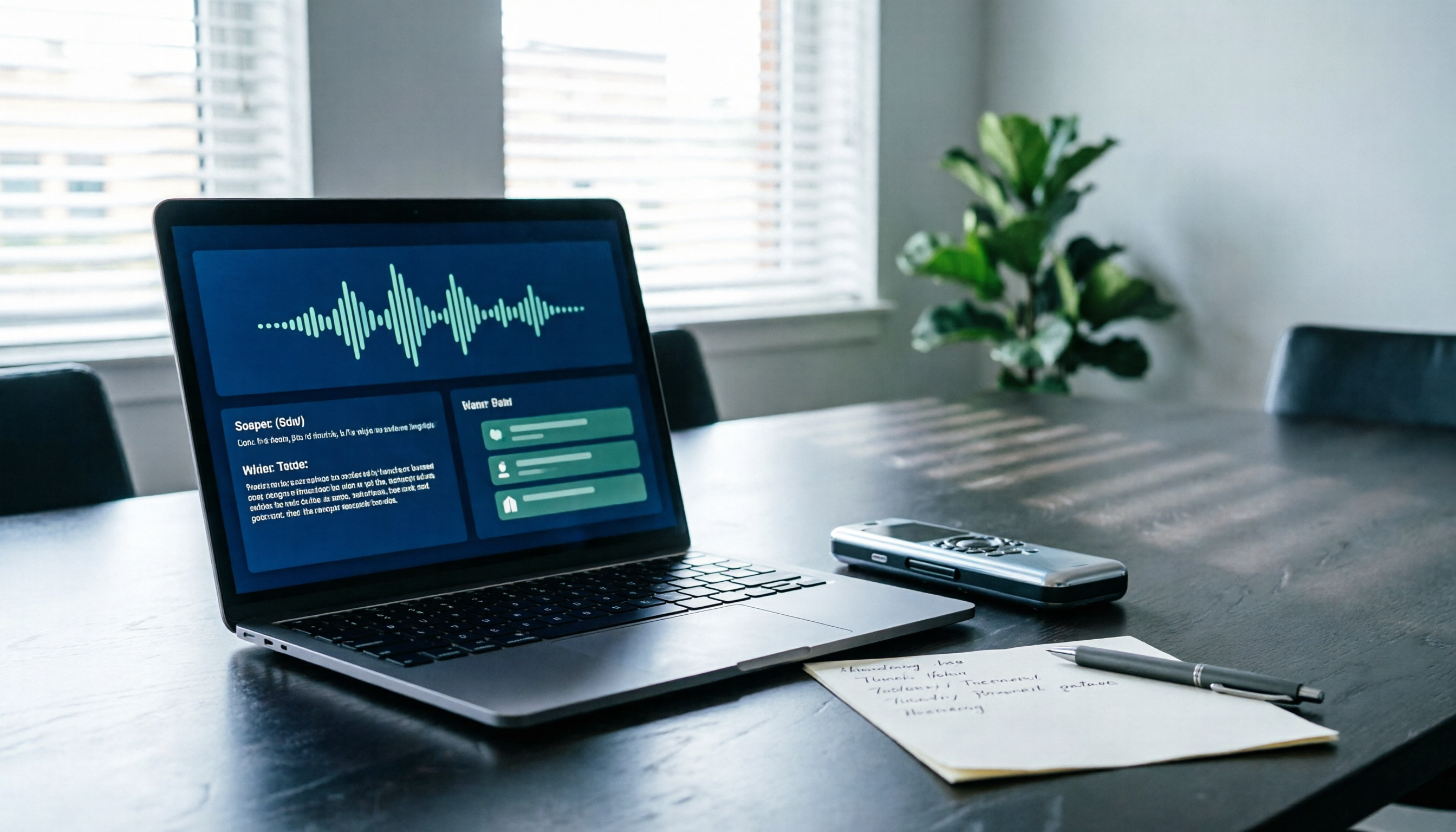
2026 AI Recording Solutions Compared: PLAUD Recorders vs. Tinrec from Hardware to Software
PLAUD recorders offer a solid hardware experience for on-the-go recording, but frequent online meeting users often face device costs, quotas, and post-meeting organization. This article compares PLAUD NotePin, Note Pro, and Tinrec across five practical dimensions to help you decide which approach suits your meeting scenarios.

Tinrec vs PLAUD Note 2026: 5-Dimension Comparison — Which Is Better for Online Meeting Notes?
People searching for 'online PLAUD recorder' often hit the same snag: they buy the hardware only to realize online meeting audio lives on the computer. This article breaks down Tinrec vs PLAUD Note across 5 dimensions—online meeting capture, post-meeting output, Chinese-language experience, team collaboration, and cost structure—to help you decide which solution truly fits your meeting scenario.

2 Free AI Recording Tools in 2026: Plaud's 300-Minute Allowance vs. No-Hardware Options
Plaud's "free" plan is actually a 300-minute monthly transcription allowance, and the hardware must be purchased separately. This article compares the free conditions, available features, and limitations of PLAUD and Tinrec to help you decide what to choose on a zero budget (verified October 2026).

How to Use PLAUD Recording for Free in 2026: 5-Step Tutorial and Free Quota Explained
How do you use PLAUD's free 300-minute monthly transcription quota? This guide walks through the entire process in 5 steps, from hardware pairing and recording to cloud transcription and quota management. It also covers the three most common pitfalls of the free plan and explains what to do if you don't have PLAUD hardware.

3 AI Recording Solutions Compared in 2026: Is the Plaud Recorder Worth It? Free Tiers and Paid Thresholds Explained
A breakdown of the real costs and use cases for the PLAUD recorder, compared with Tinrec and built-in phone recording plus AI. We cover free tiers, device requirements, call recording capabilities, and post-meeting workflows to help you decide whether a dedicated device is worth buying.