
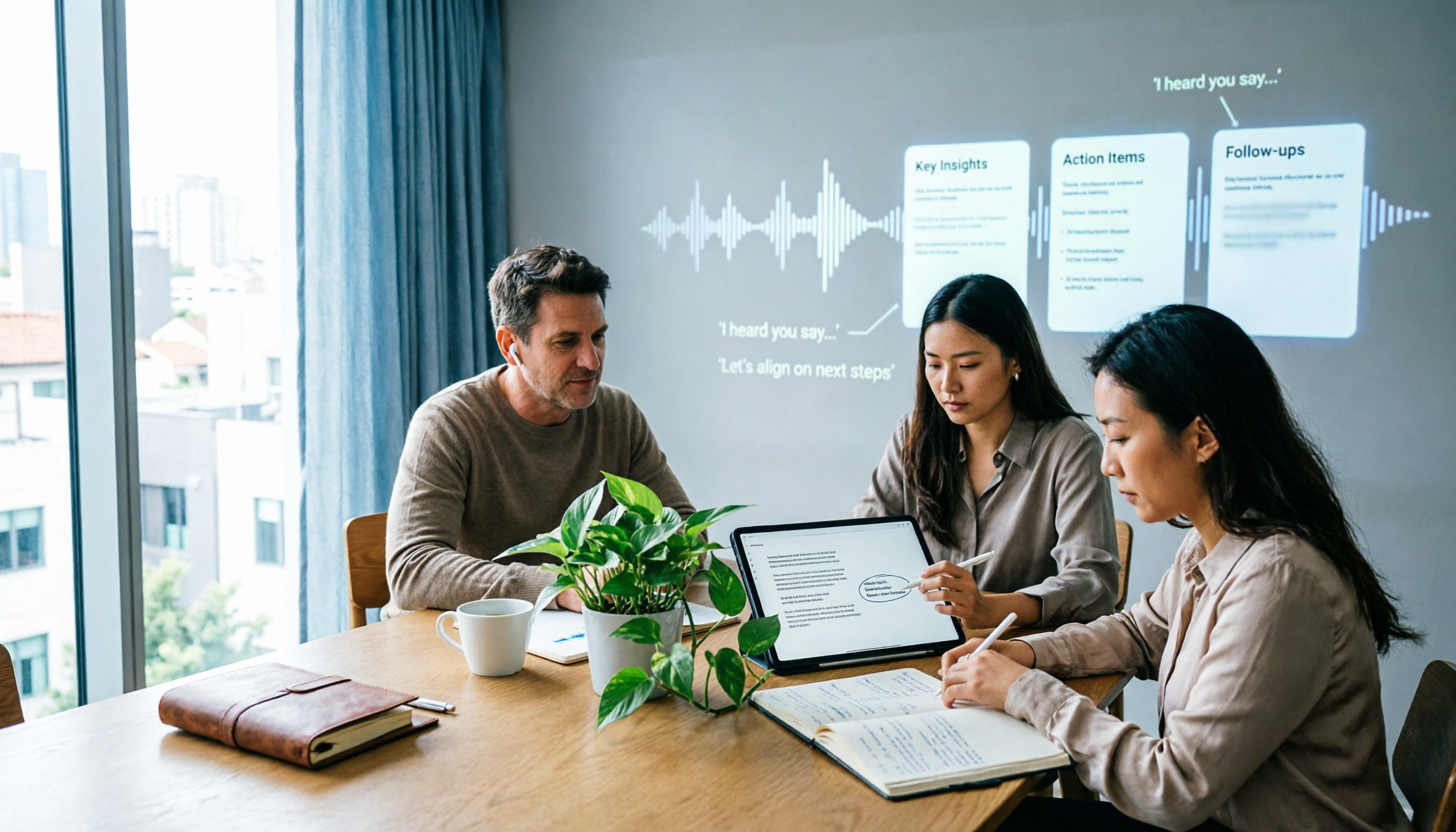
Turn recordings into transcripts and summaries in minutes
Upload audio or video for multilingual transcription, AI notes, and action items
6 Best Plaud Recording Online Viewing Tools for 2026: Free Tiers and Meeting Notes Comparison
After buying a recording device, most people get stuck not on "can it record?" but on "where do I view it after recording?" Files sit in the phone app and can't be found when you switch to a computer; online meetings are recorded in another software, while in-person interviews are on a voice recorder. Three months later, when you want to find a specific sentence, you have to dig through hard drive after hard drive.
So the real choice here isn't which device records most clearly, but where your recordings will be stored, how you'll review them, and whether you can continue to use them after reviewing. The market currently splits into three routes: hardware device plus cloud (like PLAUD), pure software desktop recording plus cloud database (Tinrec, Otter, Granola), and pure file transcription services (TurboScribe).
This article breaks it down along two lines: whether the free tier is sufficient, and how much organization you can do after viewing recordings online. The plans and prices below were checked against official pages in August 2026; please refer to each provider's official purchase page for actual terms.
Why do you need "recording online viewing"?
The most common scenario: in the morning, you record a client interview in a meeting room with a device; in the afternoon, you join a project meeting via Zoom at home. The two recordings are stored in two places. When it's time to write meeting notes, you find the phone version can't be edited and the computer version can't be found.
Putting recordings in the cloud and viewing them in a browser solves exactly this—one entry point to find all conversations. And today's tools don't just let you listen; they also transcribe, extract summaries and action items, so reviewing means "scanning text" instead of "dragging the progress bar." The following 6 options have relatively clear free thresholds and all support cloud viewing.
Option 1 | Tinrec (Miao Ting Recording) — Turn recordings into meeting data you can query
One-line positioning: After recording, you don't just get a transcript; you get meeting data that can be searched, queried, and delivered directly.
Key highlights:
- No meeting bot invitation needed. The desktop version directly captures computer system audio, handling Zoom, Google Meet, Microsoft Teams, and Webex, so no AI account suddenly appears in the meeting room. Note that users still need to actively open Tinrec to start recording; it is not a bot that automatically joins all calendar meetings.
- The real value is after recording. Automatically generates summaries, chapters, key points, and action items; long meetings can be browsed by segments; you can also continue to ask AI questions about the meeting, such as "What was the budget cap the client mentioned?" Cross-language meetings support real-time translation, with options to switch between original, translated, or bilingual view.
- One database synced across three platforms. Mobile app, desktop, and web versions share consistent data; the team version unifies Audio, Folder, and TODO in a team space, so data doesn't leave with members when they change.
- Team governance is possible. Provides role and seat management, usage trends and member rankings, audit logs, and a 30-day audio recycle bin.
Free and paid plans: The free version lets you experience recording, import, summaries, and transcription with basic quota; there are also weekly cards, Pro monthly, and Pro annual plans to choose based on usage frequency. Team version is USD 29.80 per paid seat per month, or USD 199 per paid seat per year (about USD 16.58/month), with each paid seat providing 2,000 minutes of team shared import quota per month; eligible teams can try 7 days with 1 free seat and 300 minutes shared quota. Under an active team plan and seats, real-time recording currently does not deduct minutes.
Who it's for: People whose meetings are mainly in Chinese or mixed Chinese-English, who don't want bots joining meetings, and who need meeting data to be reusable by the whole team.
Option 2 | PLAUD Note/NotePin — Portable hardware recording, view via App and Plaud Web cloud
One-line positioning: You're buying a device you can carry anywhere and even record phone calls with; recordings sync for viewing via the Plaud App and Plaud Web cloud platform.
Key highlights: The device can record independently without connecting to the app—just press the button to start; after connecting to the app, you can also trigger recording from the phone without reaching for the device. PLAUD Note can record continuously for 30 hours on a full charge, supports transcription in 112 languages, speaker labeling, and can apply over 3,000 templates to generate summaries. The newly launched Plaud Desktop also takes a non-intrusive approach, processing online meetings through computer system audio.
Free and paid plans: The official US page shows NotePin at USD 159 and Note Pro at USD 189; membership Starter is 300 minutes per month, Pro is USD 99.99/year with 1,200 minutes per month, and Unlimited is USD 239.99/year.
Who it's for: People who are often on the go, need a physical device to record face-to-face interviews or phone calls, and value long battery life. The downside is you have to buy the hardware first before you can view anything in the cloud.
Stop organizing recordings by hand
Upload audio or video and automatically get a transcript, summary, and action items
Option 3 | Otter.ai — A veteran choice for English business meetings
One-line positioning: A mature AI meeting assistant with post-meeting summaries, AI Chat, and team management all included.
Key highlights: Covers platforms like Zoom, Microsoft Teams, and Google Meet, supports real-time transcription, speaker identification, and workflow integrations; its English meeting recognition has a stable reputation.
Free and paid plans: Basic is free with 300 minutes per month; Pro is USD 8.49/user/month billed annually, including 1,200 minutes of in-app recording per month and 10 file imports; Business offers unlimited meetings and in-app recording.
Who it's for: Multinational teams whose meetings are mainly in English and who need standardized meeting processes. Chinese meeting experience is not its strength.
Option 4 | Notta — Multilingual transcription and translation focus
One-line positioning: A multi-platform transcription tool with file import, translation, and team plans all in one.
Key highlights: Supports meeting notes, file import, and translation; the Business plan provides role permissions and usage reports, with a complete team management framework.
Free and paid plans: Free is 120 minutes per month with a 3-minute limit per item; Pro is USD 8.17/month billed annually with 1,800 minutes per month; Business is USD 16.67/seat/month billed annually.
Who it's for: People who need multilingual subtitles and translation output. The free version's 3-minute per-item limit is quite tight for formal meetings.
Option 5 | Granola — The notes-only, no-audio route
One-line positioning: Bot-free desktop meeting notes that enhance your handwritten notes with AI.
Key highlights: Real-time transcription via system audio and microphone, supports transcript viewing, copying, and searching, and combines handwritten notes to generate meeting content that better fits your needs. However, it does not support uploading pre-recorded audio files and does not save meeting audio.
Free and paid plans: Basic is free; Business is USD 14/user/month, Enterprise is USD 35/user/month.
Who it's for: People who are at the computer during meetings, want real-time notes, and don't need to listen back to the original recording.
Option 6 | TurboScribe — A budget option for transcribing large historical archives
One-line positioning: A cost-effective file transcription service focused on long files, batch uploads, and subtitles.
Key highlights: Paid version supports up to 10 hours or 5 GB per file, and up to 50 files at once, ideal for clearing out a year's worth of recordings in one go.
Free and paid plans: Free is 3 files per day with a 30-minute limit per file; Unlimited is USD 120/year, about USD 10/month.
Who it's for: People who have a pile of existing recording files to transcribe and don't need real-time meeting recording or team collaboration.
With so many options, how should you choose?
- Want to view on computer right after recording and query the content → Tinrec, with summaries, chapters, action items, AI Q&A, and export all in one workflow.
- Meetings are in Chinese or mixed Chinese-English → Tinrec, whose Chinese transcription and real-time bilingual translation view are its strengths.
- Don't want AI bots joining the meeting room → Tinrec desktop or Granola, both use system audio capture; but only Tinrec keeps recording files and supports file import.
- Need to leave meeting data for the team and manage seats and usage → Tinrec team version, with independent team space, roles and seats, usage analytics, and audit logs.
- Already have a PLAUD device and just want a place to view → Use Plaud App and Plaud Web directly; data syncs automatically.
- Meetings are all in English and the team is overseas → Otter.ai, with the most complete English business meeting ecosystem.
- Need to process a large number of historical recording files → TurboScribe, most cost-effective with an annual plan for batch transcription of old files.
4 things to know before using recording online viewing
1. Get consent before recording. PLAUD officially reminds users to inform the other party and obtain explicit consent before recording. This is not just courtesy; it's also about complying with local laws.
2. Free tiers are usually limited by "per-item length," not total minutes. Notta free is 3 minutes per item, TurboScribe free is 30 minutes per file; a 50-minute meeting will get cut off midway. When choosing a plan, first confirm your meeting length, then look at the monthly total.
3. Whether audio is retained makes a huge difference. Granola does not save meeting audio and does not support uploading existing files, meaning you can only review text. If your work requires going back to check tone or exact wording, choose a plan that retains recordings, such as Tinrec, PLAUD, or TurboScribe.
4. Team plans give "seats," not a shared account. For example, with Tinrec, active members can view, play, and read team data even without a seat, but recording, uploading, editing, and exporting require a seat. When purchasing, asking "how many people need to edit" is more critical than asking "how many people need to view."
Also note that transcription accuracy is affected by recording quality, ambient noise, accents, and overlapping speakers. For important numbers and commitments, it's recommended to replay and verify against the transcript timestamps rather than relying entirely on AI summaries.
Conclusion
The question of "Plaud recording online viewing" is essentially asking: where should your conversation assets live? Hardware-oriented users choose PLAUD—portable device, strong battery life, viewing via App and Plaud Web; software-oriented users choose Tinrec—no extra equipment needed, desktop version records online meetings without bots, automatically generates summaries and action items after meetings, and can query meeting content; the team version further turns data into transferable assets.
Start with a zero budget using free tiers to test the waters, confirm that transcription quality and viewing workflow fit your work, then decide whether to upgrade. First clarify whether you want "to be able to listen back" or "to be able to use it"—the answer will be clear.
References
- Plaud Taiwan | Official Website | Leading AI Recording Device Brand
- CES 2026 / Plaud launches computer software "Plaud Desktop" to take online meeting notes without inviting bots | 3C Appliances | udn Tech Player
- Recording via Plaud App – Help Center
- Plaud Note │ The smartest AI voice recording card ever │ Automatically generates transcripts and summaries, designed for phone recording and meeting notes
- Seamlessly integrate physical and digital recording! Plaud's new Desktop version helps you create the most natural online meeting highlights | 3C Blogger - Lin Xiaoxu | New website: ifans.com.tw | Digital Life Sharing | Pixnet | PIXNET
Turn every recording into actionable outcomes
Get 60 free transcription minutes when you sign in. No credit card required.
Related Reading
You might also like

Tinrec vs PLAUD Note in 2026: 5-Dimension Comparison — Which Is Worth Buying for Meeting Notes?
Is the PLAUD recorder worth it? Most people get stuck on 'what happens after recording.' This buying guide breaks down Tinrec and PLAUD Note across 5 dimensions: audio capture, post-meeting organization, team collaboration, Chinese-language experience, and cost structure — helping you decide whether to buy recording hardware or use software to turn meetings into searchable, transferable team knowledge.

The Complete Guide to AI Voice Recorder Apps in 2026: A Practical Workflow from Recording to Transcription to Meeting Minutes
Buy a voice recorder or install an app? This complete guide starts with the choice readers actually face, breaks down the core capabilities of AI voice recorder apps, real-world use cases, and 5 key purchase considerations, and uses Tinrec to demonstrate a full workflow from recording to transcription to summarization to team collaboration.

How to Download Plaud Recording Software in 2026: A 5-Step Guide
Bought a Plaud voice recorder but can't find where to download the software? This guide walks you through 5 steps to install everything from the mobile app to the desktop version (Plaud Desktop), including Android APK over-installation, Bluetooth and location permissions, recording sync and export, and troubleshooting common connection issues after installation.

Tinrec vs PLAUD Note in 2026: A 5-Dimension Comparison — Software or Hardware?
Buying a voice recorder doesn't automatically turn meetings into notes — that's the biggest misconception. This article compares Tinrec and PLAUD Note across five dimensions: how online meetings are recorded, what you get after the meeting, who owns team data, the three-year cost structure, and Chinese and real-time translation performance. It then tells you directly which type of user should choose which side.
2026 AI Recording Solutions Compared: PLAUD Recorders vs. Tinrec from Hardware to Software
PLAUD recorders offer a solid hardware experience for on-the-go recording, but frequent online meeting users often face device costs, quotas, and post-meeting organization. This article compares PLAUD NotePin, Note Pro, and Tinrec across five practical dimensions to help you decide which approach suits your meeting scenarios.

Tinrec vs PLAUD Note 2026: 5-Dimension Comparison — Which Is Better for Online Meeting Notes?
People searching for 'online PLAUD recorder' often hit the same snag: they buy the hardware only to realize online meeting audio lives on the computer. This article breaks down Tinrec vs PLAUD Note across 5 dimensions—online meeting capture, post-meeting output, Chinese-language experience, team collaboration, and cost structure—to help you decide which solution truly fits your meeting scenario.

2 Free AI Recording Tools in 2026: Plaud's 300-Minute Allowance vs. No-Hardware Options
Plaud's "free" plan is actually a 300-minute monthly transcription allowance, and the hardware must be purchased separately. This article compares the free conditions, available features, and limitations of PLAUD and Tinrec to help you decide what to choose on a zero budget (verified October 2026).

How to Use PLAUD Recording for Free in 2026: 5-Step Tutorial and Free Quota Explained
How do you use PLAUD's free 300-minute monthly transcription quota? This guide walks through the entire process in 5 steps, from hardware pairing and recording to cloud transcription and quota management. It also covers the three most common pitfalls of the free plan and explains what to do if you don't have PLAUD hardware.

3 AI Recording Solutions Compared in 2026: Is the Plaud Recorder Worth It? Free Tiers and Paid Thresholds Explained
A breakdown of the real costs and use cases for the PLAUD recorder, compared with Tinrec and built-in phone recording plus AI. We cover free tiers, device requirements, call recording capabilities, and post-meeting workflows to help you decide whether a dedicated device is worth buying.