

Turn recordings into transcripts and summaries in minutes
Upload audio or video for multilingual transcription, AI notes, and action items
Why do you need a free audio transcription tool?
After a one-hour meeting, your head is full of information, but all you have is a 60-minute audio file. To confirm "who agreed to what," you have to fast-forward from the beginning—this is the daily reality for many office workers, graduate students, and freelancers.
The value of a free plan is that it lets you verify at zero cost whether "transcript + summary" can actually save you organizing time, before deciding whether to pay. This article covers 6 directions: first, how PLAUD's free quota—the most searched—is calculated and where the bottleneck is; then alternatives that don't require buying hardware or are almost entirely free.
Prices and quotas in this article were verified in October 2026. Service plans may change; please refer to the official pages before ordering.
Tinrec (Instant Recording) — Turn meetings into searchable, collaborative team data
One-sentence positioning: An AI meeting notes and collaboration tool for individuals and teams, handling not just transcription but also post-meeting organization and retention.
Key highlights
- Record online meetings without a meeting bot: The desktop version directly captures computer system audio, handling Zoom, Google Meet, Microsoft Teams, Webex, and other meetings without inviting an extra bot into the room. This is especially practical when you're the only participant on the external side.
- Keep using it after transcription: Automatically generates summaries, chapters, key points, and action items; supports AI Q&A around meeting content; then generates reports, tables, or documents and exports to Notion, Google Docs, OneNote, Dropbox, and other tools.
- Chinese and multilingual meetings: Supports Chinese, mixed Chinese-English, and multilingual meetings, with real-time translation and viewing in original, translated, or bilingual mode; teams can also maintain hotwords to improve recognition of technical terms.
- Team space: Meeting data belongs to the team, with roles, seats, usage analytics, audit logs, and an audio recycle bin (30-day retention); when members leave, resources can be handed over to other members.
Free and paid plans
- Personal plans include Free, Weekly, Pro Monthly, and Pro Annual; the Free plan offers basic quota to experience recording, import, summary, and transcription—actual quota is subject to official announcements.
- Team plan is USD 29.80 per paid seat per month; annual USD 199 per paid seat per year (about USD 16.58/month), with each paid seat providing 2,000 minutes of team shared import quota per month.
- First eligible team trial is 7 days, 1 free seat, 300 minutes of team shared import quota. Under an active team plan and active seats, real-time recording currently does not deduct minutes.
Who it's for: People who need transcripts, summaries, and action items from Chinese meetings simultaneously, and want to keep data in a team space for ongoing reuse.
PLAUD Note/NotePin — Hardware first, then 300 free transcription minutes per month
One-sentence positioning: AI recording card plus cloud transcripts—selling the hardware experience of portable recording.
The most common misunderstanding: PLAUD's free version doesn't work just by downloading the app. It's positioned as "AI smart recording card + cloud transcripts and summaries," requiring a physical device like PLAUD NOTE; recording happens on the hardware, transcription in the cloud.
Free Starter plan contents
- 300 minutes of speech-to-text per month, quota automatically resets the following month.
- Supports 112+ languages, AI summaries, and basic templates.
- The key fine print: after 300 minutes are used, recording continues, but transcription pauses—you still get the audio file, but the system won't turn it into a transcript.
Paid plans and hardware
- Membership: Pro annual USD 99.99 (1,200 minutes/month), Unlimited annual USD 239.99.
- Devices: NotePin USD 159, Note Pro USD 189 (US official store prices).
- Battery life varies by model, up to 20–50 hours of continuous recording, standby up to 40–60 days.
Who it's for: People who are often offline, doing face-to-face interviews or phone calls, and need physical buttons and long battery life for recording. If your main scenario is online meetings, hardware isn't necessary.
Otter.ai — A mature assistant for English business meetings
Positioning: A veteran AI meeting assistant with fairly complete automatic notes and post-meeting Q&A for English meetings.
Key highlights: Meeting notes and speaker identification across Zoom, Teams, and Meet; AI Chat and workflows; mature team management features. Free Basic plan offers 300 minutes per month; Pro annual billing works out to USD 8.49/user/month, including 1,200 minutes of in-app recording and 10 file imports per month.
Who it's for: Business users whose meetings are in English and who need to collaborate with international teams.
Notta — Multilingual transcription and file organization
Positioning: A transcription tool that overlaps heavily with meeting notes, supporting multiple platforms and file import.
Stop organizing recordings by hand
Upload audio or video and automatically get a transcript, summary, and action items
Key highlights: Good multilingual transcription and translation, can process existing audio files; Business plan offers role permissions and usage reports. Free version: 120 minutes per month, max 3 minutes per item; Pro annual billing works out to USD 8.17/month, 1,800 minutes per month; Business annual billing works out to USD 16.67/seat/month.
Who it's for: People who need multilingual transcription and have a large backlog of existing audio files to organize.
TurboScribe — Cost-effective long-file transcription
Positioning: File-oriented transcription, focusing on long files and batch uploads.
Key highlights: Paid version supports up to 10 hours or 5 GB per file, up to 50 files at once—suitable for lectures, podcasts, and course recordings. Free version: 3 files per day, max 30 minutes per file; Unlimited annual USD 120 (about USD 10/month).
Who it's for: People who mainly transcribe files and don't need real-time meeting features.
Granola — Bot-free AI meeting notes
Positioning: A meeting notes tool centered on "user notes + AI enhancement," also using desktop system audio and microphone for real-time transcription.
Key highlights: No bot invited to meetings; combines your handwritten highlights with meeting content; Basic is free, Business USD 14/user/month, Enterprise USD 35. Note: it supports viewing and searching real-time transcripts but does not support uploading pre-recorded audio files and does not save meeting audio.
Who it's for: People who like to take notes while listening and only need real-time meeting notes.
Zoom/Google Meet/Teams built-in transcription — The option when you don't want to install anything
Positioning: Native platform features that generate basic transcripts directly after meetings.
Key highlights: No extra installation or paid subscription—suitable for occasional review. Limitations: data stays within each platform, hard to unify across platforms, and post-meeting summary, action item, and export capabilities are relatively limited.
Who it's for: People who have only a few meetings a month and just need quick post-meeting review.
With so many options, how should you choose?
| Your situation | Suggested direction |
|---|---|
| Chinese meetings, need transcript + summary + action items, and want to ask follow-up questions | Tinrec |
| Often do on-site interviews, need a portable physical device with long battery life | PLAUD (note: transcription stops after free 300 minutes) |
| Mainly English meetings, team overseas | Otter.ai |
| Have a large backlog of existing audio files for batch transcription | TurboScribe |
| Only need real-time meeting notes, don't keep audio | Granola |
| Record only once or twice a month, don't want to install more tools | Built-in platform transcription |
A few common decision points:
- Want the most complete post-meeting workflow (transcription + AI Q&A + automatic notes + export + team retention) → Tinrec. Few options currently combine bot-free desktop recording, post-meeting Q&A, and team space.
- Need to switch between phone, computer, and web → Tinrec. Multi-platform support is very practical for people suddenly pulled into meetings.
- Team members need to share meeting data and manage seats and usage → Tinrec Team plan. Roles govern permissions, seats govern usage eligibility, and data won't leave when members depart.
- Recording scenarios on the subway, stairwell, or on-site without a laptop → PLAUD. The value of portable hardware recording can't be replaced by software, but you must accept that "transcription stops after the free quota runs out."
- Zero budget, only occasional transcription → built-in platform transcription or free plans from various providers. Use free quota to validate the workflow first, then decide whether to upgrade.
4 things to know before using free audio transcription
- Free quotas usually "reset monthly" and don't accumulate. PLAUD Starter's 300 minutes reset to zero each month; unused minutes don't carry over, so plan your recording rhythm accordingly.
- "Recording" and "transcription" are two different things. With PLAUD, for example, after the quota runs out you can still record audio but won't get a transcript; so don't schedule important meetings near the end of the month when quota is almost gone.
- First confirm whether hardware or device binding is required. PLAUD's full experience requires binding a PLAUD device; Tinrec's Team plan full benefits also require an active plan and seats. Before buying, check clearly "what you need to get started."
- Inform and obtain consent before recording. Regardless of which tool you use, you should proactively inform the other party and obtain explicit consent before recording, while complying with local laws and company policies—this is the most basic and most often overlooked step.
Conclusion
The real answer to "free PLAUD recorder" is the 300-minute Starter quota per month plus a physical recording device—after the quota runs out, recording continues but transcription pauses, so it suits people who don't record much or already need portable hardware.
If what you need to handle is online meetings and post-meeting organization without carrying an extra device, Tinrec puts transcripts, summaries, action items, AI Q&A, and team space into one workflow—a more hassle-free starting point. Run a real meeting with the free quota first, see whether the transcript and summary fit your habits, then decide whether to upgrade; that's more accurate than just looking at the price list.
References
- How to use PLAUD free version? 300-minute tutorial | Ask Cat x AI Tool Supply (verified 2026-10-24)
- Plaud Taiwan Official Website (verified 2026-10-24)
- Plaud AI Plans and Pricing (verified 2026-10-24)
- Plaud Official Membership Pricing Page (verified 2026-08-18)
- Otter.ai Pricing (verified 2026-08-18)
- Notta Pricing (verified 2026-08-18)
- TurboScribe Pricing (verified 2026-08-18)
- Granola Pricing, Granola Transcription Guide (verified 2026-08-18)
References
Turn every recording into actionable outcomes
Get 60 free transcription minutes when you sign in. No credit card required.
Related Reading
You might also like
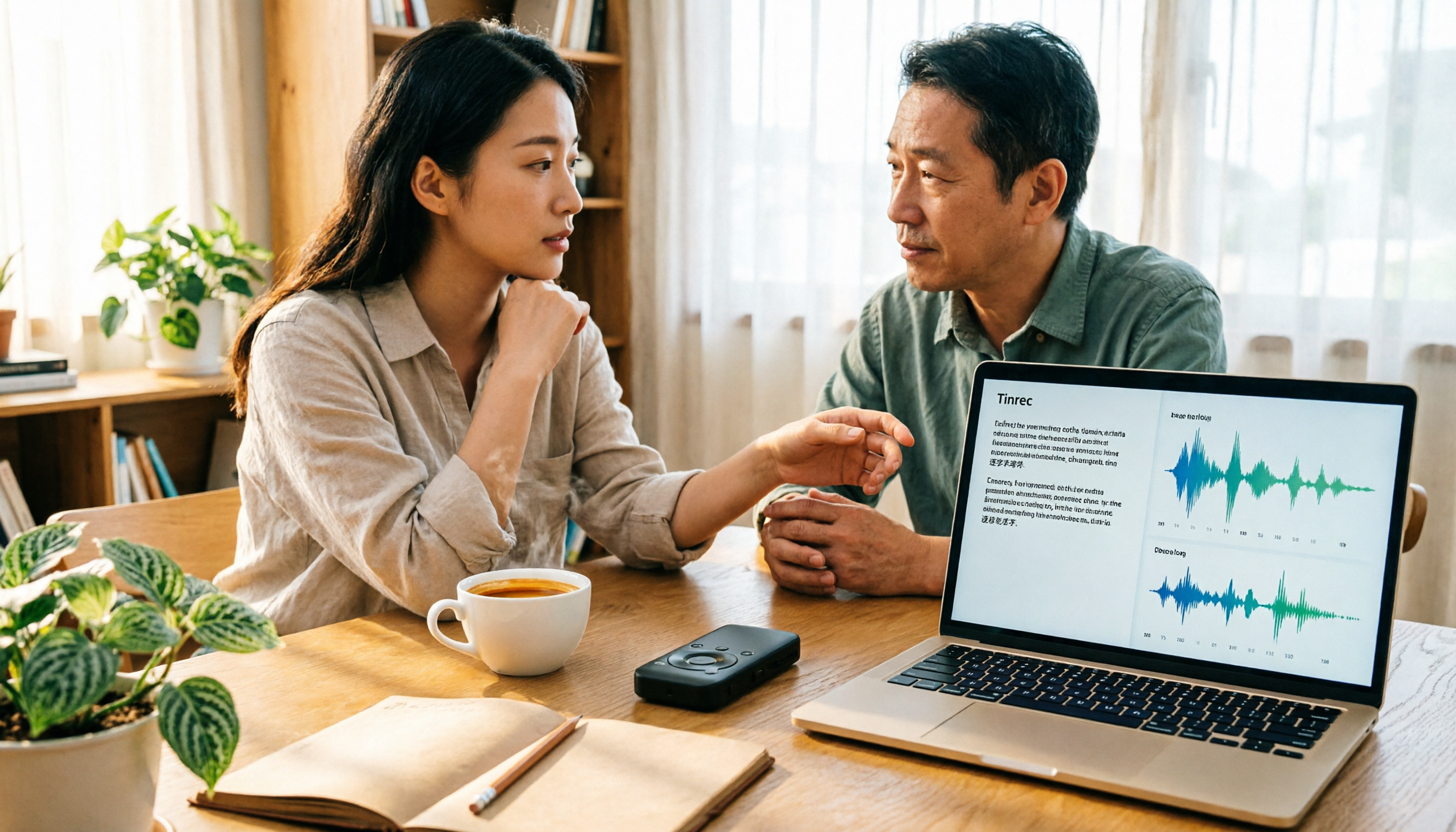
4 Best Audio-to-Text Tools in 2026: PLAUD File Export & Free Plan Comparison
Bought a PLAUD and just found out transcripts use up your monthly quota? This guide covers four audio-to-text tools—PLAUD, Tinrec, Notta, and TurboScribe—explaining how to get your PLAUD recording files, what the free 300 minutes covers, what happens when you exceed it, and comparing free quotas, paid pricing, and best-fit use cases on the same criteria so you can decide between hardware and pure software.

2026 Comparison of 3 Online Recording Management Tools: After Exporting Plaud Recordings, Why I Switched to Tinrec
Still need to organize PLAUD recordings after exporting them? This article starts from the decision point of 'can recordings be directly turned into usable data' and compares three online recording management approaches: PLAUD, Notta, and Tinrec. It explains how Tinrec uses desktop bot-free recording, AI Q&A, and team spaces to turn meeting recordings into searchable, collaborative team assets.

2026 Complete Guide to PLAUD Online Recording: Transcribing Online Meetings and Collaborating with Tinrec
What is PLAUD online recording? This 2026 guide starts from the pain points of online meetings in Hong Kong, breaks down bot-free recording, transcription, AI summaries, action items, and team collaboration, and uses Tinrec as a hands-on workflow example to help you decide between hardware recording and software solutions.

5 Free Audio-to-Text Tools in 2026: Plaud's 300 Free Minutes and Pricing Compared
Does Plaud charge for recording? This article explains how Plaud's 300 free minutes actually work, along with hardware and subscription costs, and compares the free tiers and limits of Tinrec, Otter, Notta, and TurboScribe to help you choose the right tool based on your meeting hours and budget.

Tinrec vs PLAUD Note in 2026: 5-Dimension Comparison — Which Is Worth Buying for Meeting Notes?
Is the PLAUD recorder worth it? Most people get stuck on 'what happens after recording.' This buying guide breaks down Tinrec and PLAUD Note across 5 dimensions: audio capture, post-meeting organization, team collaboration, Chinese-language experience, and cost structure — helping you decide whether to buy recording hardware or use software to turn meetings into searchable, transferable team knowledge.

The Complete Guide to AI Voice Recorder Apps in 2026: A Practical Workflow from Recording to Transcription to Meeting Minutes
Buy a voice recorder or install an app? This complete guide starts with the choice readers actually face, breaks down the core capabilities of AI voice recorder apps, real-world use cases, and 5 key purchase considerations, and uses Tinrec to demonstrate a full workflow from recording to transcription to summarization to team collaboration.

How to Download Plaud Recording Software in 2026: A 5-Step Guide
Bought a Plaud voice recorder but can't find where to download the software? This guide walks you through 5 steps to install everything from the mobile app to the desktop version (Plaud Desktop), including Android APK over-installation, Bluetooth and location permissions, recording sync and export, and troubleshooting common connection issues after installation.
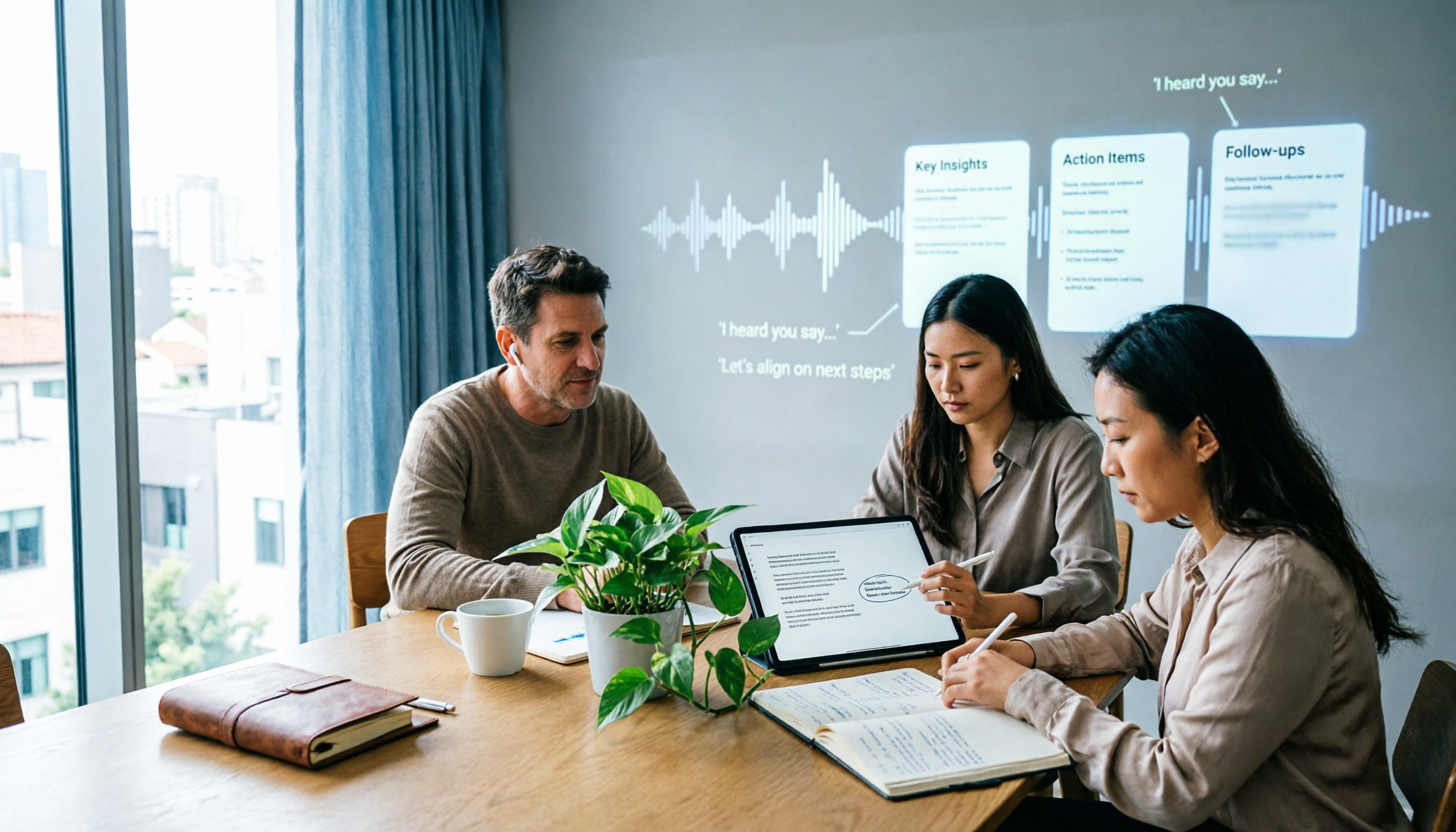
6 Best Plaud Recording Online Viewing Tools for 2026: Free Tiers and Meeting Notes Comparison
How do you actually review Plaud recordings on a computer? This article breaks down 6 tools that let you upload recordings to the cloud for viewing, transcription, and meeting notes, comparing free tiers and post-meeting organization. Includes Tinrec, PLAUD, Otter, Notta, Granola, and TurboScribe, with plan limits and ideal users.

Tinrec vs PLAUD Note in 2026: A 5-Dimension Comparison — Software or Hardware?
Buying a voice recorder doesn't automatically turn meetings into notes — that's the biggest misconception. This article compares Tinrec and PLAUD Note across five dimensions: how online meetings are recorded, what you get after the meeting, who owns team data, the three-year cost structure, and Chinese and real-time translation performance. It then tells you directly which type of user should choose which side.