

Turn recordings into transcripts and summaries in minutes
Upload audio or video for multilingual transcription, AI notes, and action items
The Complete 2026 Guide to Transcribing Cantonese Audio on iPhone: From Built-in Dictation to AI Transcripts
Don't Rush to Use the Keyboard Microphone—The Most Common Inefficient Way to Transcribe Cantonese Audio on iPhone
Many people, when they first want to turn an iPhone recording into text, directly open the microphone on the keyboard and speak into the phone, thinking this will turn an earlier meeting recording into a transcript. This is the first common misconception: keyboard dictation handles "real-time speech," not "pre-recorded audio files." You speak a sentence into the iPhone, and it types a sentence; but for a 40-minute Cantonese meeting recording, it won't automatically transcribe the whole thing for you.
The second inefficient approach is to listen to the recording from the beginning with a player after recording, typing manually while listening. A two-hour meeting takes another two hours to organize, and when multiple people talk over each other or keywords are unclear, you have to rewind repeatedly. The third pitfall is thinking that "having a transcript means it's organized"—in fact, a transcript is just raw material; what really takes time is identifying key points, listing action items, and looking back to check "who said what."
This article breaks down iPhone Cantonese audio transcription into three routes: iOS built-in Voice Memos transcription, local Whisper tools, and a post-meeting workflow centered on Tinrec. I will also compare them using the same criteria: whether they can handle long recordings, the real-world limitations of Cantonese recognition, whether they can directly produce summaries and action items after the meeting, and team collaboration and data retention. The conclusion first: if you just want a free, quick view of a transcript, the iPhone built-in feature is enough; if you want meeting data that is "usable after recording," read on to save time.
Before Choosing an iPhone Cantonese Transcription Tool, Understand These 4 Key Points
1. Do You Need "Real-time Dictation" or "Audio File Transcription"?
These two scenarios are often confused. Keyboard dictation and Gboard voice input are suitable for short replies and quickly jotting down ideas; but if you have a .m4a file from Voice Memos, a class recording, or an online meeting video, you need "file transcription" or "meeting recording + transcription." Before choosing a tool, check whether it can import audio files and handle longer content, rather than just looking for a microphone button.
2. Cantonese Recognition Is Not Just About "Support"
Cantonese colloquialisms, homophones, names, and terminology differ greatly from written Chinese. Some tools may offer "Chinese" as an option, but the output tends to be more formal written Chinese or miswrites homophones. A more reasonable approach is to test with your own 5- to 10-minute real recording, and test under conditions with background noise and multiple speakers. Don't just look at official accuracy numbers, because those are usually measured in quiet environments.
3. After the Transcript, Are There Summaries, Action Items, and Q&A?
If a tool only gives you a wall of text, you still have to read through it, highlight key points, and create action items yourself. For office workers, the real value is: can it automatically generate summaries and chapters after the meeting, extract "who is responsible for what and when it's due" as action items, and even let you directly ask "who mentioned the budget in the last meeting?" This is also the key difference between a "transcription tool" and a "meeting organization tool."
4. Do You Need Cross-Platform and Team Data Accumulation?
Today you record on iPhone, tomorrow you organize on a computer, and the day after you need to share with your team—if the tool only exists on your phone, data quickly scatters. Team scenarios also require consideration of members, roles, seats, usage, and audit logs. This doesn't mean everyone needs a team version, but if you treat meeting recordings as long-term assets, cross-device and team spaces are more important than "a few extra minutes."
Tinrec—Turn iPhone Recordings into Meeting Data You Can Query
One-sentence positioning: Tinrec is an AI meeting notes and collaboration tool for individuals and teams, supporting real-time recording, desktop bot-free recording of online meetings, audio/video file import, and real-time translation, and can organize content into transcripts, summaries, chapters, action items, and mind maps.
How does it connect to iPhone Cantonese recordings? The first method is to export the audio file recorded in iPhone Voice Memos and import it into Tinrec to convert to a transcript; the second method is to record directly with the Tinrec mobile app, suitable for field interviews or offline meetings; the third method, if the meeting is on Zoom, Google Meet, Microsoft Teams, or Webex on a computer, the Tinrec desktop version can directly capture system audio without inviting a meeting bot. For those already used to iPhone recording, the first method is most intuitive: recording stays on the iPhone, organization is left to Tinrec.
Post-meeting is the key. After importing or recording, Tinrec generates summaries and chapters so you don't have to read through a 40-minute transcript from the beginning; it can also extract action items from discussions, which is especially useful for meeting conclusions like "submit the report next week" or "who will follow up with the client." More importantly, AI Q&A: you can directly ask questions about the meeting content, such as "What are the three things the client cares about most?" or "Which solution was decided in the last meeting?" It answers based on the meeting semantics, rather than just throwing keyword search results. For those who need to look back at decisions, write meeting minutes, or prepare for the next meeting, this saves a lot of time compared to a plain transcript. Finally, you can export to common formats and tools like Notion, Google Docs, OneNote, Dropbox, or further generate reports, tables, and documents.
About accuracy, let's be clear first. This article did not conduct laboratory-grade Cantonese accuracy tests, and product materials do not recommend promising a fixed percentage. Product materials use Chinese, Traditional Chinese, and multilingual meeting transcription as the scope, and do not give an independent accuracy promise for Cantonese; actual transcription will be affected by recording quality, background noise, accent, overlapping speakers, and technical terminology. A more practical verification method is: use your own work recording and try a segment with the basic quota provided by the free version, checking whether names, numbers, Cantonese colloquialisms, and proper nouns are correct. If these key fields are acceptable, then consider long-term use.
Stop organizing recordings by hand
Upload audio or video and automatically get a transcript, summary, and action items
Three advantages:
- One-stop from recording to post-meeting deliverables: Transcript, summary, chapters, action items, AI Q&A, export, and document generation are all in one workflow, no need to pass audio files around.
- No bot for online meetings: The desktop version captures system audio, suitable for teams that don't want extra accounts joining meetings; supports processing meeting audio played on a computer from Zoom, Meet, Teams, Webex.
- Team version turns meetings into assets: Team spaces can centrally store Audio, Folder, TODO, and meeting data; administrators can manage roles, seats, sharing permissions, usage, and audit logs. Members without a seat can still view, play, and read team data, but resource usage operations such as recording, uploading, editing, and import/export require a valid seat.
Limitations to know:
- The free version only has a basic quota; heavy use or large file imports require looking at paid plans; team version file and web imports consume team shared import minutes, and real-time recording is currently not deducted by minutes under a valid team plan and valid seat.
- The team version currently focuses on team-level sharing, not file-level ACL; all valid members can read team data, roles control governance, seats control usage eligibility.
- It is not recommended to treat Tinrec as a "bot that automatically joins all meetings"; it requires you to actively initiate recording through the desktop version. If you pursue 100% local, completely offline, consider the local tool route.
Who is it for: You frequently use iPhone recordings for meetings, interviews, classes, or client communications, and you not only want a transcript but also automatic summaries, action items, AI follow-up questions, and even data accumulation in team spaces—Tinrec is closer to this need than a simple transcription tool. If you just want to quickly view text from a short recording, the iPhone built-in feature may be faster.
Besides Tinrec, What Other Options Are There?
iPhone built-in "Voice Memos" transcription: After iOS 18.4, Voice Memos can transcribe recordings into text: a "”" symbol appears next to the recording time; tap the recording and then tap the "”" in the lower left corner to view. Free, no third-party installation needed, suitable for those who just want a quick transcript. But it lacks Tinrec's cross-meeting AI Q&A, action item extraction, and team spaces; multiple meetings still need separate organization.
Local Whisper web tool (GitHub voice-to-text): Can upload iPhone .m4a files, featuring 100% local Whisper transcription, can export TXT/SRT, supports Cantonese, English, Mandarin. Advantage: data stays local; limitation: Whisper has no independent Cantonese token, Cantonese mode actually uses Chinese mode, which may lead to formal written Chinese and homophone errors, and you need to manually select the language. It lacks Tinrec's post-meeting summaries, action items, AI Q&A, and team collaboration.
Gboard/iPhone keyboard dictation: When just replying to messages, typing short sentences, or casually jotting down ideas, the keyboard microphone is fastest, free, and requires almost no setup. But it is essentially real-time voice input, not audio file transcription; it cannot take a 30-minute class recording and produce a transcript. This is also the difference from Tinrec: Tinrec can process pre-recorded audio/video files and organize them into summaries, action items, and queryable data.
Pitfall Guide: The 4 Most Common Mistakes When Choosing iPhone Cantonese Transcription
Pitfall 1: Treating "dictation" as "transcription." The keyboard microphone is great for short sentences, but it won't process yesterday's meeting file. The correct approach is to first distinguish the scenario: use keyboard dictation for real-time input; for long recordings, meeting files, and class videos, choose a tool that can import audio files.
Pitfall 2: Only looking at official accuracy, not your own recording conditions. Many tools claim to be accurate, but the test environment is usually a quiet space. Real meetings have air conditioning noise, keyboard sounds, multiple people talking over each other, and Cantonese colloquialisms and proper nouns. It is recommended to test the free version with your own recording, and test names, numbers, dates, and conclusion sentences, not just a sentence like "the weather is nice today."
Pitfall 3: Only getting a transcript, without a post-meeting workflow. A transcript is raw material, not a finished product. If you have to manually scan 30 minutes of text every time to find "so what's the conclusion," you're only using one-third of the tool. Tinrec's AI Q&A and action item extraction let you directly ask key points after recording and pull out action items; the team version prevents this data from scattering with individual devices.
Pitfall 4: Ignoring recording consent and data security. Before recording, confirm participants' consent and comply with local regulations; if the content is sensitive, first understand where the tool stores data and whether it can be exported or deleted. The team version has an audio recycle bin and audit logs, but it is not "never deleted"; there is still a cleanup lifecycle, and you should confirm your team's data governance rules before use.
Conclusion: Which One Should You Choose?
To recap: iPhone Cantonese transcription is not difficult; the difficult part is "how to use it after transcription." If you just want a free, quick view of a transcript from a recording, and you have upgraded to iOS 18.4, the iPhone built-in Voice Memos is the easiest; if you need 100% local processing and can accept manual language selection and the risk of formal written Cantonese, the local Whisper tool is worth considering; if you just type short sentences, keyboard dictation is enough.
But if you meet most of the following scenarios, Tinrec will be a more complete choice:
- Want to turn iPhone recordings into queryable meeting data → Tinrec: beyond transcripts, there are summaries, chapters, action items, and AI Q&A.
- Team needs to share meeting transcripts and history → Tinrec team version: team spaces, roles, seats, usage, and audit; data remains with the team when members change.
- Frequently switch between iPhone, computer, and web → Tinrec: supports multi-device use, can export to existing workflows after meetings.
- Need to generate reports, tables, or documents from meeting content → Tinrec: Agent post-processing can turn meeting results into deliverable outputs.
- Zero budget, only recording English or short sentences → Use iPhone built-in dictation or keyboard dictation for now; but for long meetings and Chinese/multilingual organization, specialized tools are still recommended.
Final reminder: Tinrec's actual transcription results will be affected by your recording quality and accent, and the product does not promise a fixed accuracy rate. A safer approach is to first use the free version's basic quota, try a segment of your own Cantonese meeting recording, and check whether names, numbers, and conclusion sentences are correct; if it meets your needs, then consider upgrading. This way, you are less likely to fall into pitfalls than paying from the start.
Data Verification and References
- Data verification time for this article: 2026; product features, plans, and prices are subject to Tinrec's official purchase page and official descriptions.
- Reference source titles (third-party): "[Tutorial] iPhone Recording to Text Transcript Supports Cantonese, No Third-Party Software Needed - unwire.hk Hong Kong"; "GitHub - tyhcch1234/voice-to-text: iPhone Recording to Text: Cantonese/English/Mandarin, 100% Local Whisper Transcription, Export TXT / SRT"; "iPhone Cantonese Input"; "iPhone Voice-to-Text Setup Tips: 5 Methods to Achieve Recording-to-Text - Mr. Mad"; "[Tutorial] 2026 Tinrec Cantonese Voice Input: iPhone Setup Steps + AI Transcription Test - Tinrec Blog".
References
- [Tutorial] iPhone Recording to Text Transcript Supports Cantonese, No Third-Party Software Needed - unwire.hk Hong Kong
- GitHub - tyhcch1234/voice-to-text: iPhone Recording to Text: Cantonese/English/Mandarin, 100% Local Whisper Transcription, Export TXT / SRT · GitHub
- iPhone Cantonese Input
- iPhone Voice-to-Text Setup Tips: 5 Methods to Achieve Recording-to-Text - Mr. Mad
- [Tutorial] 2026 Tinrec Cantonese Voice Input: iPhone Setup Steps + AI Transcription Test - Tinrec Blog
Turn every recording into actionable outcomes
Get 60 free transcription minutes when you sign in. No credit card required.
Related Reading
You might also like

The Complete Guide to Cantonese Audio Transcription in 2026: From AI Transcripts to Team Collaboration
A roundup of key considerations for choosing a Cantonese speech-to-text AI in 2026, covering Cantonese recognition, mixed Chinese-English, spoken vs. written language, post-meeting summaries, action items, and team knowledge retention. Features hands-on testing with Tinrec as the primary example, compares use cases and limitations of Otter.ai, Notta, and PLAUD, and includes a pitfalls guide and selection advice.

4 Audio-to-Text Tools Tested and Compared in 2026: Which AI Meeting Notes Actually Save Time?
We tested 4 audio-to-text tools with the same mixed Chinese-English meeting recording, comparing meeting audio capture methods, whether audio files are retained, post-meeting summaries and AI Q&A, Chinese recognition experience, team quotas and permission governance, and compiled 4 common purchasing pitfalls to help you choose a solution that truly saves time within budget.
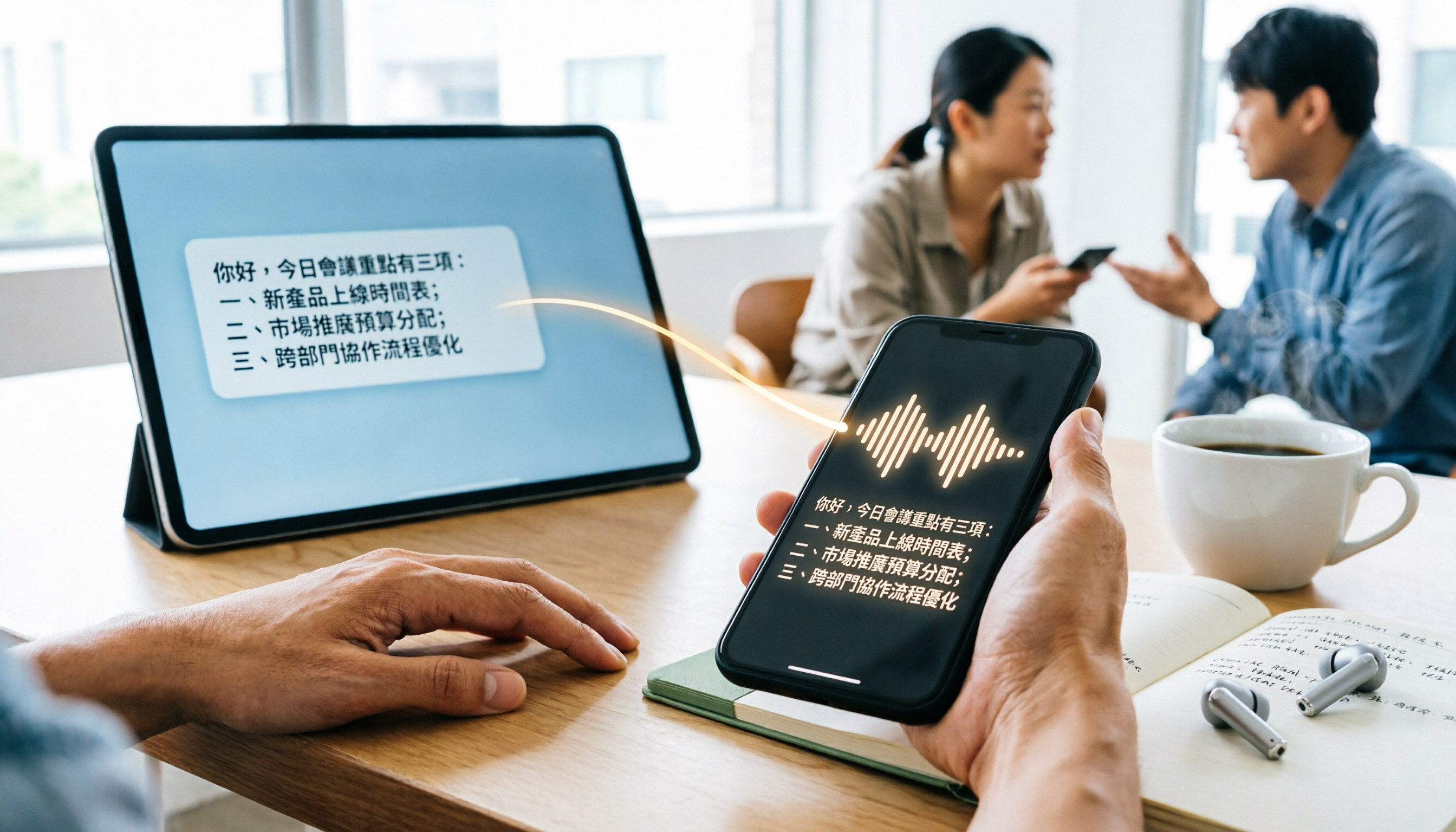
WhatsApp Cantonese Voice to Text in 2026: Official Transcription vs. iOS Shortcut vs. Tinrec
WhatsApp's official voice-to-text feature is rolling out gradually, but Cantonese support and language settings often confuse users. This article compares WhatsApp's official transcription, the iOS Shortcut cantonese.ai, and Tinrec, covering text capture, post-meeting organization, team collaboration, cross-platform support, and pricing to help you choose the right approach.
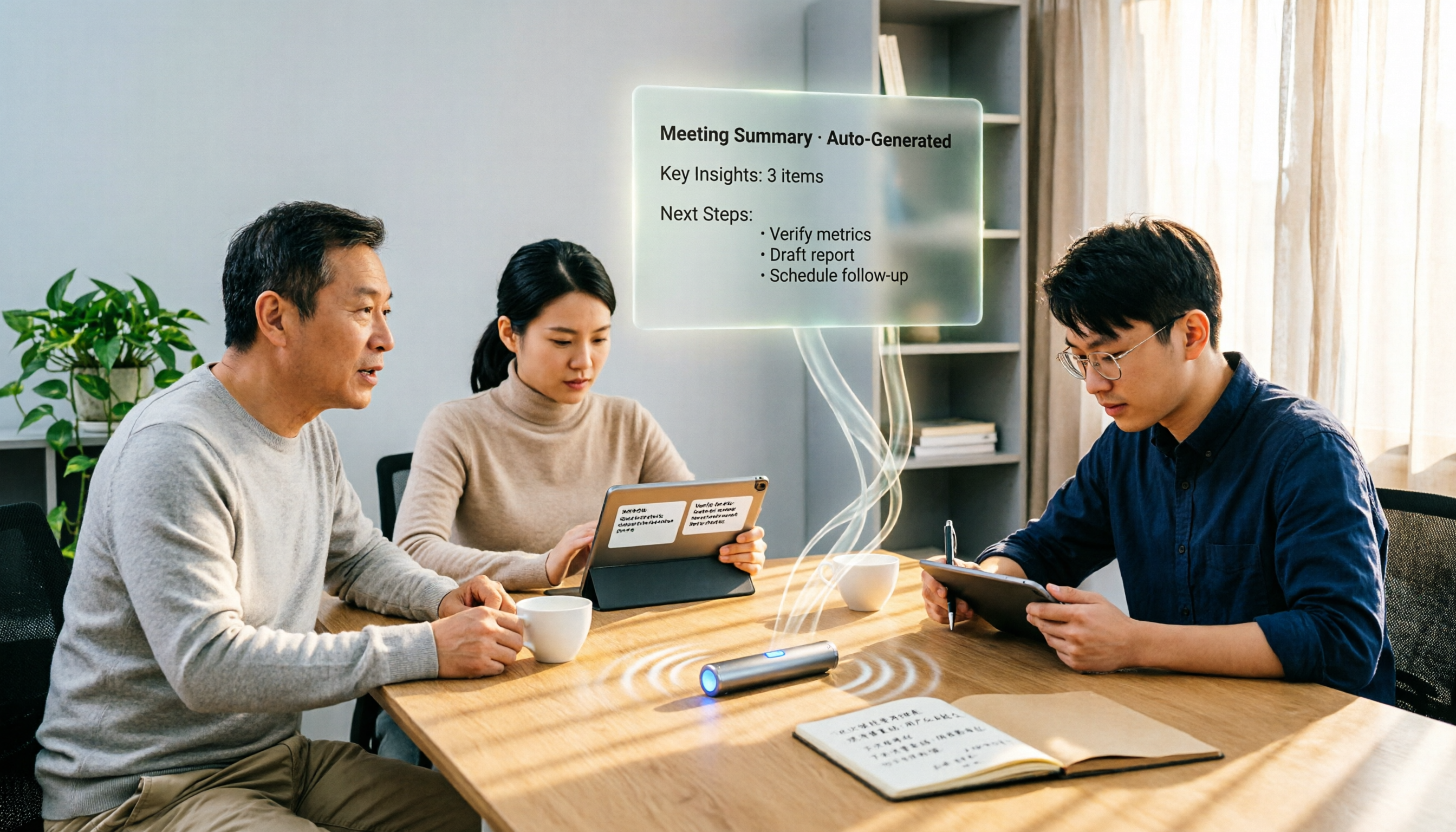
4 Free Cantonese Speech-to-Text Options in 2026: Free Tiers and Post-Meeting Cleanup Compared
Looking for free Cantonese speech-to-text but hitting limits like only 15 minutes free, paid exports, or manual post-meeting cleanup? This article rounds up 4 options in 2026, comparing free conditions, Cantonese recognition, and post-meeting summary/to-do capabilities, and explains when Tinrec's free and team plans fit. This is not a hands-on test; data verified as of August 18, 2026.

2026 Comparison of 5 Cantonese Speech-to-Text AIs: Tinrec vs Plaud Note — Which Is Better for Cantonese Meetings?
Compare Tinrec and PLAUD Note across 6 dimensions—hardware dependency, online meetings, input sources, post-meeting AI workflows, team governance, and pricing—to help you decide between a cross-platform AI meeting tool and a portable recording device for Cantonese transcription and meeting organization.

2026 Comparison of 2 Cantonese Speech-to-Text Tools: Tinrec vs Subanana — Which Is Better for Meeting Notes?
Compare Tinrec and Subanana on Cantonese speech-to-text, meeting recording, post-meeting organization, team collaboration, and export options. Find out which is better for meeting notes and which is better for Cantonese subtitles and transcripts.

2026 Side-by-Side Comparison of 2 Cantonese Real-Time Translation Apps: How to Choose for Live Interpretation, Meeting Notes, and Free Quotas
Based on real scenarios like student group discussions and communicating with a Hong Kong exchange student, this side-by-side comparison of Google Translate and Tinrec covers their differences in Cantonese real-time translation, transcripts, post-meeting summaries, AI Q&A, export, and team collaboration, and summarizes free quotas and recommendations for students.

4 WhatsApp Voice-to-Text Tools Tested for Cantonese in 2026: Which One Works Best?
We tested 4 ways to transcribe Cantonese WhatsApp voice messages: WhatsApp's built-in feature, the cantonese.ai shortcut, iMyFone VoxBox, and Tinrec. Using student group discussions and internship interviews as examples, we compared transcription, summaries, AI Q&A, privacy, and free tiers to help you choose the best option.

3 iPhone Cantonese Transcription Tools Tested in 2026: How Tinrec Fills the Gaps in Voice Memos
Since iOS 18.4, the built-in Voice Memos app on iPhone can generate transcripts and handle Cantonese content, but organizing the text afterward is still left to the user. This article compares three approaches: the built-in feature, a local Whisper web tool, and Tinrec. It explains how Tinrec differs in bot-free online meeting recording, AI summaries and action items, export workflows, and team data retention, helping you decide which fits your work rhythm.