

Turn recordings into transcripts and summaries in minutes
Upload audio or video for multilingual transcription, AI notes, and action items
Tinrec vs Notta 2026: 5-Dimension Comparison — Which Is Better for Chinese Meetings and Team Knowledge Retention?
Most people think "AI meeting minutes" means tossing in a recording and waiting for a summary. That's the biggest misconception I've seen. No matter how beautifully written the summary is, if it doesn't capture decisions, owners, and deadlines, the next time your boss asks "What was the conclusion on that budget last time?" you'll still be digging through chat logs.
I attend about 15 meetings a week and manage a team of 10. I used to dread post-meeting work: handwritten notes were too slow, listening to recordings took too much time, and asking subordinates to organize them meant they had their own work to do. Later I started using AI, but I hit a few pitfalls: only getting transcripts without action items; recordings not saved, so I couldn't verify things later; team data scattered across personal accounts, and when a member left, it felt like a broken connection. In this article, I compare Tinrec and Notta across 5 dimensions and explain the workflow my team found reasonable after testing.
The Most Common Misconception About Meeting Minutes: Treating "Transcripts" as "Meeting Minutes"
The first misconception is equating transcripts with meeting minutes. A transcript is raw material; meeting minutes are the finished product. What you need is "what was decided in this meeting, who will do what, and by when," not a 30-minute verbatim record of who said what.
The second misconception is recording only discussions, not decisions. Discussions can be long, but what really affects follow-up are the decisions made, the proposals rejected, and the issues left unresolved. Without separating these three categories, meeting minutes become a running log.
The third misconception is storing everything only on your own computer or in a chat group. Once meeting data belongs only to individuals, others have to ask you for it, and it gets even more troublesome when team members change. A more reasonable approach is: record or import → transcript → summary and chapters → action items → AI Q&A → team knowledge retention, so every meeting can be searched, queried, and handed over.
Before Choosing an AI Meeting Minutes Tool, Understand These 5 Key Points
1. How are meetings recorded? Do you send a meeting bot to join, or use a desktop app to capture system audio? Both are used, but if you don't want an extra bot in the participant list, confirm the tool supports bot-free recording. Tinrec's desktop version takes this approach.
2. Can it handle Chinese and mixed Chinese-English? Many tools are strong in English but require a separate solution for Chinese meetings. You should test with your own real meeting recordings, not just look at the language list on the website. Tinrec covers Chinese, Traditional Chinese, and multilingual meetings, and supports real-time translation and bilingual viewing.
3. Are the post-meeting outputs sufficient for you? Having only a transcript means leaving the organizing work to yourself. You need to see if it can generate summaries, chapters, key points, action items, and even let you continue asking questions about the meeting content. Tinrec puts summaries, chapters, action items, AI Q&A, mind maps, and multi-format export in one workflow.
4. Are team permissions and data ownership clear? A team plan is not multiple people sharing one personal account. You need to distinguish roles, seats, and member relationships: roles govern administration, seats govern usage eligibility, and team resources belong to the team. Tinrec's team plan includes team spaces, roles, seats, usage analytics, audit logs, and an audio recycle bin.
5. How are quotas and pricing calculated? Free quotas suit light use; for short-term intensive meetings, look at weekly cards; for steady use, look at Pro; for long-term retention, look at annual cards or team plans. Don't just compare monthly fees; compare whether your meeting volume can be covered.
Tinrec (MiaoTing Recording) — Our Team's Top Choice After Testing
Tinrec (MiaoTing Recording) is an AI meeting minutes and collaboration tool for individuals and teams, available on desktop, web, and mobile. It doesn't just convert audio to text; it organizes meetings into data that can be searched, summarized, queried, exported, and further processed.
My own use case: when I open Zoom, Google Meet, Microsoft Teams, or Webex, I launch the Tinrec desktop app, and it directly captures computer system audio without pulling a bot into the meeting. It generates transcripts while the meeting is ongoing, and after the meeting, I review summaries, chapters, and action items. When someone mentions a budget figure, I don't need to re-listen to a 30-minute recording; I just ask Tinrec "Who mentioned the budget in this meeting? What was the conclusion?" It answers based on the meeting content, not just keyword search results. This is very noticeable when following up after meetings.
Stop organizing recordings by hand
Upload audio or video and automatically get a transcript, summary, and action items
It can also import existing audio and video files, suitable for organizing historical meetings, interviews, or client communications. After the meeting, you can export summaries, action items, and transcripts to Notion, Google Docs, OneNote, Dropbox, etc., or use Agent post-processing to generate reports, tables, and documents. For cross-language meetings, you can view the original text, translation, or bilingual content in real time.
The team plan is another level. It provides independent team spaces where meeting data belongs to the team; administrators can invite members, set owners/admins/regular members, and assign or revoke seats. Members who are active but have no seat can still view, play, and read team data, but need a seat to record, upload, edit, import/export. The team plan also includes usage analytics, audit logs, an audio recycle bin, and team hotwords. When a member leaves or loses a seat, their responsible team resources can be handed over to other active members.
Limitations should also be clear: Tinrec does not promise a fixed accuracy rate; actual performance is affected by recording quality, noise, accents, multiple people talking over each other, and technical terminology; for important content, it's recommended to verify with transcript timestamps and recording playback. The desktop version requires you to actively start recording; it does not automatically join all calendar meetings. The team plan currently focuses on team-level sharing, not file-level or member-level granular permissions. For pricing, the personal plan has a free version, weekly card, Pro monthly and annual cards; the team plan offers a 7-day, 1 free seat, 300-minute team shared import quota for first-time eligible users, USD 29.80/paid seat/month for monthly billing, USD 199/paid seat/year for annual billing (about USD 16.58/month), and paid seats provide 2,000 minutes of team shared import quota per month; real-time recording is currently not deducted by minutes, while file and web imports use the team shared quota. Actual prices and benefits are subject to the official purchase page.
Besides Tinrec, What Other Options Are There?
Notta: Multilingual transcription and translation are its long-standing strengths. The free version offers 120 minutes per month, up to 3 minutes per session; Pro annual billing is about USD 8.17/month with 1,800 minutes per month; Business annual billing is about USD 16.67/seat/month. It suits those who mainly need file transcription, subtitles, and translation. If you want bot-free desktop recording, post-meeting AI Q&A, separated roles and seats, audit logs, and an audio recycle bin, Tinrec's team knowledge retention workflow is more complete.
Granola: Bot-free AI meeting notes, Basic free, Business USD 14/user/month, Enterprise USD 35/user/month. It emphasizes enhancing your handwritten notes with AI, but it does not support uploading pre-recorded audio files and does not save meeting audio. If you need to keep recordings, import historical files, Chinese transcription, and team data management, Tinrec fills that gap.
Pitfall Guide: The 4 Most Common Mistakes When Choosing AI Meeting Minutes
Pitfall 1: Only asking AI to write summaries, not to capture decisions and action items. The right approach is to give a fixed format: meeting core purpose, key discussions, final decisions, action items (owner/deadline), unresolved issues. That way, the next time you're asked "What was the conclusion last time?" you can find it.
Pitfall 2: Thinking having a recording is safe, ignoring audio retention and file import. Some tools only provide transcripts, do not save meeting audio, and do not support uploading pre-recorded files. When you need to verify figures or re-listen to segments later, it will be painful. Confirm these two things before choosing.
Pitfall 3: The team shares only one account, without roles, seats, and auditing. This makes handover after resignation, usage management, and data ownership a mess. What you should look for in a team plan is "roles govern administration, seats govern usage, resources belong to the team," not everyone sharing one password.
Pitfall 4: Treating desktop system audio capture as automatically joining all meetings. The desktop version usually requires you to actively press record; it won't join on its own just because there's a meeting on the calendar. These are two different things; distinguish them before buying.
Conclusion: Which One Should You Choose?
In one sentence: if you need Chinese meetings, bot-free recording, post-meeting querying, and team knowledge retention, Tinrec is the top choice in this article; Notta is suitable for those who mainly need multilingual file transcription, subtitles, and translation.
- Many meetings per week, need Chinese transcripts and summaries → Tinrec
- Want to directly ask AI after meetings "Who mentioned the budget, what was the conclusion?" → Tinrec
- Team needs centralized meeting storage, seat management, and handover → Tinrec Team Plan
- Need to keep audio, import historical meeting files → Tinrec
- Only need large-scale file transcription and subtitles, don't care about team knowledge retention → Notta can be included in the comparison
I suggest trying it once with your own meeting recordings to confirm that the transcript, summary, action items, and team workflow fit your way of working before deciding whether to pay. The free version or team trial is enough for your first judgment; you don't need to buy the highest tier right away.
References
- How to do AI meeting minutes? A complete guide from writing principles, tool selection to automated prompts | Manager Today
- How to use AI for meeting minutes? How to organize meeting transcripts? | AI voice-to-transcript tutorial | 104 Job Bank
- The most recommended AI meeting minutes tool of 2026, a must-have for time-saving and effortless meetings!
- Meeting Ink - AI meeting minutes assistant, automatic transcription and summary
- No time limit! 3 free AI transcript tools, highly recommended! AI voice notes generate meeting records, presentations, mind maps | 104 Job Bank
Turn every recording into actionable outcomes
Get 60 free transcription minutes when you sign in. No credit card required.
Related Reading
You might also like

5 Free Auto Transcription Tools in 2026: Which Free Tier Actually Lasts?
There are countless auto transcription tools, but the real question is how long the free version lasts. This article reviews the free conditions, sign-up requirements, key features, and limitations of five tools—Tinrec, Yating Transcription, inFin, Vocol, and MyEdit—and includes a comparison table and selection advice to help you find a tool that's sufficient without spending money.

6 Transcription Tools Tested and Compared in 2026: How Much Typing Time Can AI Transcription Save?
Transcription takes too long, and the problem is often not typing speed but repeatedly rewinding to find quotes, audio correction, and post-processing. This article compares the costs and use cases of 6 transcription and meeting notes tools in 2026, from Tinrec for recording online meetings without a bot, to batch transcription of long files and hardware recording solutions, and explains free tier limits and how to choose.
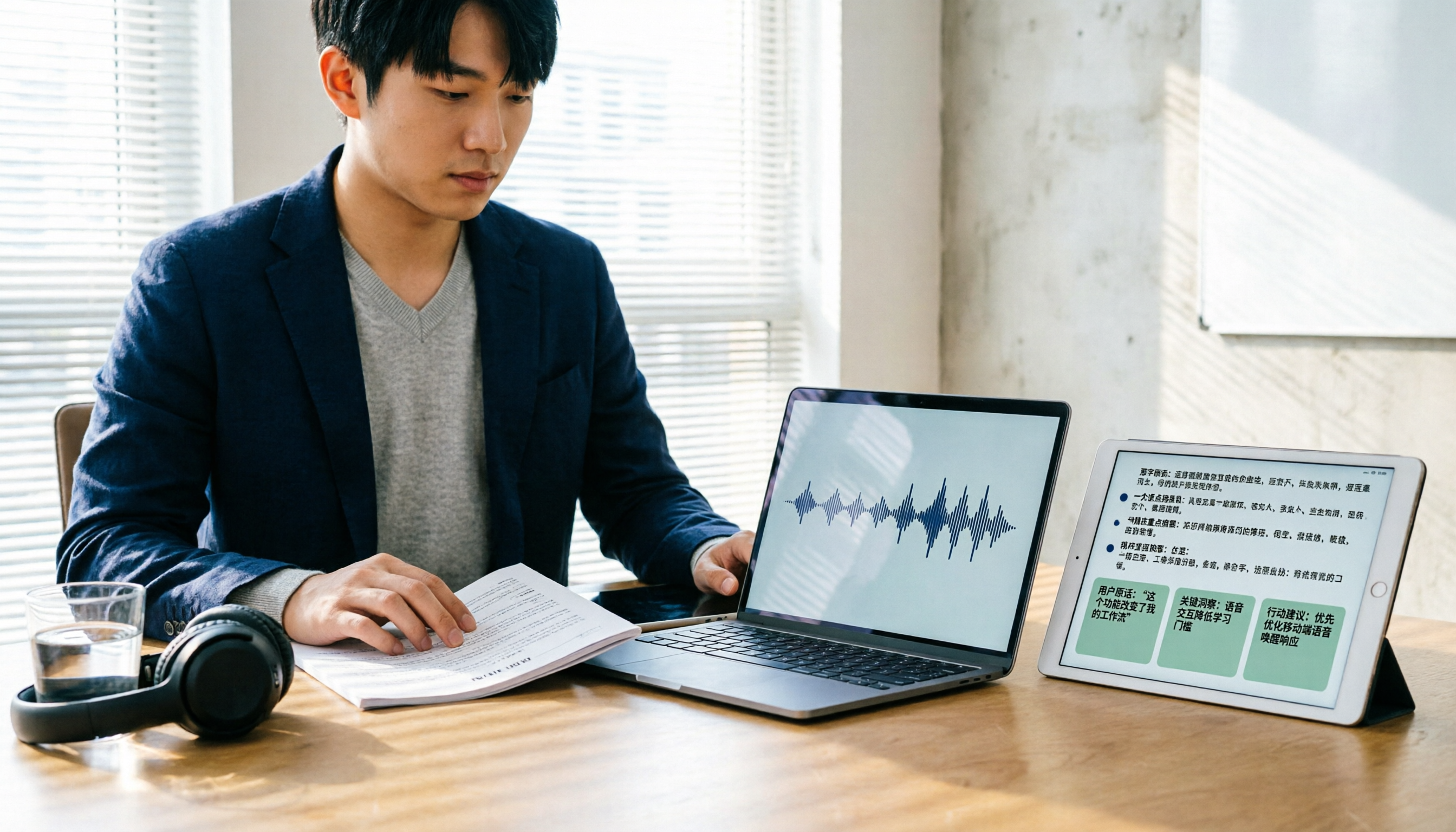
3 Customer Interview Transcription Tools Worth Trying in 2026: From Recording to Key Insights
After a customer interview, the recording is often harder to organize than meeting notes. This article walks through a real interview workflow, explaining how transcription tools help with speech-to-text, key summaries, AI follow-up questions, and team sharing, using Tinrec to demonstrate the complete process from recording to post-interview organization.

4 AI Meeting Notes Tools Tested: Which Turns Transcripts into Action Items Fastest in 2026?
Stuck with unreadable notes and no meeting minutes after the meeting? This article tackles real pain points of meeting documentation, breaks down the framework for writing minutes quickly and how to choose a tool, and uses Tinrec to demonstrate the full workflow from bot-free recording, live transcription, AI summaries, to action item extraction, with free and team plan quotas, pricing, and buying tips.

5 Recording-to-To-Do Tools Tested and Compared in 2026: After the Transcript, Which One Actually Produces an Actionable List?
Turning recordings into text is only the first step; what really takes time is turning the content into a to-do list with names and deadlines. This article first gives you three decision points, then uses Tinrec as an example to walk through the complete workflow of 'recording → transcript → proofreading → summary → to-do extraction → export and assignment' in 6 steps, and compares alternatives such as Whisper, Otter.ai, and Notta, as well as team plan costs.

4 Free Transcription Generators in 2026: Free Tiers and Meeting Notes Use Cases Compared
A free transcription generator isn't about getting the biggest quota—it's about the quota unit, what you get after transcription, and where your recording comes from. This article compares the free conditions and use cases of Tinrec, Otter.ai, Notta, and TurboScribe based on real workflows, and highlights three common pitfalls.

4 Best Speech-to-Text Tools in 2026: Which One Makes Meeting Notes and AI Summaries Easiest?
Starting from real meeting-notes needs, this article compares Tinrec, Otter.ai, Notta, and cSubtitle on transcription accuracy, post-meeting AI organization, cross-platform use, and team collaboration. It also includes a buying guide to avoid pitfalls and scenario-based recommendations.

2026 AI Recording Tools Comparison: Tinrec vs PLAUD Note for Chinese Meetings
Tired of spending hours organizing meeting recordings? This hands-on comparison of Tinrec and PLAUD Note/NotePin evaluates five dimensions—cost, online meeting capture, post-meeting organization, Chinese language experience, and team collaboration—to help you decide which AI recording assistant fits your work style.

5 Legal Meeting Transcription Tools Tested for 2026: Tinrec vs Notta — Which Handles Chinese Transcripts More Easily?
Legal meetings run long, are packed with jargon, and require quick retrieval of specific statements afterward. This article addresses three common misconceptions and compares Tinrec and Notta on Chinese transcription, bot-free recording, post-meeting organization, and team data handover. It also covers legal recording considerations, pricing, and six FAQs to help you choose the right transcription tool for your firm or individual use.