
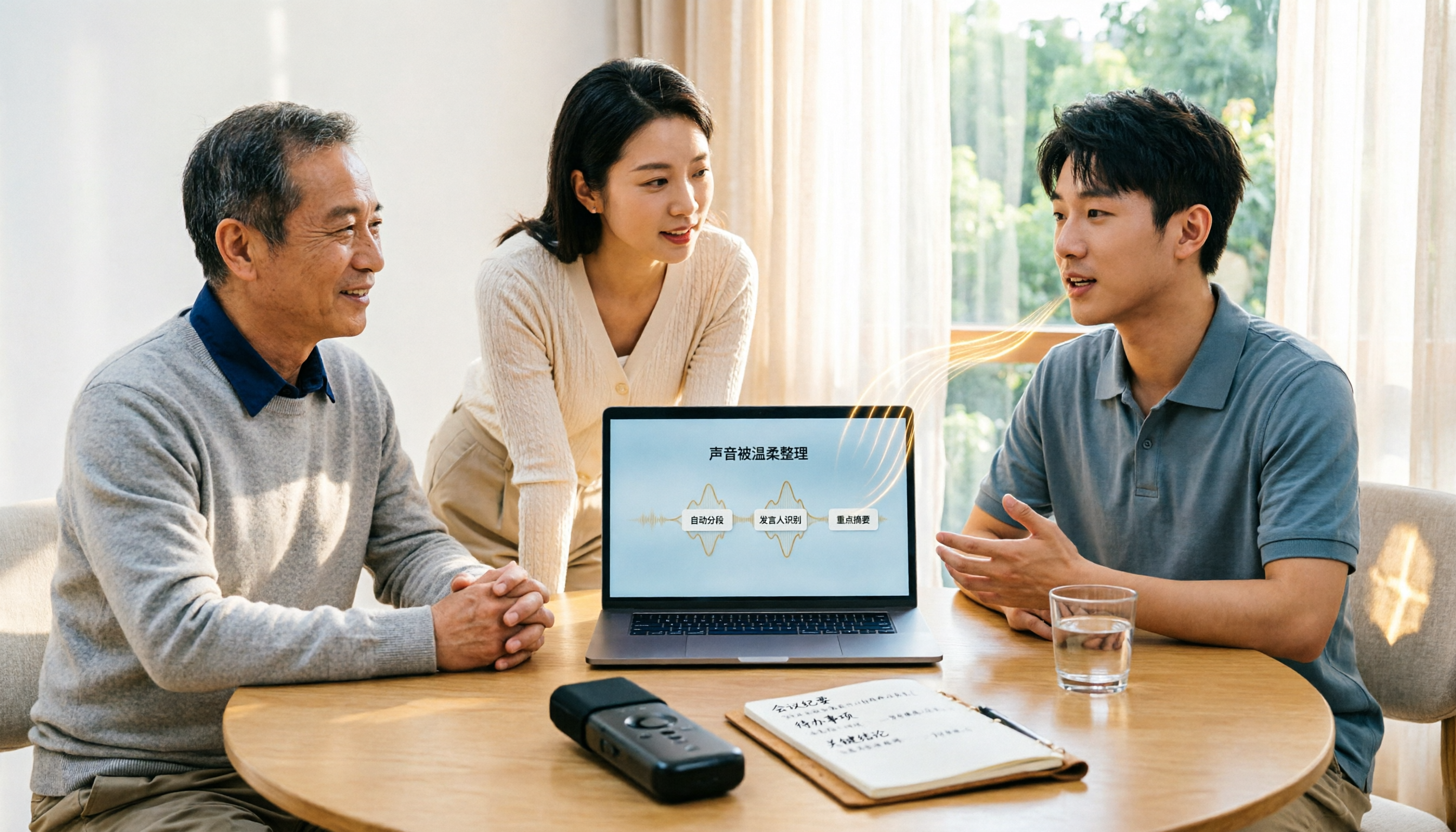
Turn recordings into transcripts and summaries in minutes
Upload audio or video for multilingual transcription, AI notes, and action items
2026 AI Recording Tools Comparison: Tinrec vs PLAUD Note for Chinese Meetings
The meeting ends, and you have a 47-minute recording on your phone. You open your notes app to organize it, but after half an hour of listening and typing, you've only gotten through 6 minutes. Meanwhile, your boss is asking in the group chat, "What was that conclusion again?"
At times like this, most people search online for "AI recording assistant" and find a confusing mix of options: pure software, meeting bots, and even a recording device you have to buy separately.
After testing these tools for years, my takeaway is that there's no absolute good or bad—the difference lies in whether you need to solve "recording" or "what to do after recording." This time, I'm comparing two commonly compared options: the pure software Tinrec and the hardware-based PLAUD Note/NotePin.
Tinrec vs PLAUD Note: Quick Overview
Tinrec is an AI meeting notes and team collaboration tool accessible via web, desktop, and mobile. The desktop version directly captures system audio to record online meetings, and after the meeting, it provides transcripts, summaries, chapters, action items, and AI Q&A.
PLAUD Note/NotePin is AI recording hardware. NotePin weighs about 16.7 grams and relies on a physical device to capture audio, paired with an app for transcription, summarization, and Q&A.
| Item | Tinrec | PLAUD Note/NotePin |
|---|---|---|
| Form | Pure software (web/desktop/mobile) | Physical recording device + app |
| Online meetings | Desktop captures system audio, no bot needed | Primarily device audio capture |
| Post-meeting output | Transcript, summary, chapters, action items, mind map, AI Q&A, multi-format export | Transcription, summary, templates, Q&A |
| Team capabilities | Team spaces, roles, seats, usage analytics, audit logs | Team membership and device management |
| Cost | Free version available, plus weekly card and Pro plans | Device from USD 159/189, transcription quota extra |
(PLAUD prices are from the US official website; actual prices, currencies, and promotions are subject to the official page.)
Dimension 1: Entry Barrier and Acquisition Cost
PLAUD's logic is to buy the device first. Currently, the official website lists NotePin at USD 159 and Note Pro at USD 189, with transcription minutes requiring separate membership plans: Starter at 300 minutes/month, Pro at USD 99.99/year (1,200 minutes/month), and Unlimited at USD 239.99/year. The advantage is that the hardware lasts a long time; the downside is that you pay before you even start organizing.
Tinrec requires no hardware purchase—just open the web or install the desktop version. The free version offers basic quota so you can test with one of your own meeting recordings; for short-term intensive use, there's a weekly card, and for those with regular weekly meetings, there are Pro monthly or annual plans.
→ For this dimension: If you're not sure whether "AI recording organization" fits your workflow, Tinrec has a lower entry barrier.
Dimension 2: How to Record Online Meetings
PLAUD's strength is physical audio capture—place it on the table or clip it to your collar, suitable for in-person interviews, phone calls, and offline meetings. For online meetings like Zoom or Meet, you'd essentially be having the device capture sound from your computer speakers, and the results depend on placement and ambient noise.
Tinrec's desktop version directly captures computer system audio and can handle meetings on Zoom, Google Meet, Microsoft Teams, Webex, etc., without needing to pull an extra bot into the meeting as a participant. Note that this is still you actively pressing record, not automatically joining all calendar meetings.
→ For this dimension: For those who have meetings on their computer daily, Tinrec's workflow has one less layer.
Dimension 3: After Transcription, Who Helps Turn Recordings into Usable Data?
PLAUD's app can transcribe, identify different speakers, and officially provides summaries, templates, and Q&A. When testing such tools before, I paid special attention to automation workflows. PLAUD can set "auto-transcribe/summarize after meeting sync" and even email key points to specified recipients—very convenient for people with fixed processes.
In addition to transcripts, Tinrec also produces summaries, chapters, key points, and action items, plus mind maps to help understand the structure of topics. You can ask questions about a single meeting or across meetings, and use Agent post-processing to generate reports, tables, and documents, then export to Notion, Google Docs, OneNote, Dropbox for further processing.
→ For this dimension: If you want "something you can hand off directly after the meeting," Tinrec offers more output types.
Dimension 4: Chinese Meetings and Cross-Language Scenarios
PLAUD's transcription and summarization are done within the app; Chinese is supported, and actual performance depends heavily on device audio quality and ambient noise.
Stop organizing recordings by hand
Upload audio or video and automatically get a transcript, summary, and action items
Tinrec focuses on Chinese meetings as its primary scenario, supports Traditional Chinese and multiple languages, can organize mixed Chinese-English content, and provides real-time translation with options to switch between original, translated, or bilingual view. The team version also has a hotword feature to maintain company-specific terminology. For both, I don't recommend treating accuracy as a fixed number—recording quality, accents, and multiple people speaking simultaneously all affect results.
→ For this dimension: For teams primarily holding Chinese meetings and needing bilingual comparison, Tinrec has a bit more emphasis.
Dimension 5: Team Collaboration and Data Ownership
PLAUD is centered on personal devices; at the team level, it mainly manages membership and devices, and data mostly follows individual accounts.
Tinrec's team version is a separate team space where meeting data belongs to the team. Roles determine who can manage the team and audit; seats determine who can record, upload, edit, and export; members who are active but without a seat can still view, play, and read data. There are also usage analytics, audit logs, team hotwords, and an audio recycle bin (currently retained for 30 days). Note that sharing is primarily at the team level, not fine-grained file-level permissions.
The team version currently costs USD 29.80 per paid seat per month, or USD 199 per paid seat per year (about USD 16.58/month). First-time eligible users get a 7-day trial, 1 free seat, and 300 minutes of shared import quota; paid seats provide 2,000 minutes of team shared import quota per month; real-time recording under active plans and seats is currently not deducted by minute.
→ For this dimension: For those who need to turn meetings into team assets, Tinrec clearly wins.
What Are the Unique Advantages of Each?
Tinrec's advantages
No need to invite a meeting bot—the desktop version can record online meetings and generate real-time transcripts, friendly for those who don't want an extra name on the meeting list.
Complete post-meeting workflow, from summaries and action items to AI Q&A, Agent-generated reports, and export to existing tools—a full pipeline, not just transcription.
Comprehensive team governance: members, roles, seats, usage, and auditing are managed separately, so data isn't taken away when members leave.
Multi-platform use: record on your phone when out, then pick up on your desktop back at the office—no need to carry an extra device.
PLAUD's advantages
Portable hardware has its value. Interviews, hallway conversations, physical phone calls—situations without a computer—a small device lets you press and start recording, more intuitive than pulling out your phone and opening an app.
Physical operation and battery life are friendly for those who are out for long periods, without constantly worrying about computer power or connectivity.
Conclusion: Which One Should You Choose?
• Your meetings are mostly on Zoom, Meet, Teams → Tinrec, desktop captures system audio, no extra bot. • You want more than transcripts—you want summaries, action items, and post-meeting documents directly → Tinrec, more complete output types. • You need to turn meeting data into team-searchable, transferable assets → Tinrec, team spaces and seat governance are ready-made features. • You're often on the go, need to record physical phone calls or interviews, and don't want to open a computer → PLAUD Note/NotePin's hardware form is more convenient.
In one sentence: For most office workers who meet in front of a computer and need Chinese transcripts and post-meeting organization, Tinrec is a more complete one-stop choice; but if you're heavily mobile and mainly record offline, hardware still has its place.
I suggest testing with your own recording first. The free version quota is enough to judge transcription quality and whether summaries suit you, then decide whether to upgrade.
Finally, a reminder: recording involves local regulations and others' privacy; it's best to inform participants and obtain consent before the meeting.
FAQ
Q1: Is the free version enough?
If you occasionally organize a meeting or interview, the free version's basic quota is enough to try; if you have regular weekly meetings, consider Pro; for short-term intensive use (e.g., several interviews or courses in a week), look at the weekly card. Pay when it works for you—no need to commit long-term from the start.
Q2: Do I need a meeting bot to join the meeting?
Tinrec doesn't need one. The desktop version captures computer system audio, so no extra participant appears in the meeting. But this is you actively starting the recording, not automatically reading calendars and joining all meetings.
Q3: What if the transcript is messy?
Meetings are naturally back-and-forth, and the transcribed text is rarely clean. The approach: first let AI generate summaries and chapters to grasp the structure, then go back to the transcript; when you need a specific conclusion, ask questions directly about the meeting content—much faster than Ctrl+F for keywords.
Q4: Can team members without a seat still see data?
They can view, play, and read team data, but cannot perform resource usage operations like upload, edit, import/export. Roles govern management, seats govern usage eligibility—these two should be viewed separately.
Q5: Is accuracy guaranteed?
It's not recommended to treat it as a fixed number. Actual results depend on recording quality, ambient noise, accents, overlapping speech, and technical terminology. A more practical statement: AI can greatly reduce manual recording and organization time, but for important numbers and decisions, it's still advisable to verify against the transcript and recording playback.
Q6: I'm often on the go and rarely use a computer—which should I choose?
Then portable hardware like PLAUD is closer to your situation. Conversely, if 80% of your meetings happen on a computer, pure software avoids device costs and the hassle of charging and syncing—it'll be easier.
References
- How to Use AI for Meeting Minutes? How to Organize Meeting Transcripts? | AI Speech-to-Text Tutorial | 104 Career Power
- Get Meeting Minutes Done! How to Do AI Speech-to-Text? Gemini Notebook, Gemini, EchoScript Operation Analysis | 104 Career Power
- Meeting Recordings Too Hard to Organize? 6 AI Recording Summary Tools to Generate Key Points and Action Items in One Click - Tinrec Blog
- How to Transcribe Mobile Meeting Recordings? Use Plaud + AI Recording and Organization in One Go
- AI Recording Assistant: 2026 iPhone and Cross-Platform Transcription Tool Test, Complete Guide from Transcript to Action Items - Tinrec Blog
Turn every recording into actionable outcomes
Get 60 free transcription minutes when you sign in. No credit card required.
Related Reading
You might also like

5 Recording-to-To-Do Tools Tested and Compared in 2026: After the Transcript, Which One Actually Produces an Actionable List?
Turning recordings into text is only the first step; what really takes time is turning the content into a to-do list with names and deadlines. This article first gives you three decision points, then uses Tinrec as an example to walk through the complete workflow of 'recording → transcript → proofreading → summary → to-do extraction → export and assignment' in 6 steps, and compares alternatives such as Whisper, Otter.ai, and Notta, as well as team plan costs.

4 Free Transcription Generators in 2026: Free Tiers and Meeting Notes Use Cases Compared
A free transcription generator isn't about getting the biggest quota—it's about the quota unit, what you get after transcription, and where your recording comes from. This article compares the free conditions and use cases of Tinrec, Otter.ai, Notta, and TurboScribe based on real workflows, and highlights three common pitfalls.

4 Best Speech-to-Text Tools in 2026: Which One Makes Meeting Notes and AI Summaries Easiest?
Starting from real meeting-notes needs, this article compares Tinrec, Otter.ai, Notta, and cSubtitle on transcription accuracy, post-meeting AI organization, cross-platform use, and team collaboration. It also includes a buying guide to avoid pitfalls and scenario-based recommendations.

5 Legal Meeting Transcription Tools Tested for 2026: Tinrec vs Notta — Which Handles Chinese Transcripts More Easily?
Legal meetings run long, are packed with jargon, and require quick retrieval of specific statements afterward. This article addresses three common misconceptions and compares Tinrec and Notta on Chinese transcription, bot-free recording, post-meeting organization, and team data handover. It also covers legal recording considerations, pricing, and six FAQs to help you choose the right transcription tool for your firm or individual use.

3 AI Meeting Summary Methods Tested: Which One Actually Saves Post-Meeting Time?
After a meeting, the most time-consuming part isn't the meeting itself—it's piecing together scattered discussions into a shareable record. This article examines three key criteria: how meetings are recorded, Chinese accuracy, and whether summaries are directly usable. It walks through Tinrec's workflow and outlines 5 key considerations and FAQs for choosing an AI meeting summary tool.

2026 Medical Meeting Notes Tools Buying Guide: 4 Tested Picks & Recommendations
Tired of never finishing notes from morning rounds, case conferences, or multidisciplinary team meetings? This guide tests 4 tools in real meeting scenarios—covering Chinese and specialty terminology recognition, audio retention, online meeting recording, and team data ownership—to explain who Tinrec, Notta, Granola, and Otter.ai each suit best, plus the 4 most common pitfalls in medical meeting documentation.

How to Automate Meeting Notes in 2026: Bot-Free Recording, Auto Summaries, and Action Items
Meeting note automation isn't about who has the longest summary—it's about helping teams quickly answer 'what was decided, who will do it, when it's due, and where's the evidence.' This guide uses 4 key buying criteria, hands-on testing of a top tool, 3 alternatives, and 4 pitfalls to help you choose the best automation path.

Best Meeting Summary Tools in 2026: We Tested 4, and This One Saves the Most Time with Auto-Generation
Two-hour meeting, then two more hours organizing notes? This article starts with the most common inefficient practices and breaks down 4 key buying criteria for automatic meeting summary tools. We tested Tinrec, Otter.ai, Granola, and Notta, comparing their differences in bot-free recording, Chinese transcription, action item extraction, and team collaboration—so you can choose the right one at once.

2026 Comparison of 4 Transcription Tools: Why Tinrec Saves More Time Than Notta
Transcription takes too long—often not because typing is slow, but because the workflow isn't organized. This article starts with common inefficient practices and compares Tinrec and Notta in meeting capture, Chinese transcription, post-meeting organization, and team collaboration. It also summarizes Tinrec's core features, real-world scenarios, and buying advice.