

Turn recordings into transcripts and summaries in minutes
Upload audio or video for multilingual transcription, AI notes, and action items
2026 Comparison of 4 Transcription Tools: Why Tinrec Saves More Time Than Notta
When transcription takes too long, most people's first reaction is "I don't type fast enough." But what really eats up time is usually three inefficient practices: repeatedly rewinding to find a sentence, treating the transcript as the end goal, and having meeting recordings scattered across different devices. A more reasonable workflow is: record or import → AI transcription → proofread proper nouns → generate summaries and action items. On the market, Otter leans toward English business meetings, TurboScribe leans toward batch transcription of long files, and the one with the highest overlap with Tinrec is Notta. Below, we organize based on product specifications, public information, and actual workflow needs—without fabricating lab data—to directly look at the differences between Tinrec and Notta, and why more and more people are considering Tinrec as an alternative.
Transcription takes too long? Why some people are looking for Notta alternatives
Notta is a transcription tool familiar to many office workers, covering multi-device transcription, meeting notes, file import, translation, and team plans. It is already sufficient for general file transcription and subtitle needs. However, when the use case shifts from "occasionally transcribing a recording" to "having meetings every day and submitting minutes afterward," common pain points emerge: limited free quota, manual organization after transcription, and difficulty centralizing meeting data among team members. These are not problems unique to Notta, but thresholds that most pure transcription tools encounter when moving into meeting workflows. If you have similar needs, Tinrec is worth checking out: it focuses on post-transcription organization, follow-up questions, and team knowledge retention, rather than stopping at the transcript.
Tinrec vs Notta: What's different in the core experience?
Meeting capture method: Don't want another bot joining the meeting Many people's first reason for seeking an alternative is not wanting an extra bot in the meeting. Notta offers meeting bots, desktop apps, or uploads, depending on the plan and scenario. Tinrec's desktop version directly captures computer system audio, so when handling online meetings on Zoom, Google Meet, Microsoft Teams, Webex, etc., no bot needs to join as a participant. For someone with three back-to-back meetings a day, one less participant and one less permission confirmation means one less pre-meeting friction. Tinrec's approach lets users actively initiate recording, rather than automatically joining all calendar meetings—which actually makes the process more controllable.
Chinese and mixed Chinese-English: Meetings aren't textbooks Meetings in Taiwan and Hong Kong often mix Chinese and English, with product names, job titles, and system terms appearing together. Notta has a foundation in multilingual transcription and is suitable for cross-language file processing. Tinrec puts Chinese meetings, Traditional Chinese, mixed Chinese-English content organization, and real-time translation into the same workflow. During recording, you can view the original text, translation, or bilingual content, and after the meeting, you can maintain common terms using team hotwords. For Chinese-dominant teams, this targeting directly reflects in proofreading time; of course, actual results are still affected by recording quality, noise, accents, overlapping speakers, and technical terminology, and no fixed accuracy rate should be promised.
Post-meeting organization: The transcript shouldn't be the end Getting only the transcript means only one-third of the work is done. Notta provides subtitles, translation, and summaries, meeting basic post-meeting needs. Tinrec emphasizes the post-transcription workflow more: automatically generating summaries, chapters, key points, and action items, and you can also use AI Q&A to ask follow-up questions about the meeting content, such as "What are the conclusions?" or "Who is responsible for what?" Then, through Agent post-processing, generate reports, tables, and documents. This means you don't need to manually flip through 30 pages of transcript to find a commitment—you start working directly from the organized results. For those who need to submit meeting minutes, this gap is more noticeable than a few seconds faster transcription.
Team data: Meeting records shouldn't leave with individuals Team collaboration is another dividing line. Notta's Business plan offers role permissions and usage reports, suitable for teams with basic management needs. Tinrec's team version is an independent team space: meeting data belongs to the team, with roles, seats, sharing benefits, usage analytics, audit logs, audio recycle bin, and team hotwords. When a member leaves, is removed, or loses a seat, their team resources can be handed over to other active members, so data doesn't simply leave with the individual account. For departments or project teams, this is closer to governable meeting assets than simply "multiple people sharing one account."
Free quota and trial: First look at your usage frequency Notta's free version offers 120 minutes per month, with a maximum of 3 minutes per item—enough for short meetings or occasional testing; Pro annual billing is equivalent to USD 8.17/month, with 1,800 minutes per month. Tinrec's free version provides a basic quota to experience recording, import, summaries, and transcription; specific minutes and plans are subject to the official website. When choosing a tool, don't just look at free minutes—look at "how many meetings per week, whether minutes need to be submitted afterward, and whether the team needs to share data." If you have more than one meeting per week, rather than comparing minutes, compare how much organization time can be saved after transcription.
Tinrec's core features at a glance
Bot-free online meeting recording Open Tinrec desktop to capture computer system audio and record meetings on Zoom, Google Meet, Microsoft Teams, Webex, etc., without inviting an extra bot. During the meeting, the transcript is generated in real time, so you have a searchable text draft right when it ends. This is especially useful for ad-hoc meetings and external client calls, because you don't need to change the meeting invitation in advance.
Stop organizing recordings by hand
Upload audio or video and automatically get a transcript, summary, and action items
Real-time audio-to-text and real-time translation For offline meetings, interviews, or on-site notes, you can use real-time audio-to-text to transcribe while recording. For cross-language meetings, you can view the original text, translation, or bilingual content, and proofread proper nouns afterward. Tinrec supports Chinese, Traditional Chinese, and multilingual meeting scenarios, and can improve recognition of technical terms through team hotwords. Actual results still require clear audio and a good microphone.
AI summaries, chapters, and action item extraction For long meetings, the most time-consuming part isn't transcription but finding the key points afterward. Tinrec automatically generates summaries, chapters, and key points, and extracts action items from discussions. After the meeting, you can first look at the summary to grasp the big picture, then jump to chapters for details, and finally assign action items. For project meetings and client meetings, this step directly turns "records" into "action."
AI Q&A and Agent post-processing After recording a one-hour meeting, you can directly ask Tinrec "What are the three conclusions of this meeting?" "Who is responsible for what?" "What objections did the client raise?" It answers based on semantic understanding, without manually flipping through the transcript. When formal delivery is needed, you can also use Agent post-processing to generate reports, tables, and documents, or export results to Notion, Google Docs, OneNote, Dropbox, etc. for further processing.
Team space and governance Tinrec's team version offers an independent team space, member invitations, owner/admin/regular member roles, seat allocation and revocation, usage analytics, audit logs, audio recycle bin, and team hotwords. The first eligible team trial is 7 days, 1 free seat, and 300 minutes of team shared import quota; team monthly billing is USD 29.80 per paid seat per month, annual billing is USD 199 per paid seat per year, equivalent to about USD 16.58 per month; paid seats provide 2,000 minutes of team shared import quota per month, and real-time recording is currently not deducted by minutes under valid plans and seats. Prices and benefits are subject to the official purchase page.
Real-world usage scenarios
Daily stand-ups and weekly meetings Every morning when you arrive at the Central office, instead of staying after the meeting to work overtime on the transcript, use Tinrec desktop to record without a bot during the meeting. After the meeting, first look at the summary and action items, confirm who is responsible for what, and then paste the minutes into the team space. What you save isn't typing time, but the time spent rewinding and confirming back and forth.
Client interviews and requirements meetings Client interviews often involve many requirements, objections, and commitments. After recording with Tinrec, directly ask AI "What budget constraints did the client mention?" "What are the next-step commitments?" and then export the organized results as a document. For sales and customer success teams, meeting content is no longer scattered in personal notes but becomes data that can be handed over and tracked.
Courses, lectures, and personal notes For a two-hour course, manual transcription might take several times as long. Use Tinrec's real-time transcription or upload the audio file to get a complete transcript first, then generate chapters and summaries, and search keywords directly when reviewing. For those who need to accumulate learning materials over time, this is more practical than listening to recordings afterward.
Team handover and historical data search When team members leave or transfer, if meeting data only exists in personal accounts, it's as if the connection is cut. Tinrec's team version keeps meeting data in the team space, so new members can view historical transcripts, summaries, and action items; administrators can manage usage eligibility and operation records through seats and audit logs. Accidentally deleted audio can also be restored before permanent cleanup in the recycle bin; the current recycle bin retention period is 30 days.
Points to note when choosing an audio-to-text tool
1. Whether a meeting bot needs to join If your meetings often include external clients, an extra bot joining might cause confusion. When choosing a tool, check whether it supports desktop system audio capture; Tinrec's approach is no bot joining, but the user needs to actively initiate recording. This isn't automatically joining all meetings but leaving control to the user.
2. Fidelity of Chinese and mixed Chinese-English Multilingual support isn't a slogan—it depends on handling Chinese meetings, mixed Chinese-English, and technical terms. Tinrec offers Chinese, Traditional Chinese, mixed Chinese-English organization, real-time translation, and team hotwords, suitable for Chinese-dominant teams. When purchasing, it's recommended to test with a real meeting recording of your own—this is more direct than looking at any spec sheet.
3. Whether minutes and action items can be produced directly after transcription Tools that only provide transcripts leave the organization work to you. Tinrec offers summaries, chapters, key points, action items, AI Q&A, and Agent post-processing, so transcription results can directly become meeting minutes, reports, or tables. When choosing a tool, you can ask: After the meeting ends, how much more time do I need to spend organizing?
4. Whether team permissions are role-based, seat-based, or file-level For team versions, distinguish between roles and seats: roles determine who can manage the team, members, audits, and settings; seats determine whether members can record, upload, edit, import/export, and use team resources. Tinrec currently focuses on team-level sharing, managing governance and usage eligibility through roles and seats, not fine-grained file ACLs. Active members without seats can still view, play, and read team data. Before purchasing, confirm whether this scope fits your organization.
5. Audio retention, export, and data lifecycle Meeting audio is an important draft. When choosing a tool, note whether audio is retained, whether it can be exported, and whether there is a recovery period after deletion. Tinrec supports multi-format export to common tools, and the team audio recycle bin provides a 30-day recovery period; after permanent cleanup, it is handled according to the team data cleanup process. If you value archiving and handover, these details are more important than single transcription minutes.
Conclusion: Is Tinrec worth a try?
If you only occasionally transcribe a recording into text, tools like Notta already meet basic needs; but if you have meetings every day, need to submit minutes afterward, and your team needs to share meeting data, Tinrec's differences will be more obvious. Its core isn't the phrase "transcribes faster," but putting recording, transcription, summaries, action items, Q&A, export, and team governance into the same workflow. For those who need Chinese meetings, bot-free recording, and team data retention, Tinrec is one of the few choices on the market that can cover all these points at once, offering higher value than pure transcription tools. It's recommended to first use Tinrec's free version, test transcription, summaries, and Q&A effects with a real meeting recording of your own, and then judge whether it suits your team. This is more direct than reading any review.
References
- Transcription work ups and downs - Job forum | Dcard
- AIMochi | What is a transcript? How to do transcripts fastest: 2026 complete guide to methods, costs, and tools
- Experience: Transcription pay - part-time board - PTT
- Yating Transcription
- 2026 Comparison of 4 Transcription Tools: How to calculate free hours without pitfalls? - Miaoting Recording Blog
Turn every recording into actionable outcomes
Get 60 free transcription minutes when you sign in. No credit card required.
Related Reading
You might also like

3 AI Meeting Summary Methods Tested: Which One Actually Saves Post-Meeting Time?
After a meeting, the most time-consuming part isn't the meeting itself—it's piecing together scattered discussions into a shareable record. This article examines three key criteria: how meetings are recorded, Chinese accuracy, and whether summaries are directly usable. It walks through Tinrec's workflow and outlines 5 key considerations and FAQs for choosing an AI meeting summary tool.

2026 Medical Meeting Notes Tools Buying Guide: 4 Tested Picks & Recommendations
Tired of never finishing notes from morning rounds, case conferences, or multidisciplinary team meetings? This guide tests 4 tools in real meeting scenarios—covering Chinese and specialty terminology recognition, audio retention, online meeting recording, and team data ownership—to explain who Tinrec, Notta, Granola, and Otter.ai each suit best, plus the 4 most common pitfalls in medical meeting documentation.

How to Automate Meeting Notes in 2026: Bot-Free Recording, Auto Summaries, and Action Items
Meeting note automation isn't about who has the longest summary—it's about helping teams quickly answer 'what was decided, who will do it, when it's due, and where's the evidence.' This guide uses 4 key buying criteria, hands-on testing of a top tool, 3 alternatives, and 4 pitfalls to help you choose the best automation path.

Best Meeting Summary Tools in 2026: We Tested 4, and This One Saves the Most Time with Auto-Generation
Two-hour meeting, then two more hours organizing notes? This article starts with the most common inefficient practices and breaks down 4 key buying criteria for automatic meeting summary tools. We tested Tinrec, Otter.ai, Granola, and Notta, comparing their differences in bot-free recording, Chinese transcription, action item extraction, and team collaboration—so you can choose the right one at once.

2026 Comparison of 4 Customer Interview Transcription Tools: Which One Saves You Post-Meeting Cleanup Time?
After a customer interview ends, the real work begins: turning a 10,000+ word transcript into needs, objections, and action items. This article tests 4 tools in 2026, covering transcription, summarization, AI Q&A, team collaboration, and pricing, and explains where Tinrec fits in Chinese-language interviews and post-meeting workflows.

2026 Comparison of 5 Interview Recording-to-Text Tools for Journalists: Which Saves More Time on Chinese Recognition and Post-Interview Organization?
Turning interview recordings into text isn't just about uploading a file to a free website. Starting from the real pitfalls journalists encounter, this article outlines 5 key purchasing considerations and uses Tinrec to demonstrate how to integrate recording, transcription, summarization, AI follow-up questions, and export into one workflow, including differences between the free and team versions, pricing, and limitations.

2026 Comparison of 4 Medical Meeting Transcription Tools: Which Saves the Most Time on Chinese Transcripts and Post-Meeting Action Items?
Medical meeting documentation goes beyond converting audio to text—it must handle Chinese and specialized terminology, online and offline meetings, post-meeting summaries and action items, and team collaboration. This article compares the features and public pricing of Tinrec, Otter.ai, Notta, and Granola, outlines selection criteria and pitfalls to avoid, and helps you find a meeting documentation workflow suited for medical teams.
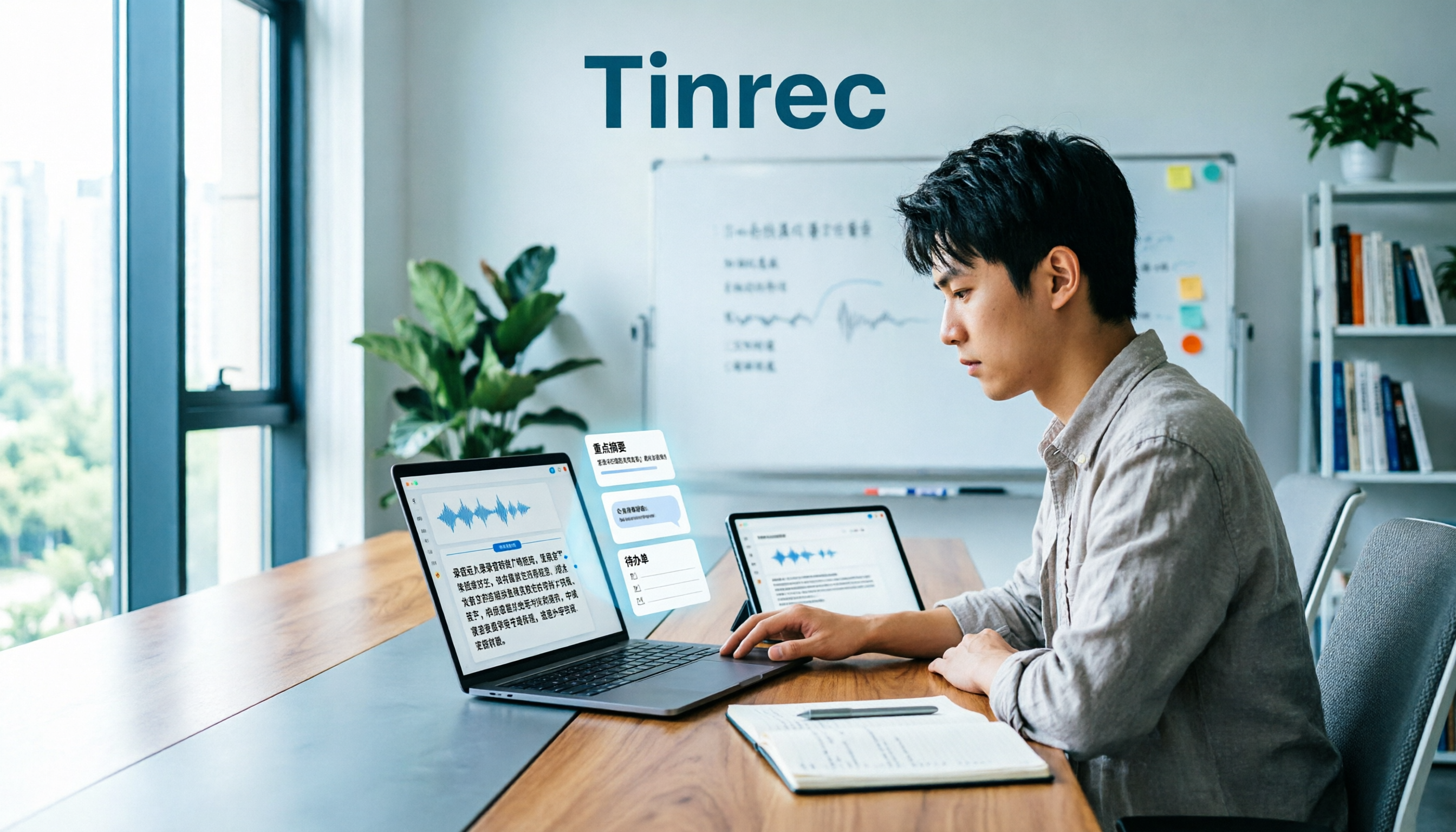
Tinrec vs Notta 2026: 5-Dimension Comparison — Which Is Better for Classroom Audio Transcription in Chinese Learning?
Classroom audio transcription isn't just about turning speech into text — the real value is being able to quickly grasp key points, ask questions, and generate action items after class. This article compares Tinrec and Notta across 5 dimensions and outlines practical workflows and buying considerations.

4 Transcription Tools Tested: Which AI Saves the Most Time in 2026?
A 90-minute interview recording can take three to four hours to transcribe manually. This article shares my hands-on experience with four transcription tools—Tinrec, Notta, Granola, and TurboScribe—covering Chinese recognition, live recording and file import, post-meeting summary Q&A, team collaboration, and pricing. It helps you decide which one truly saves time and whether the free tier is sufficient.