

Turn recordings into transcripts and summaries in minutes
Upload audio or video for multilingual transcription, AI notes, and action items
2026 Comparison of 5 Interview Recording-to-Text Tools for Journalists: Which Saves More Time on Chinese Recognition and Post-Interview Organization?
Many people handling interview recordings for the first time will first look for a free transcription website, upload the file, and see a wall of text and think they're done. This is the most common misconception.
Text appearing doesn't mean it's usable. What really takes time is proofreading names, confirming technical terms, marking who said what, and putting quotes back into the story. Rather than switching back and forth between several tools, it's better to choose from the start a tool that can put recording, transcription, summarization, follow-up questions, and export into a single workflow.
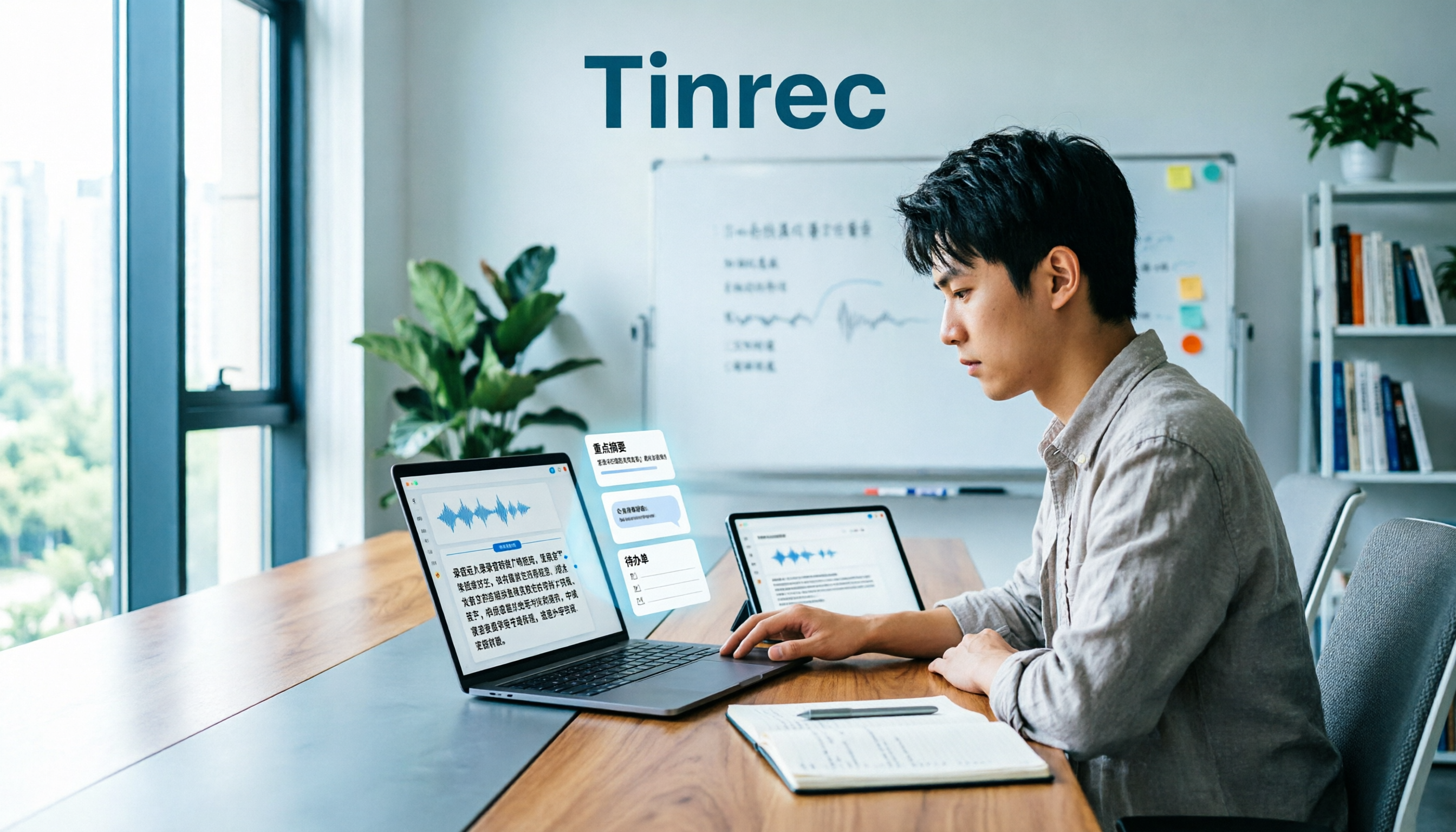
Tinrec (MiaoTing Recording) takes this approach. It is an AI meeting notes and collaboration tool for individuals and teams, supporting real-time recording-to-text, desktop bot-free recording of online meetings, audio/video file transcription, real-time translation, and can generate summaries, chapters, to-dos, and mind maps. The free version provides basic quota, suitable for trying out with a segment of your own interview recording first. The target readers are clear: journalists, researchers, content creators, and editorial desks that need to turn interview materials into team assets.
This time I won't list every tool on the market one by one, because versions and prices change too fast; keeping the 5 judgment points that truly affect interview efficiency and walking through the process with Tinrec will be more practical than looking at a bunch of spec sheets.
What Can Interview Recording-to-Text Do for Journalists?
Scenario 1: After a breaking interview, get a draft as quickly as possible. In the past, after an interview you'd return to the office and start listening to the recording from the beginning, pausing, and typing. Now with Tinrec's real-time recording-to-text, transcription happens while you interview, and by the end of the session a draft transcript is already taking shape. After the meeting, let it generate summaries, chapters, and to-dos, and the follow-up interview list and verification items are listed directly.
Scenario 2: Online video interviews without wanting an extra bot. When interviewing via Zoom, Google Meet, Microsoft Teams, or Webex, the last thing you want is to invite a meeting bot that makes the interviewee nervous. Tinrec's desktop version directly captures the computer's system audio, no extra bot needs to join the meeting; just open Tinrec and start recording to generate a real-time transcript.
Scenario 3: Organizing historical audio files provided by interviewees. Some interviews involve receiving audio files afterward, or the interviewee provides a recording of a speech. Upload the audio/video file to Tinrec, and the system will transcribe it into text and organize summaries and chapters, letting you see the structure first before deciding which segments to listen to in detail.
Scenario 4: Multi-person panels and focus groups. The most troublesome part of multi-person interviews is going back afterward to find "who said what." Tinrec preserves the original speech content of the transcript, and you can use AI Q&A to directly ask "what were the participants' concerns about the budget" or "which part mentioned regulatory restrictions," then pull the answers back to the transcript for verification. If working as a team, you can also put it in a team space for sharing.
What Are the Core Capabilities of Interview Transcription?
Real-time recording-to-text: transcribe while recording, not process after recording. Tinrec is suitable for offline interviews, press conferences, and on-site recording, allowing you to confirm on the spot whether key sentences were missed during the interview.
Bot-free online meeting recording: Tinrec's desktop version captures the device's system audio to handle online meetings played on the computer. This is not the same as automatically joining all calendar meetings; rather, the user actively opens Tinrec to start recording, which is especially useful for journalists who need to conduct interviews discreetly.
Audio/video file transcription and real-time translation: existing recording files can be uploaded for organization; for cross-language interviews, Tinrec supports real-time translation, viewable in original, translated, or bilingual format, reducing the time spent translating sentence by sentence afterward.
AI summaries, chapters, and to-dos: the biggest fear with long interviews is lack of structure. Tinrec organizes content into summaries, chapters, and key points, and extracts to-dos from the discussion. For journalists, this is like having an "interview map" first, then going back to add quotes.
AI Q&A and Agent post-processing: after transcription is complete, you can continue asking Tinrec about the meeting content, such as which segment a certain topic appeared in, or what the interviewee repeatedly emphasized. When you need to deliver, you can also use Agent post-processing to generate reports, tables, and documents.
Multi-format export and team accumulation: Tinrec supports exporting results to Notion, Google Docs, OneNote, Dropbox, and other tools for continued use. The team version centrally stores transcripts, summaries, and to-dos in a team space, where members can share and view, and administrators can manage roles, seats, usage, and audit logs.
Practical Application Scenarios: From Breaking News to In-Depth Interviews
News interviews and verification Breaking news demands speed. With Tinrec's real-time recording-to-text, journalists can confirm the interviewee's statements on the spot, use summaries to capture the main headline and key points afterward, and turn the to-do list directly into verification tasks. Important quotes still need to be checked against the recording, but what's saved is the time of typing from scratch.
Profile interviews and long interviews For in-depth interviews lasting over an hour, the most time-consuming part is re-listening. Tinrec first produces transcripts, chapters, and summaries, then uses AI Q&A to extract key arguments and turning points. When editors need to write headlines or introductions, they don't have to re-listen from the first minute; instead, they look at the structure first and then pick segments.
Stop organizing recordings by hand
Upload audio or video and automatically get a transcript, summary, and action items
Academic interviews and user research Qualitative research requires citable transcripts and subsequent coding. Tinrec's audio/video file transcription is suitable for organizing existing interview recordings, and summaries and to-dos can help researchers consolidate observations. For team research, the team space allows co-investigators to view the same batch of data and use team hotwords to maintain technical term spellings.
Multi-person panels and focus groups When multiple people speak over each other, any tool will inevitably make errors. Tinrec's value lies in post-meeting follow-up questions and organization, letting you grasp the discussion context first, then go back to proofread the transcript. When strict speaker labeling is required, it's still recommended to keep a manual proofreading process; some tools offer speaker identification, but Tinrec's product introduction does not use this as a main selling point, so in practice you'll need to supplement with your own workflow.
5 Things to Note When Choosing an Interview Recording-to-Text Tool for Journalists
Recognition performance for Chinese and mixed Chinese-English Don't just look at the accuracy rate advertised officially. Testing with your own interview recordings is most accurate, especially for names, organization names, policy names, and technical terms. Tinrec covers Chinese, Traditional Chinese, and multilingual meeting scenarios, and provides team hotwords for teams to maintain commonly used terms; actual results will still be affected by recording quality, accents, noise, and overlapping speech from multiple people.
Whether the input sources match your interview style Journalists don't have just one type of interview. Offline requires real-time recording, online requires handling Zoom, Meet, Teams, Webex, and afterward you need to handle audio/video files. Tinrec supports real-time recording, desktop online meeting recording, audio/video file transcription, and mobile recording. Rather than buying a tool that can only upload files, first confirm whether it can cover your entire week's interview workflow.
Whether it can help you organize after transcription Tools that only provide transcripts leave all the organization work to you. After transcription, Tinrec provides AI summaries, chapters, key points, to-dos, and AI Q&A, essentially pushing "typing what you hear" toward "understanding and using." For journalists, this is more impactful than a few extra minutes of transcription quota.
Whether export connects with your existing workflow Your editing process may be in Google Docs, Notion, or Word. Tinrec supports multi-format export and third-party tool export, bringing results to Notion, Google Docs, OneNote, Dropbox, etc. for further processing. When choosing, confirm whether the export preserves the paragraphs and structure you need.
Team collaboration, data ownership, and privacy Personal interviews and editorial desk collaboration are two different things. Tinrec's team version provides an independent team space, with data owned by the team, featuring roles, seats, sharing benefits, usage analysis, audit logs, and an audio recycle bin. Pay special attention: the team version is team-level sharing; roles control governance, seats control usage eligibility, not document-level granular permissions; members without seats can view, play, and read team data, but cannot upload, edit, or export. Regarding pricing, the team monthly plan is USD 29.80 per paid seat per month, and the annual plan is USD 199 per paid seat per year, equivalent to about USD 16.58 per month, with each paid seat providing 2,000 minutes of team shared import quota per month; eligible teams get a 7-day trial, 1 free seat, and 300 minutes of shared import for the first time. Real-time recording is currently not deducted by minutes under an active team plan and active seat; file and network imports use team shared minutes. Pricing and benefits are subject to the official purchase page. Also remember to obtain interviewee consent for interview recordings and comply with local regulations.
Frequently Asked Questions
Q1: Is the free version enough for journalist interview recording-to-text? You can try it first. Tinrec's free version provides basic quota, letting you experience recording, import, summarization, and transcription. If you only occasionally organize a recording, running your own interview workflow once with the free version is most practical. If you have steady interviews every week, the Pro monthly or Pro annual plan is more suitable; for short-term projects with concentrated processing, you can consider the weekly plan. Pricing and quota are subject to the official website.
Q2: Do online interviews require a meeting bot to join? No. Tinrec's desktop version directly captures the computer's system audio and can handle online meetings on Zoom, Google Meet, Microsoft Teams, Webex, etc., without an extra bot joining as a participant. Note that the user still needs to actively open Tinrec to start recording; it does not automatically join all calendar meetings.
Q3: Can multi-person interviews distinguish who is speaking? Tinrec preserves the original speech content of the transcript and can use AI Q&A to ask about content mentioned by specific participants. If you need strict speaker labeling, it's recommended to add it during post-meeting proofreading, or use a tool that offers speaker identification. Some tools are more mature in this regard, but post-transcription summaries, Q&A, and team accumulation are Tinrec's strengths.
Q4: Can the transcribed text be quoted directly? Direct quotation is not recommended. AI may miss words, mishear, or misspell similar words; names, organization names, numbers, and legal provisions must be checked against the recording. Tinrec's AI Q&A can help you quickly locate possible segments, but final quotations still require manual confirmation, which is safer for both reporting and research.
Q5: What's the difference between the team version and the personal version? Personal version data is managed by the individual account. Tinrec's team version is an independent team collaboration space, where meeting data is owned by the team, and adds member invitations, role and seat management, shared import benefits, usage analysis, audit logs, audio recycle bin, and team hotwords. When a member exits, is removed, or loses a seat, team resources are handed over to other active members and do not leave with the individual. The audio recycle bin currently retains for 30 days and can be restored before permanent deletion.
Q6: What should be noted about privacy and law for interview recordings? First obtain interviewee consent and comply with local recording and personal data regulations. Also check clearly how the tool stores and deletes data. Tinrec's team version provides an audio recycle bin and permanent deletion process, but different plans and team settings may affect the data lifecycle; it's recommended to confirm policies with your team before actual use.
Conclusion
For journalist interview recording-to-text, the real difference is not "whether it can transcribe" but "whether it's usable after transcription." Rather than spending time moving files between multiple free tools, use a workflow that connects recording, transcript, summary, follow-up questions, and export.
With Tinrec, real-time recording, bot-free online meeting recording, audio/video transcription, AI summaries and Q&A precisely correspond to the journalist's process from interview site to submission. The team version is suitable for editorial desks to accumulate interview materials without worrying about losing files when members change.
If you happen to have an interview recording on hand, it's recommended to start with Tinrec's free version, run a complete workflow with your own recording, and then decide whether you need to upgrade. This is more accurate than just looking at the feature list.
References
- How to Create an Interview Transcript? Complete Guide to Interview Recording-to-Text | Subanana
- Online AI Speech, Video, Recording File Automatic Transcription - Free Trial - cSubtitle
- Transcribe Interviews to Text
- 2026 Latest 6 Interview Recording Organization Tools Recommended: Say Goodbye to Typing What You Hear, One-Click Generate Transcripts and Summaries - MiaoTing Recording Blog
- 2026 Selected 5 Interview Recording-to-Text Tool Reviews: Say Goodbye to Transcript Nightmares, Accuracy and AI Summary Overview - MiaoTing Recording Blog
Turn every recording into actionable outcomes
Get 60 free transcription minutes when you sign in. No credit card required.
Related Reading
You might also like

2026 Comparison of 4 Customer Interview Transcription Tools: Which One Saves You Post-Meeting Cleanup Time?
After a customer interview ends, the real work begins: turning a 10,000+ word transcript into needs, objections, and action items. This article tests 4 tools in 2026, covering transcription, summarization, AI Q&A, team collaboration, and pricing, and explains where Tinrec fits in Chinese-language interviews and post-meeting workflows.

2026 Comparison of 4 Medical Meeting Transcription Tools: Which Saves the Most Time on Chinese Transcripts and Post-Meeting Action Items?
Medical meeting documentation goes beyond converting audio to text—it must handle Chinese and specialized terminology, online and offline meetings, post-meeting summaries and action items, and team collaboration. This article compares the features and public pricing of Tinrec, Otter.ai, Notta, and Granola, outlines selection criteria and pitfalls to avoid, and helps you find a meeting documentation workflow suited for medical teams.
Tinrec vs Notta 2026: 5-Dimension Comparison — Which Is Better for Classroom Audio Transcription in Chinese Learning?
Classroom audio transcription isn't just about turning speech into text — the real value is being able to quickly grasp key points, ask questions, and generate action items after class. This article compares Tinrec and Notta across 5 dimensions and outlines practical workflows and buying considerations.

4 Transcription Tools Tested: Which AI Saves the Most Time in 2026?
A 90-minute interview recording can take three to four hours to transcribe manually. This article shares my hands-on experience with four transcription tools—Tinrec, Notta, Granola, and TurboScribe—covering Chinese recognition, live recording and file import, post-meeting summary Q&A, team collaboration, and pricing. It helps you decide which one truly saves time and whether the free tier is sufficient.

Tinrec vs Subanana 2026: 5-Dimension Comparison — Which Saves More Time on Research Interview Transcripts?
After the interview ends, the real grind begins: typing while asking questions misses half the content, re-listening to entire recordings just to verify a quote, and inconsistent transcript formats that force rework during coding. This article compares Tinrec and Subanana across 5 dimensions—speaker labeling, timestamps, post-interview organization, data ownership, and export formats—and includes the 4 most common pitfalls in research interviews plus selection advice.

2026 Free Meeting Notes Automation Options Compared: 4 Tools to Consider
Still spending two hours after a meeting replaying recordings and organizing key points? This article reviews four meeting notes automation tools with free plans in 2026, comparing free quotas, Chinese and mixed Chinese-English transcription, post-meeting summaries and action items, and team data retention. It also covers Tinrec's real-world performance in bot-free recording and post-meeting workflows, helping you decide which tool deserves a place in your daily work.

2026 Comparison of 4 Meeting Recording Tools: Which One Actually Saves Post-Meeting Time?
How do you organize meeting recordings? This article compares the post-meeting workflows of Tinrec, Granola, TurboScribe, and PLAUD, explaining how to choose based on transcripts, summaries, action items, AI Q&A, and team collaboration, plus a practical guide to avoid common pitfalls.

5 Product Meeting Transcription Tools Tested: Which One Turns Meetings into Actionable To-Dos?
Meeting transcription tools are not just about transcription accuracy—they also need to produce summaries, action items, and team data after the meeting. This article compares tools like Tinrec, Notta, Otter.ai, and Granola, covering how meeting audio is captured, data ownership, and team seat management, to help you choose the one that truly saves time.

3 Free Business Meeting Summary Tools for 2026: Free Tiers and Ease of Use Compared
From project meetings to internship weekly check-ins, summarizing business meetings often gets stuck on free-tier limits and usability barriers. This article reviews the free conditions, workflows, and limitations of three free meeting summary tools in 2026, with a comparison table and student selection advice.