
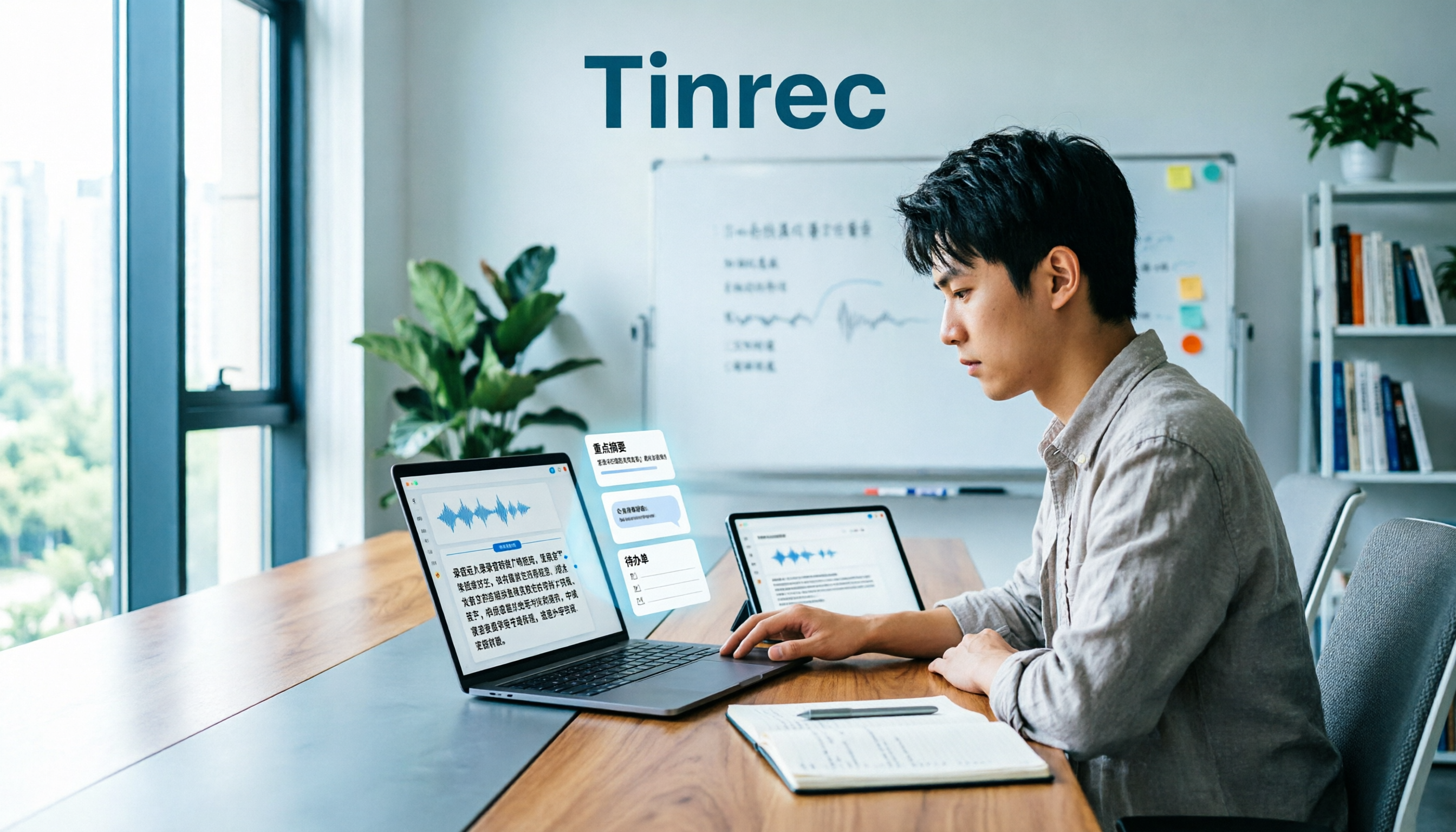
Turn recordings into transcripts and summaries in minutes
Upload audio or video for multilingual transcription, AI notes, and action items
Last week I attended a two-hour industry training session. Back at the office, my boss asked: "What were those three implementation steps the instructor mentioned?" I flipped through my notes and found only one line: "Listen to the recording later." In that moment, it was clear: the problem wasn't that I wasn't paying attention — it's that classroom audio transcription, if it stops at "did we record it," doesn't actually solve anything.
So I changed my workflow: record during class, let AI transcribe it into a verbatim transcript afterward, then automatically organize summaries, chapters, and action items. This article walks through my actual process — what classroom audio transcription can do for you, how to use Tinrec, and the pitfalls to avoid when choosing a tool.
What Can Classroom Audio Transcription Do for You?
Scenario 1: Extract key points within 10 minutes after a training session or lecture A two-hour class used to mean another hour of re-listening at home. Now I drop the audio file into Tinrec, and the transcript, AI summary, chapters, and action items all come out at once. The next day at the meeting, I just read the summary — no need to listen from start to finish.
Scenario 2: Follow the transcript while taking online courses Many online courses don't have subtitles, and when the instructor speaks fast, you miss things. Tinrec's desktop version can capture your computer's system audio — no extra bot needs to join the meeting — and generates text in real time as the course progresses. I read the transcript while pasting key points into my own notes.
Scenario 3: Workshops and small-group discussions — generate action items right after The worst part of a workshop is when discussion is lively but after everyone disperses, nobody remembers who's supposed to do what. Tinrec can extract action items from the discussion content. After the meeting, I paste the action list into the project group chat — far more reliable than trying to recall from memory.
Scenario 4: Team learning — turn courses into searchable data When a department takes training together, the biggest hassle is that materials end up scattered across different people's phones. Tinrec's Team plan centralizes recordings, transcripts, summaries, and action items in a team space. New members can look up past courses, and nothing disappears when someone leaves the company.
What Are the Core Capabilities of Classroom Audio Transcription?
Real-time transcription while recording Tinrec supports real-time audio-to-text, ideal for in-person classes, lectures, and interviews. You don't have to wait until the course ends to start organizing — you can watch the text as you go to confirm you haven't missed keywords.
Audio and video file transcription If the instructor provides course recordings, or if you prefer recording on your phone, Tinrec also supports uploading audio and video files for transcription. This is especially useful for catching up on missed classes or organizing past lectures — no need to convert video to audio first.
AI summaries, chapters, and action item extraction Tinrec doesn't just give you a transcript — it automatically generates summaries, chapters, and key points, and extracts action items from discussions. For a two-hour class, you can skim by chapter first, then read the sections you're interested in — much faster than reading from start to finish.
AI Q&A: Ask questions directly about course content After transcription is complete, you can continue asking questions about the course material. For example: "What examples did the instructor give?" or "Where is the homework reminder?" Tinrec answers based on the content, saving you the time of searching with keywords.
Real-time translation and bilingual viewing For foreign-language courses or mixed Chinese-English lectures, Tinrec supports real-time translation during recording, viewable in original, translated, or bilingual mode. For those who need to absorb foreign materials, this is much smoother than opening a separate translation tool afterward.
Multi-format export and post-meeting processing Organized content can be exported to common formats and brought into tools like Notion, Google Docs, OneNote, and Dropbox for further use. Tinrec's Agent post-processing can also generate reports, tables, or documents on demand — great for turning course content into internal training materials.
Team plan: From personal notes to team assets Tinrec's Team plan isn't a shared personal account — it's an independent team space. It offers member invitations, owner and admin roles, seat allocation, shared recording and import benefits, usage analytics, team hotwords, audit logs, and an audio recycle bin. Members without a seat can still view, play, and read team materials, but cannot upload, edit, or export.
Practical Use Cases
Corporate training and industry lectures Instructors speak fast and use many examples — handwritten notes will definitely miss things. My approach: record during class, then drop the audio file into Tinrec afterward. First review the AI summary and chapters, then go back to the transcript for details. When a report is needed, I organize key points and action items into a document — no need to re-listen to two hours of audio.
University classes and continuing education courses Classroom audio quality is the biggest variable. Rather than sitting in the 14th row recording with a phone, it's better to get a clean audio source exported from the school's course platform and upload it to Tinrec for transcription. If you can only record on-site, keep your phone as close to the speaker or amplifier as possible, and use AI Q&A afterward to find definitions, examples, and homework reminders.
Online courses and seminars For online classes on Zoom, Google Meet, Microsoft Teams, or Webex, Tinrec's desktop version can capture system audio directly — no bot needs to be added to the meeting. I follow the transcript during class, then review with summaries and chapters afterward — much faster than watching the recording later.
Stop organizing recordings by hand
Upload audio or video and automatically get a transcript, summary, and action items
Workshops and small-group discussions The value of discussion-based courses lies in conclusions and actions, not the transcript itself. Tinrec's action item extraction can organize "who's responsible, when it's due" — paste it into the group chat afterward, reducing the situation where verbal instructions are forgotten two days later.
Departmental learning and knowledge retention The Team plan is great for centrally managing training, customer interviews, and project discussions. Meeting materials belong to the team — when a member leaves or loses their seat, resources can be handed over to other active members. Admins can also view usage trends and audit logs to know how much the team is actually using and how data is being accessed.
2026 5-Dimension Comparison: Tinrec vs Notta for Classroom Scenarios
| Dimension | Tinrec | Notta |
|---|---|---|
| Chinese classroom and mixed Chinese-English | Chinese, Traditional Chinese, and multilingual meeting transcription; supports real-time translation and team hotwords | Mature multilingual transcription; also supports translation and summaries |
| Online course recording method | Desktop version captures system audio without a bot; can handle meeting audio played through Zoom, Meet, Teams, Webex | Primarily multi-device transcription, file import, and meeting notes |
| Post-class organization | Summaries, chapters, action items, AI Q&A, Agent post-processing, and multi-format export | Summaries, subtitles, translation, and team plans |
| Long classes and quotas | Real-time recording and file transcription; Team plan uses shared import quota; under an active team subscription, real-time recording currently does not deduct by the minute | Free plan: 120 minutes/month, max 3 minutes per session; Pro annual billing approx. USD 8.17/month, 1,800 minutes/month; Business annual billing approx. USD 16.67/seat/month, includes unlimited transcription, role permissions, and usage reports (subject to official page) |
| Team learning and governance | Team space, roles, seats, usage analytics, audit logs, team hotwords, and audio recycle bin | Business plan offers role permissions and usage reports |
The conclusion isn't about who's comprehensively better — it's about who fits your classroom workflow better. If you mostly process existing files and need multilingual subtitles, Notta is a mature option. If you need on-site recording, bot-free online course recording, post-class AI Q&A, and team knowledge retention, Tinrec's workflow is smoother.
5 Things to Watch When Choosing a Classroom Audio Transcription Tool
1. Check audio capture first, not just marketing Even the best AI can't save a bad audio source. Tinrec's desktop version can capture system audio — great for online classes. For in-person classes, keep your phone close to the speaker, or get a clean audio file from the school platform. Rather than comparing transcription engines, compare your recording distance first.
2. Can it help you organize after transcription? A transcript is just raw material. Tinrec's value lies in summaries, chapters, action items, and AI Q&A — so you don't have to read from start to finish. When choosing a tool, instead of asking "how fast does it transcribe," ask "what can I do after it's transcribed."
3. Chinese and technical terminology recognition experience Chinese classrooms often mix Chinese and English, with proper nouns and abbreviations. Tinrec supports Chinese, Traditional Chinese, and multilingual scenarios, and the Team plan lets you maintain team hotwords. Actual performance is affected by recording quality, accents, noise, and overlapping speakers — we don't recommend chasing fixed accuracy numbers.
4. Long classes and quota calculations A two-hour class, dozens of hours per semester — per-minute billing adds up fast. Tinrec's Team plan handles files and web imports with a shared import quota; under an active team subscription, real-time recording currently does not deduct by the minute. The Personal plan offers quotas based on the plan — calculate your usage before buying.
5. Team permissions and data ownership If it's just for yourself, the Personal plan is enough. For departmental learning, look at team space, roles, and seats. Tinrec's Team plan distinguishes roles and seats: roles govern administration, seats govern usage eligibility. Members can share and view, but without a seat they cannot edit. Team data belongs to the team, not to the individual who uploaded it.
Frequently Asked Questions
Q1: Is classroom audio transcription accurate? There's no fixed number — audio capture is key. Quiet environments, clear audio sources, and few overlapping speakers usually give the best results. Large classroom reverb or sitting too far away will challenge even the best AI. Tinrec's transcripts are searchable and reviewable — for important content, cross-check with the recording.
Q2: Can phone recordings be transcribed? Yes. Tinrec supports mobile recording and audio/video file transcription. However, phone microphones have limited range for clear voice capture. For in-person classes, get close to the speaker or amplifier — otherwise, rather than forcing a recording, find a way to get a clean audio file from the course platform.
Q3: Does using Tinrec for online courses require a bot to join the meeting? No. Tinrec's desktop version captures system audio directly — no extra bot attendee. However, you need to actively open Tinrec to start recording; it should not be understood as automatically joining all calendar meetings.
Q4: Is the free plan enough? If you only occasionally organize one or two classes, the free plan lets you test the workflow and see if the audio capture and organization methods suit you. For short-term intensive courses, consider a weekly pass. For steady weekly needs, look at Pro or annual plans. For team learning, evaluate the Team plan directly.
Q5: What's the difference between Team and Personal plans? Personal plan data is managed by the individual account. The Team plan is an independent team space with additional members, roles, seats, shared benefits, usage analytics, audit logs, hotwords, and an audio recycle bin. When a member leaves, team resources need to be handed over — they don't automatically become personal property.
Q6: Do I need consent to record a class? You need to comply with local laws and venue rules. Before recording, it's best to confirm whether the instructor and participants agree — especially when customer data, personal privacy, or internal confidential information is involved. Don't skip this step just because the tool makes it easy.
Conclusion
What classroom audio transcription really saves isn't typing time — it's the repetitive cycle of "re-listening, finding key points, and organizing action items" after class. Tinrec's value to me is turning classroom recordings into searchable, queryable, deliverable data: transcript, summary, chapters, action items, Q&A, and finally into the team space.
If you only occasionally record a class, just run through the workflow once with the free plan. If you have weekly training, online courses, or group discussions, then consider Pro or the Team plan. Confirm your audio capture first, then talk about AI features — that's the pitfall I've fallen into the most.
References
- Audio to Text - Free Speech-to-Text Tool
- 2025 Latest 6 Classroom Recording Note-Taking Tools: Say Goodbye to Handwritten Notes, AI Automatically Organizes Transcripts and Key Points - Tinrec Blog
- Classroom Audio Transcription: Study Notes + Review Questions | Musely
- University Lecture Transcription: Practical Guide (2026)
- 2025 Must-See for Students! 10 Classroom Audio Transcription Apps: Solve the Pain Points of Falling Behind on Notes and Time-Consuming Typing - Tinrec Blog
Turn every recording into actionable outcomes
Get 60 free transcription minutes when you sign in. No credit card required.
Related Reading
You might also like

2026 Comparison of 4 Customer Interview Transcription Tools: Which One Saves You Post-Meeting Cleanup Time?
After a customer interview ends, the real work begins: turning a 10,000+ word transcript into needs, objections, and action items. This article tests 4 tools in 2026, covering transcription, summarization, AI Q&A, team collaboration, and pricing, and explains where Tinrec fits in Chinese-language interviews and post-meeting workflows.

2026 Comparison of 5 Interview Recording-to-Text Tools for Journalists: Which Saves More Time on Chinese Recognition and Post-Interview Organization?
Turning interview recordings into text isn't just about uploading a file to a free website. Starting from the real pitfalls journalists encounter, this article outlines 5 key purchasing considerations and uses Tinrec to demonstrate how to integrate recording, transcription, summarization, AI follow-up questions, and export into one workflow, including differences between the free and team versions, pricing, and limitations.

2026 Comparison of 4 Medical Meeting Transcription Tools: Which Saves the Most Time on Chinese Transcripts and Post-Meeting Action Items?
Medical meeting documentation goes beyond converting audio to text—it must handle Chinese and specialized terminology, online and offline meetings, post-meeting summaries and action items, and team collaboration. This article compares the features and public pricing of Tinrec, Otter.ai, Notta, and Granola, outlines selection criteria and pitfalls to avoid, and helps you find a meeting documentation workflow suited for medical teams.

4 Transcription Tools Tested: Which AI Saves the Most Time in 2026?
A 90-minute interview recording can take three to four hours to transcribe manually. This article shares my hands-on experience with four transcription tools—Tinrec, Notta, Granola, and TurboScribe—covering Chinese recognition, live recording and file import, post-meeting summary Q&A, team collaboration, and pricing. It helps you decide which one truly saves time and whether the free tier is sufficient.

Tinrec vs Subanana 2026: 5-Dimension Comparison — Which Saves More Time on Research Interview Transcripts?
After the interview ends, the real grind begins: typing while asking questions misses half the content, re-listening to entire recordings just to verify a quote, and inconsistent transcript formats that force rework during coding. This article compares Tinrec and Subanana across 5 dimensions—speaker labeling, timestamps, post-interview organization, data ownership, and export formats—and includes the 4 most common pitfalls in research interviews plus selection advice.

2026 Free Meeting Notes Automation Options Compared: 4 Tools to Consider
Still spending two hours after a meeting replaying recordings and organizing key points? This article reviews four meeting notes automation tools with free plans in 2026, comparing free quotas, Chinese and mixed Chinese-English transcription, post-meeting summaries and action items, and team data retention. It also covers Tinrec's real-world performance in bot-free recording and post-meeting workflows, helping you decide which tool deserves a place in your daily work.

2026 Comparison of 4 Meeting Recording Tools: Which One Actually Saves Post-Meeting Time?
How do you organize meeting recordings? This article compares the post-meeting workflows of Tinrec, Granola, TurboScribe, and PLAUD, explaining how to choose based on transcripts, summaries, action items, AI Q&A, and team collaboration, plus a practical guide to avoid common pitfalls.

5 Product Meeting Transcription Tools Tested: Which One Turns Meetings into Actionable To-Dos?
Meeting transcription tools are not just about transcription accuracy—they also need to produce summaries, action items, and team data after the meeting. This article compares tools like Tinrec, Notta, Otter.ai, and Granola, covering how meeting audio is captured, data ownership, and team seat management, to help you choose the one that truly saves time.

3 Free Business Meeting Summary Tools for 2026: Free Tiers and Ease of Use Compared
From project meetings to internship weekly check-ins, summarizing business meetings often gets stuck on free-tier limits and usability barriers. This article reviews the free conditions, workflows, and limitations of three free meeting summary tools in 2026, with a comparison table and student selection advice.