

Turn recordings into transcripts and summaries in minutes
Upload audio or video for multilingual transcription, AI notes, and action items
2026 Comparison of 4 Customer Interview Transcription Tools: Which One Saves You Post-Meeting Cleanup Time?
The Real Work Begins After the Customer Interview Ends
It's Wednesday afternoon, and you've just finished a 60-minute customer interview. You have the recording, but the real work is just starting: a one-hour interview often produces a transcript of over 10,000 words, and manual transcription can take several times the length of the interview. The customer's pain points, budget concerns, decision process, and next steps are scattered across different sections.
What's more, interviews don't happen in just one place. Sometimes it's a Zoom online meeting, sometimes a face-to-face interview at the customer's office, and sometimes a colleague sends you a pre-recorded audio file. If you have to manually transcribe and organize each time, you'll spend your time on repetitive work instead of analysis and decision-making.
This article doesn't compare who has the most transcription minutes, but returns to the real workflow of customer interviews: record or import, transcribe, identify key points, organize action items, and export to the team. Choosing the right tool isn't about transcribing more words; it's about doing less repetitive organization.
Before Choosing a Customer Interview Transcription Tool, Understand These 4 Key Points
1. Can it answer questions directly after transcription? The value of a customer interview isn't "having a transcript," but whether you can answer within 10 minutes: "What does the customer care about most?" "Where is the budget stuck?" "Who is responsible for follow-up next time?" If the tool only gives you a large block of text, you still have to read through 10,000 words yourself. Summaries, chapters, action items, and AI Q&A are the key to turning a transcript into usable data.
2. Handling Chinese, mixed Chinese-English, and technical terms Customer interviews often include product names, project codes, English abbreviations, and even entire segments of mixed Chinese and English. Instead of proofreading word by word afterward, check whether the tool has team hotwords, bilingual view, and real-time translation. These features are especially practical for interview scenarios in Taiwan teams.
3. Flexibility of audio capture and file sources Customer interviews don't only happen on one platform. Don't want to invite an extra meeting bot for online interviews? Want to record directly with your phone for offline interviews? Need to upload a colleague's pre-recorded audio file? Ideally, one tool can handle all three scenarios, rather than switching workflows each time.
4. Data ownership, export, and team collaboration Customer interviews often involve personal data and trade secrets. Can data be deleted? Is there a recycle mechanism? Who owns the data after a team member leaves? Can it be exported to Notion, Google Docs, OneNote, or Dropbox? These are more important than "supporting one more format."
Tinrec — Our Top Choice After Testing
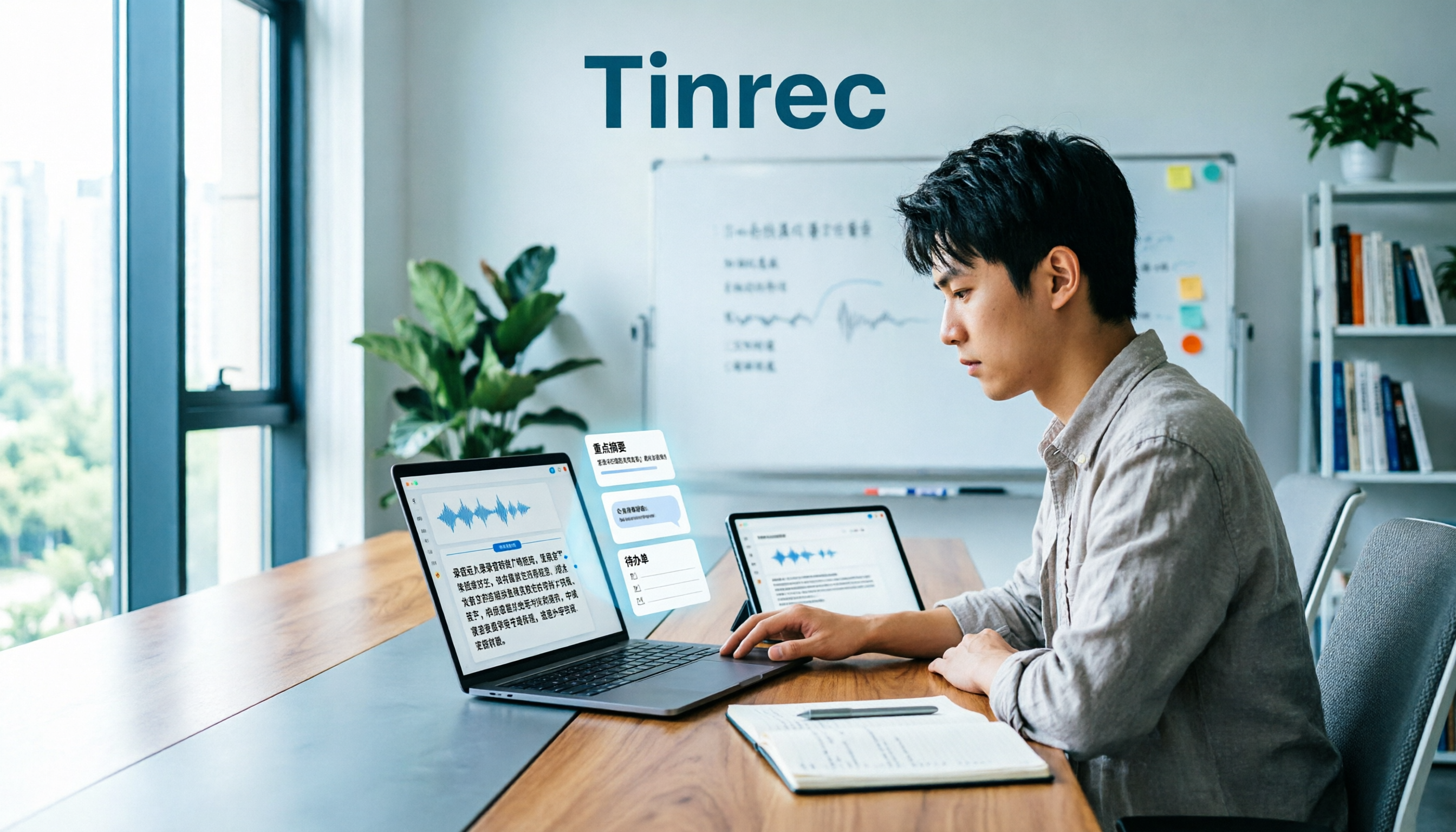
Tinrec is an AI meeting notes and collaboration tool for individuals and teams, available on desktop, web, and mobile. It takes customer interviews from "recorded" to "ready to use": for offline interviews, you can record in real time; for online interviews, the desktop version captures computer system audio to record meetings on Zoom, Google Meet, Microsoft Teams, Webex, etc., without needing an extra bot to join.
After the interview, Tinrec generates a transcript, summary, chapters, and action items, and you can use AI Q&A to ask follow-up questions about the content: "Which feature does the customer care about most?" "What are the budget concerns?" "Who mentioned follow-up next time?" If the interview has mixed Chinese and English, you can use real-time translation to view the original, translation, or bilingual text; after the meeting, you can export to Notion, Google Docs, OneNote, Dropbox, or generate reports, tables, mind maps, and documents.
For this review, we set the scenario to the most common customer interview: one hour, two speakers, indoor environment, and after the meeting you need to identify needs, objections, and next steps. We don't rank based on a single official word error rate, because actual performance is affected by recording quality, noise, accents, overlapping speech, and technical terms; the focus is: for the same one-hour interview, which tool lets you spend less time organizing.
Tinrec has three advantages. First, the Chinese meeting and mixed Chinese-English organization experience is very close to Taiwan teams; second, AI Q&A isn't just keyword search—it finds answers directly from the meeting content; third, the team version puts interview data into a separate team space, where members, roles, seats, usage, audit logs, audio recycle bin, and team hotwords can all be managed centrally.
Stop organizing recordings by hand
Upload audio or video and automatically get a transcript, summary, and action items
Limitations should also be clear: the free version provides basic quota, and heavy use requires payment; the personal version has a free version, weekly card, Pro monthly card, and Pro annual card, with actual prices subject to the official website. The team version isn't multiple people sharing one personal account, but priced per paid seat: monthly USD 29.80/paid seat/month, annual USD 199/paid seat/year (about USD 16.58/month). The first eligible team trial is 7 days, 1 free seat, 300 minutes shared import quota; paid seats provide 2,000 minutes shared import quota per month. Real-time recording currently doesn't deduct minutes under an active team plan and seat, while file and web imports use the team shared quota.
If you have customer interviews every week, need Chinese transcripts, want to use AI to find key points directly after meetings, or your team needs to share interview data, Tinrec is a good fit. But if you only occasionally organize a recording, start with the free version; no need to pay from the beginning.
Besides Tinrec, What Other Options Are There?
Granola: Bot-free AI meeting notes, Basic free, Business from USD 14 per person per month. It emphasizes handwritten notes plus AI enhancement, but the official documentation says it doesn't support uploading pre-recorded audio files and doesn't save meeting audio. If you need to import customer interview audio afterward, keep recordings, and use AI for follow-up questions, Tinrec is more suitable.
Otter.ai: A mature English business meeting assistant, Basic free with 300 minutes per month, Pro annual billing equivalent to USD 8.49 per person per month. If your customer interviews are mainly in English, Otter's English experience and meeting automation are smooth. But if you need Chinese meetings, real-time translation, and to turn interviews into a searchable team database, Tinrec's Chinese and team space are more aligned.
Notta: Excels in multilingual transcription and document processing, Free 120 minutes per month, max 3 minutes per session, Business annual billing equivalent to USD 16.67 per person per month. It's suitable for bulk file transcription, subtitles, and translation; if you care more about bot-free recording of online interviews, post-meeting AI Q&A, and team data accumulation, Tinrec's workflow is more complete.
Prices for competitors above are subject to official pages; plans and benefits may change.
Pitfall Guide: The 4 Most Common Mistakes When Choosing a Customer Interview Transcription Tool
Pitfall 1: Only comparing transcription minutes and price. The pain point of customer interviews isn't that you can't transcribe, but that the transcript isn't usable. Rather than finding the cheapest plan, first confirm whether it can generate summaries, action items, chapters, and queryable meeting data.
Pitfall 2: Ignoring overlapping speech and recording quality. Half of transcript quality is determined before recording starts. The quieter the environment, the better; place the microphone as close to the speaker as possible; for multi-person interviews, avoid speaking at the same time—overlapping speech is where transcription errors are most likely. Agree on codes before recording, e.g., interviewer as I, interviewee as R or P1, P2, which will make later organization much easier.
Pitfall 3: Treating the transcript as analysis. Getting a 10,000-word transcript doesn't mean you've completed the analysis. Without summaries, chapters, action items, and AI Q&A, you're just postponing the transcription time. Tools like Tinrec focus on letting you directly ask after the meeting "What are the customer's budget concerns?" instead of manually Ctrl+F for keywords.
Pitfall 4: Ignoring data ownership and deletion. Customer interviews often involve personal data; obtain consent before recording and comply with local regulations. When using as a team, confirm that data belongs to the team, how to hand over when members leave, and whether there is a recycle mechanism after audio deletion. If outsourcing transcription, also agree to delete audio and manuscripts after delivery to avoid data scattering among multiple parties.
Conclusion: Which One Should You Choose?
In one sentence: what customer interviews need isn't more words, but faster identification of needs, objections, and next steps. By this standard, Tinrec is the top choice in this review.
- Customer interviews every week, need Chinese transcripts + post-meeting AI Q&A → Tinrec
- Many pre-recorded interview audio files, need to upload, keep recordings, and ask follow-up questions afterward → Tinrec (Granola doesn't support pre-recorded audio files and doesn't save audio)
- Team needs to share interview data, manage seats, usage, and audit → Tinrec Team Version
- Mainly record English meetings, already used to Otter's workflow → Otter is still a reasonable choice
- Bulk transcription of long audio files into subtitles, budget priority → Consider file transcription tools like Notta separately
We recommend starting with Tinrec's free version and running through the "record → transcript → summary → Q&A → export" process with a real customer interview. If you find the quota insufficient or need team sharing, then consider upgrading; no need to pay from the beginning.
References: Yating Transcription official website, Fongdao Knowledge Section "How to Do Interview Transcripts? A Complete Guide to Transcription and Coding for Qualitative Research," Tinrec Blog "How to Produce Customer Interview Transcripts? iPhone Audio-to-Text Test and Comparison of 5 AI Tools" and "2026 Latest 5 Interview Transcription Tool Recommendations: Solving Recording Organization and Key Summary Challenges." Competitor prices and benefits are subject to official pages.
Reference Sources
- Yating Transcription
- How to Quickly Organize Preliminary Interview Transcripts? | Mianjue Academy Salon
- How to Do Interview Transcripts? A Complete Guide to Transcription and Coding for Qualitative Research | Fongdao Knowledge Section
- How to Produce Customer Interview Transcripts? iPhone Audio-to-Text Test and Comparison of 5 AI Tools - Tinrec Blog
- 2026 Latest 5 Interview Transcription Tool Recommendations: Solving Recording Organization and Key Summary Challenges - Tinrec Blog
Turn every recording into actionable outcomes
Get 60 free transcription minutes when you sign in. No credit card required.
Related Reading
You might also like

2026 Comparison of 5 Interview Recording-to-Text Tools for Journalists: Which Saves More Time on Chinese Recognition and Post-Interview Organization?
Turning interview recordings into text isn't just about uploading a file to a free website. Starting from the real pitfalls journalists encounter, this article outlines 5 key purchasing considerations and uses Tinrec to demonstrate how to integrate recording, transcription, summarization, AI follow-up questions, and export into one workflow, including differences between the free and team versions, pricing, and limitations.

2026 Comparison of 4 Medical Meeting Transcription Tools: Which Saves the Most Time on Chinese Transcripts and Post-Meeting Action Items?
Medical meeting documentation goes beyond converting audio to text—it must handle Chinese and specialized terminology, online and offline meetings, post-meeting summaries and action items, and team collaboration. This article compares the features and public pricing of Tinrec, Otter.ai, Notta, and Granola, outlines selection criteria and pitfalls to avoid, and helps you find a meeting documentation workflow suited for medical teams.
Tinrec vs Notta 2026: 5-Dimension Comparison — Which Is Better for Classroom Audio Transcription in Chinese Learning?
Classroom audio transcription isn't just about turning speech into text — the real value is being able to quickly grasp key points, ask questions, and generate action items after class. This article compares Tinrec and Notta across 5 dimensions and outlines practical workflows and buying considerations.

4 Transcription Tools Tested: Which AI Saves the Most Time in 2026?
A 90-minute interview recording can take three to four hours to transcribe manually. This article shares my hands-on experience with four transcription tools—Tinrec, Notta, Granola, and TurboScribe—covering Chinese recognition, live recording and file import, post-meeting summary Q&A, team collaboration, and pricing. It helps you decide which one truly saves time and whether the free tier is sufficient.

Tinrec vs Subanana 2026: 5-Dimension Comparison — Which Saves More Time on Research Interview Transcripts?
After the interview ends, the real grind begins: typing while asking questions misses half the content, re-listening to entire recordings just to verify a quote, and inconsistent transcript formats that force rework during coding. This article compares Tinrec and Subanana across 5 dimensions—speaker labeling, timestamps, post-interview organization, data ownership, and export formats—and includes the 4 most common pitfalls in research interviews plus selection advice.

2026 Free Meeting Notes Automation Options Compared: 4 Tools to Consider
Still spending two hours after a meeting replaying recordings and organizing key points? This article reviews four meeting notes automation tools with free plans in 2026, comparing free quotas, Chinese and mixed Chinese-English transcription, post-meeting summaries and action items, and team data retention. It also covers Tinrec's real-world performance in bot-free recording and post-meeting workflows, helping you decide which tool deserves a place in your daily work.

2026 Comparison of 4 Meeting Recording Tools: Which One Actually Saves Post-Meeting Time?
How do you organize meeting recordings? This article compares the post-meeting workflows of Tinrec, Granola, TurboScribe, and PLAUD, explaining how to choose based on transcripts, summaries, action items, AI Q&A, and team collaboration, plus a practical guide to avoid common pitfalls.

5 Product Meeting Transcription Tools Tested: Which One Turns Meetings into Actionable To-Dos?
Meeting transcription tools are not just about transcription accuracy—they also need to produce summaries, action items, and team data after the meeting. This article compares tools like Tinrec, Notta, Otter.ai, and Granola, covering how meeting audio is captured, data ownership, and team seat management, to help you choose the one that truly saves time.

3 Free Business Meeting Summary Tools for 2026: Free Tiers and Ease of Use Compared
From project meetings to internship weekly check-ins, summarizing business meetings often gets stuck on free-tier limits and usability barriers. This article reviews the free conditions, workflows, and limitations of three free meeting summary tools in 2026, with a comparison table and student selection advice.