

Turn recordings into transcripts and summaries in minutes
Upload audio or video for multilingual transcription, AI notes, and action items
When choosing a Cantonese audio transcription tool, the first question you should ask isn't "how many free minutes do I get," but rather: do you want a faithful verbatim transcript, or meeting minutes you can send directly to colleagues? These two things sound similar, but in practice they're very different.
The real pain point of Cantonese audio transcription isn't "can't transcribe," but "can't use what's transcribed"
Two-hour meetings followed by another two hours of organizing transcripts—that's the daily reality for many office workers in Hong Kong. What's more troublesome is that Cantonese has nine tones and six contours. When encountering colloquial expressions like "m goi" (thank you/please), "gao dim" (done), or "si daan" (whatever), many tools just transcribe exactly what they hear, and you still have to rewrite it manually afterward.
If the meeting also includes mixed Chinese-English terms like "Deadline," "Presentation," or "App," or multiple people speaking at once with air conditioning noise in the background, the recognition difficulty goes up another notch.
So what you really need to compare isn't whose ad says "supports Cantonese," but who can help you make fewer edits and re-listen to fewer segments after the meeting.
Before choosing a Cantonese transcription tool, look at these 4 key factors
1. Flexibility in converting colloquial speech to written language. Cantonese recordings are usually colloquial, but formal records require written language; if a tool can only reproduce verbatim, the subsequent rewriting cost will be high.
2. Recognition stability in real scenarios. Don't just look at lab accuracy rates—test with your own meeting recordings, especially in mixed Chinese-English, multi-speaker, and noisy environments.
3. Whether it can directly produce summaries, chapters, and action items after transcription. A tool that only gives you a transcript is essentially handing the organizing work right back to you.
4. Free quota, cross-platform, and team collaboration. First confirm whether the free version can complete a full workflow, then check whether the paid plans and team seats meet your needs.
Tinrec (Miaoting Recording)—Turning meeting minutes into queryable, actionable data
Tinrec (Miaoting Recording) is an AI meeting notes and collaboration tool for individuals and teams, available on web, desktop, and mobile. It doesn't just convert audio to text; it organizes meetings into searchable, summarizable, queryable, and exportable data.
For online meetings, you can use the desktop version to capture computer system audio directly, handling Zoom, Google Meet, Microsoft Teams, Webex, and other meetings without inviting an extra meeting bot. This is very practical for teams that don't want a bot appearing in the participant list.
After the meeting, Tinrec generates transcripts, AI summaries, chapters, and action items. You can directly ask it "Who mentioned the budget in the last meeting?" or "What conditions did the client finally confirm?" without manually scrolling through a thirty-minute transcript. It can also export results to Notion, Google Docs, OneNote, Dropbox, or further generate reports, tables, and documents.
For cross-language meetings, you can use real-time translation to view the original text, translation, or bilingual content; existing audio and video files can be uploaded for organization, suitable for revisiting historical meetings and interviews.
If your team uses it together, the team version provides independent team spaces where meeting data belongs to the team, along with member, role, seat, usage analytics, audit logs, and audio recycle bin. Roles determine who can manage the team and settings, while seats determine whether members can record, upload, edit, and import/export. When a member leaves or loses their seat, their team resources can be handed over to other members, so meeting records won't be lost when someone leaves.
Stop organizing recordings by hand
Upload audio or video and automatically get a transcript, summary, and action items
As for limitations, Tinrec is not an all-powerful transcription machine. Actual recognition performance is affected by recording quality, noise, accents, overlapping speakers, and technical terminology; for important content, it's recommended to cross-check with recording playback. The free version provides a basic quota, and heavy users need to look at weekly cards, Pro monthly cards, or annual cards; the team version offers a 7-day trial for first-time eligible users, 1 free seat, and 300 minutes of team shared import quota. Paid seats are USD 29.80 per month or USD 199 per year; actual prices are subject to the official purchase page.
If you frequently handle Chinese and mixed Chinese-English meetings and need to organize minutes, action items, and team data afterward, Tinrec's workflow is more complete than simple transcription tools. If your recordings are pure Cantonese with heavy accents, it's recommended to test with a real recording first before deciding on long-term use.
Besides Tinrec, what other options are there?
Otter.ai: One of the common choices for English meetings, with a free version offering 300 minutes per month and Pro annual billing at approximately USD 8.49 per user per month. Its strength is in English business meetings and summaries; if you mainly record English content, you can consider it. But if you need to handle Cantonese and mixed Chinese-English, Tinrec's Chinese meeting workflow and team data accumulation will be closer to your needs.
Notta: A direct competitor for multilingual transcription and meeting notes, with a free version offering 120 minutes per month and a maximum of 3 minutes per session, and Pro annual billing at approximately USD 8.17 per month. It's suitable for users who need multiple languages and subtitles. However, Tinrec offers bot-free desktop recording, team spaces, AI Q&A, and Agent post-processing, making it more complete for post-meeting organization and team collaboration.
Granola: A bot-free AI meeting notes tool, with Basic free and Business at approximately USD 14 per user per month. It emphasizes combining handwritten notes with AI, suitable for English meeting notes. Note that Granola does not support uploading pre-recorded audio files and does not save meeting audio; if you need to keep recordings, import historical documents, or build a team database, Tinrec is more suitable.
Pitfall guide: The 4 most common mistakes when choosing a Cantonese transcription tool
Pitfall 1: Only looking at the officially claimed accuracy rate. A quiet recording studio and a real meeting room are two different things—air conditioning noise, keyboard sounds, and multiple people talking over each other will all degrade performance. Testing with your own recordings is the most accurate.
Pitfall 2: Ignoring colloquial-to-written conversion and mixed Chinese-English. Many tools can recognize the words, but rewriting them into formal minutes still requires manual work. When choosing a tool, first check whether it can output the style and format you need.
Pitfall 3: Treating the transcription tool as the end point. Getting only a transcript means you've only used one-third of the value; summaries, action items, AI Q&A, and exports are where the time savings are.
Pitfall 4: Assuming the free version will always be enough. Free quotas usually have monthly limits, and suddenly being unable to use it at the end of the month can be very troublesome; first estimate how long you record per month, then decide whether to upgrade.
Also, before recording, confirm that participants consent and comply with local regulations.
Conclusion: Which one should you choose?
Simply put, you can choose as follows:
- Need Chinese and mixed Chinese-English meetings, post-meeting summary action items, bot-free recording → Tinrec
- Need team sharing, seat management, usage and audit → Tinrec Team Version
- Only record English meetings and prefer the English ecosystem → Otter.ai
- Need multilingual transcription and subtitles, mainly for file processing → Notta
- Only use English meeting notes and don't need to keep audio → Granola
It's recommended to first test with your own 5 to 10-minute real recording. Whether the free quota is enough and whether the transcribed text needs major edits—you'll know after one try, and you don't need to pay upfront.
References
- Free Cantonese Speech-to-Text App 2026 | Subanana
- 2026 Latest 4 Cantonese Audio Transcription Tools Recommended: Solving Mixed Chinese-English and Meeting Notes Pain Points - Miaoting Recording Blog
- Tutorial: Free AI Offline Audio Transcription App Cantonese Colloquial to Written Language, Compared with iPhone Built-in Transcription
- How to Transcribe Cantonese Audio in 2026? 5-Step Tutorial and 3 Tool Comparison - Miaoting Recording Blog
- 2026 Cantonese Audio Transcription Free Solutions: A Look at 4 Options - Miaoting Recording Blog
Turn every recording into actionable outcomes
Get 60 free transcription minutes when you sign in. No credit card required.
Related Reading
You might also like

iPhone Native Capture vs Tinrec in 2026: A 4-Dimension Comparison for Recording and Organizing LINE Calls
LINE calls don't have built-in recording, but iPhone users can use iOS 26's Native Capture to record calls, then import the audio into Tinrec for transcription, summaries, and action items. This article compares the two across four dimensions—recording method, audio source, file storage, and post-call organization—and provides step-by-step instructions, common mistakes, and recommendations.

3 iPhone Screen Recording Audio Solutions Compared for 2026: Built-in, Third-Party Apps, and AI Post-Processing
iPhone screen recording can capture audio, but you need to distinguish between system audio and microphone input—call audio from the other party usually can't be recorded. This article compares built-in screen recording, third-party apps, and Tinrec's post-meeting organization to help you avoid common mistakes that lead to silent recordings.

Is Recording Meetings Illegal in 2026? 5 Steps to Assess and Protect Yourself
Recording a meeting is not necessarily illegal, and recording for self-protection does not guarantee you are safe. This article breaks down the practical assessment under Article 315-1 of the Criminal Code, the Communication Security and Surveillance Act, and Article 12 of the Labor Standards Act in 5 steps, and compiles free audio-to-text tools to help you assess risks, preserve evidence, and organize transcripts.

5 Best AI Transcription Tools in 2026: Chinese Meetings, Team Collaboration, and Free Tiers Explained
Meetings end, recordings pile up, and minutes are due tomorrow—this article doesn't copy official feature lists. It cross-checks the official plans, quotas, and limitations of five AI transcription tools: Tinrec, Yating Transcription, Vocol.ai, Notta, and Granola, and honestly tells you which numbers to trust and which claims to discount. Finally, it offers selection advice based on three needs: Chinese meetings, team collaboration, and free quotas.

3 Fast iPhone Recording Methods for 2026: One-Tap Setup and Use Case Comparison
Compare three built-in iPhone quick recording methods: Action Button, Back Tap, and Shortcuts. Includes setup steps, supported models, free usage, and limitations to help you start recording fast in meetings, interviews, or unexpected situations without hunting for an app.

Fast iPhone Recording in 2026 vs Tinrec: 3-Dimension Comparison — Which Saves More Post-Meeting Time?
A rundown of 3 free ways to quickly start recording on iPhone — Action Button, Back Tap shortcut, and Home Screen shortcut — plus a comparison of the free tier and team plan limits of the post-meeting tool Tinrec, to help busy managers never miss a recording during meetings and spend less time organizing afterward.
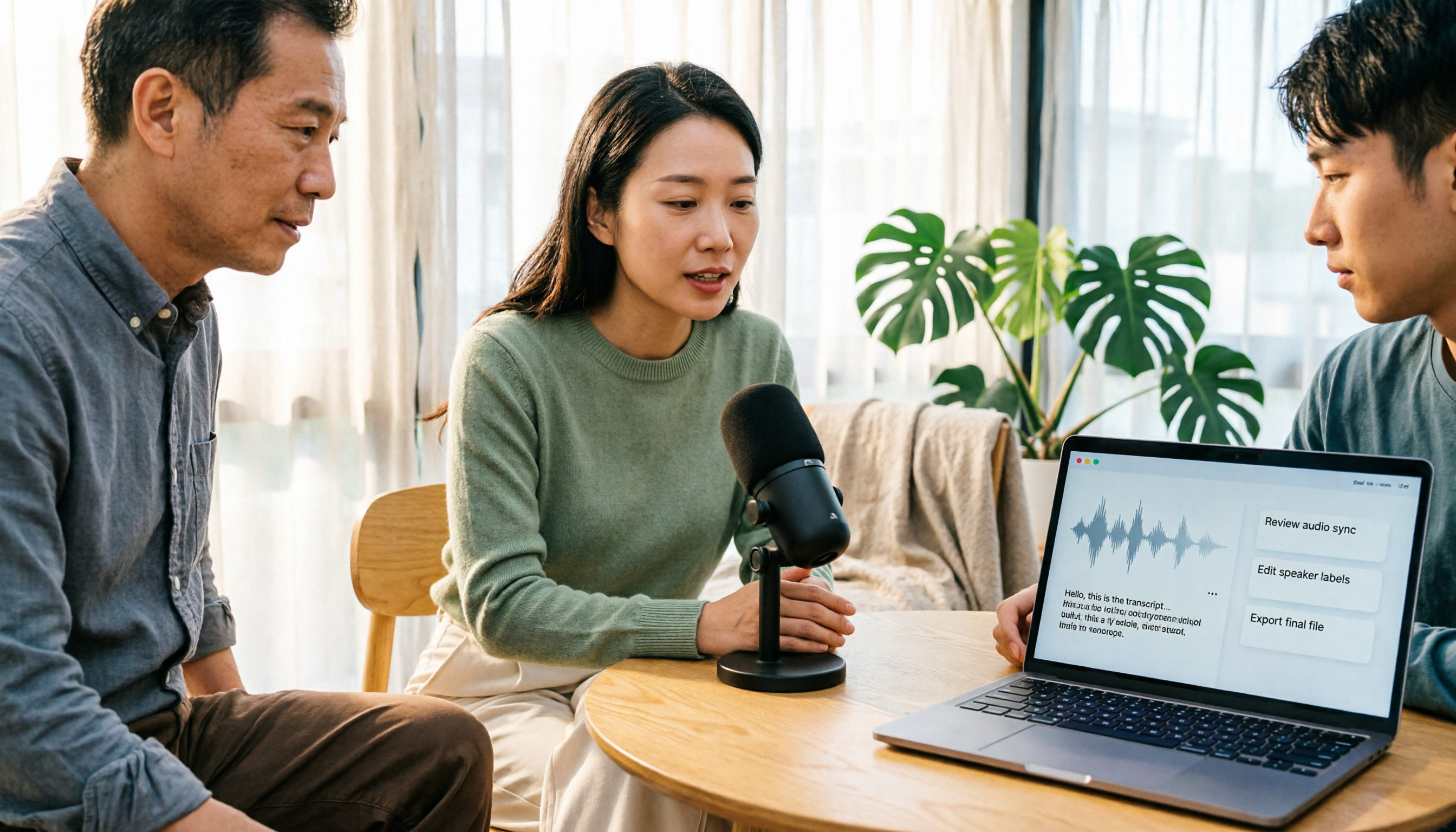
How to Record Clean Audio in 2026: 3-Stage Mic Check + Tinrec Meeting Notes
Instead of worrying about noise reduction after recording, reduce noise upfront by checking your environment, microphone placement, gain, and wired connection. This guide walks you through a 3-stage check for clean vocals and explains how Tinrec turns meeting recordings into transcripts, summaries, and action items.
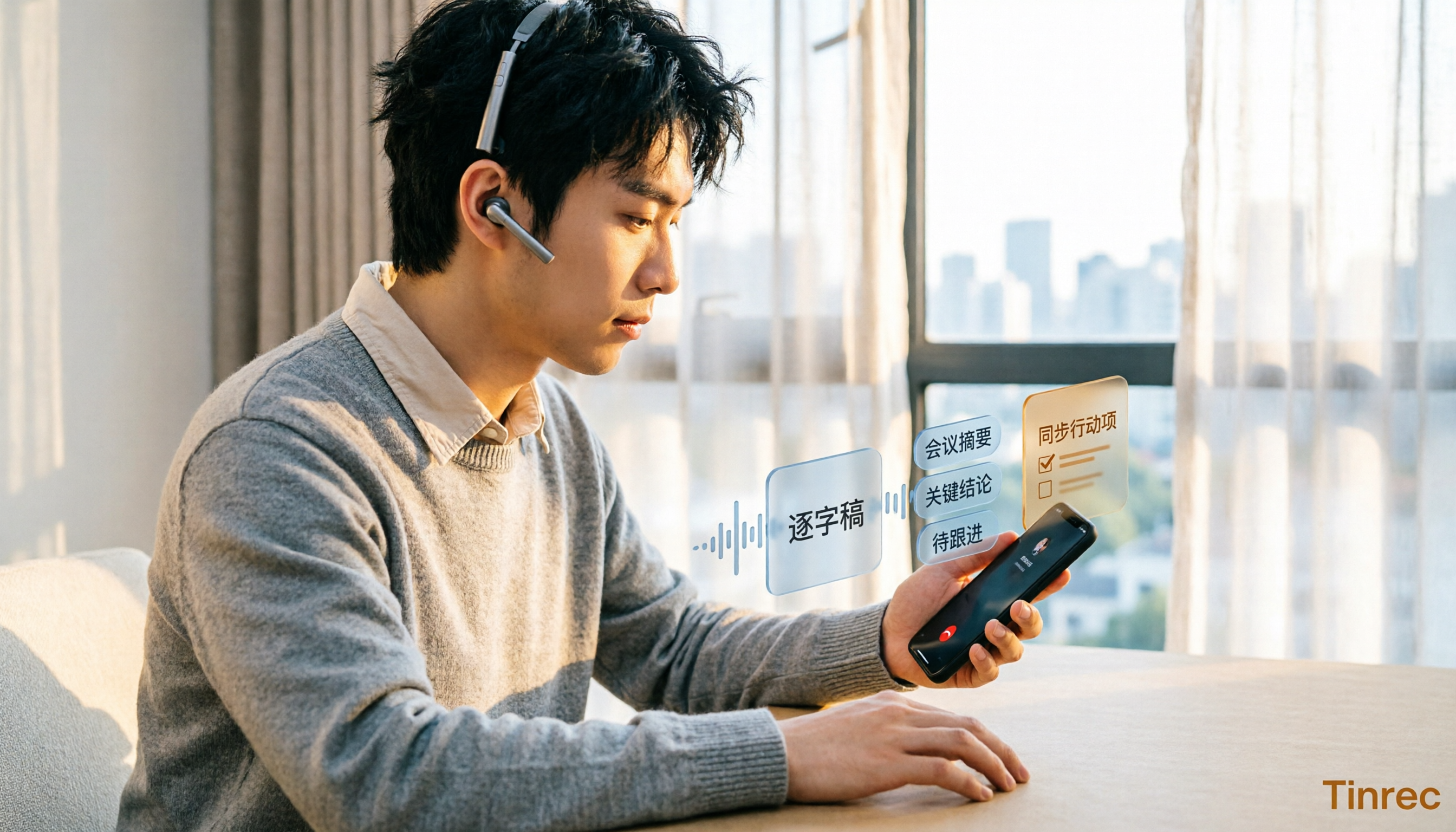
5 iPhone Call Recording Solutions Compared in 2026: From Built-in to AI-Powered Organization
Starting with iOS 18.1, iPhone finally has built-in call recording, but the other party gets notified, and LINE calls can't be recorded. This article compares 5 call recording and post-call organization solutions, and tests the complete workflow of using Tinrec to convert recordings into transcripts, summaries, and to-dos, helping you choose the right approach.

5 Phone Call Recording Methods Tested and Compared in 2026: How to Record Legally and Effortlessly
Can you record phone calls freely? The answer is no, not freely—but you can record with method. This article breaks down 5 common phone recording approaches from legal, consent, purpose, and post-recording organization perspectives, and explains why 'recording it' is only the first step—what really saves effort is turning recordings into searchable, queryable transcripts and summaries.