
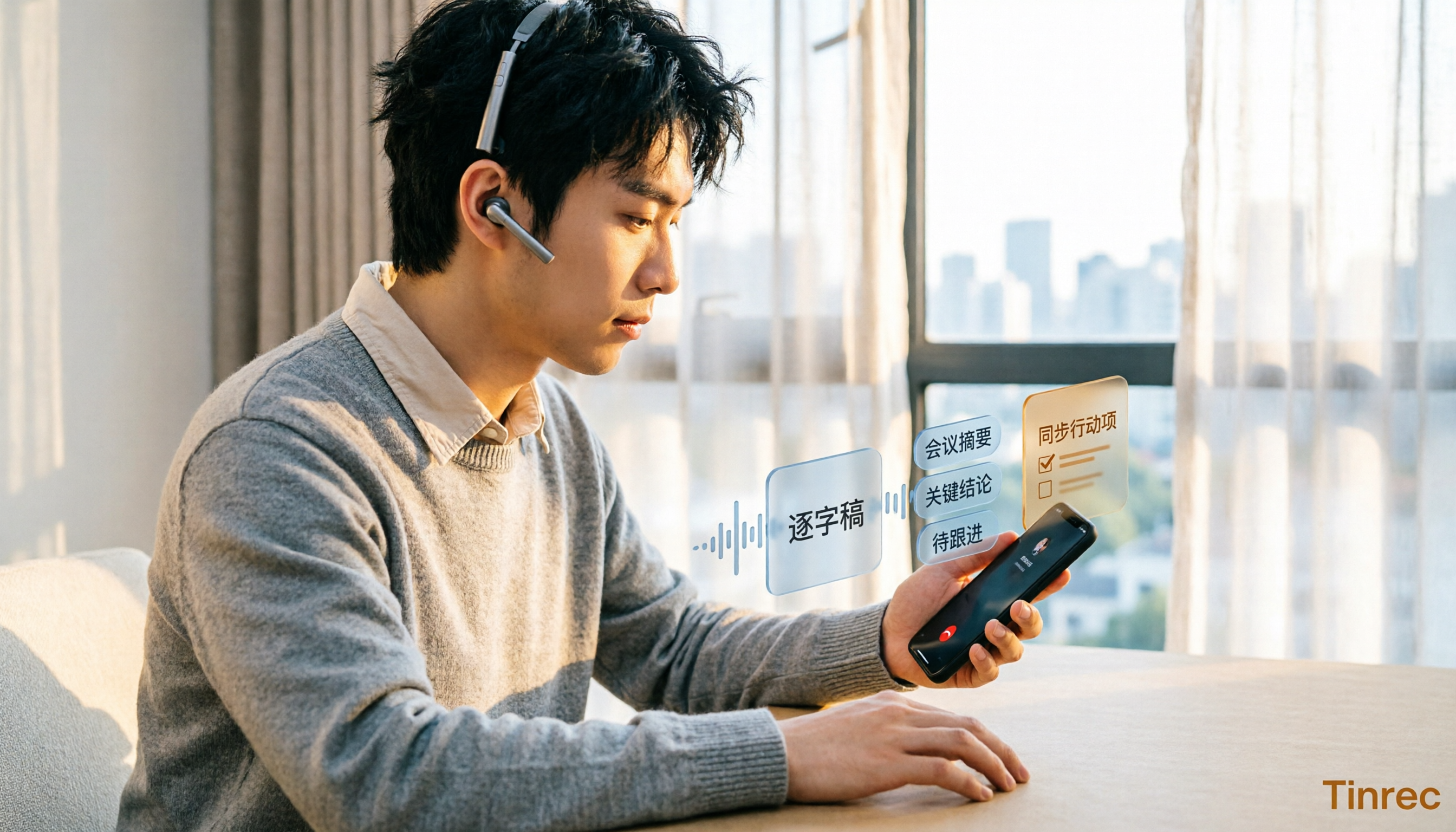
Turn recordings into transcripts and summaries in minutes
Upload audio or video for multilingual transcription, AI notes, and action items
5 iPhone Call Recording Solutions Compared in 2026: From Built-in to AI-Powered Organization
The moment you hang up, you realize you forgot to write down the discount terms the client just mentioned, the delivery date, and that "I'll think about it"—all gone.
This is a daily reality for many office workers. Phone interviews, client inquiries, manager assignments—everything is in the conversation, and once you hang up, only a vague impression remains.
So let's start with the most searched question: Does iPhone actually have a call recording feature?
The answer is: yes, but only on iOS 18.1 or later. And recording is just the first step; the real time sink is turning the recording into a transcript, key points, and to-dos.
This is also my deepest takeaway from testing tools over the years: recording is recording, organizing is organizing. iPhone handles the recording, while AI meeting note tools like Tinrec handle turning audio files into searchable, queryable, shareable data.
What Can iPhone's Built-in Call Recording Do? And What Can't It Do?
First, the good news. Apple officially added built-in call recording to the system starting with iOS 18.1 (versions after September 2024), so you no longer need to install third-party apps or buy extra equipment.
The operation is intuitive: when making or receiving a call, a "Record" button appears in the top-left corner of the call screen. Tap it, a 3-second countdown begins, and then both parties hear a prompt saying "This call will be recorded."
Friends who have actually tested it generally report that the built-in recording quality is quite clear, much better than recording with another phone nearby.
But the limitations are also clear. I've summarized them into four points:
- The other party will definitely know. There is currently no way to turn off this prompt; Apple's design is based on privacy considerations for both parties.
- Only supports regular phone calls and FaceTime. Third-party calls like LINE, Messenger, and WhatsApp are not currently supported.
- Requires a minimum OS version. The button only appears on iOS 18.1 or later.
- Recordings stay in the Notes app. It's an audio file, not an organized meeting record.
One more often overlooked point: recording itself is fine, but how you use it matters. In Taiwan, recording involves consent from both parties; secret recording without notification may carry legal risks. When you need to keep a record, it's safest to speak up first.
Simply put, iPhone solves "recording" but not "making it usable." Three things are still missing in between: transcription, organization, and sharing—and these are exactly what Tinrec does.
After Recording Is the Main Event: What Are the Core Capabilities?
Take a 40-minute phone interview as an example. From audio file to a record you can hand off directly, Tinrec roughly provides these capabilities.
Audio and video file transcription. Upload recordings exported from iPhone Notes, audio files from voice recorders, or even videos shot with a camera, and Tinrec converts them into transcripts. The transcript preserves the original speech, is searchable, and you can click timestamps to replay.
Real-time recording to text. For face-to-face interviews or calls on speakerphone, you can record and get text simultaneously; by the time the meeting ends, the text is already on screen. Audio quality is affected by ambient noise, so a quieter space works best.
Bot-free online meeting recording. This is the part of Tinrec I find most hassle-free. The desktop version directly captures computer system audio to process Zoom, Google Meet, Microsoft Teams, and Webex meetings without inviting a meeting bot, keeping the screen clean.
AI summaries and chapters. Long meetings are automatically segmented, so you can see the structure first and decide which part to read in detail—much more efficient than listening from the beginning.
Action item extraction. Follow-up actions mentioned in discussions are organized, showing who is responsible and what needs to be done at a glance. This is especially useful for sales and project managers.
AI Q&A. After transcription, you can ask questions directly, such as "What was the client's budget cap?" or "Did this meeting mention the delivery date?" without manually scrubbing the timeline.
Real-time translation and multi-format export. For cross-language meetings, you can view the original, translation, or bilingual side-by-side; organized content can be exported to Notion, Google Docs, OneNote, Dropbox, and other tools for further use.
Stop organizing recordings by hand
Upload audio or video and automatically get a transcript, summary, and action items
Practical Application Scenarios: How 4 Workflows Run
Sales and customer service phone follow-ups. After hanging up, drop the audio file into Tinrec, first check the summary to confirm customer needs and objections, then use the to-do list to plan follow-up actions. Previously relying on memory and handwritten notes, now you have a transcript to verify, so you won't misremember quotation terms.
No more bots for online meetings. Use Tinrec desktop version to record weekly meetings and project review meetings directly; summaries and to-dos are generated automatically after the meeting. The team version also centrally stores meeting data, so new members can access historical meetings.
Interview and research organization. Researchers spend the most time re-listening and extracting quotes. After transcribing with Tinrec, search keywords to locate paragraphs directly, and copy quotes for use.
Course and content notes. After converting online courses and lecture recordings to text, use AI Q&A to extract key points, then organize them into notes or article drafts.
5 Things to Note When Choosing Call Recording and Organization Tools
1. Can it handle "already recorded audio files"? Many people only focus on the recording feature but overlook how much time organizing takes afterward. iPhone's built-in recording only gives you an audio file, while Tinrec turns audio files into transcripts, summaries, and to-dos—this is what I would prioritize checking.
2. Chinese and mixed Chinese-English recognition performance. Meetings in Taiwan often mix Chinese and English, along with product codes. Tinrec covers Chinese and multilingual scenarios, and the team version has a custom vocabulary feature where you can pre-load company-specific terms. Actual performance is affected by recording quality, accents, and overlapping speech, so it's best to test with your own recording.
3. Can you ask questions directly after recording? Transcription is just the first step; being able to ask follow-up questions about the content is the real differentiator. Tinrec's AI Q&A can ask questions about a single meeting or across meetings, so you don't have to re-listen to find information.
4. How are permissions managed when the team uses it together? If shared across departments, note that "roles" and "seats" are two different things. In Tinrec's team version, roles determine who can manage members and settings, while seats determine who can record, upload, edit, and export; members without seats can still view and play team data. Team resources belong to the team, and when a member leaves, data is handed over and not taken away.
5. How is pricing calculated and where are quotas used? Tinrec's personal version has a free tier to try basic quotas; for temporary intensive use, there's a weekly pass; for steady use, the Pro monthly plan is suitable; for long-term data accumulation, consider the Pro annual plan. The team version's first eligible trial is 7 days, 1 free seat, and 300 minutes of team shared import quota; monthly billing is USD 29.80 per paid seat, annual billing is USD 199 per paid seat (equivalent to about USD 16.58/month), and each paid seat provides 2,000 minutes of team shared import quota per month. Actual prices and promotions are subject to the official purchase page.
Frequently Asked Questions
Q1: Will the other party know if I use iPhone's built-in call recording? Yes. After tapping record, a 3-second countdown plays, and both parties hear the prompt "This call will be recorded." There is currently no way to turn it off.
Q2: Can I record LINE calls? iPhone's built-in call recording does not support LINE, Messenger, or WhatsApp. In practice, you can use speakerphone and Tinrec's real-time recording to record and transcribe simultaneously, or use a second device to capture audio; audio quality will be affected by ambient noise.
Q3: Can Tinrec record my mobile phone calls for me? No, it won't dial or intercept calls for you. Tinrec is responsible for turning your existing audio files, speakerphone recordings, and online meetings on your computer into usable transcripts and meeting notes.
Q4: Is the free version enough? If you just want to try out transcription and summary effects, the free version's basic quota is enough for one or two experiences. If you have weekly meetings or interview needs, upgrading is more cost-effective.
Q5: Is transcription accuracy high? I don't recommend looking at fixed numbers because results depend on recording quality, accents, background noise, and overlapping speech. A more practical approach: for important content, cross-check the transcript timestamps with the original recording, and manually proofread once when a formal record is needed.
Conclusion
iPhone's call recording feature indeed fills a long-standing gap. After iOS 18.1, regular calls and FaceTime can be recorded, and the audio quality is good.
But it gives you an audio file, not a record you can act on. What really determines efficiency is how you transcribe, organize, and share with your team after recording.
If you have weekly phone interviews, client communications, or online meetings, I would suggest starting with Tinrec's free version to try the complete workflow once: upload a recording, see it generate summaries and to-dos, and then decide whether to incorporate it into your daily workflow. Recording is the starting point; reusable data is the result.
References
- How to Record Calls on iPhone? 5 iPhone Call Recording Methods Revealed!
- How to Record Calls on iPhone? Can It Be Done Without Being Noticed? 5 Recording Tutorials at Once - Apple Almond - iPhone/iOS/Tech Media
- How to Use iPhone Call Recording? Full Analysis of Built-in iOS Call Recording and Transcription Features - Mr. Mad
- [Phone Tips] 2026 iPhone Built-in "Call Recording" Feature Tutorial! iOS Enable Call Recording/Key Points to Note | Jyes Communication ~ Challenging the Lowest Phone Market Prices
- iPhone Call Recording Tutorial: Step-by-Step Guide to Phone Recording
Turn every recording into actionable outcomes
Get 60 free transcription minutes when you sign in. No credit card required.
Related Reading
You might also like

iPhone Native Capture vs Tinrec in 2026: A 4-Dimension Comparison for Recording and Organizing LINE Calls
LINE calls don't have built-in recording, but iPhone users can use iOS 26's Native Capture to record calls, then import the audio into Tinrec for transcription, summaries, and action items. This article compares the two across four dimensions—recording method, audio source, file storage, and post-call organization—and provides step-by-step instructions, common mistakes, and recommendations.
3 iPhone Screen Recording Audio Solutions Compared for 2026: Built-in, Third-Party Apps, and AI Post-Processing
iPhone screen recording can capture audio, but you need to distinguish between system audio and microphone input—call audio from the other party usually can't be recorded. This article compares built-in screen recording, third-party apps, and Tinrec's post-meeting organization to help you avoid common mistakes that lead to silent recordings.

Is Recording Meetings Illegal in 2026? 5 Steps to Assess and Protect Yourself
Recording a meeting is not necessarily illegal, and recording for self-protection does not guarantee you are safe. This article breaks down the practical assessment under Article 315-1 of the Criminal Code, the Communication Security and Surveillance Act, and Article 12 of the Labor Standards Act in 5 steps, and compiles free audio-to-text tools to help you assess risks, preserve evidence, and organize transcripts.

5 Best AI Transcription Tools in 2026: Chinese Meetings, Team Collaboration, and Free Tiers Explained
Meetings end, recordings pile up, and minutes are due tomorrow—this article doesn't copy official feature lists. It cross-checks the official plans, quotas, and limitations of five AI transcription tools: Tinrec, Yating Transcription, Vocol.ai, Notta, and Granola, and honestly tells you which numbers to trust and which claims to discount. Finally, it offers selection advice based on three needs: Chinese meetings, team collaboration, and free quotas.

3 Fast iPhone Recording Methods for 2026: One-Tap Setup and Use Case Comparison
Compare three built-in iPhone quick recording methods: Action Button, Back Tap, and Shortcuts. Includes setup steps, supported models, free usage, and limitations to help you start recording fast in meetings, interviews, or unexpected situations without hunting for an app.

Fast iPhone Recording in 2026 vs Tinrec: 3-Dimension Comparison — Which Saves More Post-Meeting Time?
A rundown of 3 free ways to quickly start recording on iPhone — Action Button, Back Tap shortcut, and Home Screen shortcut — plus a comparison of the free tier and team plan limits of the post-meeting tool Tinrec, to help busy managers never miss a recording during meetings and spend less time organizing afterward.
How to Record Clean Audio in 2026: 3-Stage Mic Check + Tinrec Meeting Notes
Instead of worrying about noise reduction after recording, reduce noise upfront by checking your environment, microphone placement, gain, and wired connection. This guide walks you through a 3-stage check for clean vocals and explains how Tinrec turns meeting recordings into transcripts, summaries, and action items.

The Complete Guide to Cantonese Audio Transcription in 2026: Choosing Tools from Verbatim Transcripts to Meeting Minutes
Cantonese audio transcription isn't just about accuracy—it also needs to handle colloquial speech, mixed Chinese-English, and post-meeting organization. Based on real-world use cases, this article outlines 4 key selection criteria, introduces Tinrec's bot-free meeting notes, AI summaries, and team collaboration, and compares the suitable scenarios for Otter.ai, Notta, and Granola.

5 Phone Call Recording Methods Tested and Compared in 2026: How to Record Legally and Effortlessly
Can you record phone calls freely? The answer is no, not freely—but you can record with method. This article breaks down 5 common phone recording approaches from legal, consent, purpose, and post-recording organization perspectives, and explains why 'recording it' is only the first step—what really saves effort is turning recordings into searchable, queryable transcripts and summaries.