
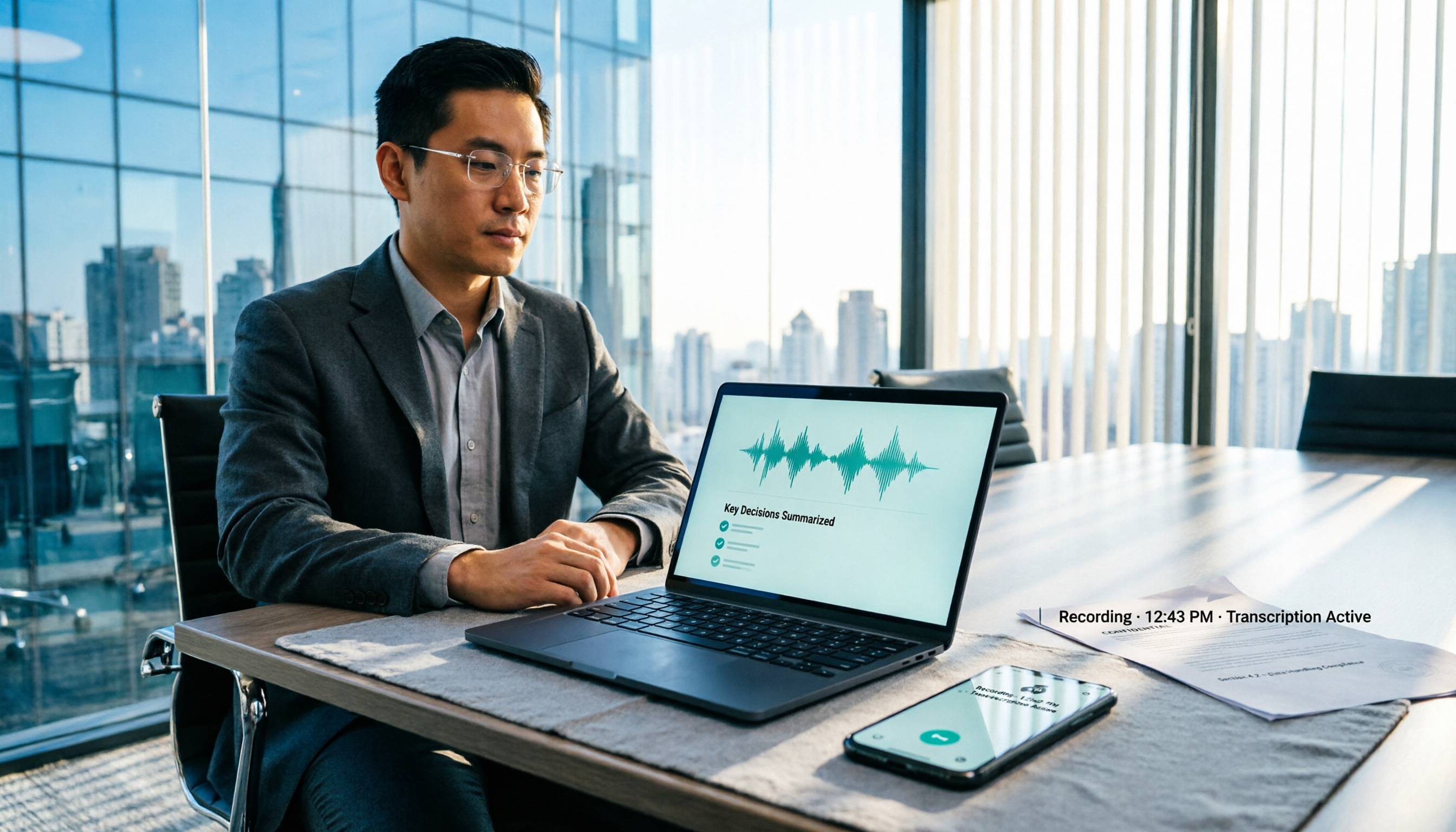
Turn recordings into transcripts and summaries in minutes
Upload audio or video for multilingual transcription, AI notes, and action items
5 Meeting Recording Scenarios in 2026: Which Protect You and Which Violate Criminal Law?
Last month, a reader who manages a team messaged me: he pressed the record button on his phone in the meeting room to capture his supervisor's instructions, but a colleague next to him saw it. The next day, HR asked to "have a chat."
He asked me one question: Is recording a meeting actually illegal?
Honestly, there's no standard answer. The same recording action can be used by some as self-protection evidence, while others are investigated for the offense of breach of secrecy.
In this article, I've organized the 5 most common meeting recording scenarios, compared them against Article 315-1 of the Criminal Code, the Communication Security and Surveillance Act, and Article 12 of the Labor Standards Act, and then compared how to turn the content into usable data after recording.
Let me be clear upfront: I'm not a lawyer. This article is a compilation of legal and product information, not legal advice. For individual cases, please consult a lawyer.
4 Factors That Affect Legality
Many people think the act of "recording" itself is illegal. It's not.
What's actually judged are these things:
First, who you are. Are you a party to the conversation, or a third party who isn't present at all?
Second, whether the occasion is public. A closed meeting room with limited attendees and soundproofing by the company is likely to be considered a "non-public activity" in practice.
Third, whether there's a legitimate reason. The law says "without due cause." Recording to protect yourself from being blamed versus recording to collect company secrets are completely different matters.
Fourth, how you use it after recording. Keeping it for yourself or giving it to a lawyer is very different in risk from editing it and posting it online for public shaming or forwarding it to a competitor.
As for the post-recording organization process, it's roughly: upload or record → convert to transcript → extract summary and action items → export or keep in team space. This part doesn't affect the legality judgment, but it affects whether you can quickly find that key sentence afterward.
The 5 Scenarios Compared
This time, it's not 5 apps being compared, but 5 recording scenarios.
The reason for comparing scenarios is that legal risk is almost never determined by the tool, but by "who you are, where you record, why you record, and how you use it after recording."
Disclosure: I usually review meeting minutes tools, and the workflow section will use Tinrec as an example. This is product background disclosure. The legal section is based on public information from prosecutors' offices, law firms, and court rulings.
Comparison Method and Conditions
- Legal data verification date: August 2026, referencing Article 315-1 of the Criminal Code, Articles 24 and 29 of the Communication Security and Surveillance Act, Article 12 of the Labor Standards Act, and the Supreme Court ruling No. 105-Tai-Shang-Zi-1434.
- Tool pricing and quota verification date: August 2026, based on each product's official pricing page and product information; prices may change, please check the official website again before purchasing.
- No actual timed testing was conducted, so no speed rankings are listed, and official claims are not presented as my own test results.
- Conditions that could not be standardized: Everyone's meeting type, recording equipment, and venue privacy level differ, so the following can only serve as general guidelines, not guarantees.
Risk Summary Table for 5 Scenarios
| Scenario | Are you a party to the conversation? | Nature of occasion | Main risk | My judgment |
|---|---|---|---|---|
| Recording a meeting you participate in, fearing being blamed | Yes | Non-public | Criminal Code Art. 315-1, Labor Standards Act Art. 12 | More defensible, but still depends on means and purpose |
| Recording a meeting you participate in, to capture company secrets | Yes | Non-public | Trade secrets, Labor Standards Act Art. 12 | High risk, different from self-protection |
| Not a participant, secretly placing a recorder in the meeting room | No | Non-public | Criminal Code Art. 315-1 secret recording | Highest risk, objectively secret recording of others' non-public activity |
| Recording public occasions, public lectures, public livestreams | Not necessarily | Public | Low risk of breach of secrecy, but portrait and personal data issues separate | Relatively safe, but doesn't mean you can distribute freely |
| Editing and posting online for public shaming, forwarding after recording | Not necessarily | Not necessarily | Privacy, personal data, defamation, trade secrets | Recording itself is fine, usage can cause problems |
Scenario Breakdown
Scenario 1: Recording a meeting you participate in, for self-protection
This is the most common and most asked-about type.
According to the Taiwan High Prosecutors Office, recording mainly involves the offense of breach of secrecy under Article 315-1, Paragraph 2 of the Criminal Code, and the offense of illegal surveillance under Article 24, Paragraph 1 of the Communication Security and Surveillance Act.
However, Article 29, Paragraph 3 of the Communication Security and Surveillance Act also mentions the case where the surveillant is a party to the communication. In plain terms: if you are in the conversation yourself, the legal evaluation is different from hiding outside the door and secretly recording.
Furthermore, the Criminal Code punishes "without due cause." If you keep evidence because you're worried your supervisor is instructing something illegal and will later blame you, there's room in practice to consider it not "without due cause."
My view: This path is more defensible, but only if you are actually sitting in that meeting and the recording is to preserve evidence, not to dig up things you weren't meant to know.
Scenario 2: Recording a meeting you participate in, but for company secrets
This type is easily mistaken for "anyway, I'm a participant, so recording must be fine."
Wrong.
If the labor contract or work rules explicitly prohibit recording and leaking trade secrets, and the content you record involves company trade secrets and you leak it, you could hit the serious circumstances under Article 12 of the Labor Standards Act.
To put it plainly: self-protection and collecting secrets differ by one word in motive, but the risk differs greatly.
Scenario 3: Not a participant, secretly placing a recorder
This is the highest risk type.
104 Workplace Power once used a case to explain: if you are not any party to the meeting but secretly place recording equipment in the meeting room, objectively it already constitutes secret recording of others' non-public activity; the only remaining issue is whether there is "due cause."
Stop organizing recordings by hand
Upload audio or video and automatically get a transcript, summary, and action items
Moreover, if the company involves commercial interests, it usually ensures unrelated people cannot participate and the meeting room is soundproofed, which makes it easier to be deemed a "non-public activity."
Honestly, I wouldn't recommend anyone try this.
Scenario 4: Recording public occasions and public speech
For public lectures, public livestreams, and public press conferences, the risk of breach of secrecy from private recording is relatively low.
But "can record" doesn't mean "can use freely."
The Taiwan High Prosecutors Office also reminds that whether the evidence collection method exceeds necessary scope, whether there's intent to infringe portrait rights, and whether there's unauthorized forwarding or alteration are separate points to consider.
Scenario 5: Editing and posting online for public shaming after recording
This is the part most people overlook.
The recording itself may be fine, but if you edit a segment, add a headline, and post it on social media for public shaming, the risk shifts from breach of secrecy to privacy, personal data, defamation, and even trade secrets.
My advice is direct: if the recording is to be used as evidence, don't post it first.
If the company finds out, will you be fired?
This is also the most common question from readers.
Under Article 12 of the Labor Standards Act, an employer must meet the conditions specified in the law to fire an employee. If it's only for self-protection and doesn't involve trade secrets, firing someone directly on the grounds of recording may lead to a dispute over illegal dismissal.
Practical advice: Don't resign voluntarily, preserve the recording evidence well, and seek legal assistance if necessary.
How to Organize After Recording: Tinrec Workflow
Assuming you're sure you're on the legal side, the next question is: for a two-hour meeting recording, how do you find that one sentence your supervisor said within 30 minutes?
The workflow I currently use is Tinrec. The reason is simple: Chinese meetings, no need to invite a meeting bot, and you can ask directly after recording.
Step 1: Confirm the recording method
- Offline meetings: Use your phone or computer to record in real-time, transcribing while recording.
- Online meetings: Use the desktop version to capture computer system audio, handling Zoom, Google Meet, Microsoft Teams, Webex without needing an extra bot to join the meeting.
- Existing audio files: Directly upload audio or video files for transcription.
Note that Tinrec is not a bot that automatically joins all calendar meetings. You need to open the desktop version yourself to start recording.
Step 2: Transcription and real-time translation
Chinese meeting transcription is its main scenario, and mixed Chinese-English is also supported.
But it doesn't publicly promise a fixed accuracy rate. Actual performance is affected by recording quality, noise, accents, overlapping speakers, and technical terms, so this should be clarified upfront.
Step 3: Summary, chapters, and action items
After recording, it generates a summary, chapter highlights, and action items.
This part is where I find the most time savings. For a two-hour meeting, I don't re-listen; I look at the summary first, then click back to the transcript timestamps to verify.
Step 4: AI Q&A and export
You can directly ask it "What was the final delivery date the supervisor promised?" and let it find the answer from the meeting content.
Results can be exported to Notion, Google Docs, OneNote, Dropbox, and other tools, and can further generate reports, tables, or meeting minutes.
Step 5: Team retention
For team use, the team version provides an independent team space where meeting data belongs to the team, with roles, seats, usage analysis, audit logs, and an audio recycle bin.
Here it's important to distinguish: roles govern administration, seats govern usage. Members without seats can still view, play, and read team data, but cannot upload, edit, or export.
Also, currently it's mainly team-level sharing, not file-level granular permissions. Many people care about this, so I'm stating it clearly.
(Some capabilities of the team version are still in the confirmation stage before official public release; actual status is subject to the official website.)
Pricing and Quota Comparison
The following is official data verified in August 2026, listed on the same basis, for reference only.
| Tool | Free plan | Paid plan | Notes |
|---|---|---|---|
| Tinrec Personal | Free version available with basic quota | Weekly card, Pro monthly, Pro annual (prices subject to official website) | Short-term choose weekly, long-term choose annual |
| Tinrec Team | 7-day trial for first-time eligible, 1 free seat, 300 minutes shared import | Monthly USD 29.80/paid seat/month; annual USD 199/paid seat/year, about USD 16.58/month | 2,000 minutes shared import per seat per month; real-time recording currently not deducted by minutes under valid plans |
| Otter.ai | Basic free, 300 minutes per month | Pro annual about USD 8.49/user/month, 1,200 minutes per month, 10 file imports | Subject to official pricing page |
| Fireflies.ai | Free USD 0 | Pro USD 10/seat/month, Business USD 19, Enterprise USD 39 (annual) | Unlimited transcription still subject to storage and rate rules |
| Notta | Free 120 minutes per month, max 3 minutes per session | Pro annual about USD 8.17/month, 1,800 minutes; Business annual about USD 16.67/seat/month | Subject to official pricing page |
| TurboScribe | 3 files per day, 30 minutes per file | Unlimited annual USD 120, about USD 10/month | Paid version max 10 hours or 5GB per file |
| Granola | Basic free | Business USD 14/user/month, Enterprise USD 35 | Does not support uploading pre-recorded audio files, does not save meeting audio |
| PLAUD | Starter 300 minutes per month | NotePin USD 159, Note Pro USD 189; Pro USD 99.99/year, 1,200 minutes; Unlimited USD 239.99/year | Hardware separate |
Conclusion: Choose by Need
First, the legal side.
Those seeking self-protection: Recording meetings you participate in, with legitimate reasons, and properly preserving without distributing randomly, is a relatively defensible approach.
Those not present but wanting to record: Objectively it's secret recording of others' non-public activity; I don't recommend it.
Those called in by the company: Don't resign voluntarily, preserve evidence, and find a lawyer.
Next, the tool side.
Chinese meetings, no bot invitation, team retention: Tinrec is what I would choose currently. Bot-free desktop recording, Chinese transcription, summary and action items, AI Q&A, and team space are practical for small and medium teams.
Primarily English business meetings: Otter and Fireflies are still more mature.
Large long files, batch transcription: TurboScribe has advantages in long files and batch processing.
Wanting physical recording equipment: Hardware like PLAUD has its use cases, but requires an additional equipment cost.
Final reminder: This article did not conduct actual timed testing, and the sample does not cover all meeting types. I recommend verifying with your own audio files and meeting scenarios before deciding whether to migrate your workflow.
References
- 5 Meeting Recording Scenarios in 2026: Which Protect You and Which Violate Criminal Law? - Tinrec Blog
- How Companies Can Prevent Others from Secretly Recording Meetings - Huaian Law Firm
- Your Evidence? Their Privacy? - Life and Law - Taiwan High Prosecutors Office
- Is Recording a Meeting with a Supervisor Illegal? - law110 Legal Consultation Network
- You Think Recording Protects You, Beware of Becoming "Violating Criminal Law" Secret Recording! - 104 Workplace Power
- Otter.ai, Fireflies.ai, Notta, TurboScribe, Granola, PLAUD official pricing pages (verified August 2026)
(This article is not legal advice; for individual cases, please consult a lawyer.)
References
- 5 Meeting Recording Scenarios in 2026: Which Protect You and Which Violate Criminal Law? - Tinrec Blog
- How Companies Can Prevent Others from Secretly Recording Meetings - Huaian Law Firm
- Your Evidence? Their Privacy? - Life and Law - Taiwan High Prosecutors Office
- Is Recording a Meeting with a Supervisor Illegal? ., Dear friends, working at a financial institution, to prevent supervisors from instructing violations of regulations or lobbying, and later being blamed, a friend recorded in meetings he participated in or in his supervisor's office
- You Think Recording Protects You, Beware of Becoming "Violating Criminal Law" Secret Recording! | 104 Workplace Power
Turn every recording into actionable outcomes
Get 60 free transcription minutes when you sign in. No credit card required.
Related Reading
You might also like
5 Free Real-Time Transcription Tools Worth Trying in 2026: Traditional Chinese Recognition and Free Quotas Explained
Many people misunderstand free transcription tools, thinking that free means unlimited recording. This article reviews the free quotas, real-time transcription capabilities, and limitations of five tools: Tinrec, Yating Transcription, Good Tape, Notta, and TurboScribe, with a comparison table verified in August 2026 to help you determine which one truly meets your needs.

2026 Real-Time Transcription Cost Comparison: Yating at $100/Hour vs. Tinrec Team Plan—Is It Worth It?
When searching for 'real-time transcription cost,' the most common mistake is assuming 'free real-time recording' means the entire service is free, or comparing audio hours with seat fees. This article breaks down the billing logic, free quotas, online meeting capture methods, and post-meeting organization costs of Yating Transcription and Tinrec Team Plan across five dimensions to help you calculate the real cost.

2026 Comparison of 4 iPhone Recording Apps: Which One Turns Recordings into Searchable Meeting Data?
2026 iPhone recording app comparison: Apple's built-in Voice Memos is great for quick recordings, while Tinrec excels at post-meeting transcription with summaries, action items, AI Q&A, and team knowledge retention; Otter.ai and Notta have strengths in English meetings and file transcription. This article runs the same Chinese meeting recording through each app's workflow, and provides buying criteria, pitfalls to avoid, and scenario-based recommendations.

Samsung Call Recording Guide 2026: Built-in Features, Free Apps, and Recording Management Limits
Whether a Samsung phone has call recording depends on the model, One UI version, and region. This article covers how to check for built-in features, free third-party apps, screen recording, and hardware solutions, and explains how to use Tinrec to transcribe and summarize call recordings, along with limitations and legal reminders.
2026 Comparison of 4 Windows Recording Methods: What Happens After Recording Is Key
Windows has built-in recording features, but Voice Recorder, Xbox Game Bar, OBS, and AI meeting tools solve completely different problems. Based on real usage scenarios, this article breaks down the limits of four recording methods and explains why 'how you organize after recording' is the key to efficiency.

2026 Windows 11 Recording Tools Tested: Which Saves the Most Time from Class to AI Summaries?
Starting from college students' classroom and group project scenarios, we tested Windows 11 built-in recording, Xbox Game Bar, Stereo Mix, Otter.ai, and Tinrec to see who each suits, how to record system audio, and how to use AI to find key points after recording.

Where Are iPhone Recordings in 2026? 5 Steps to Find Voice Memos and Organize Highlights
Can't find a recording after you finish? It's one of the most common iPhone frustrations. This guide starts with the usual mistake, shows you exactly where the Voice Memos app lives, walks through 5 steps to record, rename, export, and share, and lists 6 ways to process recordings afterward—so your audio becomes searchable, queryable data.
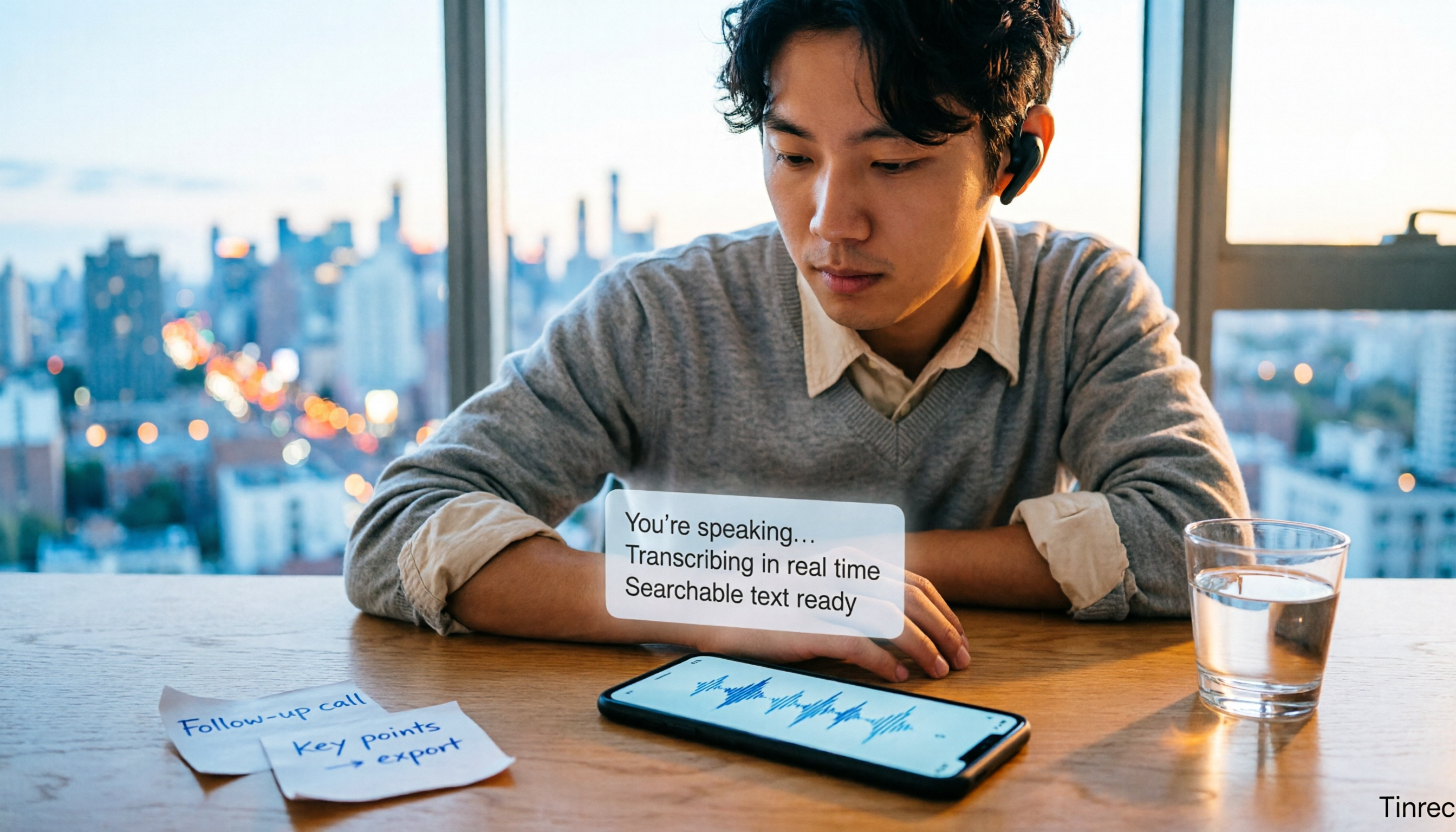
3 iPhone LINE Call Recording Methods Tested for 2026: Which One Turns Recordings into Transcripts
LINE has no built-in call recording, and iPhone users often discover after recording that they only captured their own voice. This article addresses three common misconceptions and compares iOS 26 native capture, screen recording, and post-recording transcription workflows, explaining how to turn a call recording into searchable, queryable, actionable meeting data.

Best AI Recording Tools in 2026: 5 Tested, This One Wins for Chinese Meetings
How to choose an AI recording tool? Start with the key question: where does your meeting happen? This guide uses Tinrec to demonstrate 5 steps from recording and transcription to summaries, action items, and AI follow-up questions. Then it compares 5 tools—Penpower AI Voice Recorder, Plaud, soundcore Work, built-in phone apps, and NotebookLM—to help you pick the right combo.