

Turn recordings into transcripts and summaries in minutes
Upload audio or video for multilingual transcription, AI notes, and action items
2026 Comparison of 4 iPhone Recording Apps: Which One Turns Recordings into Searchable Meeting Data?
What you really need to choose isn't "which app can record audio" but "after recording, can this audio file become searchable, organized, and transferable meeting data?" If you're just jotting down ideas, the built-in iPhone Voice Memos is sufficient. But if you have meetings every day, need to write meeting minutes, and follow up on action items, simple recording will leave you stuck re-listening and typing. What's more troublesome is Chinese meetings, mixed Chinese-English, and online meetings with multiple speakers—if audio quality is poor, the subsequent organizing cost is even higher. This article runs the same meeting recording through each app's workflow to help you choose the right iPhone recording app in 2026.
Why "Can Record" Doesn't Equal "Can Organize": Clarify Your Decision Focus First
After the Monday morning meeting, your manager asks you, "Who was responsible for that budget issue last week?" You only remember roughly, but you have to listen from the beginning of a 40-minute recording. After a client interview, key points are scattered throughout the conversation, and re-listening takes half an hour. Cross-department weekly meetings are even more troublesome: mixed Chinese-English, multiple people talking over each other, the recording file is saved but hasn't become a searchable record.
The common thread in these scenarios is: what you lack isn't a record button, but the organizing workflow after recording. Rather than testing every app's record button, first see if it can turn audio files into summaries, action items, and meeting data you can query.
Before Choosing an iPhone Recording App, Understand These 5 Key Points
Test method: Use the same 5-minute Chinese meeting recording (iPhone built-in microphone, indoor environment, minor keyboard noise), and run through the "record → transcribe → summarize → action items → Q&A → export" workflow for each app. We don't take official accuracy claims as conclusions, but rather whether the output can be directly used for post-meeting organization.
1. Look at the recording source first, not just the record button. iPhone built-in Voice Memos is suitable for quick recordings and interview backups; but for online meetings, check whether the tool can handle system audio played from a computer. Tinrec desktop version can directly capture system audio without needing to invite a meeting bot to join.
2. Then look at the post-transcription output. A transcript alone isn't enough; also check for summaries, chapters, action items, and AI Q&A. Tinrec puts these in the same meeting workflow, so you don't need to open three tools to piece things together after recording.
3. Chinese and multilingual capabilities must match real meetings. Look at Chinese, mixed Chinese-English, real-time translation, and team hotwords. Tinrec focuses on Chinese meetings, multilingual transcription, real-time translation, and bilingual viewing; actual performance is still affected by audio quality, accent, noise, and technical terminology.
4. For team use, look at governance, not just shared links. For personal use, check export formats; for team use, check spaces, roles, seats, usage, audit, and recycle bin. Tinrec team version has team spaces, member and seat management, usage analytics, audit logs, audio recycle bin, and team hotwords.
5. Clarify quota definitions. Free quota, per-session limits, file import minutes, and whether real-time recording deducts minutes are all different things. Under an active plan and active seats, Tinrec team version currently does not deduct minutes for real-time recording; file and web imports use team shared import minutes.
Tinrec — The Top Choice for Meeting Organization After Testing
Tinrec is an AI meeting notes and collaboration tool for individuals and teams, covering mobile, desktop, and web. It doesn't just convert audio to text; it organizes meeting recordings into data that is searchable, summarizable, queryable, exportable, and ready for further processing.
First, online meetings. Tinrec desktop version directly captures computer system audio, and can handle meeting audio played on a computer from platforms like Zoom, Google Meet, Microsoft Teams, and Webex, without needing an extra bot to join as a participant; this doesn't mean official partnerships with these platforms. You need to actively open Tinrec to start recording; currently it's not a mode that automatically joins all calendar meetings.
Next, post-meeting organization. After recording or importing an audio file, Tinrec generates a transcript and can automatically organize summaries, chapters, key points, and action items. You can directly ask questions about the meeting content, such as "Who mentioned the budget in the last meeting?" or "What did the client ultimately commit to?" without manually Ctrl+F through the transcript. Results can be exported to tools like Notion, Google Docs, OneNote, and Dropbox, or post-processed with Agent to generate reports, tables, and documents.
Stop organizing recordings by hand
Upload audio or video and automatically get a transcript, summary, and action items
Team scenarios are another focus of Tinrec. The team version provides independent team spaces where meeting data belongs to the team, and you can manage owners, admins, and regular members, assign or revoke seats, view usage trends, member rankings and details, manage team hotwords, query and export audit logs, and use the audio recycle bin. The first eligible team trial is 7 days, 1 free seat, 300 minutes of team shared import quota; team monthly payment is USD 29.80/paid seat/month, annual payment is USD 199/paid seat/year, equivalent to about USD 16.58/month; paid seats provide 2,000 minutes of team shared import quota per month. Prices and benefits are subject to the official purchase page. The personal version has a free version, weekly card, Pro monthly card, and Pro annual card, suitable for choosing based on usage frequency.
Hands-on impression: For the same 5-minute Chinese meeting recording, Tinrec's workflow completeness is the highest—after transcription, you can directly view summaries, pull action items, ask questions, and export. Transcript readability is sufficient to support post-meeting organization, but important numbers and decisions should still be verified by re-listening to the original recording.
Pro 1: No bot for recording online meetings. For those who don't want extra accounts joining meetings, capturing system audio on desktop is a cleaner approach.
Pro 2: Complete post-transcription workflow. Summaries, chapters, action items, AI Q&A, translation, export, and Agent post-processing are all in one workflow, saving post-meeting rework.
Pro 3: Team data can be retained. Team spaces, roles, seats, usage, audit, and recycle bin ensure meeting data doesn't just stay on personal phones.
Limitations should also be clear. The free version has basic quota; heavy users need to look at paid plans; the team version currently focuses on team-level sharing, with role-based governance and seat-based usage control, not document-level ACL fine-grained permissions; members without seats can view, play, and read team data, but cannot upload, edit, import, or export.
Who is it for? If you frequently record Chinese meetings, don't want bots in online meetings, want to directly ask AI to find key points after meetings, or need teams to share meeting data and manage seats, Tinrec is the best-fit choice in this test.
Besides Tinrec, What Other Options Are There?
Apple Voice Memos: Built into iPhone, free, with recording, trimming, replacing, saving, and transcription features, and supported models can use spatial audio. Suitable for quickly capturing ideas, class notes, or interview backups. But its endpoint is audio files and transcripts; it doesn't automatically extract action items or chapters, nor can it put meeting data into team spaces—these are exactly the gaps that Tinrec's meeting workflow fills.
Otter.ai: A veteran choice for English business meetings, Basic free is 300 minutes per month, Pro annual payment is equivalent to USD 8.49/user/month, including 1,200 minutes of in-app recording and 10 file imports per month. If you mainly record English meetings, it's straightforward. The public plans compared in this article do not list team hotwords and audio recycle bin; Tinrec team version has these governance and terminology management capabilities.
Notta: Strong in multilingual transcription and file processing, Free is 120 minutes per month, max 3 minutes per session, Pro annual payment is equivalent to USD 8.17/month, 1,800 minutes per month. Suitable for file transcription, subtitles, and translation. The public plans compared in this article do not list audio recycle bin and audit logs; Tinrec team version lists them as team governance capabilities.
Pitfall Guide: The 4 Most Common Mistakes When Choosing a Recording App
Pitfall 1: Only looking at total free minutes, not per-session limits. Notta Free is 120 minutes per month, but max 3 minutes per session; if you want to record a one-hour meeting, the total minutes seem enough, but you'll be cut off by the per-session limit. Check per-session limits first, then total quota.
Pitfall 2: Treating "recording" as "meeting minutes." Apple Voice Memos has transcription, but action items, chapters, and Q&A need to be done separately. Rather than typing after recording, choose a tool that turns transcription into a workflow, such as Tinrec's summaries, action items, and AI Q&A.
Pitfall 3: Ignoring audio retention and team handover. Granola doesn't save meeting audio and doesn't support uploading pre-recorded audio files; if team data is tied to personal accounts, it's troublesome when someone leaves. Tinrec team version audio recycle bin currently retains for 30 days, team resources belong to the team, and resources need to be handed over when members leave.
Pitfall 4: Check laws first for call recording. Before recording calls, inform the other party and comply with local laws; different sources have different claims about whether iPhone has built-in call recording, and this article doesn't use it as a main buying reason. If you need call recording, first confirm the iOS version and local regulations, and don't use it for eavesdropping.
Conclusion: Which One Should You Choose?
In one sentence: If what you want is "organize after recording, query, and handover," Tinrec is the top choice in this test.
- Daily Chinese meetings, need transcript + summary + action items after → Tinrec
- Online Zoom, Google Meet, Teams, don't want bots to join → Tinrec desktop version
- Want to directly ask "who mentioned the budget" after recording, export to Notion or Google Docs → Tinrec
- Team needs to share meetings, manage seats and audit → Tinrec team version (first 7 days 1 free seat 300 minutes shared import; monthly USD 29.80/paid seat/month, annual USD 199/paid seat/year, about USD 16.58/month, subject to purchase page)
- Only record English meetings and budget is 0 → Otter.ai (the only exception in this article)
If you're not sure, first take a recording of your own meeting and run through the "record → transcribe → summarize → Q&A → export" workflow with Tinrec free version; you'll know if it saves time after one test.
References
Turn every recording into actionable outcomes
Get 60 free transcription minutes when you sign in. No credit card required.
Related Reading
You might also like

5 Free Real-Time Transcription Tools Worth Trying in 2026: Traditional Chinese Recognition and Free Quotas Explained
Many people misunderstand free transcription tools, thinking that free means unlimited recording. This article reviews the free quotas, real-time transcription capabilities, and limitations of five tools: Tinrec, Yating Transcription, Good Tape, Notta, and TurboScribe, with a comparison table verified in August 2026 to help you determine which one truly meets your needs.

2026 Real-Time Transcription Cost Comparison: Yating at $100/Hour vs. Tinrec Team Plan—Is It Worth It?
When searching for 'real-time transcription cost,' the most common mistake is assuming 'free real-time recording' means the entire service is free, or comparing audio hours with seat fees. This article breaks down the billing logic, free quotas, online meeting capture methods, and post-meeting organization costs of Yating Transcription and Tinrec Team Plan across five dimensions to help you calculate the real cost.

Samsung Call Recording Guide 2026: Built-in Features, Free Apps, and Recording Management Limits
Whether a Samsung phone has call recording depends on the model, One UI version, and region. This article covers how to check for built-in features, free third-party apps, screen recording, and hardware solutions, and explains how to use Tinrec to transcribe and summarize call recordings, along with limitations and legal reminders.

2026 Comparison of 4 Windows Recording Methods: What Happens After Recording Is Key
Windows has built-in recording features, but Voice Recorder, Xbox Game Bar, OBS, and AI meeting tools solve completely different problems. Based on real usage scenarios, this article breaks down the limits of four recording methods and explains why 'how you organize after recording' is the key to efficiency.

2026 Windows 11 Recording Tools Tested: Which Saves the Most Time from Class to AI Summaries?
Starting from college students' classroom and group project scenarios, we tested Windows 11 built-in recording, Xbox Game Bar, Stereo Mix, Otter.ai, and Tinrec to see who each suits, how to record system audio, and how to use AI to find key points after recording.

Where Are iPhone Recordings in 2026? 5 Steps to Find Voice Memos and Organize Highlights
Can't find a recording after you finish? It's one of the most common iPhone frustrations. This guide starts with the usual mistake, shows you exactly where the Voice Memos app lives, walks through 5 steps to record, rename, export, and share, and lists 6 ways to process recordings afterward—so your audio becomes searchable, queryable data.

5 Meeting Recording Scenarios in 2026: Which Protect You and Which Violate Criminal Law?
Is recording a meeting illegal? This article compares 5 common scenarios against Article 315-1 of the Criminal Code, the Communication Security and Surveillance Act, and Article 12 of the Labor Standards Act. It outlines practices that can protect you and those that risk breaking the law, and compares workflows for using Tinrec to organize transcripts, summaries, and action items after recording, along with official pricing and quotas for each tool.
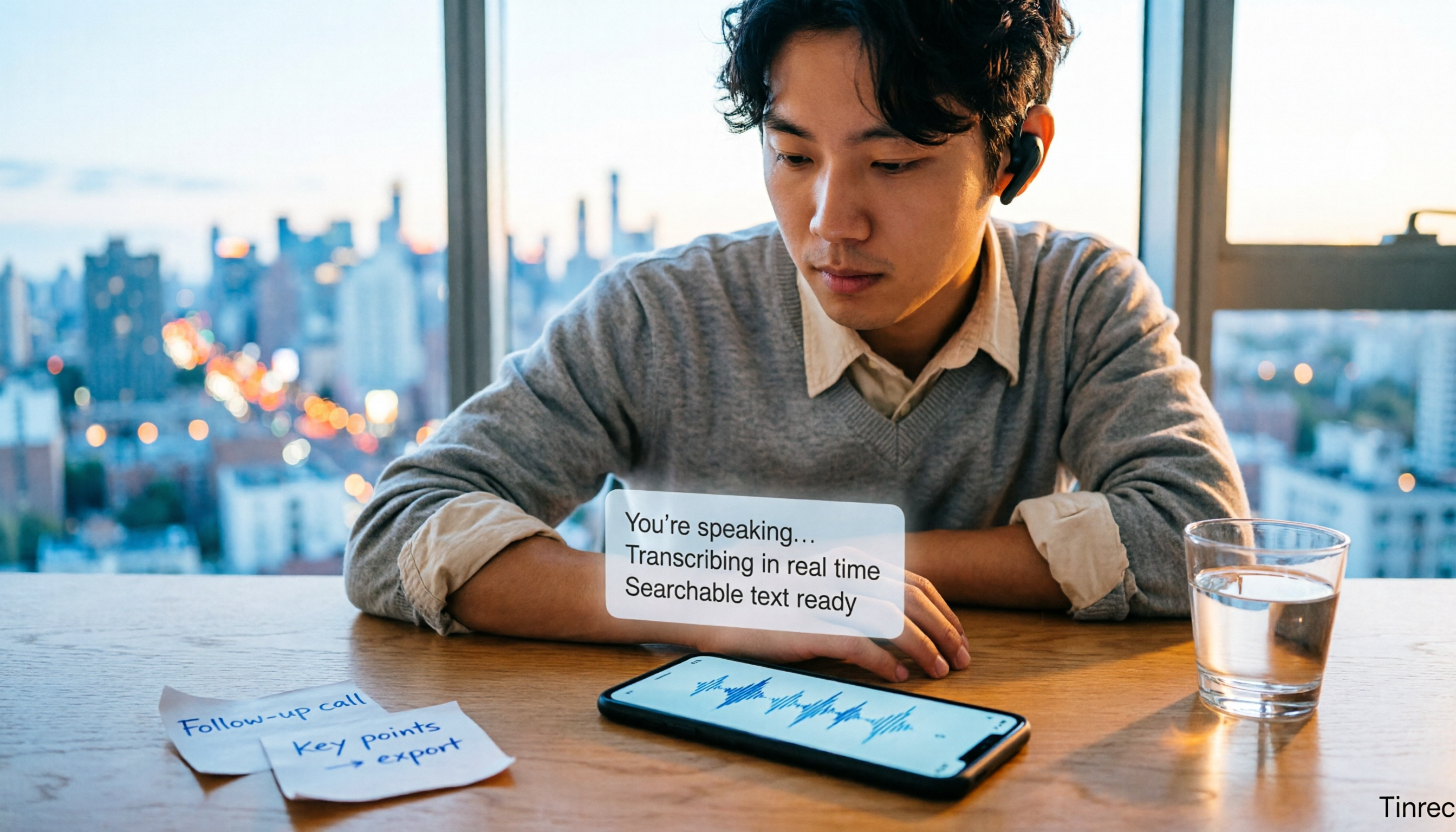
3 iPhone LINE Call Recording Methods Tested for 2026: Which One Turns Recordings into Transcripts
LINE has no built-in call recording, and iPhone users often discover after recording that they only captured their own voice. This article addresses three common misconceptions and compares iOS 26 native capture, screen recording, and post-recording transcription workflows, explaining how to turn a call recording into searchable, queryable, actionable meeting data.

Best AI Recording Tools in 2026: 5 Tested, This One Wins for Chinese Meetings
How to choose an AI recording tool? Start with the key question: where does your meeting happen? This guide uses Tinrec to demonstrate 5 steps from recording and transcription to summaries, action items, and AI follow-up questions. Then it compares 5 tools—Penpower AI Voice Recorder, Plaud, soundcore Work, built-in phone apps, and NotebookLM—to help you pick the right combo.