

Turn recordings into transcripts and summaries in minutes
Upload audio or video for multilingual transcription, AI notes, and action items
Why can the price difference for something called "transcription" be up to 10 times?
This is the first question most people have when comparing prices. Human transcription is charged per character, with rates around NT$1 to NT$4 per character; converted to audio length, basic rates are about NT$15 to NT$25 per minute, meaning at least NT$900 per hour of audio, and surcharges of 20-50% for poor audio quality or multiple overlapping speakers.
AI tools follow a different logic: subscription plans, hour packages, or per-seat pricing. For the same one-hour meeting, the cost might be tens of dollars or even zero.
But a large price difference doesn't mean AI is always cost-effective. Outsourcing buys you a finished document with proofreading and formatting, with someone accountable to you; AI gives you raw material, and you still have to spend time extracting key points, writing action items, and assigning owners.
So this article doesn't discuss "which is cheapest," but helps you calculate total cost—including money and your time. We suggest you read with this question in mind: Do I want "a transcript" or "a meeting record I can directly use"? The answer determines which service you should choose.
(The pricing information in this article is compiled from official plan pages and public rate data of various tools as of 2026. Prices and promotions may change; actual prices are subject to the page you see at registration.)
Before choosing a real-time transcription service, understand these 4 key pricing factors
Factor 1: Is the pricing unit audio length, recording time, or seats?
Yating Transcription charges by audio length: NT$100 per hour, NT$270 for a 3-hour plan, with per-second billing as the smallest unit, plus add-on hour packages. This model suits low-frequency or project-based users who want to pay as they go.
Seat-based tools follow another logic. Tinrec's team plan charges per paid seat plus team shared import minutes; under an active team plan, real-time recording currently does not deduct minutes—only file and web imports consume the team shared quota.
First calculate how many hours you record per month and whether you record during meetings or upload afterward, then see which pricing model benefits you.
Factor 2: Is the free tier a "trial" or "capacity"?
"Free" has many meanings in these tools.
Yating Transcription offers free basic real-time recording; uploading audio files deducts from your hour balance. Otter.ai's free plan offers 300 minutes per month; TurboScribe's free plan allows 3 files per day, up to 30 minutes per file.
Although all say "free," some let you test the waters, while others can truly support daily usage. Before choosing, check whether your habit is "real-time recording" or "upload after the meeting"—this is the easiest place to buy wrong if you haven't thought it through.
Factor 3: Are you buying a transcript or a usable meeting record?
A transcript is raw material, not a finished product. What really takes time is extracting conclusions, finding action items, and assigning owners.
If the tool only converts voice to text, you still have to read through a 30-minute transcript yourself. If it can automatically generate summaries, chapters, and action items after the meeting, or even let you directly ask "What was the conclusion of this meeting?", then what you save is not just money but an entire afternoon.
Include this factor when comparing prices—the difference will be larger than you imagine.
Factor 4: When used by a team, who owns the data?
Using a personal account for team work is a pitfall many companies have fallen into: when a member leaves, data disappears with them; when a new person joins, they can't see past meetings.
The real difference between team and personal plans is not minutes but "roles, seats, and data ownership." This is a column not written in comparison tables, but you'll feel it a year later.
Tinrec — Our top recommendation in this comparison
Tinrec is an AI meeting notes and collaboration tool for individuals and teams, available on web, desktop, and mobile. It doesn't just convert voice to text; it organizes meetings into searchable, summarizable, queryable, and exportable data.
During meetings: no bot invitation needed
The desktop version directly captures computer system audio, handling online meetings on Zoom, Google Meet, Microsoft Teams, Webex, etc., without an extra bot joining as an audience. For offline meetings, use real-time recording to generate transcripts as you record. For frequent meeting-goers, this eliminates the awkwardness of "a stranger appearing on the meeting list."
During meetings: keep up across languages
Supports real-time translation, allowing you to switch between original text, translation, or bilingual view. Mixed Chinese-English meetings no longer require guessing what was said afterward.
After meetings: this is where the difference shows
After the meeting, AI generates summaries, chapters, key points, and action items, plus a feature I find very useful: AI Q&A around the meeting content.
You don't need to manually Ctrl+F through a 30-minute transcript to find "budget" or "next steps"—just ask it for meeting conclusions and action items. You can also export results to Notion, Google Docs, OneNote, Dropbox, etc., or use Agent post-processing to generate reports, tables, and meeting minutes.
How pricing works
Stop organizing recordings by hand
Upload audio or video and automatically get a transcript, summary, and action items
The personal plan has four types based on usage tasks: the free plan suits light experience, the weekly card suits short-term intensive meetings or interviews, the Pro monthly card suits steady weekly needs, and the Pro annual card suits long-term accumulation of recording data.
The team plan is a separate collaboration space, not multiple people sharing one account. Eligible teams get a 7-day trial, 1 free seat, and 300 minutes of team shared import quota; monthly payment is USD 29.80 per paid seat per month, annual payment is USD 199 per paid seat per year (about USD 16.58 per month); each paid seat provides 2,000 minutes of team shared import quota per month.
Compared with the Taiwan human transcription rate of at least NT$900 per hour, you can calculate the scale of this number yourself.
Three reasons I think it's worth it
First, bot-free recording is truly friendly for online meetings—no need to change meeting flow or ask the host for permission.
Second, the post-meeting workflow is complete. From transcript, summary, action items to AI Q&A and export, it's a one-stop pipeline, not just dumping text on you to fend for yourself.
Third, team data has ownership. The team space centrally stores meeting data; admins can manage roles, seats, usage, and audit logs; when a member leaves, resources can be handed over to other members and won't disappear with them.
Things to note
The free plan has a basic quota; heavy users still need to pay. Under an active team plan, real-time recording does not deduct minutes, but file and web imports consume shared quota—view these separately.
Also, transcription quality is affected by recording quality, ambient noise, accents, overlapping speakers, and technical terms; it should not be treated as a 100% accuracy guarantee. For important content, we recommend replaying with transcript timestamps for verification.
Who it's for
If you have two or more meetings per week, need Chinese and mixed Chinese-English transcription, want to use AI to find conclusions directly after meetings, or care about keeping team meeting data rather than scattering it across individual computers—Tinrec is the closest fit for these needs in this comparison.
Besides Tinrec, what other options are there?
Yating Transcription
A veteran Taiwan-local service, strong in Taiwanese accents, Taiwanese Hokkien, and mixed Chinese-English. Uploading audio costs NT$100 per hour, NT$270 for a 3-hour plan, billed per second, with additional hour packages. Note that the free part is mainly basic real-time recording; those who habitually upload recordings after meetings must factor in hour costs. It lacks AI Q&A and automatic summaries, and team governance is not its focus.
Otter.ai
A mature choice for English meetings; the free plan's 300 minutes per month is quite generous, and the Pro annual plan is about USD 8.49 per user per month with 1,200 minutes per month. If all your recordings are in English, it offers good value. However, Chinese meeting experience, bot-free desktop recording, and post-meeting Agent processing are areas where Tinrec focuses more.
TurboScribe
A cost-effective file transcription tool; the free plan allows 3 files per day, up to 30 minutes per file; Unlimited annual plan is USD 120, with a maximum of 10 hours or 5 GB per file, and up to 50 files per upload. For batch processing large volumes of long recordings, it's very cost-effective. However, real-time meeting summaries, action items, and team collaboration are not its strong suit—this is the biggest difference from Tinrec.
Pitfall guide: 4 most common mistakes when comparing prices
Pitfall 1: Treating "free real-time recording" as "free audio upload"
This is the most commonly misunderstood aspect of Yating Transcription. What's free is basic real-time recording; uploading audio deducts hours (NT$100 per hour, NT$270 for 3 hours). If you're used to uploading recordings after meetings, your bill will differ from expectations.
Pitfall 2: Looking only at unit price, not calculating post-meeting organization time
AI output is cheap, but organization time is your cost. If the tool can automatically generate summaries and action items, it saves you half an hour to an hour of labor; if not, that money is just deferred.
Pitfall 3: Using a personal account to do team work
No matter how cheap the personal plan is, it can't solve problems like "members leaving with data" or "newcomers can't see past meetings." For team plans, look at roles, seats, and data ownership—not minutes. If you purchase without confirming these three, you'll have trouble later.
Pitfall 4: Treating AI transcripts as final drafts and sending them out directly
AI may miss words or misinterpret context, especially with technical terms, accents, and overlapping speakers. For important occasions, we recommend using AI for a first draft and then human proofreading once to balance efficiency and quality. Also, don't forget to obtain participants' consent before recording and comply with local regulations.
Conclusion: Which one should you choose?
Simplify your choice into one sentence: For cheapness, look at pricing unit; to save time, look at post-meeting processing; for long-term use, look at team data ownership.
- Small volume, occasional transcription of a recording → Try the free plan first to see if the workflow suits you
- Regular weekly meetings, need summaries and action items → Tinrec (most complete AI Q&A and post-meeting output)
- Mixed Chinese-English or cross-language meetings → Tinrec (real-time translation and bilingual view)
- Team sharing meeting data, need to manage seats and usage → Tinrec team plan (annual payment about USD 16.58 per seat per month)
- Only recording English meetings, zero budget → Otter.ai (free 300 minutes per month)
- Batch transcription of large long recordings → TurboScribe (up to 10 hours per file)
Honestly, the cost difference among these tools ultimately comes down to "how much time you're willing to spend organizing."
We suggest picking a meeting you're familiar with and running through the complete workflow with the free plan—from recording, transcription, viewing summaries to export. After one round, you'll clearly know whether you need to pay and which plan to choose.
Prices and benefits may change with promotions; remember to check the official plan page before ordering to avoid discrepancies.
References
- 2026 Comparison of 5 Real-Time Transcription Platforms: Are Free Plans Really Enough? - Tinrec Blog
- 2026 Comparison of 4 Online Transcription Services: How to Choose Between Yating Transcription and Tinrec? - Tinrec Blog
- 2026 Transcription Rate Overview: Are Free AI Transcription Tools Good? | Tasker Article Column
- Taiwan Transcription Rates 2026: Minimum NT$900 per Hour | Subanana
- 2026 Comparison of 2 Online Transcription Services: Yating NT$100 per Hour vs. Tinrec Team Plan More Cost-Effective? - Tinrec Blog
Turn every recording into actionable outcomes
Get 60 free transcription minutes when you sign in. No credit card required.
Related Reading
You might also like

Tinrec Real-Time Transcription Review (2026): Live Transcription + AI Summaries & Action Items
A mid-level manager with a 10-person team tested AI real-time transcription tools, focusing on meeting recording, live transcription, post-meeting summaries, and action items. This review explains how to use Tinrec, how it differs from Otter.ai, whether the free version is sufficient, and when to upgrade to the team plan.

3 Real-Time Transcription Tools Tested: Which One Turns Meetings into Searchable Records?
The meeting ends, but the real work begins. We tested Tinrec, Otter.ai, Notta, and Granola—comparing recording methods, live transcription, AI summaries, Q&A, team collaboration, and pricing—to help you decide which tool truly saves post-meeting cleanup time.
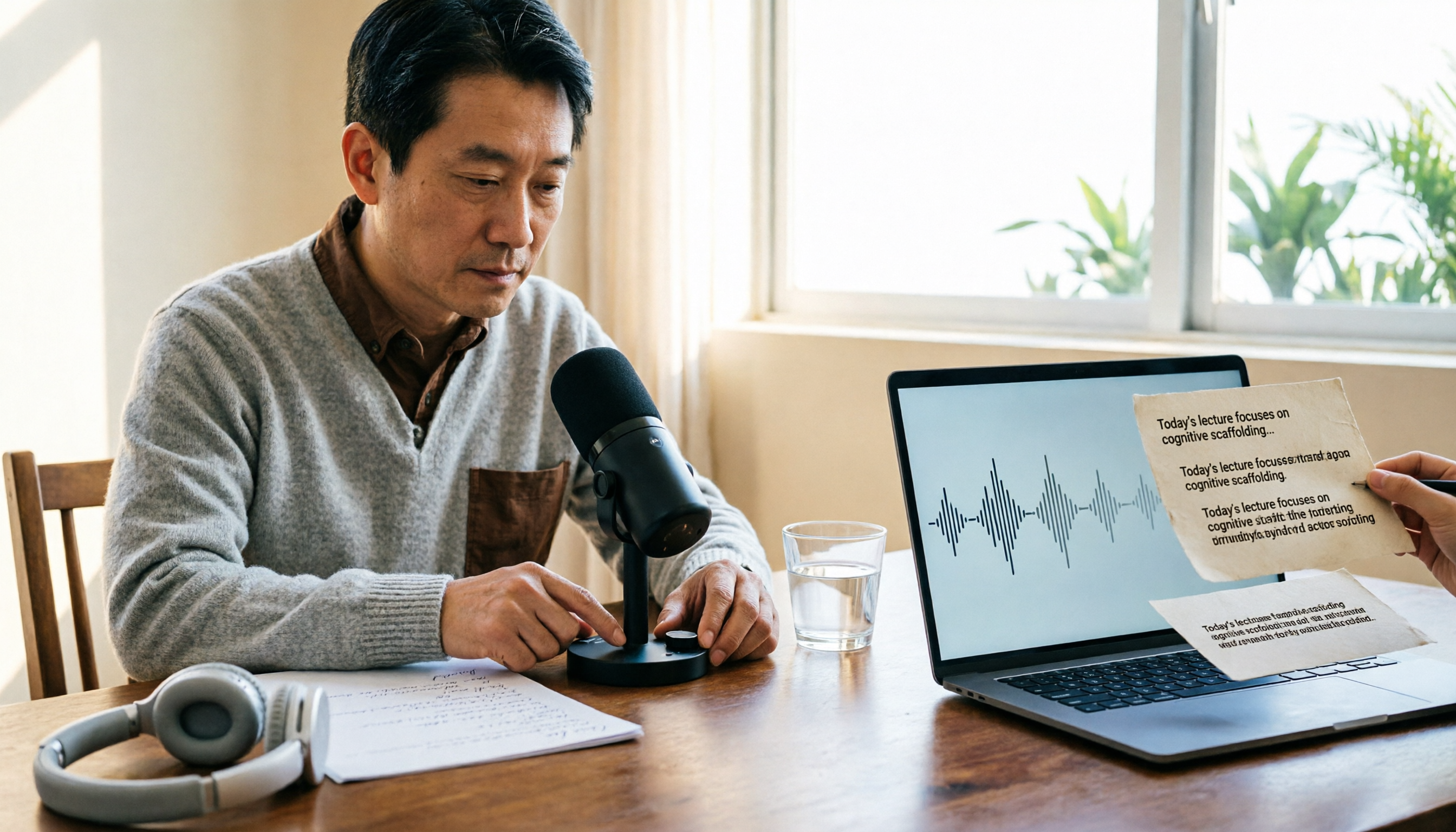
2026 Comparison of 4 Live Transcription Tools: Which Saves the Most Time for Lecture Recordings?
Turning lecture recordings into deliverable transcripts requires more than just speech-to-text. This article first demonstrates basic and descriptive transcript writing styles, then compares Tinrec, Notta, Otter.ai, and Granola using the same criteria, covering key purchasing factors, common misconceptions, and scenario-based recommendations.

The Complete Guide to Live Transcription in 2026: Top Dcard Tools and a 5-Step Workflow
Dcard has plenty of discussions about live transcription, with supporters of iPhone Notes, Yating Transcription, and OpenAI Whisper each making their case. This complete guide first helps you decide whether you need a 'transcript' or 'meeting minutes,' then uses Tinrec as an example to walk through five steps: recording, transcribing, proofreading, generating minutes, and exporting or sharing. It also covers free quotas, platform limitations, and differences between team versions.

2026 Comparison of 4 Real-Time Transcription Tools: Whose AI Organization Actually Saves Time?
How to choose a real-time transcription tool? This article tests and compares Tinrec, Otter.ai, Notta, and TurboScribe from four perspectives: meeting scenarios, Chinese recognition, post-meeting organization, and team collaboration, to help you determine which one truly saves time on post-meeting organization.

How to Do Real-Time Transcription in 2026: 5 Steps from Recording to Meeting Minutes
Real-time transcription isn't just pressing record. This article starts with three common pitfalls and breaks down the process into 5 steps: language settings, audio capture, speaker identification, and proofreading/export. It also compares the features, positioning, and available quotas of Tinrec, Yating Transcription, Whisper, Notta, Otter.ai, TurboScribe, and PLAUD using a consistent framework.

6 Best Live Transcription Tools in 2026: Free Tiers, Chinese Support, and Use Cases Compared
Searching for "free live transcription" often leads to the wrong first choice. This article breaks down the difference between real-time and upload transcription, the three hidden limits of free plans, and then reviews six live transcription tools in 2026—their positioning, free quotas, paid pricing, and ideal users—with a comparison table and selection guidance to help you choose the right tool within budget.

3 Recommended Real-Time Transcription Tools for 2026: Academic Interviews and Meeting Notes Made Easy
Many people choose real-time transcription tools based only on whether text appears during recording, but overlook that post-meeting organization is where the real time is spent. This article compares Tinrec, Meeting Ink, and Yating Transcription from the perspectives of academic interviews and meeting notes, and outlines key considerations for pricing, language support, AI Q&A, export, and team collaboration.

Best Free Real-Time Transcription Tools in 2026: 5 Options Compared
Still re-listening to recordings after meetings and interviews? This guide covers 5 real-time transcription tools frequently discussed on PTT and social media in 2026, from completely free to free-tier options. It includes the positioning, core features, free quotas, and ideal use cases for Tinrec, Yating Transcription, Otter.ai, Notta, and TurboScribe, plus a needs-based selection guide to help you pick the most time-saving option.