

Turn recordings into transcripts and summaries in minutes
Upload audio or video for multilingual transcription, AI notes, and action items
6 Best Live Transcription Tools in 2026: Free Tiers, Chinese Support, and Use Cases Compared
The phrase "free live transcription" actually hides three common pitfalls. First, many tools that advertise themselves as free only offer "upload transcription," so you won't see any text during the meeting itself. Second, free quotas are calculated differently—some count per-session duration, some count monthly totals, and others are "free for live, paid for upload." Third, after transcription is generated, there are no summaries, chapters, or action items, so you still have to re-listen to an hour of audio yourself.
This article covers six live transcription tools that are actually used in meetings, interviews, and classes in 2026. Each entry notes its positioning, free conditions, paid pricing, and one clear limitation, followed by a side-by-side comparison table so you can make the case to your manager in a meeting. Prices and quotas are compiled from official pages and public sources as of August 2026; actual terms are subject to each platform's official page.
Table of Contents
- Tinrec: Turn meetings into searchable, actionable team knowledge
- Otter.ai: A mature AI assistant for English business meetings
- Fireflies.ai: Focused on meeting automation and post-meeting analysis
- Notta: A general-purpose choice for multilingual transcription and translation
- Granola: AI meeting notes that don't join the meeting room
- Yating Transcription: A local option for Taiwanese accents and Taiwanese Hokkien
- Comparison of the 6 tools: features, pricing, and limitations
- How to choose based on your needs
1. Tinrec: Turn meetings into searchable, actionable team knowledge
Best for: Departments that mainly hold Chinese-language meetings, have regular weekly meetings or client interviews, and want meeting data to stay with the team rather than on individual computers.
Tinrec is positioned as more than just audio-to-text. The desktop version directly captures system audio to handle online meetings on Zoom, Google Meet, Microsoft Teams, Webex, and others without requiring an extra meeting bot to join as a participant; for in-person meetings, you can record live and transcribe as you speak. After the meeting, it can generate transcripts, AI summaries, chapters, action items, and mind maps, and you can ask follow-up questions about the meeting content, then export to workflows like Notion, Google Docs, OneNote, and Dropbox.
Free quota and pricing: The personal plan offers a free version with basic quota, plus a weekly card, Pro monthly, and Pro annual. The team plan offers a 7-day trial for first-time eligible users, 1 free seat, and 300 minutes of shared team onboarding quota; team monthly is USD 29.80 per paid seat per month, annual is USD 199 per paid seat per year (about USD 16.58/month), with each paid seat providing 2,000 minutes of shared team onboarding quota per month. Under an active team plan and active seats, live recording currently does not deduct minutes.
One advantage: It provides a complete workflow from recording, transcription, and summarization to team knowledge retention—not just a transcript.
One limitation: The team plan is primarily team-level sharing, with governance and usage eligibility managed through roles and seats rather than file-level granular permissions; also, it does not automatically join all calendar meetings—users need to actively start recording.
Editor's rating: 8.8/10 (based on feature completeness, Chinese-language scenario support, and team knowledge retention capabilities)
2. Otter.ai: A mature AI assistant for English business meetings
Best for: Foreign companies, all-English meetings, multinational teams, and users who need speaker identification and meeting Q&A.
Otter covers Zoom, Microsoft Teams, and Google Meet, offering live transcription, speaker identification, AI Chat, and team management. It is a highly recognized meeting assistant in the market.
Free quota and pricing: Basic is free, 300 minutes per month; Pro annual is about USD 8.49 per user per month, including 1,200 minutes of in-app recording per month and 10 file imports; Business offers unlimited meetings and in-app recording, and pricing may be affected by promotions.
One advantage: The overall experience for English meetings is mature, with complete team and workflow support.
One limitation: The Chinese meeting experience is not its main selling point; for mixed Chinese-English or Taiwanese-accented scenarios, you should verify performance yourself.
Editor's rating: 8.3/10
3. Fireflies.ai: Focused on meeting automation and post-meeting analysis
Best for: Teams that need meeting automation, sales conversation analysis, and extensive third-party integrations.
Fireflies joins online meetings via a meeting bot and offers summaries, AskFred Q&A, team analytics, and various integrations. It suits organizations that want to connect meeting records into sales or project workflows.
Free quota and pricing: Free USD 0; Pro USD 10 per seat per month; Business USD 19 per seat per month; Enterprise USD 39 per seat per month (annual billing).
One advantage: Complete automation and integration ecosystem, with strong post-meeting action items and analytics capabilities.
One limitation: The so-called "unlimited transcription" is still subject to rules on storage space, file upload speed, and AI Credits, and should not be understood as all capabilities being completely unlimited.
Editor's rating: 8.0/10
Stop organizing recordings by hand
Upload audio or video and automatically get a transcript, summary, and action items
4. Notta: A general-purpose choice for multilingual transcription and translation
Best for: Users who need multilingual translation, subtitles, and file transcription, with equal emphasis on meetings and post-meeting organization.
Notta covers multi-platform transcription, meeting notes, file import, translation, and team plans, with significant overlap with most AI meeting tools.
Free quota and pricing: Free is 120 minutes per month, with a maximum of 3 minutes per session; Pro annual is about USD 8.17 per month, 1,800 minutes per month; Business annual is about USD 16.67 per seat per month, offering unlimited transcription, role permissions, and usage reports.
One advantage: Low free-tier barrier, with broad coverage of multilingual and translation scenarios.
One limitation: The free version allows only 3 minutes per session, so for real meetings you almost certainly need to upgrade, otherwise you'll be forced to stop and restart in segments.
Editor's rating: 8.1/10
5. Granola: AI meeting notes that don't join the meeting room
Best for: Individual workers who are used to taking handwritten notes during meetings and don't want a bot appearing in the participant list.
Granola transcribes in real time through the desktop device's system audio and microphone, and combines with the user's handwritten notes to generate more fitting meeting content. It also follows the no-bot approach.
Free quota and pricing: Basic is free; Business USD 14 per user per month; Enterprise USD 35 per user per month.
One advantage: The "your own notes + AI enhancement" experience is lightweight, and cross-meeting context organization is handy.
One limitation: It does not support uploading pre-recorded audio files and does not save meeting audio files, so it is not suitable for scenarios that require playback verification or audio archiving.
Editor's rating: 7.9/10
6. Yating Transcription: A local option for Taiwanese accents and Taiwanese Hokkien
Best for: Individuals and small teams with older interviewees who speak Taiwanese Hokkien or Taiwanese Mandarin, and who have limited budgets.
Developed by Taiwan AI Labs, it focuses on Taiwanese Mandarin, Taiwanese Hokkien, and mixed Chinese-English recognition, and is one of the few services optimized for Taiwanese accents.
Free quota and pricing: According to third-party reviews, the live recording feature is free and unlimited, and audio uploads come with 20 free minutes; paid pricing is about NT$100 per hour, with discounts for purchases of 3 hours or more (this is based on review reports; actual terms are subject to the official page).
One advantage: Taiwanese Hokkien and Taiwanese accent recognition is its relatively clear differentiator.
One limitation: Post-meeting summaries, action items, and team collaboration capabilities are relatively limited, so manual organization is still needed after transcription.
Editor's rating: 7.7/10
Comparison of the 6 tools: features, pricing, and limitations
| Tool | Core positioning | Free quota | Paid pricing (annual billing) | Main limitation |
|---|---|---|---|---|
| Tinrec | AI meeting notes and team collaboration | Personal free version; team first 7 days, 1 seat, 300 minutes shared onboarding | Team USD 29.80 per paid seat per month; annual USD 199 per paid seat per year | No automatic calendar join; team-level sharing, not file-level permissions |
| Otter.ai | AI assistant for English business meetings | Basic 300 minutes per month | Pro about USD 8.49 per user per month | Chinese meetings not a main strength |
| Fireflies.ai | Meeting automation and analytics | Free USD 0 | Pro USD 10 per seat per month | Unlimited transcription still subject to storage and AI Credit rules |
| Notta | Multilingual transcription and translation | 120 minutes per month, 3 minutes per session | Pro about USD 8.17 per month; Business about USD 16.67 per seat per month | Free version session too short |
| Granola | Bot-free AI meeting notes | Basic free | Business USD 14 per user per month | No pre-recorded upload, no audio storage |
| Yating Transcription | Taiwanese accent and Taiwanese Hokkien recognition | Live recording free, upload 20 free minutes | About NT$100 per hour (review report) | Weaker post-meeting summaries and team collaboration |
How to choose based on your needs
- Mainly Chinese meetings, want to retain as team knowledge: Choose Tinrec, because it covers bot-free online meeting recording, live transcription, summary action items, and team space, and data remains with the team when members leave.
- All-English meetings, multinational teams: Choose Otter.ai, because its English meeting experience and speaker identification are mature.
- Want to connect meetings into sales or automation workflows: Choose Fireflies.ai, because its integrations and post-meeting analytics are complete.
- Multilingual translation and large-scale file organization: Choose Notta, because of its broad language coverage and clear plan tiers.
- Only need lightweight meeting notes, no need to keep audio: Choose Granola, because it is bot-free and integrates naturally with handwritten notes.
- Interviewees speak Taiwanese Hokkien, budget first: Choose Yating Transcription, because Taiwanese accent recognition is its clear differentiator.
Conclusion
When choosing a live transcription tool, ask three questions first: Does this meeting need "text visible in the moment" or "post-meeting organization"? How much time will you still spend on summaries and action items after transcription? Will the data ultimately stay on personal devices, or become a team-queryable asset? Different answers lead to different suitable tools.
We recommend trying it with a recording of one of your actual meetings, especially segments with mixed Chinese-English and multiple speakers—this is more accurate than any review. Also note that recording and transcription involve participants' rights; before use, you should comply with local regulations and obtain necessary consent.
(This article is a tool purchasing guide, not a hands-on test report; product prices and free conditions are subject to each platform's official page, verified as of August 2026.)
References
- 2026 Complete Review of Free Transcription Platforms: 15 Free Speech-to-Text Tools Tested and Recommended - LexiTranscript Speech-to-Text
- 2026 Comparison of 4 Free Live Transcription Tools: Large Free Quotas Don't Necessarily Mean Enough - Tinrec Blog
- 2026 Cost Comparison of 5 Live Transcription Platforms: Is the Free Plan Really Enough? - Tinrec Blog
- 2026 Recommendations for 6 Audio-to-Transcript Software: Solving Classroom Notes and Meeting Summary Pain Points - Tinrec Blog
- Meeting Ink - 2026 AI Meeting Notes Tools Tested | 7 Speech-to-Text and Summary Speed Comparisons | Meeting Ink - AI Meeting Notes Assistant Auto-Transcription Transcript Summary Meeting Minutes
Turn every recording into actionable outcomes
Get 60 free transcription minutes when you sign in. No credit card required.
Related Reading
You might also like

2026 Real-Time Transcription Cost Comparison: Free Tiers and Per-Hour Pricing Explained
Real-time transcription costs vary widely: human transcription starts at NT$900 per hour, while AI tools offer free tiers. This article breaks down pricing units, free tier definitions, post-meeting organization costs, and team seats, comparing Tinrec, Yating Transcription, Otter.ai, and TurboScribe to help you calculate the truly cost-effective choice.

Tinrec Real-Time Transcription Review (2026): Live Transcription + AI Summaries & Action Items
A mid-level manager with a 10-person team tested AI real-time transcription tools, focusing on meeting recording, live transcription, post-meeting summaries, and action items. This review explains how to use Tinrec, how it differs from Otter.ai, whether the free version is sufficient, and when to upgrade to the team plan.

3 Real-Time Transcription Tools Tested: Which One Turns Meetings into Searchable Records?
The meeting ends, but the real work begins. We tested Tinrec, Otter.ai, Notta, and Granola—comparing recording methods, live transcription, AI summaries, Q&A, team collaboration, and pricing—to help you decide which tool truly saves post-meeting cleanup time.
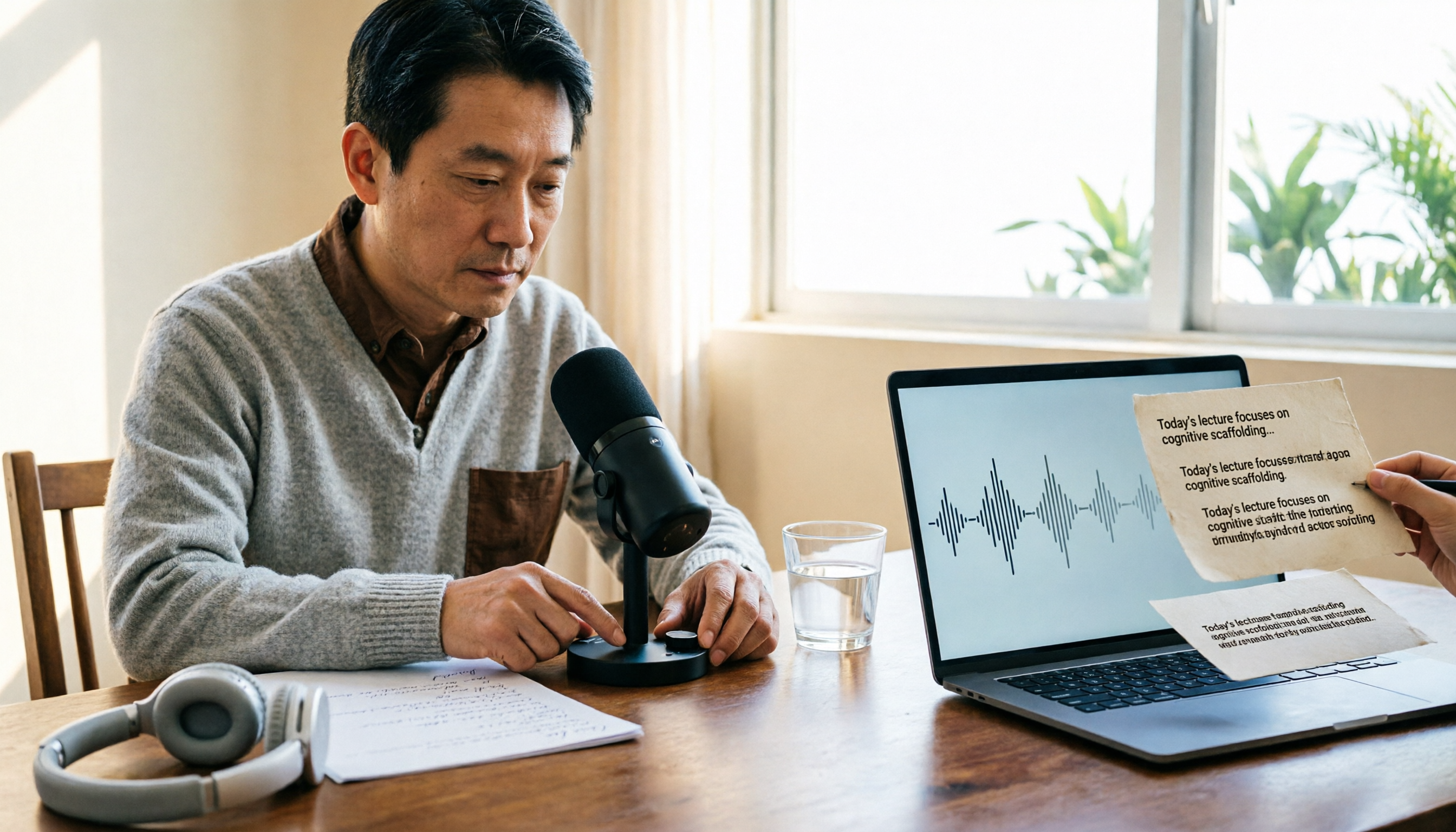
2026 Comparison of 4 Live Transcription Tools: Which Saves the Most Time for Lecture Recordings?
Turning lecture recordings into deliverable transcripts requires more than just speech-to-text. This article first demonstrates basic and descriptive transcript writing styles, then compares Tinrec, Notta, Otter.ai, and Granola using the same criteria, covering key purchasing factors, common misconceptions, and scenario-based recommendations.

The Complete Guide to Live Transcription in 2026: Top Dcard Tools and a 5-Step Workflow
Dcard has plenty of discussions about live transcription, with supporters of iPhone Notes, Yating Transcription, and OpenAI Whisper each making their case. This complete guide first helps you decide whether you need a 'transcript' or 'meeting minutes,' then uses Tinrec as an example to walk through five steps: recording, transcribing, proofreading, generating minutes, and exporting or sharing. It also covers free quotas, platform limitations, and differences between team versions.

2026 Comparison of 4 Real-Time Transcription Tools: Whose AI Organization Actually Saves Time?
How to choose a real-time transcription tool? This article tests and compares Tinrec, Otter.ai, Notta, and TurboScribe from four perspectives: meeting scenarios, Chinese recognition, post-meeting organization, and team collaboration, to help you determine which one truly saves time on post-meeting organization.

How to Do Real-Time Transcription in 2026: 5 Steps from Recording to Meeting Minutes
Real-time transcription isn't just pressing record. This article starts with three common pitfalls and breaks down the process into 5 steps: language settings, audio capture, speaker identification, and proofreading/export. It also compares the features, positioning, and available quotas of Tinrec, Yating Transcription, Whisper, Notta, Otter.ai, TurboScribe, and PLAUD using a consistent framework.

3 Recommended Real-Time Transcription Tools for 2026: Academic Interviews and Meeting Notes Made Easy
Many people choose real-time transcription tools based only on whether text appears during recording, but overlook that post-meeting organization is where the real time is spent. This article compares Tinrec, Meeting Ink, and Yating Transcription from the perspectives of academic interviews and meeting notes, and outlines key considerations for pricing, language support, AI Q&A, export, and team collaboration.

Best Free Real-Time Transcription Tools in 2026: 5 Options Compared
Still re-listening to recordings after meetings and interviews? This guide covers 5 real-time transcription tools frequently discussed on PTT and social media in 2026, from completely free to free-tier options. It includes the positioning, core features, free quotas, and ideal use cases for Tinrec, Yating Transcription, Otter.ai, Notta, and TurboScribe, plus a needs-based selection guide to help you pick the most time-saving option.