

Turn recordings into transcripts and summaries in minutes
Upload audio or video for multilingual transcription, AI notes, and action items
Two-hour meetings won't stop your tool—the real issue is what happens after recording
A two-hour cross-department meeting followed by two hours of organizing notes is a daily reality for many professionals. In recent years, many people's first thought for a solution is ChatGPT: since they already use it daily, it can record, transcribe, and generate summaries—sounds like an all-in-one solution.
But before actually integrating it into your workflow, you'll face some very specific questions: How long can a single recording be? What happens if you exceed the time? Will the audio file be retained? When the team uses it together, who can see this content?
This article first directly answers "How long can ChatGPT record?" then examines what to look for when choosing a tool from four angles: quota, privacy, post-meeting organization, and team collaboration, and includes Tinrec (秒聽錄音) in the comparison.
How long can ChatGPT record? 5 key facts to understand first
1. Single session limit is about 120 minutes According to OpenAI Help Center and various media reports, ChatGPT's recording mode (Record) can record about 120 minutes per session, i.e., 2 hours, which is sufficient for most routine meetings, classes, or interviews. A timer on the recording window shows the elapsed recording time.
2. You can pause, resume, or cancel mid-session Official documentation states that during recording you can pause or resume at any time; if you don't want to keep this content, click the "X" in the top-left corner of the recording window to cancel, after which upload or other processing options will appear.
3. Recording transcribes in real time and generates notes after ending ChatGPT transcribes your speech as you talk, and after ending you can upload the transcript and summary. Depending on how it's initiated, notes may appear as a canvas in the conversation or attached to that recording. You can also ask it to rewrite into an email, project plan, or code framework.
4. Can distinguish multiple speakers, but audio is not retained Recording mode can distinguish different speakers in the transcript; when names can't be identified, labels like "Speaker 1" are used, which can be renamed afterward. Regarding privacy, reports indicate that audio generated from recording is used only for transcription and deleted upon completion; transcripts and summaries are handled according to the workspace's data policy.
5. Disabled by default in Enterprise and Edu, requires admin enablement Recording features in Enterprise and Edu workspaces are disabled by default and must be enabled by the workspace owner in settings; transcripts and summaries in these workspaces are not used for model training by default. For individual Pro users, content may be used for training only if "Improve the model for everyone" is enabled.
Also note: before recording others' voices, always confirm local laws and obtain necessary consent; this responsibility lies with the user.
4 key points to understand before choosing an audio-to-text tool
How to assess quota: first count how many sessions you record per week Free quota is where most people get stuck. Rather than comparing "maximum minutes per session," first calculate how many meetings you have per week and how long each is. A high single-session limit but low monthly total won't be enough for daily meeting-goers; a large quota but very short single sessions means you'll have to split a two-hour meeting.
Can you directly ask for key points after recording? Transcripts are just raw material. What really takes time is "finding out who committed to what from an hour of conversation." If the tool only gives you text, you still have to read through it yourself; tools that let you ask questions directly about the content and automatically list action items save noticeably more time.
Should audio be retained? Some tools delete audio after transcription—good for privacy, but the downside is that when you want to replay a sentence to confirm tone or numbers, the original recording is gone. There's no standard answer; it depends on your industry and record-keeping habits, but you should know in advance.
How to manage permissions when the team uses it together Individual use is not a big issue, but once it becomes department-shared, you'll encounter questions about members, seats, who can edit, and data ownership after someone leaves. These governance capabilities are usually not visible in free versions, yet they're the most easily overlooked part of team procurement.
Tinrec (秒聽錄音)—turn a single recording into queryable meeting data
Tinrec (秒聽錄音) is an AI meeting notes and collaboration tool for individuals and teams, supporting real-time recording, online meeting transcription, audio/video file import, and real-time translation, and automatically generating summaries, chapters, key points, and action items after meetings. For "organizing after recording," its positioning is not a voice recorder but a way to turn meeting content into searchable, queryable, actionable data.
The actual workflow is roughly like this: for in-person meetings, start real-time recording and get transcripts as you speak; for online meetings, capture computer system audio via the desktop version to handle Zoom, Google Meet, Microsoft Teams, Webex, etc., without inviting an extra meeting bot or interrupting the agenda to introduce a "guest." For cross-language meetings, you can view original text, translation, or bilingual content during recording.
Stop organizing recordings by hand
Upload audio or video and automatically get a transcript, summary, and action items
After the meeting, Tinrec generates summaries and chapters, breaking long meetings into browsable sections and extracting action items from discussions. Then comes the feature you'll likely use daily: asking questions directly about this meeting, such as "Who mentioned the budget in the last meeting?" "What were the client's concerns about the delivery date?" It responds based on content, not just keyword search results. The same data can also generate reports, tables, or documents, or export to existing workflows like Notion, Google Docs, OneNote, Dropbox.
If you need to retain the original recording for later verification, Tinrec supports audio retention, and the team version includes an audio recycle bin and accidental deletion recovery. For Chinese and mixed Chinese-English meetings, it supports Chinese, Traditional Chinese, and multilingual scenarios, and can maintain common professional terminology via team hotwords; actual recognition performance is still affected by recording quality, accent, background noise, overlapping speakers, and proper nouns. For important information, it's recommended to confirm with transcript timestamps and audio playback; do not assume any fixed accuracy rate.
On pricing, the personal version offers a free version to experience recording, import, summaries, and transcription with basic quota; for short-term intensive needs, consider a weekly card; regular users may prefer Pro monthly or annual cards; actual minutes and plan details of the free version are subject to official website announcements. The team version is a separate collaboration space; the first eligible trial is 7 days, 1 free seat, and 300 minutes of team shared import quota; paid seats are USD 29.80 per month, USD 199 annually (about USD 16.58/month), each seat provides 2,000 minutes of team shared import quota per month, and real-time recording under active plans and seats is currently not deducted by minutes. The team version also offers role and seat management, usage analytics, audit logs, audio recycle bin, and resource handover when members leave.
**Who it's for:** People who frequently hold Chinese or mixed Chinese-English meetings, want to use AI to find key points and action items directly after recording, need to accumulate meeting data as team assets, or don't want to add another bot to meetings.
Besides Tinrec, what other options are there?
ChatGPT recording mode About 120 minutes per session, transcribes while recording, generates summaries and notes after ending—convenient for ad-hoc dictation, single interviews, or personal brainstorming, and most people already have an account. However, its recording audio is deleted after transcription, so you can't replay the original recording; content is mainly single-conversation, and this article did not find corresponding team seats, usage analytics, or offboarding handover design (to be confirmed). If you need to retain audio, accumulate a cross-meeting database, or team governance, this is its weaker area.
Otter.ai A mature choice for English meetings; the Basic free plan offers 300 minutes per month, quite cost-effective for pure English content. However, its business meeting use cases are mainly English; performance with Chinese and mixed Chinese-English needs self-verification; and the free version does not include full team governance features. If more than 90% of your meetings are in English, you can start here.
Notta Supports multi-platform transcription and translation; free plan offers 120 minutes per month with a 3-minute limit per file, suitable for short segment testing. It overlaps heavily with Tinrec; the difference is that Tinrec emphasizes desktop bot-free recording of online meetings, plus post-meeting AI querying and team data accumulation.
Pitfall guide: 3 most common mistakes when choosing an audio-to-text tool
Pitfall 1: Only looking at "how long per session" and ignoring "how much per month" 120 minutes sounds like plenty, but if the monthly total is limited, a week of intensive meetings will still hit the cap. Conversely, a large quota but short single-session limit means you'll have to split a two-hour meeting. Look at both numbers together, and ideally calculate using your own calendar from last month.
Pitfall 2: Treating the tool vendor's privacy settings as your company's own compliance policy Enterprise and Edu versions disable recording by default and don't feed content into training by default—these are good designs, but they don't mean you can record freely. Recording involves local laws and participant consent; multinational teams especially need to note different local regulations. It's recommended to confirm with legal before adding to the workflow.
Pitfall 3: Assuming a transcript equals meeting notes Transcripts are raw material, not conclusions. What really saves time is the layers of summaries, chapters, action items, and queryability. If you only use the tool as "audio-to-text," you're only using part of its capability—asking directly after recording "What were the conclusions of this meeting, who is responsible for what" is much faster than manually reading through a 40-minute transcript.
Conclusion: Which one should you choose?
Back to the original question: How long can ChatGPT record? The answer is about 120 minutes per session, with pause and resume, sufficient for single meetings and personal notes. The difference is whether you want "organization of a single recording" or "a complete management system for meeting data."
- Want to use an existing account for quick dictation and single-meeting summaries → ChatGPT recording mode
- Need Chinese/mixed Chinese-English meetings, desktop bot-free online meeting recording → Tinrec
- Want to ask key points directly after recording, auto-list action items, and export to existing workflows → Tinrec
- Want to retain original audio for later playback to verify numbers and tone → Tinrec (ChatGPT recording does not retain original audio)
- Department-shared meeting data, need members, seats, usage, and auditing → Tinrec team version
- More than 90% of meetings are in English, prefer English business ecosystem → Otter.ai
A more practical approach is to first run a round of your real meetings with free plans. Put the same recording into two tools and see which summary is closer to your handwritten meeting notes, and which makes you read through the transcript fewer times. Try before deciding whether to pay—much more reliable than looking at spec sheets.
(Data verification date: August 2026; tool plans, prices, and quotas may change; actual content is subject to official pages.)
References
Turn every recording into actionable outcomes
Get 60 free transcription minutes when you sign in. No credit card required.
Related Reading
You might also like
5 Phone Recording Features Compared in 2026: Are Built-in Free Recorders Enough?
Do phones have recording features? Almost all do, but call recording, voice memos, and meeting transcription are three different things. This article covers the built-in free recording methods and steps for Samsung, ASUS, OPPO/realme/vivo/Xiaomi, and iPhone, then explains what to do when you need transcripts and summaries after recording, with a free feature comparison table and selection advice.

5 Windows 11 Recording Tools Compared (2026): Free Tiers and System Audio Capture
Recording on Windows 11 isn't about finding the "best" app—it's about whether you need to capture your microphone or your computer's playback audio. This guide covers five options: the built-in Sound Recorder, Xbox Game Bar, Stereo Mix, Tinrec, and Notta. We break down free limits, system audio support, and restrictions, with a comparison table and a data verification date.

Best Free iPhone Recording Solutions in 2026: 5 Options Compared
Your iPhone's built-in Voice Memos can record audio, but most people get stuck on what to do after recording. Based on real meeting scenarios, this guide reviews 5 free iPhone recording solutions in 2026, comparing free tiers, online meeting recording methods, and post-meeting organization capabilities. It also includes key buying factors and 4 common mistakes to help you choose the one that fits your habits.
5 Windows Recording Methods Tested for 2026: Is Built-in Enough, or Should You Let AI Handle It?
Windows has built-in recording features—and more than one. This guide covers five recording methods: Windows Voice Recorder, Xbox Game Bar, OBS Studio, Stereo Mix, and Tinrec. It explains what each can record, where the limits are, and how to turn recordings into transcripts, summaries, and action items.
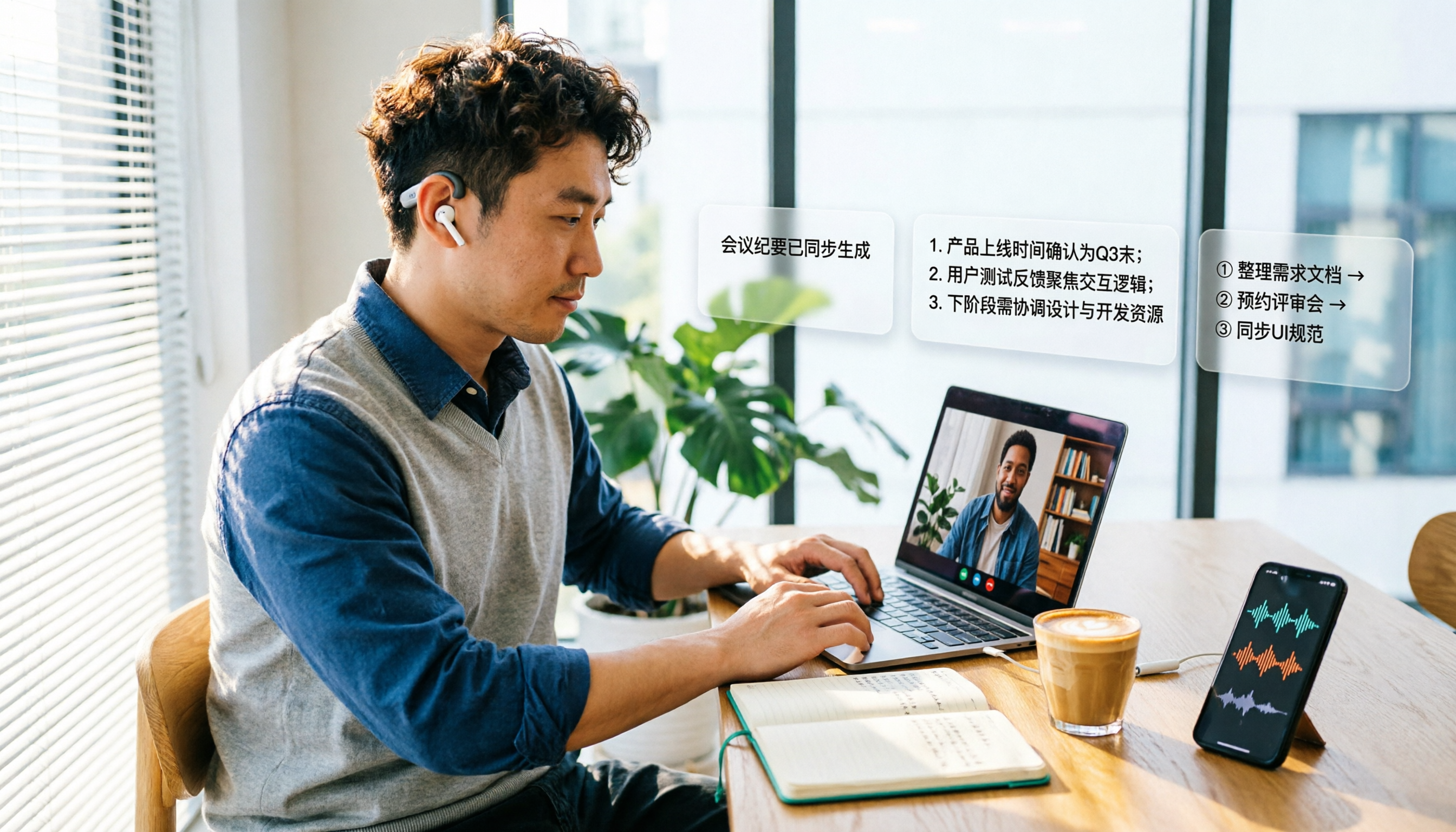
2026 Call Recording & Transcription Tools Compared: Cube ACR Free Tier and Post-Meeting Organization Capabilities
Is Cube ACR free? The Android version is free with ads, and the official app offers an in-app purchase for the advanced version; the iOS version is available by subscription. This article compares free scope, device compatibility, and post-meeting organization capabilities, and explains how Tinrec turns call and meeting recordings into transcripts, summaries, and action items, including free quota, team plan seats, and pricing details.

3 iPhone Quick Recording Setups Compared: Which Is Fastest After Unlocking?
Most people think of dragging Voice Memos to the Home Screen for quick iPhone recording, but in a real impromptu meeting you still have to unlock, find the app, and tap record. This article compares three setups—Action Button, Back Tap, and Shortcuts—covering their prerequisites, trigger methods, and where recordings are saved, plus the cost of organizing them afterward.

2025 Real-Time Transcription Tools Compared: Which Is Best for Chinese Meetings and Post-Meeting Organization?
Starting from meeting documentation pain points, this comparison of Tinrec, Otter.ai, Notta, and TurboScribe evaluates real-time transcription, post-meeting summaries, action items, AI Q&A, export, and team collaboration capabilities to help you choose the right tool for Chinese meetings and team knowledge retention.

Best Live Transcription Tools for Teaching in 2026: Comparing 5 Options, Free Tiers and Pricing
A 2026 comparison of free tiers, pricing, and workflows for five live transcription tools for teaching—Tinrec, Yating, Clova Note, inFin, and Otter.ai—to help you choose based on course language, hours, and budget.
Tinrec vs Notta 2026: 5-Dimension Comparison — Which Chinese Real-Time Transcription Tool Is Better for Students?
2024 was full of hands-on test articles, but what students really need is real-time transcription that works while class is happening and can organize key points afterward. This article compares Tinrec and Notta across 5 dimensions based on classroom, group discussion, and interview practice scenarios, and covers free quotas, team seats, and purchasing considerations.