

Turn recordings into transcripts and summaries in minutes
Upload audio or video for multilingual transcription, AI notes, and action items
Introduction: The Most Common Misconception About Recording at Work
Many people believe that as long as they are present and part of the conversation, recording is completely safe.
That assumption is only half true.
The real issue is usually not whether you can record, but how you use the recording afterward. The same recording might hold up in a labor bureau complaint, but if you share it in a company group chat or edit it into a short video and make it public, you could go from victim to defendant.
This article examines five of the most frequently asked workplace scenarios against Article 315-1 of the Criminal Code, the Communication Security and Surveillance Act, and practical legal interpretations, and outlines a decision-making sequence you can apply yourself.
Finally, we'll discuss an often-overlooked step: after recording, how do you turn that audio into a record you can actually use?
Why 'Recording for Self-Protection' Often Becomes a Trap
Scenario 1: During a performance review, your manager threatens, 'Talk back again and you're out, with no severance.' Your phone is in your pocket. Do you record or not?
Scenario 2: A colleague takes their computer home to work remotely, but your junior boss insists it doesn't count. The argument escalates in the office. You're caught in the middle and want a record to protect yourself.
Scenario 3: You're not a meeting participant, but you place a recorder in the conference room to find out what the company is discussing with a major client.
In the first two scenarios, the recording itself is likely defensible. In the third, you've objectively crossed into 'secretly recording others' non-public activities.'
What's the difference? It's not whether you spoke, but your role, the privacy of the setting, and your purpose for recording.
This is why many people who intend to protect themselves end up being investigated instead.
Four Key Factors to Determine If Workplace Recording Is Legal
Factor 1: Are You a Participant in the Conversation?
Under Article 315-1 of the Criminal Code and Article 29, Paragraph 3 of the Communication Security and Surveillance Act, if you are a party to the conversation and not acting for unlawful purposes, in most cases you will not be committing a criminal offense.
This logic applies to face-to-face conversations, phone calls, and online meetings.
But being a party is not a free pass. The next factor is where the real distinction lies.
Factor 2: Is the Conversation a 'Non-Public Activity'?
The law refers to 'non-public activities, speech, or conversations.' In practice, courts look at whether there was a reasonable expectation of privacy—for example, a closed private meeting room, a private booth, or a hotel room, where participants subjectively did not want publicity and objectively took measures to protect privacy.
Conversely, conversations in open office aisles or lobby discussions have much lower privacy expectations.
If you are not present and not a meeting participant but place a device in the conference room, the court will not ask 'are you a party?' but rather 'what gives you the right to record?'
Factor 3: Is There 'No Justifiable Reason'?—Your Purpose: Self-Protection or Something Else?
The law states 'without justifiable reason.' In plain terms: is there a legitimate purpose?
Recording for self-protection, gathering evidence to defend your rights, or exposing wrongdoing is generally considered a legitimate reason. Recording for fraud, intimidation, corporate espionage, or invading others' privacy is deemed 'without justifiable reason.'
The Supreme Court's 2020 Criminal Judgment No. 4458 also stated that determining whether there is justifiable reason requires considering whether the means are appropriate and necessary, and whether the protected interest is proportionate to the privacy invasion.
So even if you are present, not all risks automatically disappear.
Factor 4: How Do You Handle the Recording Afterward?
This is the most overlooked point, yet it's where most people get into trouble.
Uploading the recording online, sharing it with people unrelated to the dispute, or editing and publishing it may lead to additional liability for privacy or reputation infringement. Providing it only to courts, prosecutors, or legal representatives does not make an originally illegal recording method legal.
Simply put: recording is just capturing the material. How you store, use, and present it afterward is what determines whether it can help you.
This is why, after reviewing these materials, I pay special attention to the 'post-recording organization workflow'—rather than leaving the recording on your phone, it's better to turn it into a timestamped, searchable transcript from the start.
Tinrec—Turning Legally Recorded Content into Usable Records
Let's be clear: tools cannot make an illegal recording legal. Whether to record and whether you can record still depends on the four factors above. Tinrec addresses the later stage—organizing, searching, and preserving after recording.
Tinrec is an AI meeting notes and collaboration tool for individuals and teams, available on iOS, Android, desktop, and web. It's not positioned as a 'voice recorder' but as a way to turn meeting content into searchable, summarizable, and queryable data.
The first use case is online meetings. The desktop version directly captures system audio from Zoom, Google Meet, Microsoft Teams, Webex, and similar platforms without adding a meeting bot. For situations like labor-management discussions or client meetings where 'an extra unknown account joining would be awkward,' this difference is practical.
Stop organizing recordings by hand
Upload audio or video and automatically get a transcript, summary, and action items
The second is real-time transcription and post-meeting organization. It transcribes while recording and automatically generates summaries, chapters, and action items afterward. In the performance review example above, you don't have to rely on memory to recall 'which sentence mentioned no severance'—it's visible in the transcript.
The third is AI Q&A. After recording, you can directly ask: 'What termination conditions did the manager mention in this meeting?' It answers based on the content rather than just giving you keyword search results. Few tools in this price range offer this feature. This is where I see the biggest gap between it and pure transcription tools.
A few things to note. The free version provides basic quota to experience recording, importing, summarizing, and transcription—suitable for occasional use. If you have weekly meetings, you'll need to upgrade. Also, transcription quality is affected by recording quality, ambient noise, accents, overlapping speech, and technical terminology. For important content, it's advisable to cross-check with the original audio at the timestamp in the transcript.
Who is it for? People who frequently need meeting records, want to search key points directly from text after recording, or switch between phone and computer. For teams sharing meeting data, the team version offers independent team spaces, member and seat management, shared quota, usage analytics, and audit logs. Meeting data belongs to the team and won't disappear when someone leaves.
Besides Tinrec, What Other Recording and Documentation Methods Exist?
Built-in phone recording app: Completely free, zero learning curve, can be activated instantly in any situation. The downside is that you end up with an audio file—a 30-minute conversation requires manual replay and note-taking. If you only need 'preservation' rather than 'utilization,' this is sufficient. But it lacks transcription and the ability to jump to a specific sentence by keyword later.
Otter.ai: A mature choice for English business meetings, with a generous free tier of 300 minutes per month. If most of your recordings are in English, it's more cost-effective than Tinrec. However, its Chinese meeting experience is not its focus, and it lacks Tinrec's combination of desktop system audio capture without a bot, plus Chinese transcription and AI follow-up questions. Pricing and benefits are subject to Otter's official page.
Notta: Good multilingual transcription, free tier of 120 minutes per month with a 3-minute limit per recording. Suitable for occasional foreign language audio files. But the free version's per-recording limit is insufficient for hour-long labor coordination meetings or client calls; it also lacks Tinrec's team spaces and post-meeting Agent output workflow. Benefits are subject to Notta's official page.
Granola: Also bot-free, focusing on 'your handwritten notes + AI enhancement,' with good cross-meeting context organization. Note that it does not support uploading pre-recorded audio files and does not save meeting audio. If your future use includes 'presenting the original recording as evidence,' this is a critical limitation. Tinrec, on the other hand, retains audio files and supports importing audio/video files.
Pitfall Guide: The 4 Most Common Mistakes in Workplace Recording
Pitfall 1: Assuming 'I'm a party to the conversation' means complete immunity. Practical judgment also considers the privacy of the setting, your purpose, and whether the means exceed necessary bounds. Being present is only one condition, not a free pass.
Pitfall 2: Deliberately provoking or angering the other party to record desired content. Some people intentionally provoke others to say something incriminating and then record it. Such tactics are often questioned in practice, and the evidentiary value of the recording is discounted. Natural conversation records are far more useful than designed setups.
Pitfall 3: Uploading to group chats or making it public after recording. This is the most common self-destructive move. Decide from the start who should see the recording and to what extent—provide it only to necessary authorities or legal representatives.
Pitfall 4: Keeping only the audio file without organizing it. A 60-minute recording means you have to listen from start to finish when you actually need it. With a transcript and timestamps from the beginning, finding that sentence takes seconds. This is why I always transcribe after recording—tools like Tinrec that let you directly query meeting content turn 'finding evidence' from replaying audio into searching data.
Conclusion: What Should You Do in Your Situation?
To sum up: Is workplace recording legal? The key is not 'can you record' but 'who you are, where you record, why you record, and how you use it afterward.'
Breaking down common scenarios:
- Labor disputes, performance reviews, severance negotiations—need verbatim records → Use phone recording with Tinrec to transcribe while recording, then use AI Q&A to find key sentences without replaying the entire recording.
- Online meetings without adding a bot → Tinrec desktop captures system audio, so no unknown account suddenly appears in the meeting room.
- Primarily English meetings → Otter.ai, generous free tier, mature English support.
- Occasional foreign language audio files → Notta, sufficient multilingual transcription.
- Team needs to collectively archive meeting records and retain both people and data → Tinrec team version, with independent spaces, seat management, and audit logs.
- Need portable hardware recording → Devices like PLAUD, suitable for field and phone recording, but requires additional equipment expense.
Two final reminders. First, recording involves local regulations; for important meetings, it's best to inform participants and obtain consent in advance—the simplest approach. Second, AI transcription may miss or misinterpret details; for content you actually present, remember to cross-check with the original audio at the transcript's timestamps.
If you just want to try the workflow, Tinrec's free tier provides enough basic quota to organize one or two meetings and feel the difference. Decide on upgrading once you're using it weekly.
References
- 5+ Practical Life Tips on Secret Recording! Workplace Recording and Mobile Recording: Legal and Illegal Situations
- Do You Need Consent to Record? 3 Minutes to Understand Recording Evidence and Legality - Hongan Law Firm - Taipei Corporate, Commercial, Criminal, Labor, Civil, Intellectual Property Legal Consultation, Taipei Zhongshan District Law Firm Recommendation - Taipei Law Firm Recommendation | Criminal | Civil | Family | Intellectual Property
- You Think Recording Protects You, But Beware of 'Accidentally Violating Criminal Law' with Secret Recording! | 104 Workplace
- Key to Recording Immunity: In What Situations Does Recording Not Constitute a Crime?
- Is Recording Without Consent Illegal? Obstruction of Privacy, Communication Security and Surveillance Act, and Evidentiary Capacity | Liangyuan Law Firm
Turn every recording into actionable outcomes
Get 60 free transcription minutes when you sign in. No credit card required.
Related Reading
You might also like

5 Free Transcription Tools Compared in 2026: Free Tiers and Post-Meeting Workflows
Compare the free plans of five transcription tools—Yating, Tinrec, Notta, Otter.ai, and TurboScribe—from free quotas and sign-up requirements to post-meeting organization capabilities. Learn which meeting and interview scenarios each tool suits, along with data verification dates and usage limits.
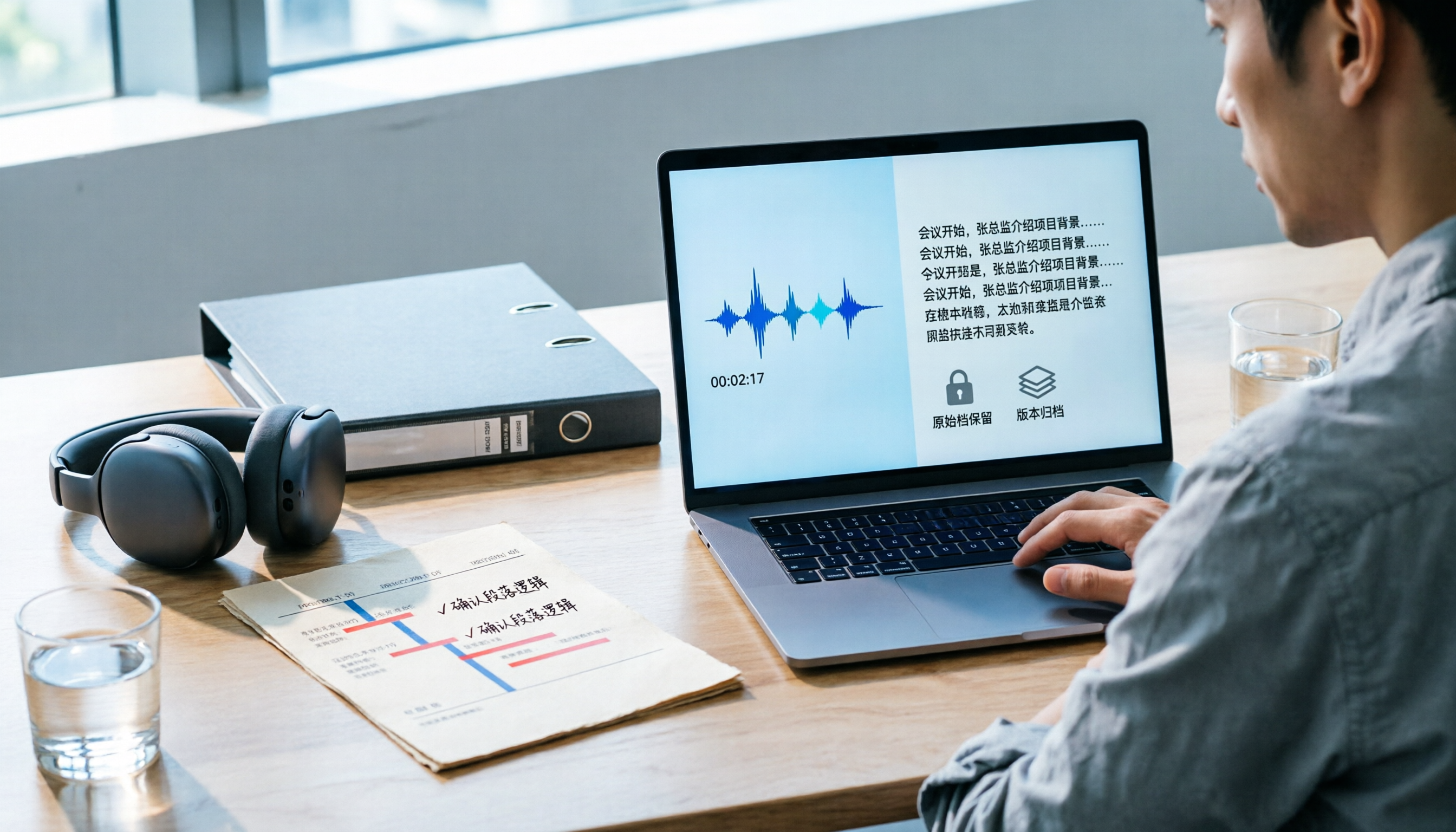
4 Recording Organizer Tools Tested and Compared in 2026: Is a Recording Evidence? Key Points for Legal Evidence Collection and Transcript Retention
Whether a recording can be used as evidence depends not on the tool, but on whether the method of acquisition is legal, whether you are a party to the conversation, and whether the recording is complete. This article uses real scenarios to explain common court judgments and compares recording organizer tools such as Tinrec, Otter.ai, TurboScribe, and Notta, teaching you to preserve original files and organize transcripts to avoid unintentionally breaking the law.

2026 Comparison of 4 Meeting Notes Tools: What to Record in Meeting Minutes and Which AI Notes Tool Is Enough?
What exactly should meeting minutes include? This article first breaks down the 5 essential fields of meeting minutes (topic, discussion summary, decisions, action items, future issues), then compares Tinrec, Otter.ai, Notta, and Granola from a senior student's hands-on perspective on differences in Chinese meetings, AI summaries, post-meeting follow-up questions, and free quotas, along with the 4 most common pitfalls for beginners and selection advice.

2026 Comparison of 4 Audio-to-Text Tools: Free Tiers, Chinese Support, and Post-Meeting Organization
Can audio files be converted to text? This article addresses common misconceptions and compares Tinrec, Notta, TurboScribe, and Otter on input sources, free tiers, Chinese support, and post-meeting organization capabilities. Fields not timed under identical conditions are clearly marked, helping you choose tools based on needs rather than marketing claims.
4 LINE Call Recording Methods Tested for 2026: Which One Actually Captures Both Sides?
LINE doesn't have built-in call recording, due to both privacy policies and VoIP technical limitations. This article starts from a mid-level manager's real meeting scenario and tests and compares iPhone built-in recording, Android screen recording, hardware recording devices, and Tinrec's post-meeting organization workflow. It outlines the limitations, costs, and truly time-saving uses of the four methods, plus the most common pitfalls.

How Many Days to Finish Meeting Minutes in 2026? 3 AI Meeting Minutes Tools Compared: Transcripts, Summaries, and Post-Meeting Turnaround
How many days should meeting minutes take? For regular work meetings, it's recommended to draft within 24 hours after the meeting; for shareholder meeting minutes, there is a statutory deadline of distribution within 20 days after the meeting. This article compares Tinrec, Granola, and PLAUD Note, from transcripts, summaries, action items, recording retention to team collaboration, to help you choose a solution that shortens post-meeting organization time.

Good Tape vs Tinrec 2026: 5-Dimension Comparison for Chinese Meeting Notes
Is Good Tape good? This article compares Good Tape and Tinrec across 5 dimensions: Chinese recognition, meeting capture, post-meeting organization, team collaboration, and pricing logic, with buying tips and scenario recommendations.

2026 Screen Recording & Meeting Notes Tools Compared: Is EverCam Free Version Enough?
EverCam offers a free version, but after a one-month trial it reverts to free, and new recordings may have watermarks and cannot be exported to mp4/wmv. This article examines real-world usage scenarios, outlines the limitations of EverCam's free version, and compares Tinrec, Otter.ai, and Notta in meeting notes and post-meeting organization to help you decide which tool to use.

3 Ways to Record LINE Calls in 2026: Will the Other Party Be Notified?
Will the other person know if you record a LINE call? This article compares LINE's built-in call recording, iPhone iOS 26 local capture, and dual-device recording, covering notification mechanisms, audio quality limitations, and legal reminders. It also explains how to use Tinrec to turn legally obtained call recordings into transcripts, summaries, and action items.