

Turn recordings into transcripts and summaries in minutes
Upload audio or video for multilingual transcription, AI notes, and action items
2026 Comparison of 6 Audio-to-Text Tools: From Upload and Transcription to Team Collaboration
When choosing an audio-to-text tool, many people start with "how many free minutes." That's the easiest trap to fall into. The free minutes may look generous, but if each file can only be a few minutes long, exports aren't available, Chinese recognition is unreliable, or team members can't use it without seats, you'll still end up doing manual cleanup.
Instead of just looking at minutes, break it down along the same workflow: can it record, can it upload, can it organize after transcription, and can the team take over?
Honestly, I usually look at limitations first, not marketing numbers. Because what really affects whether you can deliver meeting notes on time is often not a slogan like "300 free minutes" but file limits, export formats, collaboration permissions, and post-correction costs.
This is not a lab speed test, nor do I pretend I ran the same audio file through every tool. There are no publicly traceable timed recordings for this review, so I'll separate data comparison from use cases; where there are no numbers, I'll say so. Data was verified on August 18, 2026, and prices and entitlements are subject to each official page.
What Affects Processing Speed
The audio-to-text process can be roughly divided into four stages: obtaining the audio source, uploading or live recording, speech transcription, and post-transcription organization.
The first stage is the audio source. Online meetings, in-person interviews, phone memos, existing MP3s, or video files are handled differently. Some tools rely on a meeting bot to join, some use a desktop app to capture system audio, and some only accept uploaded files.
The second stage is upload and queuing. The larger and longer the file, the more likely you'll hit per-file limits, daily file counts, or queuing rules.
The third stage is transcription. Audio quality, background noise, accents, overlapping speakers, and technical terms all affect results. Official recognition claims don't guarantee your meeting will go smoothly.
The fourth stage is organization and export. The transcript is just the starting point; summaries, chapters, action items, translation, and export to documents or team spaces are what most office workers actually use.
Tools Included in This Comparison
The main table includes six tools: Tinrec, Otter.ai, Fireflies.ai, Notta, TurboScribe, and Granola.
- Tinrec: Positioned as an AI meeting notes and team collaboration tool, supporting live recording, desktop bot-free recording of online meetings, audio/video file import, summaries, action items, AI Q&A, translation, and team spaces.
- Otter.ai: A mature AI meeting assistant covering Zoom, Microsoft Teams, Google Meet, live transcription, AI Chat, and team management, with a strong reputation for English business meetings.
- Fireflies.ai: Strong in meeting automation, meeting bots, summaries, AskFred, team analytics, and extensive integrations.
- Notta: Multi-platform transcription, meeting notes, file import, translation, and team plans, with significant overlap with Tinrec.
- TurboScribe: Focused on cost-effective file transcription, emphasizing long files, batch uploads, subtitles, and translation.
- Granola: A bot-free AI meeting notes tool that transcribes in real time via desktop system audio and microphone, then combines with user notes.
Additionally, PLAUD Note and NotePin are AI recording hardware, not the same product type, so they are not included in the main six-tool table but will be mentioned in the pricing section.
Comparison Method and Conditions (No Hands-On Timing)
- Comparison date: August 18, 2026.
- Data basis: Tinrec product data, official pricing pages and official documentation of competitors; items that cannot be confirmed are not inferred.
- Comparison dimensions: input sources, free tier, paid starting price, post-meeting organization, team capabilities, main limitations.
- Timing note: There are no traceable timing records under uniform audio, device, network, and browser conditions, so upload seconds and transcription minutes are not listed, and no speed ranking is made.
- Currency note: Prices are primarily in USD; annual-to-monthly conversions are for comparison only, and actual checkout amounts are subject to official pages.
- Conditions not standardized: audio length, language, number of participants, recording scenario, accent, background noise, and product version. Therefore, conclusions apply only to these data conditions and not to all scenarios.
Comparison Results Summary Table
| Tool | Main Input & Meeting Capture | Free Tier | Paid Starting Price | Post-Meeting Organization | Team & Notes |
|---|---|---|---|---|---|
| Tinrec | Live recording, desktop bot-free recording of online meetings, audio/video files, mobile recording, some web links | Free version offers basic quota, no fixed minutes listed | Team monthly USD 29.80/paid seat/month; annual USD 199/paid seat/year | Summaries, chapters, action items, AI Q&A, translation, multi-format export, Agent post-processing | Team spaces, roles, seats, usage, audit, audio recycle bin; currently team-level sharing, not file-level ACL |
| Otter.ai | Zoom, Teams, Meet, live transcription, file import | 300 minutes per month | Pro annual equivalent USD 8.49/user/month | Summaries, AI Chat, action items, workflows | Business offers more management capabilities; specific pricing may vary by promotion |
| Fireflies.ai | Meeting bots, summaries, AskFred, team analytics, integrations | Free USD 0, no fixed minutes listed | Pro USD 10/seat/month; Business USD 19; Enterprise USD 39 (annual basis) | Summaries, Q&A, team analytics, integrations | "Unlimited transcription" is still subject to storage, file upload speed, and AI Credit rules |
| Notta | Multi-platform transcription, meetings, file import, translation | 120 minutes per month, max 3 minutes per item | Pro annual equivalent USD 8.17/month; Business annual equivalent USD 16.67/seat/month | Summaries, translation, subtitles, team features | Business offers unlimited transcription, role permissions, and usage reports |
| TurboScribe | Long audio files, batch uploads, subtitles, translation | 3 files per day, max 30 minutes per file | Unlimited annual USD 120, equivalent to USD 10/month | Transcription, subtitles, translation | Paid version supports up to 10 hours or 5 GB per file, 50 files per upload; not a real-time meeting collaboration tool |
| Granola | Desktop system audio and microphone, bot-free meeting notes | Basic free, no fixed minutes listed | Business USD 14/user/month; Enterprise USD 35/user/month | Note enhancement, Q&A, integrations | Supports live transcript viewing, copying, and search; does not support uploading pre-recorded audio files, nor does it save meeting audio |
Stop organizing recordings by hand
Upload audio or video and automatically get a transcript, summary, and action items
Data Basis and Use Cases for Each Tool
The following use cases are based on public information, not hands-on testing of every tool.
Tinrec's advantage is putting recording, transcription, organization, and team knowledge retention into one workflow. The desktop version can directly capture computer system audio to handle online meetings on Zoom, Google Meet, Microsoft Teams, Webex, etc., without a meeting bot joining. After transcription, it offers summaries, chapters, action items, AI Q&A, translation, and multi-format export.
Note that Tinrec is not a meeting bot that automatically joins all calendar meetings; instead, users actively initiate recording via the desktop app. Chinese and multilingual experience can be a focus, but fixed accuracy rates are not recommended; actual results are affected by audio quality, noise, accents, overlapping speakers, and technical terms. Team plans also require distinguishing roles and seats: active members without seats can view, play, and read team data but cannot upload, edit, import, or export.
Otter.ai suits those already focused on English business meetings who need a mature meeting assistant and team management. The free 300 minutes per month is friendly for light use; Pro annual equivalent is USD 8.49/user/month, including 1,200 minutes of in-app recording per month and 10 file imports. Business pricing and entitlements may vary by promotion, so check the official page before applying.
Fireflies.ai's strengths are meeting automation, bots, summaries, AskFred, and integrations. On an annual basis, Pro is USD 10/seat/month, Business USD 19, Enterprise USD 39. Its "unlimited transcription" cannot be simplified as all capabilities being completely unlimited; storage, upload speed, and AI Credit rules still apply.
Notta overlaps significantly with Tinrec, covering multi-platform transcription, meeting notes, file import, translation, and team plans. The free version offers 120 minutes per month but max 3 minutes per item, better suited for short tests. Pro annual equivalent is USD 8.17/month with 1,800 minutes per month; Business annual equivalent is USD 16.67/seat/month, offering unlimited transcription, role permissions, and usage reports.
TurboScribe is not suited for head-to-head competition with real-time meeting assistants. It is better for long audio files, batch files, subtitles, and translation. Free: 3 files per day, max 30 minutes per file; Unlimited annual USD 120, equivalent to USD 10/month, paid version supports up to 10 hours or 5 GB per file, 50 files per upload. If you need to "quickly convert lots of files to text," its direction is clear; if you need real-time collaboration during meetings, it's a different track.
Granola suits those who prefer bot-free note-taking while in meetings. It transcribes in real time via desktop system audio and microphone, supporting transcript viewing, copying, and search. However, it has two important limitations: it does not support uploading pre-recorded audio files, nor does it save meeting audio. That is, if you need to keep original recordings, re-listen later, or import historical files, Granola is not designed for that need.
Pricing and Available Quota Comparison
The following prices are based on data available as of August 18, 2026, all listed in USD; annual-to-monthly conversions are for comparison only; please refer to official checkout pages for actual amounts.
Tinrec
- Personal plans include Free, Weekly Card, Pro Monthly, Pro Annual; specific personal plan prices are not listed in this data.
- Team plan first eligible trial: 7 days, 1 free seat, 300 minutes team shared import quota.
- Team monthly: USD 29.80/paid seat/month.
- Team annual: USD 199/paid seat/year, equivalent to about USD 16.58/month.
- Paid seat entitlement: 2,000 minutes team shared import quota per seat per month.
- Under an active team plan and active seat, live recording currently does not deduct minutes; file and web imports consume team shared import minutes.
Otter.ai
- Basic: Free, 300 minutes per month.
- Pro: Annual equivalent USD 8.49/user/month, 1,200 minutes in-app recording per month and 10 file imports.
- Business: Offers unlimited meetings and in-app recording, more imports and management capabilities; specific pricing may vary by promotion.
Fireflies.ai
- Free: USD 0.
- Pro: USD 10/seat/month.
- Business: USD 19/seat/month.
- Enterprise: USD 39/seat/month.
- Unlimited transcription is still subject to storage, file upload speed, and AI Credit rules.
Notta
- Free: 120 minutes per month, max 3 minutes per item.
- Pro: Annual equivalent USD 8.17/month, 1,800 minutes per month.
- Business: Annual equivalent USD 16.67/seat/month, offering unlimited transcription, role permissions, and usage reports.
TurboScribe
- Free: 3 files per day, max 30 minutes per file.
- Unlimited: Annual USD 120, equivalent to USD 10/month.
- Paid version supports up to 10 hours or 5 GB per file, 50 files per upload.
Granola
- Basic: Free.
- Business: USD 14/user/month.
- Enterprise: USD 35/user/month.
- Supports live transcript viewing, copying, and search; does not support uploading pre-recorded audio files, does not save meeting audio.
Also Mentioned: PLAUD Recording Hardware
PLAUD is a different product type—you're buying a standalone recording device and portable note-taking experience. The U.S. official site currently shows NotePin at USD 159 and Note Pro at USD 189; Starter is 300 minutes per month, Pro is USD 99.99/year with 1,200 minutes per month, and Unlimited is USD 239.99/year. If you need phone call recording or portable hardware, this is a different option; if you mainly have meetings on a computer, software tools are usually closer to your workflow.
Conclusion: Choose by Need
Under these data conditions, I won't say which one is "the fastest overall" or "the strongest overall," because there are no traceable uniform timing records. A more reasonable approach is to divide by workflow.
If you need Chinese meeting notes, desktop bot-free recording of online meetings, post-meeting summaries and action items, and want to retain data in team spaces, prioritize evaluating Tinrec. Its limitations should also be clear: it does not automatically join all meetings, does not offer file-level granular permissions, and does not promise fixed accuracy.
If you mainly have English business meetings and are already familiar with Otter or Fireflies automation and integrations, these two still have mature advantages. If you often have large volumes of long audio files, batch files, and subtitle needs, TurboScribe's direction is more direct. If you need multilingual transcription, subtitles, and team plans, Notta can be included in the comparison. If you prefer bot-free note-taking during meetings and don't need to keep meeting audio, Granola's experience design is clear. If you need portable recording hardware, PLAUD is another option.
Finally, note that the above is a data comparison, not a test of your meetings. I recommend trying your own 10- to 20-minute audio file with multiple speakers and technical terms—that's closer to reality than just looking at free minutes.
FAQ
Should I look at minutes or file limits for free tiers?
Both. For example, Notta's free tier offers 120 minutes per month but max 3 minutes per item; TurboScribe's free tier offers 3 files per day, max 30 minutes per file. Enough minutes doesn't mean your long meeting can be processed in one go.
Is there a fixed accuracy rate for audio-to-text?
It's not recommended to summarize with a single number. Audio quality, background noise, accents, overlapping speakers, and technical terms all affect results. Tinrec also does not recommend promising a fixed accuracy rate; important content should still be checked against the transcript and recording.
What's the difference between meeting bots and bot-free recording?
Meeting bots typically join online meetings as a participant; Tinrec's desktop version captures computer system audio and does not require an additional bot to join. But this does not mean it automatically joins all calendar meetings—users still need to actively initiate recording.
What's the difference between roles and seats in team plans?
Roles determine who can manage the team, members, audit, and team settings; seats determine whether members can record, upload, edit, import/export, and use team resources. Active members without seats can still view, play, and read team data.
Can team members see all team data?
Under the current Tinrec team plan, it is mainly team-level sharing; all active members can read team data. It is not file-level or member-level granular private permissions. Clarify this boundary when purchasing externally.
Can AI summaries completely replace manual meeting notes?
Not recommended. AI can reduce manual organization costs but may miss or misunderstand details. For decisions, commitments, and numbers, it's best to check against the transcript timestamp and original recording.
References
- Audio to Text - Free Speech-to-Text Tool
- Online AI Speech, Video, Audio File Auto-Transcription - Free Trial - cSubtitle
- Online Speech-to-Text AI, Free MP3 or Audio File to Transcript - MyEdit
- AI Speech-to-Text | Free and Easy Online Speech-to-Text Tool
- Audio to Text: Convert Recordings to Transcripts Online | Canva
Turn every recording into actionable outcomes
Get 60 free transcription minutes when you sign in. No credit card required.
Related Reading
You might also like

4 Meeting Transcription Tools Compared for 2026: How to Choose for Chinese Meetings and Bot-Free Recording
You finished the meeting but still haven't listened back to the recording? This article uses four practical questions to compare Tinrec, Otter.ai, Notta, and Granola on Chinese and mixed Chinese-English transcription, online meeting audio capture, post-meeting output, and team data management. It also lists each provider's pricing and limitations to help you decide which tool fits your meeting habits.

Best Free Meeting Transcription Tools in 2026: Tinrec vs Notta Free Tiers and Meeting Notes Features Compared
There are many tools for transcribing meeting recordings, but the key to choosing one is how the free tier is calculated and whether the transcript is directly usable. This article compares Tinrec and Notta's free plans, focusing on differences in meeting recording methods, post-transcription processing, Chinese language experience, and team collaboration, and lists checkpoints worth noting when purchasing. Information verified as of August 2026.

4 Free Meeting Transcription Tools in 2026: Free Tiers and Usage Limits Compared
Is a free plan enough for meeting transcription? This article compares the free tiers, recording methods, and post-meeting organization capabilities of Tinrec, Otter.ai, Granola, and TurboScribe, with key buying factors and common pitfalls to help you choose the right tool for your meeting type. Plans and prices verified as of August 2026.

2026 Comparison of 4 Meeting Transcription Tools: Which Saves the Most Time on Chinese Transcripts and Post-Meeting Organization?
How to choose a meeting transcription tool? This article starts with common misconceptions and compares 4 tools on capture methods, Chinese language performance, post-meeting organization, and team collaboration differences. It also includes selection criteria, pitfalls to avoid, and scenario-based recommendations to help you pick the one that truly saves time.

2026 Comparison of 4 Free Meeting Transcription Software: Which Free Version Is Enough?
We tested free plans from Tinrec, Otter.ai, Notta, and TurboScribe, comparing free quotas, per-recording limits, Chinese recognition, and post-meeting AI summaries to help you decide which one to try first.

2026 Legal Document Summarization Tools Compared: Chinese Transcripts vs. AI Q&A — Which Suits Law Firms?
Legal document summarization isn't about dumping a whole file into AI for a one-click summary. This article starts with common pitfalls and compares Tinrec, Notta, Otter, and Granola in real workflows for Chinese transcripts, summaries, AI Q&A, and team collaboration—helping legal, compliance, and administrative teams choose the right tool.
2026 Comparison of 4 Professional Video Summarization Tools: Which Has the Most Useful Free Tier and AI Summaries?
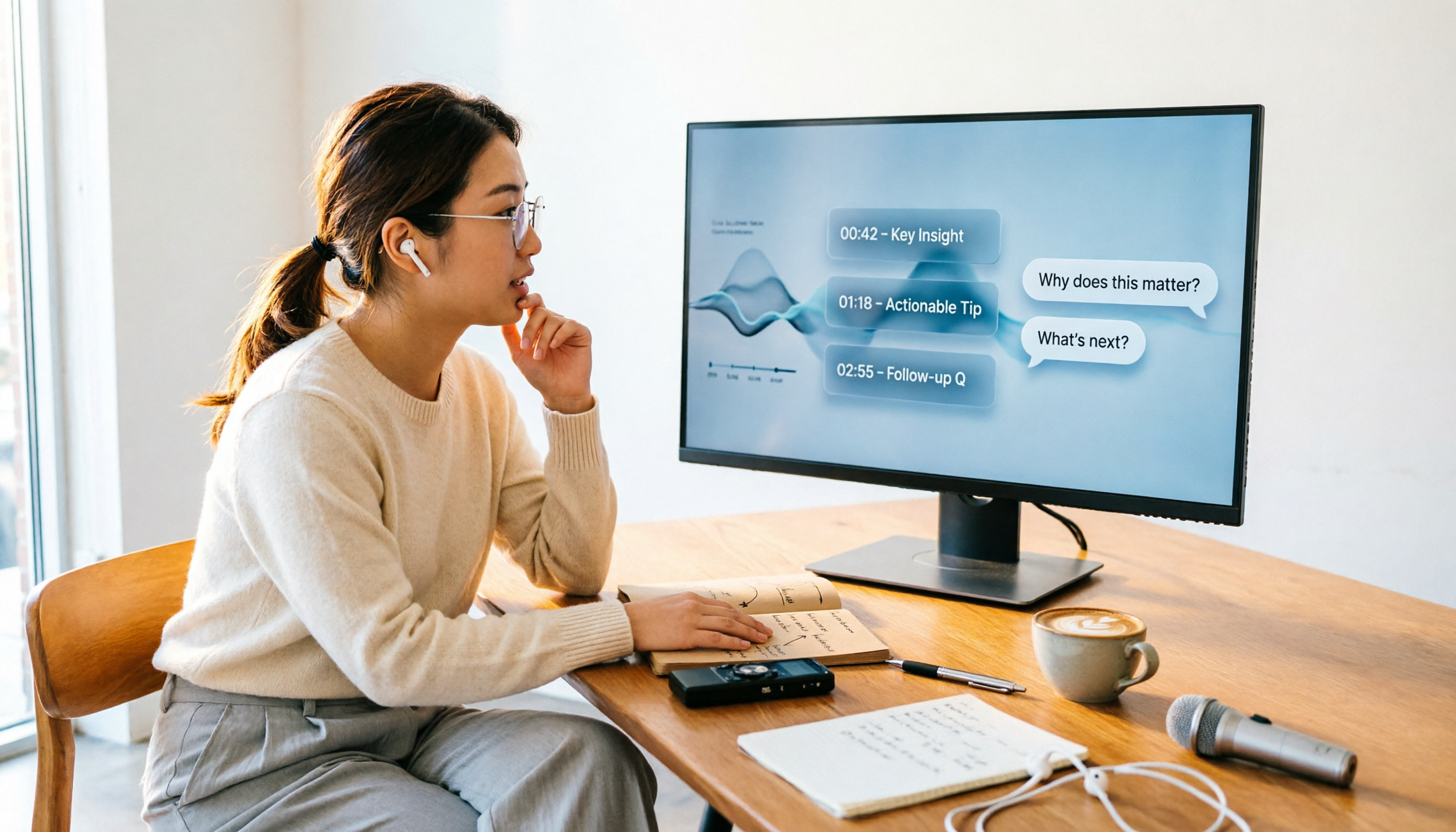
Videos too long, no subtitles, can't take notes in time? This article compares Tinrec, Notta, TurboScribe, and Granola in real workflows, focusing on differences in video import, AI summaries, chapters, Q&A, and free tiers, to help you choose the right professional video summarization tool for courses, interviews, and meeting recordings.

6 Best Bulk Image to Text Tools in 2026: Free Limits, Batch Processing, and Privacy Compared
When you need to process hundreds of screenshots, photographed documents, or scanned files at once, free image-to-text tools often hit daily limits, 10MB per-file caps, and sign-up requirements. This guide reviews six common tools, their workflows, free restrictions, and privacy considerations. It also explains which type of tool to use when your 'bulk transcription' is actually meeting recordings or interview audio, with a troubleshooting guide and scenario-based recommendations.

4 Free Meeting Recording Summary Tools in 2026: Free Tiers and Chinese Transcription Compared
When meeting notes are due within ten minutes of the meeting ending, the real deciding factors are whether the free tier is sufficient, whether summaries can directly become action items, and whether the tool can understand Chinese and mixed Chinese-English speech. This article compares the free conditions and use boundaries of Tinrec, Otter.ai, Notta, and TurboScribe using the same criteria, and includes selection dimensions and pitfalls to help you choose a tool based on your meeting type.