

Turn recordings into transcripts and summaries in minutes
Upload audio or video for multilingual transcription, AI notes, and action items
Best Free Meeting Transcription Tools in 2026: Tinrec vs Notta Free Tiers and Meeting Notes Features Compared
When choosing a meeting recording-to-text tool, the first question isn't actually "which one is free," but rather: when the free quota runs out, can the recording in your hand produce meeting minutes you can send out directly?
If it only turns audio into a large block of text, you still have to spend time reviewing, extracting key points, and writing action items.
This article focuses on two options commonly compared by Taiwanese users—Tinrec and Notta—and clarifies the selection focus from free plans, meeting recording methods, to post-meeting organization. Plan and pricing information verified as of August 2026; actual benefits are subject to each official page.
Why are some people looking for alternatives to Notta?
Notta is the first transcription tool many people encounter, supporting multi-platform use, file upload, translation, and team plans—quite comprehensive in features.
Its free version offers 120 minutes per month with a 3-minute limit per upload (based on the official pricing page). This is sufficient for occasional short recordings, but a 40-minute weekly meeting would need to be split into several uploads, and the transcript would be fragmented.
Another common situation: after transcription, summaries, chapters, and action items still need to be added manually. The tool only delivers "text," not "actionable meeting results."
If your pain points are like these—long meetings, post-meeting organization, team data sharing—then Tinrec is worth looking into.
Tinrec vs Notta: What are the differences in core experience?
How online meetings are recorded
This is the most practical difference. Most transcription tools handle online meetings by having a meeting bot join as a participant, or asking you to upload the recording afterward.
Tinrec's desktop version takes a different approach: it directly captures computer system audio, processing meeting content played on platforms like Zoom, Google Meet, Microsoft Teams, and Webex, without needing an extra bot in the meeting list.
To be precise: this does not mean it automatically joins all calendar meetings; users still need to actively open Tinrec to start recording. But without the bot joining step, it's more convenient for both internal and external meetings.
What the tool can do for you after transcription
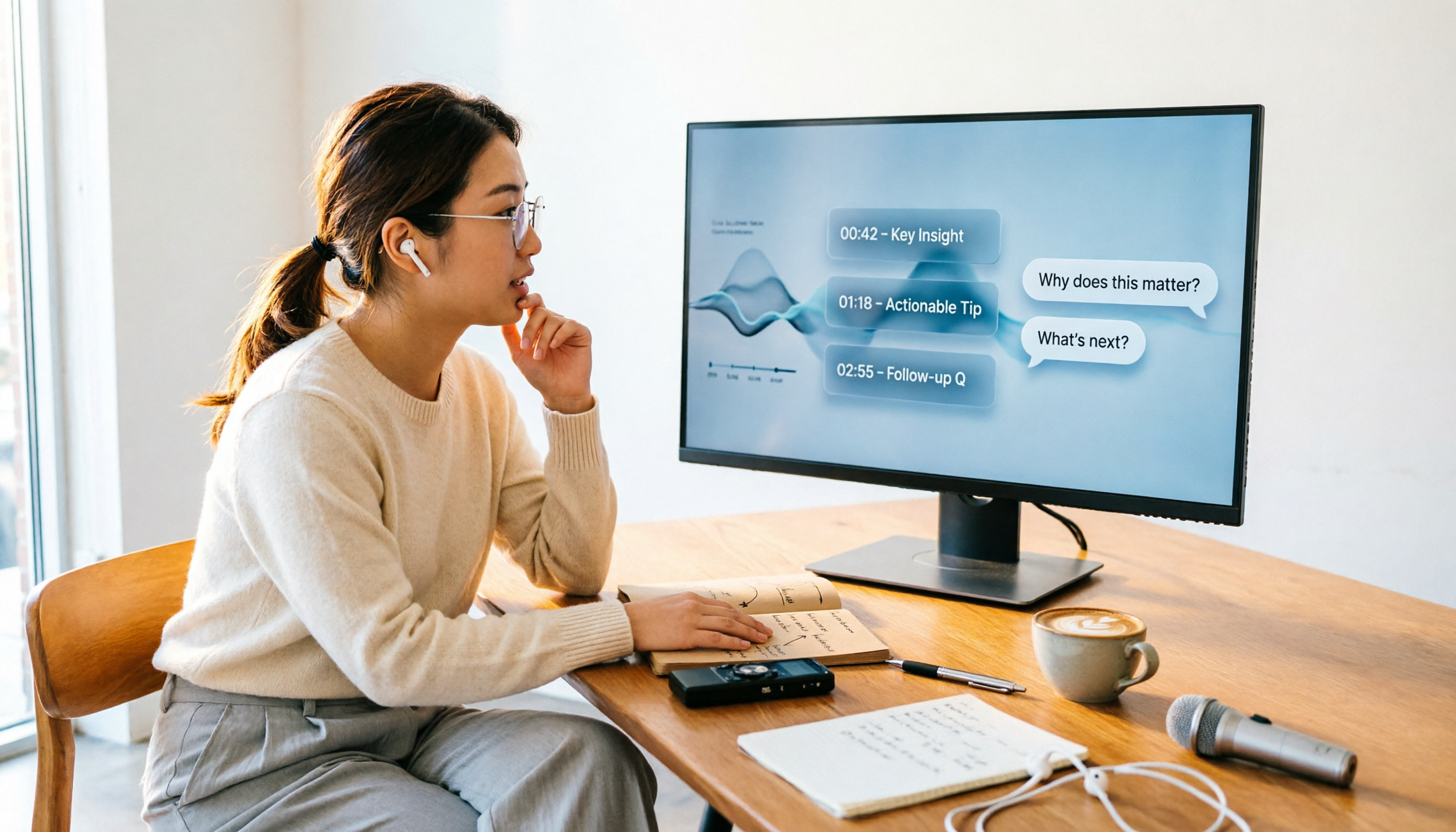
The transcript is just the starting point. After transcription, Tinrec automatically generates summaries, chapters, and action items. Long meetings can be browsed by section without reading from beginning to end.
Even better is AI Q&A: after the meeting, you can directly ask "What were the conclusions of this meeting?" or "Who is responsible for which item?" and it will answer based on semantic understanding, without manually flipping through 30 pages of transcript.
When you need to deliver documents, you can use Agent post-processing to generate reports, tables, and meeting minutes, or export to Notion, Google Docs, OneNote, Dropbox for further processing.
Chinese and mixed Chinese-English meeting scenarios
Tinrec covers Chinese, Traditional Chinese, and multilingual meetings, supports mixed Chinese-English content organization, and can enable real-time translation during recording, viewed in original, translated, or bilingual mode.
The team version also offers hotword management, allowing you to add department-specific terminology and product codes to improve recognition of specialized vocabulary.
Note that no tool should promise a fixed accuracy rate—recording quality, background noise, accents, and overlapping speech all affect results. For important content, it's recommended to replay and verify with timestamps.
Design logic of free plans
Notta's free version is calculated by "monthly minutes + per-upload length limit"; Tinrec's free version provides a basic quota to experience recording, import, summary, and transcription. Actual quotas are subject to official announcements.
The two take different approaches: the former suits short, scattered use; the latter focuses on "running through the complete workflow first"—try recording, transcription, summary, and follow-up questions before deciding whether to upgrade.
Overview of Tinrec's core features
Real-time recording to text: Start recording and transcribing simultaneously, suitable for offline meetings, interviews, and on-site notes. The transcript is ready by the time the meeting ends.
Bot-free online meeting recording: The desktop version captures system audio, so participants won't see an extra account—ideal for formal meetings with external clients.
Audio/video file transcription: Upload existing recordings, class captures, and interview files for unified organization; historical data becomes searchable text.
Stop organizing recordings by hand
Upload audio or video and automatically get a transcript, summary, and action items
Summary, chapter, and action item extraction: Long meetings are automatically segmented into browsable structures, and action items from discussions are highlighted, so you don't have to rely on memory afterward.
AI Q&A and multi-format export: Continue asking questions about a single meeting or across meetings; results can be exported to common formats and third-party tools to integrate into existing workflows.
Team spaces and governance: The team version provides independent spaces, member invitations, role and seat management, usage analytics, audit logs, and an audio recycle bin (30-day retention). Meeting data belongs to the team and doesn't disappear when individuals leave.
Practical use cases
Weekly stand-ups and project meetings: Use Tinrec desktop to record online weekly meetings, check summaries for decisions afterward, paste action items into project tools—meeting hosts don't have to type while discussing.
Client interviews and requirements communication: Record the entire interview; search transcripts for keywords to recall client's exact words without replaying the whole recording when quoting.
Course and lecture notes: Upload a three-hour lecture recording, use chapters to quickly jump to sections for review, and use AI Q&A to confirm which section a concept appeared in.
Team handover and onboarding: Meeting data accumulates in team spaces; new members can search historical meetings to understand decision context without asking colleagues one by one.
Points to note when choosing a recording-to-text tool
How the free quota is calculated: Is it monthly minutes, per-upload length limit, or number of files? First confirm the length of your longest meeting, then see if the quota is enough to run through a complete workflow.
How online meetings are captured: Does it require an extra bot to join? For external meetings, you usually don't want an extra account—worth clarifying upfront.
Output after transcription: Only a transcript, or also summaries, chapters, action items, and Q&A? This determines whether you save typing time or the entire organization time.
Whether original audio is retained: Some tools keep only text, not audio. If your work requires replaying to verify tone or context, retaining audio provides peace of mind.
Team roles and seat design: For multi-user use, distinguish "who can manage" from "who can use resources"—these two are separate in procurement and pricing.
Legality of recording: Before recording a meeting, obtain participants' consent and comply with local regulations and company policies.
Conclusion: Is Tinrec worth a try?
If you need a tool that handles Chinese meetings, doesn't require a meeting bot, and lets you use AI to find key points right after recording, Tinrec is currently one of the few options that solves all three together.
The free version provides a basic quota, suitable for running through a complete workflow first; for short-term intensive meetings, consider a weekly card; for regular weekly use, Pro is suitable; for those who need long-term data accumulation, look at the annual card.
For team adoption, Tinrec for Teams offers a 7-day trial for first-time eligible users, 1 free seat, and 300 minutes of team shared import quota; monthly payment USD 29.80 per paid seat per month, annual payment USD 199 per paid seat per year (about USD 16.58 per month), each paid seat provides 2,000 minutes of team shared import quota per month.
Actual prices, currencies, and promotions are subject to the official purchase page.
FAQ
Q1: Is Tinrec's free version enough?
The free version provides a basic quota to experience the complete workflow of recording, import, summary, and transcription. It's recommended to test with a real meeting first to confirm transcription quality and workflow fit before deciding whether to upgrade.
Q2: Do I need a meeting bot to join online meetings?
No. Tinrec's desktop version directly captures computer system audio; users can actively start recording meetings on platforms like Zoom, Google Meet, Microsoft Teams, and Webex.
Q3: Can it handle mixed Chinese-English meetings?
Yes. Tinrec covers Chinese, Traditional Chinese, and multilingual meetings, supports mixed Chinese-English content organization and real-time bilingual translation viewing. Actual results still depend on recording quality, accents, and overlapping speech.
Q4: What's the difference between the team version and personal version?
Personal version data belongs to the individual account; the team version is an independent collaboration space where data belongs to the team, with added capabilities such as member invitations, role and seat management, shared benefits, usage analytics, audit logs, and audio recycle bin.
Q5: Can members without seats see team data?
Active members can view, play, and read team data even without a seat; only with a seat can they record, upload, edit, and export.
Q6: Can the transcript be delivered directly as meeting minutes?
It's recommended to review alongside summaries and action items. AI may miss or misinterpret details; important decisions should be verified against transcript timestamps and recording playback before official distribution.
References
- Unlimited time! 3 free AI transcription tools, highly recommended! AI voice notes generate meeting minutes, presentations, mind maps | 104 Career Power
- [AI Voice Notes] 5 highly recommended AI transcription tools! Generate transcripts and meeting minutes highlights, free vs subscription, pros and cons comparison | 104 Career Power
- How to use AI for meeting minutes? How to organize meeting transcripts? | AI voice-to-transcript tutorial | 104 Career Power
- [Voice to Text] How to choose between recording-to-transcript and AI meeting notes: Word, Google Docs, mobile, and dedicated services comparison
- Hands-on test of 4 best online "voice-to-text" tools, instantly turn recordings into transcripts for free
Turn every recording into actionable outcomes
Get 60 free transcription minutes when you sign in. No credit card required.
Related Reading
You might also like

4 Meeting Transcription Tools Compared for 2026: How to Choose for Chinese Meetings and Bot-Free Recording
You finished the meeting but still haven't listened back to the recording? This article uses four practical questions to compare Tinrec, Otter.ai, Notta, and Granola on Chinese and mixed Chinese-English transcription, online meeting audio capture, post-meeting output, and team data management. It also lists each provider's pricing and limitations to help you decide which tool fits your meeting habits.

4 Free Meeting Transcription Tools in 2026: Free Tiers and Usage Limits Compared
Is a free plan enough for meeting transcription? This article compares the free tiers, recording methods, and post-meeting organization capabilities of Tinrec, Otter.ai, Granola, and TurboScribe, with key buying factors and common pitfalls to help you choose the right tool for your meeting type. Plans and prices verified as of August 2026.

2026 Comparison of 4 Meeting Transcription Tools: Which Saves the Most Time on Chinese Transcripts and Post-Meeting Organization?
How to choose a meeting transcription tool? This article starts with common misconceptions and compares 4 tools on capture methods, Chinese language performance, post-meeting organization, and team collaboration differences. It also includes selection criteria, pitfalls to avoid, and scenario-based recommendations to help you pick the one that truly saves time.

2026 Comparison of 4 Free Meeting Transcription Software: Which Free Version Is Enough?
We tested free plans from Tinrec, Otter.ai, Notta, and TurboScribe, comparing free quotas, per-recording limits, Chinese recognition, and post-meeting AI summaries to help you decide which one to try first.

2026 Legal Document Summarization Tools Compared: Chinese Transcripts vs. AI Q&A — Which Suits Law Firms?
Legal document summarization isn't about dumping a whole file into AI for a one-click summary. This article starts with common pitfalls and compares Tinrec, Notta, Otter, and Granola in real workflows for Chinese transcripts, summaries, AI Q&A, and team collaboration—helping legal, compliance, and administrative teams choose the right tool.

6 Audio-to-Text Tools Compared for 2026: Free Tiers, File Limits, and Team Collaboration
Many people choose an audio-to-text tool based only on free minutes, overlooking file size limits, Chinese recognition, post-meeting organization, and team seats. Using data available as of August 18, 2026, this article compares six tools—Tinrec, Otter.ai, Fireflies.ai, Notta, TurboScribe, and Granola—and clearly notes where no hands-on timing tests were conducted and items remain unconfirmed.
2026 Comparison of 4 Professional Video Summarization Tools: Which Has the Most Useful Free Tier and AI Summaries?
Videos too long, no subtitles, can't take notes in time? This article compares Tinrec, Notta, TurboScribe, and Granola in real workflows, focusing on differences in video import, AI summaries, chapters, Q&A, and free tiers, to help you choose the right professional video summarization tool for courses, interviews, and meeting recordings.

6 Best Bulk Image to Text Tools in 2026: Free Limits, Batch Processing, and Privacy Compared
When you need to process hundreds of screenshots, photographed documents, or scanned files at once, free image-to-text tools often hit daily limits, 10MB per-file caps, and sign-up requirements. This guide reviews six common tools, their workflows, free restrictions, and privacy considerations. It also explains which type of tool to use when your 'bulk transcription' is actually meeting recordings or interview audio, with a troubleshooting guide and scenario-based recommendations.

4 Free Meeting Recording Summary Tools in 2026: Free Tiers and Chinese Transcription Compared
When meeting notes are due within ten minutes of the meeting ending, the real deciding factors are whether the free tier is sufficient, whether summaries can directly become action items, and whether the tool can understand Chinese and mixed Chinese-English speech. This article compares the free conditions and use boundaries of Tinrec, Otter.ai, Notta, and TurboScribe using the same criteria, and includes selection dimensions and pitfalls to help you choose a tool based on your meeting type.