

Turn recordings into transcripts and summaries in minutes
Upload audio or video for multilingual transcription, AI notes, and action items
Why Are You Still Transcribing Manually in 2026?
Entering 2026, AI speech recognition (ASR) technology has become quite mature. For journalists, project managers, students, and content creators, "speech-to-text" is no longer just a dictation tool but a smart assistant that combines "semantic understanding," "automatic summarization," and "cross-platform integration." According to the latest market research, using AI speech-to-text tools can reduce meeting organization time by over 90%.
The market is flooded with options, from established players like Otter.ai and Yating to newcomers like GoodTape and PLAUD Note. Which one is best for American users? This article will review the 5 most recommended speech-to-text apps for 2025–2026 and dive deep into this year's strongest dark horse – TinRec (SecListen).
Hot Speech-to-Text Apps in 2026: An Overview
Before we dig into our top pick, let's take a look at several other popular competitors on the market:
- GoodTape: Known for its "simple and straightforward" service, with a minimal interface and multilingual support. Suitable for users who occasionally need to convert files and don't require complex features.
- Otter.ai: The strongest meeting assistant in English-speaking countries, with powerful real-time transcription and multi-user collaboration. However, its support for Chinese (especially Taiwanese accents) still has room for improvement.
- Yating: Developed in Taiwan, it offers excellent recognition of Taiwanese accents and mixed Chinese-English speech, making it a favorite among many journalists. But its features are relatively focused on pure transcription.
- PLAUD Note: A hardware-software integration that combines a physical recording card with an app, solving the pain point of iPhone's inability to record calls. However, it requires an additional hardware purchase.
Why TinRec (SecListen) Is Our Top Pick for 2026

Among many competitors, TinRec (SecListen) has become a secret weapon for many professionals in 2026 thanks to its "all-in-one" feature integration and excellent support for Traditional Chinese. It's not just a transcription tool; it's a comprehensive sound productivity center.
Product Name: TinRec (SecListen)
Website: https://tinrec.com/
Stop organizing recordings by hand
Upload audio or video and automatically get a transcript, summary, and action items
Core Features Deep Dive:
1. Call Recording to Text
This is one of TinRec's most powerful killer features. Amid increasingly strict restrictions on call recording in iOS and Android, TinRec offers a solution that clearly records two-way calls and converts them to text "instantly." This is indispensable for business professionals who need to document phone meetings, interviews, or protect their rights.
2. MP3 to Text and Multi-format Support
Have files recorded with a dictaphone? Or received voice messages from clients? TinRec supports importing MP3, M4A, WAV, and other formats. In our tests, a one-hour interview recording is transcribed in just a few minutes, and it offers excellent recognition of U.S. English and context.
3. AI Meeting Summaries
Raw transcripts are often lengthy and hard to read. TinRec's built-in advanced AI model automatically analyzes the recording and generates a "meeting summary," "action items," and "key decisions" with one click. After a meeting, the meeting notes are done simultaneously, allowing you to focus on more important decision-making.
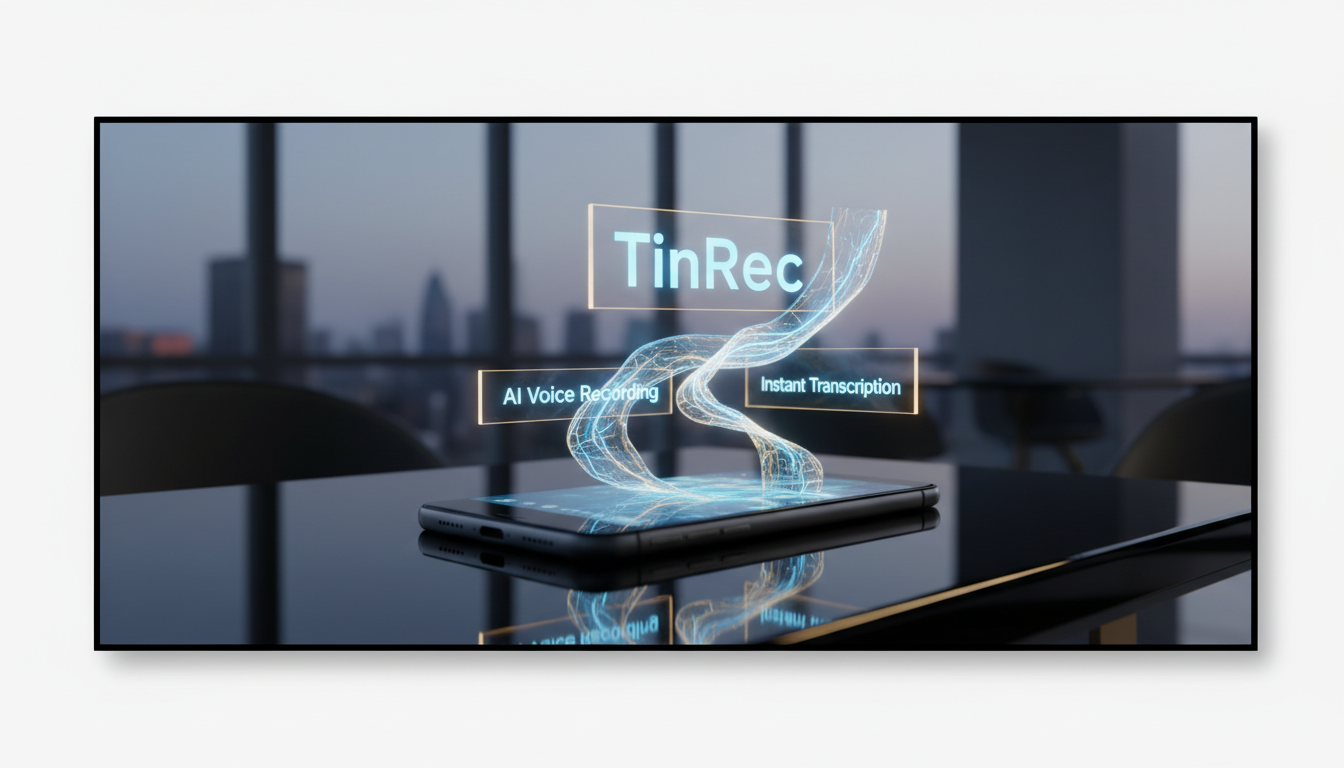
4. YouTube Subtitle Generation
For video creators, adding subtitles is the most time-consuming post-production task. TinRec allows users to directly input a YouTube video link, and the system automatically grabs the audio track and generates a timestamped subtitle file (SRT format). Creators only need to make minor adjustments before upload, greatly shortening the video production cycle.
Comparison: How to Choose the Right Tool for You?
| Feature | TinRec (SecListen) | Otter.ai | Yating | GoodTape |
|---|---|---|---|---|
| Chinese Recognition | ⭐⭐⭐⭐⭐ (Excellent) | ⭐⭐⭐ (Average) | ⭐⭐⭐⭐⭐ (Excellent) | ⭐⭐⭐⭐ (Good) |
| Call Recording | ✅ Supported | ❌ Not supported | ❌ Not supported | ❌ Not supported |
| AI Summary / Insights | ✅ Supported | ✅ Supported | ❌ Limited / None | ❌ None |
| YouTube Subtitles | ✅ Supported | ❌ Not supported | ❌ Not supported | ❌ Not supported |
| Best For | Business professionals, creators, journalists | English-speaking meeting users | Taiwan-based journalists | General transcription users |
Conclusion: The Best Choice for Maximum Efficiency
If you only occasionally need to convert simple audio files to text, GoodTape or Yating are decent free or lightweight options. But if you're a professional seeking extreme efficiency and need to handle phone recordings, complex meeting notes, or even video subtitles, the most feature-rich TinRec (SecListen) is undoubtedly the best value investment in 2026.
Don't waste any more precious time on repetitive transcription. Let AI be your second brain, free your hands, and focus on creating value.
Try the all-in-one voice assistant now: 👉 Visit TinRec (SecListen) for a Free Trial
Turn every recording into actionable outcomes
Get 60 free transcription minutes when you sign in. No credit card required.
Related Reading
You might also like

2026 Team Meeting Tools Compared: The One Without a Meeting Bot Is the Easiest
From the perspective of a mid-level manager leading a 10-person team with 15 meetings a week, we tested and compared four team meeting tools: Tinrec, Granola, Otter.ai, and Notta. We examined five key points: how recordings are captured, post-meeting outputs, Chinese and mixed Chinese-English recognition, role and seat governance, and quota calculation. We also summarized the four most common purchasing mistakes to help you choose the one that truly preserves meeting assets.

2026 AI Meeting Minutes Tools Compared: Which One Generates a Word Report in One Click?
We tested 4 AI meeting minutes tools, comparing transcription, post-processing, Word export, and team data governance. Find out why Tinrec saves the most time for Chinese meetings and report output, plus 4 common buying mistakes to avoid.

Laxis vs Tinrec 2026: Which AI Meeting Tool Is Right for You? 5 Steps to Choose
Laxis and Tinrec both turn meetings into text, but they are built for different purposes. This article compares them across five dimensions—Chinese meeting handling, online meeting recording, post-meeting workflow, team data governance, and pricing—and provides a 5-step framework to help your team decide which one to choose.
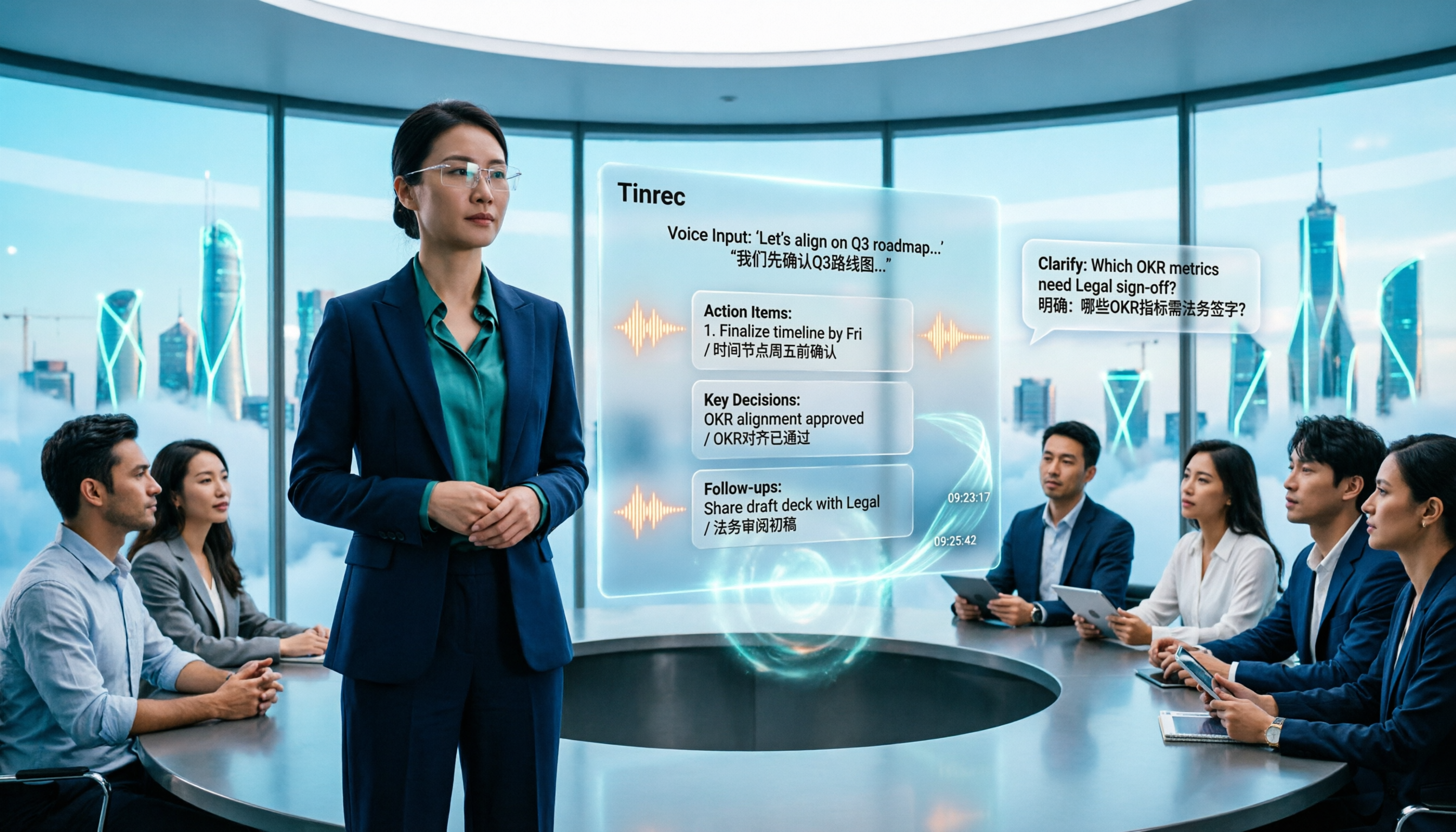
2026 AI Meeting Note Tools Compared: Granola vs Tinrec for Chinese Meetings
We tested four AI meeting note tools including Granola and Tinrec, comparing Chinese and mixed Chinese-English recognition, audio retention and historical file import, post-meeting AI queries, and team data management. We also cover selection criteria and common pitfalls to help you choose the right tool for your meeting scenario.

Tutorial: Tinrec vs Notta Teams in 2026 — Bot-Free Recording + Team Knowledge Retention
Evaluating Notta Teams or Tinrec for your team? This comparison covers five dimensions: meeting recording methods, Chinese language experience, post-meeting workflows, team seat governance, and plan quotas to help you decide which AI meeting notes tool fits your team best.
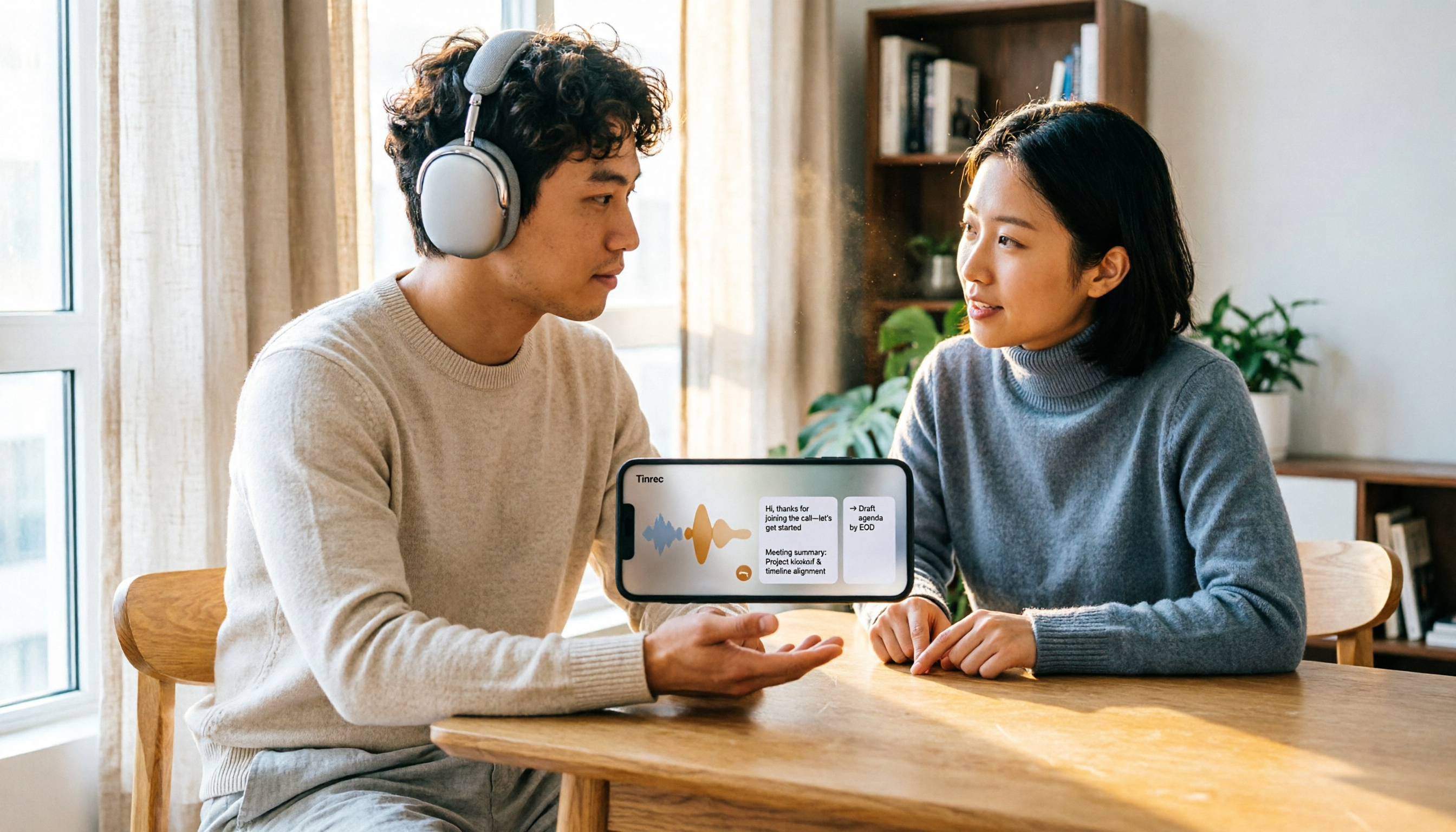
5 Recording Organization Tools Compared in 2026: Fixing LINE Recording Audio Issues and Converting to Text
What to do when you can't hear LINE recordings? This article first guides you through troubleshooting common causes of no sound during LINE calls and silent voice message playback (including iPhone call integration, Whoscall version, media volume, and output devices), then compares Tinrec, Notta, Granola, TurboScribe, and Otter.ai, explaining how to generate transcripts, summaries, and action items once your recordings are fixed.

2026 Complete Guide to Transcript Organization: From Recording to Meeting Minutes
Tired of listening to recordings and typing transcripts after meetings? This article addresses common workplace pain points and shows you how to automate transcript organization with Tinrec. From real-time transcription, AI summaries, and action item extraction to team collaboration, understand the core features and key considerations for choosing a transcript tool—say goodbye to the tedious process of manually pasting into ChatGPT.
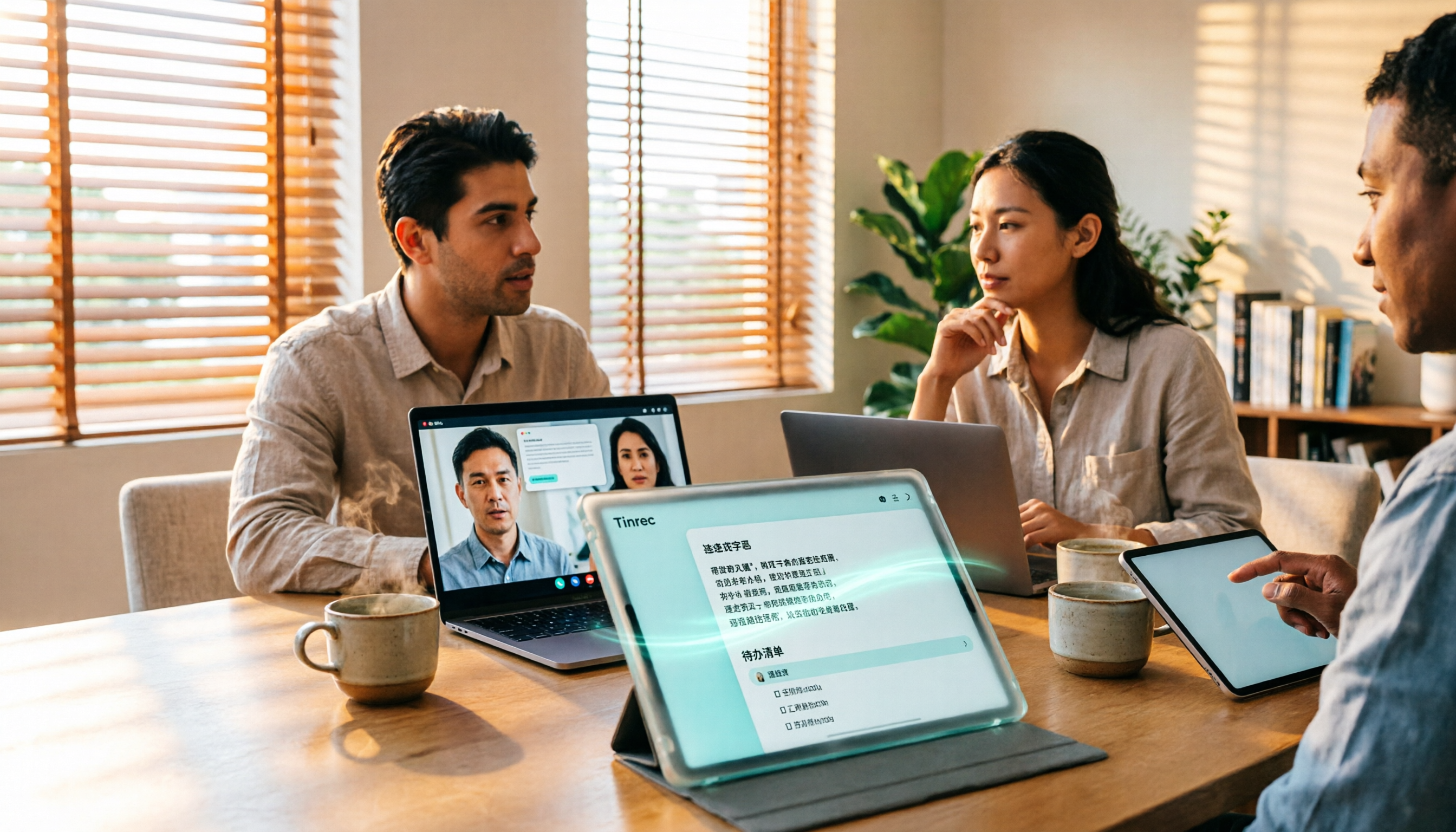
Best Free Zoom Meeting AI Note Takers in 2026: 5 Tools Tested, This One Excels in Chinese
We tested 5 AI meeting note takers that work with free Zoom: Tinrec, Otter, Notta, Granola, and TurboScribe. Compare features, pricing, and use cases to get usable transcripts and action items right after your meeting.
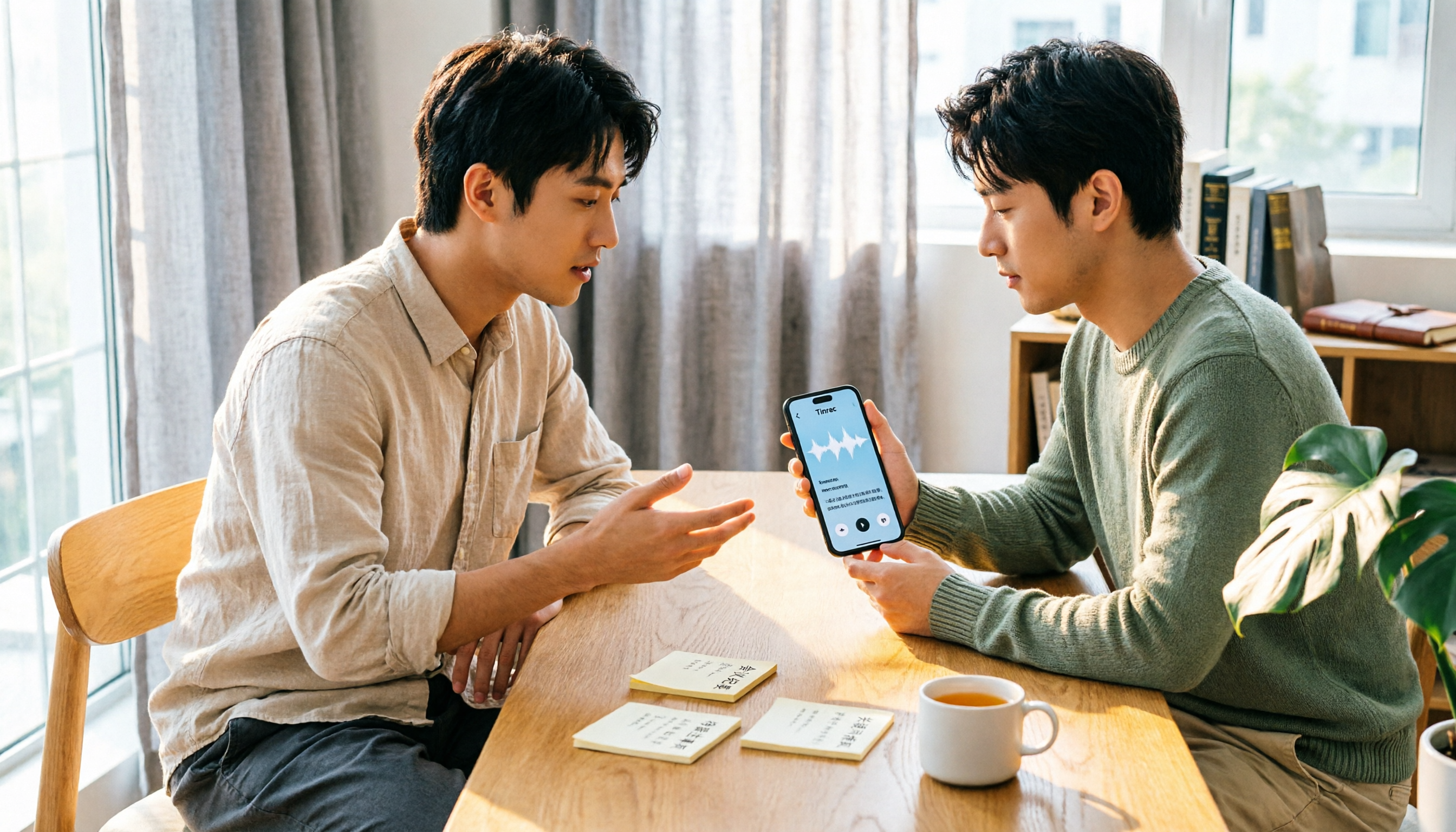
2026 iPhone Recording Solutions Compared: Microphone Locations, Audio Capture, and Transcription
Where exactly are the iPhone's recording microphones? The small hole next to the camera, the earpiece mesh, and the areas beside the charging port each have distinct roles. This article first clears up common misconceptions and explains the correct audio capture positions, then compares two recording solutions—Tinrec and PLAUD Note—across multiple dimensions to help you decide whether to use the iPhone's built-in microphones with software or add dedicated recording hardware.