How to Convert Audio to Text? This Productivity Tool Transcribes 60x Faster

This blog introduces Miao Ting Lu Yin (Instant Transcription), a productivity tool that solves meeting note pain points. It converts audio to text, including iPhone recordings, quickly generating transcripts and meeting minutes with high accuracy. It also extracts action items and identifies speakers, saving time and boosting workplace efficiency.

Productivity Tips
Ye
November 27, 2025
36 min
20 views

Turn recordings into transcripts and summaries in minutes

Upload audio or video for multilingual transcription, AI notes, and action items

Stop Staying Up Late for Meeting Minutes! This Audio-to-Text Tool Nails Meeting Highlights in One Minute


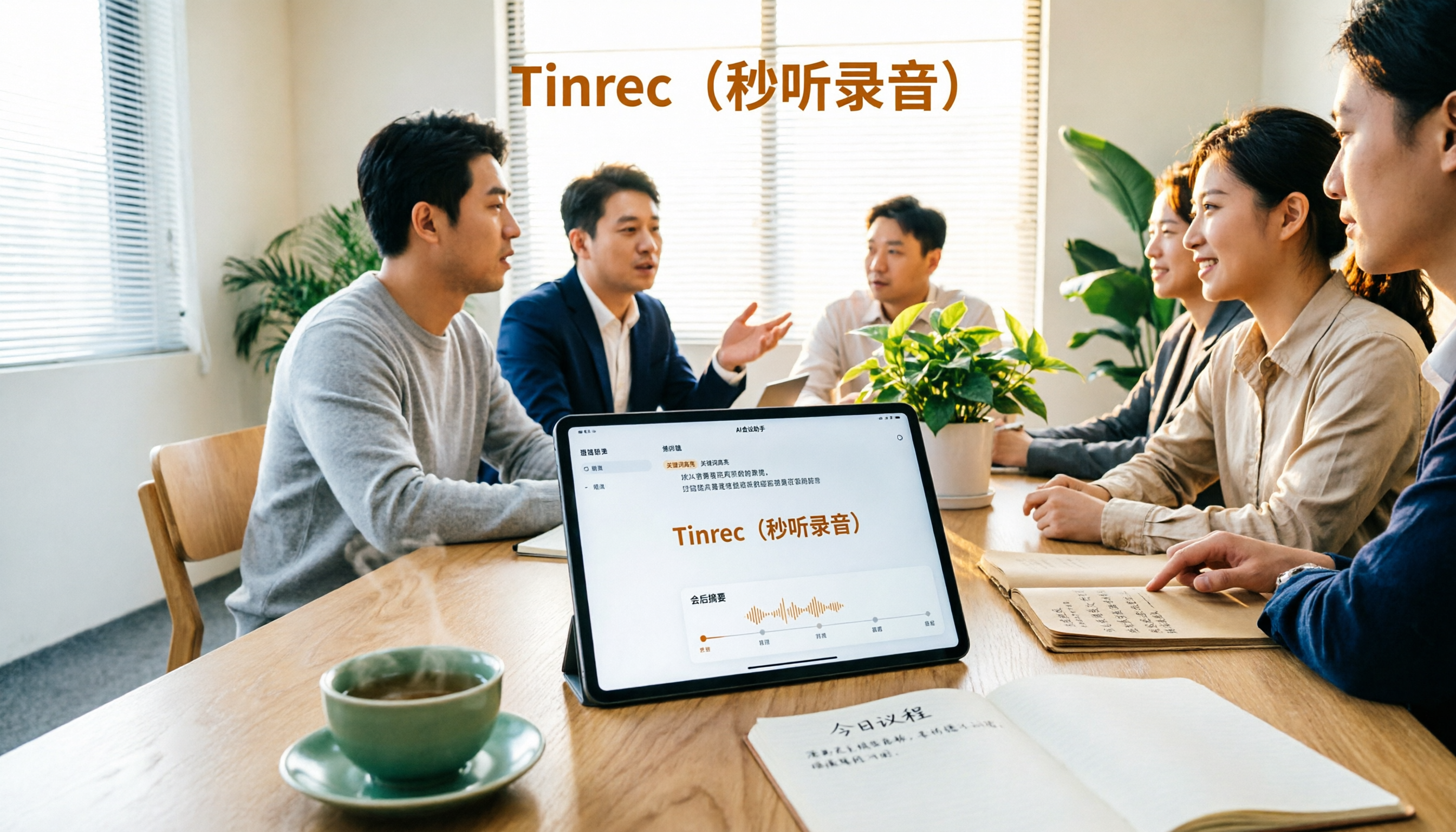
Do you always feel flustered during meetings? Speakers talk at lightning speed, and your hand can't keep up with the notes. When the meeting ends and you try to organize the minutes, your notebook looks like gibberish. You end up working late into the night trying to remember what was said. Many professionals have experienced this frustration.
At its core, the problem with meeting notes comes down to two things: either you miss key information, or it takes hours to organize and still may not be accurate. Especially when you need a verbatim transcript, it's time-consuming and exhausting. You might wonder if there's a way to convert audio to text without the hassle of shorthand, preserving everything said.
Audio-to-text technology is nothing new, but finding a tool that truly works and solves workplace pain points is rare. Many tools suffer from high latency or low accuracy, requiring manual correction of typos, which adds to the workload. iPhone users especially want a seamless way to convert iPhone recordings to text without exporting files—the simpler, the better.
Today, we recommend Miao Ting Lu Yin (Instant Transcription), a tool designed specifically for these issues. It's not just a simple recording app; its core strength is converting audio to verbatim transcripts. From real-time recording to generating minutes, it saves time throughout the process. In our tests, it produces complete meeting minutes in under a minute, doubling efficiency.
Let's start with the core feature: real-time audio-to-text transcription. This isn't your average speech-to-text. It syncs voice with text as you speak, displaying words in real time. Accuracy reaches over 98%, even in a busy meeting room with multiple speakers and background noise. For example, during a 10-person department meeting with interruptions and coughs, it still captures everyone's speech precisely. You no longer have to look down and jot notes—just focus on listening and participating.
For iPhone users, converting iPhone recordings to text is super simple. Just open the app and start recording; the transcript is generated automatically when you finish. You can also import old recordings stored on your phone for transcription without switching tools. This is incredibly convenient—no wasted time transferring files.
Many ask, what's the most efficient way to convert audio to text? The answer is "fully automated + intelligent." Miao Ting Lu Yin not only transcribes but also intelligently generates meeting minutes. The AI automatically extracts core content, including discussion topics, consensus reached, and open issues. It saves you the trouble of going through every word, producing minutes that are logically clear and highlight key points. You can send them directly to team members without any additional polishing.
For example, we recently had a 2-hour project kickoff meeting with 5 segments and 8 action items. After recording with Miao Ting Lu Yin, I clicked the "Generate Minutes" button and had the full document in 1 minute 30 seconds. It not only captured the core content of each segment but also noted the responsible person. That saved me at least 3 hours compared to manual organization, with zero information loss.
The automatic action item extraction feature is also incredibly useful. Tasks and deadlines mentioned in the meeting are automatically identified and listed separately. For example, "Submit proposal by next Wednesday" or "Contact client to confirm requirements." Each task is tagged with the speaker and time. You can mark follow-up status with a single tap, ensuring no important tasks slip through the cracks. According to statistics, using this feature improves task completion rates by 40%.
One of the biggest headaches in multi-person meetings is losing track of who said what. When reviewing, finding who proposed an idea is a nightmare. Miao Ting Lu Yin's speaker identification feature solves this. It automatically recognizes different speakers' voice characteristics and labels each person's contributions. Who made suggestions, who made decisions—everything is clear at a glance. During reviews, you can directly pinpoint the person and specific content, greatly improving efficiency.
The intelligent chapter breakdown is also thoughtful. The app automatically divides the meeting into chapters based on the flow, such as "Project Background," "Solution Discussion," and "Task Assignment." Each chapter highlights 3–5 key points. You don't have to read through thousands of words of transcript; just glance at the chapter summaries to get the big picture. If you need details, you can quickly navigate via chapter markers.
Speaking of audio-to-verbatim transcripts, the editing feature is worth mentioning. The generated transcript supports online editing. If you encounter homophones, just click to edit. You can also add annotations and highlight important content, such as marking key data or decisions in red. This makes it easy to spot important points later. The transcript can be exported in multiple formats: Word, PDF, or TXT, meeting various needs.
Beyond meetings, this tool has many other practical uses. For instance, recording training sessions and converting them to text for review, transcribing client calls to create requirement lists, or even recording interviews to evaluate candidates. Any scenario that needs audio-to-text conversion can benefit from it.
You might worry about transcription speed. In our tests, 1 hour of audio is transcribed in just 3–5 minutes—over 60 times faster than manual transcription. Plus, it supports background transcription, so you can work on other tasks while waiting for completion.
Accuracy is also impressive. It supports multiple languages like Mandarin and Cantonese, and recognizes specialized terminology in fields like marketing, tech development, and finance. Professional term recognition accuracy exceeds 95%, saving you from repeatedly correcting errors.
For those who frequently attend remote meetings, this tool is a must-have. During remote meetings, speakers' voices may be unstable or there might be network lag. Miao Ting Lu Yin still captures audio stably without affecting transcription accuracy. When the meeting ends, you get the minutes immediately—no need to ask colleagues to fill in missing information.
In summary, Miao Ting Lu Yin's core advantages are "fast, accurate, and time-saving." Fast: quick audio-to-text conversion and instant minutes. Accurate: high speech recognition accuracy, reducing wasted effort. Time-saving: eliminates manual note-taking and verbatim organization, freeing professionals from tedious minute-taking tasks.
If you're still struggling with meeting notes and staying up late to organize minutes, give Miao Ting Lu Yin a try. Whether it's real-time audio to text, iPhone recording to text, simple speech transcription, or complex meeting minutes generation, it handles everything in one place. Get started now and take your workplace productivity to the next level!

Turn every recording into actionable outcomes

Get 60 free transcription minutes when you sign in. No credit card required.

Upload audio or video for multilingual transcription, AI notes, and action items

Related Reading

You might also like

4 Slack Meeting Recording AI Tools Compared in 2026: Which Saves the Most Time and Is Most Accurate?

4 Slack Meeting Recording AI Tools Compared in 2026: Which Saves the Most Time and Is Most Accurate?

Slack Huddles have built-in AI recording, but is it really enough? This hands-on review tests Tinrec, Notta, Otter.ai, and Slack's native AI—looking at accuracy, summary quality, and cross-platform flexibility—to help you pick the best tool for organizing Slack meeting recordings.

2026-08-04
2026 Review: 3 Douyin Video-to-Text Tools Compared – Which Free Plan Is Enough?

2026 Review: 3 Douyin Video-to-Text Tools Compared – Which Free Plan Is Enough?

Want to turn Douyin video speech into written notes? This article tests 3 tools (Tinrec, CapCut, Vidnoz) across free quotas, accuracy, and AI features to help you find the best solution.

2026-08-04
2026 Free Discord Call Transcription Tools: 5 Options Compared

2026 Free Discord Call Transcription Tools: 5 Options Compared

Want to turn Discord voice calls into text records? This article covers 5 free or low-cost transcription solutions, including AI recording assistants, general transcription tools, and dedicated transcription services, to help you easily save meeting, gaming discussion, or interview transcripts.

2026-08-04
2026 Tinrec vs Notta: 4-Dimension Comparison, Which Should Taiwanese Hokkien Users Choose?

2026 Tinrec vs Notta: 4-Dimension Comparison, Which Should Taiwanese Hokkien Users Choose?

Looking for a speech recognition AI that supports Taiwanese Hokkien? This article compares Tinrec and Notta across four dimensions: Taiwanese Hokkien recognition, multilingual mixing, AI post-processing, and pricing plans, to help you quickly determine which one is better for organizing Taiwanese Hokkien content.

2026-08-04
How to Extract Text from Xiaohongshu Videos in 2026: Link-to-Transcript + AI Summaries

How to Extract Text from Xiaohongshu Videos in 2026: Link-to-Transcript + AI Summaries

Want to quickly turn Xiaohongshu video dialogue and captions into text? This guide uses Tinrec (Seconds to Listen Recording) as an example, walking you through step by step from copying the link, AI transcription, proofreading, summarizing, and exporting—so you can efficiently collect creative inspiration and research materials.

2026-08-04
2026 Hands-On Comparison of 2 Voice-to-Text Tools: Which Is Better for Chinese Meetings and Study on Huawei Phones?

2026 Hands-On Comparison of 2 Voice-to-Text Tools: Which Is Better for Chinese Meetings and Study on Huawei Phones?

Looking for a voice-to-text app for your Huawei phone? This hands-on comparison tests Tinrec and Otter.ai on Chinese recognition, input sources, AI summaries, pricing, and export options to help you pick the best tool for organizing Chinese audio and video content.

2026-08-04
2026 iPhone Voice-to-Text: Free Built-in Transcripts, AI Summaries, and Q&A

2026 iPhone Voice-to-Text: Free Built-in Transcripts, AI Summaries, and Q&A

Still transcribing recordings manually? This article explores the iPhone's built-in Voice Memos transcript feature and compares it with AI tool Tinrec in hands-on testing. Learn how to quickly turn meeting and course recordings into editable, searchable text—and say goodbye to transcription drudgery.

2026-08-04
2026 Web-Based Recording-to-Text Tool Comparison: 5 Tested – Can Browser Tools Deliver Professional AI Organization Without Installation?

2026 Web-Based Recording-to-Text Tool Comparison: 5 Tested – Can Browser Tools Deliver Professional AI Organization Without Installation?

We tested 5 web-based speech-to-text tools on accuracy, AI organization, and free plan limits, so you can find the one that truly saves time.

2026-08-04
2026 3 Voice-to-Text Apps Compared: Which AI Summary Actually Saves You Time?

2026 3 Voice-to-Text Apps Compared: Which AI Summary Actually Saves You Time?

Hands-on comparison of three voice-to-text apps on Xiaomi phones: Tinrec (秒听錄音) stands out with AI summaries, conversational Q&A, and multi-source organization — ideal for meetings, studying, and content creation. Here's why you shouldn't settle for a plain transcript.

2026-08-04
Use Tinrec Now