
Turn recordings into transcripts and summaries in minutes
Upload audio or video for multilingual transcription, AI notes, and action items
With tightening privacy regulations and smartphone system updates (iOS 19, Android 16) from 2025 to 2026, performing two-way call recording on phones has become increasingly challenging. Whether it's iPhone users facing the awkward "recording notification" or Android users dealing with third-party app permission blocks, many business professionals and regular users find it frustrating. This article compiles the latest call recording landscape in 2026 and provides the most complete solutions, finally introducing how to maximize recording value with the AI tool TinRec (秒聽錄音).
Current State and Limitations of Phone Call Recording in 2026
iPhone (iOS 18/19) Recording Landscape
Since iOS 18.1, Apple finally introduced native call recording on iPhones. This is great news for Apple fans, but it comes with a major drawback: when you press the record button, the system automatically plays a voice announcement saying "this call will be recorded," letting the other party hear it. While this complies with privacy regulations, it feels rather useless for those who want to collect evidence, record discreetly, or simply avoid interrupting the conversation flow.
Android Ecosystem Permission Blocking
Android systems (e.g., Android 15, 16) have increasingly tightened recording permissions for third-party apps. Google has blocked many recording apps from accessing the Accessibility Service, rendering once-popular apps (like early versions of Cube ACR) able to record only the user's own voice while the other party's voice is barely audible. Currently, only some branded phones (e.g., ASUS, OPPO, Xiaomi's Taiwanese/international ROMs) retain recording functionality in the built-in dialer, while Pixel and stock Android phones also emit a "recording in progress" alert tone.
3 Major Solutions for Two-Way Call Recording
Facing system limitations, the most effective recording methods in 2026 fall into three categories:
Method 1: MagSafe Magnetic Recorder (Physical Recording)
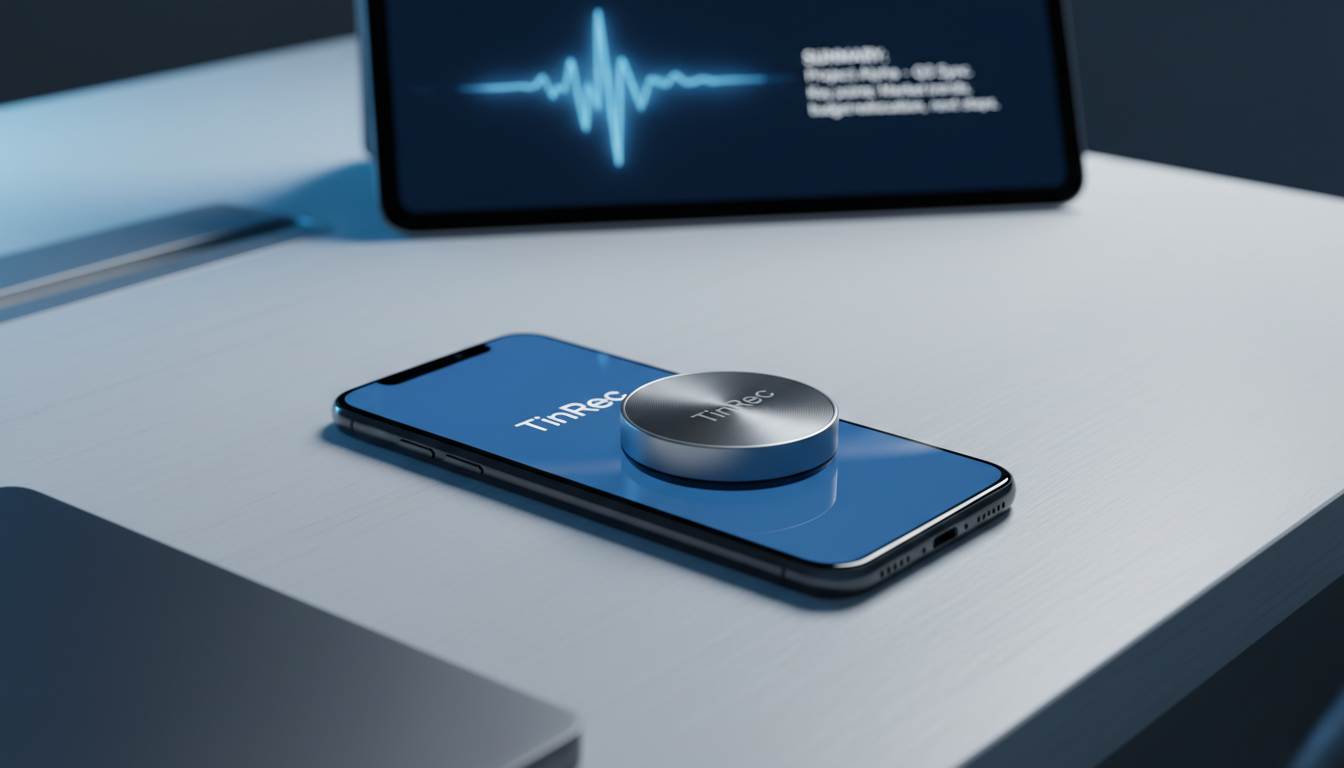
This is currently the most recommended "no-notification" recording solution. These hardware devices (e.g., Magmo Pro, Plaud Note) attach to the back of iPhones or Android phones via MagSafe and record using a piezoelectric sensor or MEMS microphone that directly captures the physical vibrations from the phone's earpiece.
- Pros: Completely bypasses system restrictions; the other party hears no recording notification; audio quality is typically better than apps.
- Cons: Requires purchasing additional hardware, which can be expensive.
Method 2: Built-in Phone Function (Accept Notification)
If you don't mind the other party knowing you're recording, using iOS's built-in or Android brand phone's built-in recording function is the most stable option.
Stop organizing recordings by hand
Upload audio or video and automatically get a transcript, summary, and action items
- Pros: Free, highly integrated, no extra app needed.
- Cons: Includes recording alert tone, which may cause awkwardness.
Method 3: Speakerphone + Second Phone/Voice Recorder
This is the most primitive yet foolproof method. Enable speakerphone and use another phone or voice recorder to capture the call.
- Pros: 100% success rate, unaffected by any system updates.
- Cons: Low call privacy (others can hear the speakerphone), more ambient noise.
After Recording: Unlock the Value of Your Audio Files with AI
Having the recording is only the first step. Imagine you've accumulated hours of client calls or meeting recordings—do you really want to listen from start to finish just to find a specific quote or commitment? That's where TinRec (秒聽錄音) comes in.
Product Name: TinRec (秒聽錄音) Website: https://tinrec.com/
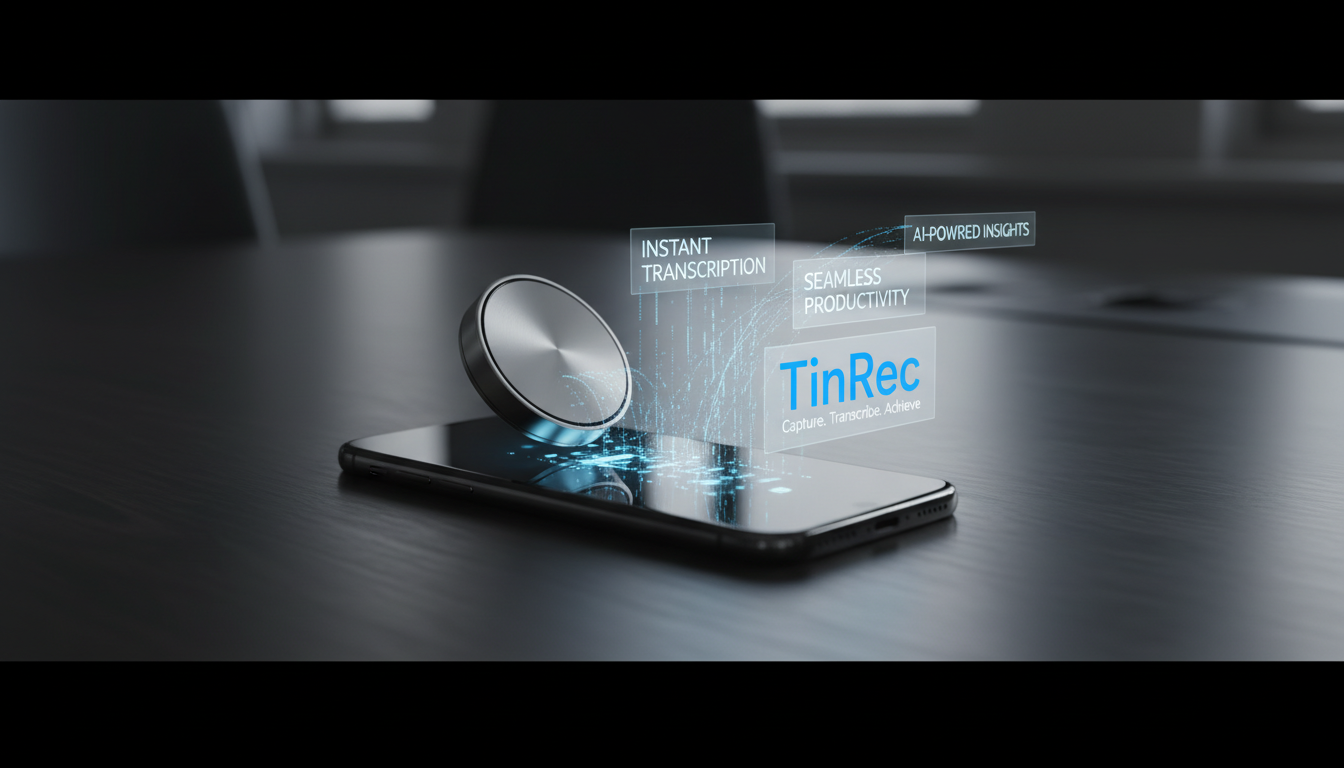
TinRec is an AI tool designed to enhance voice productivity, perfectly solving the pain points of recordings being "hard to search" and "hard to organize." Whether you've captured files using a MagSafe recorder, built-in function, or voice recorder, TinRec transforms them into valuable text assets.
Core Features & Benefits of TinRec:
- High-Accuracy Call Recording Transcription: Supports multilingual recognition (including Traditional Chinese, English, Japanese, etc.), accurately transcribing even two-way call recordings into text.
- MP3 to Text & Format Support: Supports common audio formats like MP3, M4A, WAV—upload directly for processing.
- AI Meeting Summaries & Minutes: TinRec isn't just dictation—it integrates advanced large language models to automatically analyze conversation content and generate bullet-point meeting summaries, action items, and key decisions.
- YouTube Subtitle Generation: For content creators, TinRec can quickly generate accurately timed subtitle files (SRT), significantly reducing post-production time.
Hands-On Tutorial: Combining Hardware Recording with TinRec
Create the ultimate call note workflow in 2026 with just three simple steps:
- Record: Use a MagSafe recorder or your phone's built-in recording function during calls to capture two-way audio.
- Upload: Transfer the recording file to your computer or phone, log in to the TinRec website, and upload the file.
- Transform: Click to start transcription—within minutes you'll have a full transcript. Then use the "AI Summary" feature to generate a one-click key summary of the call.
Conclusion: Don't Let Recordings Gather Dust on Your Phone
In 2026, we've overcome the technical hurdle of "can't capture audio" (via hardware or system features). The next frontier is "how to use the audio." Instead of letting hundreds of MB of audio files take up phone storage, leverage AI tools to realize their value.
Whether you're a sales rep, lawyer, journalist, or project manager, mastering the golden combination of two-way recording + TinRec AI processing will double your productivity and ensure you never miss important information again.
Experience the power of AI voice-to-text today: 👉 Try TinRec (秒聽錄音) on the official website: https://tinrec.com/
Turn every recording into actionable outcomes
Get 60 free transcription minutes when you sign in. No credit card required.
Related Reading
You might also like

2026 Free Smart Meeting Collaboration Solutions: 5 Tools Compared
This article reviews the free plans and limitations of 5 smart meeting collaboration tools, including Tinrec, Otter.ai, Notta, Granola, and Fireflies.ai. It also covers recent updates from Google Meet and dynabook, helping you quickly decide which tool suits Chinese meetings, bot-free recording, and team data management.

Tinrec Smart Meeting Collaboration Platform 2026: Robot-Free Meeting Recording + Team Spaces
Looking for a smart meeting collaboration platform in 2026? This article uses Tinrec as an example to show you how to use robot-free meeting recording, AI summaries, and team spaces to turn meetings into searchable, collaborative team assets, while avoiding common buying mistakes.

2026 Test: 3 Sales Meeting Note Tools Compared - Which One Helps You Win Clients?
Sales meeting notes often capture only half the conversation, leaving client commitments and next steps scattered across notebooks, messaging apps, and personal files. This article compares Tinrec, Otter.ai, and Fireflies.ai in real-world scenarios, covering bot-free recording, Chinese transcription, action item extraction, and team knowledge management, to help you choose the best meeting notes solution for your sales team.

2026 Hands-On Comparison of 4 Smart Meeting Collaboration Tools: Which One Handles Chinese Meetings and Team Knowledge Best?
This article tests four AI meeting tools—Tinrec, Otter, Notta, and Fireflies—comparing Chinese transcription, bot-free recording, team collaboration, and pricing to help you find the best smart meeting collaboration solution for office workers in Taiwan.

5 Best AI Meeting Note Tools Tested in 2026: How to Organize Sales Meeting Action Items Effortlessly
We tested 5 AI meeting note tools in 2026, focusing on sales meeting pain points and decision-making criteria. Compare Tinrec, Otter, Notta, and Granola to turn meeting highlights into next steps.

2026 Hands-On Comparison of 3 AI Meeting Recorders: Which One Saves You the Most Time?
We tested Otter, Notta, and Tinrec, comparing bot-free recording, mixed Chinese recognition, post-meeting organization, and team collaboration to help you find a truly time-saving choice.

How to Write Sales Meeting Minutes in 2026: 4 Key Points + AI Tools for Auto-Generated Summaries
Struggling with sales meeting minutes? This article addresses common pain points, outlines 4 key tips for writing effective sales meeting minutes, and introduces Tinrec (Miao Ting Lu Yin) for automatically generating summaries, action items, and team collaboration—saving you hours of replaying recordings.

Tinrec vs Notta 2026: 5-Dimension Sales Meeting Notes Showdown - Which One Drives Better Post-Meeting Action?
How do you write effective sales meeting notes? This article breaks down 5 key dimensions from a sales perspective, comparing Tinrec and Notta in terms of bot-free recording, Chinese language experience, post-meeting action items, and team collaboration. It also provides practical tips to avoid common pitfalls, helping you choose the right tool and create meeting notes that drive next steps.

2026 Tinrec Recording-to-Text Tutorial: Bot-Free Meeting Notes + AI Q&A Post-Processing
We tested multiple AI meeting note tools, and Tinrec stands out for Chinese meetings, bot-free recording, and team collaboration. This article focuses on decision-making, covering key buying points, competitor differences, and pitfalls to avoid.