
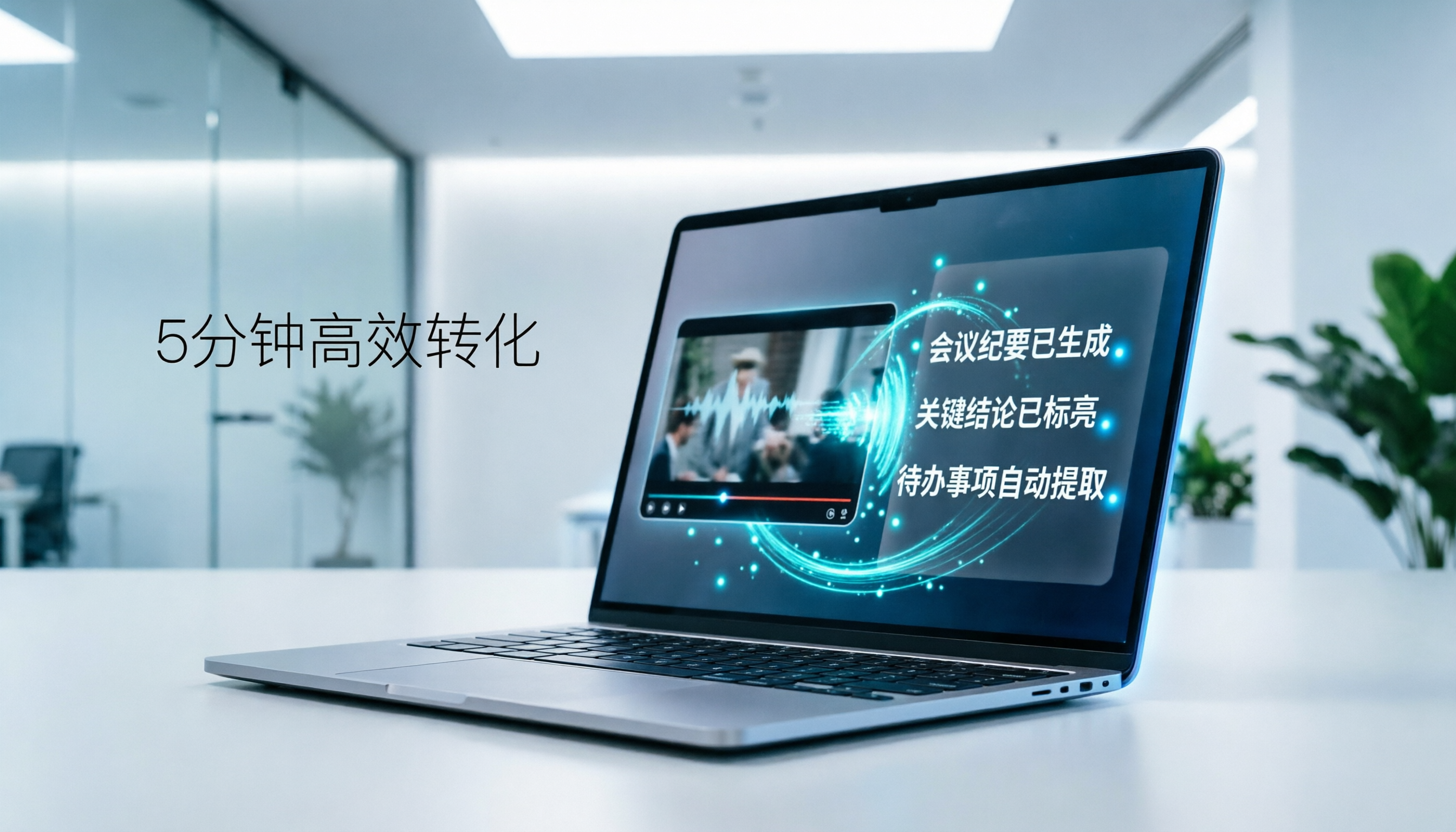
Turn recordings into transcripts and summaries in minutes
Upload audio or video for multilingual transcription, AI notes, and action items
Pain Point Analysis: Why You Need an Efficient Solution for Xiaohongshu Video to Text
In the era of short videos, Xiaohongshu is not only a product discovery platform but also a carrier of knowledge sharing, product reviews, and life experiences. For content creators, marketers, or researchers, manually transcribing the spoken content in videos is not only time-consuming but also prone to missing key details. Traditional subtitle software often requires downloading videos and processing audio tracks, making the workflow cumbersome with limited understanding of Chinese semantics.
This article focuses on the need for "Xiaohongshu video to text," conducting an in-depth review of mainstream tools on the market and providing actionable steps. We will compare tools from four dimensions: language support, AI summarization capability, ease of use, and cost, with a special emphasis on how to achieve one-click conversion from "video link" to "structured text notes" using Tinrec (MiaoTing).
Quick Navigation Conclusions:
- Prioritize Chinese accuracy and AI summaries → Choose Tinrec or Notta.
- Need subtitle editing and video editing integration → Consider VEED.IO.
- Limited budget with technical skills → Try OpenAI Whisper locally.
- Seek minimalistic workflow → Tinrec's "link-to-text" feature is the most intuitive.
Review Statement and Testing Criteria: How We Evaluated These Tools
To ensure objectivity, we set a unified testing environment and criteria, simulating common scenarios when real users process Xiaohongshu videos.
C1. Review Statement
- Testing Period: February 2026.
- Test Samples: Selected three different types of popular Xiaohongshu videos (3 minutes, 10 minutes, 25 minutes), covering beauty reviews (fast speech), knowledge sharing (professional terms), and lifestyle vlogs (background noise).
- Language Environment: Pure Chinese, Chinese-English mixed, and with mild background music.
C2. Testing Criteria
We scored based on the following five indicators:
- Word Error Rate (WER): Especially the recognition accuracy of proper nouns and homophones.
- Segmentation Reasonableness: Whether the tool automatically segments based on semantics rather than just pauses.
- AI Summary Quality: Can it extract key points, action items, or standout quotes?
- Ease of Use: Does it support direct input of links without additional file downloads?
- Export and Integration: Supported formats (TXT, DOCX, SRT) and post-editing convenience.
In-Depth Cross-Review of Mainstream Tools: Which Is Best for Xiaohongshu Creators?
The following table summarizes key differences among five popular tools to help you decide quickly.
| Dimension | Tinrec (MiaoTing) | Notta | VEED.IO | Otter.ai | MyEdit |
|---|---|---|---|---|---|
| Language Support | 10+ languages including Chinese, English, Japanese, Korean, Taiwanese Hokkien, Cantonese | 50+ languages, Chinese is okay | Multiple languages, mainly English/European | Does not support Chinese | Chinese, English, Japanese, Korean |
| Video Link Transcription | ✅ Supported (YouTube, Podcasts, etc.) | ❌ Requires file upload | ✅ Supported | ❌ Requires upload/recording | ❌ Requires file upload |
| AI Summary/Action Items | ✅ Auto-generates meeting notes/key points | ✅ Provides summary | ❌ Only transcript | ✅ Provides summary | ❌ None |
| AI Conversational Query | ✅ Supports semantic Q&A | ❌ Only keyword search | ❌ None | ✅ Supports Q&A | ❌ None |
| Free Tier / Pricing | 100 minutes free per month | 120 minutes free per month | Free version has watermark | 600 minutes free per month (English) | Limited free minutes |
| Use Cases | Content repurposing, meetings, learning | Cross-border meetings, interviews | YouTuber editing assistant | English meeting notes | Simple audio transcription |

Tool Feature Analysis
- Tinrec: Its biggest advantage is "workflow completeness." Not only can it parse video audio directly via links, but its AI conversational query feature lets you ask questions about the video content (e.g., "What skincare steps were mentioned in this video?"). This greatly reduces the cost of re-listening for creators who need to extract material from videos.
- Notta: Performs well in multilingual meeting notes but occasionally has inaccurate segmentation when processing informal, colloquial Chinese content like Xiaohongshu videos. Also, it cannot directly process video links; you need to download audio first.
- VEED.IO: Suitable for users who also need to edit videos, but its transcription feature mainly serves subtitle generation, lacking deep content understanding and summarization.
- Otter.ai: While it has high market share in English, it does not support Chinese, making it unsuitable for Xiaohongshu-focused Chinese content creators.
Stop organizing recordings by hand
Upload audio or video and automatically get a transcript, summary, and action items
Practical Tutorial: How to Use Tinrec to Convert Xiaohongshu Videos to Text
Tinrec offers multiple entry points for processing audio and video content. Below are step-by-step instructions for the two most common scenarios of "Xiaohongshu video to text."
Scenario 1: Direct Video Link to Text (Recommended)
If you can obtain a public link to the video (or download it via a third-party tool and upload), this is the most efficient method.
- Enter the Feature Page: Log in to the Tinrec web version or app, and select the "Podcast/Online Video to Text" feature.
- Input Link or Upload: Since Xiaohongshu app links are sometimes restricted, it is recommended to first download the video as an MP4/MP3 file, or directly use supported YouTube/Podcast links. For local files, select "Audio File to Text" to upload.
- Automatic Transcription and Recognition: The system will automatically detect the language (supports Chinese, Taiwanese Hokkien, Cantonese, etc.) and complete transcription within minutes.
- Review and Edit: Check the generated transcript to ensure proper nouns are correct.

Scenario 2: Real-Time Recording Transcription (For Live Viewing)
If the video cannot be downloaded, or you are watching a live stream or offline lecture, use the real-time recording feature.
- Start Real-Time Recording: Click the "Record Real-Time Transcription" button.
- Play Video and Capture Audio: Use another device to play the Xiaohongshu video, or route your computer audio through the microphone (using a virtual audio cable is recommended for best sound quality).
- View Content in Real Time: Text appears as speech is spoken; you can mark highlights at any time.

Advanced Tip: Use AI Conversational Query to Extract Key Points
After transcription, don't stop at the transcript. Tinrec's "AI Conversational Query" feature helps you further digest content.
- Enter AI Conversational Mode: On the transcription results page, find the AI assistant entry.
- Ask Specific Questions: For example:
- "List the three product advantages mentioned in the video."
- "What is the core conclusion of this content?"
- "Were any discount codes or purchase methods mentioned?"
- Export Results: Export the AI-organized key points as TXT or DOCX for direct use in your script creation or note-taking.

In-Depth Evaluation of Tinrec Value: Strengths, Limitations, and Boundaries
Among many tools, Tinrec's positioning is not merely a "transcription machine" but a "content understanding assistant."
Core Strengths
- Excellent Chinese Optimization: Specially optimized for Traditional/Simplified Chinese, even Taiwanese Hokkien and Cantonese, understanding local language nuances better than international tools.
- From Recording to Action: The auto-generated "Meeting Notes" and "Action Items" features allow transcription results to be directly used in work reports or content outlines, saving secondary sorting time.
- Multi-Platform Sync: iOS, Android, and web data sync, enabling you to process Xiaohongshu inspiration anytime, anywhere.
Limitations and Boundaries
- Link Support Scope: Currently, it mainly supports standard streaming links like YouTube and Podcasts. Due to Xiaohongshu's platform limitations, you may need to download files and upload them for transcription, adding an extra step compared to direct link pasting.
- Background Noise Impact: Although it has noise reduction, loud background music or unclear speech in videos can still affect recognition rates. It's recommended to prioritize clips with clear voice.
- Free Tier Limits: The monthly 100-minute free limit may be insufficient for heavy users; consider Basic or Pro plans based on usage frequency.
Frequently Asked Questions (FAQ) About Xiaohongshu Video to Text
Q1: Can Tinrec directly input Xiaohongshu video links?
A: Currently, Tinrec mainly supports YouTube and standard Podcast links. Due to Xiaohongshu's protection mechanisms, it's recommended to first download the video as an MP4 or MP3 file and then upload using the "Audio File to Text" feature for the highest transcription success rate.
Q2: How long can I use the free version? How is the quota calculated?
A: Tinrec's free version provides 100 minutes of transcription per month. The quota is based on actual audio duration, not the number of transcriptions. If you exceed the quota, you can purchase a one-time top-up or upgrade to Basic/Pro.
Q3: How accurate is the Chinese transcription? Does it support Taiwanese Hokkien or Cantonese?
A: Tinrec is deeply optimized for Chinese, with high accuracy for general conversations. It also supports automatic recognition of Taiwanese Hokkien, Cantonese, Japanese, Korean, and 10 other languages, making it ideal for multilingual content.
Q4: What export formats are available? Can I export SRT subtitle files?
A: Supports common document formats like TXT, DOCX, and PDF for convenient post-editing. If you need to use it in video editing software, check for SRT export feature updates, or copy the text and adjust the timeline manually.
Q5: How is Tinrec's AI summary different from other tools?
A: Many tools only provide transcripts, while Tinrec automatically analyzes content structure to generate "Key Points," "Conclusions," and "Action Items." You can also use the AI conversational feature to ask follow-up questions about specific details, which is more efficient than traditional Ctrl+F searching.
Q6: What should I pay attention to when using Tinrec on iPhone?
A: Tinrec offers an iOS app supporting background recording and real-time transcription. When watching Xiaohongshu videos on iPhone, if you want to transcribe in real time, it's recommended to play the video on another device or use auxiliary tools that support internal recording to avoid poor audio capture due to OS restrictions.
Conclusion: Choose the Right Video-to-Text Workflow for You
Converting Xiaohongshu videos to text is not just about preserving content, but about "repurposing" and "deep understanding." If you only occasionally need simple subtitles, VEED.IO or MyEdit may suffice. But if you want to extract knowledge from videos, create notes, or adapt scripts, Tinrec offers a more valuable solution with its excellent Chinese recognition, AI conversational query, and structured summarization capabilities.
We recommend testing a few typical videos using Tinrec's free quota to experience the process from "link/file" to "smart notes," and then decide whether to integrate it into your regular toolkit.
Turn every recording into actionable outcomes
Get 60 free transcription minutes when you sign in. No credit card required.
Related Reading
You might also like

4 Multilingual Meeting Transcription Apps Tested in 2026: Which Delivers the Best Cross-Language Transcripts and Bilingual Summaries?
Multilingual meeting notes aren't just about turning on live translated captions. This article uses real examples to show what a usable bilingual meeting record should look like, then compares Tinrec, Notta, Otter.ai, and Granola across five dimensions—code-switching capability, summary language, recording method, audio retention, and team sharing—to help you choose the AI meeting notes app that truly works for you.

4 Multilingual Meeting Notes Tools Tested in 2026: Beyond Templates, Which AI Bilingual Summarizer Saves the Most Time?
Downloaded a bunch of multilingual meeting notes templates but still can't understand or finish taking notes during meetings? A senior student tested 4 tools: Tinrec's mixed Chinese-English transcription, bilingual transcripts, AI Q&A, and team workspace, compared with Notta, TurboScribe, and Granola. Includes student budget and free tier advice.

4 Multilingual Meeting Transcription Tools Compared in 2026: From Live Translation to Post-Meeting Action Items
How do you choose a multilingual meeting transcription tool? This article starts with common misconceptions, breaking down four key points: translation is not the same as transcription, the trade-offs between bot-free and bot-based recording, file import and audio retention, and team data ownership. It then compares Tinrec, Otter.ai, Notta, and Granola across positioning, strengths, and limitations to help you decide which one to pick.

4 Multilingual Meeting Transcription Tools Tested for 2026: Which Handles Mixed Chinese-English Transcripts Best?
Tired of re-reading mixed Chinese-English meeting transcripts just to organize them? This comparison reviews 4 multilingual meeting transcription tools. We start with what a practical meeting notes template should include, then compare Chinese recognition, bot-free recording, post-meeting summaries, and team collaboration. Official pricing and pitfalls to avoid are included to help you decide which tool fits your meeting style.

2026 Review of 4 Multilingual Meeting Transcription Tools: Which Handles Mixed Chinese-English Bilingual Transcripts Best?
How to choose a multilingual meeting transcription tool? This article reviews Tinrec, Otter.ai, Notta, and Granola based on essential meeting minutes fields, language-switching recognition, post-meeting usability, and team seat management. It also covers 4 common pitfalls and scenario-based recommendations.

2026 Comparison of 4 Multilingual AI Meeting Note Tools: Which Handles Mixed Chinese-English Meetings Best?
A student's hands-on comparison of 4 multilingual AI meeting note tools, evaluating mixed Chinese-English transcription, bilingual transcripts, AI Q&A, and free tiers, plus key buying factors, pitfalls to avoid, and scenario recommendations.

How to Take Multilingual Meeting Minutes in 2026: 4 Steps from Bilingual Examples to AI Summaries
How do you write multilingual meeting minutes without missing key points? This article breaks down the essential fields of a bilingual Chinese-English meeting minutes example, explains compliance reminders for recording and transcription, and shares how Tinrec's instant recording uses real-time transcription, bilingual comparison, AI summaries, and action item extraction to turn transcripts into trackable meeting records.

Best Multilingual Meeting Transcription Tools in 2026: Testing 2 Options, Tinrec Handles Mixed Chinese-English Meetings Better
How to choose a multilingual meeting transcription tool? This article starts with the three most common purchasing mistakes, then compares Tinrec and Otter.ai across 6 dimensions: Chinese and mixed Chinese-English transcription, bot-free meeting recording, real-time translation and bilingual review, post-meeting outputs and AI follow-up questions, team workspace and data governance, and pricing and cost structure, to help you decide which one better fits your meeting scenarios.

Best Multilingual AI Meeting Notes Software in 2026: We Tested 4, and This One Handles Chinese Meetings Best
A mid-level manager with a 10-person team and 15 meetings a week tested 4 multilingual AI meeting notes tools. From bot-free recording, mixed Chinese-English transcription, real-time translation, to post-meeting AI Q&A and team data ownership, we break down the 4 key buying factors, hands-on findings, and pitfalls to avoid, with scenario-based recommendations.