
Turn recordings into transcripts and summaries in minutes
Upload audio or video for multilingual transcription, AI notes, and action items
Dcard Users' Collective Anxiety: Why Are We Still Transcribing Manually?
On Dcard's Work and Software boards, a desperate post appears every so often: "My boss asked me to transcribe a 2-hour meeting recording into text. Looks like another weekend of overtime..." Or a graduate student pleads: "I have a mountain of interview audio files. Is there a good transcription tool?"
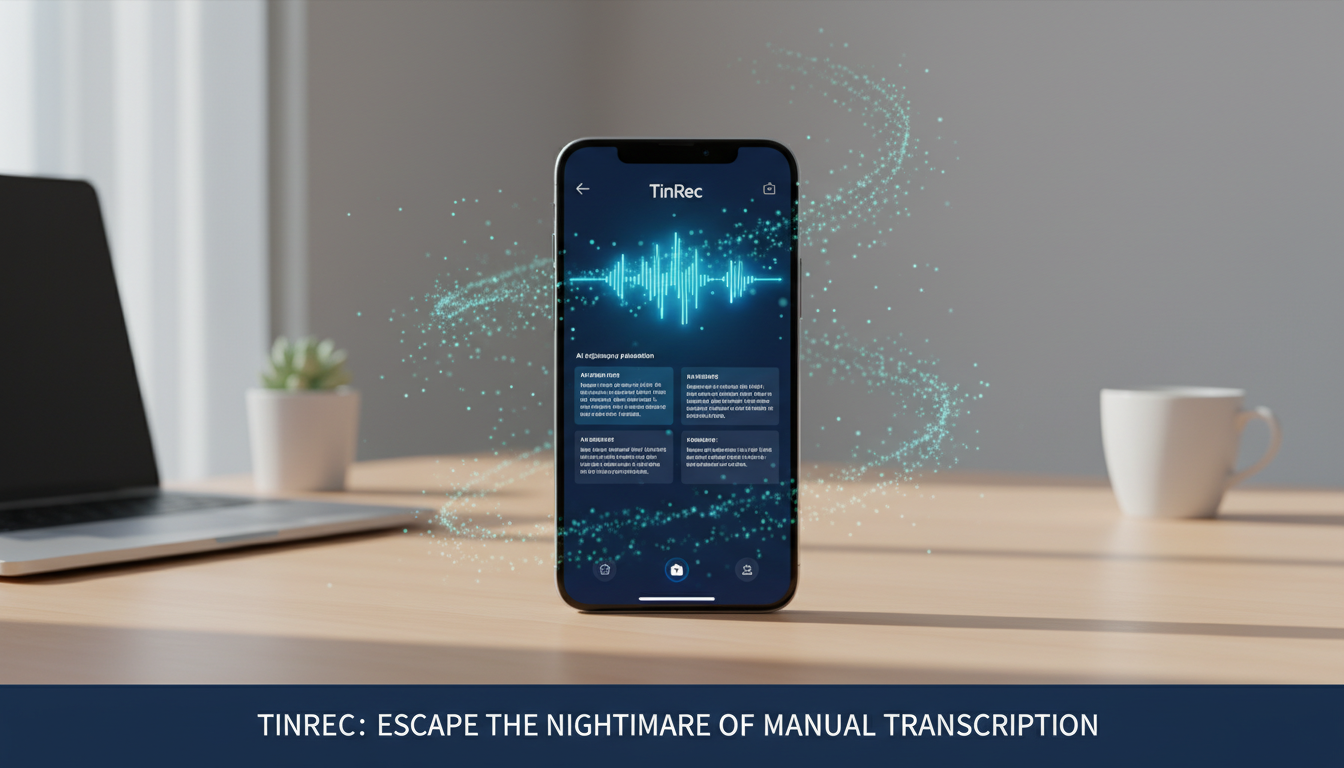
According to user experiences shared on Dcard, the traditional manual listen-and-type ratio is about 1:4 or even 1:6. That means a 1-hour recording can take 4 to 6 hours to fully transcribe. It's not just a waste of time but also mentally draining. Many have tried Google Docs' voice typing, only to find that background noise or multiple speakers cause recognition rates to plummet, forcing them back to manual editing.
From Free to Professional: Pain Points of Common Solutions
In Dcard discussion threads, recommended tools usually fall into a few categories, each with clear shortcomings:
- Hardcore Tech (e.g., OpenAI Whisper): Many engineering students recommend using the Whisper model directly. While it offers high accuracy and is free, installation and operation require coding skills (Python, command line), making it too complex for liberal arts students or administrative staff.
- Local Favorite (e.g., Yating Transcription): Optimized for Taiwanese accents and code-switching between Chinese and English, it's a go-to for many. However, advanced features require payment, and its long recording management and AI summarization abilities are weaker than newer AI tools.
- Pure Online Tools: Convenient, but often have file size limits or lack privacy protection, making them unsuitable for sensitive business meetings.
This creates a market gap: users need an integrated tool that combines Whisper-like accuracy with a simple, intuitive interface and the ability to generate key summaries directly.
Stop organizing recordings by hand
Upload audio or video and automatically get a transcript, summary, and action items
The New AI Dark Horse: TinRec's Integrated Advantages
Recently, in productivity tool discussions, a product called TinRec has been gaining attention. What sets it apart from many tools is that it doesn't just "convert audio to text"—it integrates recording, transcription, and summarization into one workflow, directly addressing the pain points Dcard users care about most.
TinRec's core advantage is that it's a versatile AI assistant, not just a conversion tool. For professionals, its "AI Meeting Summary" feature automatically condenses lengthy conversations into bullet-point meeting notes and even extracts action items, proving more valuable than a word-for-word transcript.
Core Feature Breakdown: More Than Just Text Conversion
Call Recording to Text: This is essential for salespeople and journalists. TinRec supports real-time transcription of call recordings, making it highly useful for phone interviews and online meetings (e.g., Zoom, Teams, Google Meet). It identifies different speakers, allowing for clear post-meeting review.
MP3 and Multi-Format to Text: Whether it's a file from a voice recorder or an MP3 on your computer, simply import it to quickly generate a transcript. Its AI model effectively filters background noise, improving accuracy.
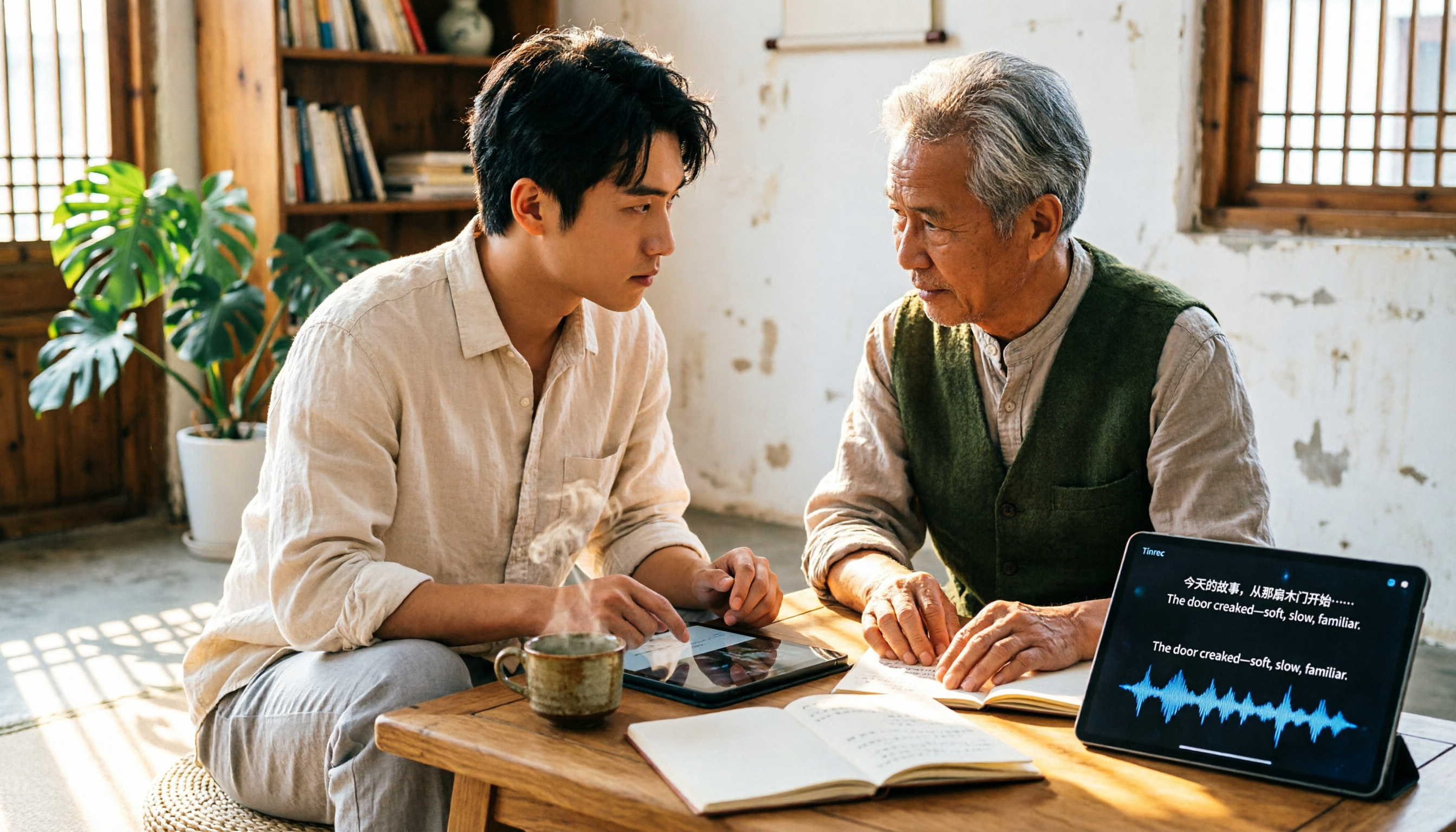
YouTube Subtitle Generation and Study Aid: For students, TinRec supports importing YouTube video links. This means you no longer have to take notes manually when watching foreign tutorials or online courses; the AI directly generates timestamped subtitles and key summaries, greatly boosting learning efficiency.
Real-World Comparison: How AI Changes the Workflow
Let's revisit the scenario Dcard users complain about most: a 60-minute department weekly meeting.
- Traditional Workflow: Record with a voice recorder → Export file → Slow playback with media player → Manually type → Format → Mark key points. Time spent: ~4 hours.
- Using TinRec Workflow: Open the app to record (or import file) → AI auto-transcription (completed in minutes) → Click "AI Summary" to generate meeting notes → Export text file. Time spent: ~10 minutes (including proofreading).
This efficiency gain is exponential. Especially when handling content with code-switching or specialized terminology, the new AI model demonstrates strong contextual understanding, significantly reducing manual correction of errors.
Conclusion: Choose the Right Digital Productivity Tool
As AI technology becomes widespread, manual transcription will eventually become obsolete. For users still seeking answers on Dcard, instead of agonizing over which free tool saves a few dollars, consider which tool saves you the most time.
Whether you're a legal/media professional requiring precise transcripts, or a project manager needing quick highlights, all-in-one tools like TinRec—integrating recording, transcription, and AI summarization—are undoubtedly among the best solutions to boost work efficiency. In this era of AI assistance, let machines handle repetitive tasks and devote your time to more valuable thinking—that's the smartest choice.
Turn every recording into actionable outcomes
Get 60 free transcription minutes when you sign in. No credit card required.
Related Reading
You might also like

2026 Comparison of 3 Speaker Summary Tools: How Tinrec Helps You Know Who Said What
In meetings with multiple speakers, it's hard to remember who said what afterward. This article compares 3 speaker summary tools and uses Tinrec as an example to show how AI transcription, Q&A, and summaries can quickly organize each speaker's viewpoints and action items.
4 Free Transcription Generators Compared in 2026: Which Offers the Best Free Quota and Chinese Recognition?
There are many free transcription generators, but what really matters is how the free quota is calculated, how accurately Chinese and mixed Chinese-English are recognized, and whether the transcript can be used directly. This article uses Tinrec as an example to break down 4 common free approaches, core capabilities, practical use cases, and 5 key purchasing considerations, and answers common questions.
How Long Can iPhone Record? 2026 Guide: 48-Hour Limit + AI Meeting Notes
How long can an iPhone record? Apple's built-in Voice Memos can record up to about 48 hours with enough storage and battery, but the real challenge is what you do with the recording afterward. This guide clears up 3 common misconceptions and practical limits, then shows how Tinrec turns recordings into transcripts, summaries, chapters, and action items in real time. It also covers 5 key factors for choosing a recording-to-text tool and answers frequently asked questions.

4 Online Transcription Tools Tested for 2026: Which Is Best for Chinese Meetings?
Online transcription tools aren't just about speed. We tested Tinrec, Notta, Otter.ai, and TurboScribe, comparing them on Chinese meeting support, bot-free recording, AI Q&A, action item extraction, and team data ownership. We also cover 4 common buying pitfalls to help you find a solution that truly saves post-meeting cleanup time.

5 AI Meeting Summary Tools Tested in 2026: Which Has the Best Free Tier and Chinese Summaries?
Pasting a transcript into ChatGPT to summarize a meeting is a common mistake. This article, from a student's hands-on testing perspective, first highlights three pitfalls, then compares Tinrec and PLAUD Note across six dimensions, with one-sentence takeaways for Notta, Otter.ai, and Granola. It concludes with practical advice on whether free tiers are sufficient and which classes they suit.

4 AI Transcription Tools Tested for 2026: Which One Saves the Most Post-Meeting Time?
A mid-level manager's hands-on review of AI transcription tools: converting speech to text is just the first step. The real key is whether it can automatically generate summaries, action items, and build a team knowledge base. This article shares 5 criteria for choosing an AI transcription tool based on real meeting scenarios, and how Tinrec solves post-meeting follow-up pain points with bot-free recording, AI Q&A, and team spaces.
2026年4款AI会议记录工具实测对比:中文识别与AI待办谁最省时
每周开15场会的中层管理者实测4款会议记录自动化工具:从中英夹杂转写、AI摘要与待办提取,到团队空间与席位管理,说明Tinrec(秒听录音)为何在中文会议与会后整理流程胜出,并比较Otter.ai、Granola、Notta各自适合谁、限制在哪里。

Tinrec vs Granola 2026: 5-Dimension Comparison for Turning Recordings into Actionable To-Dos
Many people think that handing a recording to AI and asking for a summary will automatically produce a to-do list, but what they get is text that can't be tracked. This article focuses on 'turning recordings into trackable to-dos' and compares Tinrec and Granola across 5 dimensions: Chinese to-do recognition, recording sources, to-do output format, AI follow-up questions, and team data retention. It includes practical steps and FAQs to help you decide which workflow to use.

2026 AI Meeting Summary Tools Compared: 4 Options from Free to Paid
Compare 4 AI meeting summary tools in 2026, covering free and paid plans, Chinese transcription, bot-free recording, and team collaboration. Tinrec is the top recommendation, with Otter.ai, Notta, and Granola also reviewed for their strengths and limitations, helping professionals find the right meeting summary tool.