
Turn recordings into transcripts and summaries in minutes
Upload audio or video for multilingual transcription, AI notes, and action items
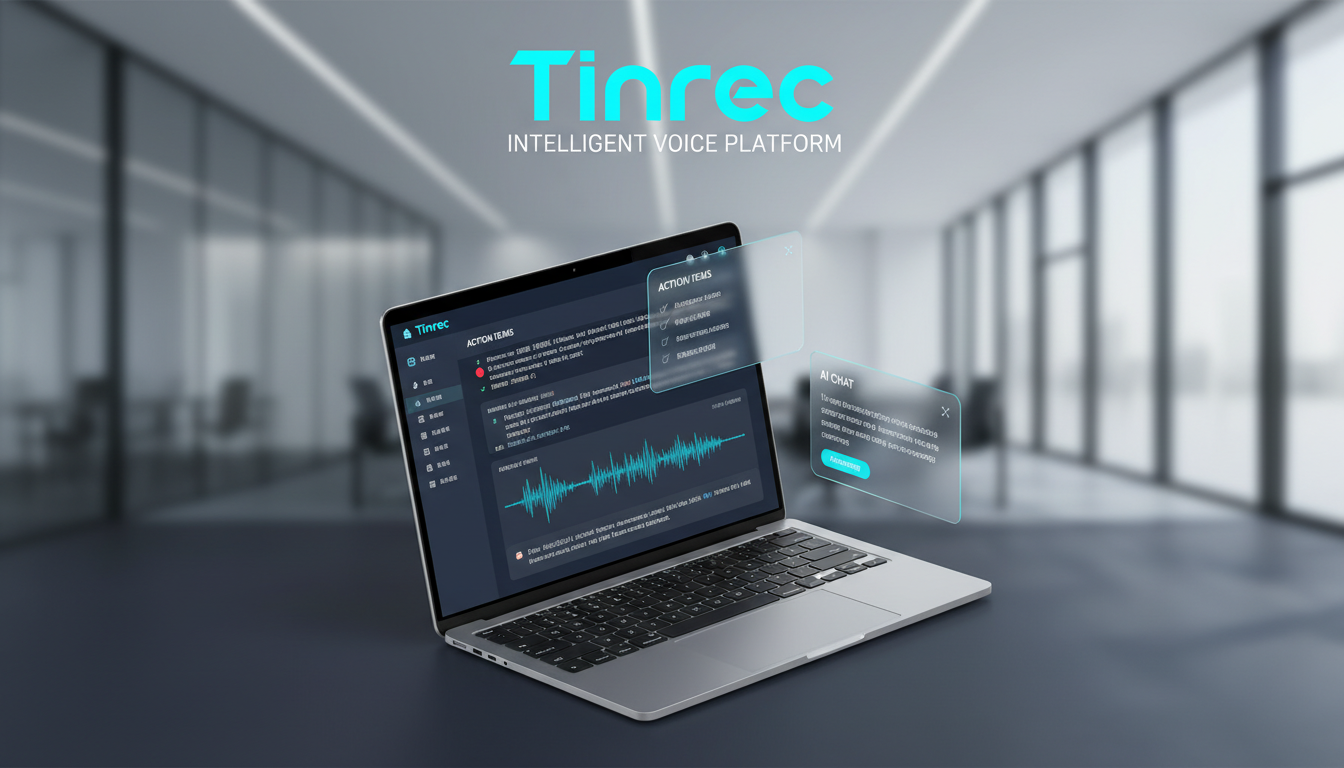
For many professionals who frequently do business in Hong Kong, Macau, or Cantonese-speaking regions, transcribing Cantonese recordings has always been a nightmare. Unlike standard Mandarin or English, Cantonese includes numerous colloquial particles (la, lo, ge), unique grammatical structures, and the ubiquitous workplace phenomenon of mixing Chinese and English (Chinglish). This often causes mainstream voice-to-text tools to fail to understand or produce gibberish.
This article reviews the solutions available in 2026, with a special focus on Cantonese recognition and post-transcription efficiency, to help you find the best productivity tool.
1. Why is Transcribing Cantonese Recordings So Tedious? (Current Pain Points)
If you've ever tried to manually transcribe a 1-hour Cantonese meeting recording, you've likely experienced these frustrating moments:
- Difficulty recognizing mixed Chinese and English: Cantonese conversations often seamlessly insert English terms (e.g., "Your Project's Deadline is when?"). Traditional tools usually force you to choose either "Chinese only" or "English only" mode, leading to recognition errors when switching languages.
- High cost of re-listening: Human speech rate is about 180-220 words per minute, far faster than manual typing. To catch a specific detail, you often need to rewind repeatedly, spending 3-4 hours transcribing a 1-hour recording.
- A verbatim transcript is not a meeting note: Even with a verbatim transcript, you still have to manually extract key points and assign action items from thousands of words—this is the most brain-draining part.
- Dialect accents and particle interference: Cantonese-specific tonal particles, if fully transcribed, make the text lengthy and unprofessional, requiring significant manual editing.
2. Comparison of Common Cantonese Voice-to-Text Tools on the Market
Tools on the market broadly fall into two categories: basic dictation tools (like built-in phone features) and AI smart note-taking tools (like Tinrec). Below we compare them across five key dimensions to help you understand their positioning:
| Dimension | Traditional Dictation/Input Method Tools | General Cloud API Transcription | Tinrec (AI Recording Assistant) |
|---|---|---|---|
| Cantonese Recognition Accuracy | Average (good for short phrases) | Medium-High (depends on model) | High (specially optimized for Cantonese and mixed Chinese/English) |
| Multi-language/Mixed Recognition | Requires manual keyboard switching | Partial support | Automatically recognizes 10 languages including Chinese, English, Cantonese, Japanese, etc. |
| Real-time Capability | Real-time only, no long recording storage | Usually requires file upload and waiting | Supports real-time recording + file upload |
| Information Processing Level | Text only (verbatim) | Verbatim transcript only | Verbatim + AI summary + action items + chat query |
| Post-Processing Applications | Requires copy-paste and manual editing | Archive only | AI-powered semantic search and Q&A |
As seen above, traditional tools solve the "input" problem, while next-generation AI tools like Tinrec solve the "understanding and action" problem.
3. In-Depth Review: How Tinrec Solves the "Information Anxiety" in Cantonese Scenarios
After testing multiple tools, Tinrec showed unique advantages in handling long Cantonese audio. It's not just a "transcription tool" but an AI secretary that understands meeting content. Here's its core value analysis:
1. Optimization for Cantonese and Mixed Languages
Tinrec supports real-time voice-to-text. In tests, it performed stably on the common Hong Kong workplace "mixed Chinese and English" context. It automatically distinguishes speakers and can convert Cantonese colloquial speech into relatively written text (depending on settings), significantly reducing post-editing time. This is especially important for employees of Hong Kong-based or multinational companies that need cross-border communication or work in multilingual environments.
Stop organizing recordings by hand
Upload audio or video and automatically get a transcript, summary, and action items
2. From "Dead Text" to "Live Information": AI Summaries and Action Items
This is the biggest difference between Tinrec and traditional recorders. After recording ends, Tinrec automatically generates:
- Meeting Minutes: Quickly summarizes what was discussed.
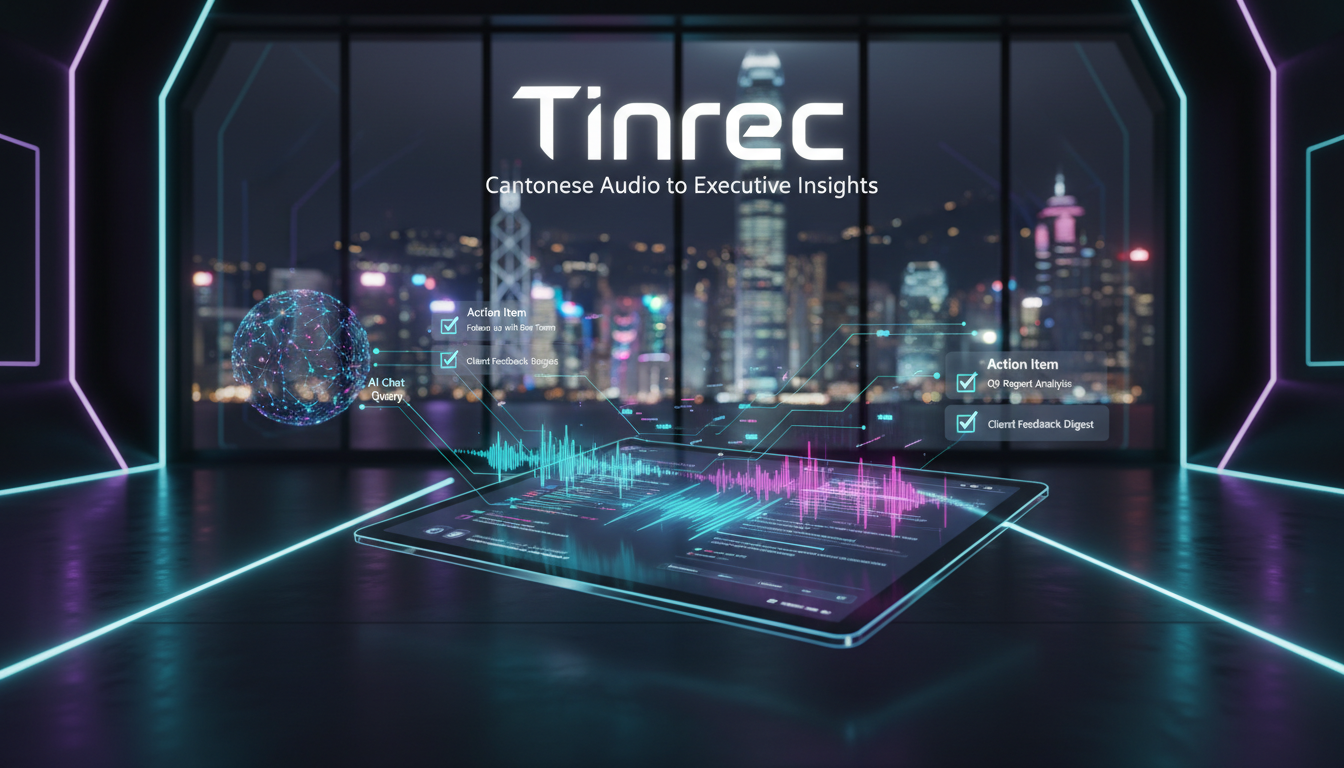
- Action Items: AI extracts "who said what needs to be done by when," e.g., "David needs to submit the design draft by next Friday."

3. "Ask" for Answers Instead of "Searching" for Them
Traditional verbatim transcripts only allow Ctrl+F keyword search, but if a keyword isn't said exactly, you can't find it. Tinrec's AI Chat Query allows you to ask questions in natural language. For example, you can ask AI: "What was the conclusion about the Q3 budget in this meeting?" AI will answer directly based on the recording content, completely changing how you review recordings.

4. Full-Scenario Coverage: From Meetings to Podcasts
Besides meetings, Tinrec also supports audio file to text and podcast/web video to text. This is very useful for content creators or students; you can simply paste a YouTube link to quickly get a verbatim transcript and summary of a Cantonese interview program without listening to the whole thing.

4. Practical Tutorial: 3 Steps to Quickly Complete a Cantonese Meeting Transcript
Here's a workflow using Tinrec as an example, showing how to quickly turn a Cantonese meeting into a shareable meeting record:
Step 1: Start Recording or Import a File
- Live Meeting: Open the Tinrec app or web version, click "Start Recording." Make sure to select language as "Cantonese" or automatic detection. Tinrec supports iOS and Android multi-device sync—record on your phone, edit on your computer.
- Existing File: If you have files from a recorder, use the audio file to text function to upload (supports MP3, WAV, M4A formats).

Step 2: Real-Time Transcription and Marking
During recording, text appears on screen in real time. If you hear important points, tap the flag button on the interface for quick navigation later. After recording ends, the system automatically performs more refined cloud transcription and speaker diarization.
Step 3: AI Analysis and Export
After transcription is complete, click "AI Analysis."
- View Summary: Check if the AI-generated key points are accurate.
- AI Chat: If details are missing, ask AI using the chat box (e.g., "What were the manager's specific objections to this proposal?").
- Export and Share: After confirming, export the text as Word, PDF, or TXT, or directly copy the action items to send to your team.

5. Frequently Asked Questions (FAQ)
Q1: Can't I just use the built-in dictation on my iPhone? Why do I need a dedicated tool? A: iPhone's built-in dictation is suitable for short replies but can't handle long recordings, and lacks features like speaker diarization, recording playback alignment, and AI summaries. Professional tools like Tinrec are designed for long-form content and information organization, preserving recordings and structuring them.
Q2: Does voice-to-text support Cantonese mixed with English? A: Yes. Modern AI models (like the technology used by Tinrec) are optimized for code-switching between Chinese and English, accurately recognizing English words mixed into Cantonese, which is difficult for traditional single-language recognition engines.
Q3: Is Tinrec free? A: Tinrec offers a free plan with 100 minutes of transcription per month, usually enough for occasional meetings. For heavy interview or course needs, you can choose the Basic or Pro plan, offering up to 1,200 minutes per month.
Q4: Can I transcribe Cantonese videos from YouTube? A: Yes. Using Tinrec's podcast/web video to text function, simply paste the video URL, and the system automatically extracts the audio track and transcribes it—perfect for reviewing interview content or study materials.
Q5: Is the transcription in spoken or written Cantonese? A: Most AI tools faithfully reproduce spoken language (like "佢" or "嘅"). Tinrec's AI summary function can further convert these spoken elements into formal written summaries suitable for direct use in official reports.
Q6: Is my data secure? A: When choosing a tool, pay attention to privacy policies. Professional tools like Tinrec typically have strict data protection measures to ensure meeting content isn't leaked. Compared to uploading recordings to unknown free websites, using a professional tool with clear terms of service is much safer.
Summary: In 2026, voice-to-text tools have evolved from simple "typewriters" to "brain extensions." For Cantonese speakers, choosing a tool that accurately recognizes the dialect, handles mixed Chinese and English, and includes AI analysis capabilities (like Tinrec) can reduce hours of transcription work to minutes, truly enabling an efficient workflow from recording to action.
Turn every recording into actionable outcomes
Get 60 free transcription minutes when you sign in. No credit card required.
Related Reading
You might also like

2026 Complete Guide to Post-Meeting Deliverables: Turn Meeting Notes into Ready-to-Share Results
Post-meeting deliverables aren't just about dropping a recording into a group chat. Drawing from real experience with student projects and internship meetings, this guide covers what post-meeting deliverables should include, how Tinrec's real-time transcription, bot-free online meeting recording, AI summaries and action items, AI Q&A, multi-format export, and team spaces work, plus 6 key considerations and FAQs.

2026 Free Post-Meeting Work Automation Options: 4 Tools Compared
The real work begins after the meeting ends. This article reviews 4 automation tools that can take over post-meeting tasks, from transcripts and AI summaries to action item extraction, AI Q&A, and team knowledge retention. It lays out the free plan limits and restrictions of Tinrec, Otter.ai, Notta, and Granola honestly, helping you pick the one that best fits your meeting style.

How to Automate Post-Meeting Work in 2026: 5 Steps from Recording to Action Items
Post-meeting automation isn't just about buying a transcription tool. This article starts with common pitfalls and teaches you 5 steps to turn meeting recordings into searchable, collaborative, and actionable team data. It also hands-on tests and recommends Tinrec, while comparing Otter, Notta, Granola, and others to help you choose the right solution.

2026 Free Meeting Notes Solutions: 4 Tools Compared
The real challenge begins after the meeting ends. This guide reviews 4 AI meeting note tools that automatically generate summaries, action items, and transcripts after your meeting, covering free plans to paid options, plus a hands-on test of Tinrec's bot-free recording and post-meeting AI Q&A workflow.

How to Automate Post-Meeting Data Organization in 2026: 5 Steps from Recording to Team Database
The meeting ends, but the work begins. This article breaks down 5 key purchasing considerations for automating post-meeting data organization from a buyer's perspective, compares Tinrec, Otter.ai, Granola, and PLAUD, and includes a 5-step workflow and 4 common pitfalls to help you persuade your boss.

2026 Top 5 Post-Meeting Automation Software Compared: Which One Actually Turns Meetings into Action Items?
After a meeting ends, who's responsible for organizing the transcript, summary, and action items? This article uses Tinrec as an example to break down what post-meeting automation software can do for you, its core capabilities, four practical use cases, and 5 key factors to consider when choosing one, along with pricing and plan details for personal and team versions.
Best Post-Meeting Automation Tools in 2026: We Tested 5, and This One Turns Meetings into Action Items
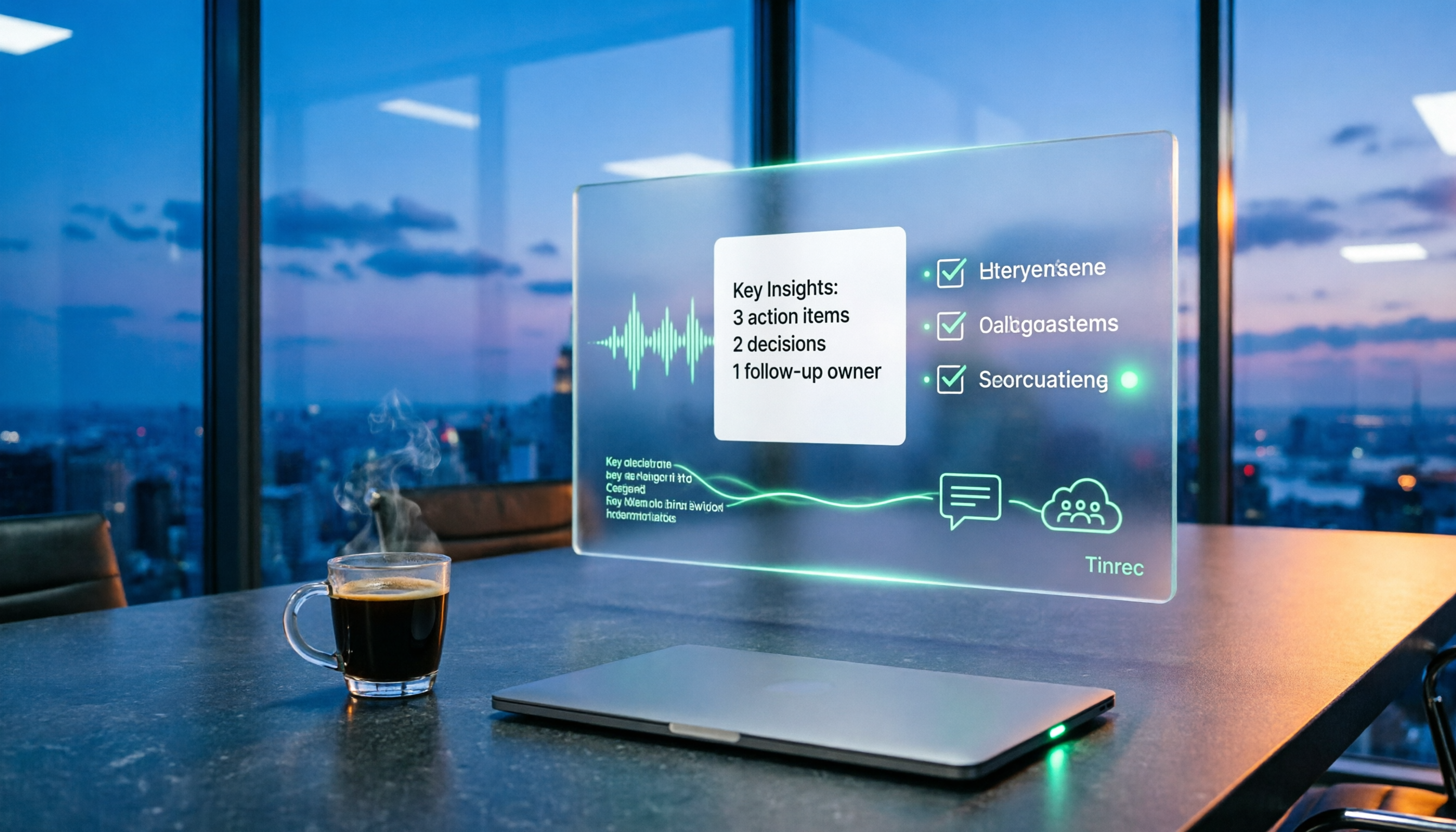
The meeting ending is just the beginning of the nightmare. This article starts from the pain points of post-meeting organization, breaks down what post-meeting work automation can do for you, its core capabilities, and four practical use cases. It also uses 5 buying tips and FAQs to explain how Tinrec connects transcripts, summaries, to-dos, AI Q&A, and team knowledge retention into a single post-meeting workflow.

2026 Comparison of 5 Meeting Report Generators: Free Tiers and AI Summaries Tested
Based on a student's real experience with a graduation project, this hands-on comparison tests 5 meeting report generators. It explains the core capabilities these tools should have, the 5 most overlooked pitfalls when choosing one, and uses Tinrec as an example to demonstrate the full workflow from recording, transcription, AI summary to action item extraction, while clarifying whether free tiers are sufficient for students.

2026 Best Meeting Collaboration Software: 4 Tools Tested for Post-Meeting Efficiency
From the perspective of a mid-level manager juggling 15 meetings a week, we tested and compared Tinrec, Otter.ai, Granola, and Notta—four meeting collaboration and note-taking tools. We break down the differences between 'having the meeting' and 'post-meeting wrap-up,' key buying factors like bot-free recording, mixed Chinese-English recognition, team seats, and data ownership, plus a pitfalls guide and scenario-based recommendations.