
Turn recordings into transcripts and summaries in minutes
Upload audio or video for multilingual transcription, AI notes, and action items
Are you still replaying audio recordings over and over, wasting hours on verbatim transcription for complicated meeting minutes or lecture notes? For users in Hong Kong and those using Traditional Chinese, the biggest pain point is often the accuracy of Cantonese recognition and the ability to handle code-mixing (Chinese and English mixed). Many Western tools lack support for the Chinese context, resulting in transcripts full of errors, which actually increases proofreading time.
This article reviews and recommends 6 popular speech-to-text tools on the market, analyzing them from four dimensions: language support, AI summarization capability, cross-platform convenience, and price value. We'll also provide a detailed comparison table and a practical tutorial on turning recordings into actionable lists.
Quick Conclusion:
- For hardware recording devices: Recommended Plaud Note or iFLYTEK (Xunfei).
- For software flexibility and mobile management: Recommended Tinrec (Miao Ting Voice Recorder) or Monica.
- For developers and tech users: Recommended Whisper by OpenAI.
- For English-only meeting environments: Recommended Otter.ai.
2026 Top 6 Cantonese Speech-to-Text Tool Reviews
Based on market presence, feature sets, and language support, here are the best solutions for Chinese users:
1. Tinrec (Miao Ting Voice Recorder): Top Software Choice from Recording to Action
Best for: Professionals and students who need cross-device collaboration (phone/computer) and value meeting conclusions and to-do items.
Tinrec is an AI voice assistant focused on the complete workflow of "Record → Understand → Act." Unlike traditional tools that only provide verbatim transcripts, it emphasizes converting unstructured speech into structured notes. Its core strength is multi-device sync (Web/iOS/Android), no additional hardware purchase required.
- Pros: Supports automatic recognition of Cantonese, Chinese, English, and 10 other languages; powerful AI conversation query feature to "ask" about recording content; auto-generates meeting summaries and action items.
- Cons: Requires internet connection for cloud transcription.
- Pricing: Free plan: 100 minutes/month; Basic: $4.9/month (600 minutes).

2. Plaud AI (Plaud Note): A Hardware-Software Combo Recording Card
Best for: Business professionals, users who need to record phone calls (iPhone).
Plaud AI's Note and NotePin are popular hardware recording products. The ultra-thin recording card attached to the back of your phone solves the limitation of iPhone call recording. Supports 112 languages (including Cantonese), combined with GPT-5 and Claude Sonnet 4 models for summarization.
- Pros: Premium hardware feel, supports call recording, 30-hour continuous battery life.
- Cons: Requires carrying extra hardware; cloud transcription service has limited minutes after purchase (some features require subscription).
- Pricing: Hardware about $1,199 HKD (includes first month 300 minutes, subsequent usage requires payment or relies on basic allowance).
3. iFLYTEK (Xunfei): The Chinese Speech Recognition Veteran
Best for: Professional domains such as legal, medical requiring extremely high Chinese accuracy.
iFLYTEK has been deeply rooted in Chinese speech recognition for many years, offering high accuracy for Mandarin and Cantonese, even handling some dialects. Its products are mostly sold as dedicated voice recorder hardware.
- Pros: Top-tier Cantonese and Mandarin recognition accuracy, suitable for serious scenarios.
- Cons: Higher hardware price (around $2,900 HKD), software interface relatively outdated.
- Pricing: One-time hardware purchase.
4. Otter.ai: The King of English Meetings
Best for: Multinational companies, fully English work environments.
Otter is a veteran meeting note tool that automatically identifies speakers (Speaker Diarization) and tags them. It performs excellently in English but has weak support for Chinese and Cantonese.
- Pros: Extremely fast and accurate English recognition, strong collaboration features.
- Cons: Not recommended for Cantonese or Chinese-dominant meetings (insufficient support).
- Pricing: Free version limited; Pro about $65 HKD/month.
Stop organizing recordings by hand
Upload audio or video and automatically get a transcript, summary, and action items
5. Whisper by OpenAI: The Open-Source Tool for Developers
Best for: Engineers, tech-savvy users who value privacy.
OpenAI's Whisper model is a powerful general-purpose speech recognition system. Although it does not provide a direct "App" interface (usually used via third-party wrappers or self-deployment), its Cantonese and multilingual recognition capabilities are very strong.
- Pros: Open-source free (local deployment), extremely high recognition accuracy.
- Cons: High usage threshold; requires programming skills or specific environment setup; no built-in note management features.
- Pricing: Open-source free (API calls require payment).
6. Monica: Lightweight Browser AI Assistant
Best for: Individual creators, users who need quick processing of web audio.
Monica is a versatile AI browser extension that also includes speech-to-text functionality. The interface is user-friendly, supports Cantonese, and is suitable for short audio content or web video summaries.
- Pros: Simple interface, integrated into the browser for easy access.
- Cons: Limited free minutes (30 minutes), less suitable for long meeting note management.
- Pricing: Pro about $65 HKD/month.
In-Depth Comparison: Feature and Spec Sheet
To help you choose more intuitively, here is a core spec comparison of each tool:
| Tool | Cantonese Support | Key Feature | Platform | Pricing Model | Extra Hardware Required |
|---|---|---|---|---|---|
| Tinrec | ⭐⭐⭐⭐ | Record to text, AI chat queries, action item extraction | iOS, Android, Web | Free / Subscription | No (software only) |
| Plaud | ⭐⭐⭐⭐ | Call recording, premium hardware | Hardware + App | Hardware + Subscription | Yes |
| iFLYTEK | ⭐⭐⭐⭐⭐ | Extremely high Chinese/dialect accuracy | Dedicated voice recorder | One-time hardware purchase | Yes |
| Otter.ai | ⭐ | Strong English recognition, team collaboration | Web, App | Subscription | No |
| Whisper | ⭐⭐⭐⭐ | Very high accuracy, open-source model | Local/API | Free (self-hosted) | No |
| Monica | ⭐⭐⭐ | Browser integration, lightweight use | Browser extension, App | Subscription | No |
Buying Advice: If you need to record iPhone calls, Plaud is the top choice; if you need efficient meeting management and multi-device sync, Tinrec offers better value and flexibility; if meetings are all in English, go with Otter.
Practical Tutorial: How to Turn Meeting Recordings into Actionable To-Do Lists
Choosing the right tool is only half the battle. Traditional full transcripts often contain too much information and are hard to read. Using Tinrec (Miao Ting Voice Recorder) as an example, here's how to create a high-efficiency "AI meeting notes" workflow:
Step 1: Start Live Recording or Import Files
When entering a meeting, open the app or web version to start recording. If you have pre-recorded audio files (e.g., Zoom/Teams recordings), you can upload them directly.
- Feature entry: Live Recording to Text or Audio File to Text

Step 2: Quickly Extract Online Videos/Podcasts
For learning or research purposes, if you need to summarize YouTube or Podcast content, just paste the link without downloading the file.
- Feature entry: Podcast/Online Video to Text

Step 3: AI Smart Summarization and Action Item Extraction
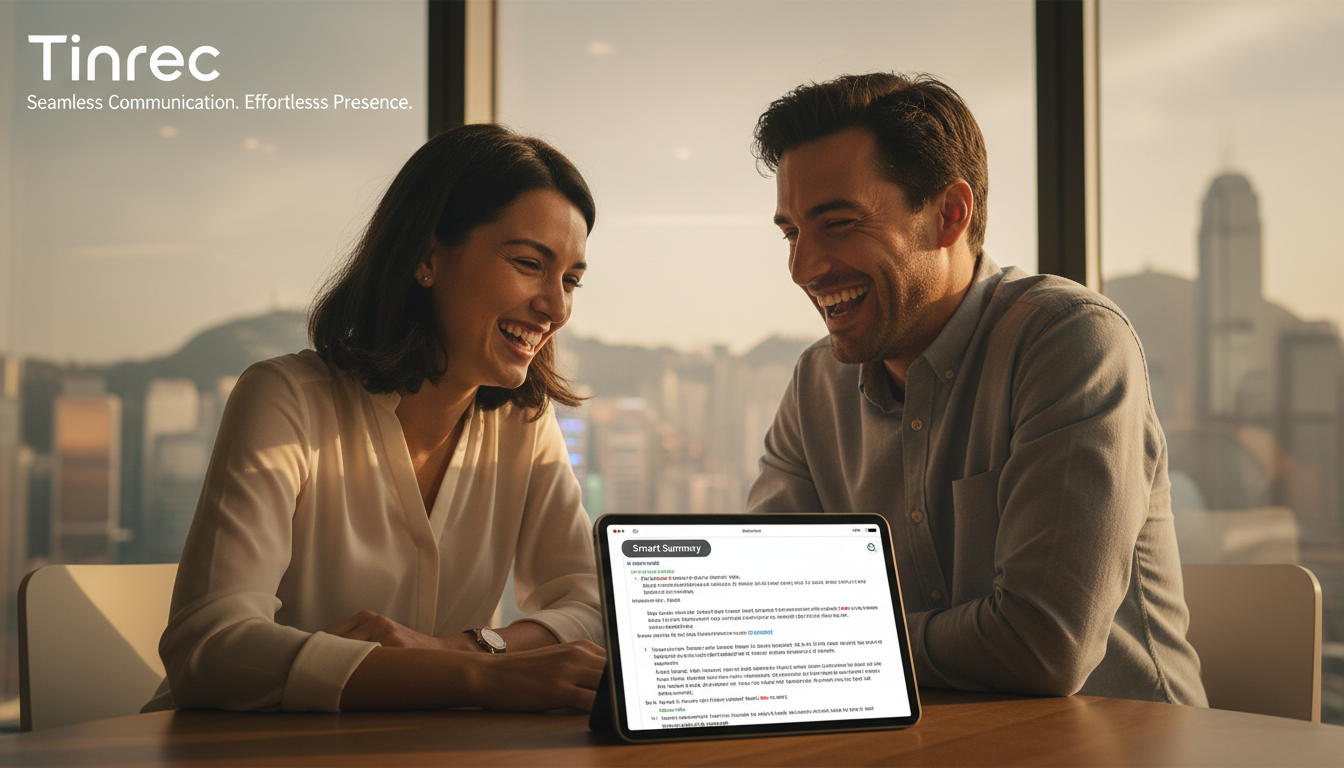
After recording, the system automatically identifies speakers (Speaker Diarization) and generates "meeting summaries" and "to-do lists." This step saves you 80% of the time spent on organizing.

Step 4: Use AI Chat to Query Details
If you forget "Who set the deadline for a specific project?", you don't need to replay an hour of recording. Just type your question in the chat box, and the AI will answer based on the recording content.
- Feature entry: AI Chat Query

Frequently Asked Questions
Q1: Why can't some tools record phone calls on iPhone? Due to iOS privacy policy, apps usually cannot directly record system calls or Line/WhatsApp calls. Solutions include using external hardware like Plaud, or using speakerphone mode with another device (e.g., Tinrec app) to record.
Q2: How well does code-mixing (Cantonese mixed with English) work? This is a current challenge for AI. iFLYTEK and Whisper perform better in this area. Tinrec also supports multilingual mixed recognition; it's recommended to select the main language in settings for best results.
Q3: What are the limitations of free versions? Most tools have free allowances. For example, Plaud requires hardware purchase before trial minutes; Otter free version limits recording duration; Tinrec offers 100 free transcription minutes per month, suitable for light users.
Q4: Do these tools support Teams or Google Meet meetings? Yes. Two methods: 1. Use the web version of the tool (e.g., Tinrec web) to record system audio simultaneously; 2. Export meeting recordings (MP4/MP3) and upload them to the tool for transcription.
Q5: Is the data from voice-to-text secure? When choosing a tool, pay attention to privacy policies. Whisper can be deployed locally for maximum security; cloud tools like Tinrec and Plaud typically use encrypted transmission. For highly confidential business negotiations, consider offline hardware or local deployment options.
Q6: Can the transcripts be exported? Most tools support export. Common formats include TXT, Word, PDF, or SRT (subtitle). Tinrec supports multiple export formats for easy editing or video subtitle creation.
Turn every recording into actionable outcomes
Get 60 free transcription minutes when you sign in. No credit card required.
Related Reading
You might also like

2026 Top 5 Real-Time AI Meeting Notes Compared: Tinrec vs Notta vs Plaud — Which One Should You Choose?
The real pain point of meeting notes isn't whether they can be transcribed, but how to use them after transcription. This article starts with common misconceptions, outlines the positioning of 5 highly discussed real-time AI meeting note tools, and focuses on the differences between Tinrec, Notta, and Plaud. It compares meeting capture methods, post-meeting outputs, audio retention, team governance, and pricing plans to help you decide which one fits your meeting scenario.

2026 AI Meeting Notes Guide: Tinrec's Bot-Free Recording & Auto-Generated To-Dos
How do you choose an AI meeting notes tool? This article examines Chinese recognition, recording methods, post-meeting organization, and team data ownership, comparing Tinrec, Notta, Otter.ai, and Granola, plus four common pitfalls to help you find a solution that truly saves time after meetings.

5 Best Meeting Notes Apps of 2026: Which Free Version Is Actually Enough?
Still spending an hour after every meeting writing up notes? This comparison puts five common meeting notes app approaches side by side—covering Chinese recognition, how meetings are captured, post-meeting organization, team permissions, and pricing—and explains how Tinrec handles recording, transcription, summaries, action items, and AI Q&A within its free tier.

2026 Meeting Recording Tools: Bot-Free Recording + AI Action Item Management
A mid-level manager who attends 15 meetings a week shares hands-on insights: starting from the decision point of whether to let a meeting bot join, this article breaks down 4 key factors for choosing a meeting recording tool, and explains the real-world experience, limitations, and use cases of Tinrec's desktop bot-free recording, AI summary and action items, Q&A, and team plan roles and seat management.

Tinrec vs Otter.ai: Which AI Transcription Tool Is Right for You in 2026?
Choosing an AI transcription tool isn't just about speed—it's about language support, meeting capture methods, post-meeting organization, and team data governance. This comparison of Tinrec and Otter.ai breaks down key dimensions to help you decide which tool fits your meeting needs.

What Is Real-Time Transcription in 2026: Definition, 4 Key Factors, and Tool Comparison
What is real-time transcription and how does it differ from transcribing recordings? This article explains the definition and how it works in plain language, outlines 4 key factors to consider, and compares Google Live Transcribe, Yating, Notta, and Tinrec in Chinese meetings, post-meeting organization, and team collaboration, with scenario-based recommendations.

4 Meeting Transcription Tools Tested: Which AI Saves the Most Time on Chinese Transcripts and Summaries?
After a meeting, do you spend another two hours organizing the audio recording? This article compares four meeting transcription tools—Tinrec, Notta, Otter.ai, and Granola—on Chinese transcription, AI summaries and action items, bot-free recording, team collaboration, and pricing to help you find the most time-saving solution.

3 iPhone Audio-to-Text Apps Tested in 2026: How Long Can You Record and Which Saves the Most Time After Meetings?
How long can an iPhone actually record? This article first breaks down the storage, battery, and file interruption risks of the built-in Voice Memos app, then compares 3 audio-to-text tools from a student's perspective—covering free quotas, single-recording limits, post-meeting organization, and AI Q&A capabilities—to help you decide whether the built-in recorder is enough or if you need an AI recording assistant that delivers key points right after recording.

Google Live Transcribe vs Tinrec in 2026: 5-Dimension Comparison — Which Is Better for Meeting Notes?
Google Live Transcribe & Sound Notifications is an Android accessibility tool known for being free, providing real-time transcripts, and sending environmental sound alerts. Tinrec focuses on meeting notes and team collaboration. This article compares them across 5 dimensions—transcription and organization, online meeting recording, AI Q&A, audio file import, and team management—to help you decide which one to use for meeting notes.