
Turn recordings into transcripts and summaries in minutes
Upload audio or video for multilingual transcription, AI notes, and action items
Why is Cantonese Speech-to-Text So Difficult?
As a busy content creator, administrator, or student, have you ever spent three times longer than the actual recording to transcribe a single audio file? The challenges of transcribing Cantonese (Yue Chinese) are particularly acute: not only is there the difficulty of converting between spoken and written registers, but workplace and daily conversations are filled with heavy code-switching (e.g., "幫我 check 下個 schedule"). Add background noise interference, and the accuracy of mainstream speech recognition engines is often abysmal.
The good news is that AI technology has made significant breakthroughs in 2025. This article will walk you through 6 mainstream Cantonese speech-to-text tools currently on the market. We will evaluate them from three dimensions: recognition accuracy, ease of use, and application scenarios. Whether you need to generate video subtitles or quickly produce meeting minutes, reading this will help you find the most suitable productivity tool.
Quick Navigation Summary:
- Video creators / subtitle needs: Prioritize Subanana (high accuracy) or Premiere Pro (editing integration).
- Meeting notes / study notes / cross-platform: Recommend Tinrec (real-time transcription + AI key takeaways).
- Completely free / tech-savvy: Try open-source software pyTranscriber.
2025 In-Depth Review of 6 Popular AI Speech-to-Text Tools
For a fair comparison, we combined market test data and hands-on experience, dividing the tools into "subtitle production" and "office efficiency" categories.
1. Subanana: The Subtitle Tool Built for Hong Kongers
Best for: Video creators who need highly accurate Cantonese subtitles. Developed by a Hong Kong team, Subanana's standout feature is its "spoken-to-written conversion." According to test data, when processing tech launch content with code-switching, its accuracy reaches 97.5%, and it can handle some background noise. It is the only tool that automatically polishes spoken Cantonese into written form, significantly reducing post-editing time.
- Pros: Extremely high Cantonese recognition accuracy, supports spoken-to-written conversion, web-based (no installation).
- Cons: Slightly slower generation, primarily for video subtitles, lacks meeting summary features.
2. Tinrec (秒聽錄音): The All-in-One Assistant from Recording to Action
Best for: Students, office workers, and users who need meeting minutes and action items. Tinrec's positioning differs from subtitle tools; it focuses more on information understanding and organization. It supports iOS, Android, and web platforms with multi-device sync. Besides automatic recognition of Cantonese, English, and 8 other languages, its strongest asset is "AI decision support." It doesn't just give you a transcript; it automatically generates meeting minutes, to-do lists, and supports AI chat to query recording content.
- Pros: Mobile app for real-time recording and transcription, AI auto-generates summaries and action items, supports YouTube/Podcast link-to-text.
- Cons: Free version has time limits (100 minutes/month), advanced features require subscription.
3. Adobe Premiere Pro: The Industry Standard for Editors
Best for: Professional editors already subscribed to Adobe Creative Cloud. Its built-in speech-to-text feature is convenient, but for Cantonese and code-switching, accuracy hovers around 89%, and it is more affected by noise, often requiring manual correction.
4. ArcTime, Taption & pyTranscriber
- ArcTime: Cross-platform subtitle software; requires paid credits; moderate noise resistance.
- Taption: Cloud-based tool from Taiwan; easy to use but weaker at handling code-switching.
- pyTranscriber: Open-source free software based on Google API; completely free but requires manual installation; accuracy depends on Google's engine.
Stop organizing recordings by hand
Upload audio or video and automatically get a transcript, summary, and action items
Tool Comparison Table: Which One Is Your Best Bet?
The table below helps you make a quick decision based on your needs:
| Dimension | Tinrec (秒聽錄音) | Subanana | Adobe Premiere Pro | pyTranscriber |
|---|---|---|---|---|
| Primary Use Case | Meeting notes, study notes, interviews | Video subtitle creation | Professional video editing | Basic transcription |
| Cantonese Accuracy | Good (supports multilingual mixing) | Excellent (optimized for spoken) | Average | Average (Google API) |
| AI Smart Features | Meeting minutes, action items, AI chat | Spoken-to-written conversion | None | None |
| Platform | iOS, Android, Web | Web (browser) | Desktop (high hardware requirements) | Desktop (needs installation) |
| Import Sources | Recording, files, video links | Files, YouTube links | Files | Files |
| Pricing | Free trial + subscription | Basic free + paid upgrade | Expensive subscription | Free (open source) |
Bottom line: If your goal is "subtitles," Subanana is the top choice; if you need "meetings, classes, or data organization," Tinrec's AI summaries and mobile support will streamline your workflow.

Hands-on Tutorial: How to Rapidly Organize Cantonese Meetings/Interviews with AI Tools
Beyond simple transcription, modern workers need to extract value from recordings. Using Tinrec as an example, here's how to turn a 1-hour Cantonese-English mixed meeting into actionable notes in 5 minutes.
Step 1: Choose Recording or Import Method
Tinrec offers flexible entry points based on your situation:
- Live Meeting: Open the mobile app or web version, click Record & Transcribe in Real Time, and the system will instantly convert speech to text and identify speakers.
- Existing File: If you already have a recording, use the Audio File to Text feature to upload it.
- Online Learning: To transcribe a Cantonese tutorial video from YouTube, simply paste the URL into Podcast/Online Video to Text.

Step 2: Auto-Generate Summary and Action Items
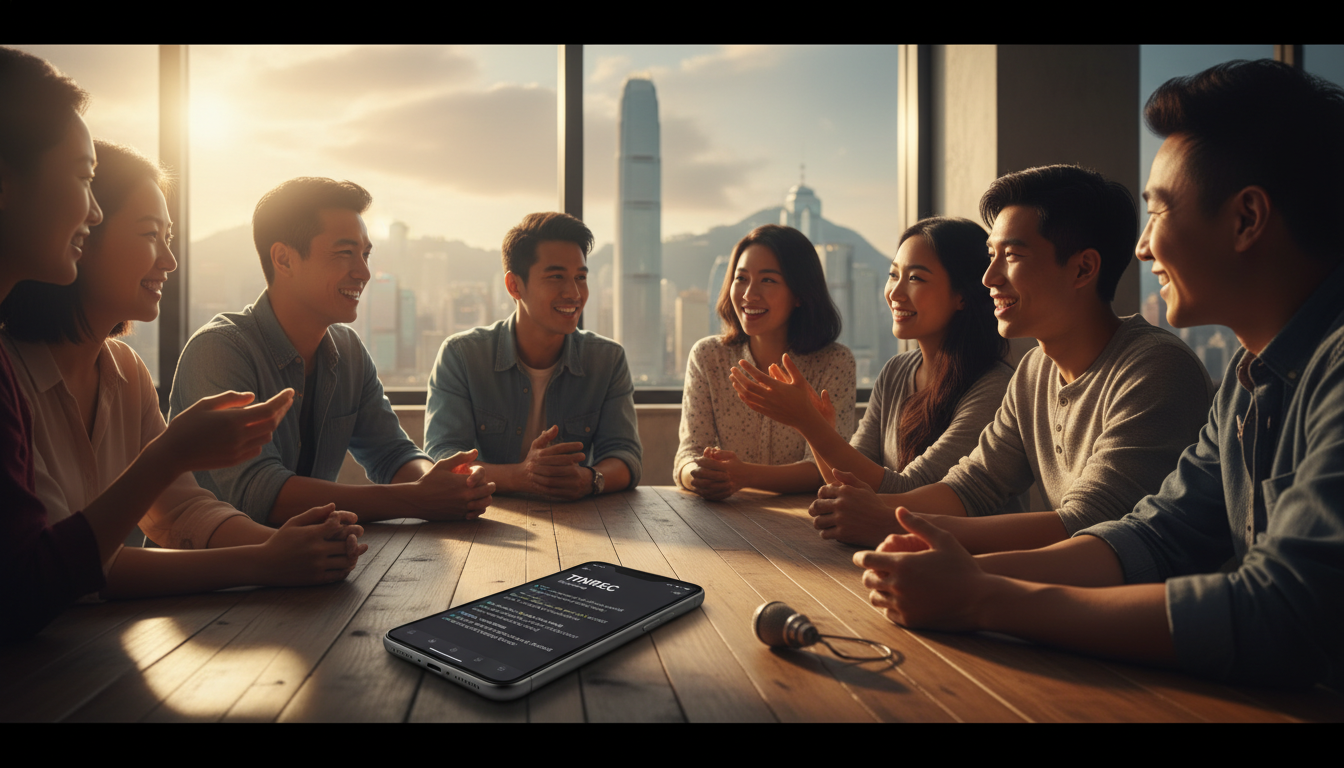
Once the recording ends, traditional tools only give you a wall of text. In Tinrec, AI automatically analyzes the content and produces:
- Full Summary: Quickly grasp meeting highlights.
- Action Items (To-Do List): The system identifies phrases like "Peter needs to submit the report by next Friday" and lists them as to-dos.

Step 3: Use AI Chat to Query Details
If you forget a specific detail (e.g., "What was the budget limit the boss mentioned?"), you don't need to replay the entire recording. Use the AI Chat Query feature – just ask like a chatbot: "What was the budget limit mentioned earlier?" and the system will answer precisely based on the recording content.

Frequently Asked Questions (FAQ)
Q1: Can these tools handle code-switching (Chinese-English mixing) in Cantonese? A: Yes. Subanana performs best in this area, especially with brand name recognition. Tinrec also supports multilingual mixed recognition, suitable for workplace meetings. Premiere Pro and pyTranscriber are more prone to garbled characters or missing words when switching languages.
Q2: Can the AI still transcribe if my recording environment is noisy? A: Noise does affect accuracy. According to tests, Subanana has stronger noise resistance. We recommend recording close to the microphone, or ensuring your phone's mic isn't blocked when using tools like Tinrec.
Q3: What options do iPhone users have? A: Many tools like Premiere Pro or pyTranscriber are computer-only. iPhone users should choose Tinrec (has an iOS app) or use web-based Subanana/Taption for on-the-go recording and organization.
Q4: Are these tools free? A: pyTranscriber is completely free open-source software. Subanana and Tinrec offer free trial quotas (e.g., Tinrec 100 minutes/month) suitable for light users. For heavy needs, paid subscriptions usually provide faster processing and advanced AI features.
Q5: Can I directly convert a YouTube link into text? A: Yes. Subanana, Taption, and Tinrec all support inputting a YouTube link to generate a transcript directly, which is very convenient for organizing online courses or news content without downloading the video file.
Q6: Can I export the transcribed text? A: Most tools support export to TXT, SRT (subtitle), or Word format. Tinrec even allows exporting the generated meeting minutes and action items together for easy follow-up.
Turn every recording into actionable outcomes
Get 60 free transcription minutes when you sign in. No credit card required.
Related Reading
You might also like

2024 AI Meeting Assistant Comparison: Which One Actually Saves Time on Chinese Meeting Notes?
A practical comparison of six popular AI meeting assistants in 2024, covering differences in no-bot recording, Chinese transcription, post-meeting summaries, action item extraction, and team knowledge retention. We also list each tool's free tier and paid pricing to help you decide which one truly saves time on meeting notes.

6 AI Meeting Assistants Tested for 2026: Which Handles Chinese Meetings and Post-Meeting Notes Best?
Meeting just ended, but no one remembers who owns the action items? This article reviews 6 AI meeting assistants in 2026, comparing Chinese transcription, bot-free recording, post-meeting summaries, and team collaboration to help you pick the one that truly saves time.

How to Use an AI Meeting Assistant in 2026: Tinrec in 4 Steps + Automatic Post-Meeting Organization
Many people install an AI meeting assistant but only use the recording feature. The key is whether you complete the four steps: record, transcribe, organize, and reuse. This article uses Tinrec as an example to break down the actual operation steps for three meeting scenarios, and compares the differences between the personal and team versions, including seats, quotas, and pricing, to help you assess your needs before purchasing and choose the right version.

2026 Comparison of 4 Online Sales Meeting Notes Tools: Which One Turns Customer Promises into Action Items?
Starting from the customer promises and action items most often missed in sales meetings, this comparison covers four types of online creation methods. Using Tinrec as an example, it demonstrates pre-meeting preparation, bot-free recording during meetings, post-meeting summaries and action item export, plus team edition governance and a buying FAQ.

Tinrec vs Notta 2026: 5-Dimension Comparison — Which Sales Meeting Notes App Is More Worth Recommending?
How to choose a sales meeting notes app? Using Tinrec as an example, this article breaks down real-world usage from customer interviews and online quote meetings to weekly sales meetings and team handovers — covering bot-free recording, transcripts, AI summaries, action item extraction, AI Q&A, and team spaces — and outlines 5 key purchase considerations plus FAQs.

Best Sales Meeting Transcription Tools in 2026: 4 Tested, Tinrec Wins for Online Review
Sales meeting notes aren't just about uploading audio to the cloud. This article compares Tinrec, Otter.ai, Granola, and PLAUD across four dimensions—review experience, Chinese recognition, recording methods, and team governance—to identify the best selection criteria and pitfalls to avoid for sales teams in 2026.

6 Free Sales Meeting Notes Templates Tested for 2026: Fill These Fields to Track Deal Signals
Even a detailed sales meeting note won't help you close if the fields are wrong. This article compiles free, copy-ready sales meeting note templates, breaks down 5 key selection criteria, and tests Tinrec, Notta, Otter.ai, Granola, and two free templates to show how to turn customer quotes, concerns, and action items into follow-up leverage.

5 Best Speech-to-Text Apps of 2026 Tested: Which Handles Chinese Meetings Best?
We tested the latest speech-to-text apps of 2026, comparing free tiers, Chinese recognition, meeting summaries, AI Q&A, and team collaboration to help you decide which app best fits your daily meetings and transcript needs. Using Tinrec as an example, we illustrate a real-world workflow and plan selection.

4 Best Free Speech-to-Text Tools in 2026: Free Tiers and Chinese Support Compared
We tested 4 free speech-to-text tools in 2026—Tinrec, cSubtitle, Monica, and MyEdit—comparing free tiers, Chinese language support, post-meeting organization, and team collaboration to help you pick the right free plan for your needs.