
Productivity Tips
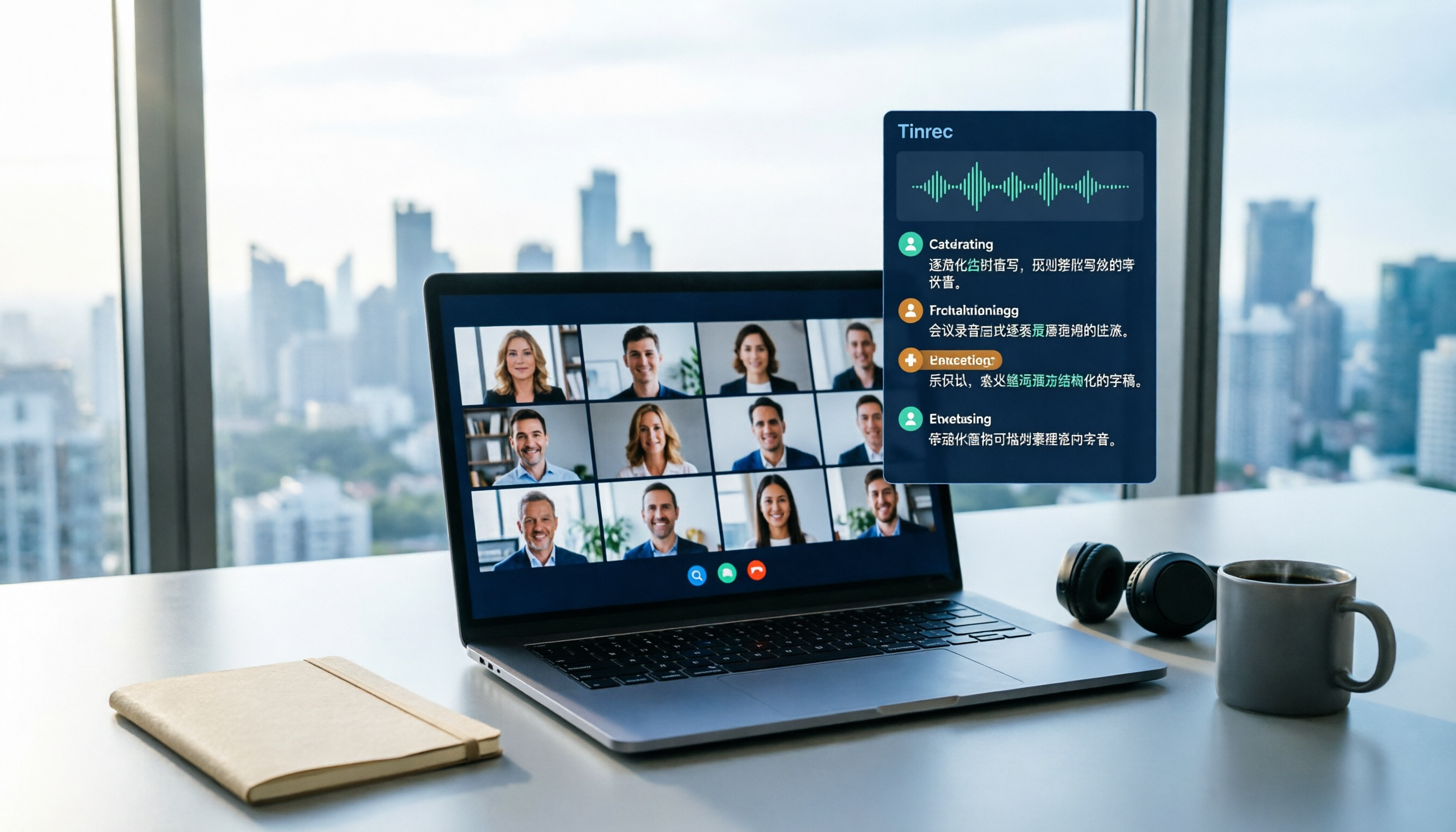
How to Record Laptop Audio in 2026: No-Bot Online Meeting Recording + Automatic Transcription
Recording audio on a laptop isn't hard—the hard part is listening back and organizing it afterward. This article uses the same meeting scenario to compare Tinrec and Windows built-in Sound Recorder across 5 dimensions: recording sources, transcription, post-meeting organization, cross-device team collaboration, and cost/quotas, helping you decide which laptop recording method suits you.
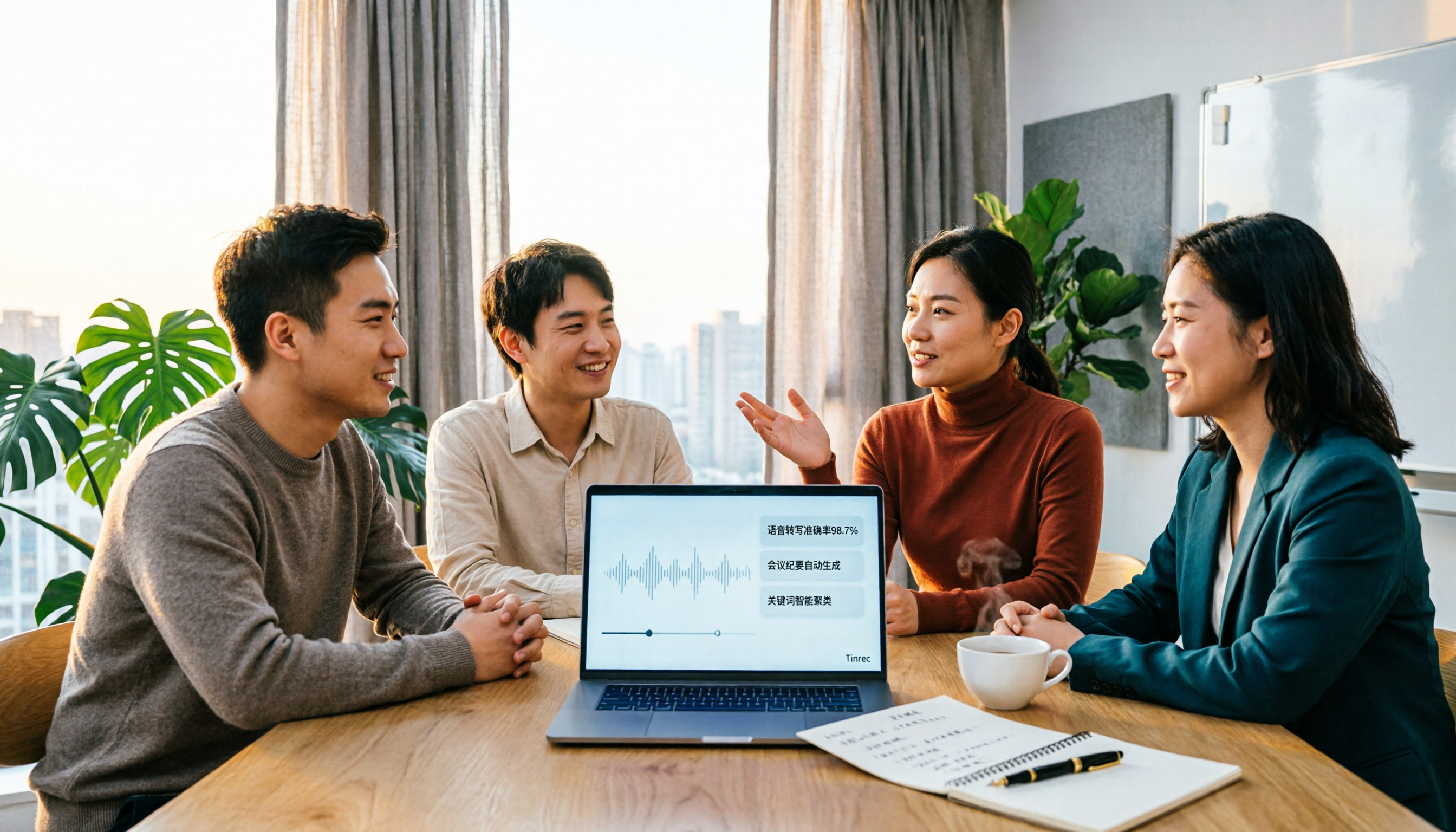
3 AI Recording Tools Tested in 2026: Can ChatGPT Record Audio? Which Is Better for Chinese Meetings?
Can ChatGPT record audio? Yes, OpenAI's Record Mode can capture meetings, generate summaries, and create canvases on the macOS desktop app, but it has platform, language, and duration limits. This article compares 3 AI recording tools through hands-on testing, examining Chinese meetings, post-meeting organization, team collaboration, and pricing to help you decide whether to use ChatGPT for recording or switch to Tinrec.

Tinrec vs Fireflies.ai 2026: 5-Dimension Security Comparison — Where Should Your Meeting Recordings Live?
Many people search "is transcription safe" and only check if the website mentions SSL encryption. But encryption is just the baseline. The real questions are: how are meetings recorded, who owns the data, who can view or edit it, and what are the deletion and audit processes? This article compares Tinrec and Fireflies.ai across 5 security dimensions, and also covers how Granola and Otter.ai differ, so you can clearly explain which tool to choose in a procurement meeting.
Is Vocal AI Worth It in 2026? 4 Steps to Choose the Right Recording Tool
Is Vocal AI worth it? First, determine whether you need a meeting transcription tool or an AI cover/voice cloning tool. This article breaks down the criteria with 4 key buying factors, compares Tinrec, Notta, Granola, and Otter.ai, and highlights common pitfalls to help you choose the one that truly saves time.
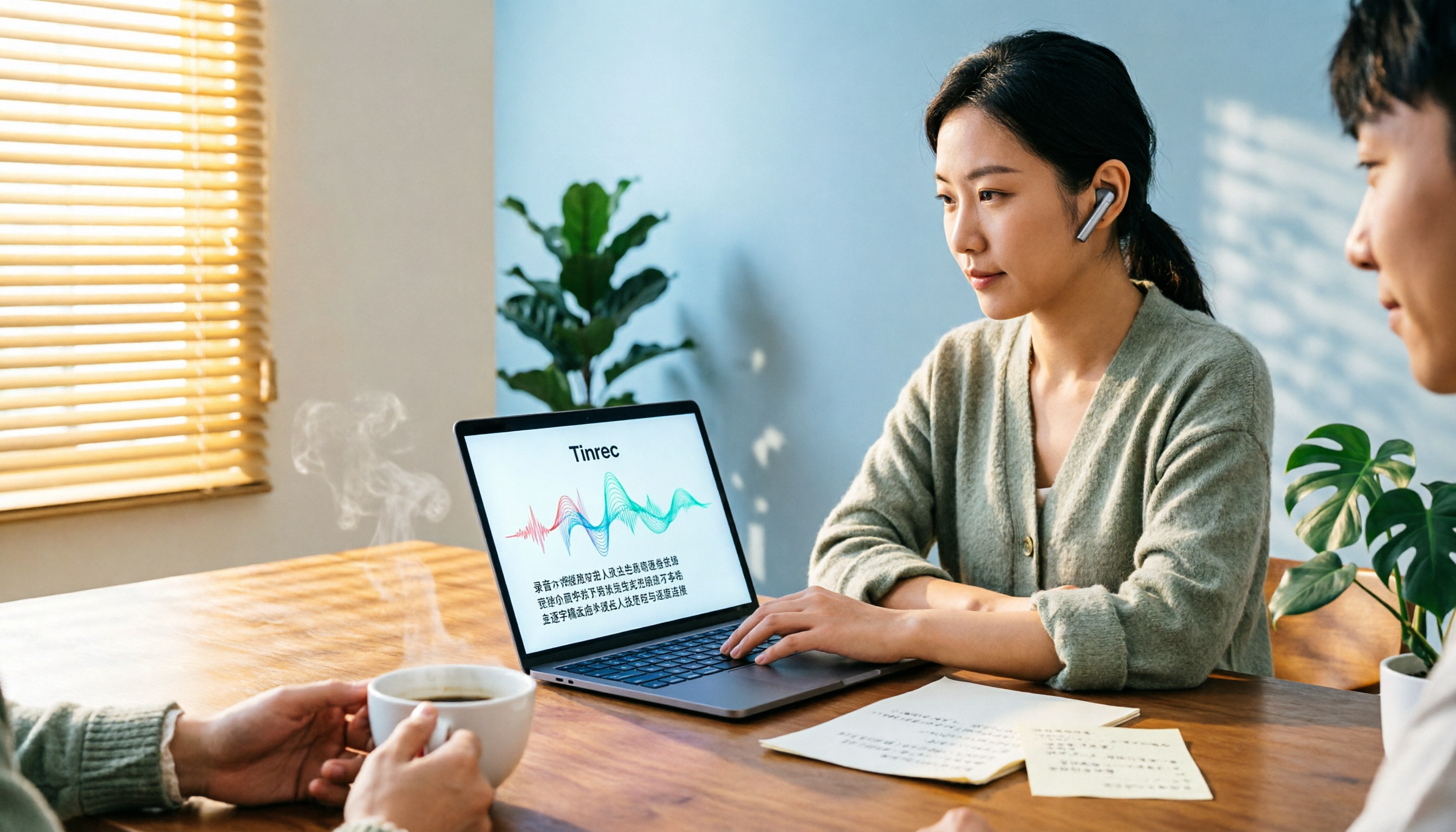
4 Best Audio-to-Text Tools of 2026: Which Saves More Time on Chinese Transcripts and Meeting Notes?
Turning audio recordings into text by listening and typing takes several times the recording length. This article compares 4 audio transcription tools hands-on, covering Chinese recognition, file limits, post-meeting organization, and pricing, plus 4 key points and common pitfalls to consider before choosing a tool.

4 iPhone Photo-to-Text Methods Tested in 2026: Is Built-in Live Text Enough?
Your iPhone can turn photos into text without any extra apps. This article puts four methods to the test—Live Text, Notes scan text, the Google app, and Shortcuts automation—with full steps, iOS version requirements, and common pitfalls. It also covers what to do when your source isn't a photo but a meeting recording or class video.
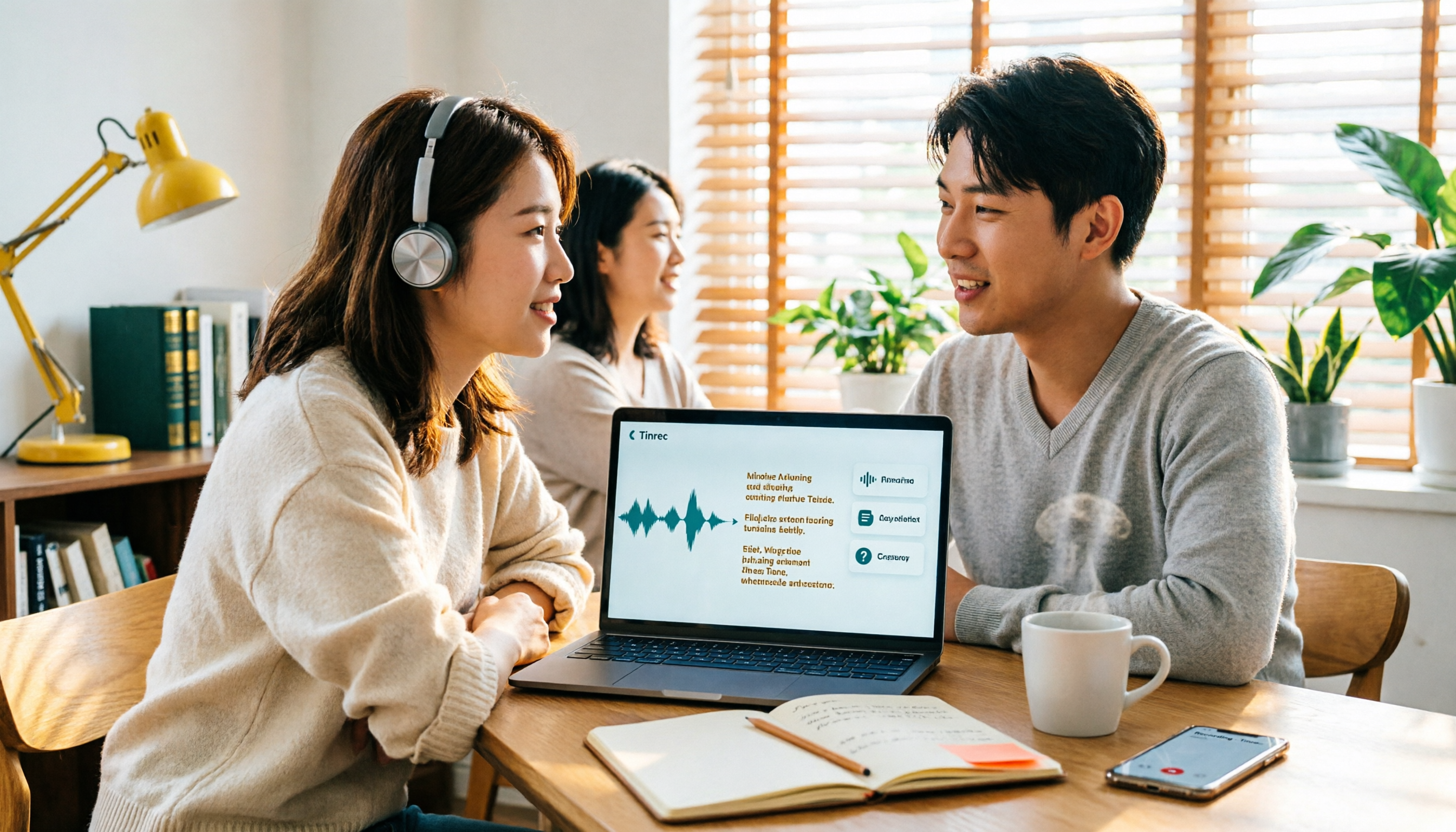
How to Convert Video to Text in 2026: 3 Steps to a Transcript + AI Q&A (Tinrec Tutorial)
How do you convert video to text? This guide first explains the 4 key factors to consider, then hands-on tests Tinrec's video/audio transcription, bot-free online meeting recording, AI summaries, and AI Q&A. It also compares Granola, TurboScribe, and Otter.ai for their best-fit scenarios, and wraps up with the 4 most common pitfalls to avoid.

Word Video Recording Tested in 2026: How to Take Meeting Notes When Word Can't Record
Can Word record video? This article clears up a common misconception: Word has no screen recording feature and isn't a recording tool—its built-in dictation only handles real-time voice input. Using Tinrec as an example, it then explains how AI meeting note tools deliver live transcripts, AI summaries, action item extraction, AI Q&A, real-time translation, and team collaboration, plus 5 buying considerations and FAQs.